
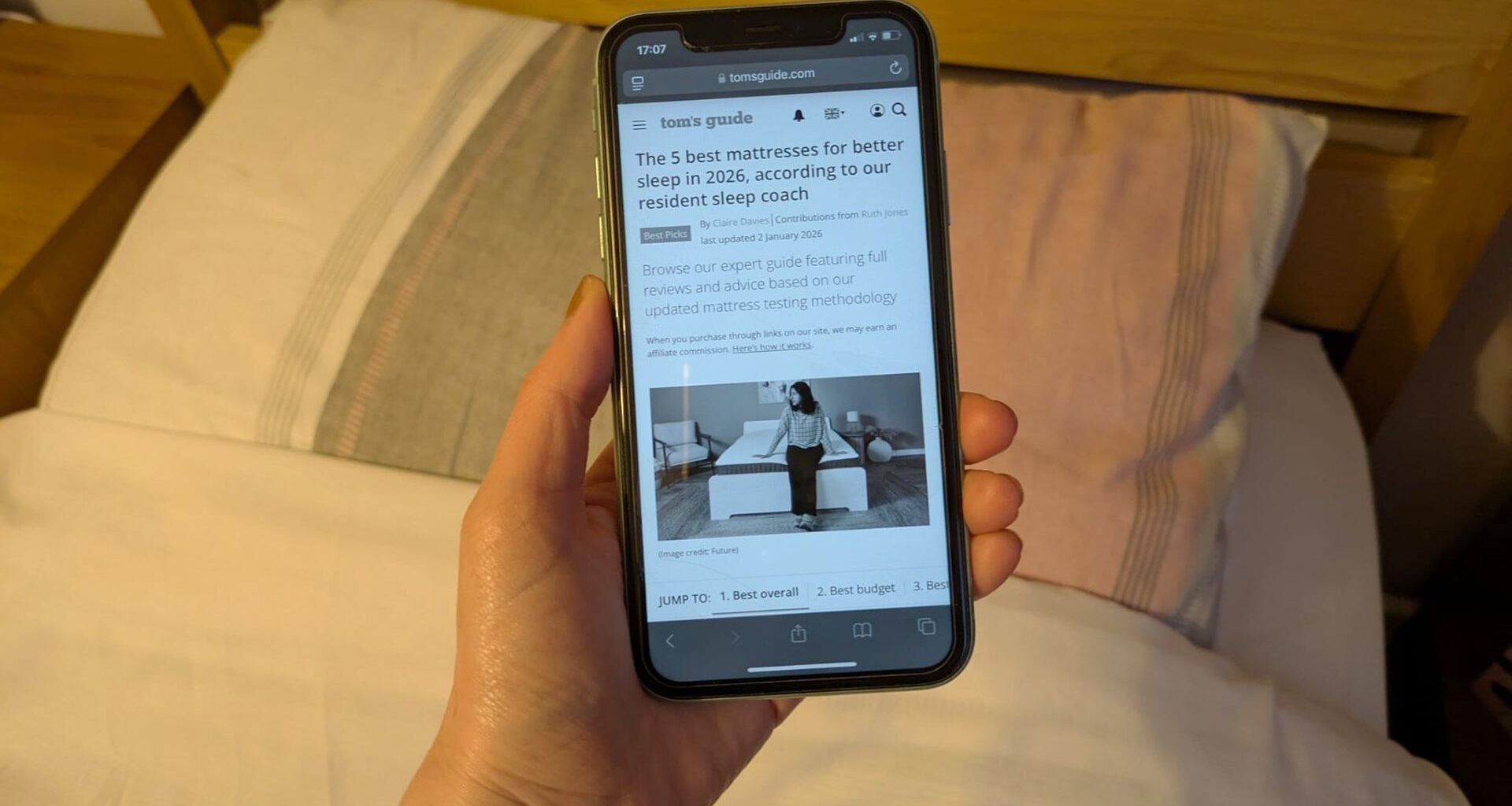
Bright lights, flashing colors, exciting sounds — my phone is an amusement park of temptation when I’m trying to sleep. And just like an amusement park, too much time on it leaves me dry-eyed, bleary and disorientated.
I’ve tried various blue light filters but they’ve never got to the heart of the matter: a good scroll is just too enticing.
You may like
What is grayscale and how does it help you sleep
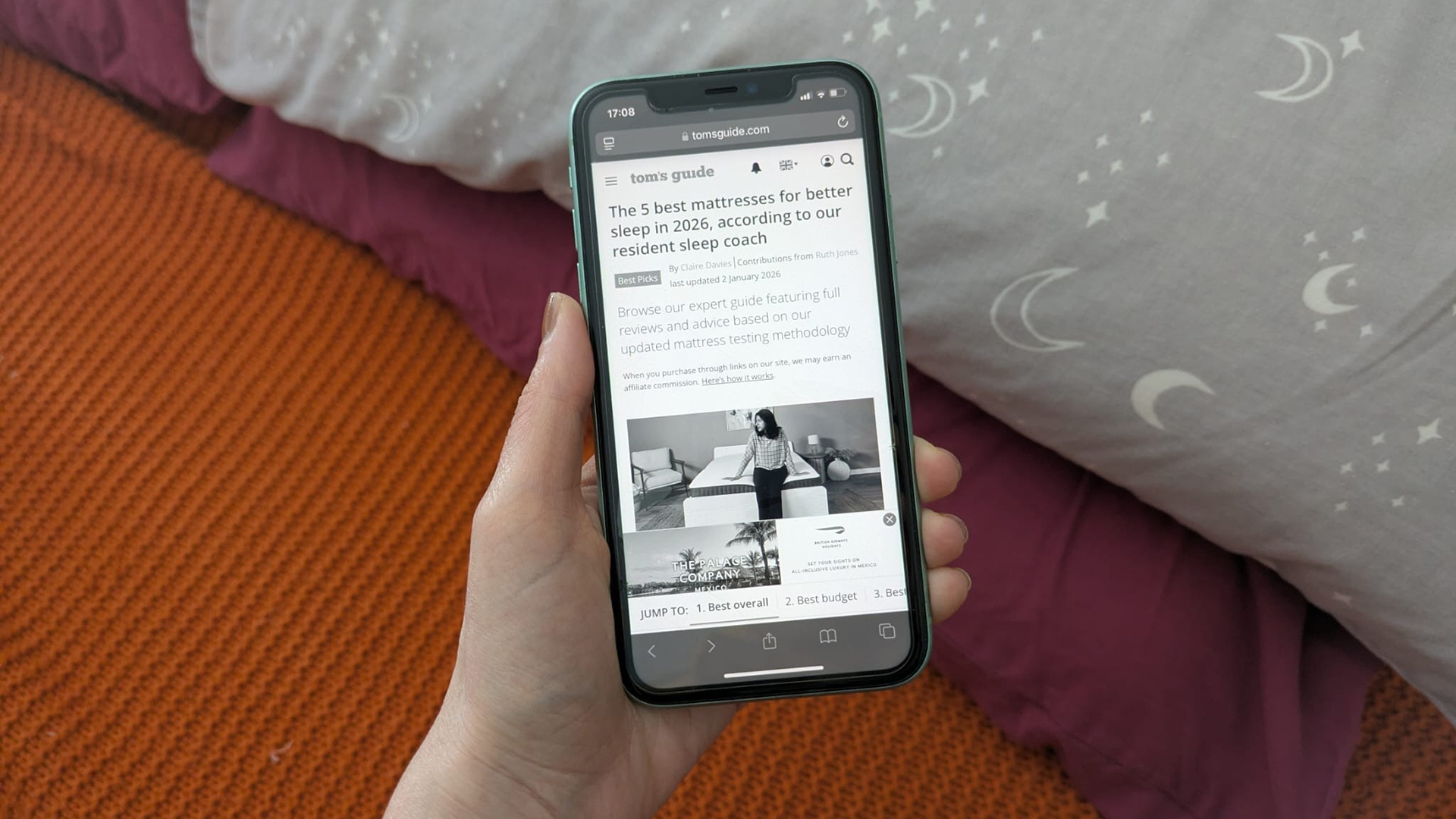
Grayscale mode essentially bleeds the color from your phone, making those eye-catching apps a little less compelling.
So what can it do for you sleep?
(Image credit: Future)
It’s estimated that around 86% of us use our phones in bed before sleep, with the average American scrolling for 38 minutes during their nighttime routine. And using your phone in bed is associated with insomnia, with one study finding using your phone in bed increases your insomnia risk by 59%.
But research suggests greyscale mode can help curb screen addiction before bed.
For a start, grayscale screens are boring. The filter makes your phone flat, images are harder to identify and the siren call of bright colors are removed.
Board-certified optometrist Dr. Meenal Agarwal explained to Apartment Therapy that “grayscale dulls the dopamine-driven appeal of apps like Instagram or TikTok, making your phone less addictive,” and that less time on your phone also reduces “digital eye strain.”
You may like
Grayscale is also easier on the eyes, particularly if you pair it with the white point hack I’ll dive into below.
How to set up greyscale on your iPhone
(Image credit: Future)
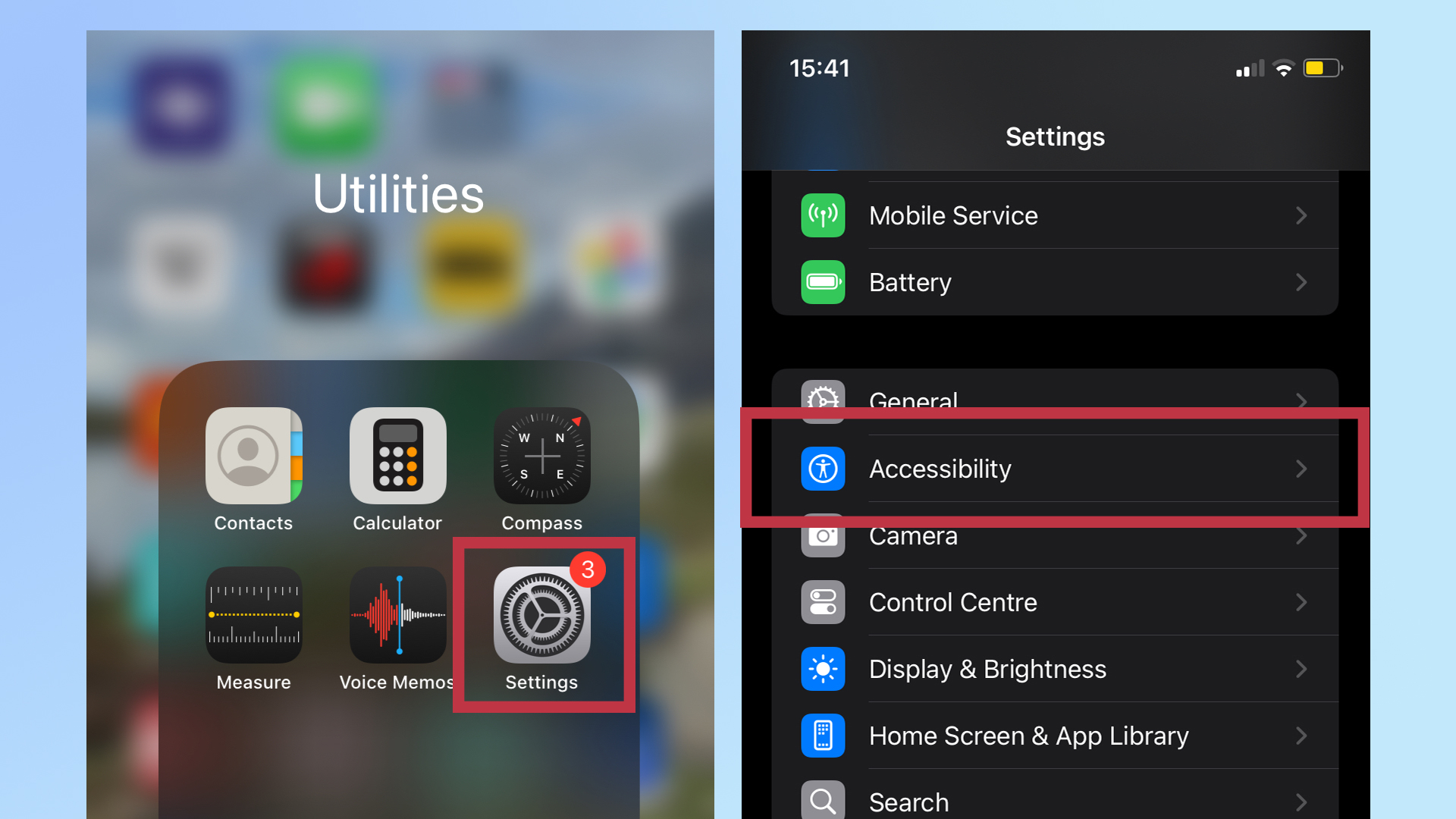
First, locate the Settings app and click on it, then scroll down and click on the Accessibility menu.
2. Head to color filters
(Image credit: Future)
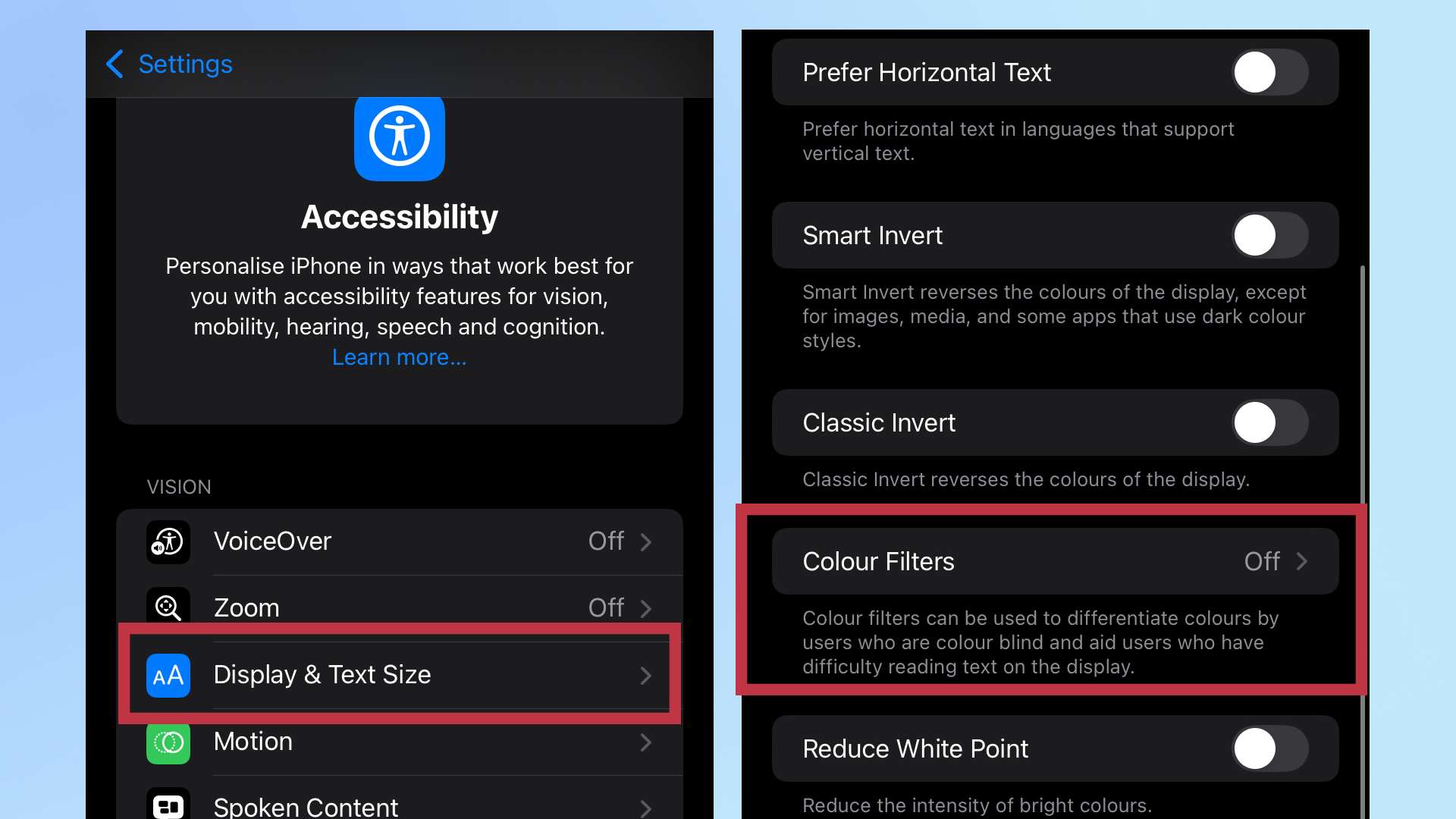
From the Accessibility menu, scroll down to and select Display & Text Size. Next, look for the Color Filters option and click on it. (You might want to tap on that Reduce White Point toggle as well — I’ll explain why below.)
3. Turn on grayscale
(Image credit: Future)
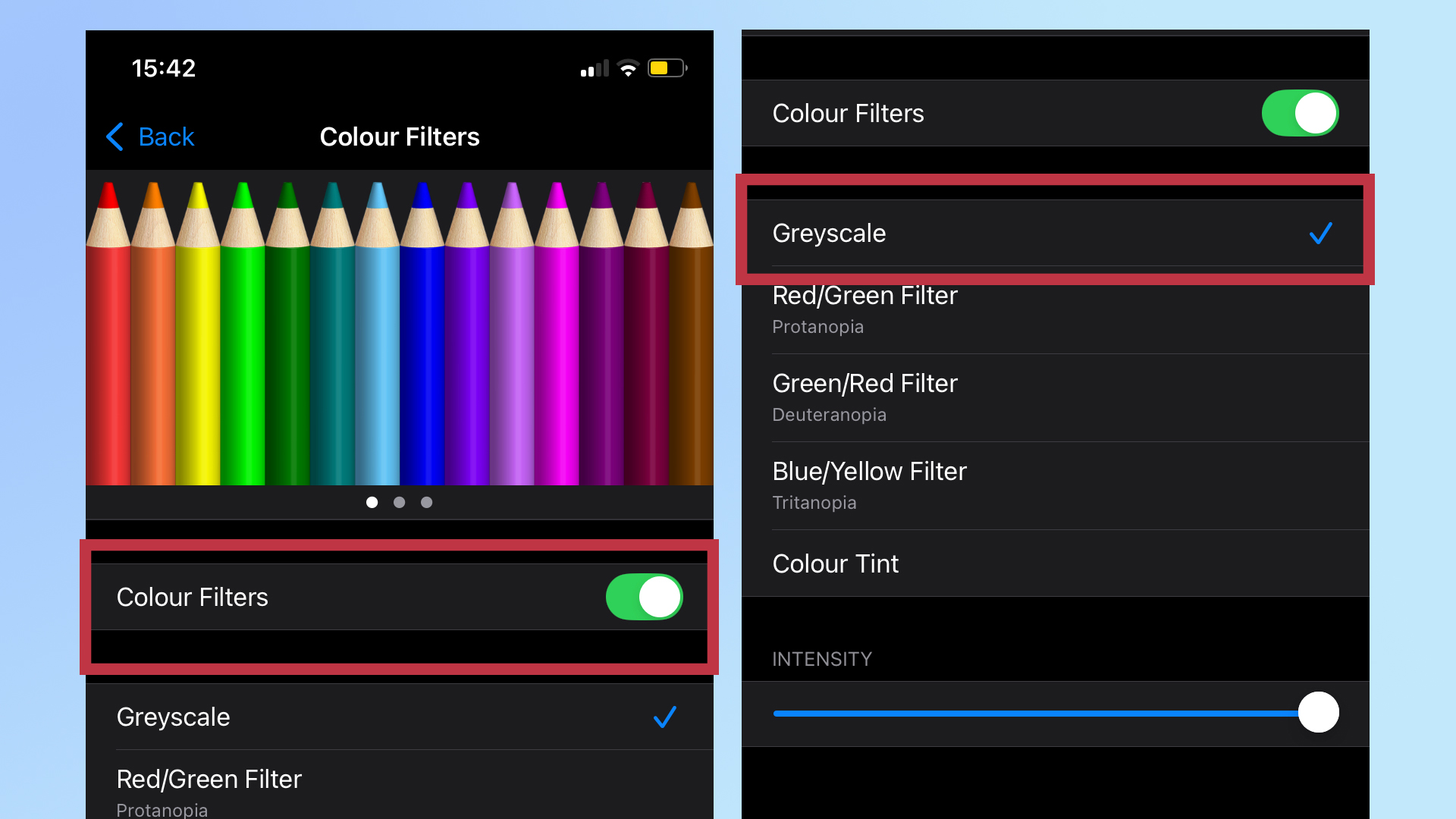
Find the Color Filters toggle and turn it on. This will bring up a list of options. Select Greyscale and your phone will instantly turn to lack and white. You can also adjust the intensity, if you want.
Other methods to improve your pre-bed phone use
Now scrolling through your phone is like looking at the most boring silent movie. Instagram has lost its pizazz, TikTok has no more dazzle and even the Tom’s Guide homepage is lacking some sparkle.
But if you want to take things up a notch, follow these additional tips:
Turn down white point: Go to Settings > Accessibility > Display & Text Size and scroll to Reduce White Point. Shift the slider to the left and the brightness will dim.Set up a trigger: Go to Settings > Accessibility and scroll down to Accessibility Shortcuts. Click on it and select Color Filters and Reduce White Point. When you click the side button three times, you can quickly turn these features on (or off.)Set up Sleep Focus: Sleep focus (found under Settings > Focus > Sleep Focus) shuts off the most enticing parts of your phone. You can find out more in our guide to sleep focus on your iPhone.My experience with grayscale
I’m absolutely a victim of the dopamine hit that scrolling through social media provides, addicted to “just one more” post.
Grayscale had a positive impact from the moment I toggled it on.
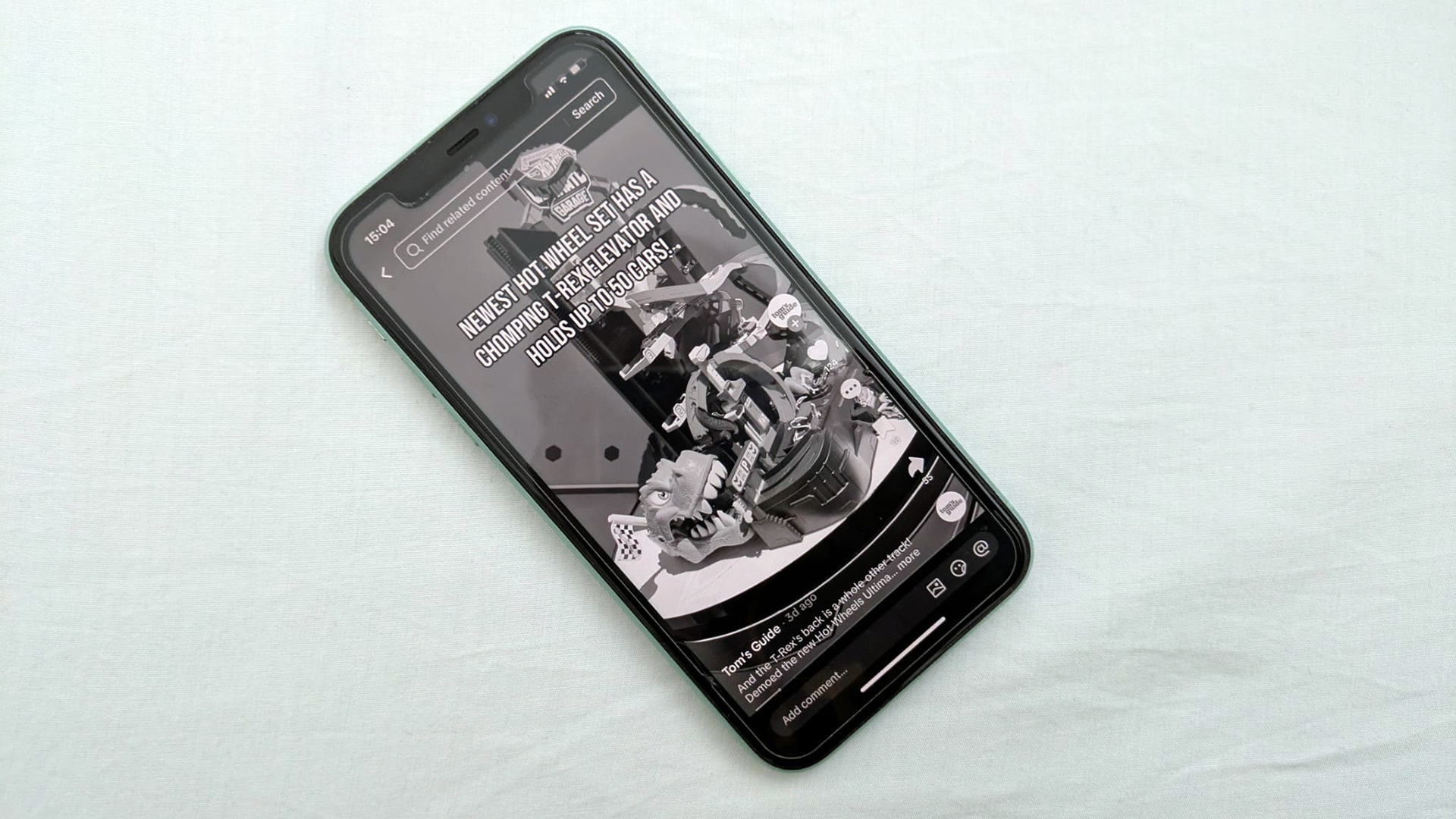
For a start, it’s harder to navigate your home screen on grayscale. The apps don’t stand out much against the background, meaning I’m less tempted by one last peek at Instagram.
(Image credit: Future)
I’m also less inclined to get lost in the brain-buzzing excitement of social media. I often found too long on TikTok left my thoughts racing before bed but short form videos just don’t hit the same in black and white. After just a few clips, I find myself putting the app down.
It’s not a perfect solution — a Wikipedia deep dive is enticing in any color —but when combined with a Reduced White Point, my phone is no longer the glowing enticement is once was.

Follow Tom’s Guide on Google News and add us as a preferred source to get our up-to-date news, analysis, and reviews in your feeds.