
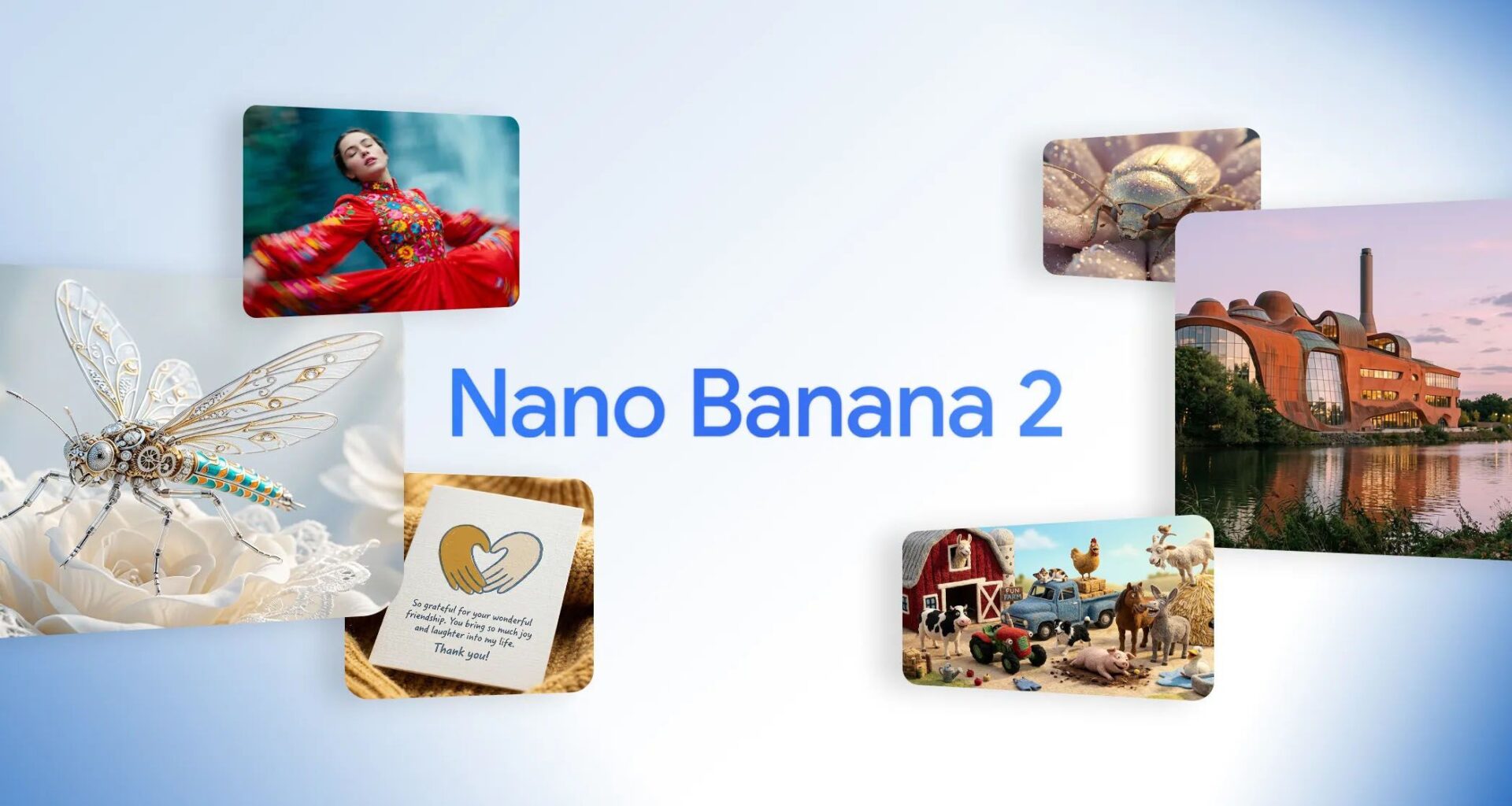
The original Nano Banana model was impressive enough, but Google is bragging about Nano Banana 2 as if the original model was nothing but cardboard cutouts. It is faster and more logical thanks to its ability to plan its composition before rendering it.
How do you use it? Nano Banana 2 has already rolled out behind the scenes, so if you create an image in Gemini now that’s what it will use. Just tap the Create Image and type in your prompt. You’ll see that a number of preset styles like Cyborg or Cinematic are available.
Google implies that Nano Banana 2 can essentially engineer reality from prompts, so I decided to peel back the hype and see how potent the model really is.
1. Clarity is key
(Image credit: Google)
Here’s the first prompt I used:
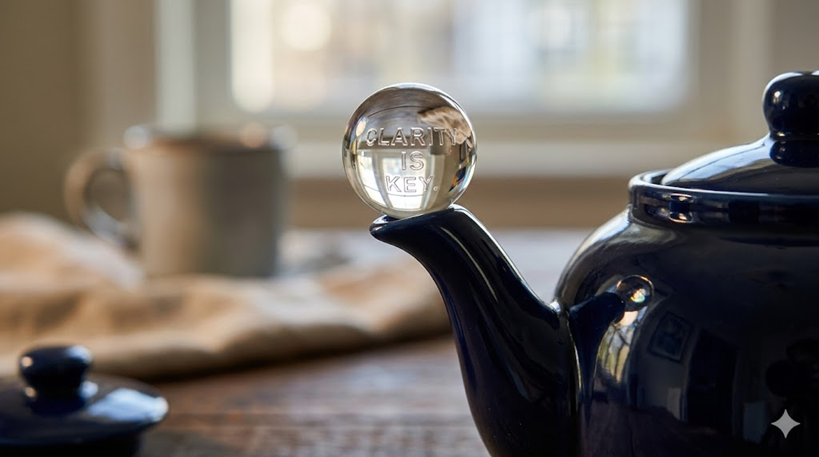
A macro photograph capturing a clear glass sphere balanced perfectly atop the spout of a ceramic teapot. Inside the sphere, intricate, tiny silver letters spell out the phrase, “CLARITY IS KEY.”
You may like
This prompt is a triple-threat test designed to humble any model still struggling with physical logic, material properties, and basic spelling. Nano Banana 2’s reasoning engine must first determine the complex physics of nesting tiny text inside a sphere, and then calculate how that text should warp and refract.
The resulting image showcases its flawless typography; the tiny silver letters are legible and subtly distorted by the sphere’s curvature, revealing high-fidelity texture.
2. Airship animals
(Image credit: Google)
Here’s the prompt:
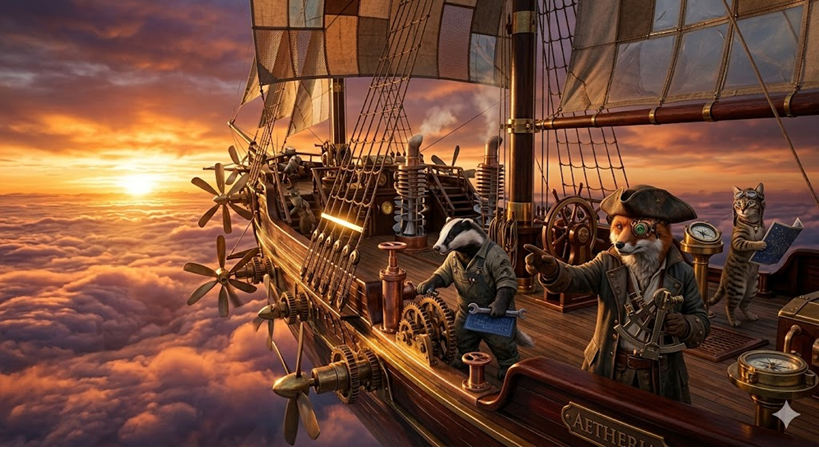
“A cinematic shot of a steampunk pirate ship sailing through a sea of clouds at sunset. The ship is made of polished brass, copper, and dark wood and has a crew of anthropomorphic animals.”
When a model is asked to render a complex scene, there’s a risk of visual chaos or subject drift. Nano Banana 2 navigates the issue well, defining and maintaining multiple subjects, and the detailed steampunk ship shows logical engineering, all bathed in cinematic golden-hour lighting that reflects off the complex brass and wood surfaces.
3. Masterful art
(Image credit: Google)
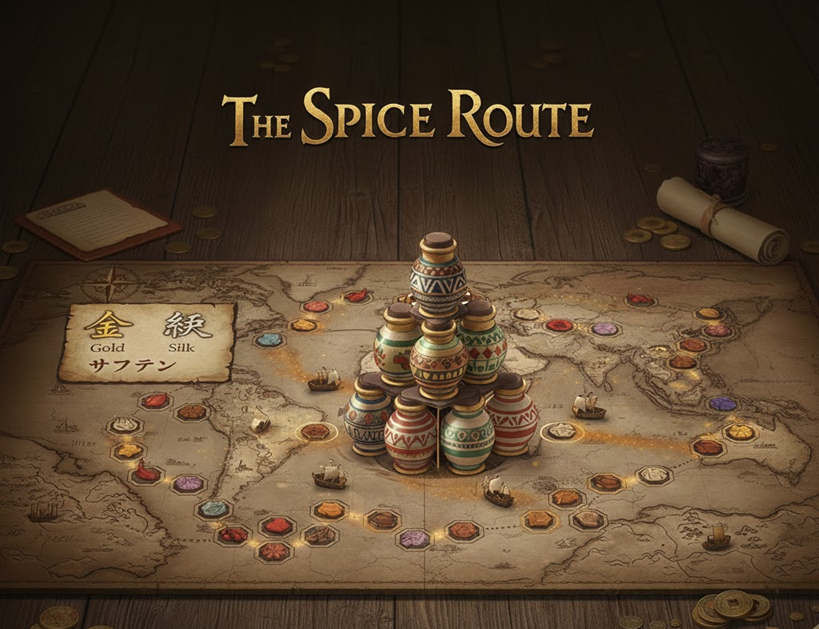
This prompt tests Nano Banana 2’s localization, legibility, and logic abilities:
“A professional graphic design layout for a new board game called “The Spice Route.” The main board features an intricate map with a legend in the corner that uses a stylized, accurate, localized font to label ‘Gold’ (金), ‘Silk’ (絹), and ‘Saffron’ (サフラン). The centerpiece is a complex stack of interlocking, ancient spice jars. The game flow visualization must be consistent across different camera angles.”
The model’s “web grounding” means it searches and correctly renders specific, localized Japanese typography for ‘gold’, ‘silk’, and ‘saffron’ within the appropriate stylized font context. The result is a coherent graphic design layout where the spice jars are logically stacked, and the game feels consistent and understandable.
4. Breakdance battle
(Image credit: Google)
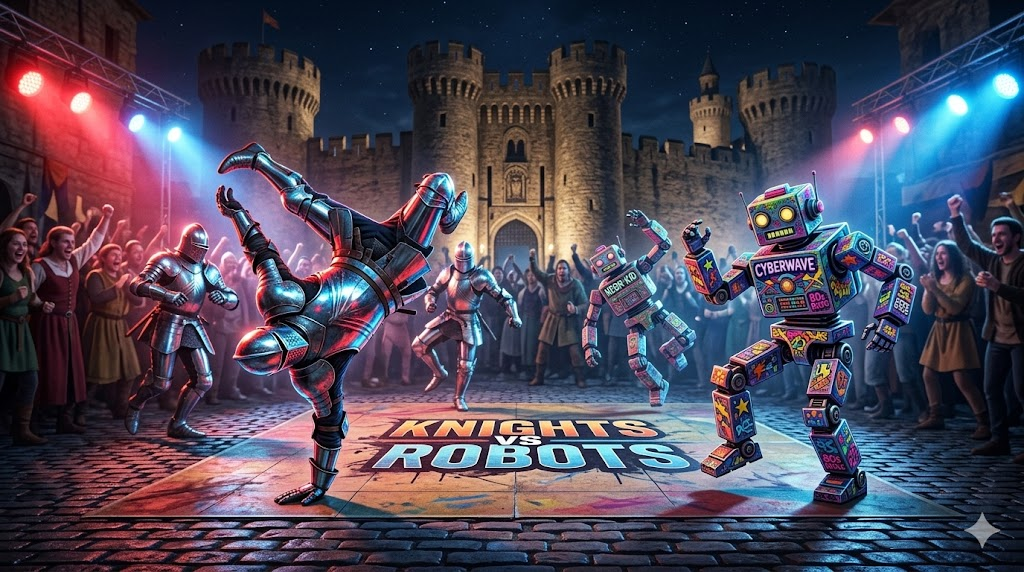
This prompt shows off Nano Banana 2’s reasoning loops:
“An action shot of a breakdancing battle between a group of medieval knights in full plate armor and a crew of vibrant, graffiti-tagged 1980s-style robots. They are on a cobblestone street in front of an ancient castle, under the glow of modern stage lights.”
You may like
The model must plan a composition involving extreme, high-energy motion from two fundamentally different object types. It must then maintain logical, spatial, and textural reasoning. Plus, it just looks cool.
5. Fantastic Seattle
(Image credit: Google)
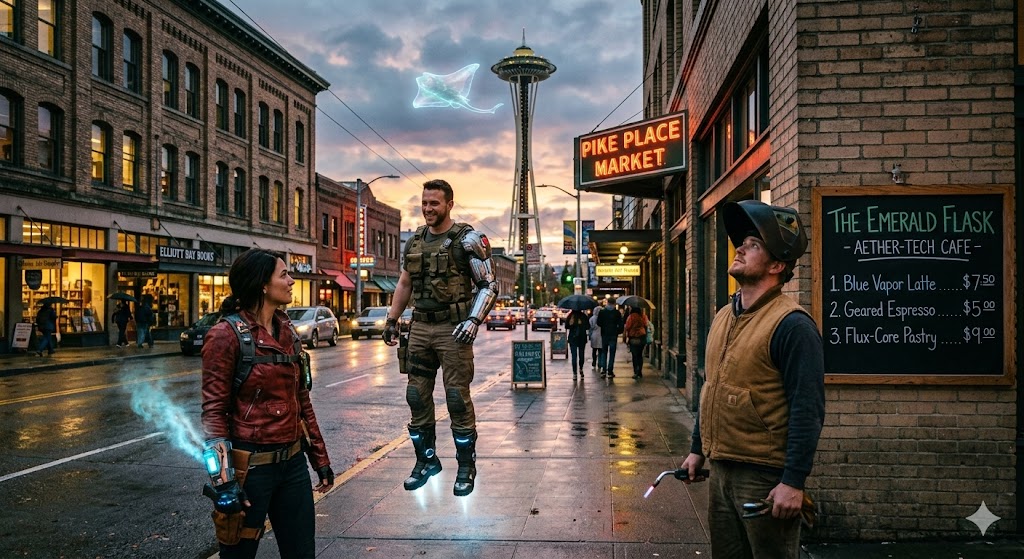
I think of this prompt as the ultimate challenge in subject consistency, web grounding, and complex composition.
“A hyper-realistic photograph capturing a twilight scene on a rain-slicked semi-fantastical version of a Seattle sidewalk with the Space Needle grounded in the distance, featuring three consistent characters. standing near a Pike Place Market sign and a chalkboard menu for a cafe.”
The AI had to look up Seattle for details about what the Space Needle looks like from Pike Place Market and what a sign at the market looks like, then it had to come up with characters that are both realistic and fantastic. The complex background is geographically accurate, and the crucial typography on the cafe chalkboard menu is legible, correctly spelled, and rendered with perfect multi-line accuracy on the rain-slicked sidewalk.
Google claims Nano Banana 2 isn’t just a technical upgrade, but also one that reaches new heights in logical, spatial, and textual thinking. The model Nano Banana 2 appears to pass that test. The images are impressive in their way, though whether they are truly appealing is probably a matter of taste.
Follow TechRadar on Google News and add us as a preferred source to get our expert news, reviews, and opinion in your feeds. Make sure to click the Follow button!
And of course you can also follow TechRadar on TikTok for news, reviews, unboxings in video form, and get regular updates from us on WhatsApp too.

The best business laptops for all budgets
Our top picks, based on real-world testing and comparisons