
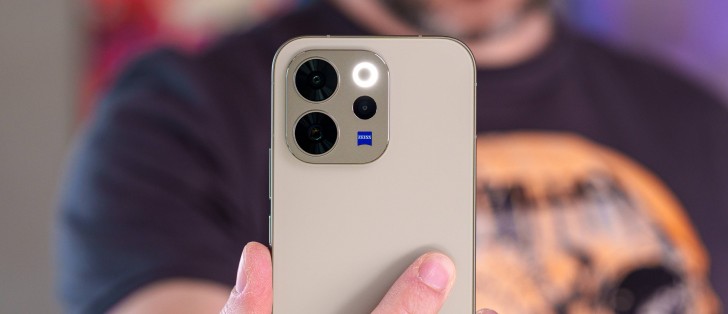
Global OriginOS 6
Vivo’s OriginOS is officially global now, which is a fairly new development. Previously, OriginOS was exclusive to vivo’s China-bound devices, while global models had to make do with the more dated FuntouchOS. With the arrival of OriginOS 6, however, vivo is finally bridging that gap and bringing a unified software experience across regions.
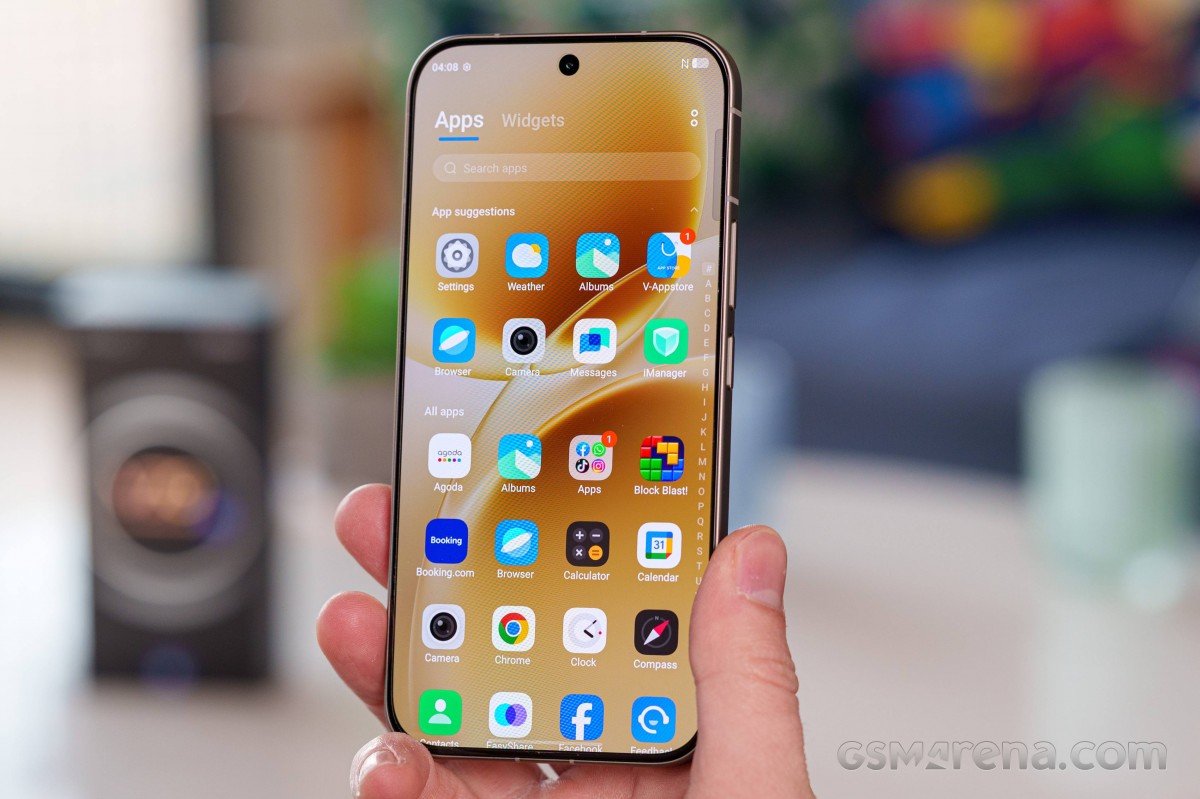
Vivo is promising solid software support for the V70, with a commitment to four major Android updates alongside an additional two years of security patches.
Vivo is also claiming a lot of performance improvements under the hood. Things like faster app starts, more app states saved in the background and also animation efficiency and frame rate stability improvements.
Vivo has clearly put extra effort into OriginOS’ animations, which feel noticeably more responsive thanks to touches like subtle bounce effects, smooth blur transitions and motion that closely follows your gesture speed. It’s the kind of polish that’s hard to quantify, but it makes the phone feel more natural and fluid in daily use, especially compared to what you’d get from FuntouchOS 15.
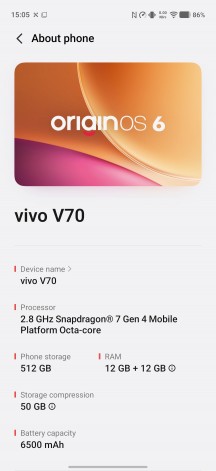
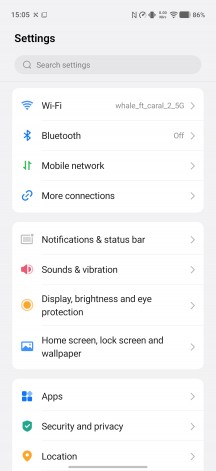
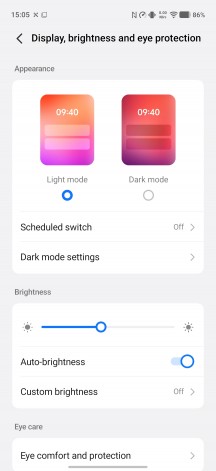
OriginOS 6
OriginOS 6 finally brings the much more modern Origin visuals to vivo’s international lineup, which until now had to rely on the rather dated Funtouch interface. The update introduces a refreshed settings layout, a more contemporary notification shade and control center, a custom system font, and over 2,800 redesigned icons that scale cleanly across the UI.
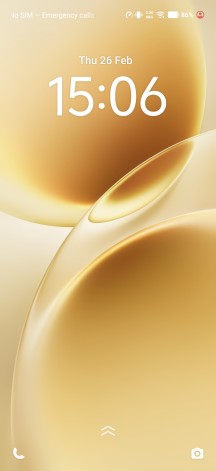
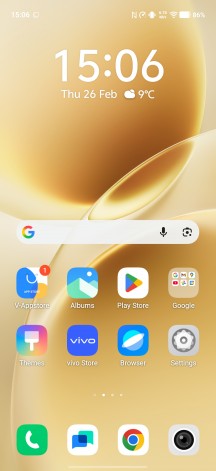
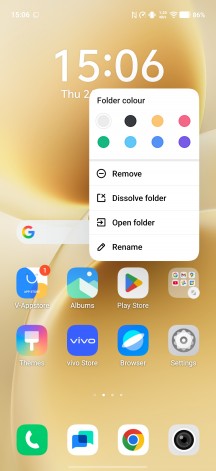
Lockscreen • Homescreen • Large folders
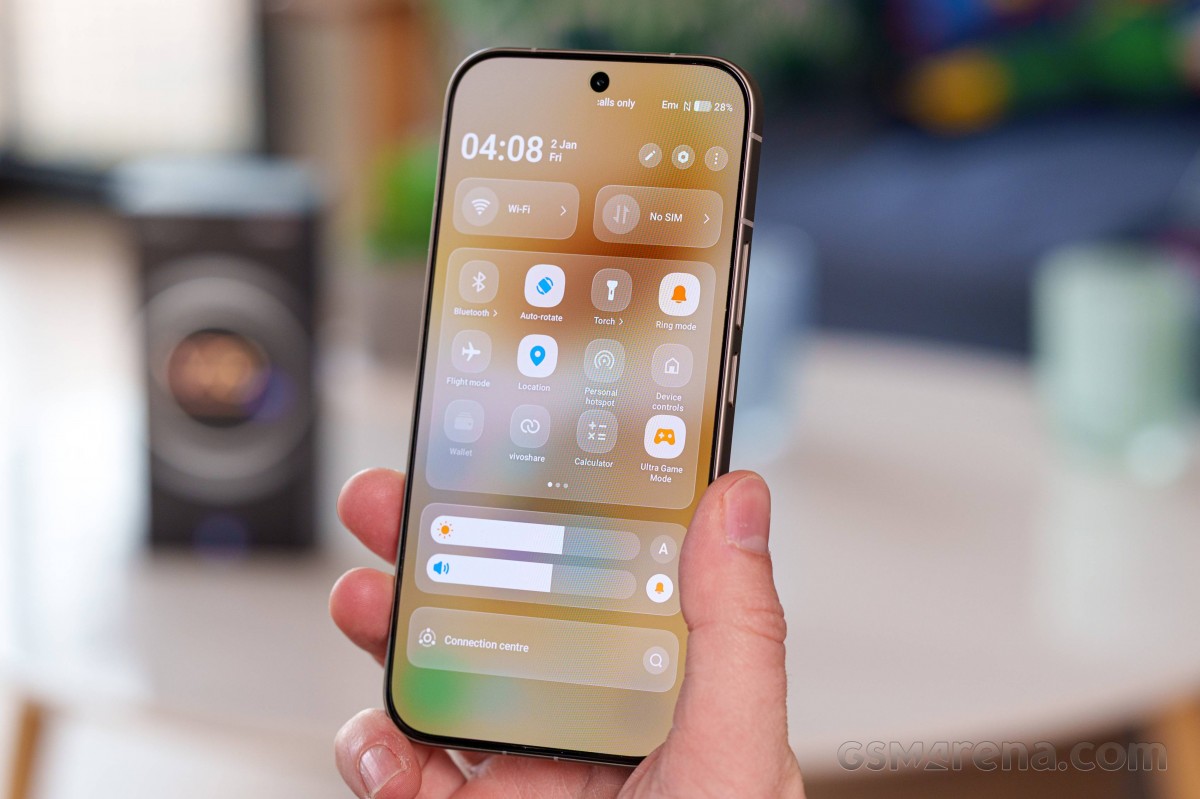
The control center is arguably one of the most noticeable changes if you’re coming from Funtouch, and it serves as a clear showcase for the new blur effects and transitions – what vivo calls Gradient Blur. The quick settings also feature a subtle “rim light” border effect that feels a tad reminiscent of recent iOS design trends, though it’s just as easy to chalk it up to the broader direction modern mobile UIs are heading.
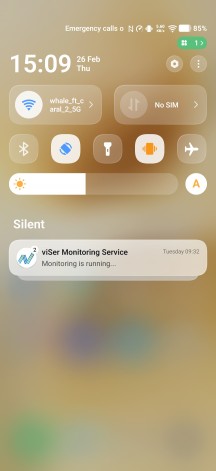
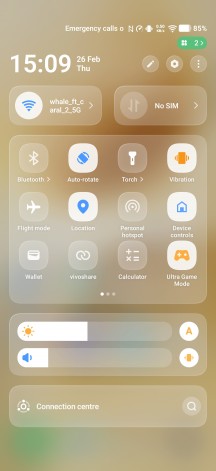
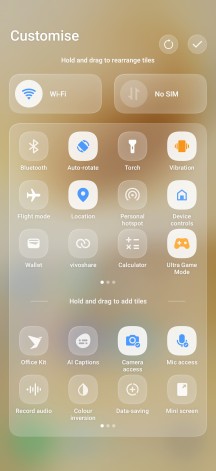
Notifications • Quick settings
Interestingly enough, we did not see the Flip card themes from the vivo X300. They may be hidden away somehow, since all of the other lock screen and AoD features and options are present.
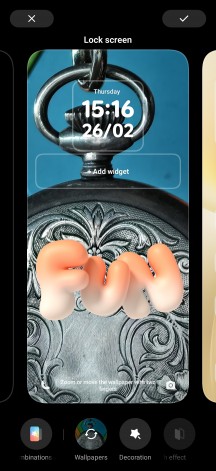
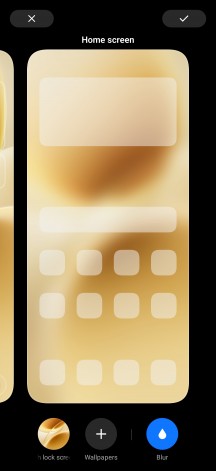
Lock screen options
If you like the recent iOS lockscreen options together with depth effects and tiny widgets, similar ones are available inside OriginOS 6, too.
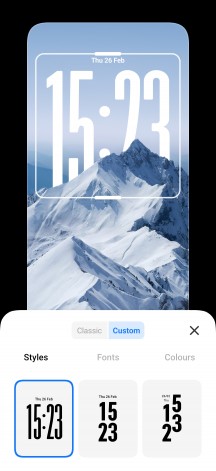
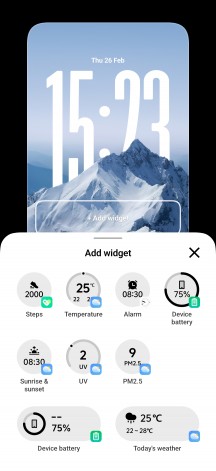
iOS-styled lockescreens
Familiar to anyone who has used recent OriginOS versions, but entirely new to former FuntouchOS users, is the so-called Origin Island – vivo’s take on Apple’s Dynamic Island. The dynamic area around the front camera surfaces contextual info for things like timers and music playback, and can also turn into an interactive drop zone in certain drag-and-drop scenarios, such as copying and pasting content.
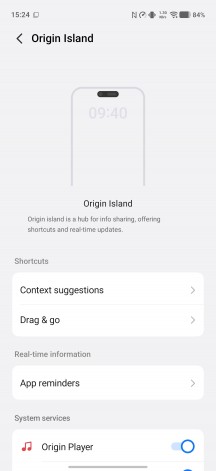
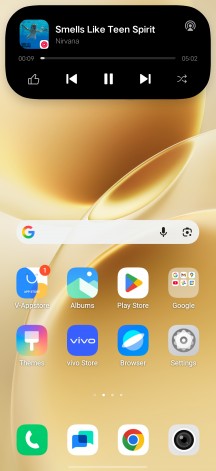
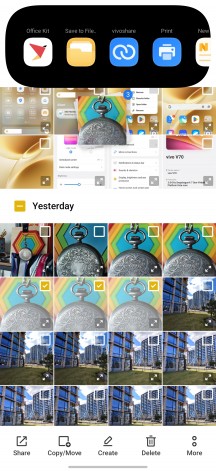
Origin Island
Naturally, there’s a growing suite of AI-powered features on board. The built-in AI writing assistant can help overcome writer’s block while offering proofreading, rewriting and summarization tools. AI Captions works at a system level to provide speech-to-text conversion, including real-time transcription and translation. There’s also a document editor with support for PDF and Word files, complete with its own set of AI-driven enhancements.
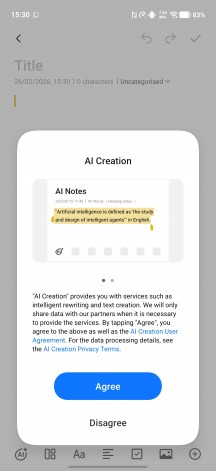
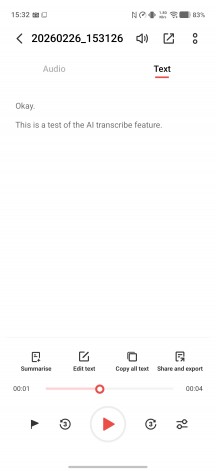
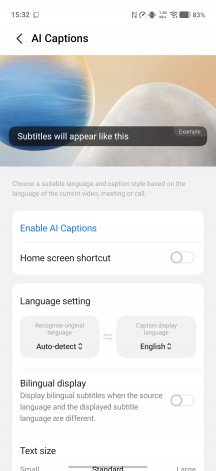
AI Writing • AI Transcribe • AI Captions
Vivo has also added scrolling translation to its Circle to Search implementation in OriginOS 6. Additionally, the AI-powered image editing tools are now better organized, with all enhancements neatly grouped within the built-in gallery app.

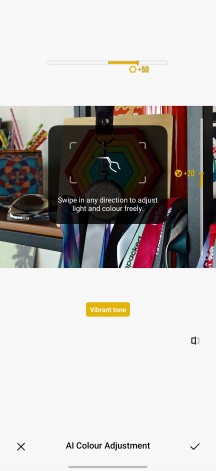
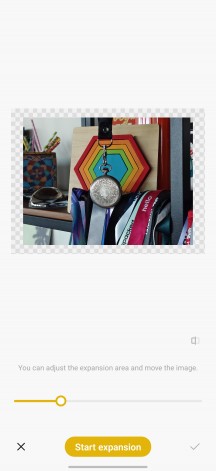
Scroll and translate • AI Color Adjustment • AI Image Expansion
There’s now a vivo Connection Center, serving as a central hub in OriginOS 6 for managing the phone’s cross-device features. Link to PC is supported, offering screen mirroring, file transfers and task handoff. One-tap transfers to other vivo phones – and even iPhones – are also possible, though the latter requires installing vivo’s EasyShare app on the receiving device, which adds a couple of extra steps during the initial setup.
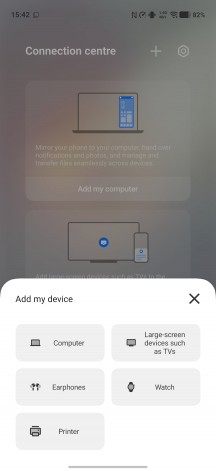
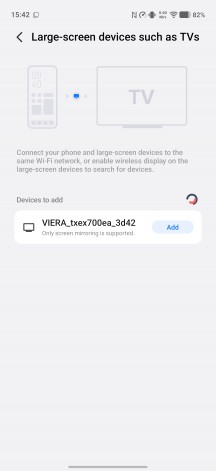
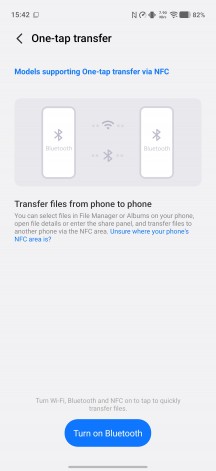
Connection Center
OriginOS 6 also introduces a Private Space feature, which wasn’t available on the latest Funtouch versions and was missing from OriginOS 5 as well. It’s the familiar, secure environment where you can keep sensitive data tucked away from prying eyes. The system also supports app cloning, letting you run two instances of the same social app to keep work and personal accounts separate.
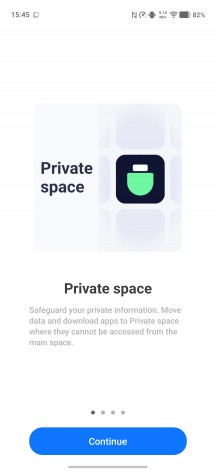
Private Space
All things considered, we’re quite excited to see OriginOS replacing FuntouchOS on international vivo models. The old interface had started to feel dated and overly plain, while OriginOS 6 brings a welcome dose of visual polish and fluidity. The added features and refinements should also resonate well with a broad range of users.
Vivo doesn’t really change much when it comes to the processor inside its V series devices. It did stick to the Snapdragon 7 Gen 3 for a few generations before moving on to the Snapdragon 7 Gen 4 in last year’s V60, and it is hardly surprising that the current V70 gets the same chip. It’s just how this series rolls.
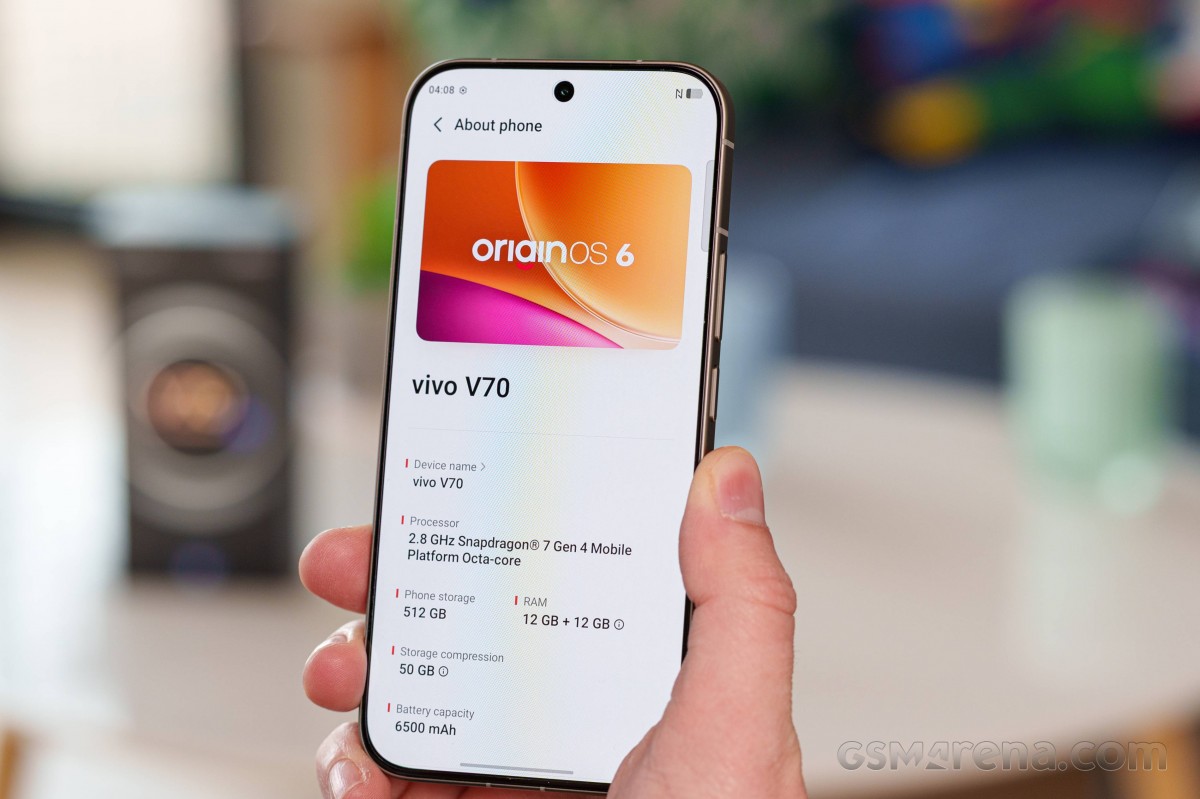
The Snapdragon 7 Gen 4 is not a bad chip in any way. It offers modern features and connectivity and is efficient. In the CPU department, you are looking at an Octa-core (1×2.8 GHz Cortex-720 & 4×2.4 GHz Cortex-720 & 3×1.8 GHz Cortex-520) setup. That is paired with an Adreno 722 GPU.
We got the top-tier 12GB/512GB version of the phone for review, but other memory variants also include 12GB/256GB and 8GB/256GB. One notable upgrade this year is the move away from UFS 2.2 storage chips and on to faster UFS 4.1 ones. This should offer a nice performance boost, not necessarily in synthetic benchmarks, but definitely in actual device responsiveness and app startup times.
Looking at some actual benchmark numbers, the vivo V70 seems to be getting the most out of its Snapdragon 7 Gen 4 chipset. There is a lot of performance here, even though you can get better raw numbers elsewhere. Just be advised that some of the devices on our list are more expensive than the vivo V70, like the vivo X200 FE or the Samsung Galaxy S25 FE.
Thermal-throttling
Under high loads, the vivo V70’s body remains pleasantly warm to touch.
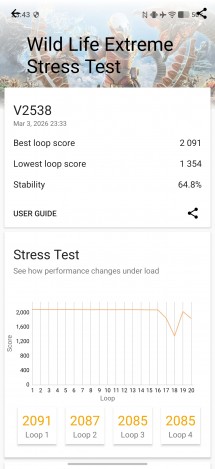
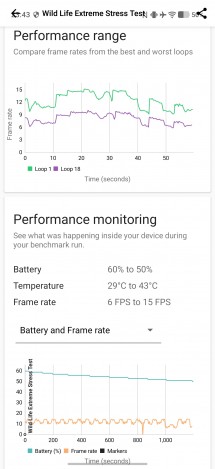
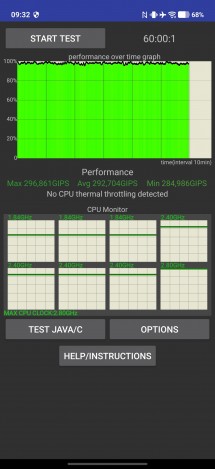
In our CPU stress test, we saw no thermal throttling at all. However, we discovered the GPU thermal-throttles quite a bit under load, losing a large chunk of its performance in the process.
Thermal-throttling