
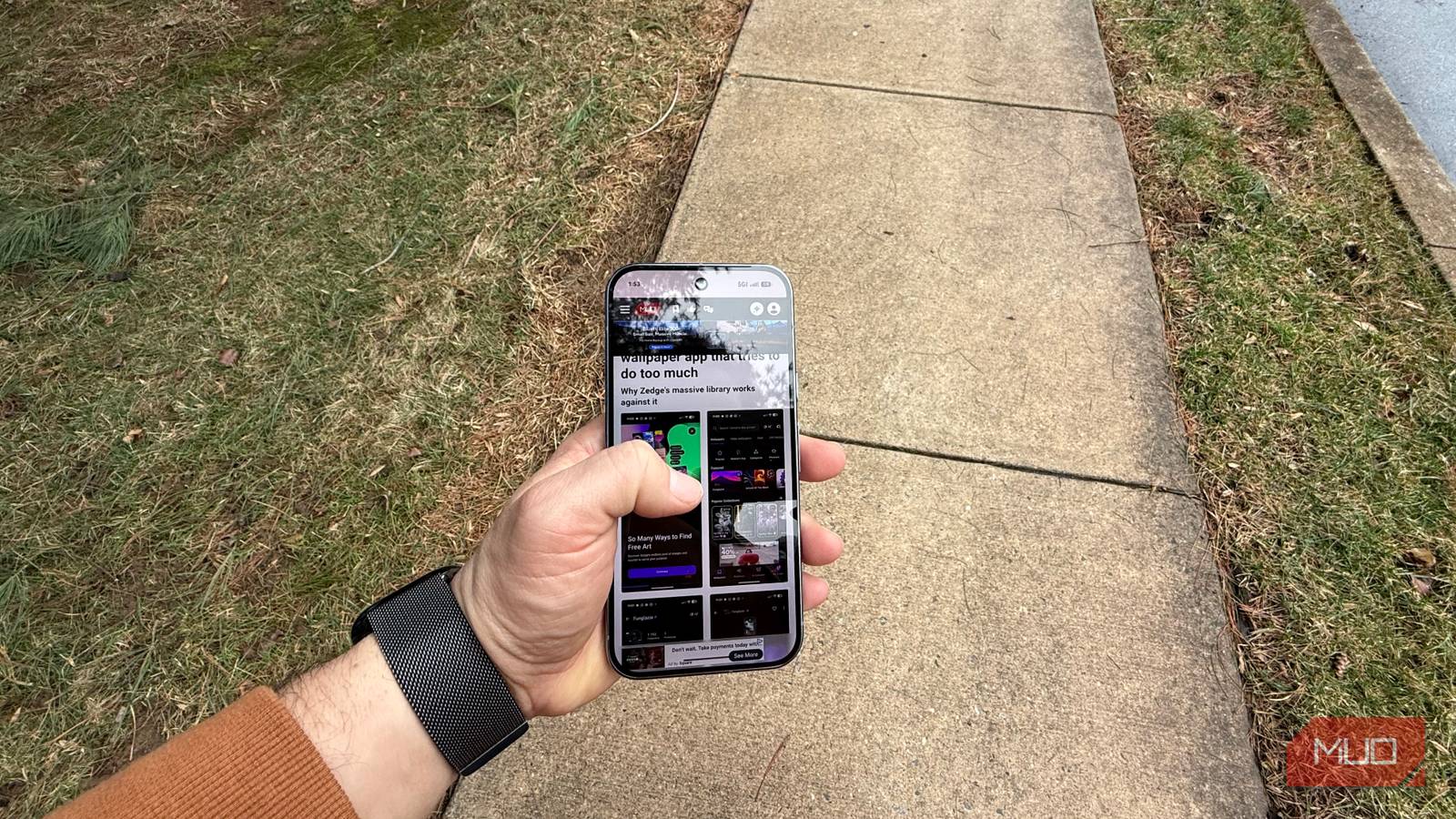
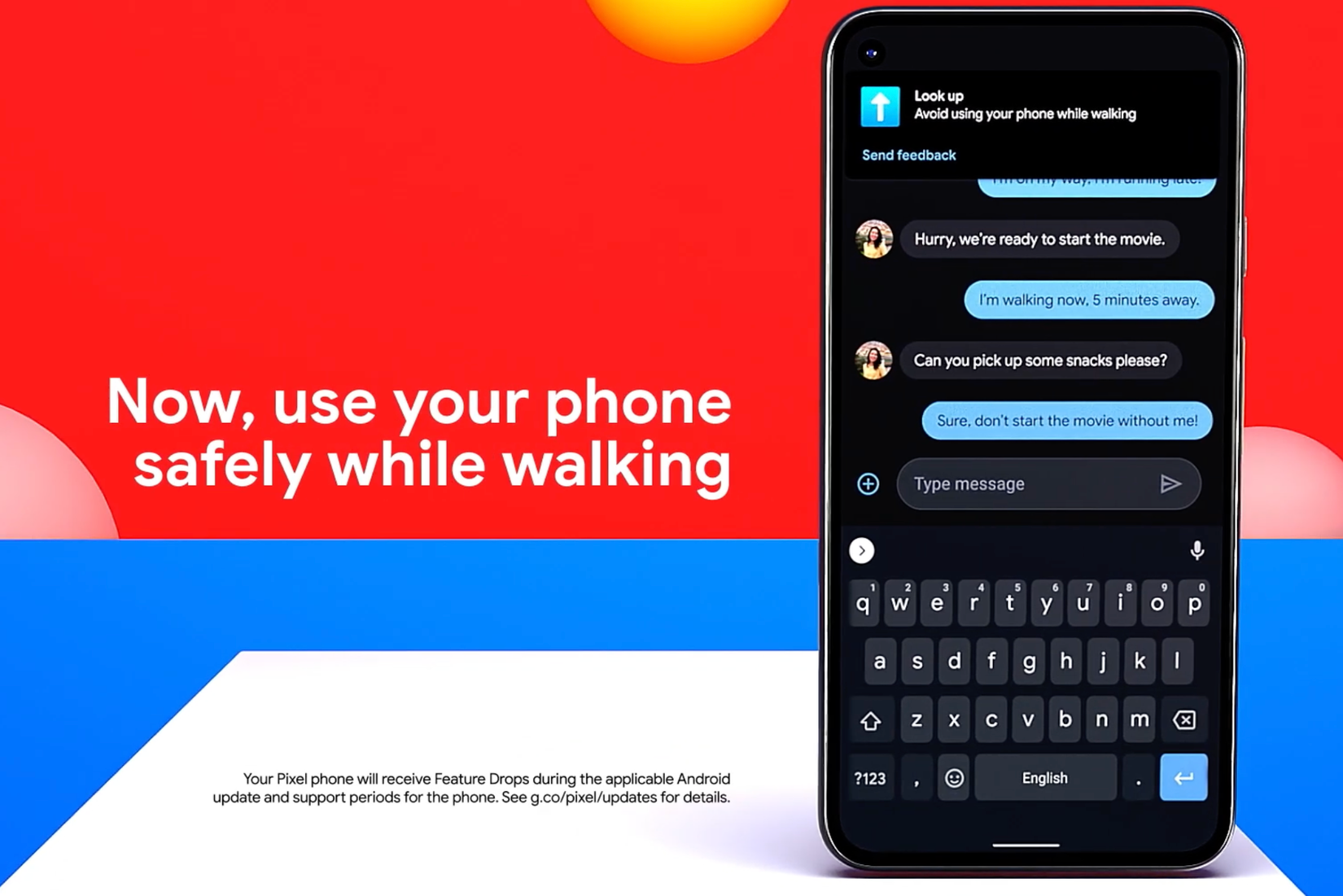
It happens to all of us, and it’s dangerous: you’re using your phone while walking, and you’re not paying attention, only to realize that you came within seconds of being hit by a car or worse (if that happens, perhaps you’re a good candidate for a distraction-free phone setup). What if your phone could detect that you’re distracted and using your phone while walking and could alert you to put your head up? This very feature rolled out on Pixel devices as part of Digital Wellbeing (which is an important suite of features you should not ignore and that has many great digital wellness features) all the way back in 2021, and I wish I had known about it sooner, especially since it’s off by default, and it could have saved me from certain dangerous situations.
How to enable Heads Up on your Pixel
It’s a Digital Wellbeing feature
Credit: Brandon Miniman / MakeUseOf
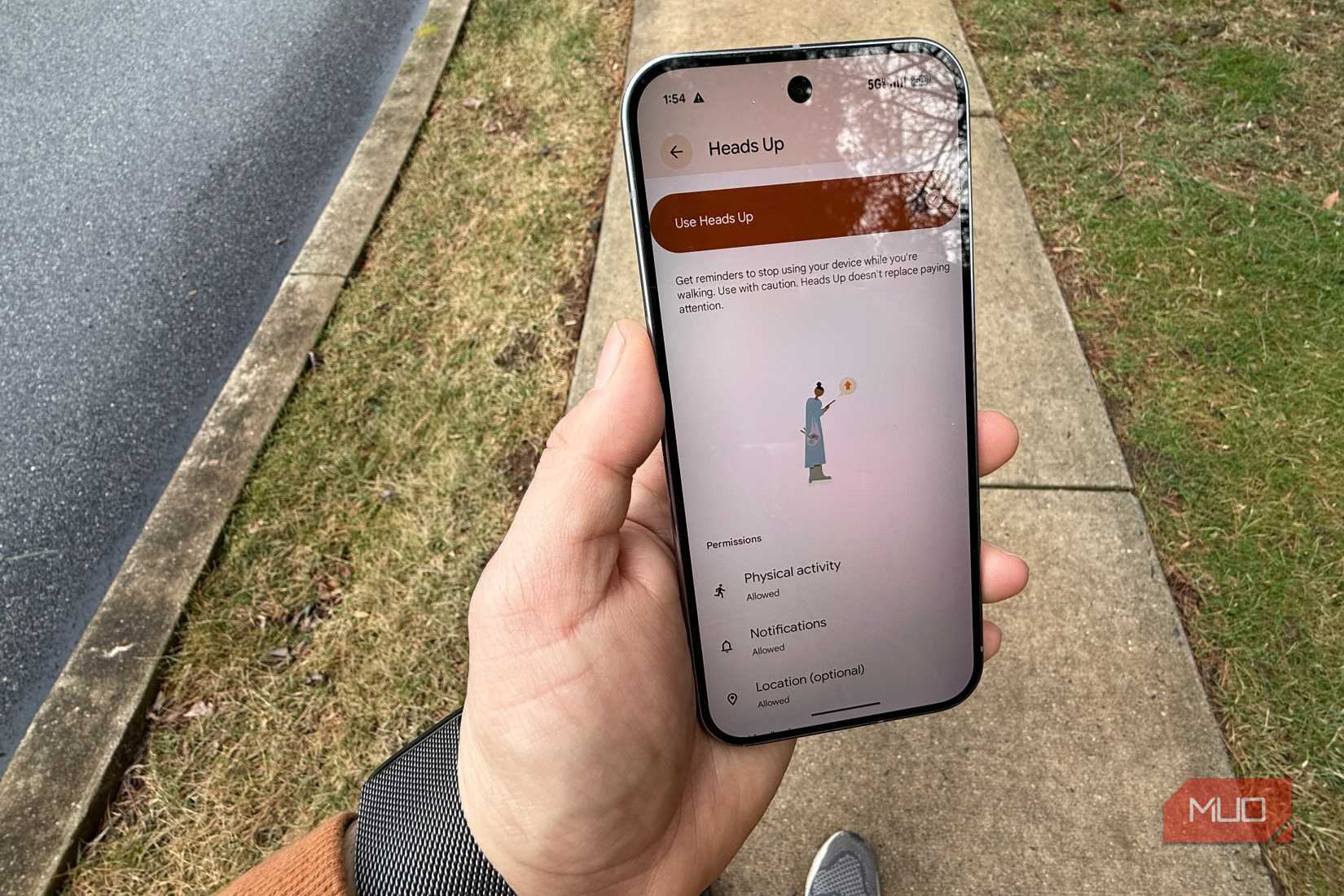
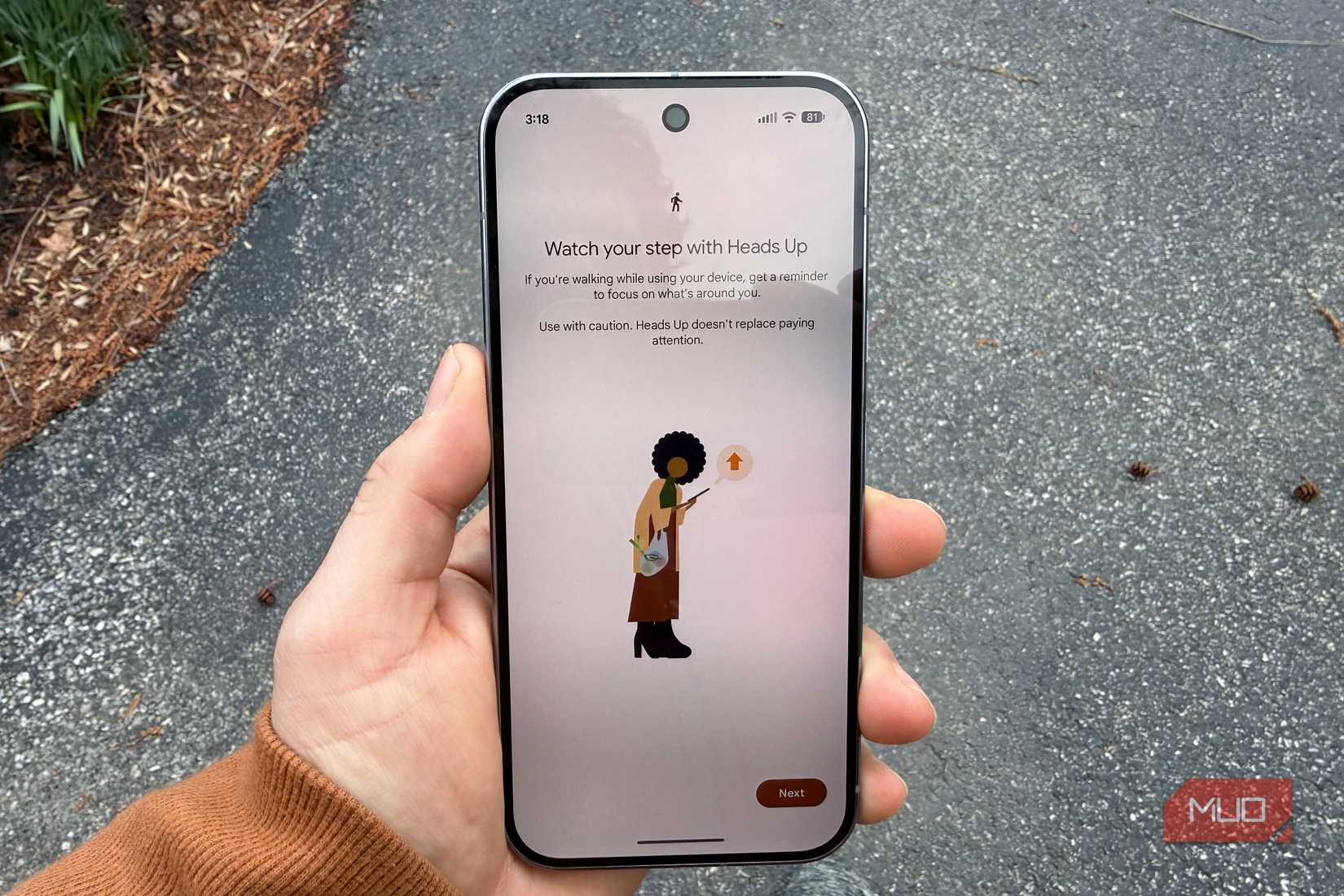
By default, Heads Up is not enabled on your Pixel. It’s a feature of Digital Wellbeing. To turn it on, head to Settings -> Digital Wellbeing -> Heads Up -> Set up. For best results, proceed to give it location access All the time.
By default, Heads Up is not enabled on your Pixel
Limitations
It only works in certain scenarios
Credit: Brandon Miniman / MakeUseOf
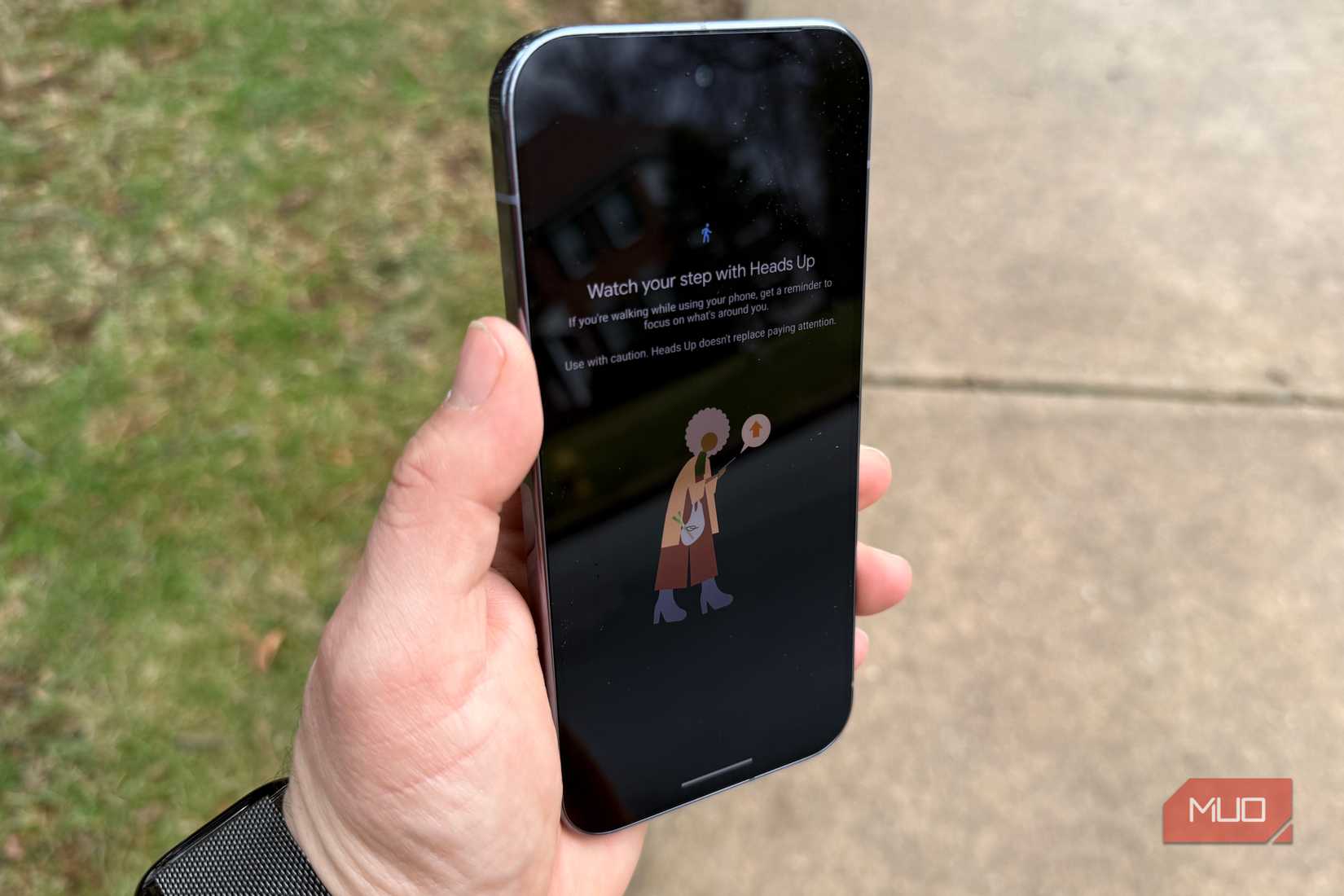
This feature is finicky and requires several conditions to be triggered. First, you must be outdoors, so it’s unlikely to work on a treadmill or while you’re on Wi-Fi. Second, you must be walking for a long time — at least 20–30 minutes. And third, you must be actively looking at/using your phone with the screen on. I honestly wish you could increase the sensitivity of this feature because, again, it’s difficult to trigger unless you’ve been walking a long time, and Google should add a setting to allow it to be more sensitive. I realize that this feature wants to avoid false-positives, like when you’re not using your phone but just glancing at a notification, but it really took a lot of work for me to trigger the notification, which makes me worried that for some people that might not meet all the conditions needed to trigger the alert.
Related
4 Google Pixel tricks that change how I use my phone
These features help me save time, stay on task, and limit distractions. If you’re not using them on your Pixel phone, you’re missing out.
Heads Up has potential
But doesn’t go far enough
Credit: Google
Not only should it be more sensitive, but I’d love to see this feature work across devices (so you’d only have to enable it once, and any other phone you use would have it on by default). Not only that, but I think there needs to be more than just a notification, which you can easily dismiss. There should be an option to totally lock you out of your phone so that you can’t easily dismiss the notification and go back to texting and walking. Hopefully, this feature is enough to cause you to change habits, like by being more present in the moment. I think the reason so many of us look down at our phones while walking instead of taking in the surroundings is simply because we’ve become detached from the world, and we seek the dopamine hit of being constantly immersed by a screen. Heads Up, when it works, is a nice reminder to pay attention to the world and stop looking at pixels.
Cough & snore detection on Pixel
Another feature that could save your life and should be turned on
Credit: Brandon Miniman / MakeUseOf
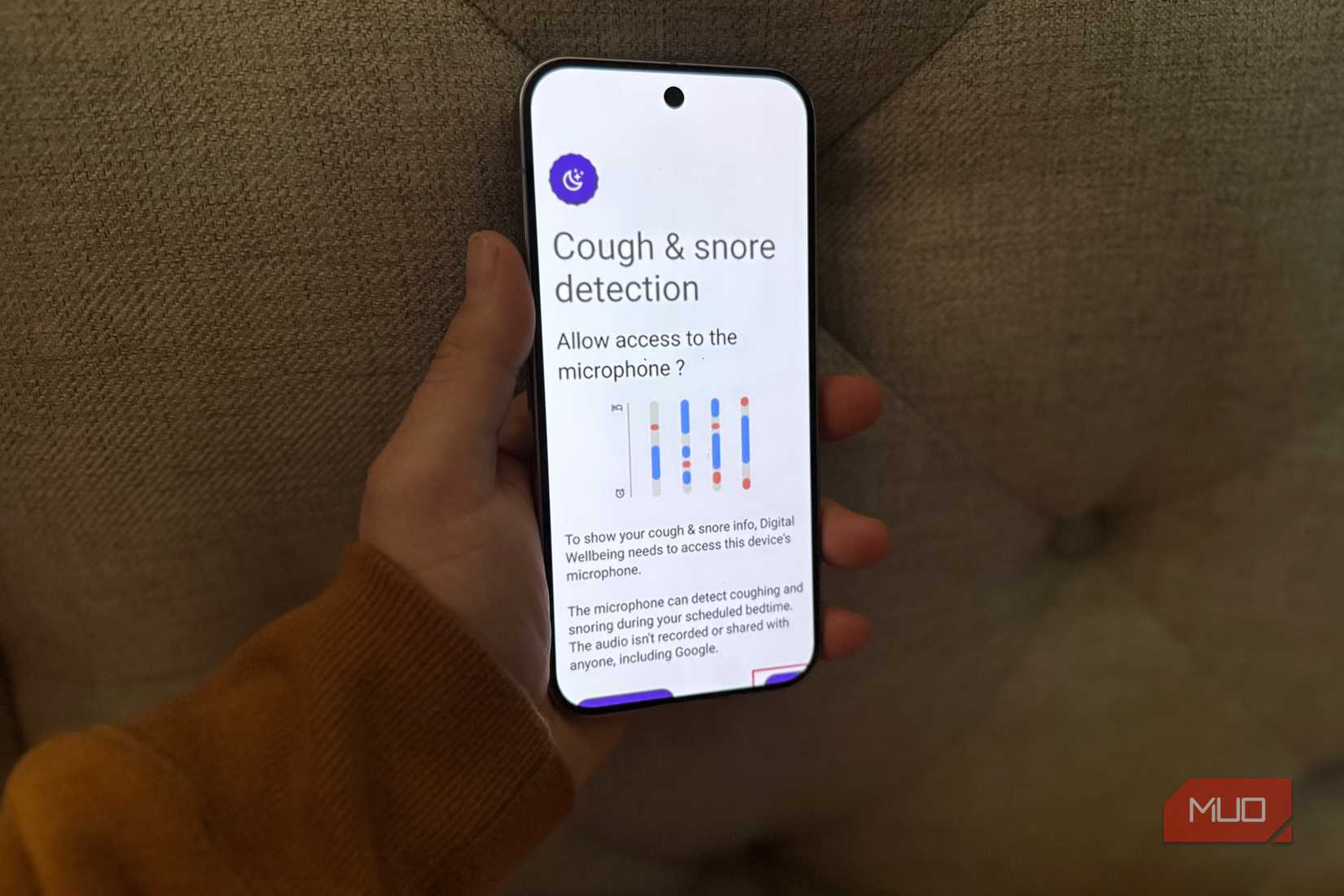
Using the built-in microphones on your Pixel, and assuming you can sleep with your phone nearby, the Pixel will listen to you sleep (this feature uses more battery, so keep your phone plugged in). If you do snore, it’s possible you need to get checked for sleep apnea, which is a treatable medical condition where you stop breathing while you sleep and is often associated with regular snoring. This feature does not diagnose sleep apnea, but you can take the results to your doctor for further investigation. The microphones on the Pixel are surprisingly sensitive and will give you a pretty accurate depiction of whether you snore and how loudly, and it can give you a timeline view so you can spot trends based on the time.
Heads Up on Pixel could save your life
If you can get it to work
Credit: Brandon Miniman / MakeUseOf
There is really no downside to turning on Heads Up on your Pixel. It could quite literally save your life if you’re distracted by your phone and not looking around you when a car approaches. That said, you should absolutely not rely on this feature to save you from getting hit by a car while mindlessly walking, because it doesn’t always trigger unless you’ve been walking for a while and other conditions are met, so it’s best you just avoid using your phone while walking because that could be extremely dangerous. I’m not primarily concerned about myself, as I have good hearing and can sense when there’s a hazard around me. Rather, I am fearful of the many people around who are distracted and not paying attention to pedestrians (looking at you, people that sadly use their phone while driving).