
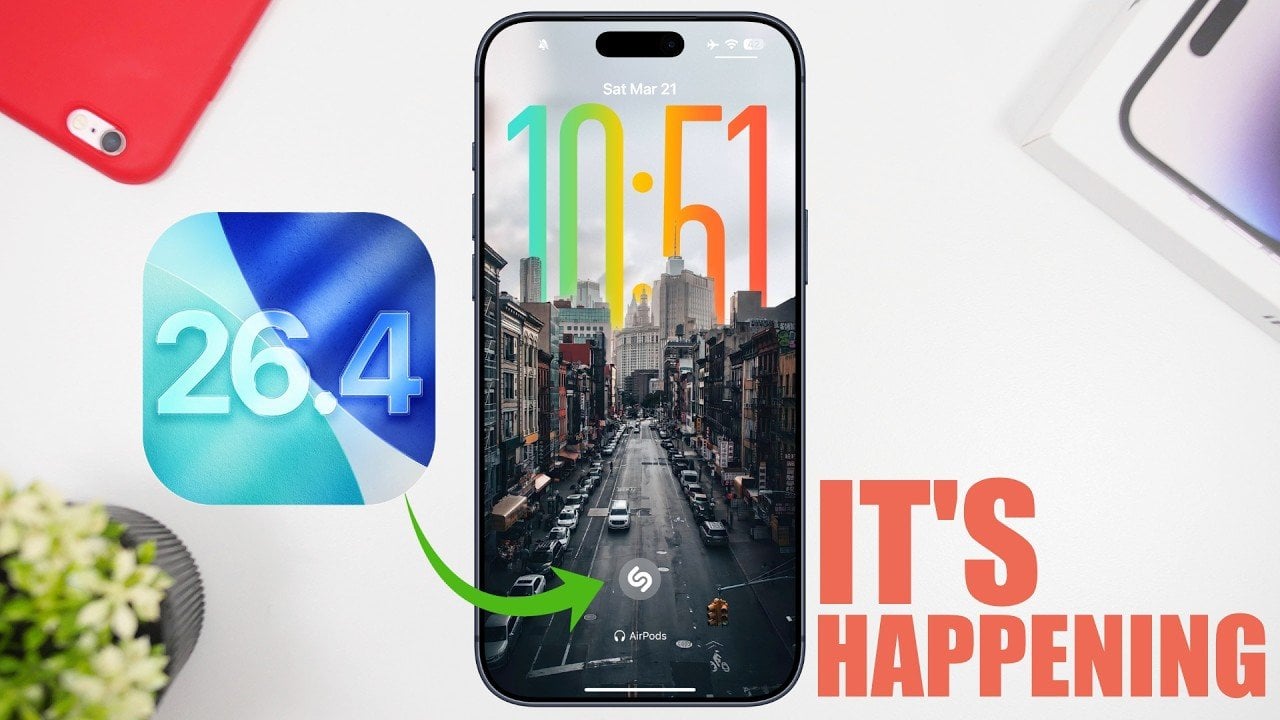
The release of iOS 26.4 represents a pivotal moment for Apple’s mobile operating system, introducing a suite of features aimed at improving usability, productivity, and accessibility. As the final major update before the anticipated iOS 27 beta, this version addresses key user concerns while delivering practical enhancements that refine the iPhone experience. Below is a detailed exploration of the most impactful updates and how they elevate your daily interactions with your device. The video below from iReviews gives us more details about the update.
Refined Keyboard Accuracy
Typing on your iPhone has never been more seamless. With iOS 26.4, Apple has implemented significant improvements to keyboard accuracy, particularly benefiting users who type quickly. The enhanced responsiveness ensures that your inputs are interpreted with greater precision, reducing errors and delays. Whether you’re composing a detailed email or sending a quick message, you’ll experience a smoother and more reliable typing process. This update is especially beneficial for professionals and students who rely on their devices for productivity tasks.
Offline Music Recognition for Shazam
Shazam’s music recognition feature now works offline, a highly anticipated addition in iOS 26.4. Your iPhone can now store audio data locally, allowing you to identify songs even without an internet connection. Once you’re back online, the stored data is matched to the Shazam database. This feature is particularly useful in remote areas or during network outages, making sure you never miss the opportunity to discover a song. It’s a practical enhancement that underscores Apple’s focus on everyday functionality.
Unified Account Management
Managing your Apple accounts has become more intuitive with the introduction of unified account pages. This redesign creates a consistent interface across apps like the App Store, Music and Podcasts. A new shortcut button for app-specific settings allows you to adjust preferences directly, eliminating the need to navigate through multiple menus. This streamlined approach not only saves time but also simplifies the overall user experience, making account management more efficient.
Search Tabs in Safari
For users who frequently juggle multiple tabs in Safari, the new “Search Tabs” feature is a fantastic option. You can now quickly locate specific tabs by typing keywords or website names into the search bar. This eliminates the need to scroll through a cluttered list of open tabs, making it easier to stay organized while browsing. Whether you’re multitasking or conducting in-depth research, this feature ensures you can find the information you need in seconds, enhancing both productivity and convenience.
Customizable Subtitles
iOS 26.4 introduces improved subtitle customization, allowing you to adjust font size, color and background opacity directly from playback menus. This eliminates the need to navigate to the settings app, making it easier to tailor subtitles to your preferences. This feature is particularly valuable for users with specific accessibility needs or those who frequently switch between viewing preferences. By making these options more accessible, Apple enhances the overall viewing experience for a diverse range of users.
Task Prioritization with Urgent Reminders
The Reminders app has been upgraded with a new “Urgent” folder, designed to help you prioritize critical tasks. You can mark reminders as urgent using a toolbar option or a long-press gesture, making sure that important responsibilities are easily distinguishable. This feature is ideal for busy professionals, students, or anyone looking to stay organized and on top of their to-do lists. By emphasizing task prioritization, Apple continues to support productivity and time management.
Revamped Music App
The Music app receives a significant visual and functional refresh in iOS 26.4. Albums and playlists now feature a full-screen view, creating a more immersive listening experience. Navigation has been streamlined with a cleaner layout, making it easier to browse and manage your library. These updates cater to both casual listeners and audiophiles, enhancing both usability and aesthetics. Whether you’re exploring new music or revisiting old favorites, the redesigned app offers a more engaging experience.
Accessibility Improvements
Apple continues its commitment to inclusivity with the introduction of the “Reduce Bright Effects” option. This feature minimizes highlights and flashing elements in the liquid glass design, providing a more comfortable viewing experience for users sensitive to bright or flashing visuals. It’s a thoughtful addition that reflects Apple’s dedication to making technology accessible to everyone, making sure that all users can enjoy their devices without discomfort.
Optimized Performance and Battery Life
Beyond new features, iOS 26.4 focuses on performance and efficiency. Under-the-hood improvements ensure smoother operation, even as your device handles the demands of new apps and features. Additionally, battery optimization extends your device’s runtime, allowing you to stay connected for longer periods. These enhancements are designed to maintain your iPhone’s reliability and performance, making sure it remains a dependable tool in your daily life.
The Significance of iOS 26.4
iOS 26.4 is more than just an update; it’s a thoughtful response to user feedback and a step forward in usability and innovation. From refined typing accuracy to offline music recognition and enhanced accessibility, this version offers meaningful improvements for a wide range of users. Whether you’re a power user or a casual iPhone owner, iOS 26.4 ensures your device remains at the forefront of mobile technology. As the final major release before iOS 27, it sets a high standard for what’s to come, demonstrating Apple’s ongoing commitment to enhancing the iPhone experience.
Advance your skills in iOS 26.4 by reading more of our detailed content.
Source & Image Credit: iReviews
Filed Under: Technology News
Disclosure: Some of our articles include affiliate links. If you buy something through one of these links, Geeky Gadgets may earn an affiliate commission. Learn about our Disclosure Policy.