
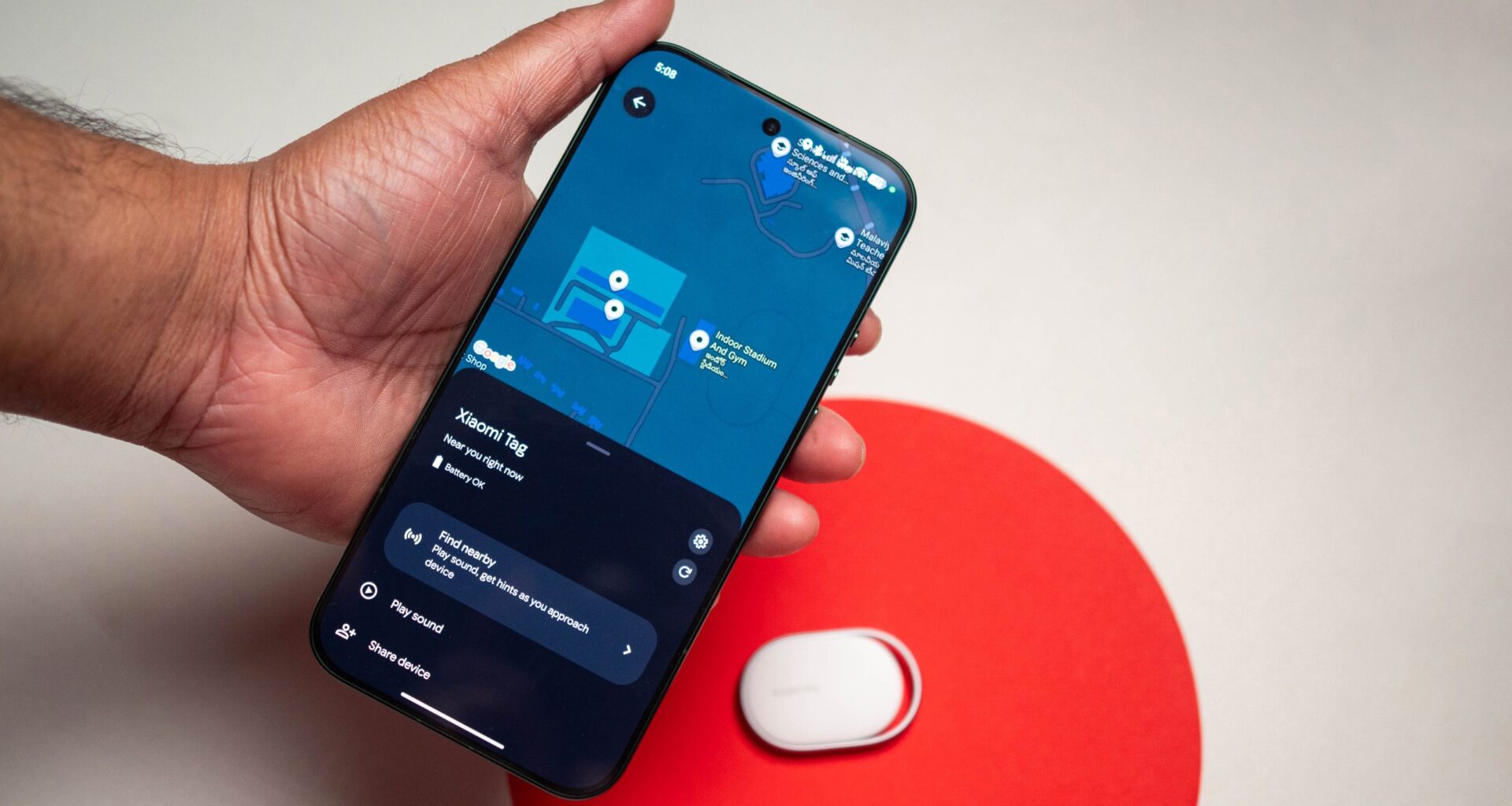
As I started traveling in earnest last year, I began using Bluetooth trackers; they’re easy to set up and use, and the convenience make these products a no-brainer. I use Satechi’s FindAll trackers in my suitcase, my travel bag, and keychain — I even have a model that goes with my sunglasses.
So when Xiaomi said it was introducing its own tracker, I was interested. I didn’t really like the design of the AirTag, and having to use a keyring accessory to use it in any meaningful context made it a non-starter. While Samsung’s Galaxy SmartTag2 has a better design, it is exclusive to Galaxy phones, and that just rubs me the wrong way.
Article continues below
You may like
You can use the Xiaomi Tag with both Find My and Google’s Find Hub networks
(Image credit: Apoorva Bhardwaj / Android Central)
Where the Xiaomi Tag has a noticeable advantage is that it connects to both Apple‘s Find My network as well as the Google Find Hub network. In that sense, there’s no limitation as to how you can use the device. On that note, you can only pair the Xiaomi Tag to one network at a time; if you set it up with Find Hub, you’ll need to delete it if you want to switch to the Find My network.
In my usage, I found it better to use the Tag with the Find My network. Google’s Find Hub has gotten much better over the last year — particularly in India — but it is still not as reliable as Find My, so after initial testing, I paired the Tag to Find My using the iPhone 17 Pro, and I didn’t run into any issues. You don’t get UWB, but that hasn’t proven to be a problem.
It has a lightweight design with a removable battery
Image 1 of 4
 (Image credit: Apoorva Bhardwaj / Android Central)
 (Image credit: Apoorva Bhardwaj / Android Central)
 (Image credit: Apoorva Bhardwaj / Android Central)
 (Image credit: Apoorva Bhardwaj / Android Central)
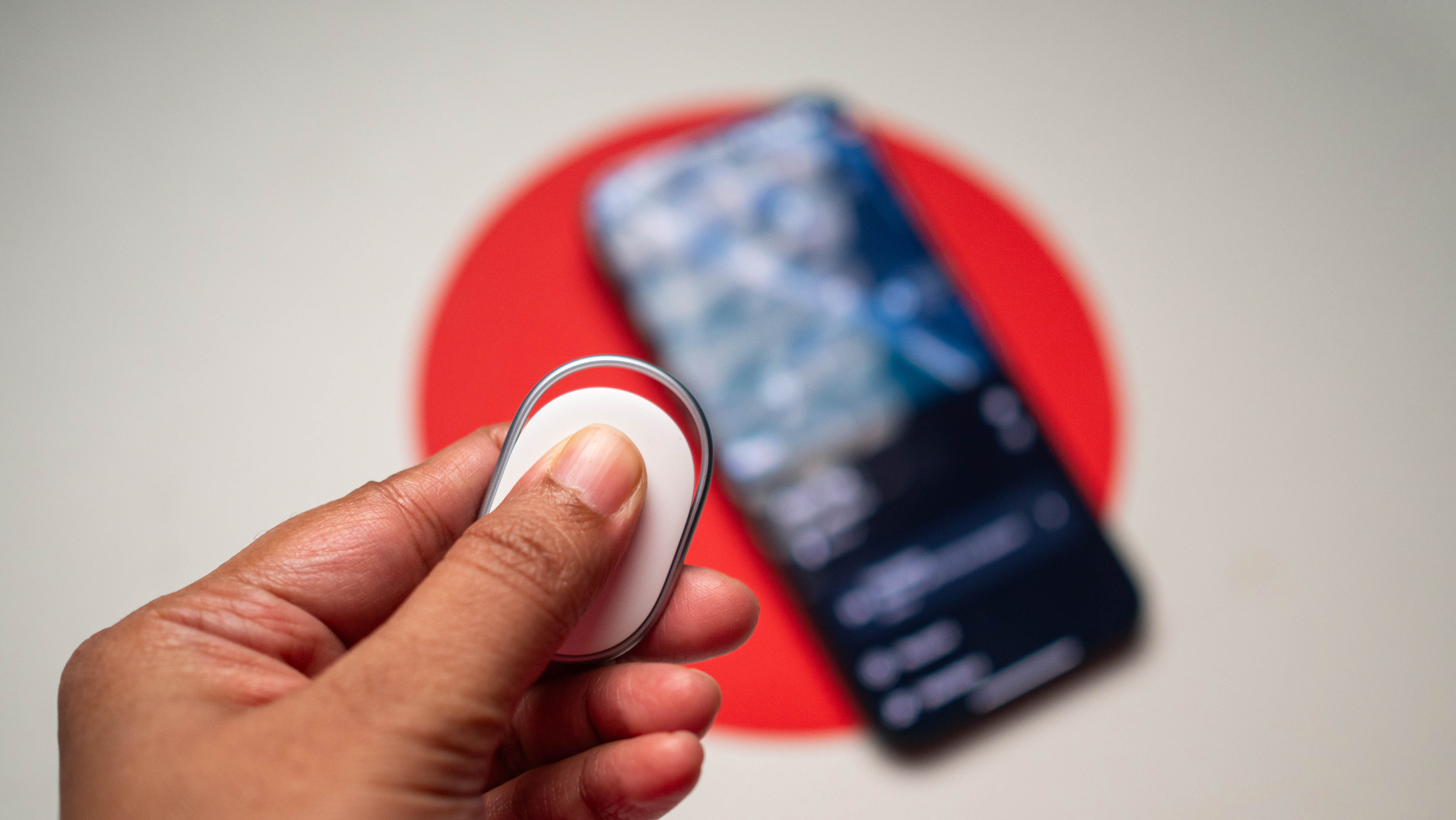
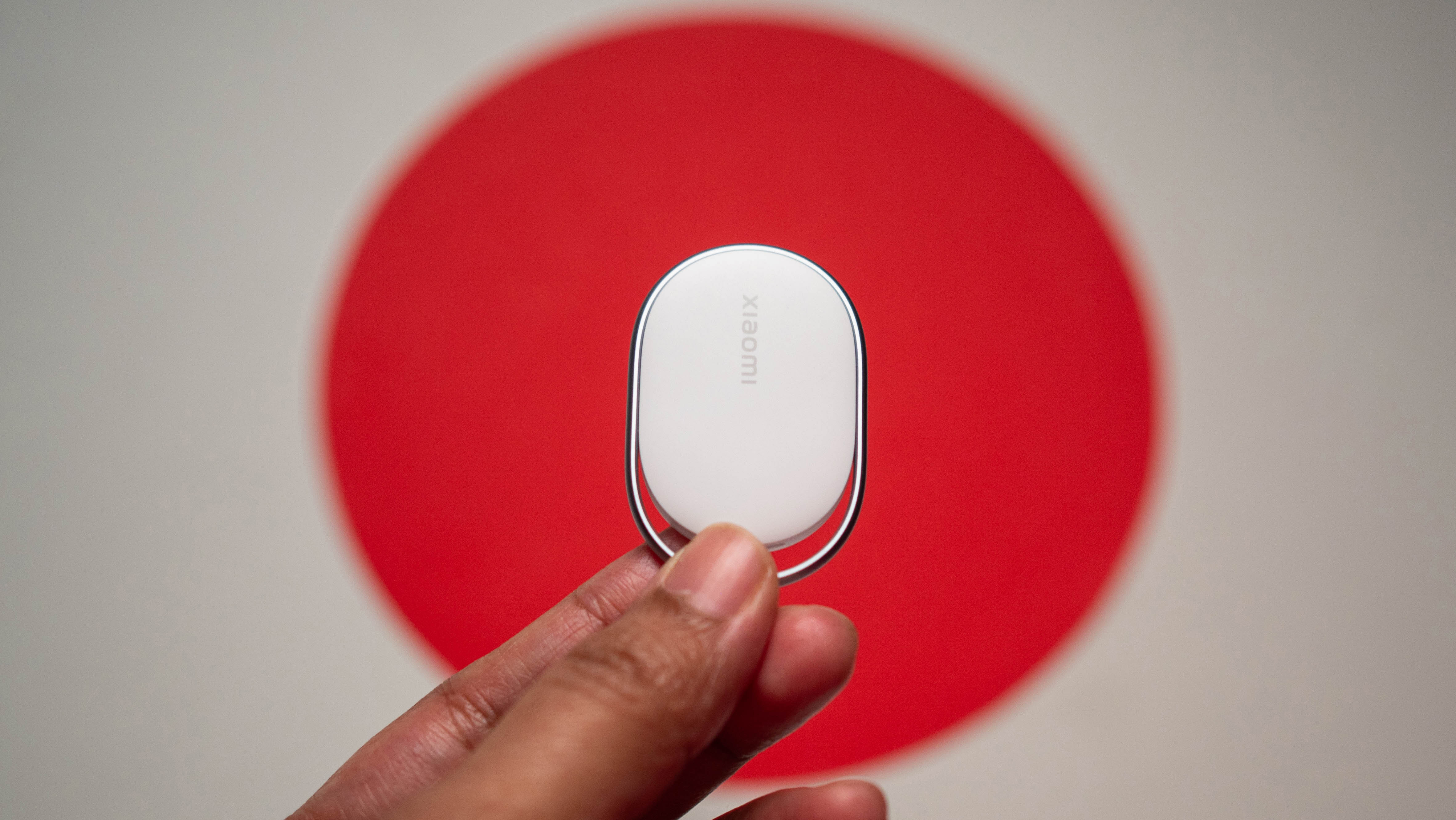
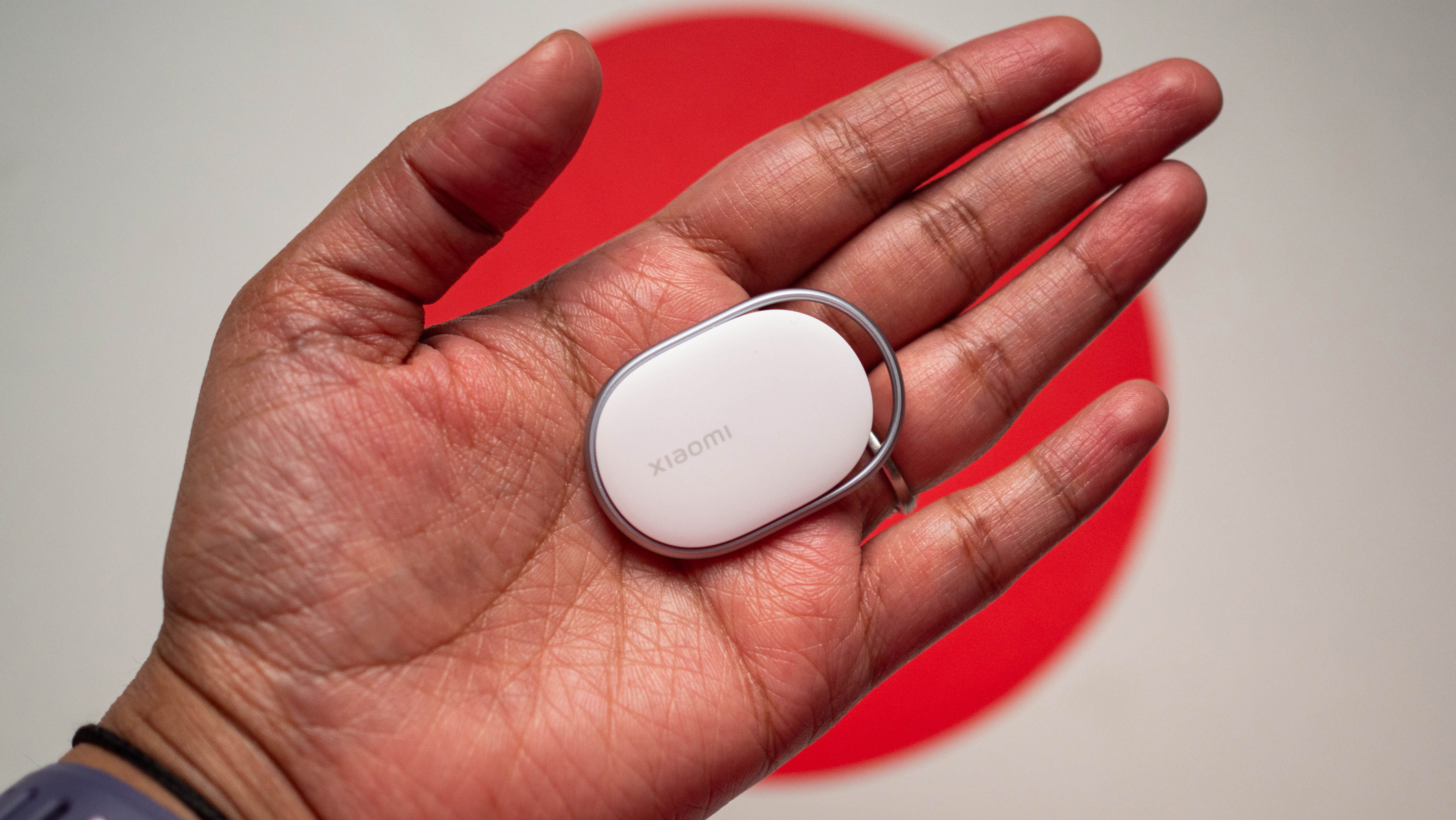
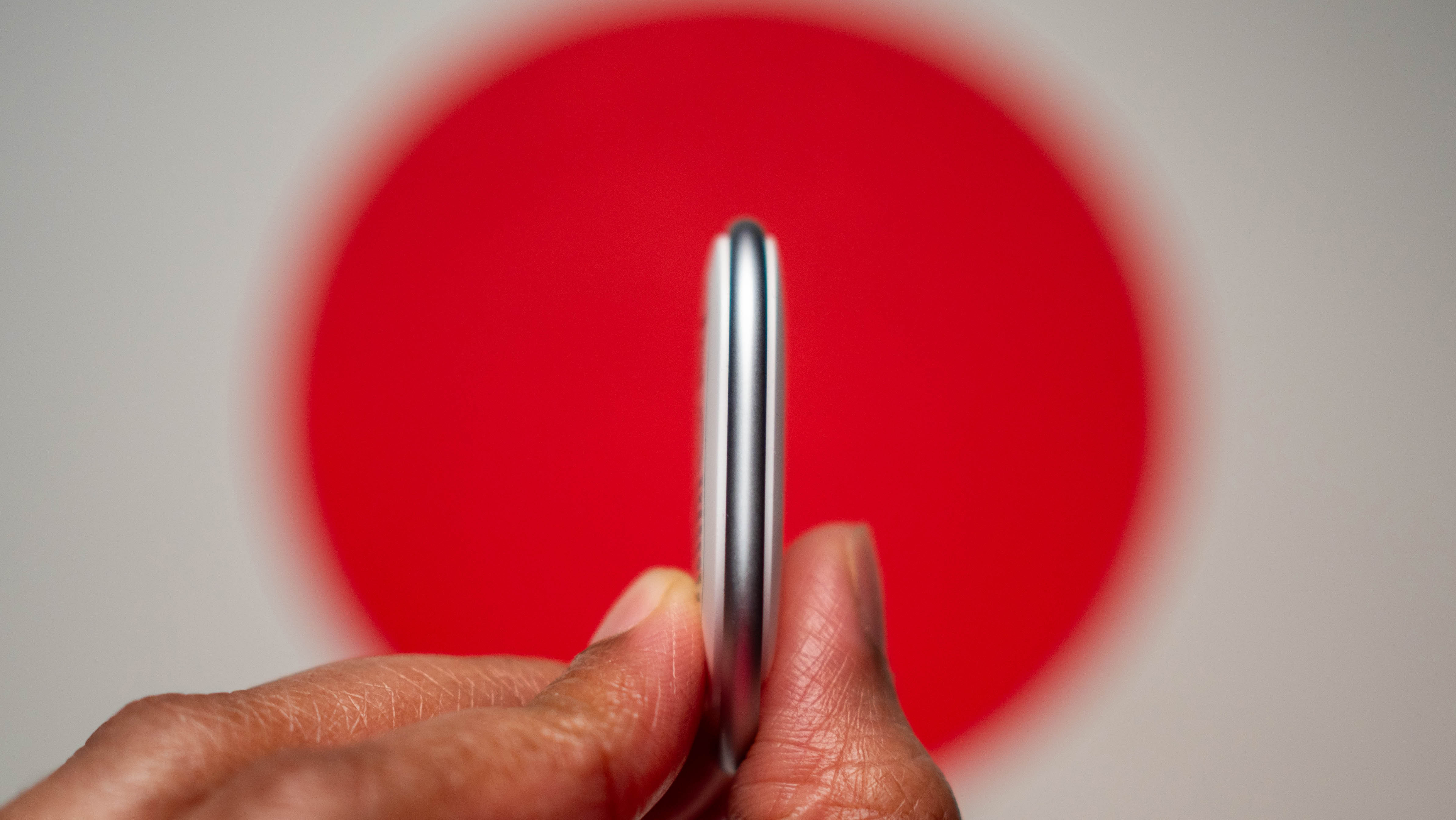
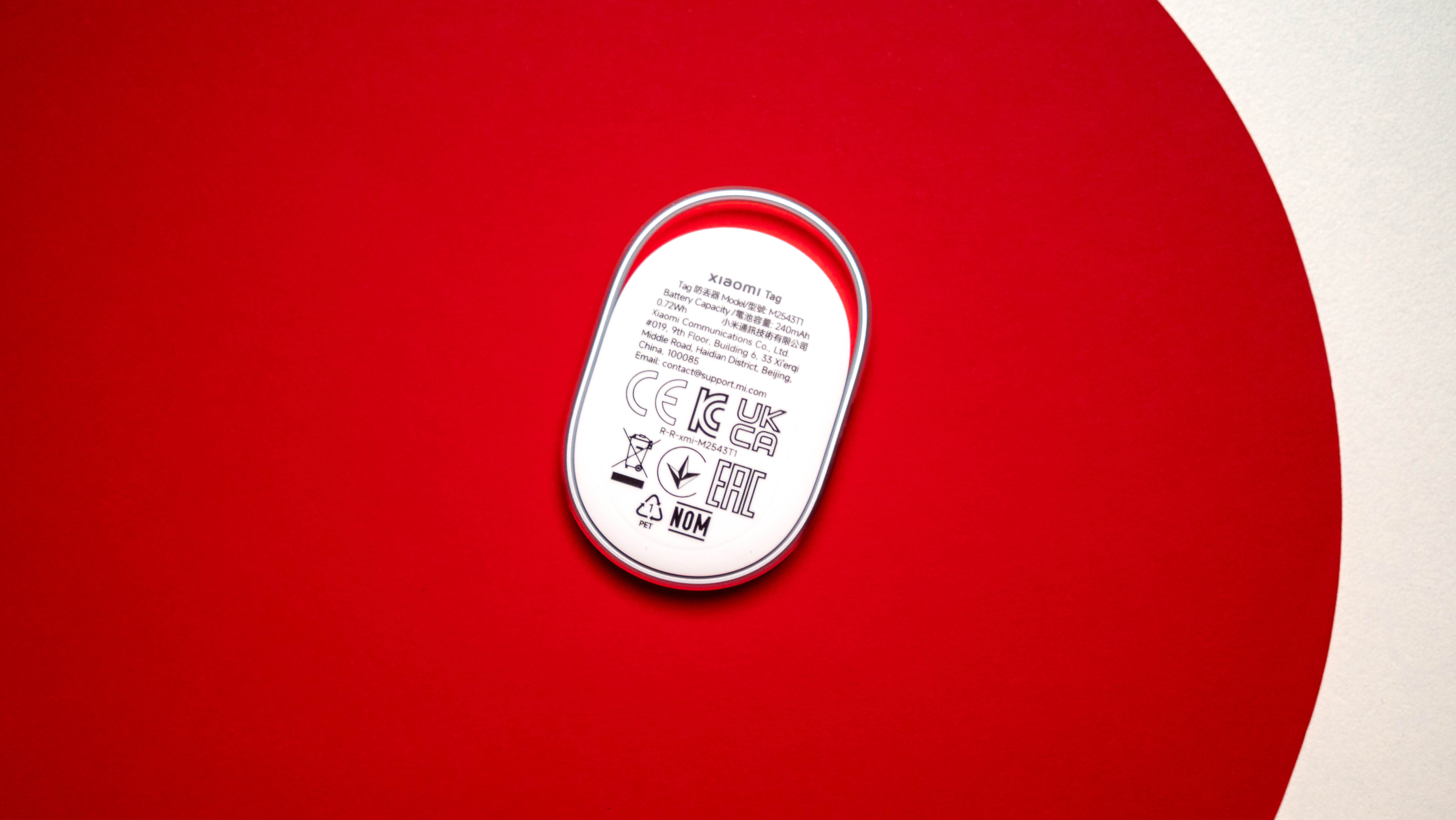
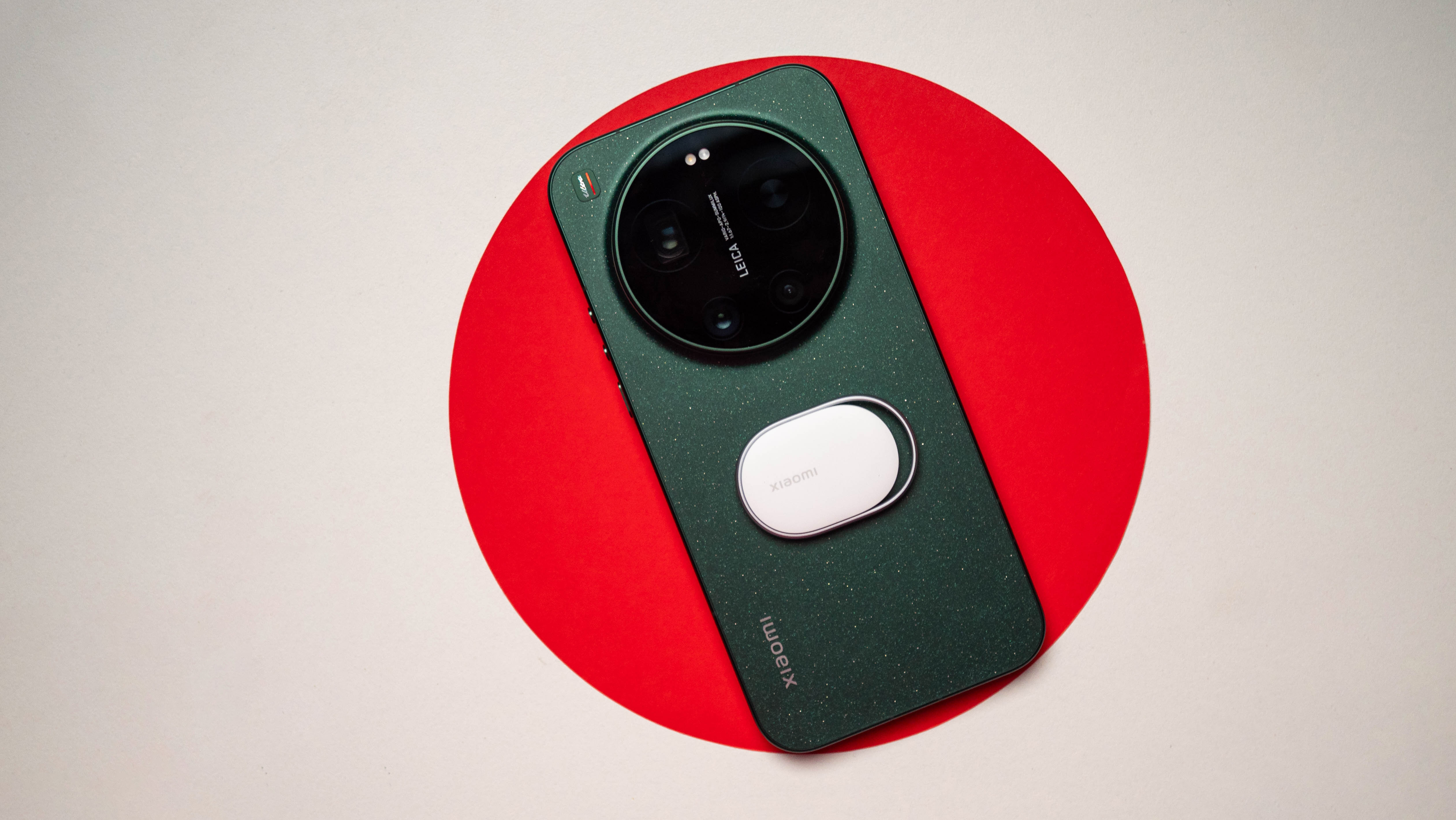
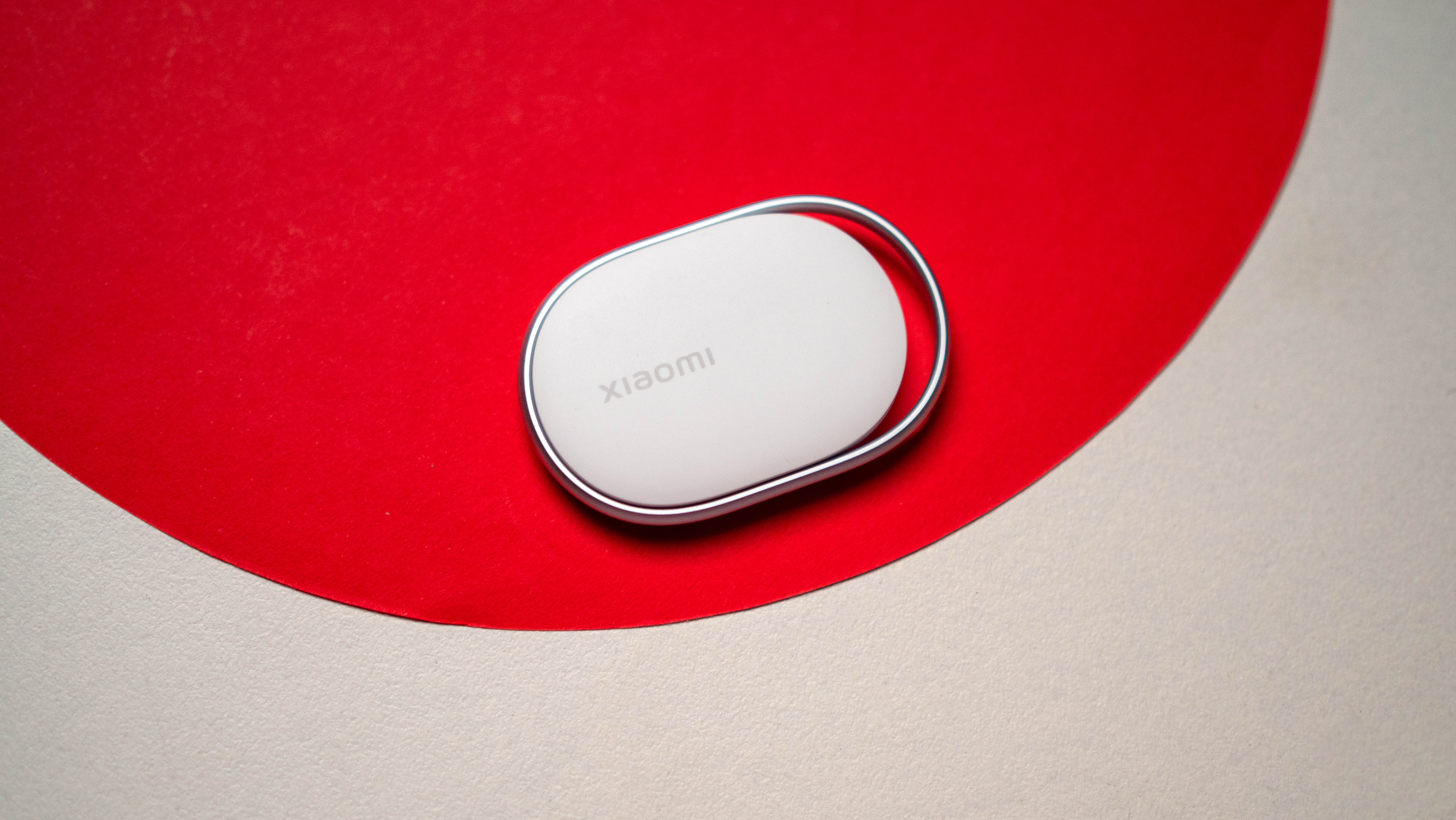
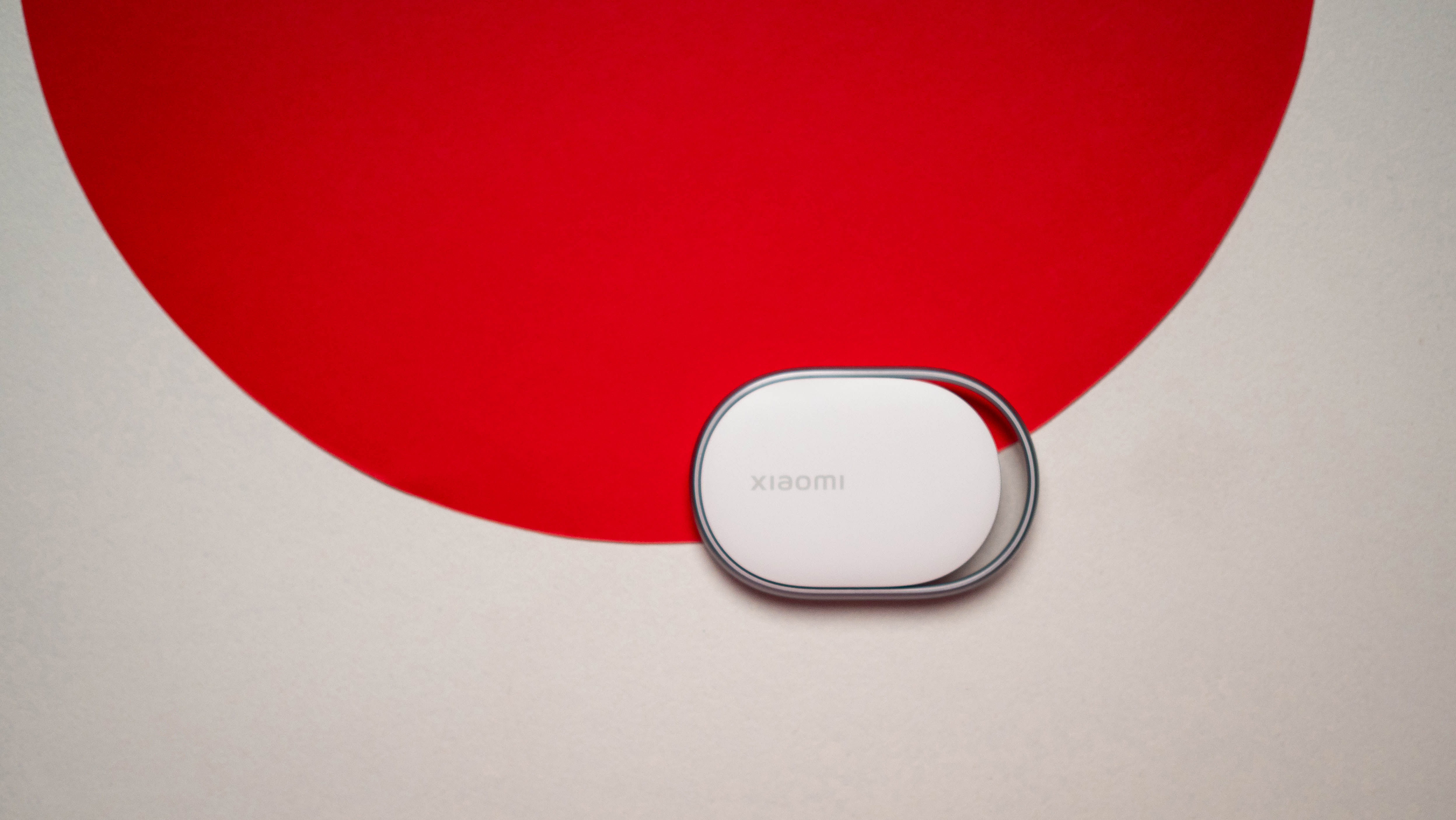
I like the design of the Xiaomi Tag quite a lot; it is on the smaller end of the scale as these things go, and at just 10g, it is one of the lightest. The lightweight design ensures you can slot it in just about anywhere — I put it in my sling bag that I use when I’m out and about, and it has my tech EDC essentials.
The design of the Tag allows you to attach it to a keyring or luggage tag without any issues. The best part of the design is that there’s a removable CR2032 battery, so you can easily switch it out. This is a big deal in itself, and it ensures you don’t have to worry about battery — the built-in cell lasts around a year.
The Tag has a tiny piezoelectric motor that produces alerts, and it gets loud enough that you can easily locate it. Oh, and it gets IP67 dust and water resistance, giving you the freedom to use it anywhere.
The Xiaomi Tag is one of the most affordable trackers around
Image 1 of 4
 (Image credit: Apoorva Bhardwaj / Android Central)
 (Image credit: Apoorva Bhardwaj / Android Central)
 (Image credit: Apoorva Bhardwaj / Android Central)
 (Image credit: Apoorva Bhardwaj / Android Central)
Coming in at just €14.99 ($17), Xiaomi is significantly undercutting both the AirTag and the Galaxy SmartTag2, which retail at $29. While it doesn’t have UWB, the ability to work with both Find My and the Find Hub networks gives the Tag a big advantage, as you’re not limited to one.
And when you combine the affordability, it’s easy to see why the Xiaomi Tag has the potential to do well. Xiaomi is doing a better job with global availability as well, with the Tag sold in the U.K. and other western markets — not including the U.S.
On the whole, Xiaomi is onto another winner with the Tag, and thanks to its proven reliability and long battery life, it is an easy recommendation.