
Wired is better than wireless — it’s one of the few core tech principles that remain true in almost every situation. Sure, wireless connections can be fast and offer unparalleled convenience. They’re just not as reliable or consistent, and suffer from vulnerabilities like network congestion and interference. You should always keep Ethernet in your back pocket as a Wi-Fi alternative. Wired connections are superior, and that holds true regardless of device type.
Yes, even smartphones benefit from wired Ethernet connections. Wi-Fi and cellular handle 99% of your daily connection needs, but there are still a handful of situations that might warrant wired network connections. Android and iOS both feature support for Ethernet connections, so a simple USB-C accessory is all that’s required to start using them. I do just that for downloading content and low-latency gaming, and it’s really not that crazy.
Your Android phone or iPhone supports Ethernet
You’ve probably never tried it, but all you need is the right adapter
Roughly a decade after losing the headphone jack on most handsets, we’re accustomed to limited port selection on smartphones. In fact, there has never been a consumer smartphone released with an Ethernet port. That’s not surprising, but it means that the average consumer probably doesn’t realize their phone does support Ethernet connections. People know that computers have Ethernet ports, even if their laptop doesn’t. The same concept applies to phones, but many don’t make the connection.
Before the advent of USB-C and modern USB communication protocols, using Ethernet for phones was tricky. Depending on your model and adapter, you might have needed to consider drivers and software support before hooking up to a wired network connection. Those pitfalls feel ancient in the age of USB-C, where Ethernet adapters are plug-and-play. All you need is the $10 adapter, and your phone will connect.
Credit: Brady Snyder / MakeUseOf
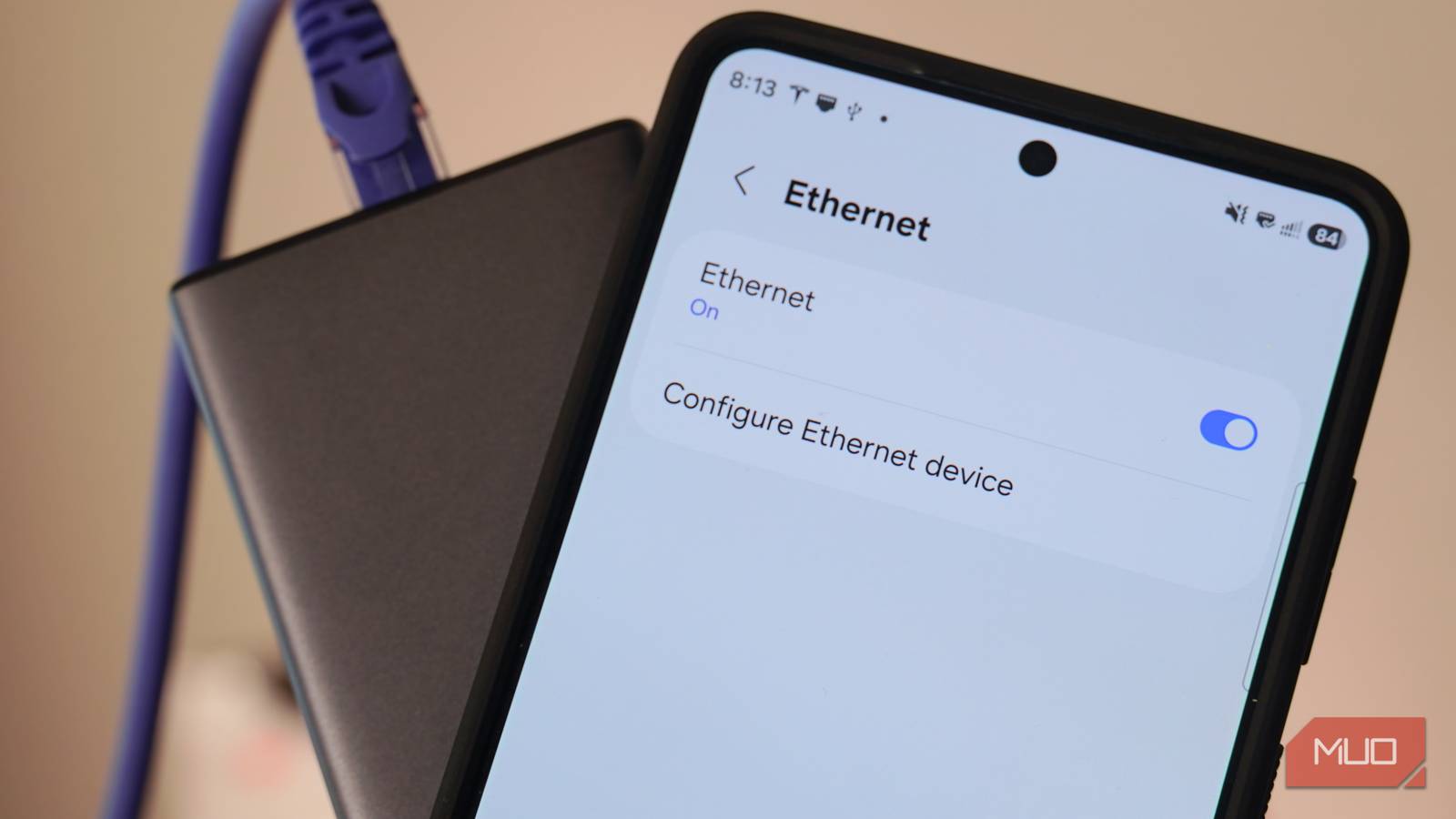
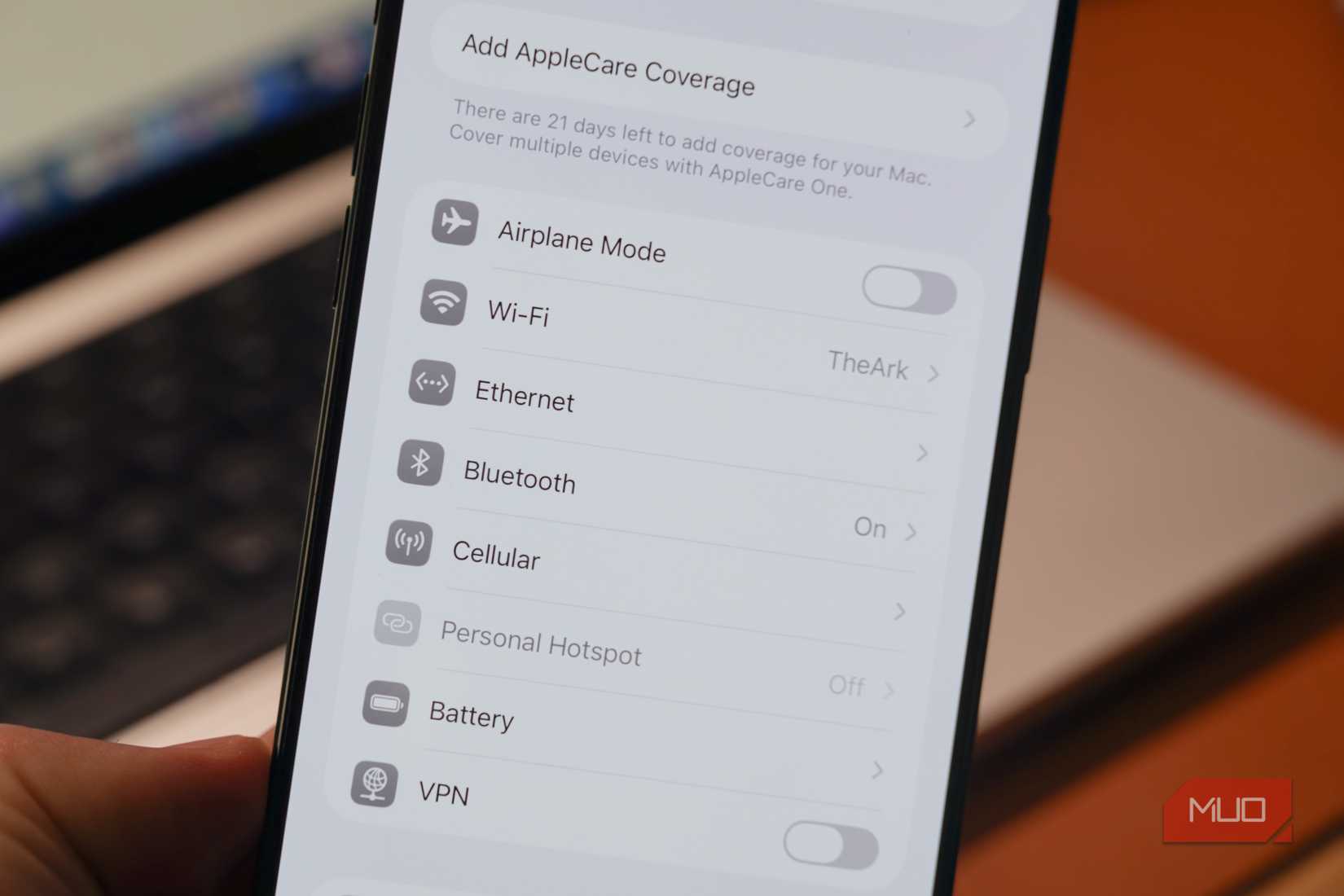
It works on both iOS and Android. iPhones will show an Ethernet tab in the Settings app when an Ethernet cable is connected, while Android devices typically hide the menu in the More connection settings tab. Either way, if you plug in a USB-C to Ethernet adapter, your smartphone will instantly and automatically switch to the wired connection. The complete support is already there — you just have to start using it.
Related
3 cheap gadgets that saved me hours of tech troubleshooting
I keep these accessories nearby to make sure I’m able to connect to power, networks, and USB devices in every situation.
Ethernet makes downloading content seamless
Need to download a large game or movie before a flight? Use a cable
Credit: Brady Snyder / MakeUseOf
I’m the first to point out that modern wireless networking technology can match Ethernet in real-world situations, at least on paper. Since my home internet connection maxes out at Gigabit speeds, my Wi-Fi 6E mesh setup is more than equipped to deliver those speeds wirelessly. It’s true that Wi-Fi 6E, Wi-Fi 7, and the upcoming Wi-Fi 8 standard all deliver speeds once thought impossible without a cable. However, speed is just one factor in the equation. You also have to consider bandwidth, congestion, and interference for wireless networks.
Wired connections are generally more reliable and faster than wireless ones. Think about all the wireless devices on your network constantly fighting for connections, dealing with interference and physical obstacles. The rated speed of your network is rarely the actual speed you’ll see on a wireless device. When you need to transfer large amounts of data, wired connections are always preferred, even for smartphones.
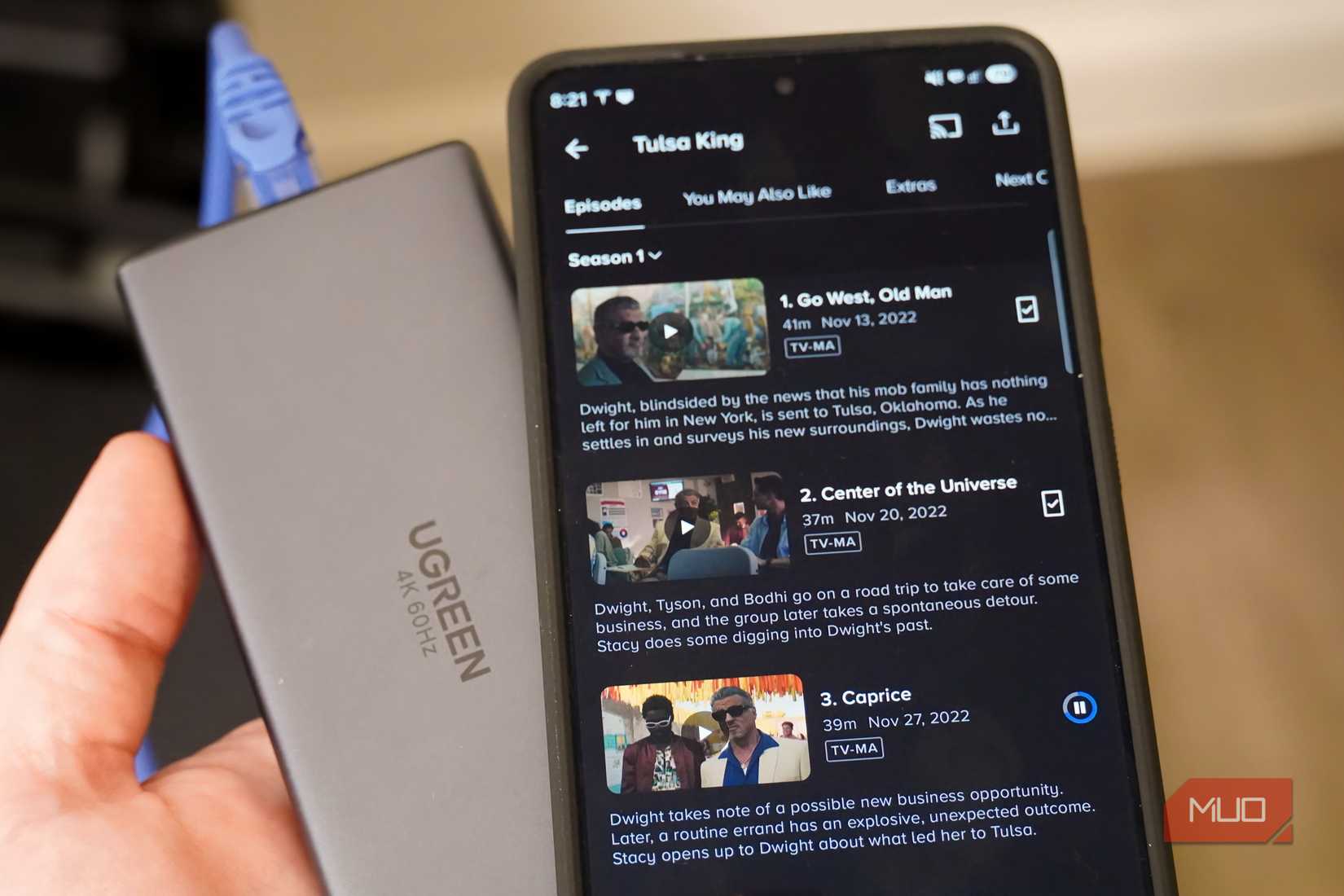
That principle helps explain why I use Ethernet for my phones. I’m a huge fan of music and TV shows, and before a long flight, I download tons of content to my mobile devices. We’re talking over 10,000 songs and a few seasons of my favorite TV shows. This would take quite a while over Wi-Fi and would severely congest my wireless network, so I’m not afraid to hook up a USB-C to Ethernet adapter and switch my phone to a wired connection instead.
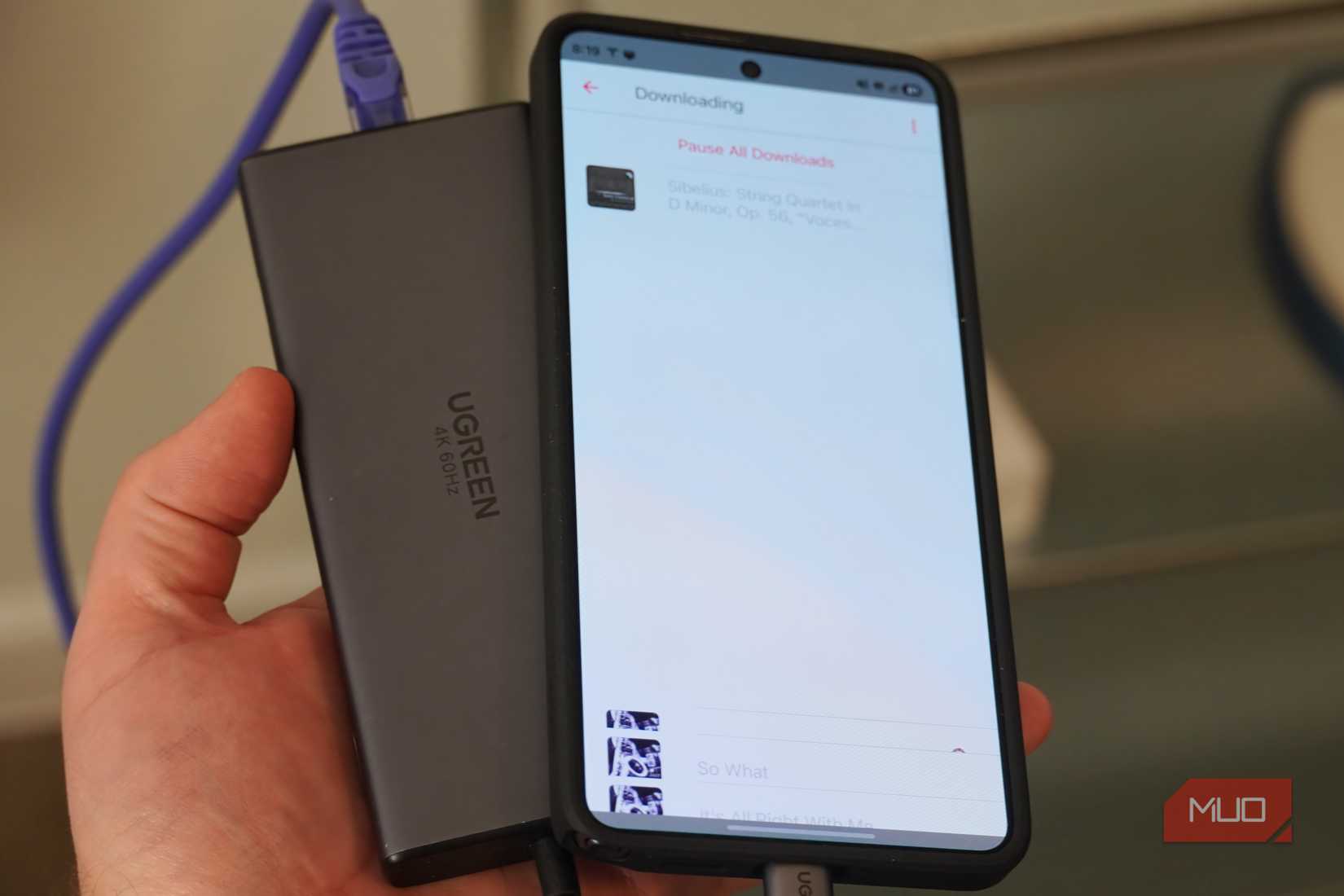
The result is incredibly fast downloads — so fast it doesn’t seem real. That sounds hyperbolic, but I can prove it. The picture below is what downloading thousands of songs at once looks like in the Apple Music app for Android over an Ethernet connection. What you’re seeing is a visual glitch because my phone is downloading songs quicker than the app can render them as list items on the Downloading screen. Since I download hi-res lossless audio, these aren’t small files either.
Credit: Brady Snyder / MakeUseOf
I had a similar experience downloading TV shows and movies to my Android phone over Ethernet. I’d tap the Download button for an episode of the show, and then switch to the Downloads page to check the speed. There was just one problem — the downloads finished before I could even switch pages. Depending on quality and compression, hour-long episodes are usually at least 1GB in size, so the speed is impressive.
No one in their right mind would plug an Ethernet cable into a phone to download a single song or stream a single TV episode. But when you need to move your music library to a new phone or stock up on streaming content before a long flight, the equation changes. Say you’re downloading an entire TV series or installing a massive mobile game like Genshin Impact. You could be downloading content in excess of 50GB or more, and that’s where an Ethernet connection can really help.
It all depends on how you use your smartphone. Modern devices are fast enough to play AAA games or serve as a desktop computer alternative with software like Samsung DeX. If you’re playing a competitive game or hooking your phone up to a desktop workstation, why not plug in an Ethernet cable for the best results?
Ethernet isn’t a Wi-Fi replacement for phones
It’s just a tool to keep in your chest that can save you time
Credit: Brady Snyder / MakeUseOf
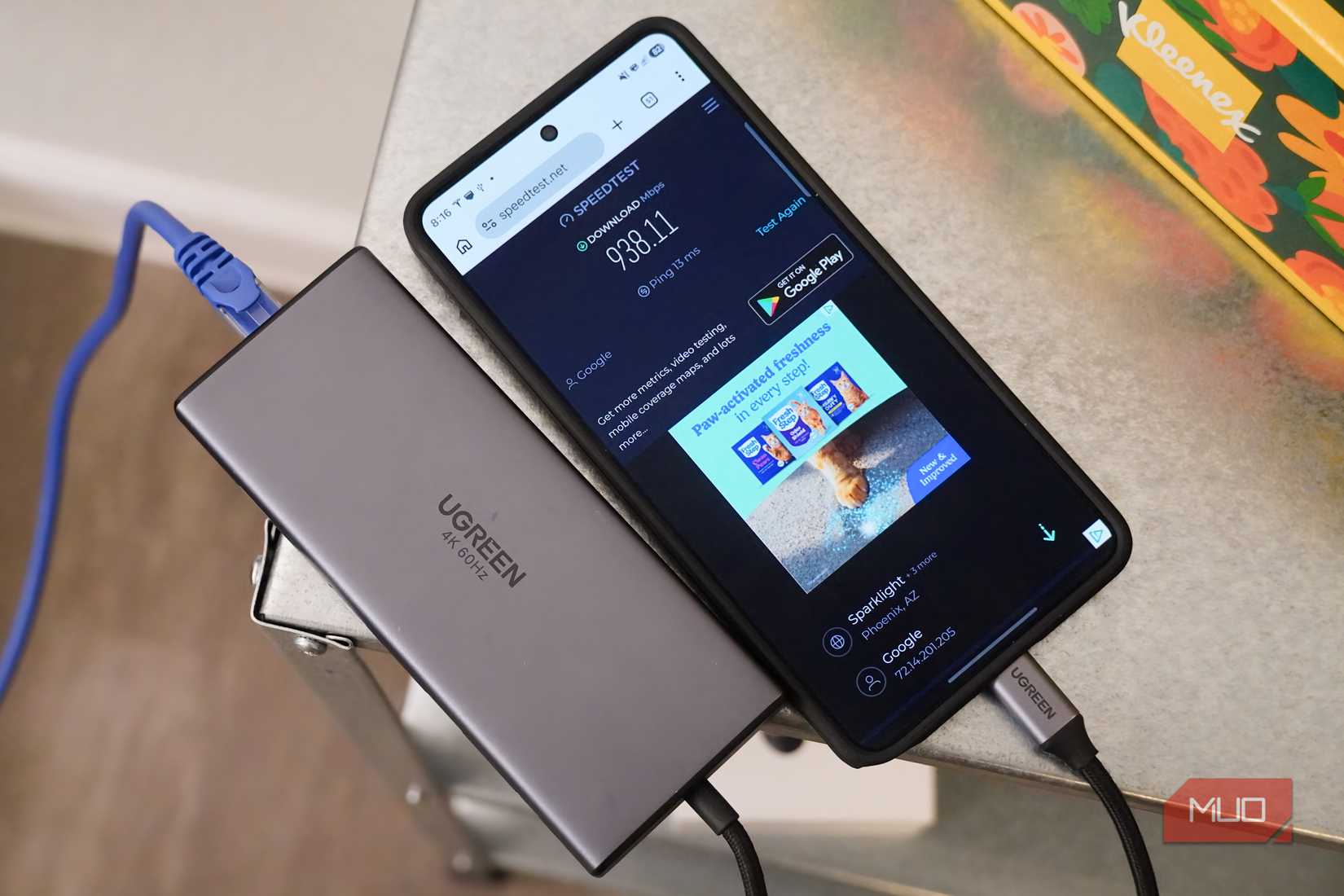
Wireless is all about convenience, and I’m not suggesting that you give that convenience up. It’d be silly to try to use Ethernet on your smartphone full-time — or even part-time, for that matter. The key here is remembering that Ethernet support is available on your phones, and being willing to break it out in very specific situations. In my case, it’s pretty easy to plug in a USB-C to Ethernet adapter when I’m downloading tens or hundreds of gigabytes worth of content, and the results are clear.
Just like I’d tell you to use wired headphones when you need superior microphone quality or to use a digital-to-analog converter when you need lossless audio, I’m telling you to use Ethernet when you need to download large files. If using Ethernet for quicker and more reliable smartphone downloads makes me crazy, go ahead and call me crazy. It’s worth it.
Connection
USB-C
Ports
1x Gigabit Ethernet, 3x USB-A, 1x microUSB auxiliary power input
Dimensions
12 in. cable
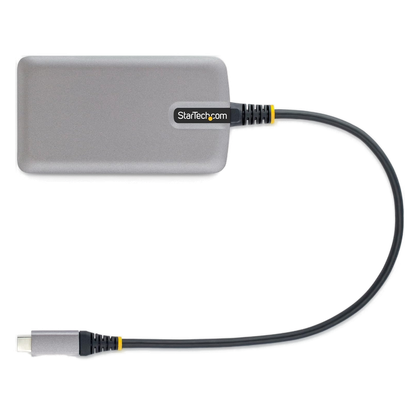
The StarTech USB-C Hub with Ethernet allows users to connect to Gigabit Ethernet connections with an RJ45 jack. It’s my go-to hub because it bundles three USB 3.0 Type-A ports in addition to the Ethernet jack. I usually find myself needing legacy peripherals while using wired networking, so it’s a perfect fit.