

Experts are urging mobile users to protect themselves as soon as possible
Sophie Buchan Money and Lifestyle Writer
15:55, 28 Mar 2026

Update your settings ASAP(Image: Getty)
iPhone and Android users are being urged to protect themselves and their phones from hackers. And there are a series of easy steps to follow to do this.
Our phones store everything from banking details to private messages and photos, making them valuable targets for cybercriminals. Even though you may think your device is secure, no system is completely immune. With this in mind, experts from Which? have urged people to lock as many online accounts as possible with two-factor authentication. It explains that this quick security measure is a “brilliant and simple way” to protect your data and bank account.
It explains: “When you attempt to access an account from a new device – for example, a Gmail or Outlook inbox – the associated website or app will send a code to your smartphone. You then have to enter the time-sensitive code before you can continue using the service.
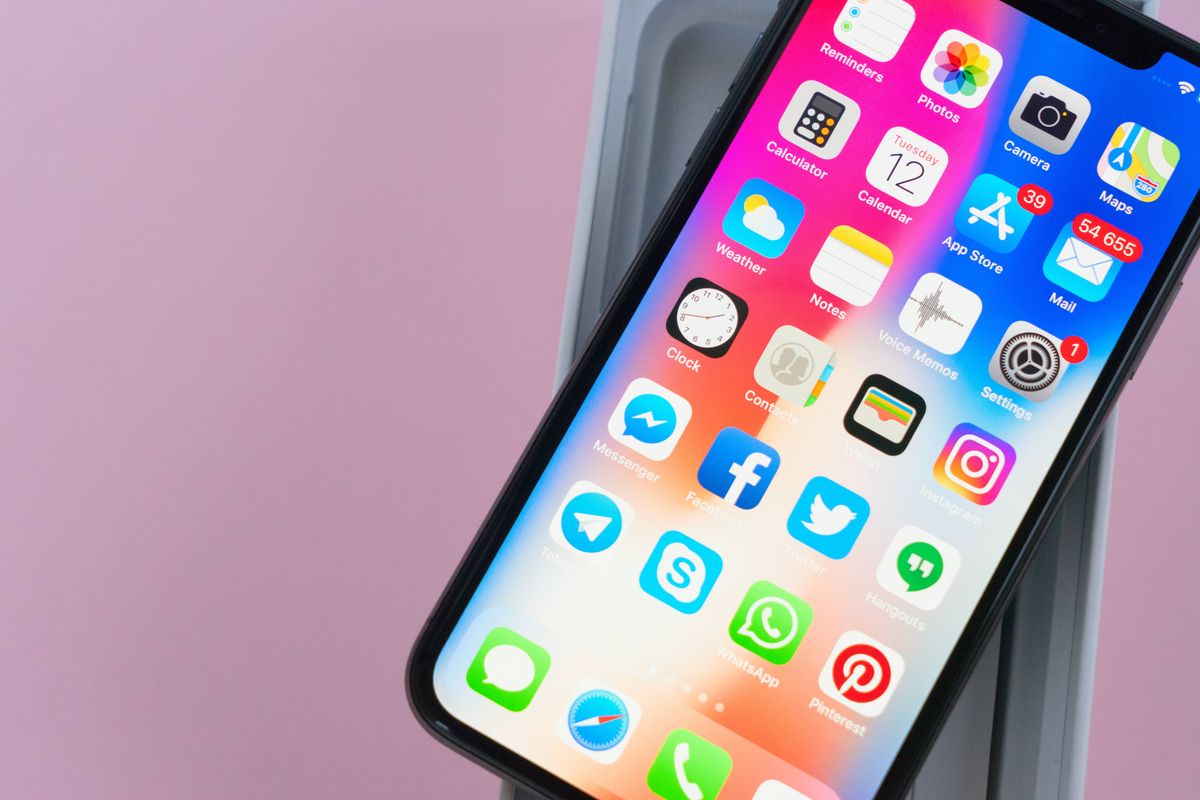
iPhone and Android users can take these steps now(Image: neirfy via Getty Images)
“We strongly suggest activating 2FA for every service you log in to. Doing so can stop hackers who might have obtained your password via a data breach or phishing scam from logging in.”
To activate 2FA, launch the application you wish to secure, then navigate to the account security settings. Usually, you’ll be prompted to enter your mobile number, after which the service will send you a code. You then enter this code to confirm your intention to proceed with the setup.
As well as these, you should always be cautious about suspicious links, and avoid unsecured public Wi-F networks. Make sure that you’re only downloading trusted apps as all this can go a long way in reducing risk.
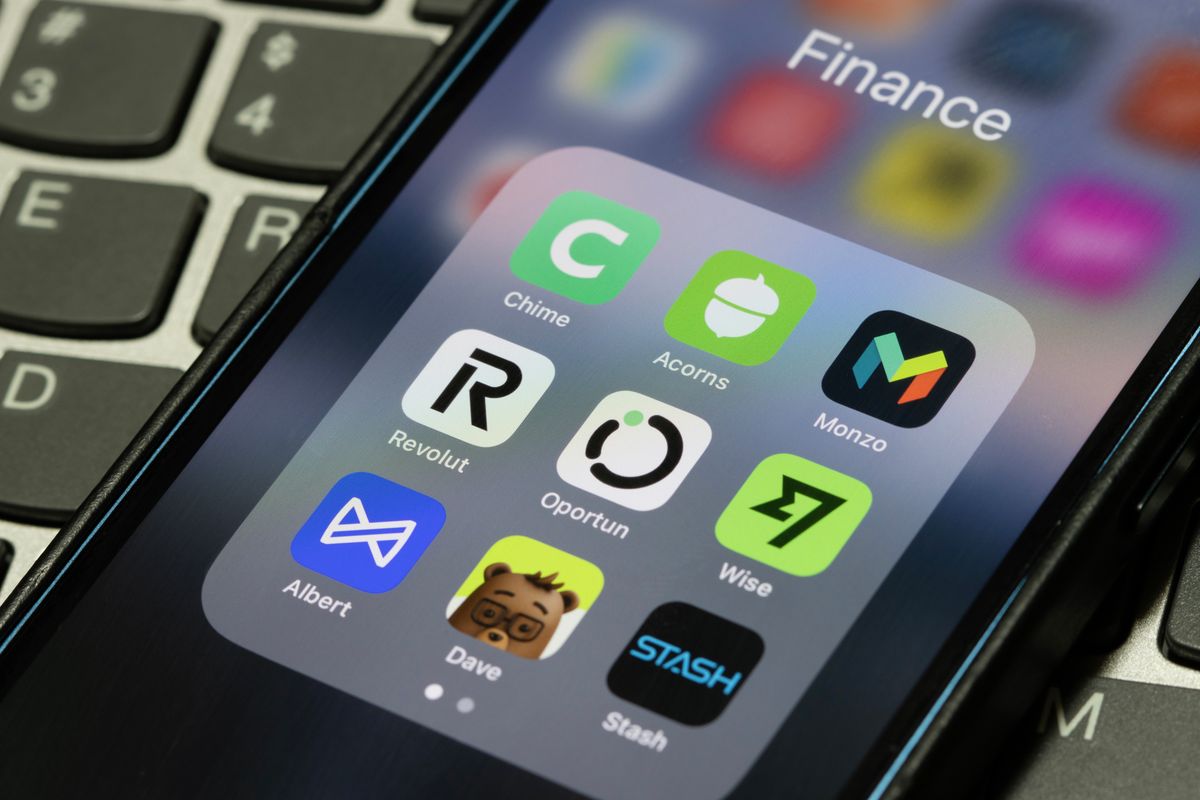
Hackers could access your personal photos or even banking apps(Image: Getty)
These features add multiple layers of protection, making it much harder for unauthorised users to access your information. Keeping your software up to date also ensures you benefit from the latest security patches.
To check if your smartphone is up to date, follow these steps:
On iPhone: Open Settings and choose General. Tap About to see your iOS version. You can also choose Software update to check for updates.On Android: Open the Settings app and look for an option that says About phone or similar. Tap it and look for Android version. From the main Settings screen, you can also find an Update option. On a Google Pixel, for example, the steps would be Settings > System > Software updates.
As well as changes to your phone, simple habits like using strong passwords, reviewing app permissions and locking your device when not in use can make a big difference. By leveraging built-in security features and being smart about your device habits, you’re maximising your protection and staying as safe as possible.