
Rita El Khoury / Android Authority
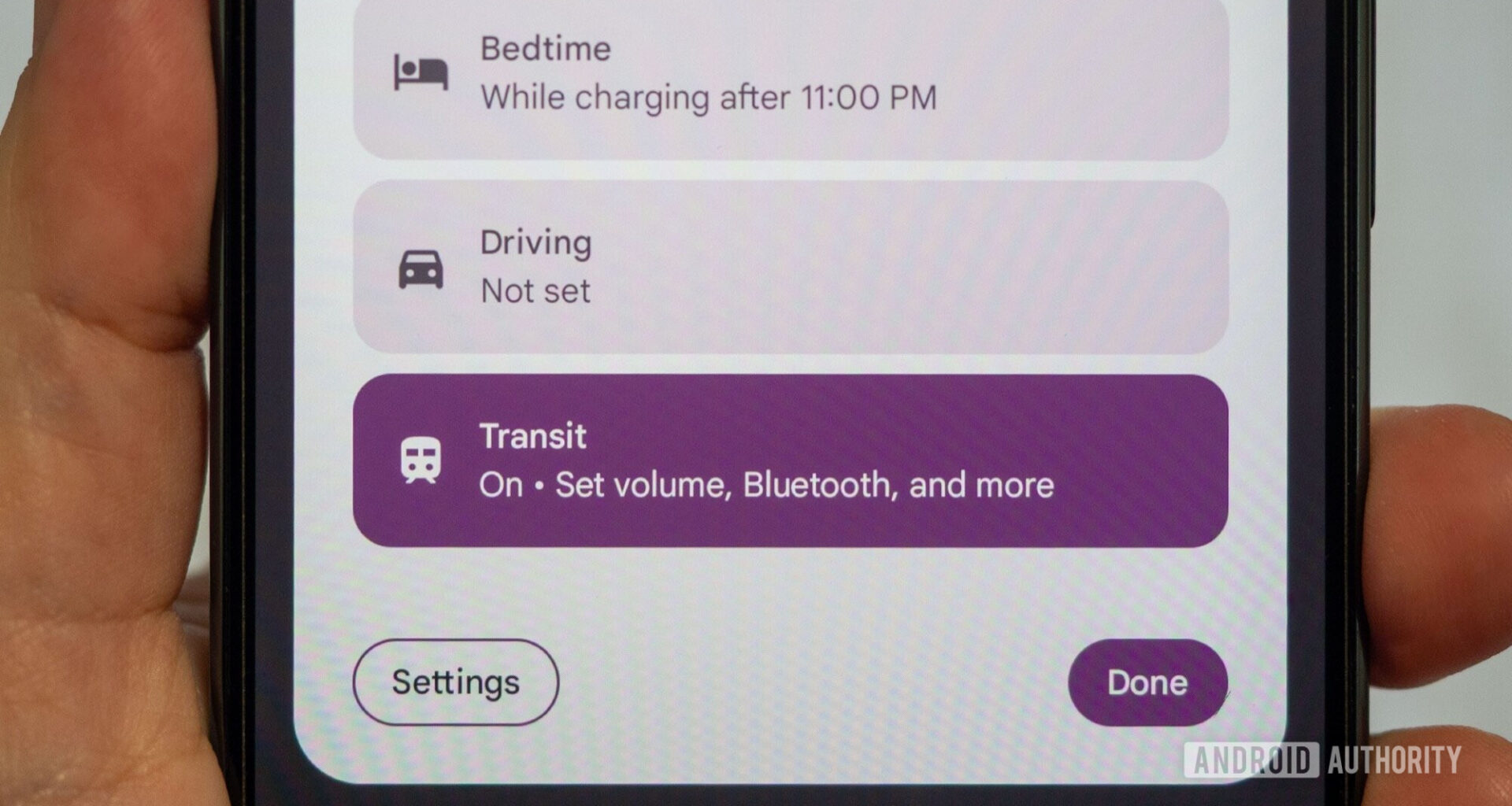
Transit mode was supposed to launch with the March Pixel Drop, but for weeks, it was nowhere to be found on my Pixel 10 Pro XL. I updated everything, including the often-forgotten Play System, but it refused to show up for me. A couple of days ago, it finally did, and I was able to give it a go immediately after.
This isn’t a mundane new feature for me — I take public transit everywhere I go, and I really want to see how Google’s new mode can improve or change this experience for me going forward.
Transit mode is all about reduced disturbances
Getting pinged by a dozen notifications when you’re on a bus or train isn’t the best experience for you or for those around you. Because of this, Google’s first setting for transit mode involves picking a volume you’re comfortable with. You can leave the sound on (please don’t) or choose between vibrate and silent. You can also have it automatically enable Bluetooth to simplify pairing your buds or headphones.
This particular aspect isn’t much use to me because my phone is always silent when I’m wearing my watch, and I always have Bluetooth on by default. But for anyone who likes to switch ringing modes or toggle Bluetooth, this is already a step in the right direction.
Google adds a big notification filter on top of this. I don’t know about you, but I don’t need a notification from my bank or my electricity supplier’s app while riding the bus. You can allow all notifications if you’re adventurous, but the right approach is to tailor them. I only allow my starred contacts to message and call me, though I could open this to all contacts or reduce it to priority conversations only. For those who really don’t care about interruptions during commutes, there’s a “none” option, too. I appreciate that there’s still a toggle to allow repeat callers, even if they’re not contacts, which works a treat when I’m afraid the Amazon delivery might leave my package out unattended.
I’m glad there’s finally one toggle to control all of these sound and notification settings at once.
For applications, I’ve allowed Google’s apps as well as CityMapper, WhatsApp, my home’s alarm system, and my smart home — i.e., all the crucial notifications that I still need when out and about. The rest can wait, especially personal notifications from my banking and financial apps.
On top of this, Google has made sure that all sounds coming from the phone can be turned on or off. I disabled alarms, reminders, and calendar events, as well as touch sounds and all media playback sounds. I’ve had a few side looks from Parisian metro riders when a video played by mistake on Twitter with a loud volume, and I’d rather it didn’t happen again. When Transit mode is active, it takes over the volume panel, too, and most sound settings get greyed out because they’re controlled by it.
All of these options are crucial to good transit etiquette among riders, and I’m glad there’s finally one toggle to turn them all off or on in one go, instead of activating Do Not Disturb and manually tweaking a setting here and another there.
Visual privacy is essential when riding transit
Crowded Parisian metros have taught me that there’s no such thing as privacy while commuting during rush hours, but you can still strive for some of it. I was glad to see that the new Transit mode doesn’t stop at audio disturbances, but also includes visual protections.
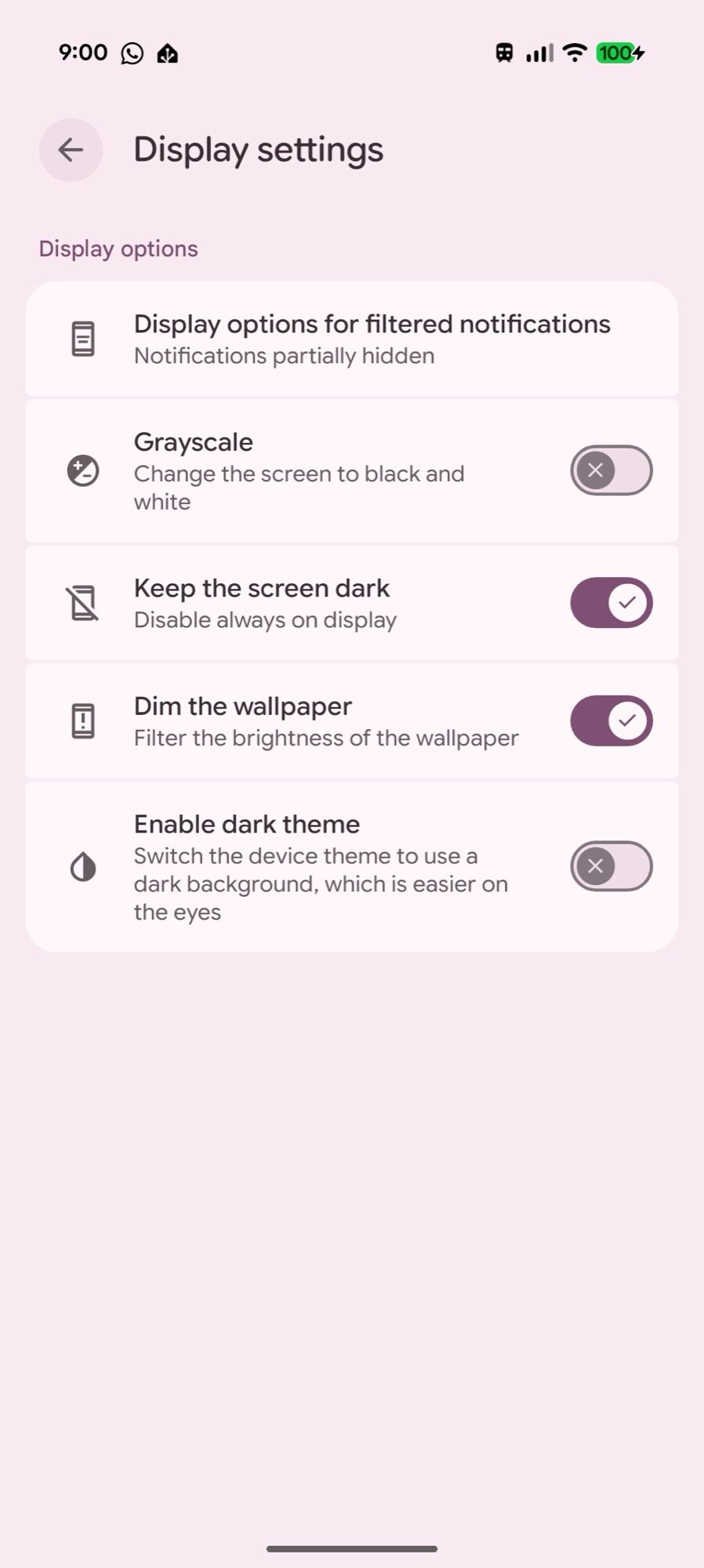
Depending on how far you want to go, you can disable the always-on display, dim your wallpaper, enable dark mode, and even switch your phone to grayscale. I’ve opted for the dimming of the home screen and lock screen wallpapers, which works super well, as well as turning off AOD. I’m still considering whether to auto-enable dark mode or not. Grayscale feels a step too far for me, but it might work for you. It’s all small elements that ensure any prying eyes don’t stop at your phone because it’s all dark and less interesting than other brighter displays nearby, and if they do, they don’t get enough details from sneaking peeks at your dim screen.
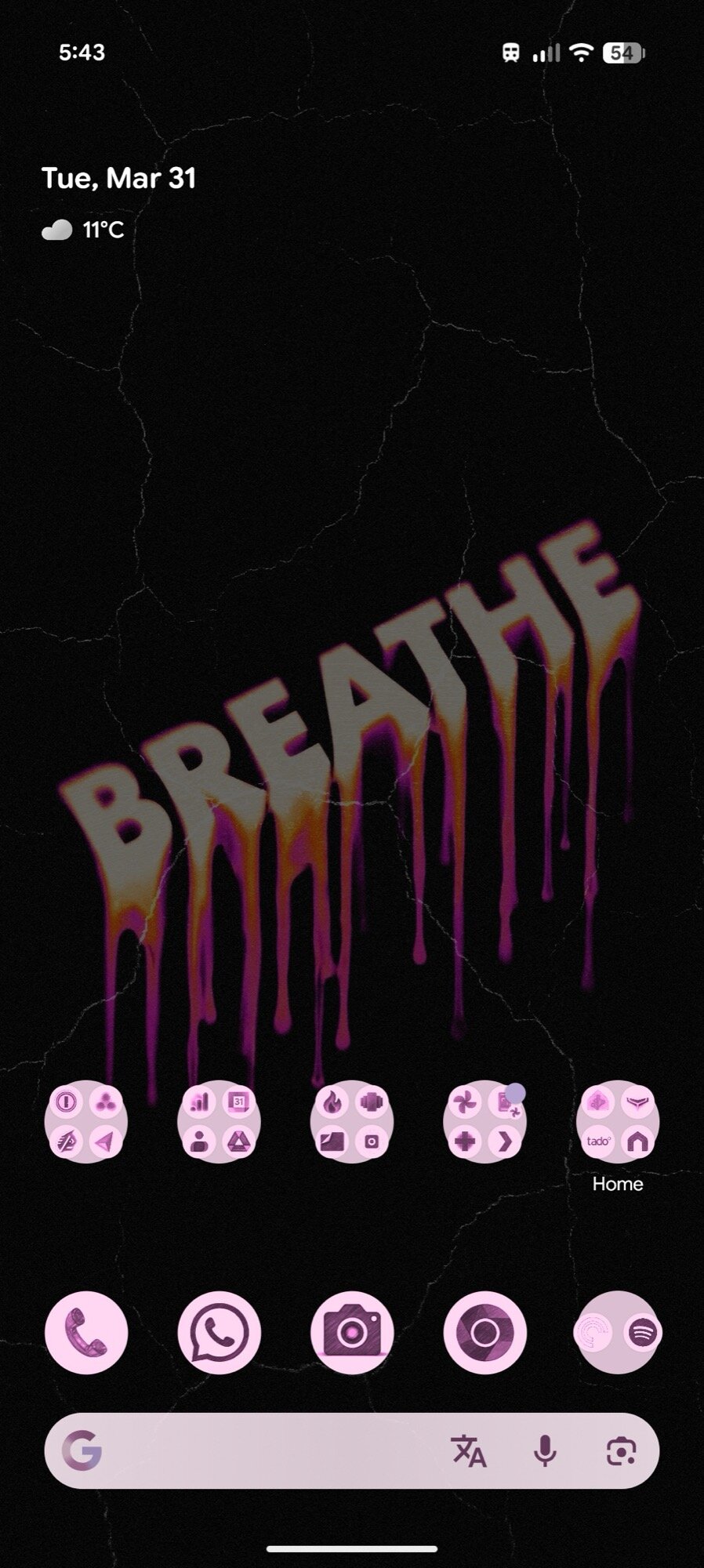
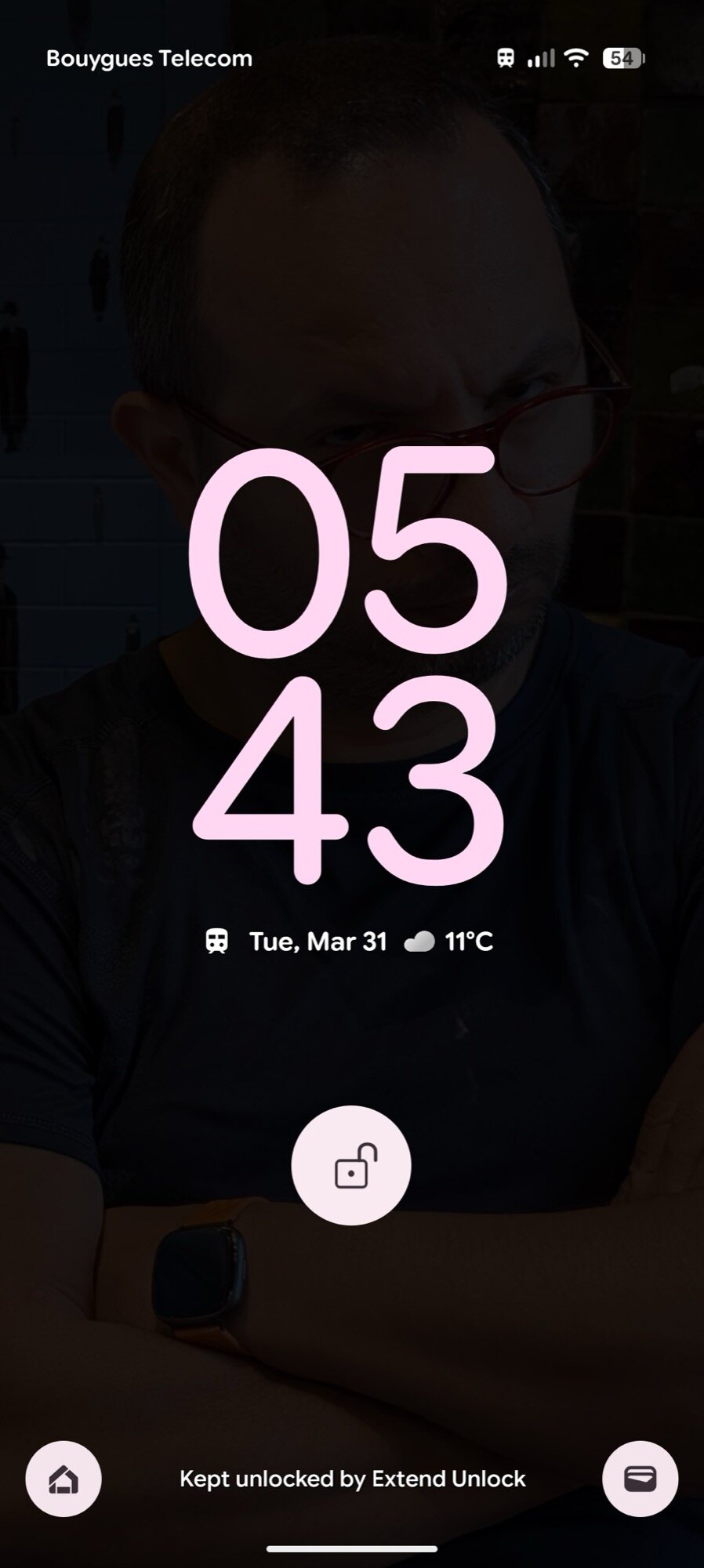
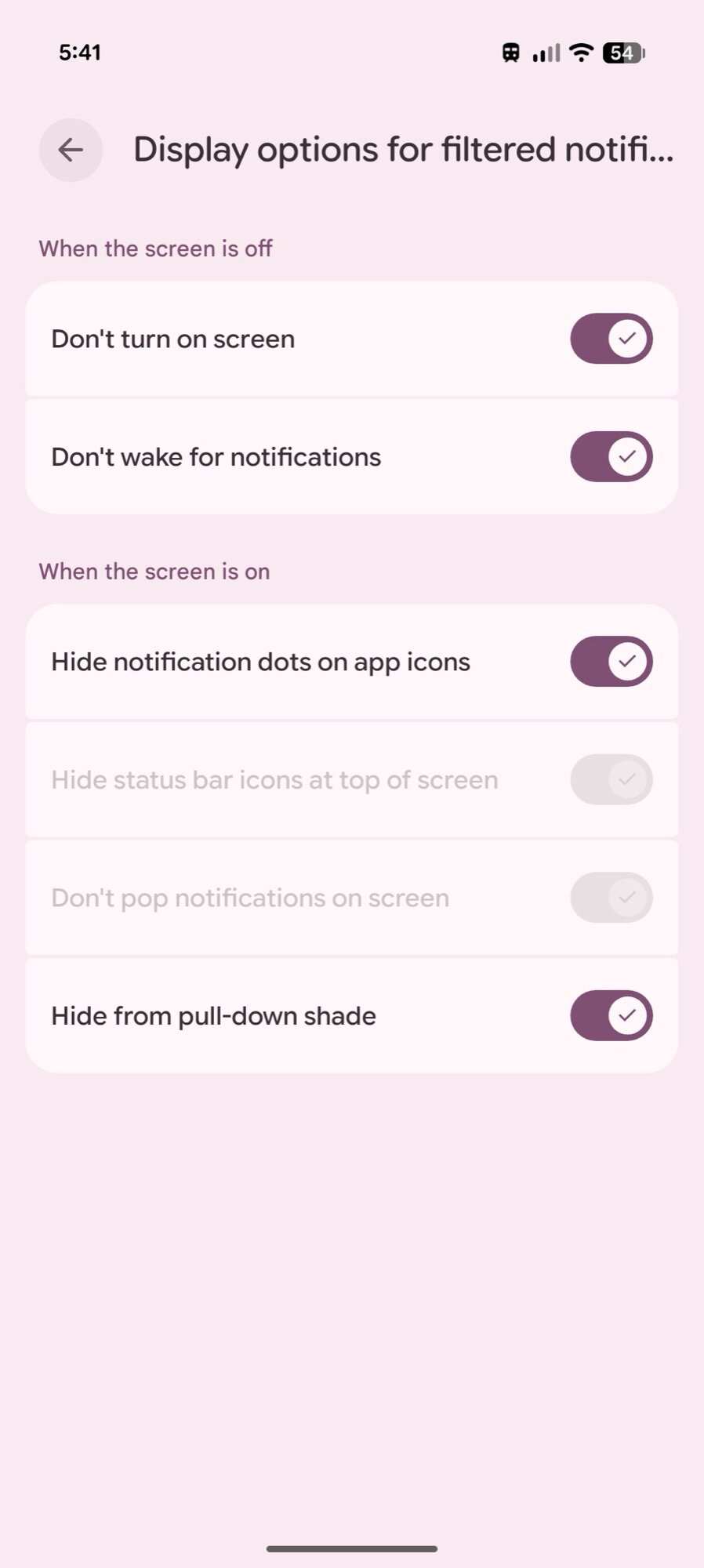
Going a step further, Google has thought of the visual impact of notifications, too. Even after filtering them, you may want notifications not to turn on your screen or wake it up, or to hide all dots, disappear from the notifications shade, or not even pop up when they arrive. It’s all possible. I’ve disabled the pop-up and status bar icons, but kept the notification dot. It’s a middle ground between letting people snoop in on what’s pending in my notifications and what I need to access to make the most of my journey. I love the granularity of all these settings.
Google should still take transit mode further
Rita El Khoury / Android Authority
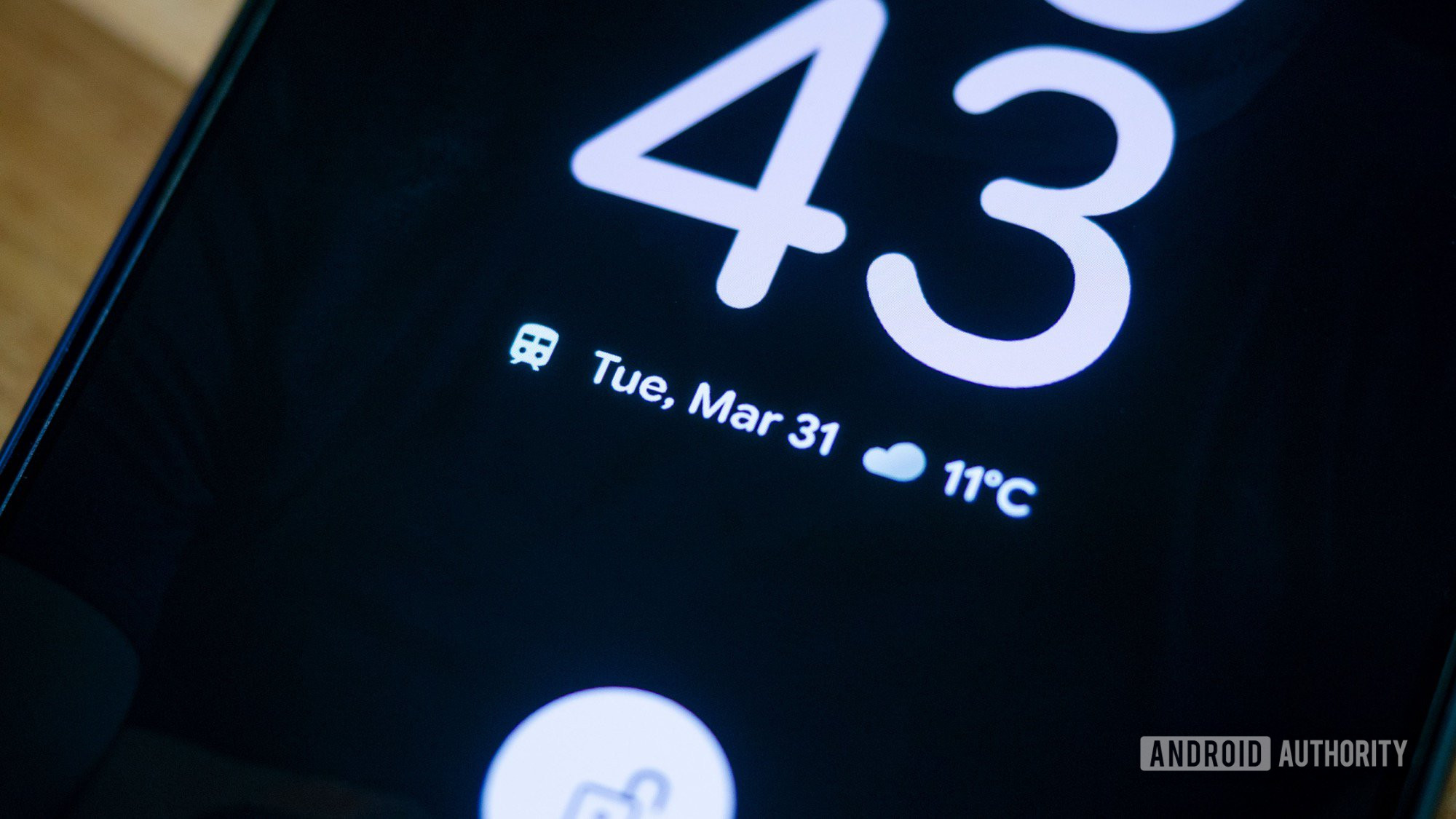
The current state of Transit Mode is a fantastic start, and there’s really a lot that Google has already thought of, from all the notification controls to the visual privacy measures. I also love that Transit mode automatically turns off the phone’s audio playback volume, which I’m sure will save me from a few rolled eyes in the future.
However, what still annoys me is that there doesn’t seem to be a way to automatically trigger Transit Mode. I have to manually remember to turn it on each time I take a bus or train — or at least I haven’t found the setting to trigger it automatically yet. I’ve already been on a couple of buses and trains while using Maps directions and with location on to see if Google would auto-detect and trigger Transit Mode, but it hasn’t. Maybe the behavior is not consistent, or maybe it’s not implemented yet.
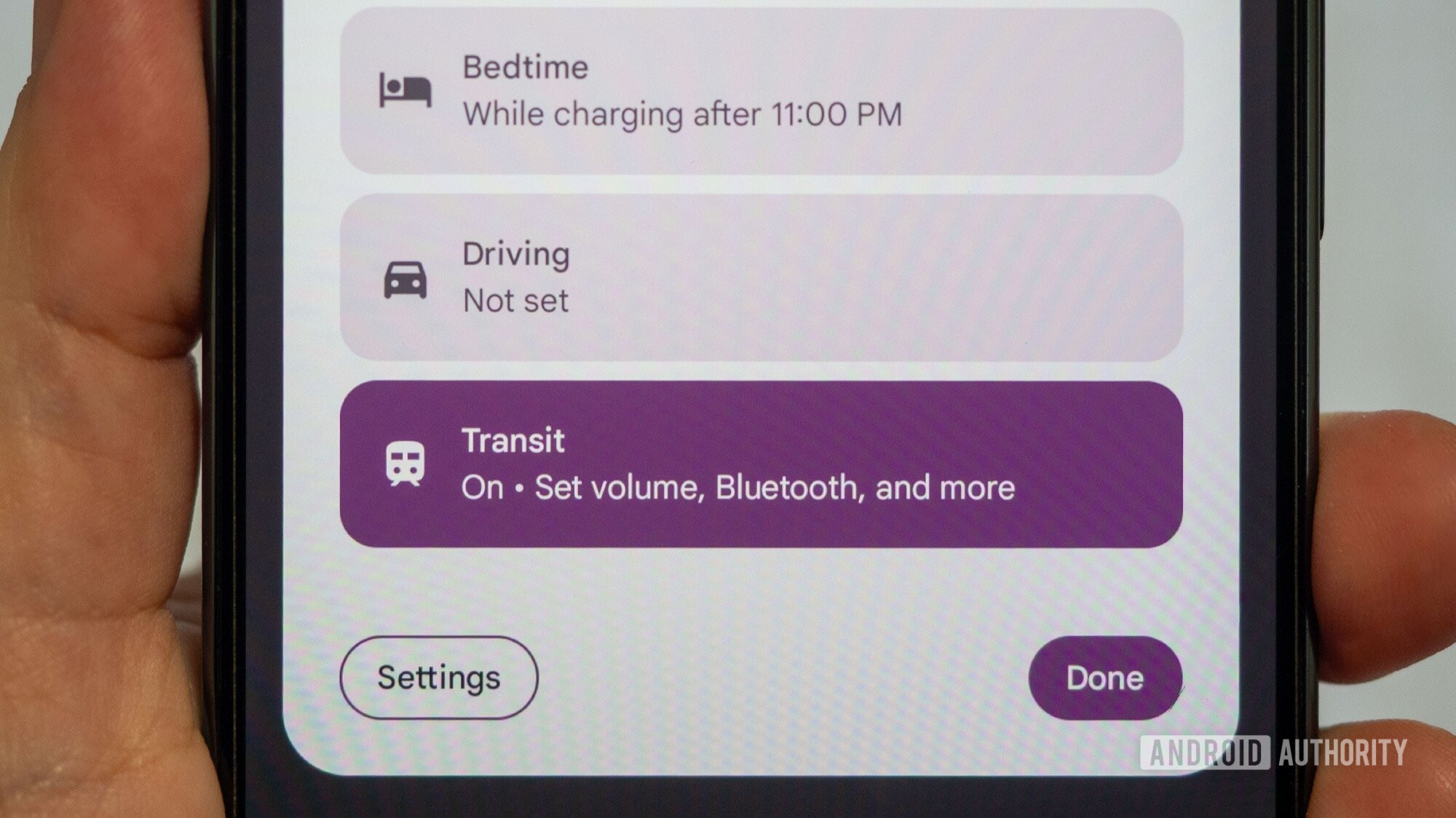
Ideally, I would want Transit Mode to be triggered automatically, like Driving Mode and Bedtime Mode are. Google Maps can already tell when I’m on a train, even if I’m not using step-by-step navigation, so why not use that? Contextual info from my phone’s movement and location, or perhaps the Bluetooth earbuds I always wear while commuting, or both. At the very least, it should automatically turn on when I use Maps’ transit mode to navigate. There should be enough signals on our Android phones for Google to trigger Transit Mode reliably for users. And when that happens, this will become the most useful feature on my phone. For now, it’s an excellent addition to my daily life as a Parisian, and I can’t imagine stepping foot on a metro without at least trying to remember to turn it on.
Don’t want to miss the best from Android Authority?


Thank you for being part of our community. Read our Comment Policy before posting.