
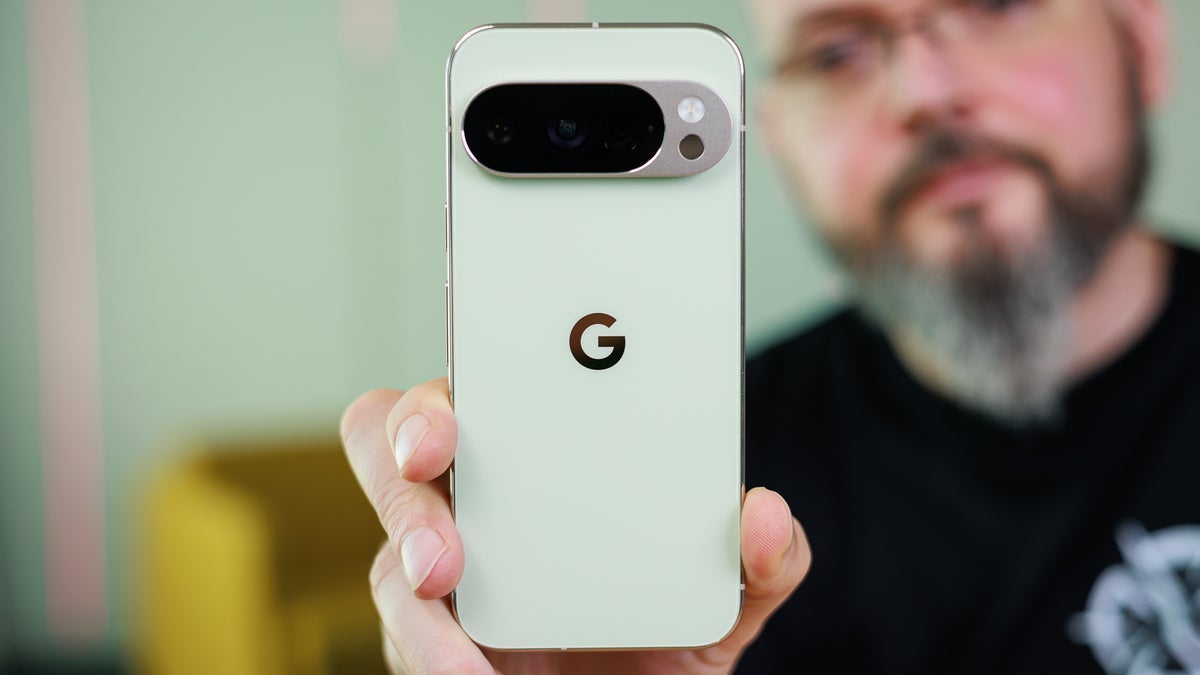
If you’re a dedicated Pixel user, one of the features you probably enjoy having is Now Playing. The latter uses on-device technology to quickly name a song being played within earshot of a Pixel phone. The name of the tune and the artist would appear on the bottom of the lock screen without any prompting from the Pixel user. In those cases when a song could not be discovered by the on-device technology, a message would appear under the fingerprint icon telling the user to tap the screen to identify the song.
Some Pixel users praised Google for returning the “Tap to see what’s playing” feature to Now Playing
Once the screen was tapped, a snippet of the song was sent via the cloud to Google’s servers where it was identified, and sent back via the cloud to the phone.The problem is that the “Tap to see what’s playing” option seemed to go away once Google released a standalone Now Playing app last month. On Friday, Google released an update of the Now Playing app taking it from version 2026.03.02.x to version 2026.03.24.x.
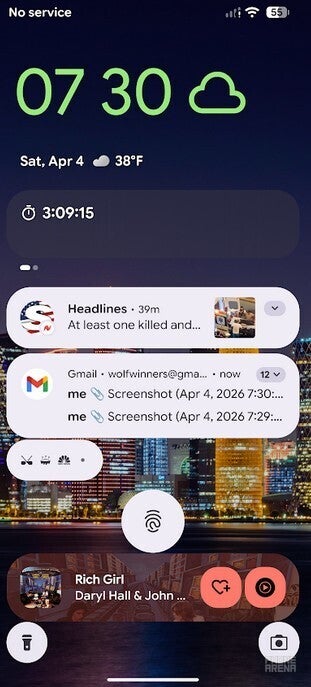
The lozenge at the bottom of the screen is an example of what you can get from the Now Playing feature on a Pixel. | Image by PhoneArena
A new transparent lozenge gives Pixel users one-handed access to a song identified by Now Playing
Here are some things that you should know. If your Pixel recognizes a song it hears and lists the name and artist near the bottom of phone’s lock screen, a single press on that data will show this information in a transparent lozenge under the fingerprint icon. It includes a picture of the album cover, the name of the song and the artist, a button to list the song as a like or dislike, and a button that will play the track from your default music streamer. This lozenge is set up to work with one-handed use.
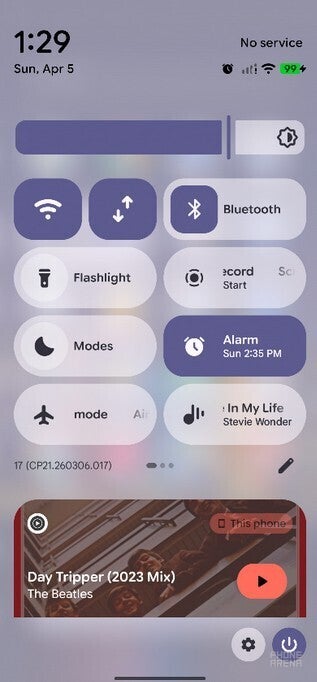
The Quick Settings Now Playing tile will also identify a song. | Image by PhoneArena
If you disable the Pixel’s always-on display to conserve battery life, the “Tap to see what’s playing” button will not appear. To allow your phone to conduct a search without unlocking the display, you can set up a Now Playing shortcut for your lock screen. Go to Settings > Display > Lock screen > Shortcuts > Now Playing. Choose to add the shortcut to the left or right corner.
With the always-on screen disabled, if you hear a tune you’re interested in, long-press the Now Playing shortcut in the left or right corner, whichever side you selected. You will see the aforementioned transparent lozenge under the fingerprint icon. Another alternative is to check out the 2 x 1 Now Playing Quick Setting tile, which should have the correct song title and the name of the artist.

Get Visible as low as $20/mo for 1 year. Limited time offer with code: FRESHSTART
Offer Ends 6.1.2026 at 11.59pm ET. New members get $5/mo off the $25/mg Visible plan, $35/mo Visible+ plan, or $45/mo Visible+ Pro plan for the first 12 months. Promo code FRESHSTART required at checkout.
Buy at Visible
Read the latest from Alan Friedman