
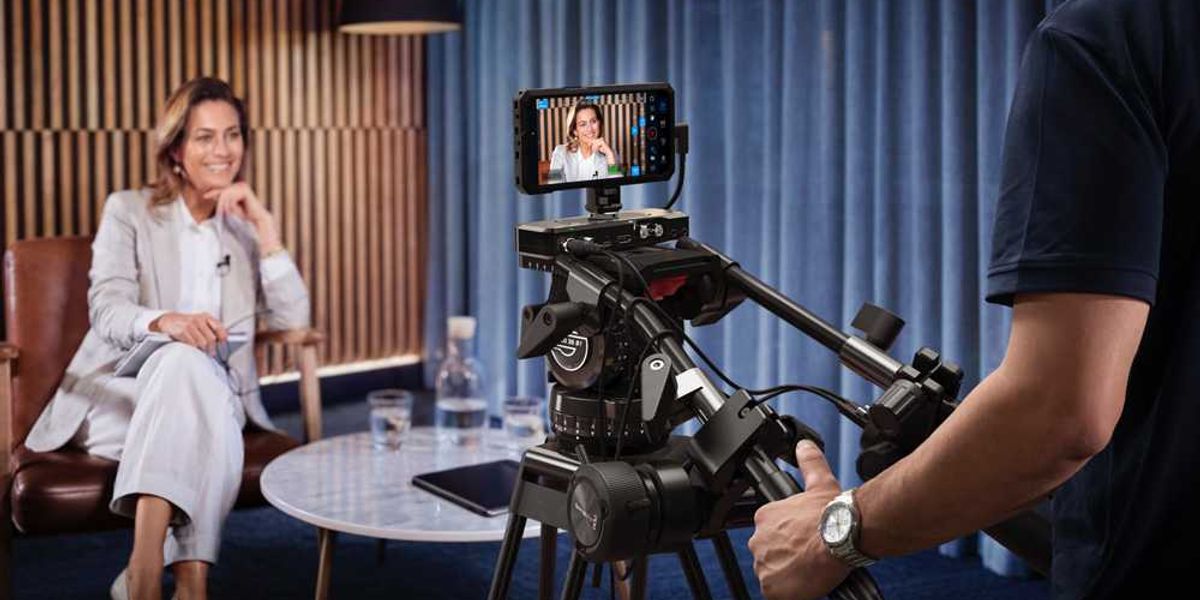
More exciting news for Apple-heads looking to feel superior to their Android counterparts. The latest Blackmagic Camera for iOS (version 3.3) is here, and it’s set to add support for camera control and monitoring via your Apple Watch.
This means Apple Watch owners will be able to start and stop recording and monitor their shots from their wrists. There are also some non-Apple Watch updates, including a new feature that adds support for ATEM camera control on your iPhone and support for Blackmagic Focus and Zoom Demands.
Blackmagic Camera Controls from your Apple Watch
Still, while we’ll explore the full breadth of this update, the big news here is the Apple Watch support. Big news for those who were already using their iPhones for camera controls and monitoring workflows, but an expansion that makes things even easier for those so inclined (or just feel too lazy to open their phones).
“We really want to help everyone use their iPhones in professional productions and to come up with new ways that the iPhone can be used. The Apple Watch companion app does that because it means you can mount an iPhone anywhere and still have full control of it from your wrist. But the most exciting feature is the brand new support for ATEM camera control, the Blackmagic Zoom Demand and the Focus Demand. This means you can use the iPhone as a studio camera while holding onto the tripod handles to focus and zoom. It’s a real studio camera and it’s a lot of fun!” – Grant Petty, Blackmagic Design CEO.
This is made possible with the Blackmagic Camera Apple Watch companion app, which lets users remotely control and monitor their iPhone from almost anywhere, whether on set or on location. Setup should be quite easy too, as all users will need to do is install the companion app through the Watch app on their iPhone, then from their wrist they’ll be able to monitor framing and audio levels, start and stop recording and adjust key settings including exposure, focus, and LUTs.
Blackmagic Camera for iOS 3.3 Update
Overall, there’s a lot to explore here as the update also adds a new feature that will unlock support for ATEM camera control, so the iThe phone can be used as a live studio camera. Users can also use the studio camera’s Blackmagic Focus and Zoom Demands when connected via the Blackmagic Camera ProDock. It’s like a studio camera, too.
Here’s the full list of Blackmagic Camera for iOS 3.3 features and updates:
Camera control and monitoring with companion app for Apple Watch.Support for ATEM camera control with Blackmagic Camera ProDock.Support for Blackmagic Focus and Zoom Demands with Blackmagic Camera ProDock.Support for full screen portrait mode HDMI output.Front camera now supports portrait and landscape without rotation for iPhone 17.Support for ProRes RAW stabilization in iOS 26.1 and above.General performance and stability improvements.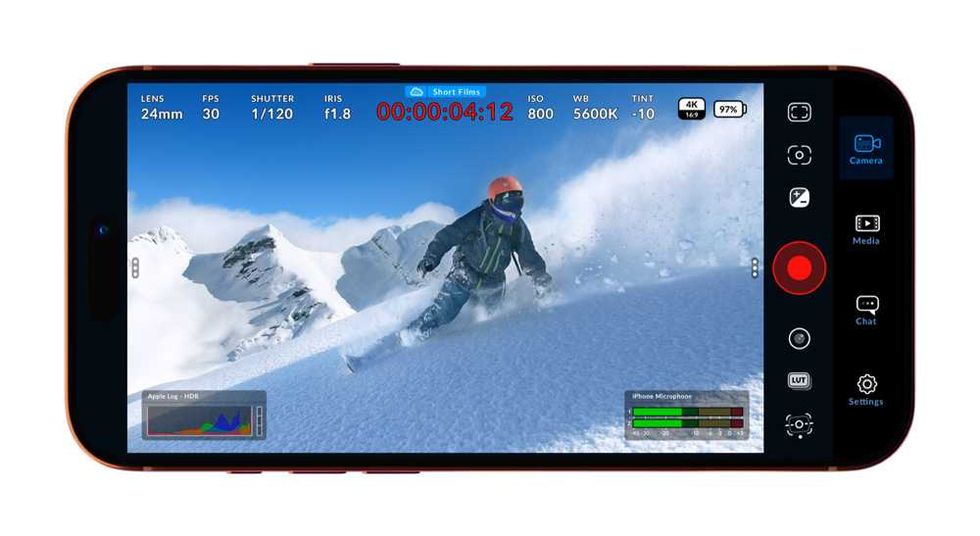
Credit: Blackmagic Design
Availability and Price
Blackmagic Design shares that this new Blackmagic Camera for iOS 3.3 update will be available to check out in person at the Blackmagic Design NAB 2026 booth #N2502.
The full update is also available now as a free download from the Apple App Store here.