
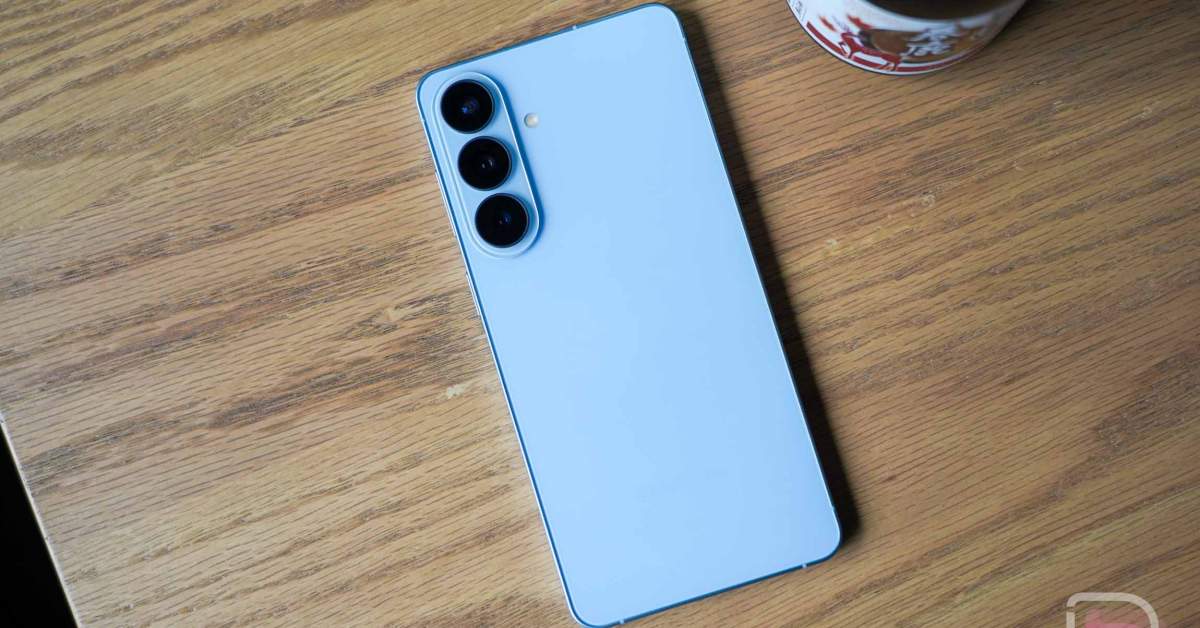
With a new month upon us and Google already pushing April updates to its Pixel line of devices, Samsung is ready to get in on the fun. The Galaxy S26 series is already getting the April update and you can download it today.
The update is not large, since we are all just waiting for the next big software update from Samsung. This is simply a monthly security patch for the month of April. The Galaxy S26, S26+, S26 Ultra, Galaxy S25 Edge, and Galaxy S25 FE are all getting this latest April build.
Other devices are getting updates too, they just aren’t this new April build. The Galaxy S23 series is finally getting March’s patch, while the Galaxy Watch 4 and Watch 4 Classic are both seeing February’s update.
Galaxy S26 Ultra: BP4A.251205.006.S948USQS2AZCO
Galaxy S26+: BP4A.251205.006.S947USQS2AZCO
Galaxy S26: BP4A.251205.006.S942USQS2AZCO
Galaxy S25 Edge: BP2A.250605.031.A3.S937USQS6BZBH
Galaxy S25 FE: BP2A.250605.031.A3.S731USQS6AZBH
Galaxy S23 Ultra: BP2A.250605.031.A3.S918USQS7EZC1
Galaxy S23+: BP2A.250605.031.A3.S916USQS7EZC1
Galaxy S23: BP2A.250605.031.A3.S911USQS7EZC1
Galaxy Watch 4: R865USQU2JZB6 (40mm) / R875USQU2JZB6 (44mm)
Galaxy Watch 4 Classic: R885USQU2JZB6 (42mm) / R895USQU2JZB6 (46mm)
UPDATE 4/9: The Samsung April update downloads continues with the Galaxy S25 series, as well as the Galaxy Z Fold 7 and Flip 7.
Galaxy S25 Ultra: S938USQS9BZBH
Galaxy S25+: S936USQS9BZBH
Galaxy S25: S931USQS9BZBH
Galaxy Z Fold 7: F966USQS9AZC8
Galaxy Z Flip 7: F766USQS8AZC3
UPDATE 4/15: And now we’re seeing another batch of updates, this time on the Galaxy S24 series, as well as the Fold 6 and Flip 6.
Galaxy S24 Ultra: S928USQS5CZD2
Galaxy S24+: S926USQS5CZD2
Galaxy S24: S921USQS5CZD2
Galaxy Z Fold 6: F956USQS3CZC5
Galaxy Z Flip 6: F741USQS3CZC5
UPDATE 4/17: The Galaxy S23 series has joined the April update party.
Galaxy S23 Ultra: S918USQS7EZCI
Galaxy S23+: S916USQS7EZCI
Galaxy S23: S911USQS7EZCI
To check for Samsung updates on your Galaxy smartphone, head into Settings>Software update>Download and install. To check for updates on your Galaxy Watch, head into open the Galaxy Wearable app on your phone, head into Watch Settings>Watch software update>Download and install.
Let us know if you see the new builds!