
The debate over whether you should use Ethernet or Wi-Fi is more contentious than ever, and that’s because wireless networking itself is better than ever. The latest Wi-Fi 7 standard promises theoretical speeds of up to 46Gbps, and it’s a major increase over Wi-Fi 6E’s 9.6Gbps maximum. In theory, Wi-Fi is fast enough to handle any home networking job. But the word theoretical is doing a lot of heavy lifting. Bandwidth caps, range limitations, physical obstructions, and wireless interference all ensure that you never see those theoretical maximums, or anything close to them, in the real world.
Ethernet is fast, consistent, and reliable. Connections go straight from your router or networking switch to the device that needs internet access. The flaws of Wi-Fi that reduce speed and stability don’t apply to Ethernet connections. While it’s not necessary to hardwire every internet-connected device in your home, these seven device types shouldn’t be on Wi-Fi if you can help it.
Related
Why you should always use Ethernet instead of Wi-Fi (when possible)
Use Ethernet when and where possible over a Wi-Fi connection.
TVs and streaming boxes
Get reliable speeds and save wireless bandwidth for other devices
Most people run smart TVs and streaming boxes off of a wireless connection, and they might not know that many of them have a hidden Ethernet port on the back. Speed isn’t the biggest factor in making sure your 4K HDR streams don’t buffer or stutter. In fact, the average 4K HDR stream only requires about 25Mbps of internet speed, and that’s more than enough for Wi-Fi to handle. However, all of that video and audio data is transmitted in near real-time, so if speed or bandwidth drops unexpectedly, you start seeing that swirling wheel.
There’s a limitation of Ethernet jacks on smart TVs, and it’s that many of them are capped at 100Mbps speeds. If you have a wireless router capable of Gigabit speeds or higher, you might feel like plugging in an Ethernet cable actually restricts the top speeds of your network. Since the most demanding 4K HDR streams require only a fraction of that 100Mbps cap, this isn’t the case. Instead, connecting a TV or streaming box to Ethernet raises the minimum speeds you can expect from your network. The reliability of a wired connection ensures a streaming service will always get the ~25Mbps it needs for a stable viewing experience.
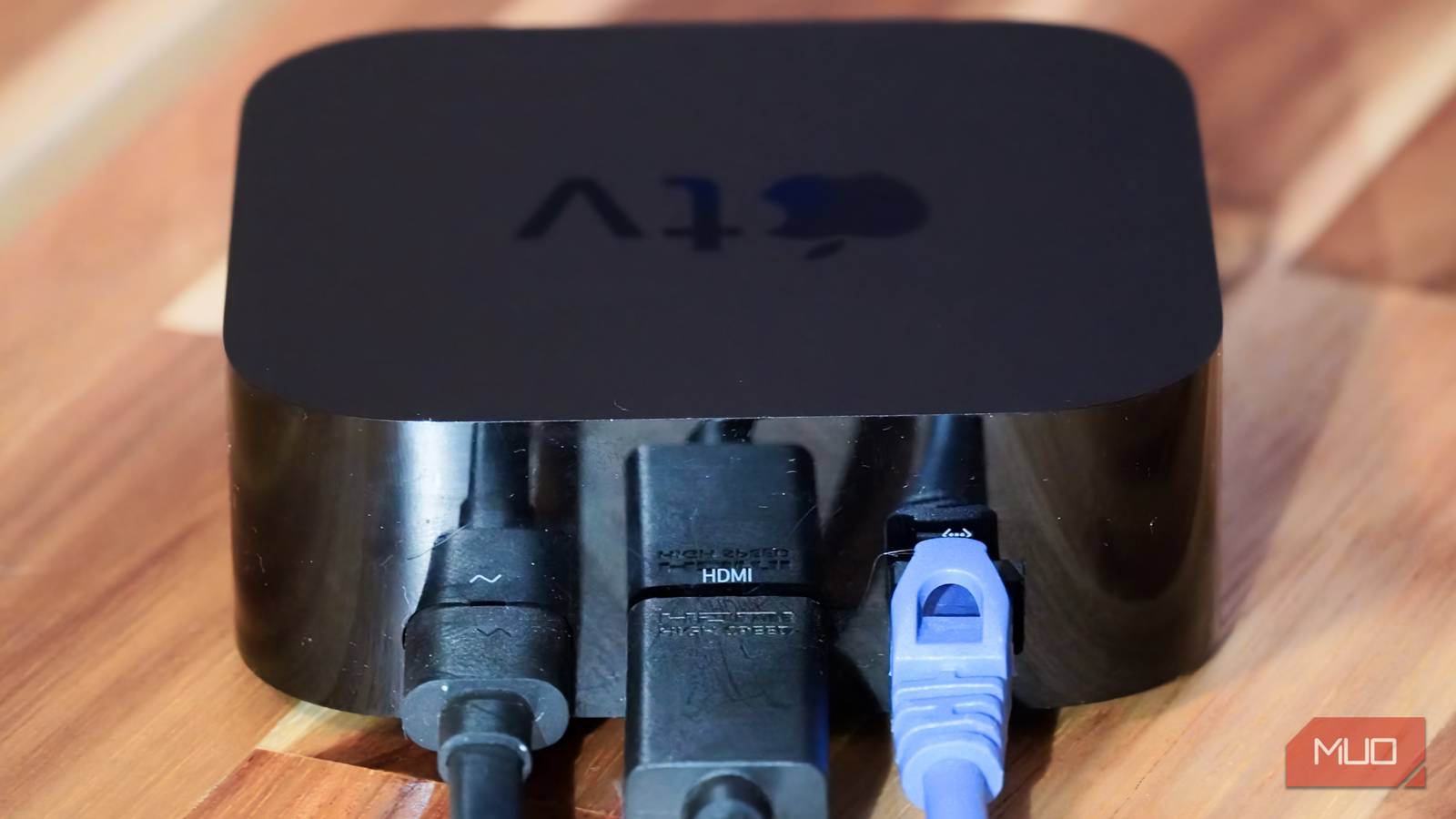
Connect your streaming boxes, like an Apple TV or Google TV Streamer, to an Ethernet connection too. Those models support 1-Gigabit Ethernet connections, which will likely outperform the capabilities of your wireless network.
Related
I stopped using Wi-Fi for my TV and I’m never going back
Instead of Wi-Fi, I use Ethernet to connect my TV and set-top boxes to my home network, and there are more benefits than you may think.
PCs and game consoles
Plug an Ethernet cable in once, get fast and consistent speeds forever
No attribution necessary, photo taken by author James HirtzCredit: James Hirtz / MakeUseOf
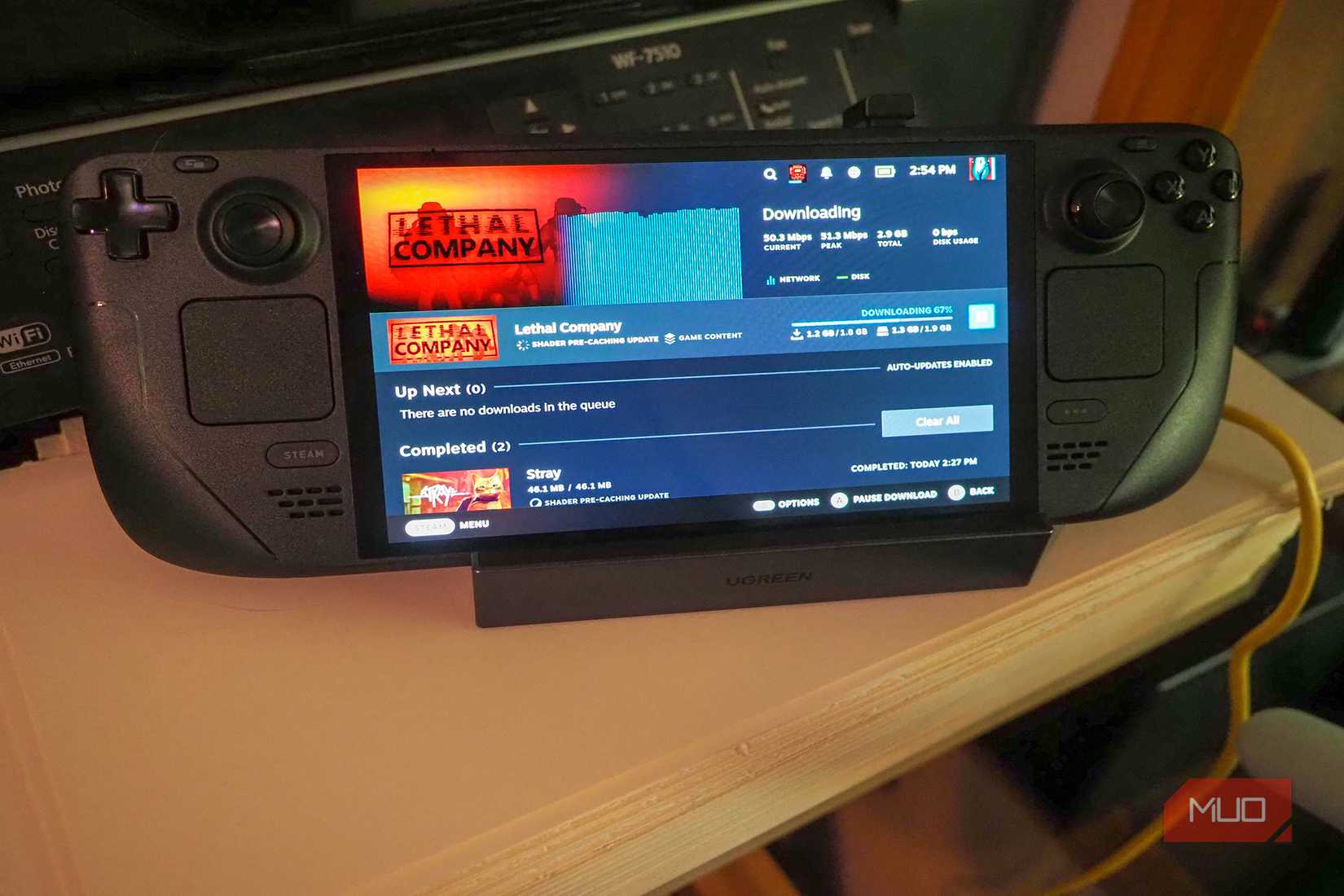
Stationary devices — such as TVs and streaming boxes — are great candidates for a wired Ethernet connection. They primarily stay in one place, so you can run an Ethernet cable from your router and switch to the device once and get reliable speeds forever. For the same reasons, PCs and game consoles shouldn’t be on a Wi-Fi network. When downloading large games or playing competitive titles, the fast throughput and low latency really help compared to Wi-Fi.
Think about all the devices connected to your wireless home network at any given time. There are phones, smart home accessories, laptops, and many other devices all competing for a limited wireless signal. By hooking certain products up to Ethernet, fewer devices are fighting to get a Wi-Fi connection and either upload or download data simultaneously. So, connecting your PC or gaming console to Ethernet isn’t just about getting faster and more reliable speeds for those devices — it’s about taking a load off your entire wireless network.
There’s not a single device in my home that benefits more from a wired network connection than my gaming PCs and consoles. Those dreaded 100GB+ game downloads and unexpected 15GB+ updates? Forget coming back to your system in an hour — they take merely minutes on a good Ethernet connection.
Related
Wi-Fi is good enough for most things, but I always connect these 3 devices with Ethernet anyway
I love the convenience of Wi-Fi, but I love knowing that these won’t drop connection.
Printers
Get reliable, local network printing with a single Ethernet cable
Credit: Ben Stegner/MakeUseOf
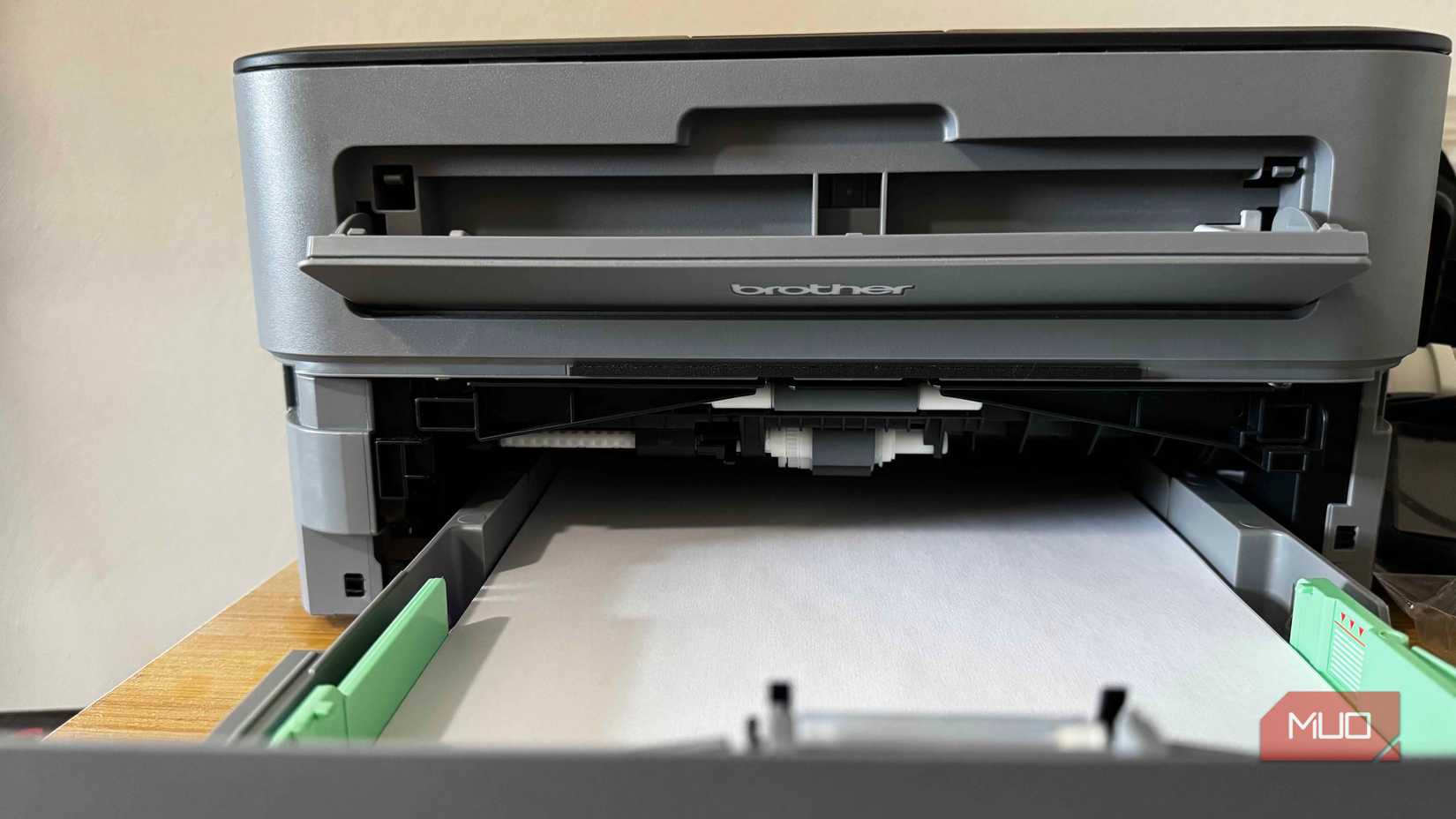
Printers are usually stored right next to your PC and router, and that makes them a prime candidate for an Ethernet connection. By using a wired connection over a wireless one, you can all but eliminate common printing headaches.
The printer still shows up on your home network, and you can wirelessly print from devices connected to it. However, the core link between your router and the printer is using Ethernet, making it faster and more reliable. Plus, you can turn off Wi-Fi when a direct Ethernet connection is active, limiting its wireless interference.
Storage servers
Host a file, media, or music server over your home network
If you’re interested in using a home server, it’s worth pointing out that deploying a network-attached storage (NAS) system with Ethernet will be faster and more reliable than creating a wireless server. It’s particularly excellent for multitasking. A media server hooked up to your home network over Ethernet can stream content to clients, like a TV or smartphone, while simultaneously downloading content from other devices.
Certain server workflows might require modifying files stored on a NAS, and this is possible with a fast Ethernet connection with great responsiveness. Trying to complete the same task on Wi-Fi alone would be near impossible, as wireless connections add latency. So, if you’re trying to make a homemade file server, media server, or music server, you don’t want to be using Wi-Fi alone. Connect your host server directly to the router using a cable, and let clients connect wirelessly.
Mesh router nodes
Wired backhaul is what makes mesh router systems feel fast
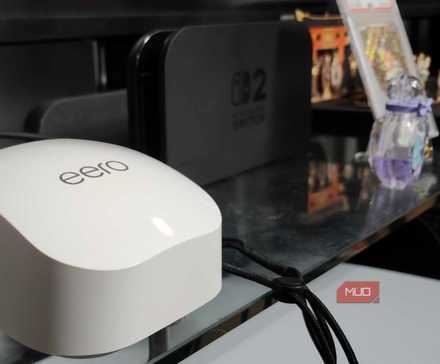
Finally, your mesh router system shouldn’t be using Wi-Fi if you can help it. That sounds counter-intuitive, but there are two ways mesh networks connect. One is through wireless backhaul, in which the host router node connects to the other mesh extenders without a cable. This is good for extending range, but it isn’t ideal for improving speed or stability. The more mesh extenders that connect to your primary router, the more obstructions and interference there are to limit performance. That’s why the better option is to use wired backhaul.
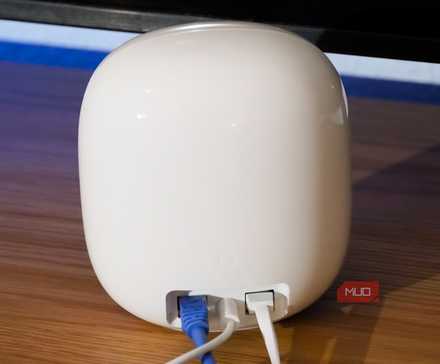
Wired backhaul uses Ethernet connections to create your mesh system. In this layout, every individual access point gets its own wired network connection. They all go straight to the host router, usually with an unmanaged networking switch in between. This allows your primary router node to handle mesh network creation and all network management features, while giving the other mesh nodes direct and wired connections to the network. It’s the only way to make sure your mesh network actually combats interference and physical obstructions (like walls and floors) for better stability and speed.
Related
Switching to a mesh network finally killed my Wi-Fi dead zones
In a home with just one working coax jack, investing in the Google Nest Wi-Fi Pro mesh system ensured I’m getting the internet speeds I pay for.
When it makes sense to use Wi-Fi
Wi-Fi is great for devices and accessories that are impossible and impractical to connect with a cable. For example, I’d never tell you to connect your phones with an Ethernet cable, even if it actually works. Devices and accessories without an Ethernet port or those that need to be portable are completely better suited for a wireless connection.
However, any device with an Ethernet port that stays in one place — like your TV, PC, printer, server, or access point — shouldn’t be on Wi-Fi. It’ll relieve network congestion, bringing snappier performance to every device on your home network. Yes, even the ones still using Wi-Fi.
What’s Included
Wall mount included
Manufacturer
Netgear
Type
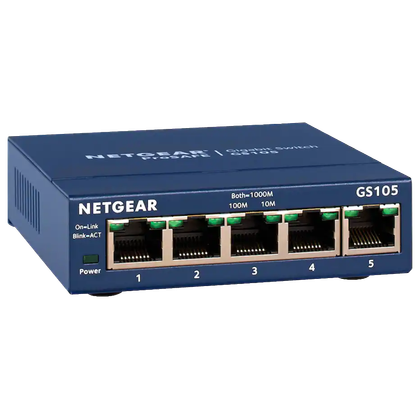
5-Port 10/100/1000 Gigabit Ethernet Unmanaged Switch
Netgear’s five-port unmanaged networking switch expands Gigabit Ethernet speeds to four additional ports. It has a small form factor and supports wall mounting. Additionally, the switch senses and adjusts for network speed and cable type without any manual configuration.