
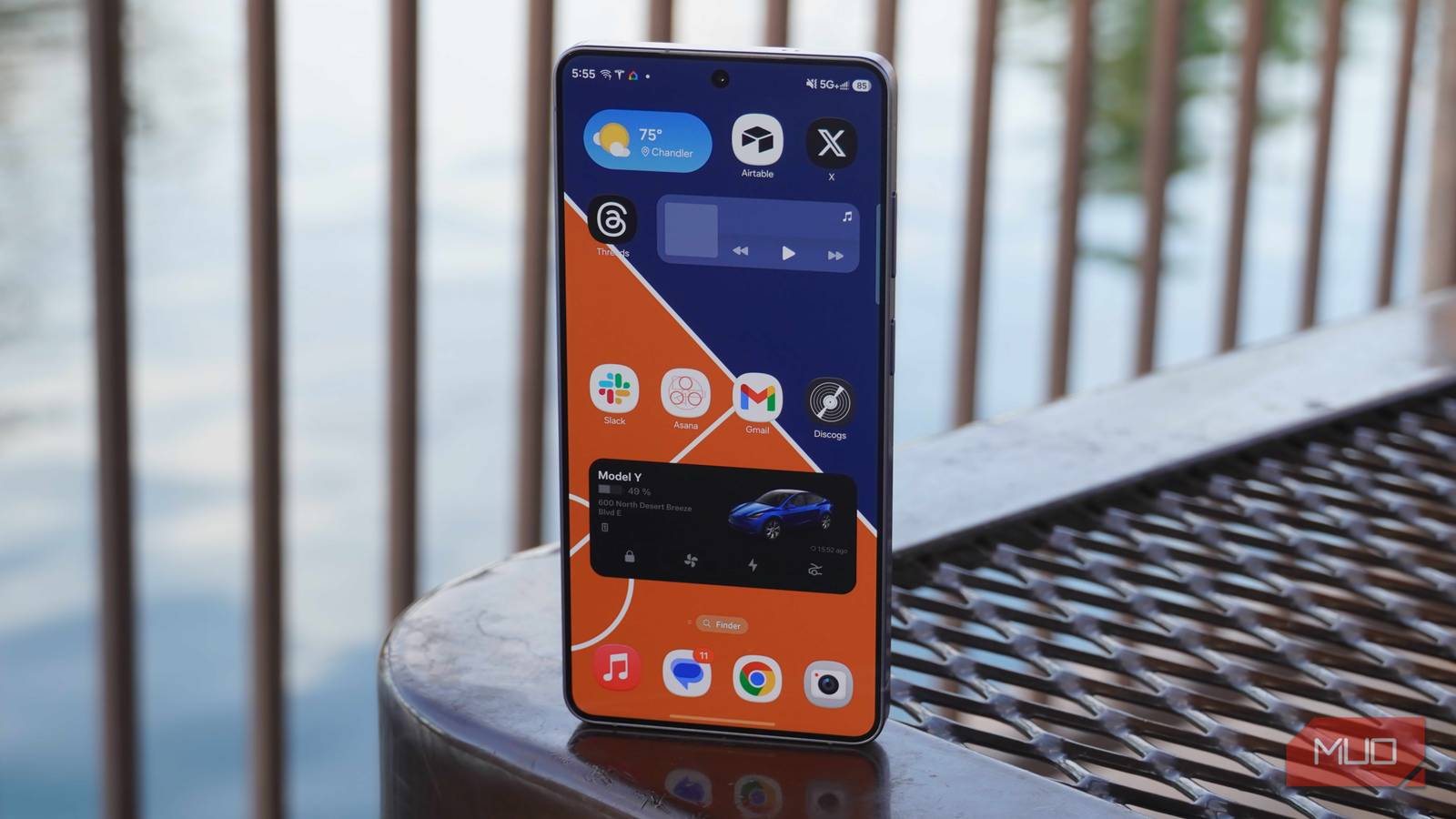
I’ve been living the dual-phone life since I started my professional writing career. It’s nice to be organized and keep my personal and work lives separate. That said, it’s hard to ignore the downsides that come with such a setup, and carrying both these phones with my wallet outside has always been a hassle.
Unfortunately, this hassle led to the worst possible outcome for me. Last week, I lost my second phone, which was a Samsung Galaxy S20. While I am grateful that I had all my data on my Android device backed up to the cloud, I regret not turning on one recovery setting that would’ve most likely helped me retrieve my Samsung phone.
Related
This Simple Routine Can Save You If You Lose Your Samsung Phone
Find your device even if it’s offline.
What is Samsung’s Find My feature?
SmartThings can be a lifesaver
It’s 2026, and tracking stolen or missing smart devices is super convenient. Samsung’s SmartThings allows managing all Samsung Galaxy devices that are registered to the same account. SmartThings also includes a helpful feature to find lost or stolen Samsung devices through the Find My feature.
Samsung’s security features are unlike anything found in other Androids, and Find My works by sending location data through your Samsung account, and it works across Samsung mobile phones, tablets, and even accessories like Galaxy Buds. However, you do have to enable the setting on your Galaxy device manually. To start, first log into your Samsung account on your Galaxy phone, then follow these steps:
Open Settings on your Samsung Galaxy smartphone.
Select Security and privacy.
Enter Lost device protection.
Press Find My Mobile.
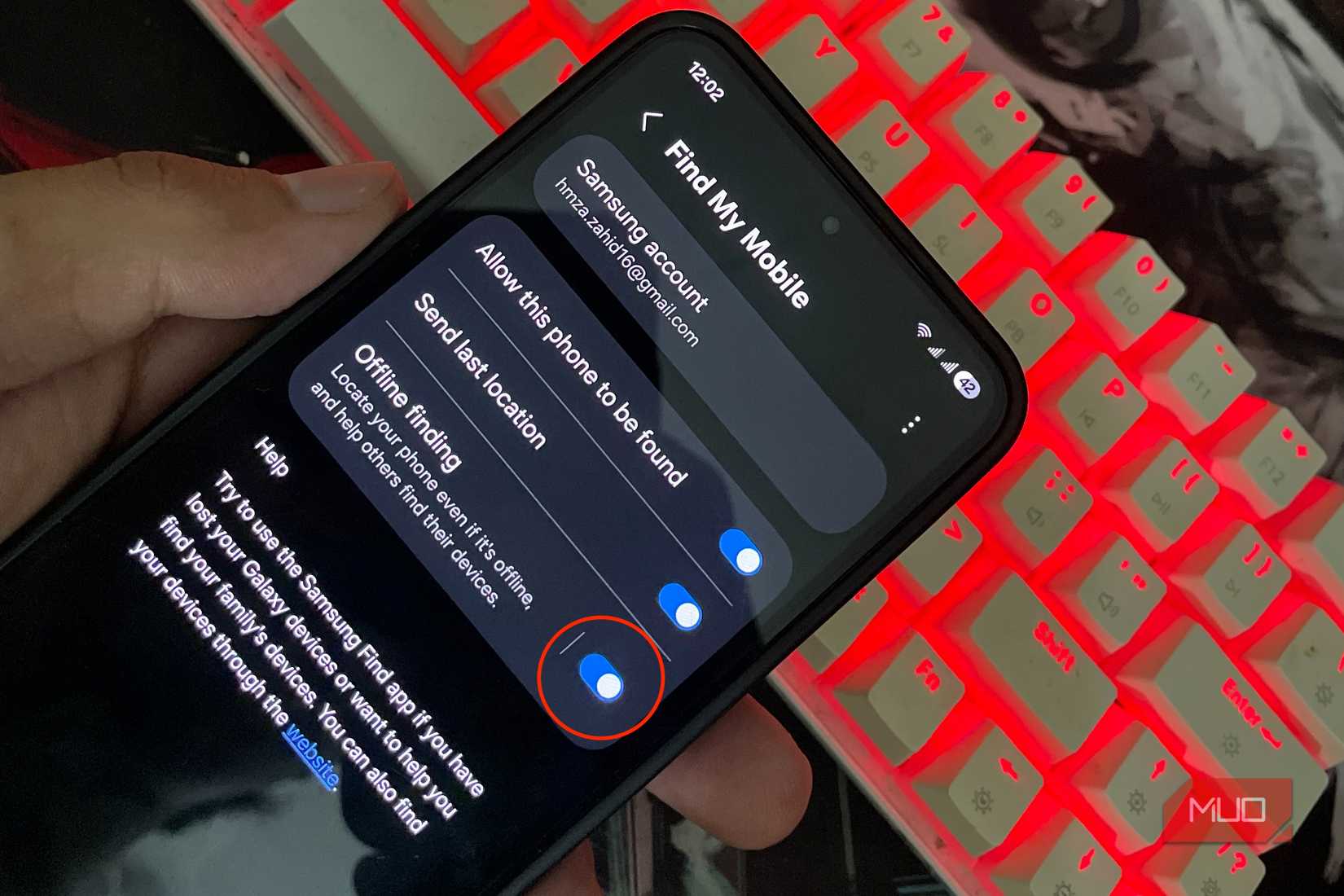
Click Allow this phone to be found.
How one setting made my Samsung Galaxy S20 impossible to recover
Turns out I didn’t need the internet for my phone to be tracked
Shaheer Khan/MakeUseOf
Now, upon losing your phone, Samsung’s Find My feature will keep track of your phone by sending real-time location over Wi-Fi/data. Unfortunately, if your phone isn’t connected to the internet, the feature is useless. My Samsung Galaxy S20 wasn’t connected to the internet either, which is why I couldn’t track it down.
Fortunately, there’s a fix for that, too. In the Samsung Find My setting, you can turn on ‘offline finding’ in the same ‘Find My’ section. The way offline finding works is by relaying signals to other nearby Samsung Galaxy devices via Bluetooth and sending them over the Samsung network to track. This works exactly like Apple’s Find My feature. It’s crucial to turn on this feature, as it enables your Samsung Galaxy device to pick up signals from other missing devices, so even if you think you can’t lose your phone, it can help others in distress. If your device is completely offline or dead, it shows the last-known location from when it was online.
How to track your lost Samsung Galaxy device
There are a variety of options to find your misplaced Galaxy device
Shaheer Khan/MakeUseOf
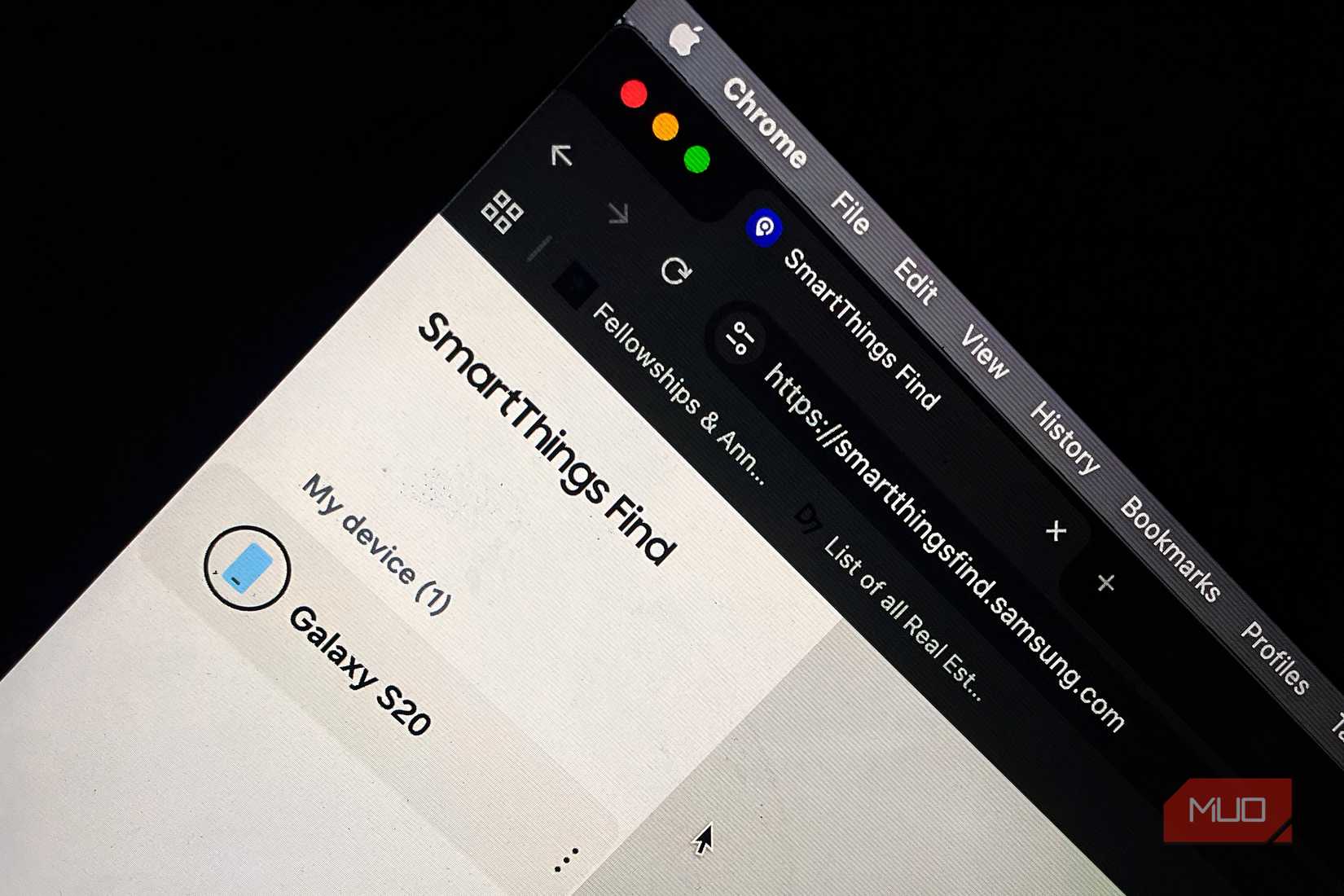
Now, in case you ever lose your Samsung Galaxy device, and you have all Find My settings turned on, you have better chances of recovering it. By going to the SmartThings website in the Find My section, you’ll get an updated location on your phone every 15 minutes if it’s connected to the internet. On the website, you’ll get several features that will help you pinpoint your lost device or keep your data secure in the worst-case scenario.
Lost Mode will allow showing an emergency contact or a message on your missing phone’s screen and prevent anyone from shutting it down completely.
Ring will make your phone ring aggressively at maximum volume for a whole minute, regardless of whether it’s put on silent or vibrate, helping you locate it if you’re near it.
Extend battery life allows maximum battery preservation, but it disables cloud backup for the time being.
Erase data is a last resort and will wipe the contents from your device so they don’t end up in the wrong person’s hands, but that also means that you can’t retrieve your device again, since you’ll lose control of it.
Additional measures you can take to make your smartphone safe
Now, I was lucky that I misplaced my work phone instead of my personal one, which was already backed up — my data matters to me far more than the device itself. However, losing my personal phone would’ve created an entirely different situation. This is why I recommend backing up your data on a weekly basis, if not daily. You can also pre-test all the above-mentioned features so you’ll know what to do when you lose a phone, e.g., showing a lock screen message or an emergency contact number upon losing it. Remember to sign in with your Samsung account on your device; otherwise, the Find My feature won’t work. Also, use a strong PIN, one that cannot be guessed easily, so your phone cannot be accessed by an unauthorized person.
Brand
Samsung
SoC
Snapdragon 865 5G
Display
6.5-inch, 1080×2400
RAM
6GB
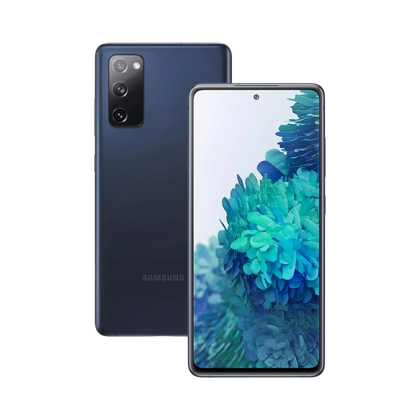
The Samsung Galaxy S20 FE is a flagship, more affordable version of the base S20 that features a larger display and longer battery life.