

Most people install VLC and never think twice about it. But there’s a quieter, leaner, and frankly more capable player that power users have known about for years, and it’s time the rest of the world caught up.
What’s MPV?
A no-nonsense media player built for performance
MPV is a free, open-source media player that originated as a fork of MPlayer and mplayer2. It has been in active development since around 2012 and has built a devoted following among enthusiasts who prioritize performance, accuracy, and flexibility over polished interfaces. Unlike most media players, MPV ships with almost no graphical user interface to speak of. It’s just a clean, minimal overlay that appears when you hover your mouse and disappears when you don’t. This is a deliberate design choice, not an oversight. The developers believe the media should take center stage, and everything else should get out of the way.
For what it’s worth, it’s pretty evident it has a form-over-function approach when you hover over it with your mouse, but it’s not a horrible UI. You won’t be seeing it most of the time, anyway.
Under the hood, MPV leverages some of the most advanced video rendering technology available in any media player today. It uses a high-quality video output system called vo=gpu by default, which offloads rendering to your graphics card and produces noticeably sharper, smoother playback compared to software-rendered alternatives. It also supports a wide range of hardware decoding APIs, including DXVA2, D3D11VA, NVDEC, VAAPI, and VideoToolbox, meaning it can play back high-resolution video with minimal CPU usage on virtually any modern system.
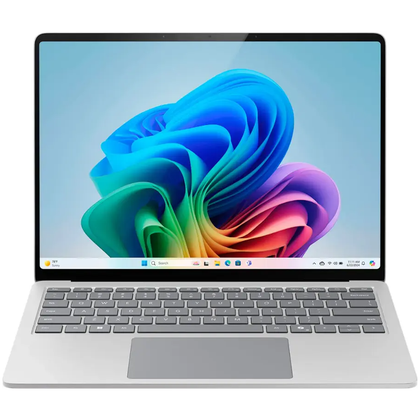
Operating System
Windows 11 Home
CPU
Snapdragon X Plus
GPU
Integrated Qualcomm Adreno
RAM
16GB DDR5
Storage
256GB
Display (Size, Resolution)
13.8 inches, 2304 x 1536
The new Surface Laptop is not just faster—it’s smarter. Get the most out of your day with accelerated performance that unlocks a new AI era to enable Copilot experiences that transform the way you work, enhancing productivity and creativity. Experience visuals like never before on its stunning and modern Razor-thin touchscreen display.
MPV is cross-platform, running on Windows, macOS, and Linux without meaningful feature differences between them. It handles an enormous range of file formats and codecs through its integration with FFmpeg, so compatibility is rarely a concern. Configuration is handled through plain text files, which sounds intimidating but ultimately gives users a level of control that no point-and-click settings menu can match.
Why should you use it?
VLC has baggage that MPV simply doesn’t carry
Credit: Hannah Stryker / How-To Geek
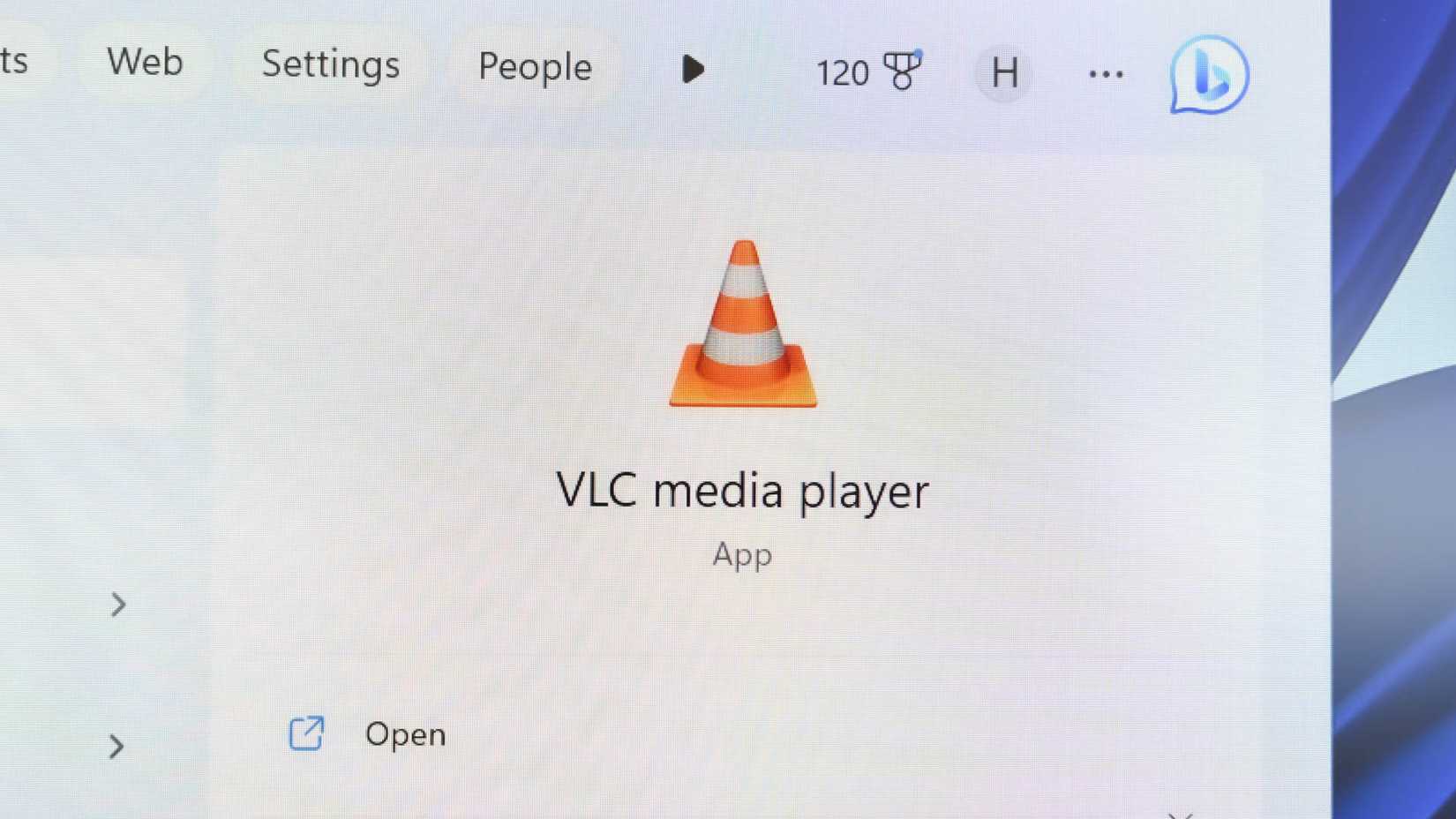
VLC is a remarkable piece of software with a long and genuinely impressive history. Nobody is disputing that. But years of feature additions, codec bundling, and interface updates have left it feeling bloated in ways that become apparent when you put the two players side by side. VLC frequently struggles with high-bitrate video files, occasionally dropping frames or producing stuttery playback on hardware that handles the same file in MPV without breaking a sweat.
The difference in video quality is also real and reproducible. MPV’s rendering pipeline is tuned for accuracy, and the results show up in areas like color reproduction, motion clarity, and the handling of high dynamic range content. With a few lines added to its configuration file, MPV can apply sophisticated scaling algorithms such as ewa_lanczossharp or mitchell that genuinely improve the appearance of lower-resolution content on large screens. VLC offers upscaling options, too, but they are not in the same league.
For anyone who watches a lot of anime, film, or any content that benefits from frame interpolation and advanced post-processing, MPV also supports a library of user scripts and GLSL shaders. These can be dropped into a folder and loaded automatically, enabling features like motion interpolation, debanding, and sharpening without any third-party software.
MPV is also significantly more scriptable than VLC. Its Lua and JavaScript scripting API allows users to automate virtually any playback behavior, from auto-loading subtitle files to skipping intros based on chapter metadata. A thriving community on GitHub continuously produces and maintains scripts for every imaginable use case. VLC has some scripting support too, but the MPV ecosystem around it is more active, better documented, and considerably more powerful in practice.
What other alternatives are there?
The media player landscape is broader than most people realize

Credit: Corbin Davenport / How To Geek
If MPV’s command-line-first approach feels like too steep a learning curve, there are other strong alternatives worth knowing about before you resign yourself to VLC by default. The media player space is genuinely competitive, and several options offer compelling combinations of features, usability, and performance.
MPC-HC, short for Media Player Classic Home Cinema, was for a long time the go-to recommendation for Windows users who wanted a lightweight player with a traditional interface. Development on the original project stalled, but a community fork called MPC-BE has continued moving forward and remains a solid choice for Windows users who want something familiar and fast without the overhead of VLC.
Kodi occupies a different niche entirely. It is less a media player and more a full home theater application, capable of organizing your local media library, connecting to streaming sources, and running on everything from a desktop PC to a Raspberry Pi. It’s overkill for casual playback, but for anyone building a dedicated home theater setup, it remains one of the best tools available.
Celluloid is worth mentioning for Linux users specifically. It is a GTK-based graphical front end built directly on top of MPV, meaning it delivers MPV’s powerful rendering engine wrapped in a clean, approachable interface that fits naturally into a GNOME desktop environment. It’s a practical middle ground for users who want MPV’s quality without editing configuration files.
On macOS, IINA has become the default recommendation for many users for similar reasons. It wraps MPV in a native macOS interface that feels completely at home on the platform, supports system-level features like Touch Bar and picture-in-picture, and is actively maintained. For Mac users specifically, IINA is arguably the most polished media player available on any platform today.
The best media player is the one VLC made you forget existed
MPV rewards the curious. It asks for a little effort upfront in exchange for a genuinely superior experience. Regardless of whether you adopt it directly or through a front end like IINA or Celluloid, the core is the same—and it’s better than what most people are currently using.