
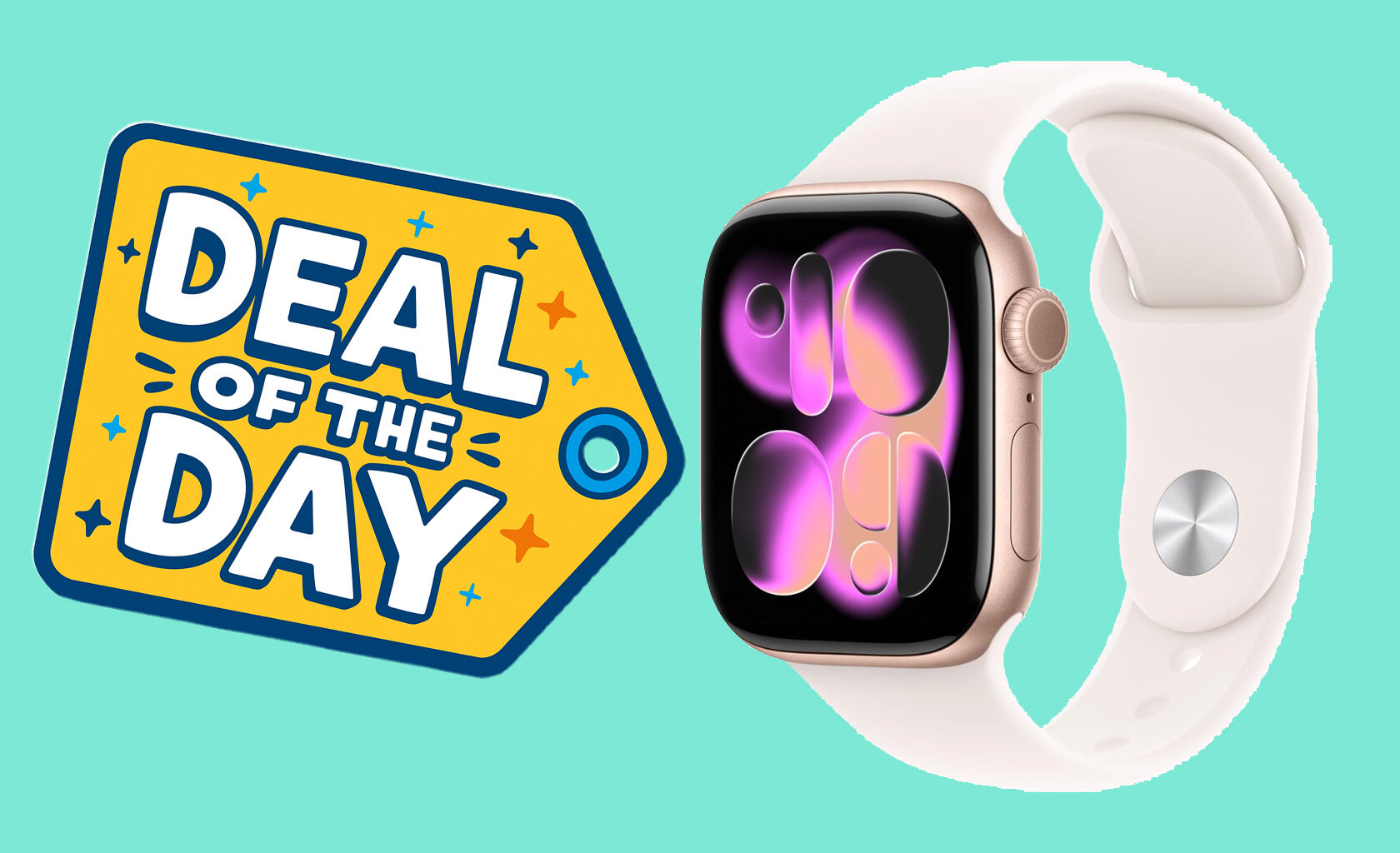
Apple announced WatchOS 27 at its WWDC (Worldwide Developers Conference), and along with the promise of new features and stability came the note that many Apple Watch models won’t support the new operating system when it’s released in the autumn. You’ll need an Apple Watch Series 9 (or later), Apple Watch SE 3 (or later), or Apple Watch Ultra 2 (or later) to run the upcoming software. If you have an older Apple Watch, you can upgrade to the Series 11 (Aluminum / 42mm / GPS) for $299 ($100 off) at Amazon, matching its all-time low price.
The Apple Watch Series 11 has a 1.65-inch always-on OLED display that reaches up to 2,000 nits of brightness, making it easier to read even in sunny environments. It can last up to 38 hours per charge in low-power mode (which disables the always-on display) and 24 hours in “normal” use. If you track long exercise sessions every day, or crank up its screen brightness, you’ll have to charge it more often. Charging its battery from 0 to 80 percent only takes about half an hour if you use the included cable with a 30W (or higher) power adapter. A 15-minute charge can get you about eight hours of normal use.
There are two main reasons to get an Apple Watch: notification management and health tracking. By default, any notifications you receive on your phone will appear on your watch. Glancing at them quickly takes less time than taking your phone out of your pocket or picking it up off your table, and can be done more discreetly in public. You can also use the watch to respond to text messages or accept phone calls, which comes in handy when your hands are busy.
Apple equipped the Series 11 with an abundance of sensors that can track your steps, calories burned, sleep, blood oxygen levels, and many other heart-related details. You can take an on-device ECG and will receive a notification if the watch detects irregularities; it’s not perfect, but it could give you the information you need to schedule a doctor’s appointment. Similarly, the watch can track your sleep and notify you if it detects signs of sleep apnea. Crash and fall detection will automatically alert emergency services and your emergency contact if the watch senses you’ve been in a car accident or have fallen, and you don’t respond to an on-screen prompt.
All of the information the Apple Watch Series 11 collects about you is stored in the Health app on your iPhone or iPad. You can use the app to log your exercise progress, or to show your doctor worrying trends. The data is synced automatically, so you don’t have to worry about punching in details about your nightly sleep or daily walk. If you’ve never tried an Apple Watch before, the Series 11 is a great model to check out; it’s also a sizable upgrade for Apple Watch Series 8 (or below) owners who want to get Apple’s latest and greatest features and improvements when WatchOS 27 drops.