
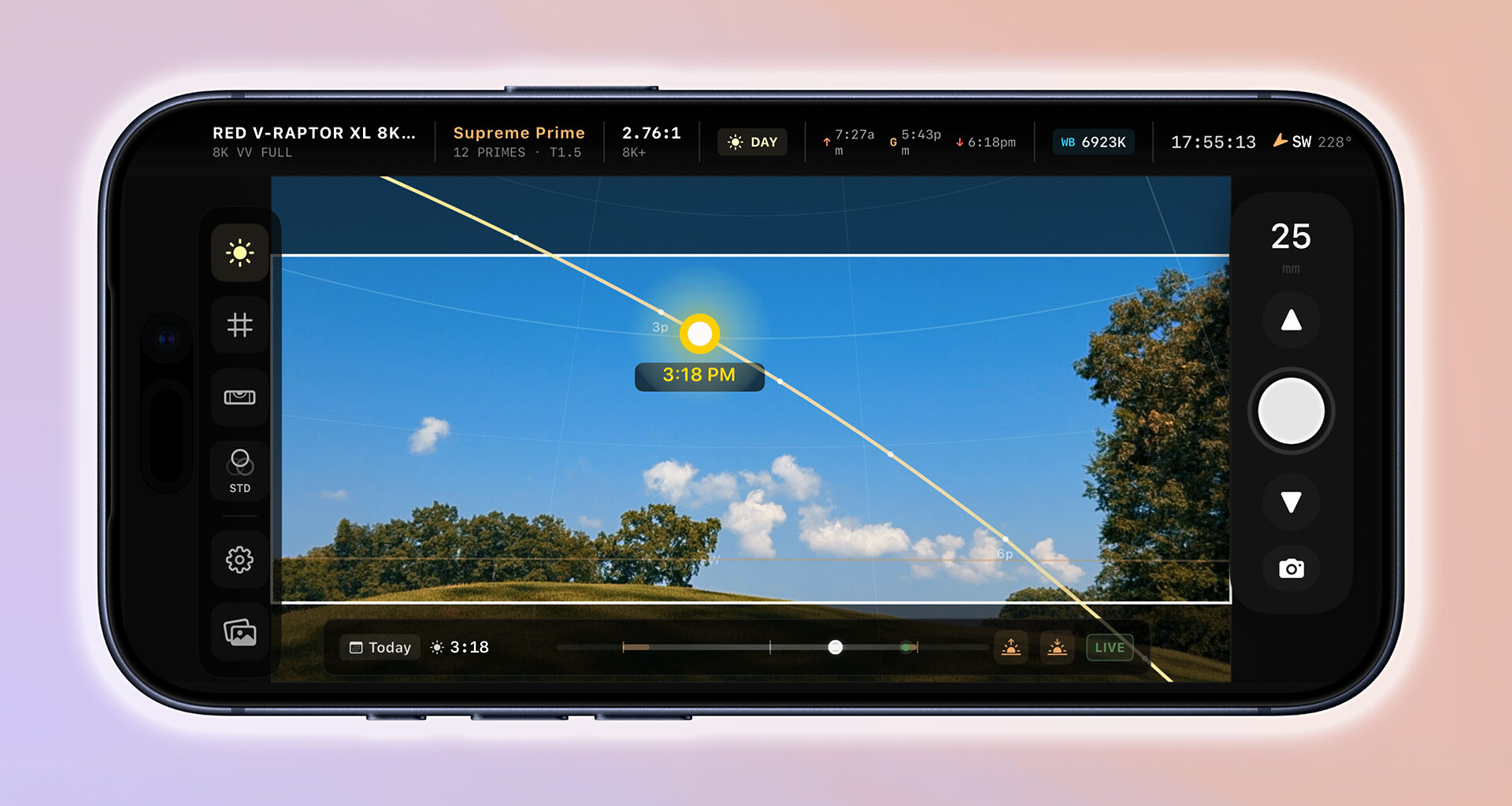
Scouting a location usually means juggling several questions at once: what lens will work, where the sun will be, whether the subject is too close to focus, and how to communicate those details to the rest of the crew. LIGHTFRAMER PRO brings several of those decisions into one iPhone app, combining a director’s viewfinder with real-time sun tracking, LiDAR-based focus tools, and PDF scout document export. Let’s take a closer look.
We at CineD have followed director’s viewfinder and pre-production tools over the years; most recently we reported on the newly introduced Cadrage Studio. LIGHTFRAMER PRO fits into that broader category, but its main distinction is the way it combines camera and lens framing with real-time sun tracking directly inside the iPhone viewfinder, along with LiDAR-based focus distance tools and PDF scout document export.
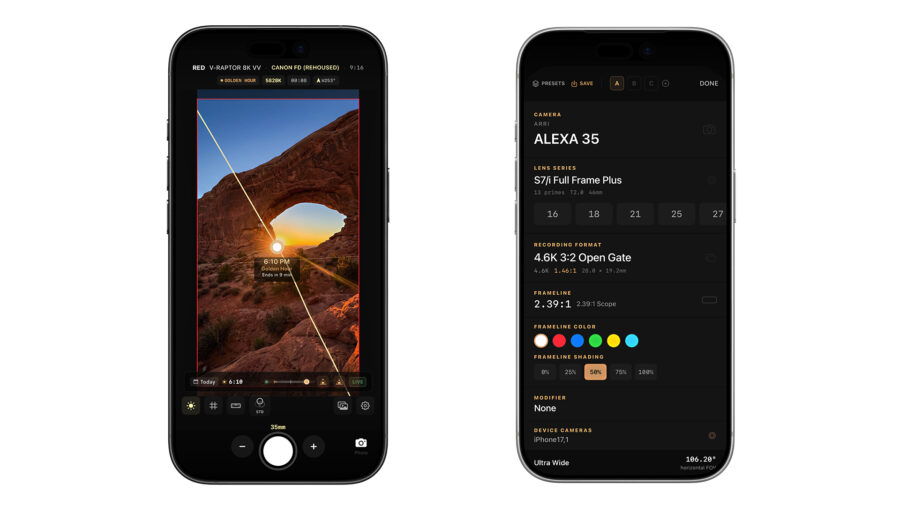 Viewfinder and settings – image credit: LIGHTFRAMER PROCamera and lens framing
Basically, LIGHTFRAMER PRO works as a director’s viewfinder for the iPhone. Users can select camera bodies, lens series, focal lengths, recording formats, and frame lines to preview how a shot might frame up before the main camera setup arrives on location.
According to the company, the app includes over 50 cinema cameras, more than 90 lens series, and over 500 focal lengths. Supported brands listed on the LIGHTFRAMER PRO website include ARRI, RED, Sony, Canon, Blackmagic Design, Cooke, ZEISS, Panavision, Sigma, and others.
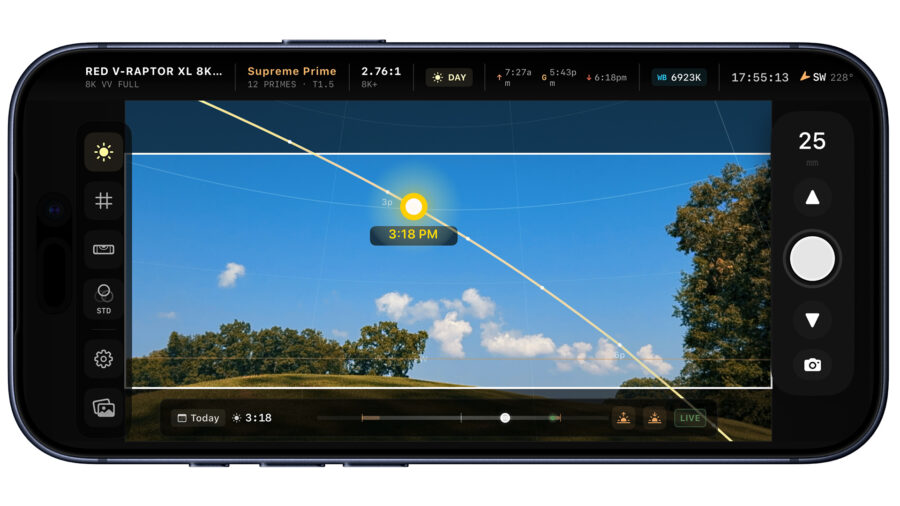 Sun tracker settings. – image credit: LIGHTFRAMER PROReal-time sun tracking in the viewfinder
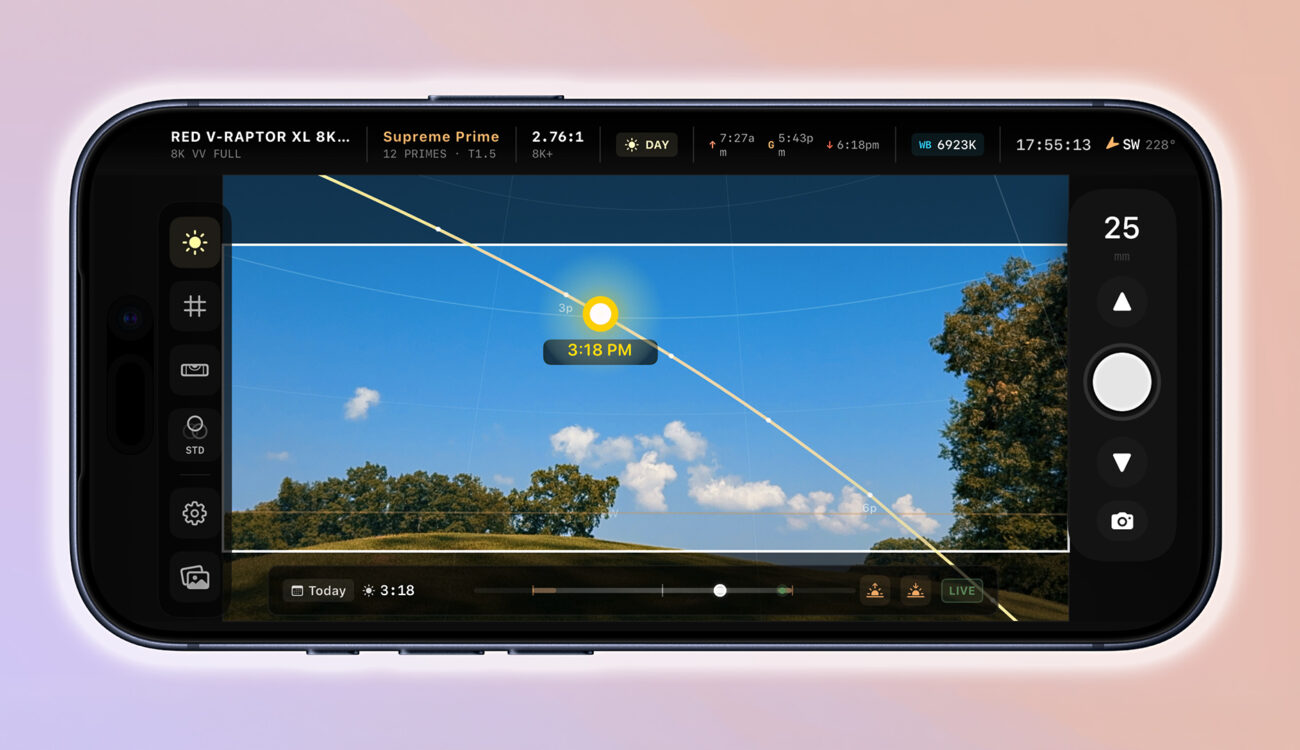
The main feature is real-time sun tracking inside the viewfinder. Instead of checking a separate sun path app and then translating that information into the frame, LIGHTFRAMER PRO shows the sun’s position and path directly over the live viewfinder image.
Users can scrub through the day to preview sunrise, sunset, golden hour, blue hour, and other lighting conditions. For location scouts, directors, or cinematographers, this helps show whether the sun will be behind the subject, entering the frame, hitting the background, or creating a problem during the planned shoot.
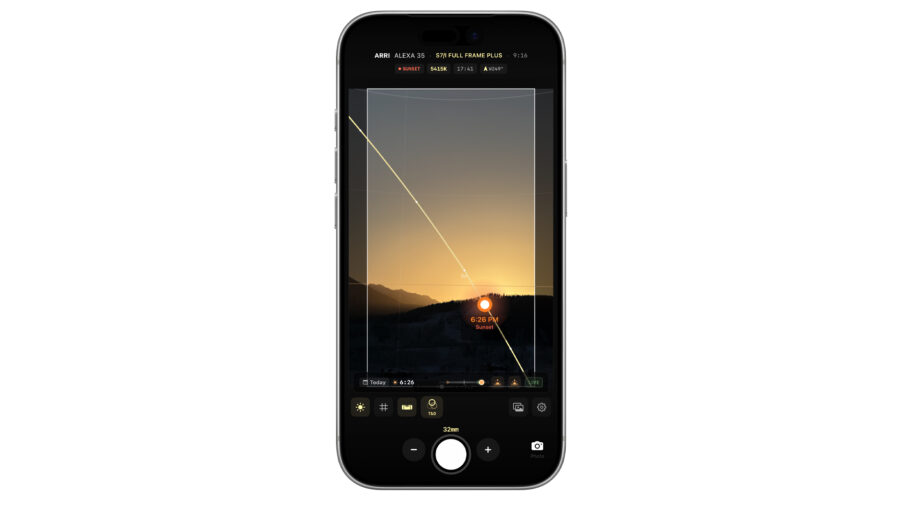 Vertical mode – image credit: LIGHTFRAMER PROLiDAR-based focus tools
On compatible iPhone and iPad models with LiDAR, LIGHTFRAMER PRO also includes focus-distance tools. The app’s Focus Heatmap uses depth information to visualize depth of field, acceptable focus, hyperfocal distance, and minimum focus distance for the selected lens.
The app also supports close-up diopter values, including +½, +1, +2, and +3, so users can check how a diopter may affect the near and far focus limits for macro shots, close-ups, or tight locations.
PDF scout documents
LIGHTFRAMER PRO can also generate PDF scout documents from location photos, including framing and technical metadata, so users can organize scout images and share them with crew members in a more structured format.
Price and availability
LIGHTFRAMER PRO is available in the App Store for $19.99 / €22,99 (depending on your region). iPhone and iPad require iOS 17.0 or later, or iPadOS 17.0 or later. The app is listed as a paid professional tool, with additional details available on the LIGHTFRAMER PRO website and in the App Store listing.
Would having the sun position directly inside a director’s viewfinder make location scouting easier for your work? Do you currently use separate apps? Let us know in the comments below.