
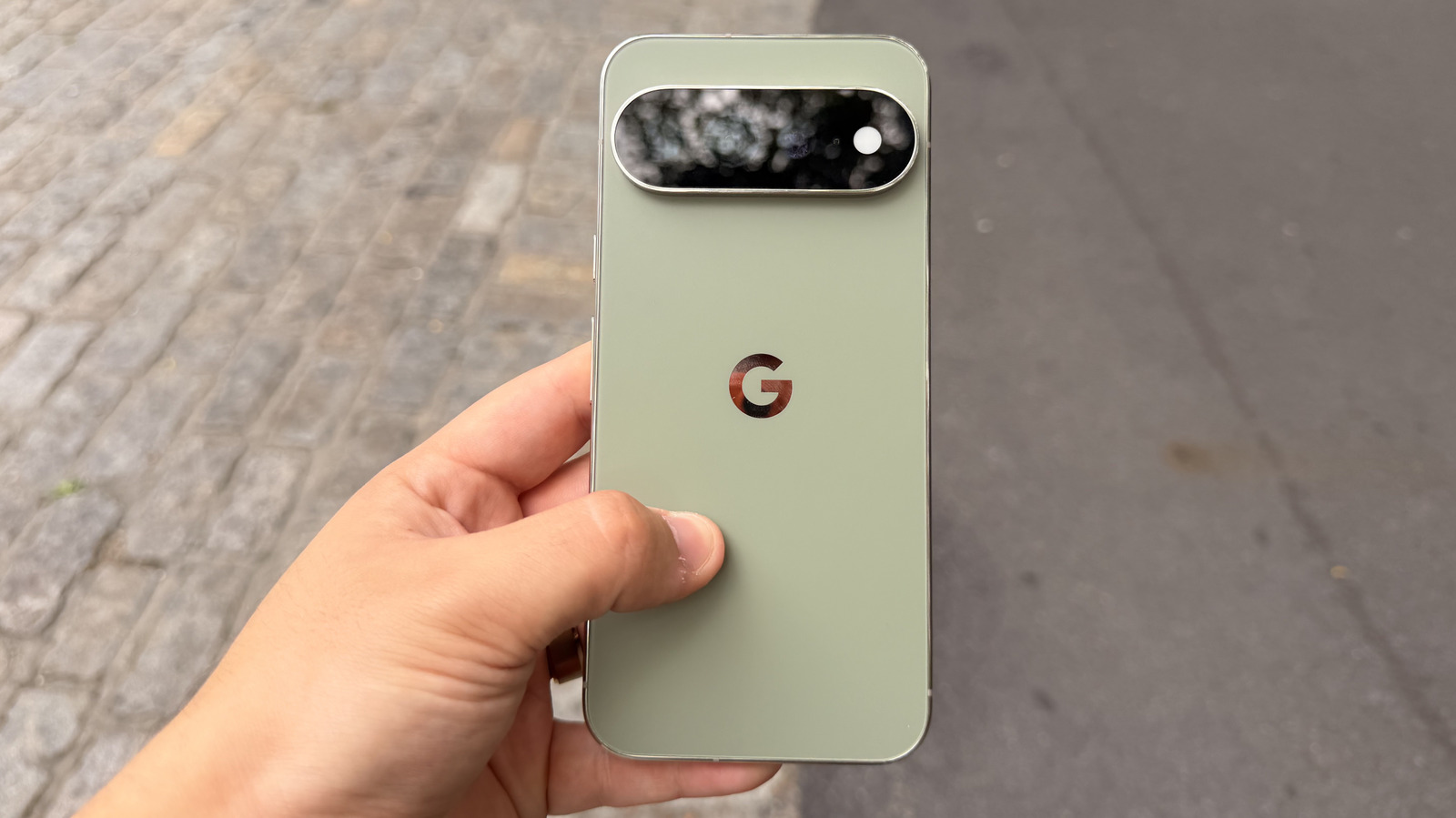
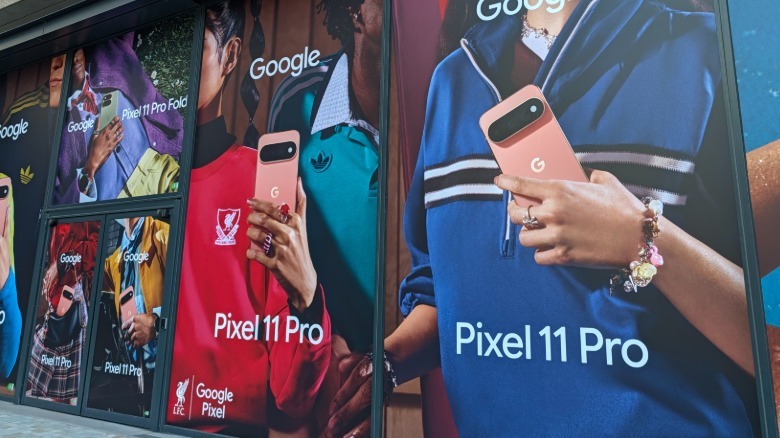
The camera experience is still why many people buy Pixel phones. The Pixel 11 Pro XL offers a 50 MP main camera with a 1/1.3-inch sensor, a 48 MP ultra-wide with autofocus, and a 48 MP 5x telephoto lens that Google redesigned with a larger sensor and 30% more light sensitivity. I have shot mostly cityscapes, buildings, and objects in New York and London, with very few people-focused shots and almost no selfies — beyond testing the camera’s capabilities.
 Connor Jewiss/BGR
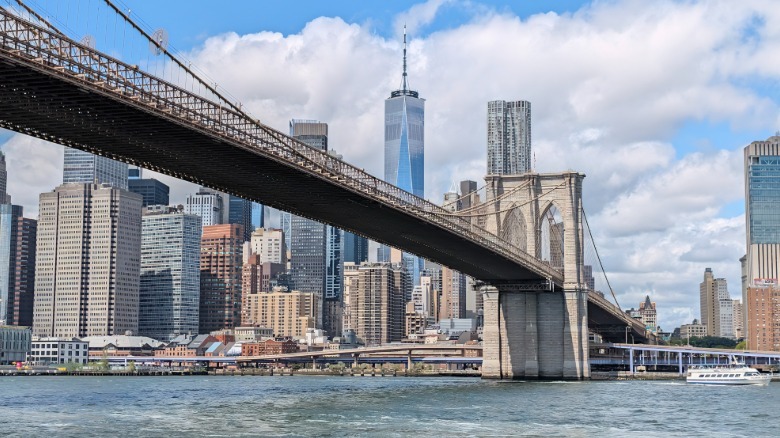
The main camera might just be the best I’ve used on any Android phone. Detail is superb, and images have a film-like quality that I rather like. The camera processing can be a weak point for some, however. Colors can come out muted in a way that reads as a software decision rather than a sensor limitation. I’d like the option to turn that dial back. For others, this may be a welcome change over Google’s infamously over-processed photo look. Against the Galaxy S26 Ultra, the Pixel takes the better stills. Against the iPhone 17 Pro Max, stills are roughly on par with different processing choices, and I do prefer the iPhone’s look. However, video still isn’t a contest, and the iPhone wins again, just as it has for years.
 Connor Jewiss/BGR
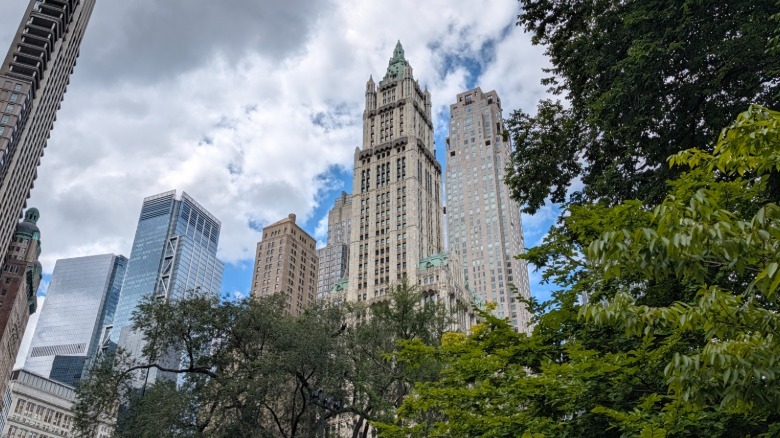
The Pixel 11 Pro XL’s zoom capabilities are even more interesting. The 5x telephoto lens is the furthest optical zoom goes, and the camera app’s next default option is a digitally cropped 10x. The new sensor is noticeable, providing additional detail to zoomed shots when compared to the Pixel 10 Pro XL and producing zoomed low-light shots that previous Pixels simply couldn’t. But the new Pixel can zoom in a lot further than 10x — up to 120x, in fact, thanks to Pro Zoom.
 Connor Jewiss/BGR
The AI-assisted Pro Zoom is the Pixel feature that’s probably the most like Marmite — you’re either going to love it or hate it. At times, it’s outright impressive; other times, it feels more like a flawed experiment. Using Pro Zoom, you can read text on menus and signs from across a room impressively well. It also, at full stretch, put the head on a stag statue backwards.
That’s generative AI doing what generative AI does, and it’s a strange thing to find in a camera that you would otherwise rely on. In my experience, results stop being reliable past about 80x zoom. Below that, the phone produces results that more closely resemble real photos. I’d rather Google experiment with some of the bolt-on lenses that some Chinese rivals offer for even better zoom shots, but that’s unlikely to happen, as Google remains focused on the masses.
 Connor Jewiss/BGR
Night Sight is now up to 4.5 times faster than before, and the speed increase is very noticeable. It still over-brightens slightly, and some shots still need to hold still for a second or two longer than the interface implies, but the trade-off favors most people — I would rather that over-brightening than having to stand still for up to 10 seconds. Portrait Mode at 5x is new, and the couple of test shots I took came out well, helped by Google’s reliably impressive object detection, which remains among the best in the business. The 42 MP selfie camera is a step up on paper, but not an obvious one in day-to-day use. I’d take the iPhone 17’s front camera for the simple reason that it can shoot landscape without you having to physically turn the phone.
 Connor Jewiss/BGR
While the Pixel 11 Pro XL’s camera was pretty good overall, a couple things bothered me. The camera app has an intermittent focus bug on launch that leaves the viewfinder blurry. Closing and reopening the app fixes it, but it happened multiple times a day when I was testing the camera. It’s the kind of thing that a software update should’ve fixed before launch.
 Connor Jewiss/BGR
Then there’s Magic Capture, pitched as the headline camera feature for the Pixel 11 series. It records the moment around you and then uses AI to pick out the best still frames for you to keep as photos. I tried it repeatedly on photos of my mom’s dog and got one decent shot and one blurry one at a resolution noticeably worse than a normal photo. I’d rather record a video and snag stills from it while it rolls. Camera Looks, meanwhile, are fun and customizable, but I never use them because I’d rather edit photos after taking them than apply the same processing to every shot.