
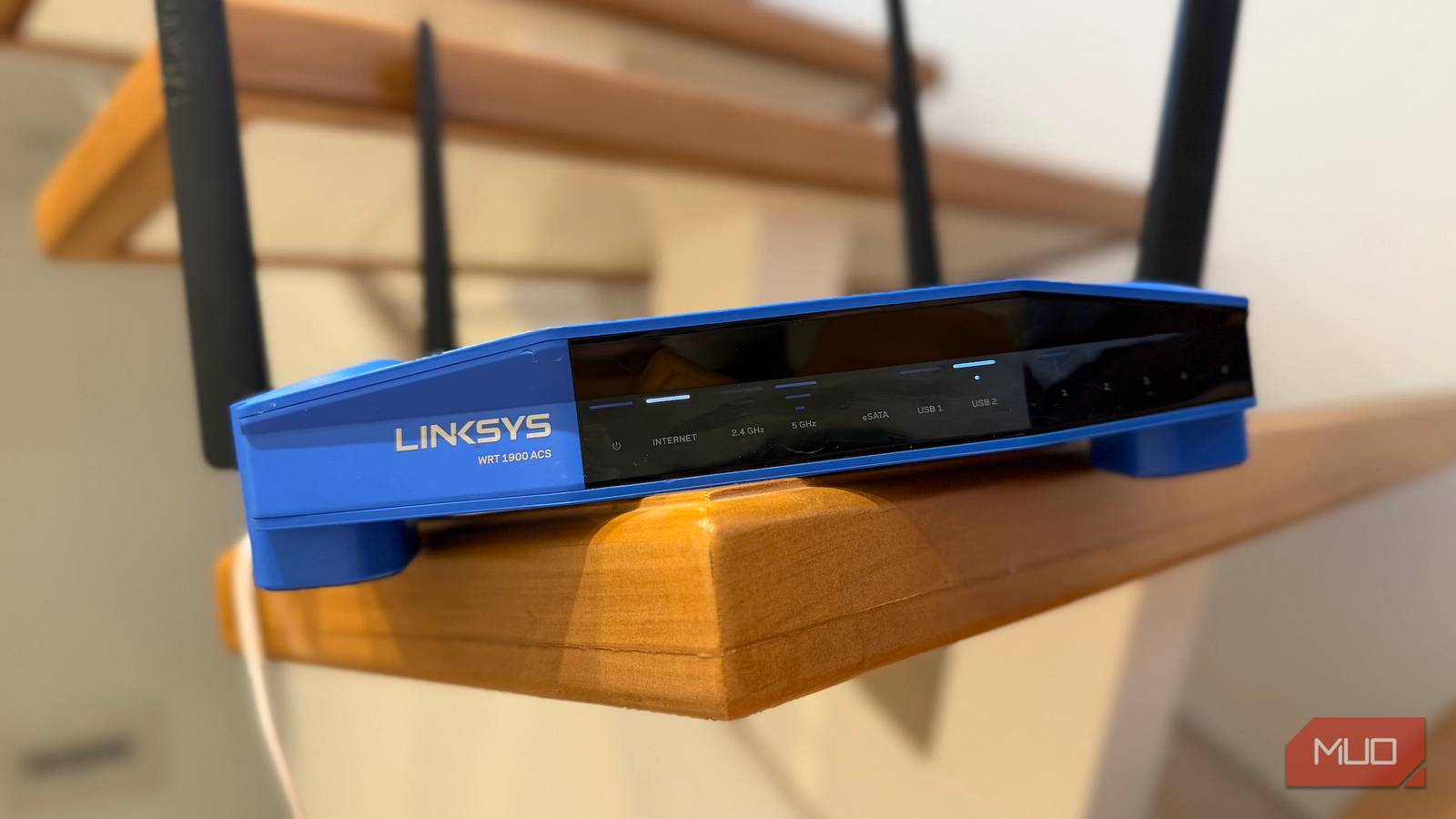
The culprit is 802.11b backward compatibility, a holdover from 1999 that ships switched on in most home routers and quietly taxes everything connected to them. Manufacturers keep it enabled so a laptop from the dial-up era can still find your network, and that’s a device almost none of us still run.
The cost falls on the gear you actually use. Turning it off cleaned up the same drag I once chased by reassigning channels across my access points, except this fix took one slider. Your router announces itself thousands of times an hour at the slowest speed the old standard allows, and that slow housekeeping steals airtime from every phone, TV, and laptop on the band. The standard is old, the drag is real, and the switch that stops it takes seconds.
Why a 1999 standard still runs your 2.4GHz band
Backward compatibility that never got a shutoff date
Credit: Oliver Haslam / MUO
802.11b landed in September 1999 and maxed out at 11Mbps on the 2.4GHz band. Every standard that followed, g through ax, left a door open to it so older radios would still connect. On most consumer routers, that door is the factory default, shown either as a mixed mode like 802.11b/g/n or as a block of enabled legacy rates: 1, 2, 5.5, and 11Mbps.
Compatible with everything and fast for everything pull in opposite directions, though. Frames that every device has to hear, the beacons and management traffic a network sends constantly, go out at the lowest mandatory rate on the list. Leave 1Mbps in there, and your router keeps shouting its presence at a speed straight out of the modem years, over and over, all day.
How one slow rate taxes every device
Wi-Fi only lets one device talk at a time
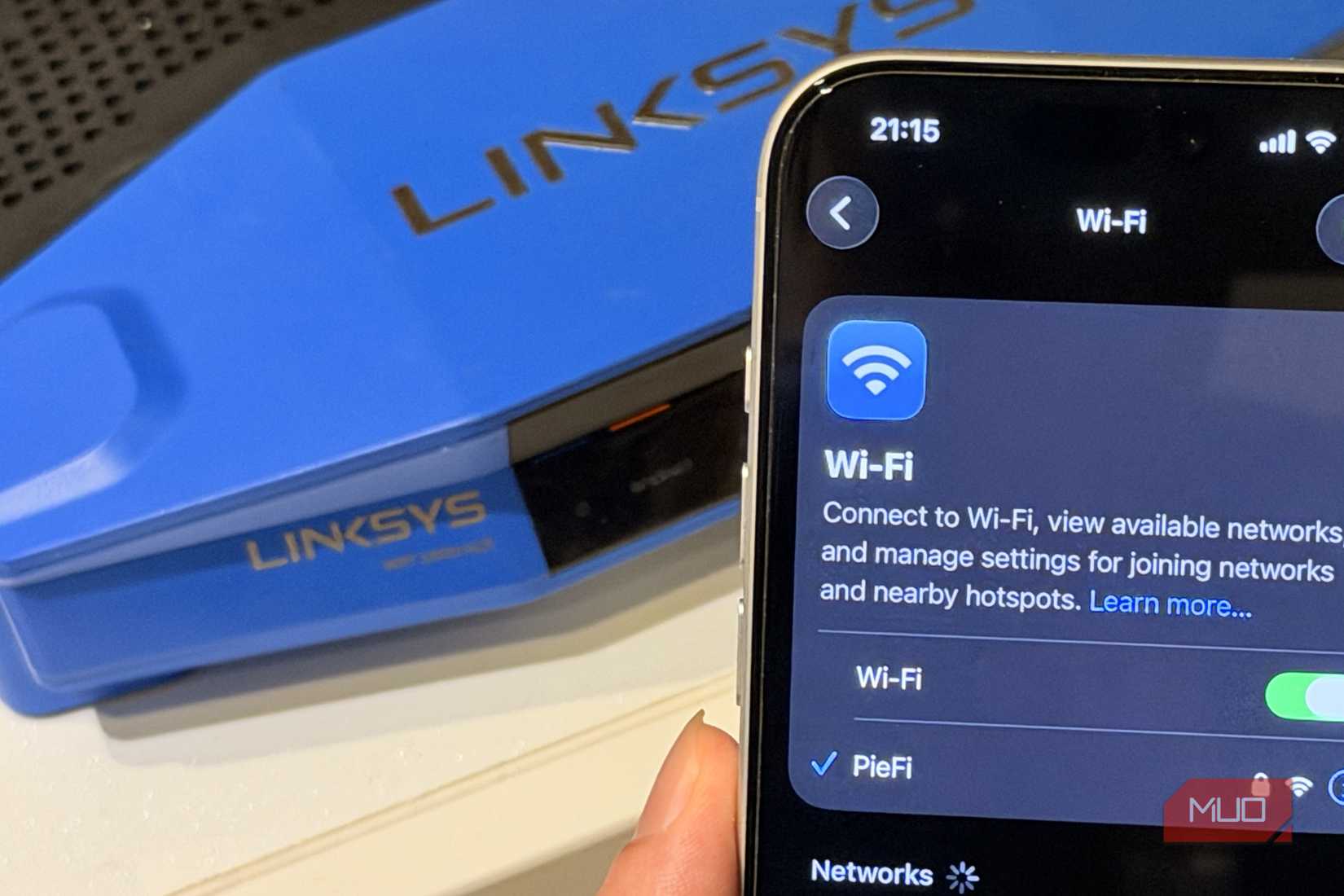
Phone showing full Wi-Fi bar at full signal with a Linksys router in the background. Photo by Amir Bohlooli
Picture a single-lane road where every car has to take turns. That is a Wi-Fi channel: only one radio transmits at a moment, and everyone else waits. A frame sent at 1Mbps sits in that lane far longer than the same frame at 54Mbps, so the slow transmissions choke the flow for all of it. Beacons alone fire around 10 times a second per network, and the low-rate overhead piles up from there.
The bigger hit comes when a real 802.11b device actually joins. The router flips on protection mechanisms so the antique radio can coexist, and those mechanisms drag down throughput for every faster device sharing the band, not only the old one. You don’t need a wireless-B laptop in the house to feel it, though. The beacons crawling out at 1–2Mbps manage that on their own.
The exact setting to change
Raise the minimum data rate or drop legacy b
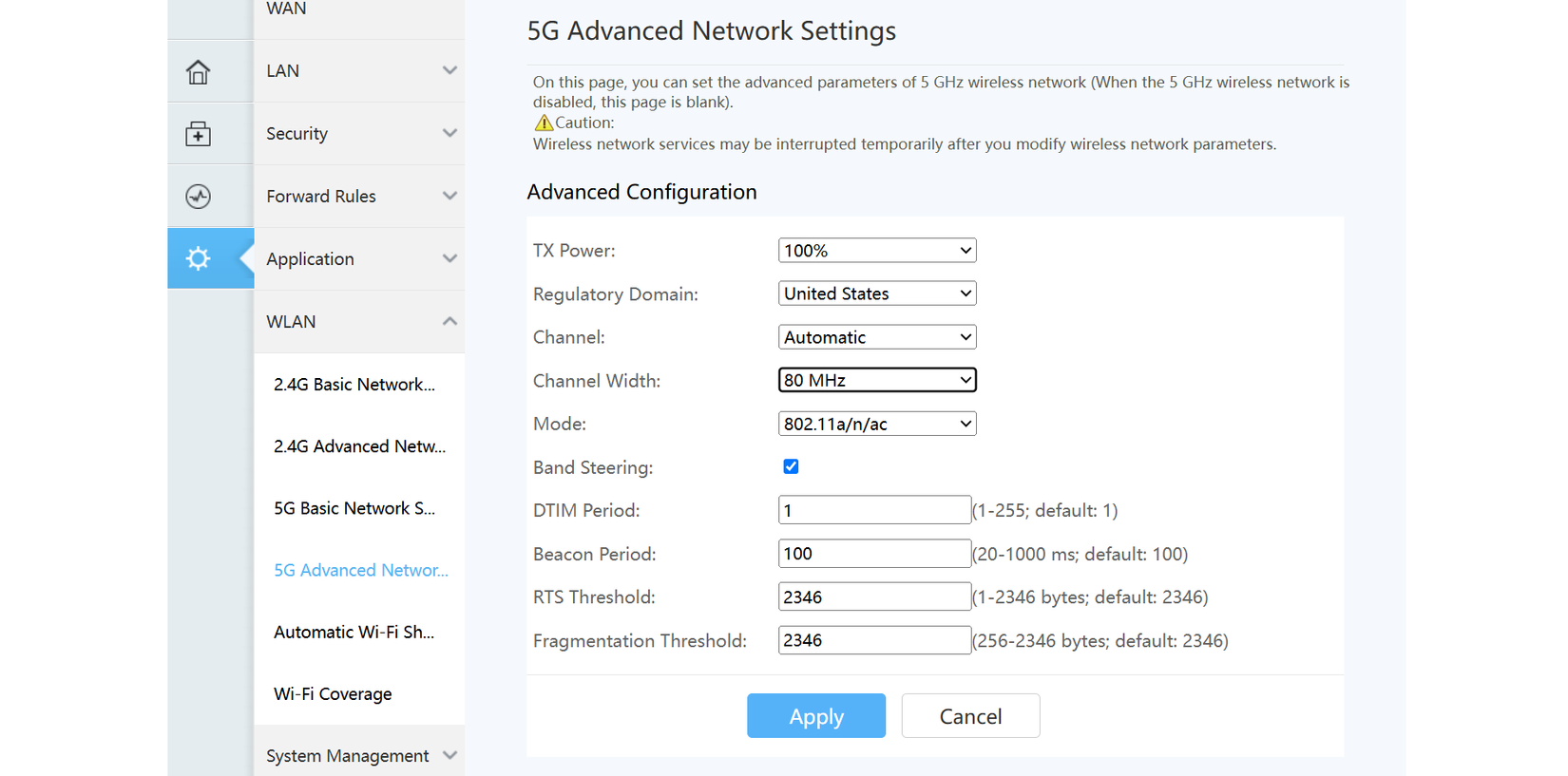
Screenshot by Jayric Maning –no attributions required
Two paths lead to the fix, depending on your hardware. On a UniFi system like mine, open the controller and head to Settings > WiFi, choose your network, expand the advanced section, and find 2.4 GHz Data Rate Control. Slide the minimum up from 1Mbps to 12Mbps. I replaced my ISP’s combo unit with a UniFi setup in part for knobs like this, and this one pays off the same afternoon you touch it. If your home leans on older smart devices, 6Mbps is the softer floor; it still clears every 802.11b rate while leaving budget plugs and sensors alone.
Most TP-Link, Netgear, and Asus routers hide the slider. Look instead for the 2.4GHz wireless Mode and switch it from 802.11b/g/n mixed to 802.11g/n or 802.11n/ax only, which cuts the legacy rates without you editing single numbers. Bargain routers sometimes bury the option or skip it, which is a quiet case for better hardware.
What you give up, and why it’s usually nothing
A little edge range for a lot of reclaimed airtime
The change isn’t free, but the bill is tiny. Slow rates carry farther, so a device hanging on at the very fringe of coverage loses its last, slowest fallback and may drop a bit sooner. That fringe is usually where Wi-Fi had already quit being useful. If a far room is a dead zone, a 1Mbps lifeline was never the real answer anyway. You also wave off any true 802.11b device, which in most homes means nothing made after about 2005.
The one crowd worth watching is 2.4GHz IoT. My house is full of it: smart thermostats across three zones, Echo speakers, plugs, and door sensors, all of them parked on the slow band. Newer IoT shrugs at a 12Mbps floor, but a decade-old plug might balk. Flip the setting, then walk the house and confirm the small stuff still reports in. If something falls off, drop back to 6Mbps and you keep most of the win.
One toggle your router should have shipped without
Backward compatibility earned its place in 1999, when plenty of hardware on a network still spoke wireless B. It held up for years after that. It stopped making sense the moment your slowest gadget outran 11Mbps, which for most households was a long time ago. Killing the legacy rates is the rare Wi-Fi tweak that costs your day nothing and hands your airtime back at once.
Since you’re already in the settings, it’s worth eyeing the other quiet wins in there, starting with the wiring calls I’d redo if I built the house again.