
7 photos
Photo: Bogdan Popa/autoevolution/Google
Android Auto 18.0 is here. Google has just promoted this update to the production stage, meaning that the rollout to devices that aren’t enrolled in the beta program is now underway.
While the version number suggests otherwise, this is a minor update. It doesn’t bring any front-facing changes, though it comes with more significant improvements under the hood. Google has been working on quite a lot of upgrades for Android Auto lately, and this new release provides an early look at some of them.
One of the most important is the Cielo update that users have been waiting for since the spring. Android Auto 18.0 includes the first reference to Cielo, and this could be a sign that the development of this update has reached the phase where features could start showing up for beta users. Android Auto 18.1 will certainly be an interesting release, though it’s too early to tell if Google is ready to enable any new goodies for beta testers.
How to download the updateBefore I delve into more details about this Cielo update, let me detail how you can download the update. Obviously, the most convenient and straightforward way is through the Google Play Store. If you enabled automatic app updates on your device, you will eventually receive the new version.
The only major shortcoming of this method is that Android Auto updates roll out in stages, and it could take a while once your device receives the new version. This can mean anything from a couple of days to several weeks, so the only option if you use this method is to wait.

Photo: Bogdan Popa/autoevolution
On the other hand, you can download the new update manually using the APK installer. You can find the Android Auto 18.0 APK file on this page. Download it to your phone, and when the download is complete, tap the file to initiate the installation.
Depending on your phone brand and model, additional steps might be required, such as enabling permissions to install non-Google Play Store apps. Follow the on-screen wizard – it’s pretty straightforward and shouldn’t include more than a few steps – to complete the update.
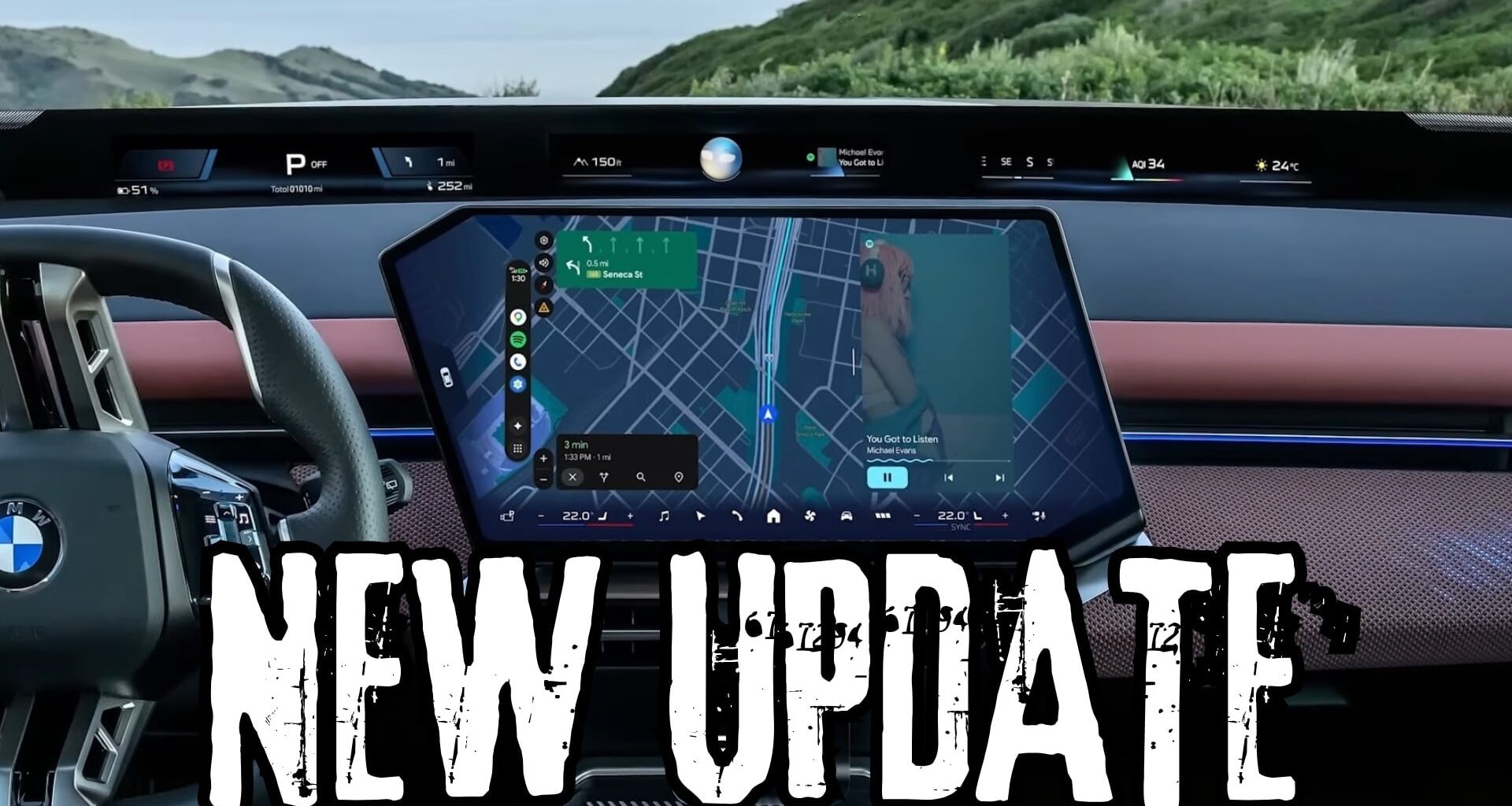
Cielo and the new featuresThe Cielo update is the biggest thing to happen in the Android Auto world since the debut of Coolwalk so many years ago.
Announced earlier this year, the new update is a mix of a layout redesign and new features that’ll use this layout.

Photo: Bogdan Popa/autoevolution
For example, Google is getting ready to introduce widgets. Because Google doesn’t want to use the CarPlay approach – where widgets are displayed on a separate screen on the left of the CarPlay interface – it had to rethink the Android Auto UI to make room for widgets. This is why Android Auto widgets will be displayed side-by-side with the rest of the interface.
You will be able to enable widgets for your calendar app, weather app, and many other applications already installed on your phone. The long-term goal is to make Android Auto support all widgets already available on the mobile phone powering it, either with little modifications or no developer update at all.
This strategy would align with Google’s long-term goal of making the transition from Android to Android Auto as smooth as possible.
The other big part of the Cielo update is the expanded app support. Video apps are coming to Android Auto, meaning users will finally be able to watch their favorite clips and shows directly on the infotainment screen. This feature is already live on Android Automotive, where YouTube is supported, and Google is using a similar approach to enable it on Android Auto.

Photo: Bogdan Popa/autoevolution
YouTube will pioneer the foray of video apps in the Android Auto space and will allow users to watch videos on the platform when they are parked. Google is developing an audio-only mode – which will also expand to Android Automotive eventually – to allow for uninterrupted playback when the car begins moving.
The experience would therefore allow users to transition from playing video when the car is stationary to listening to the audio track of the same video almost with no interruptions when the driver switches to drive. The purpose is obvious, as allowing video while the car is in motion would become a major distraction to the driver.
Google hasn’t offered a specific ETA as to when the Cielo update would go live, but originally, all these improvements were supposed to go live by the end of the year. This seems less likely at this point, so the Cielo update could be finalized and flagged as ready for production devices in the first quarter of 2027. We’ll probably be able to decrypt more details about the ETA in the coming Android Auto beta builds, where more evidence of this long-overdue overhaul will probably be hiding.
The full build number of today’s update is Android Auto 18.0.6642.