
GSMArena Team,
30 October 2026.
1. Introduction, specs, unboxing2. Design, build quality, handling3. Our lab tests – display, battery life, charging speed, speakers4. Software, performance5. Camera – photo and video quality6. The competition, our verdict, pros and consOppo Find X10 specificationUser opinions and reviewsReview comments (7)
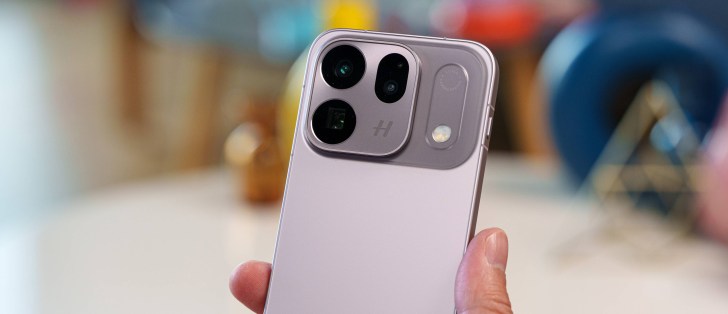
ColorOS 17 on top of Android 17
The Oppo Find X10 runs Android 17 with the latest ColorOS 17 on top. The Find X10 and X10 Pro Max are entitled to 5 major OS updates and 6 years of security patches from the day of launch.
The latest iteration of Color OS introduces the Living Flow design language, bringing smoother animations, translucent UI elements, and new lighting effects. It also expands Oppo’s AI toolkit with more personalized responses and suggestions.
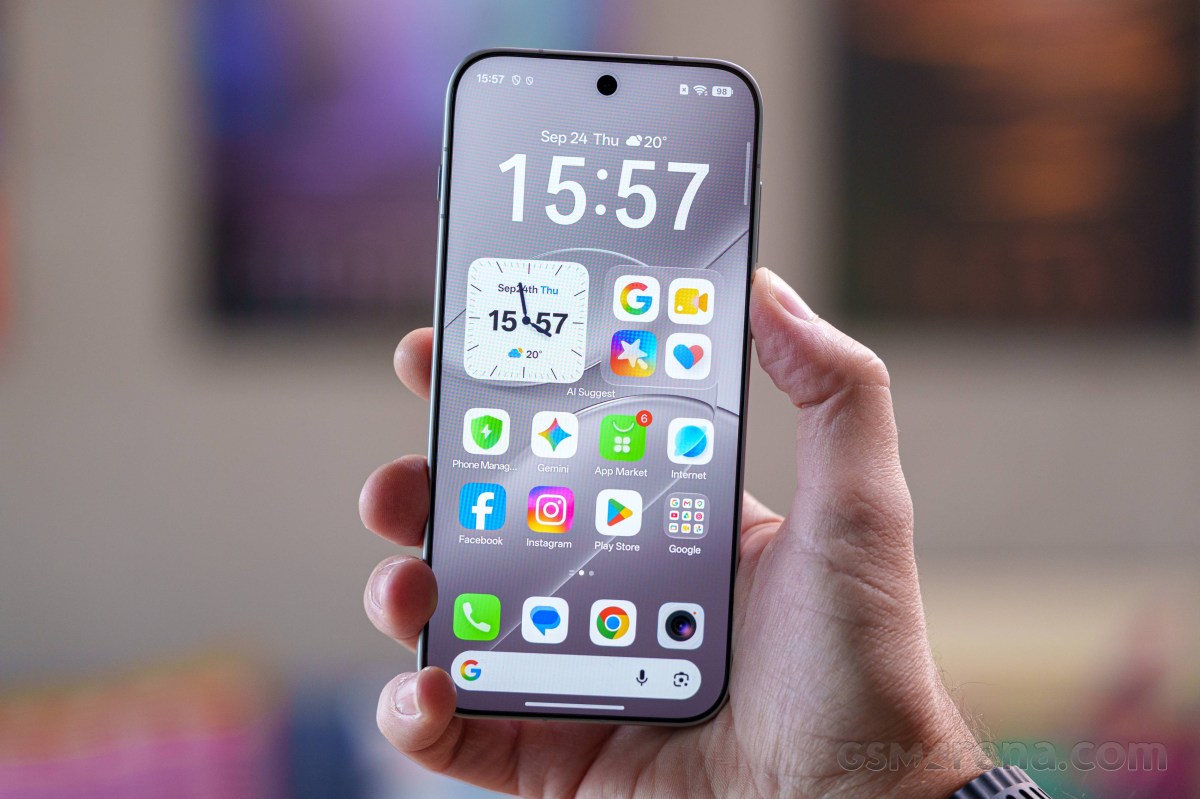
The centerpiece of ColorOS 17 is Living Flow, built around what Oppo calls Luminous Effects, Fluid Motion, and Flexible Feedback. If we strip away the marketing terms, the influence of Apple’s Liquid Glass on the visuals is hard to miss.
The lock screen is highly customizable, with various clock styles, widgets, and depth effects. Transitions between the always-on display, lock screen, and home screen are impressively fluid, though the resemblance to iOS is arguably a bit too close.
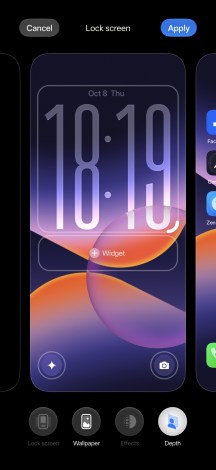
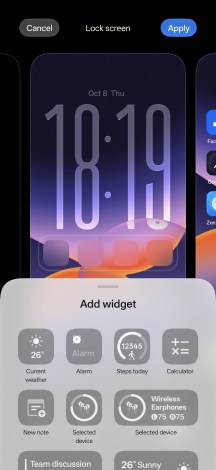
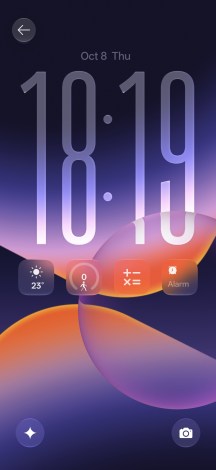
Lockscreen
There’s a rich selection of preinstalled themes, or you can create your own. You can also customize fonts, app icon styles, and system colors.
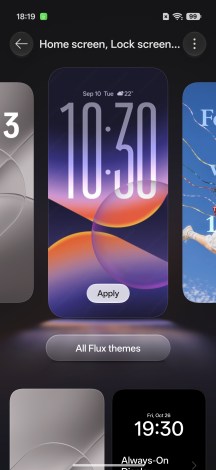
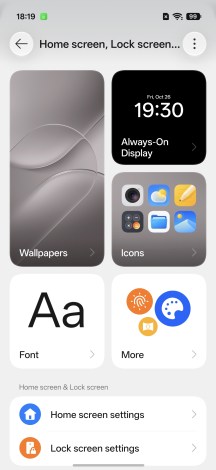
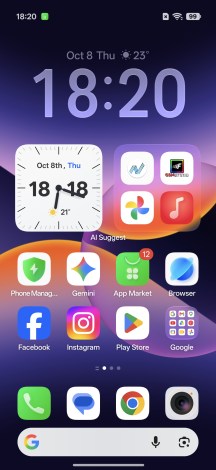
Customizations
The app drawer offers two layouts – All and Category. The latter automatically sorts apps into groups, much like Apple’s App Library.
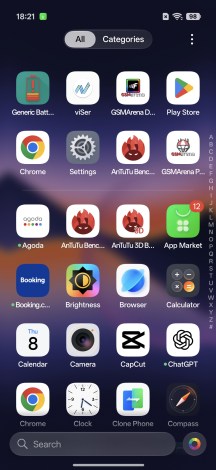
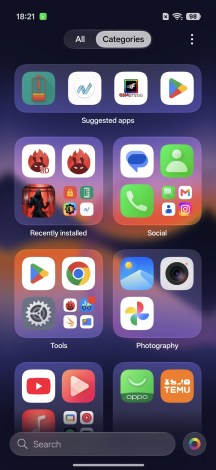
App Drawer • Category view
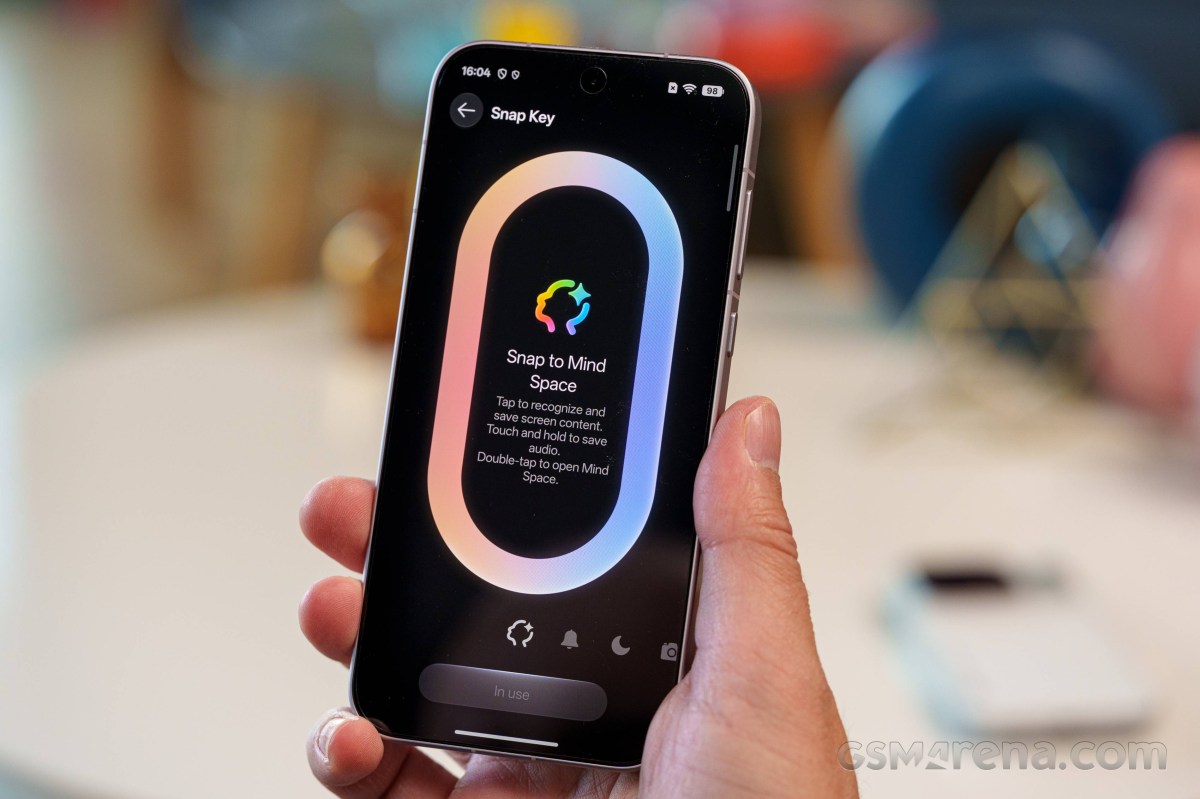
The dedicated Snap Key on the left side isn’t new to Oppo phones, but it’s worth mentioning. By default, it captures a screenshot and saves it to Mind Space, though you can remap it to other functions, such as toggling the flashlight.
Familiar ColorOS features such as the Smart Sidebar are still around, offering convenient access to apps and split-screen multitasking.
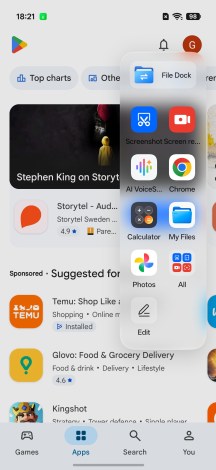
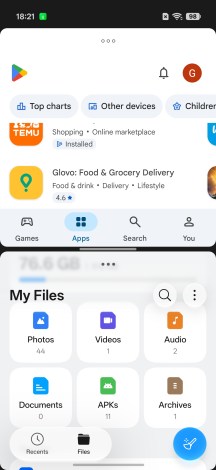
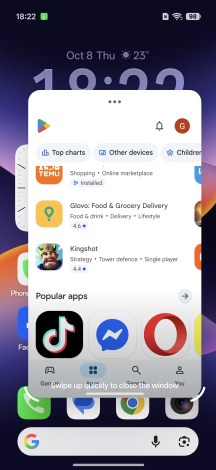
Smart Sidebar • Multi-tasking
Google’s Gemini AI and Circle to Search are available right out of the box.
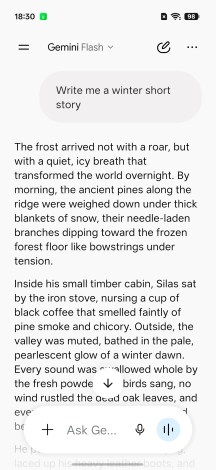
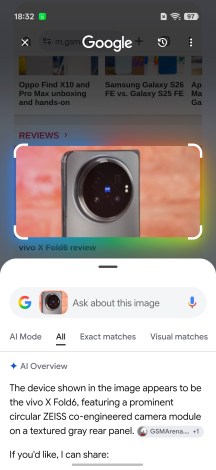
Gemini • Circle to Search
Oppo has its own extensive suite of AI tools, too. AI Writer helps draft text, AI Search looks through supported apps, AI Translate handles translations, and AI VoiceScribe offers content summarization.

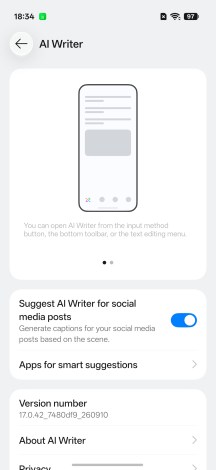
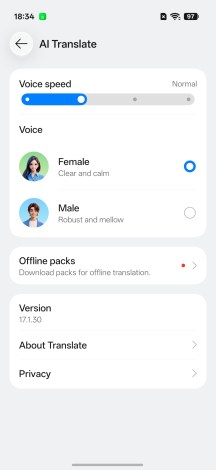
Oppo AI
AI Agent is one of the major additions to ColorOS 17. It combines Gemini, Perplexity, and ChatGPT models and connects to AI Mind Space – essentially a smart clipboard for notes, screenshots, media, and other content you’ve saved throughout the day. Using this information, the assistant can provide personalized suggestions, answer questions, and generate structured summaries.

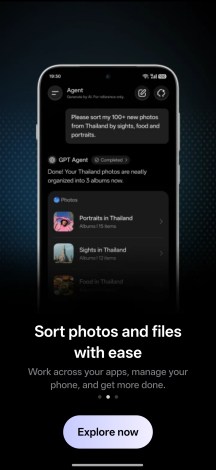

AI Agent
AI Agent can also organize photos and files, perform batch operations such as renaming and sorting, and pull information from apps to put together travel itineraries, trip recommendations, and invitations.


AI Agent
Another AI-powered feature is scam-call detection, which attempts to identify synthetic voices during calls and AI-generated faces during video calls. It’s designed to help users spot potential impersonation attempts.
The Photos app also gains Mind Pilot, a ChatGPT-powered assistant that can create, edit, and organize photos using natural-language prompts. It can even search through thousands of pictures to find a particular shot.
The familiar AI editing tools are still here, including AI Eraser, AI Ultra Clarity, and AI Unblur. New additions include AI Recompose, AI Relight for adjusting portrait lighting and exposure, and AI Perfect Shot for correcting closed eyes.
There’s also the new Photo Agent, which supports prompt-based editing, style matching, and ready-made templates. These include Portrait Glow, Studio Lighting, Natural Retouch, Glass Skin, and more.
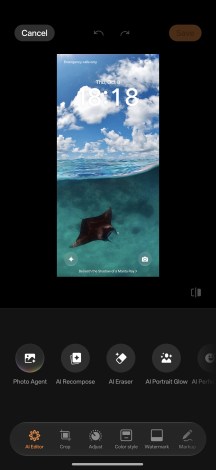
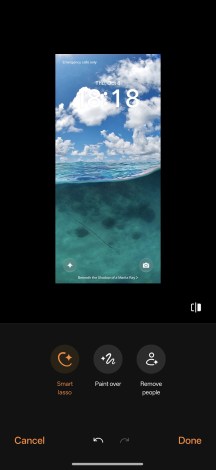
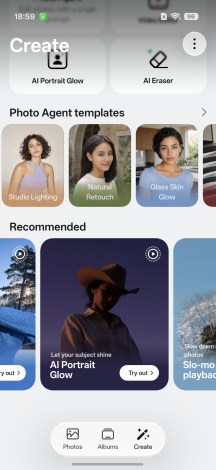
Photos app
The Oppo Find X10 is the first phone we’ve tested with MediaTek’s new 3nm Dimensity 9600M chipset.
The chipset features an eight-core CPU with an all-big-core design – 1x C1-Ultra @ 4.21GHz + 3x C1-Premium @ 3.5GHz + 4x C1-Pro @ 2.7GHz.
Graphics are handled by a 12-core Mali-G1 Ultra GPU.
There’s also a MediaTek NPU 990 for AI workloads.
And the chipset is paired with a vapor chamber cooling solution.
On paper, these specifications are nearly identical to those of the Dimensity 9500 found in phones like the Xiaomi 17T Pro. The 9600M is essentially a modest refresh of that chip, with three main improvements.
First, an updated scheduler aims to improve sustained performance and thermal management.
Second, MediaTek’s Agentic AI Engine enhances AI capabilities, adding support for newer models such as Gemini Nano 4 and Qwen 3.5 Omni.
Finally, the new Neural Graphics Architecture promises better coordination between the CPU, GPU, and NPU for more stable frame rates during gaming.
The Find X10 comes with 12GB of LPDDR5X RAM, paired with either 256GB or 512GB of UFS 4.1 storage.
Now, let’s see how it performs in our benchmarks!
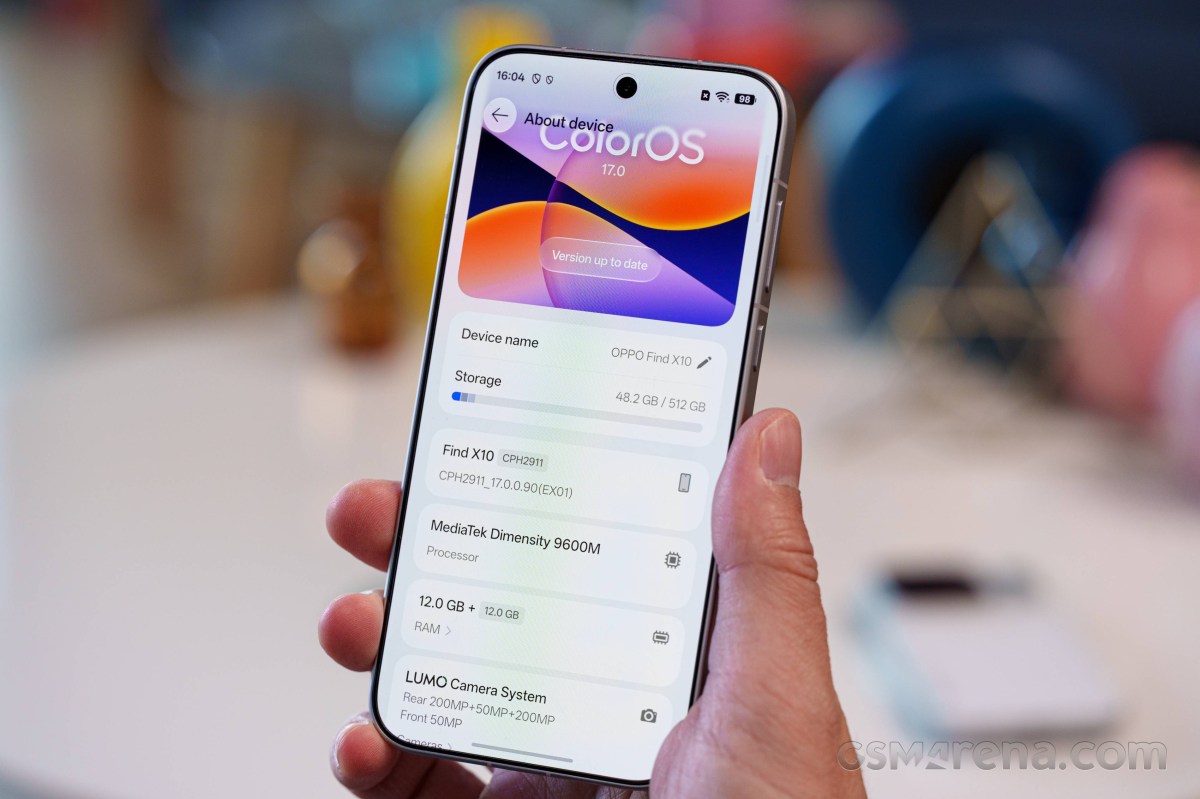
As expected, the chip scores the same as the Dimensity 9500. While not as chart-topping as the 9600 Pro or the Snapdragon 8 Elite Gen 5, it still shows impressive raw power.
The Oppo Find X10 scores highly in benchmarks and demonstrates flagship-grade capabilities. While its raw performance doesn’t quite match the Dimensity 9500 in some of the benchmarks, it’s right up there. Furthermore, its efficiency was already proven in our battery life test.
Thermal throttling
Finally, we ran our usual stress tests, and the Find X10 turned in a decent performance. It maintained 62% of its peak CPU performance and 50% of its peak GPU performance, which are expected numbers for a high-performance chipset.
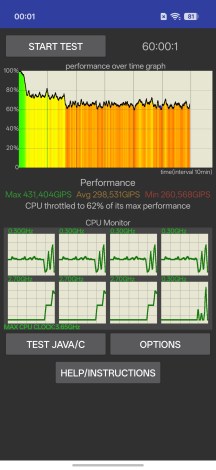
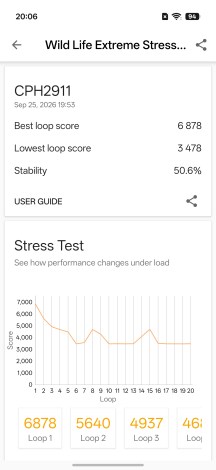
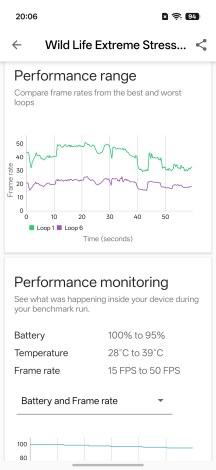
CPU test • GPU test