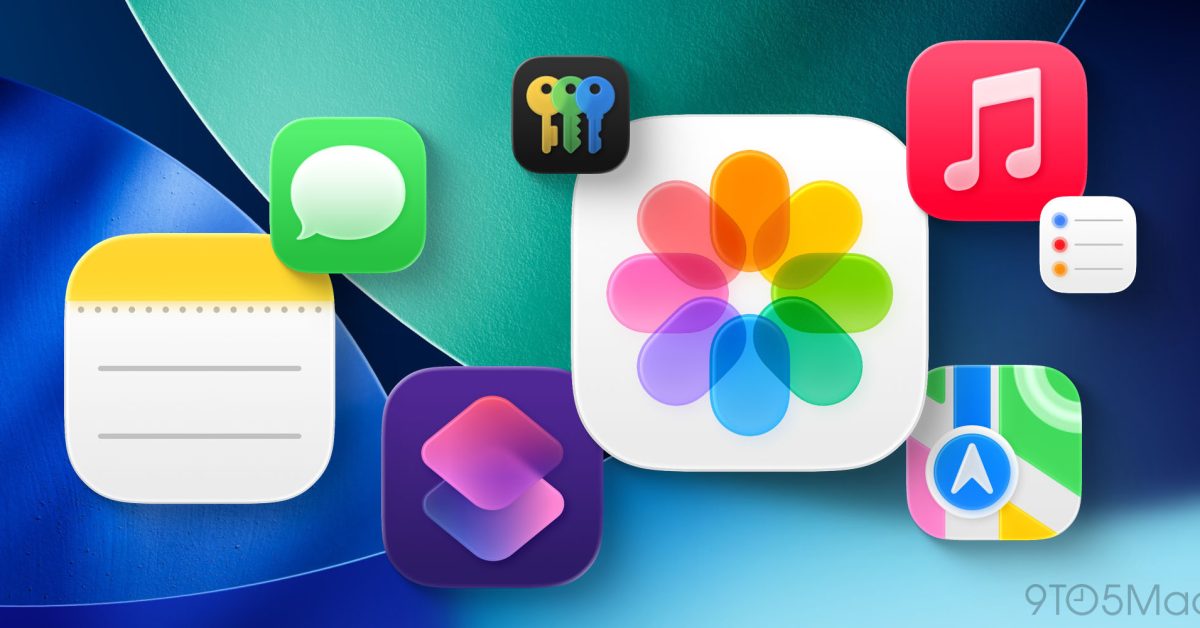
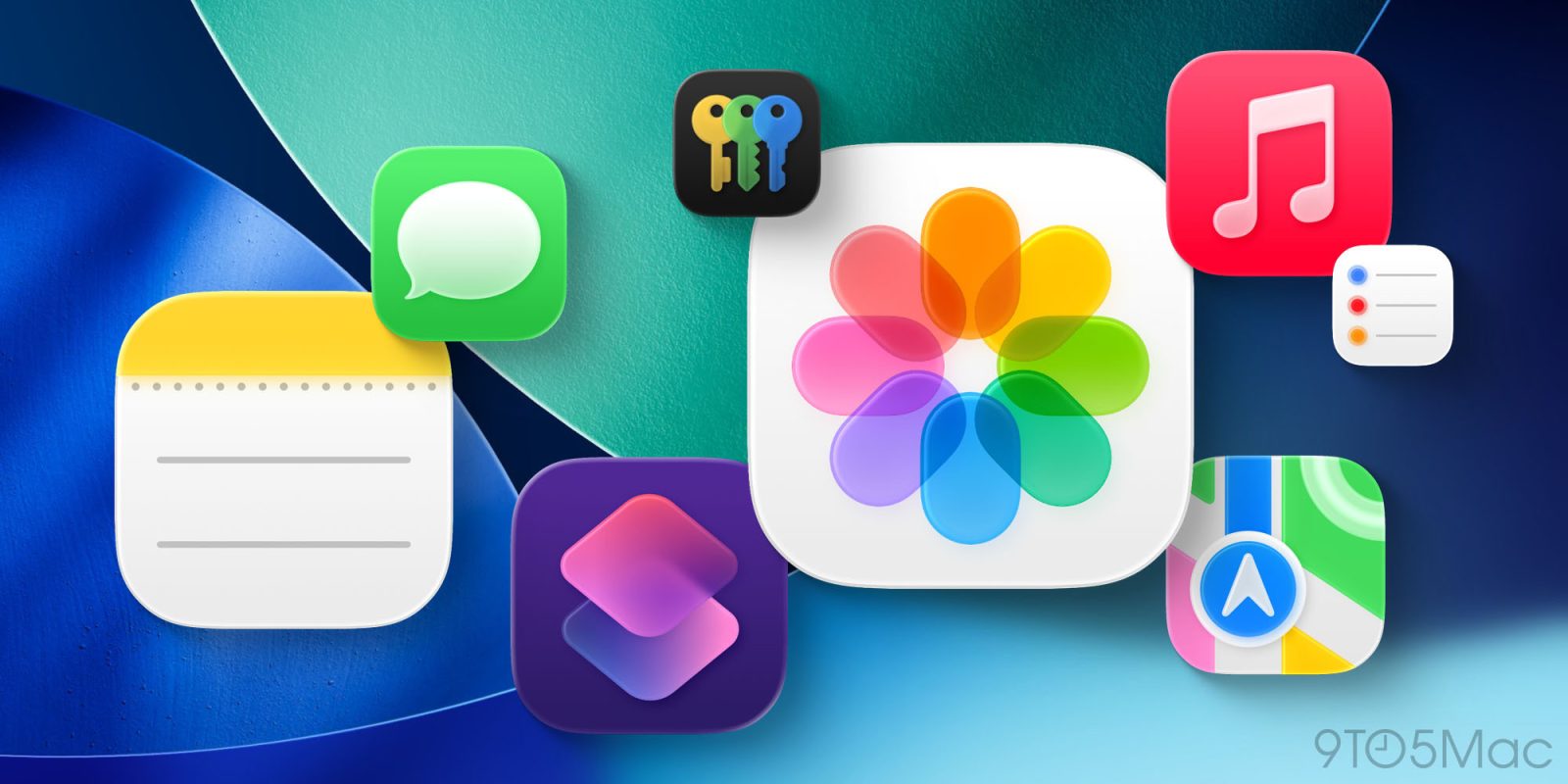
iOS 26 is launching soon, headlined by a fresh Liquid Glass design that makes your iPhone look brand new. Apple has a ton of new app icons coming with its redesign, but the following five icons might be especially hard to recognize after you update.
AirDrop
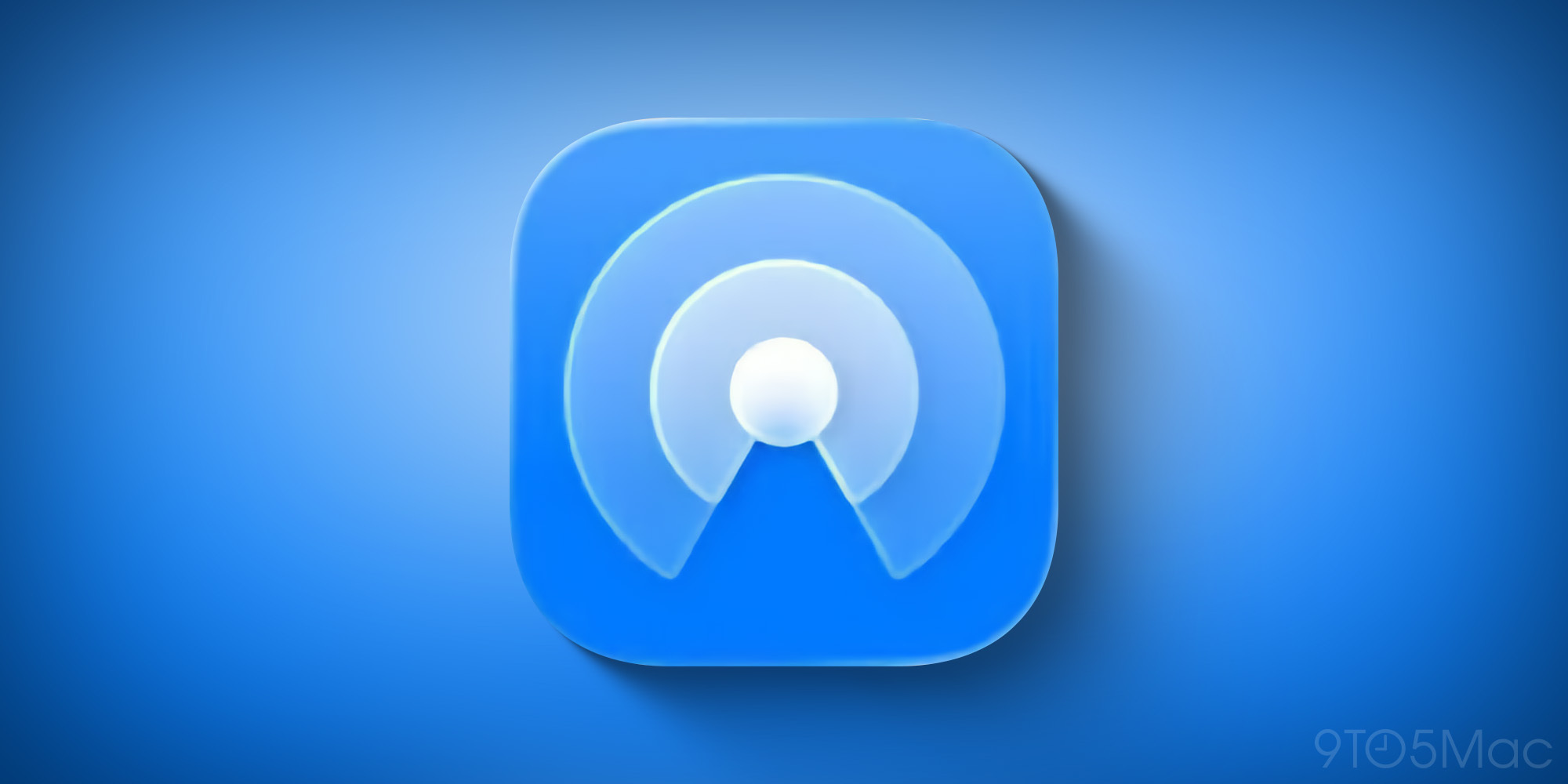
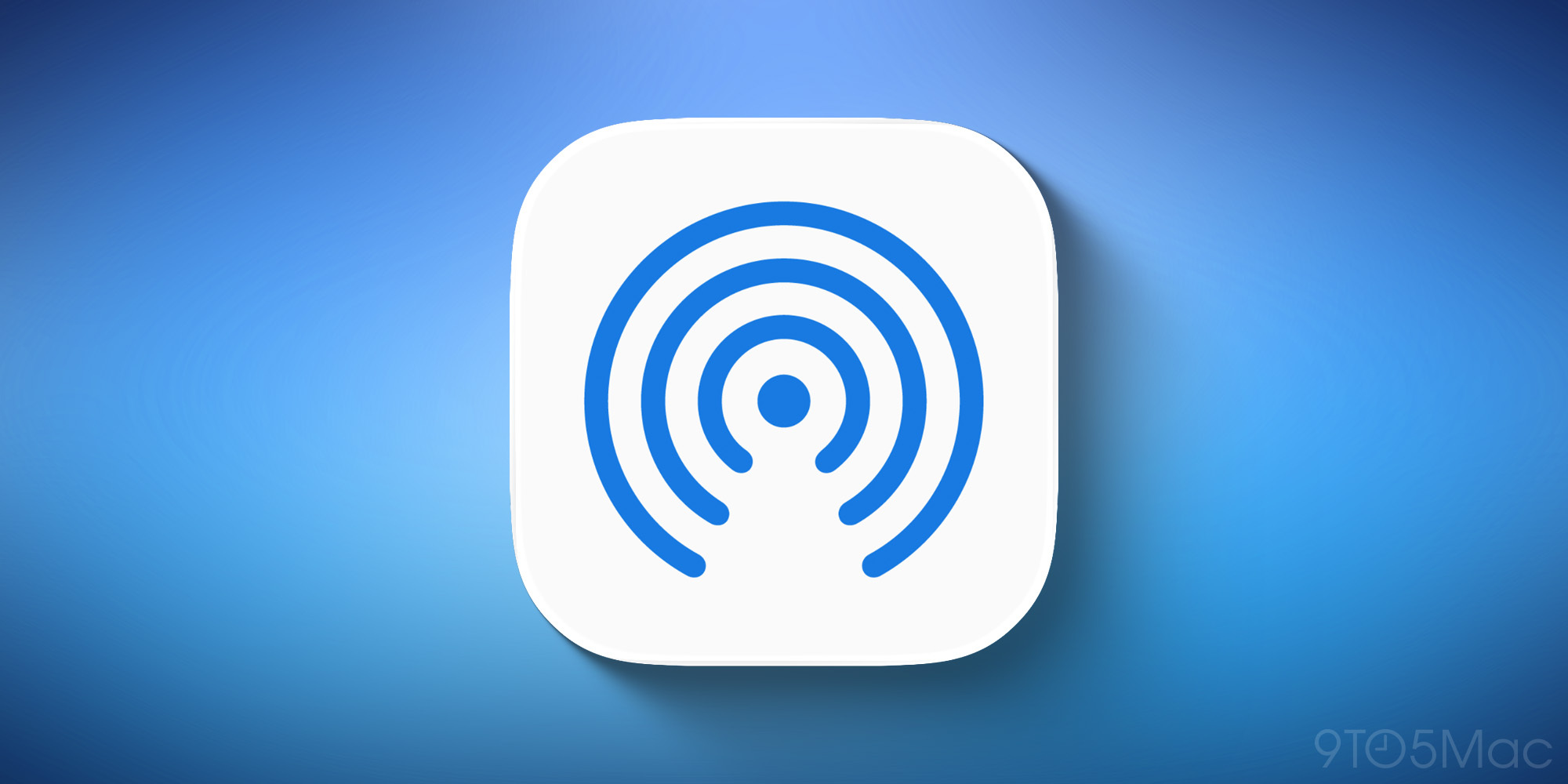
AirDrop’s icon is getting some fresh love from Apple this year.
iOS 18’s blue curves on a white background—a classic, but very basic look—has been replaced by a new blue iOS 26 icon with depth and more personality.
Camera
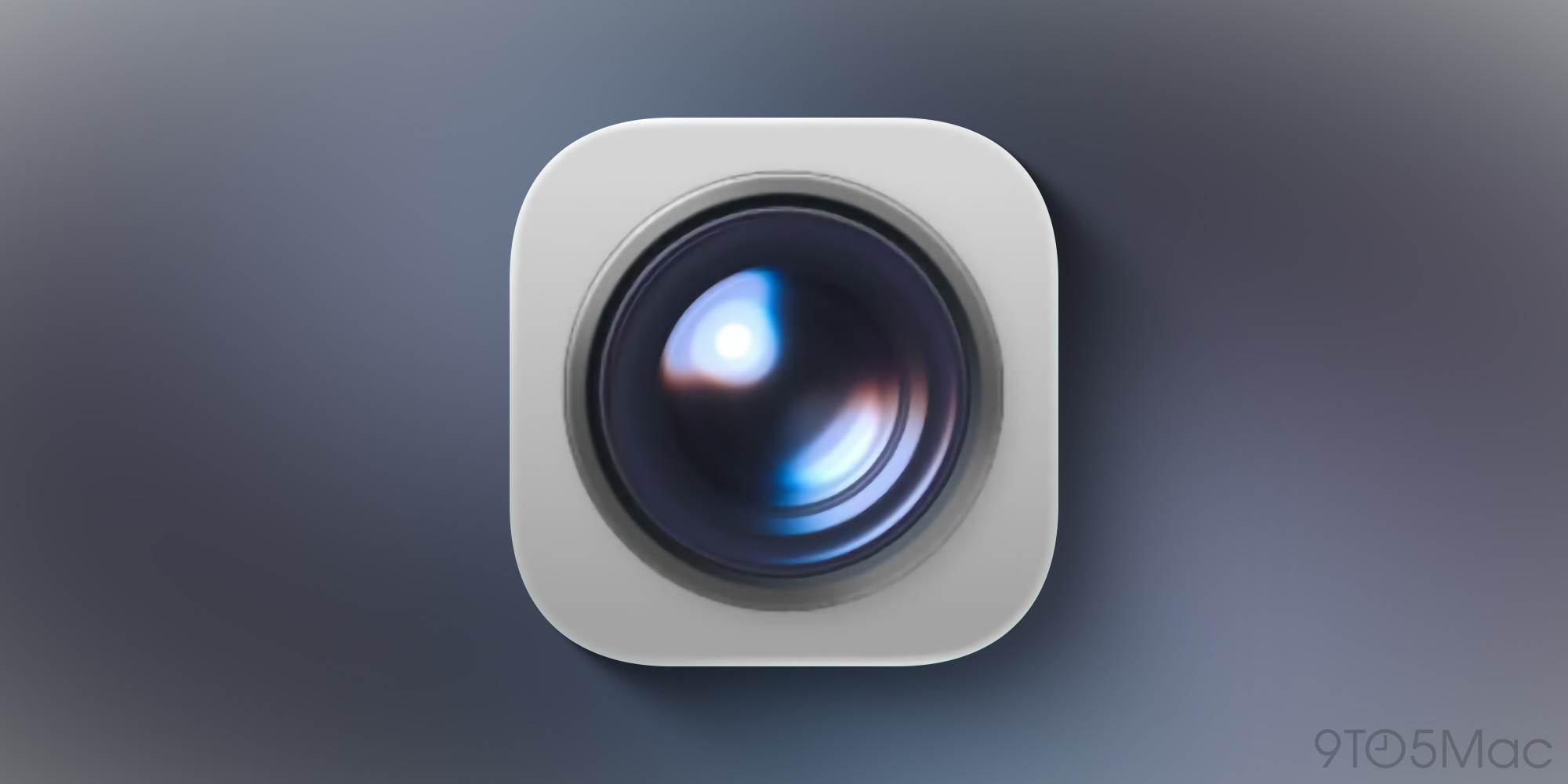
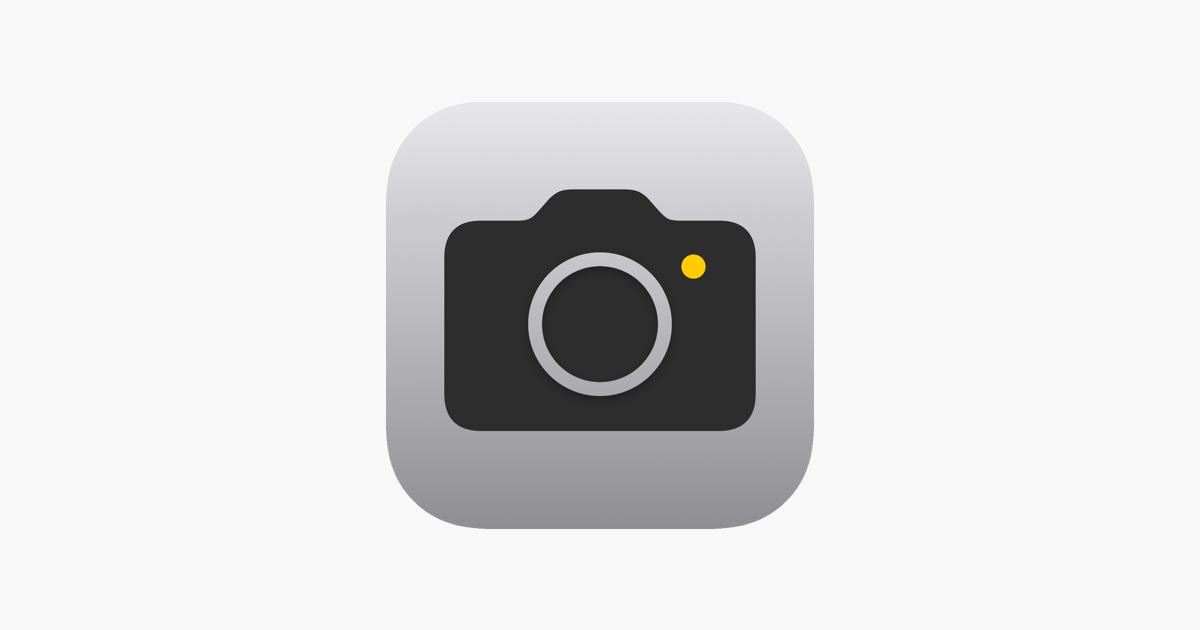
The Camera app icon has traditionally featured a glyph of a camera.
But in iOS 26, Apple has given Camera a whole new look that focuses entirely on the lens.
Perhaps it’s fitting considering how huge the iPhone’s cameras are these days?
Apple Games
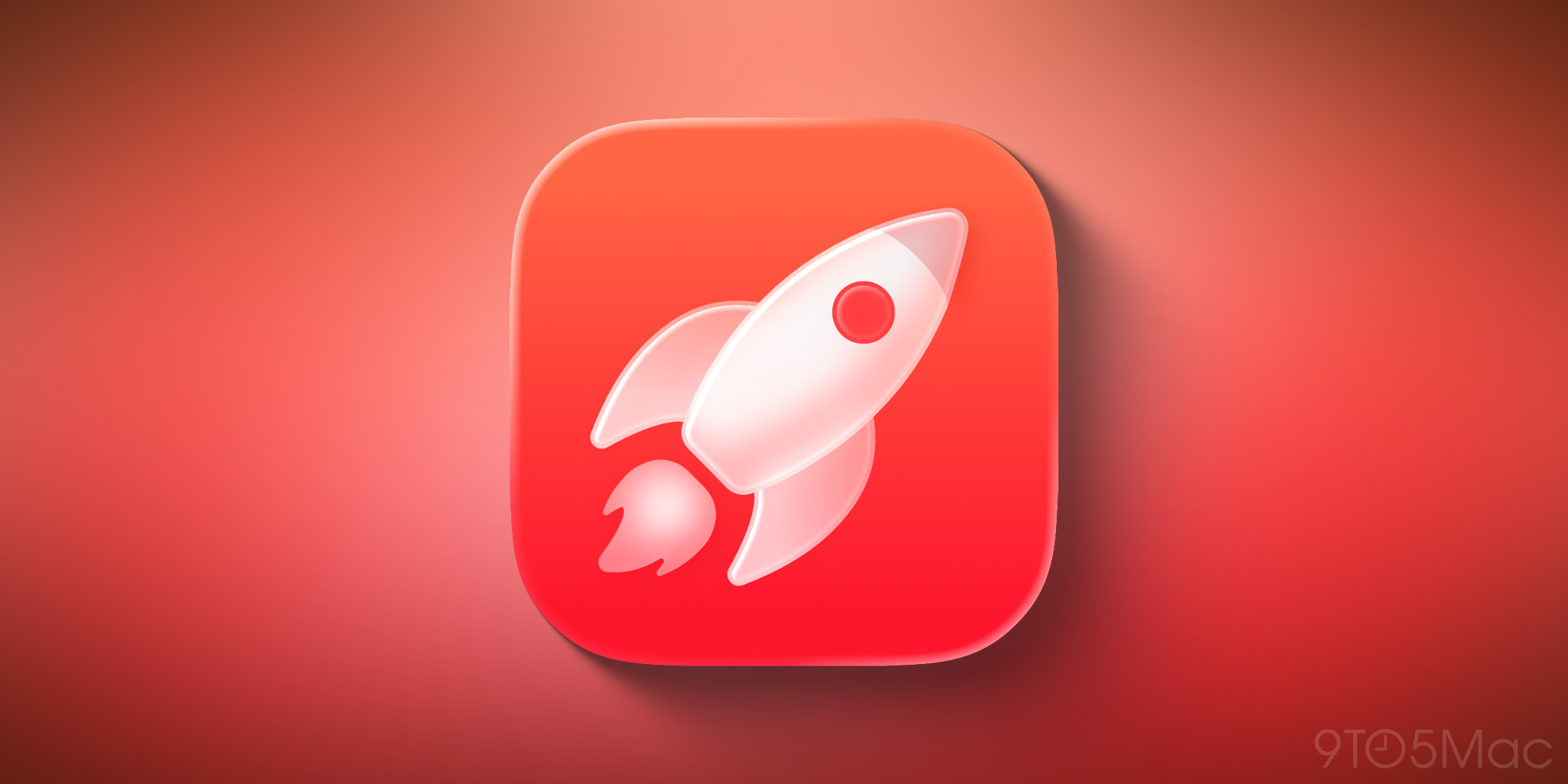
Don’t recognize the rocket ship icon? That’s not a surprise, since it’s for the brand new Apple Games app in iOS 26.
Though iOS once offered a standalone Game Center app, it’s been gone for almost a decade.
The Games icon in iOS 26 takes its design cues from Apple Arcade, with a red-centric scheme that diverges a lot from Game Center’s old look.
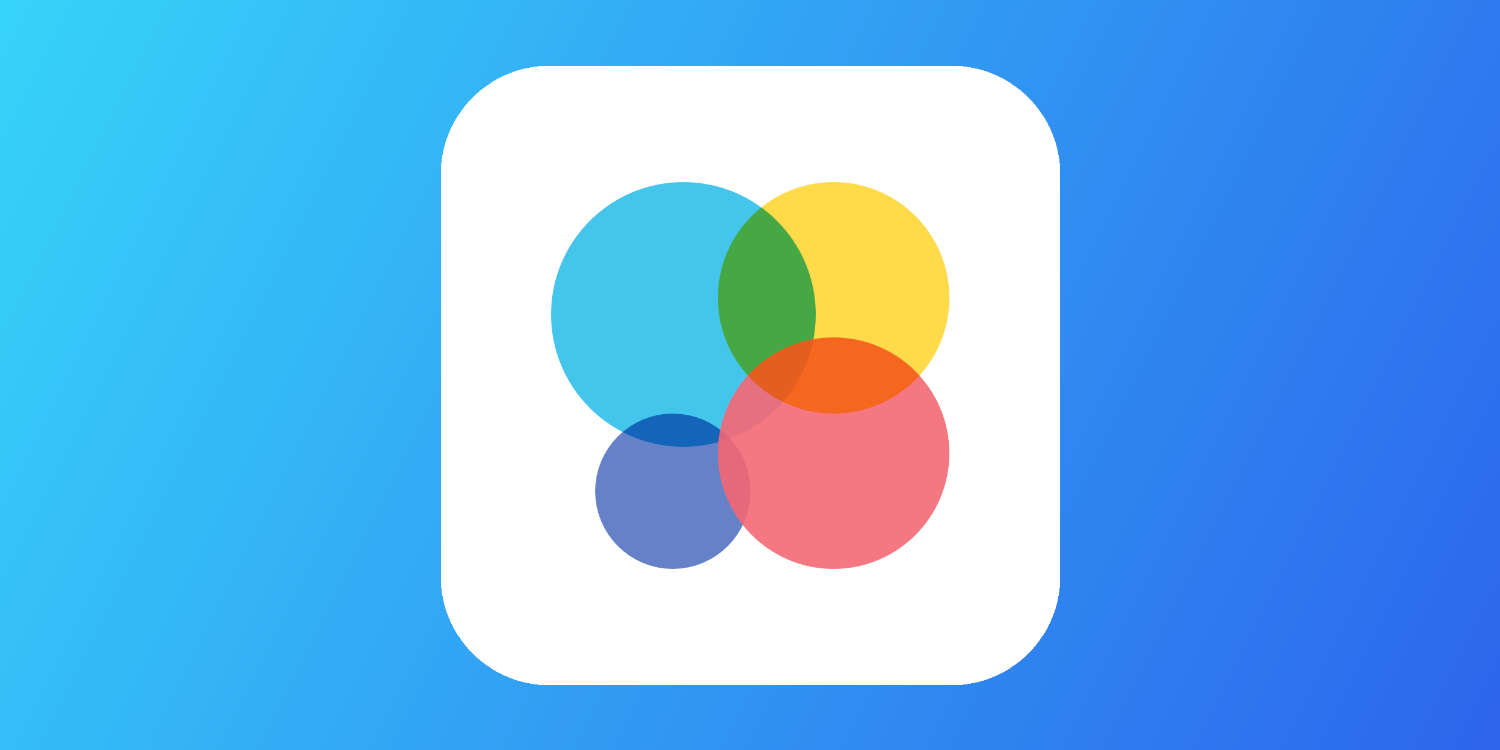
Image Playground
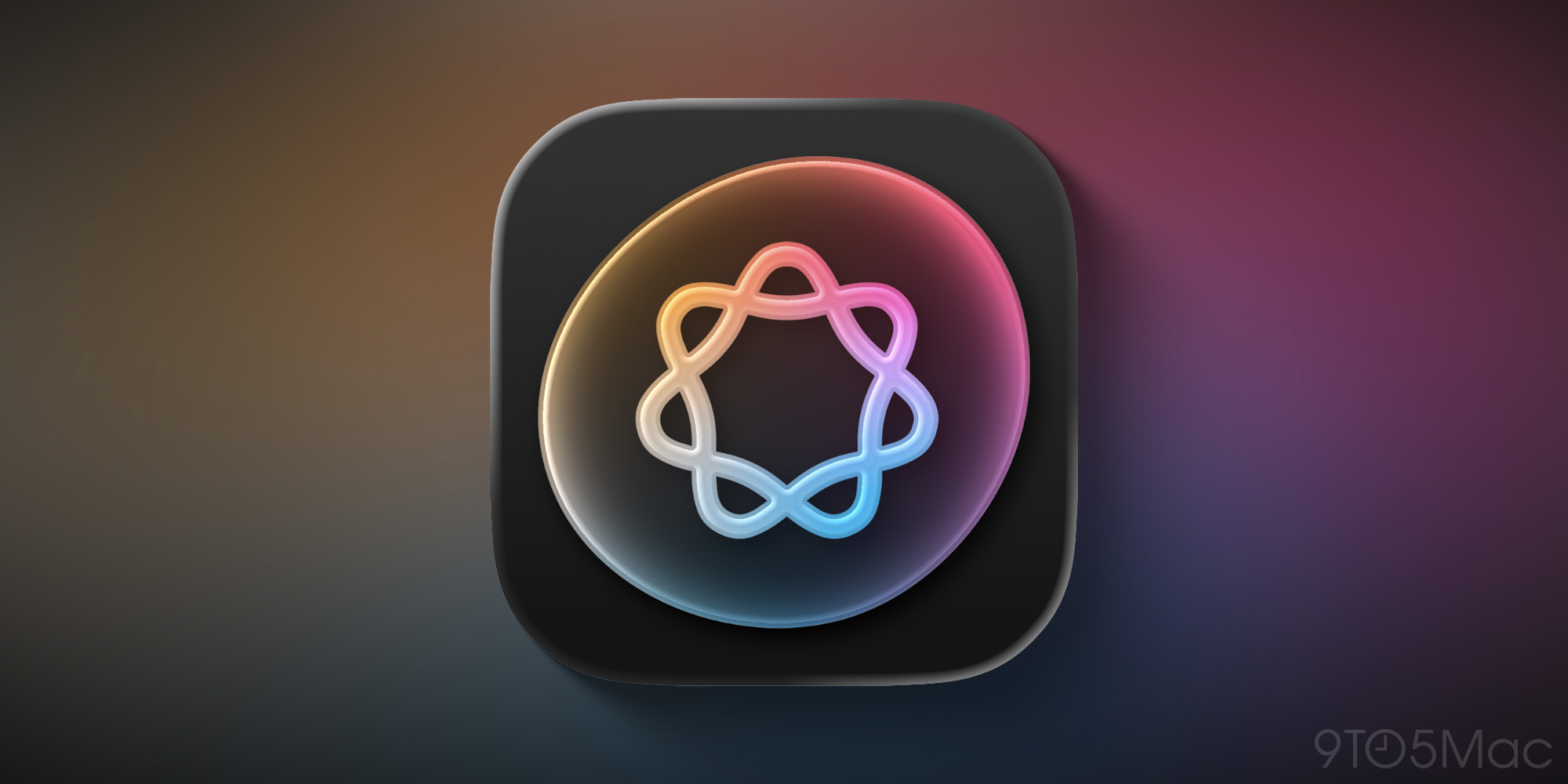
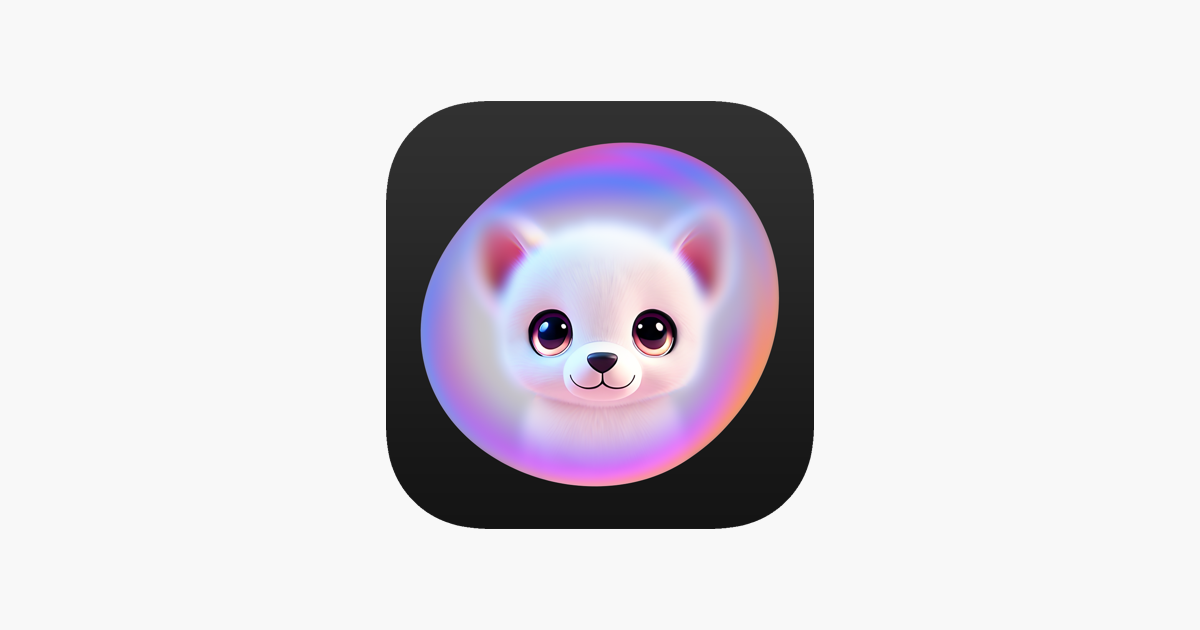
Apple just launched the Image Playground app last year. But it’s already getting a whole new look for its app icon.
Gone is the cute and fluffy canine image, replaced by the standard Apple Intelligence logo in a bubble.
Preview
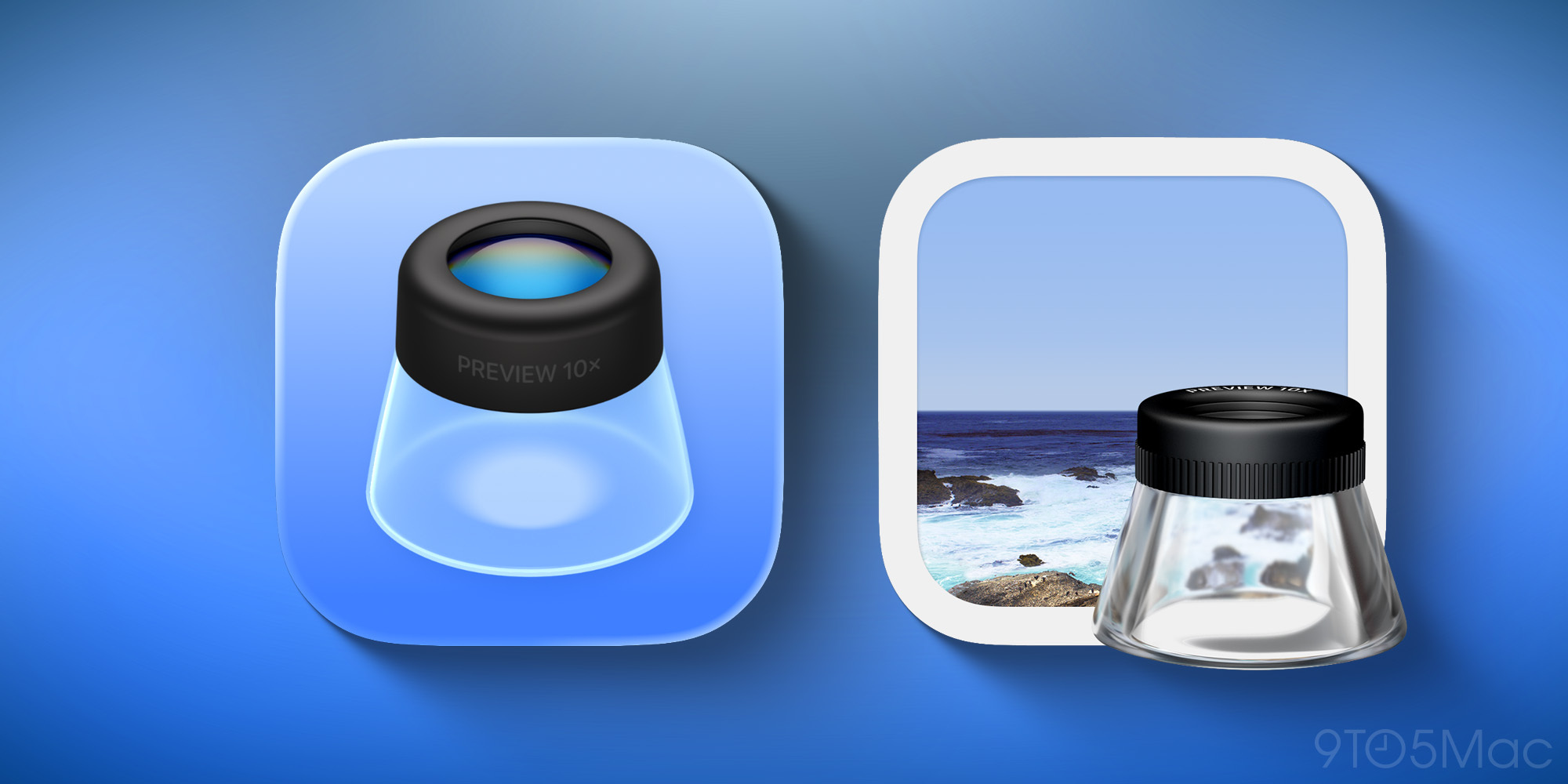
For the first time, the Finder app is coming to the iPhone with iOS 26—and with a fresh icon.
But while there’s some loose resemblance to the old Mac icon, Apple’s iOS 26 look definitely goes in a fresh direction while paying homage to the original.
What do you think of iOS 26’s new icons? Let us know in the comments.
Best iPhone accessories
FTC: We use income earning auto affiliate links. More.