
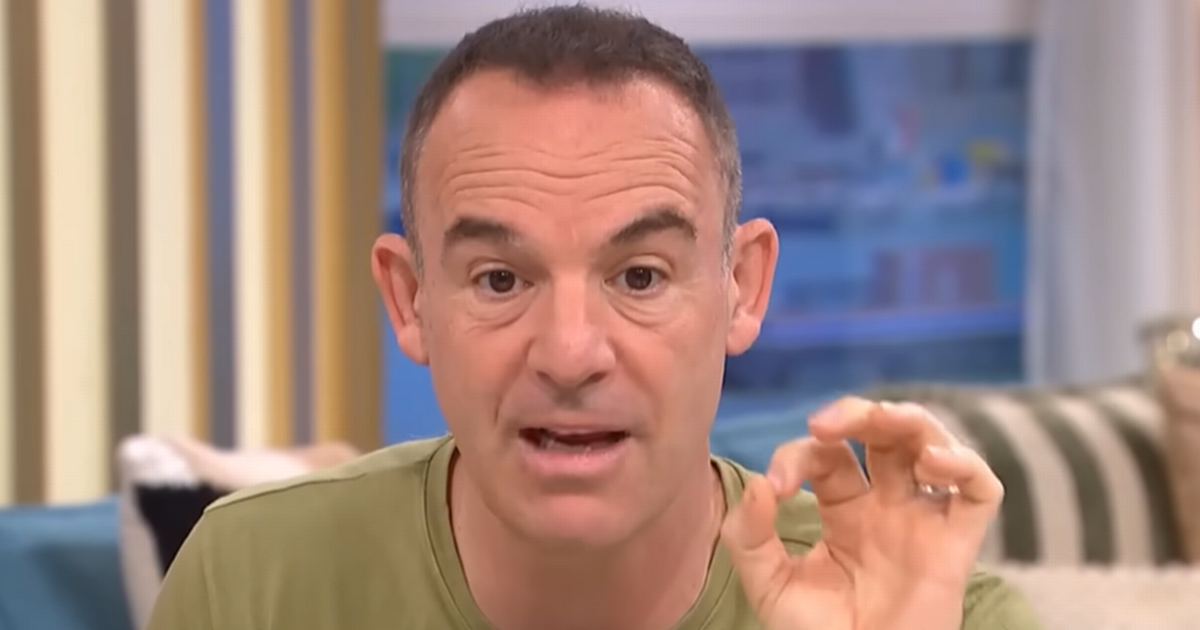
The Money Saving Expert has shared vital phone tips on This Morning, including a crucial IMEI code to protect against theft
13:08, 21 Dec 2025Updated 14:02, 21 Dec 2025
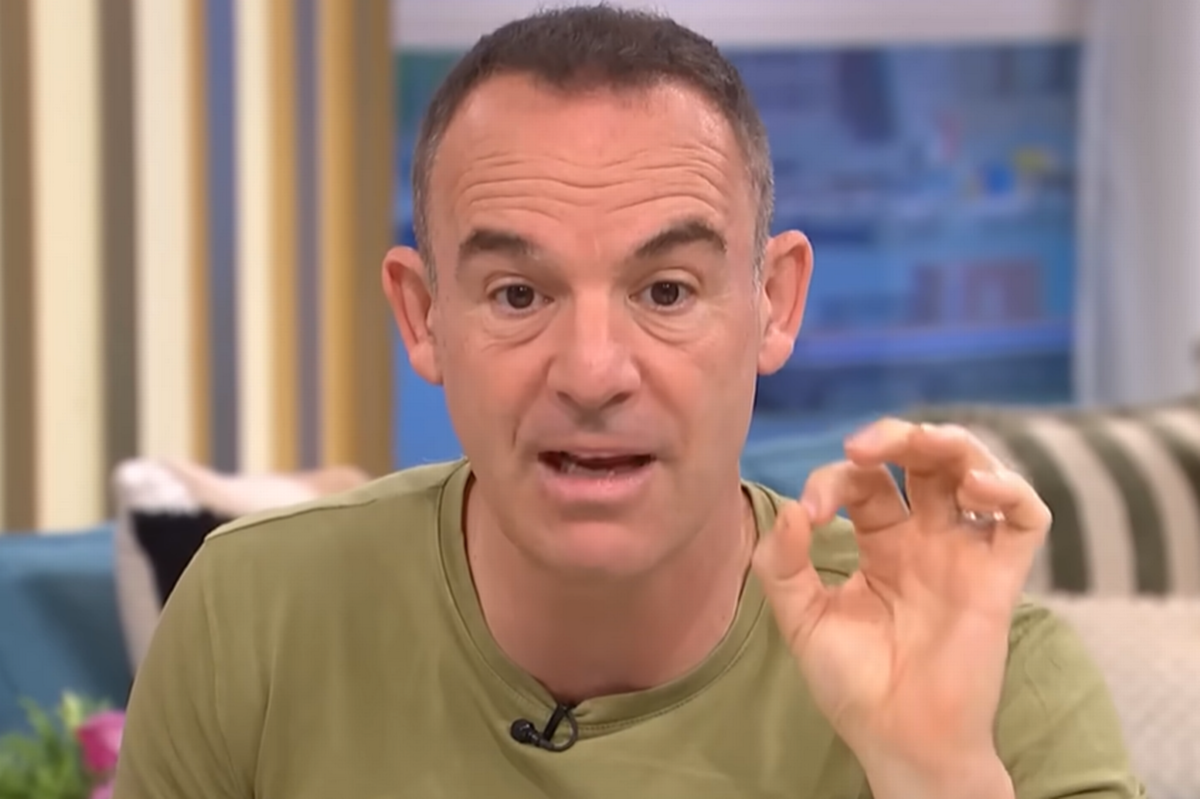 Martin Lewis gave vital advice for anyone with a mobile phone ‘to do immediately'(Image: ITV)
Martin Lewis has issued a warning to all iPhone and Android smartphone users to make a few simple adjustments – or risk regretting it. Speaking on ITV’s This Morning, the personal finance expert explained that if people fail to properly set up their devices, they could be left vulnerable if their phone is lost or stolen.
He also advised everyone to input a five-digit code. With mobile phone thefts increasing, Martin Lewis outlined the straightforward measures everyone should take today to safeguard their device. This follows recent appeals from MPs on the Commons Science, Innovation and Technology Committee to Home Secretary Shabana Mahmood, stating that tech companies are not doing enough to tackle mobile phone theft.
The committee expressed its concern as to why these companies have not taken steps to prevent stolen handsets from connecting to cloud accounts abroad. Mobile phone theft has become a growing issue in recent years, particularly in London where approximately 80,000 handsets were stolen last year, according to Metropolitan Police data.
Many of these devices end up being transported overseas, with the Met alleging earlier in October that one smuggling network had shipped up to 40,000 stolen phones from the UK to China in the past year. Mr Lewis recommended that people should initially download a specific app.
He explained: “Everybody who’s got a smartphone, if you’re Apple, if it’s find my device, if you’re Android, it’s the smart things app, then you can locate it, but also you can switch off payments. It doesn’t stop your phone being sold on, but it reduces the risk, cause let’s be really plain, two risks for your phone being nicked one, you lose it, you have to claim on your insurance and get it back, and two, they can access your information.”
Mr Lewis highlighted additional phone settings people should activate – particularly for banking apps. He stated: “Make sure your biometrics are set up, your face or fingerprint ID both on your phone. And your banking apps, that’s very important, not just on one, make sure it’s on both.”
He then urged everyone to enter a specific five-digit code into their phones: “Next one, everybody do this now. Type into your phone *#06#. Rachel’s making a note. That’s *#06#. You’ll get it like what looks like a series of barcodes come up, those are your IMEI numbers. Screen grab those, email them to yourself, that’s the ID you’ll need if your phone’s nicked, so that you can recognise your phone, *#06#.”
‘For the latest money saving tips, shopping and consumer news, go to the new Everything Money website’
You can enter that code through the dialler. The expert advised turning off preview notifications: “Next, really important this one, and you’ll understand why, turn off your preview notifications. So you know when you, when you pay for something and they send you the text code, yeah, that comes through. That’s fine when your phone is unlocked and you’re on it, but if you have preview notifications, it will show that code on the lock screen.
“If you turn off preview notifications, it tells you you’ve got a message but doesn’t include the code. So if someone nicks your phone and then. They can’t see that code, so turn off preview notifications, and the final one I’d say is go onto your phone, look at the security settings of your particular phone and go and have a play and see what security settings there are. None of this will stop your phone being nicked, but it reduces the risk of you being defrauded if your phone is nicked. It protects you.”