
If you’re overwhelmed by AI chatter, you’re not alone. Right now, it feels like AI shows up in every tool, app, headline, and workplace conversation – whether your boss is keen on integrating it into everything or firmly against it. And alongside the hype, there are genuine concerns about its impact on jobs, the way we think, and whether we should be using it at work at all.
If you’re hesitant, you’re not alone. All of these concerns are real. But it’s still true that, used sensibly, AI chatbots can genuinely help people with planning, writing, organizing thoughts, summarizing information, and creating images.
You may like
What beginners need to know

(Image credit: Unsplash)
Before you choose an AI chatbot, it helps to understand a few simple definitions. These basics will make it easier to pick the right tool and get better results once you start using it.
Chatbots: You’ll see terms like “AI assistants,” “models,” and “LLMs” (large language models). The important bit is that the chatbot is the interface you talk to, and the LLM is essentially the engine powering it behind the scenes.
Free vs. paid: Most AI chatbots offer a strong free tier. If you pay, the benefits you unlock will depend on the chatbot. But generally, you can expect faster responses, access to newer or more powerful models, better memory, and higher usage limits.
Hallucinations: This is an industry term used to describe the way some AI chatbots make things up. It happens because the models are often trained to come up with a response even when they don’t know something. Obviously, this isn’t ideal. It means you’ll need to double-check a lot of what AI chatbots tell you. Especially if you’re using them for research.
Memory: Some chatbots remember previous conversations or your preferences. This means less repeating yourself and a more personalized experience. If you plan to use AI regularly for things like writing, goal-setting, and planning, memory can make a huge difference.
Privacy: Don’t paste confidential business information, client data, or personal data into a chatbot. You should also read the tool’s privacy settings and your workplace rules. It’s also possible to go and turn off sharing settings in most chatbots. Sometimes your conversations are used to make the model smarter, but that does put your privacy at risk.
You may like
Prompts: A prompt is simply what you type into an AI chatbot. You can just chat normally, like you would to a friend. But clearer, more deliberate prompts will deliver better outputs. Especially if you’re using the chatbot for work. You can read our guide to better AI prompts to find out more.
Search: Each chatbot handles information differently, but it’s best not to think of them as a straight replacement for search engines like Google. Yes, many people do use them that way. But because AI chatbots can hallucinate and don’t always have access to live, up-to-date information, don’t use them for anything factual or time sensitive. If you do, always double-check with a reliable source.
Similarities: Most AI chatbots behave similarly for simple things like proofreading or getting new ideas. So don’t overthink it. The differences will start to show up more if you’re writing longer text, like reports, want to use an AI chatbot for more complex tasks, like coding, or you’re working inside of the Google or Microsoft ecosystems.
The AI chatbots beginners should consider
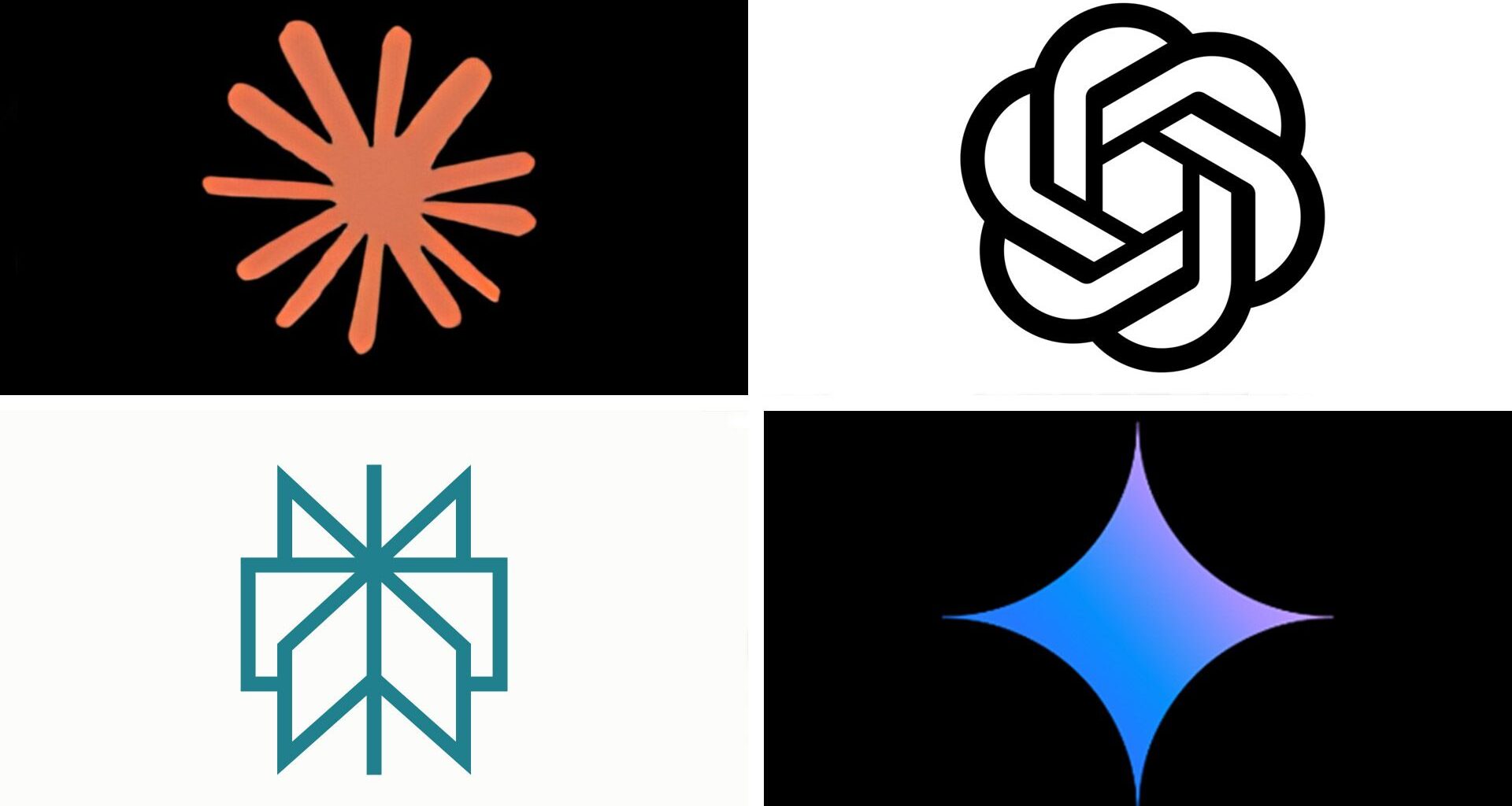
Best for most people: ChatGPT
If you only try one chatbot, make it this. ChatGPT is the easiest on-ramp for beginners. It has a clear interface, lots of tutorials online, and strong all-around performance for everything beginners would want to try, like writing, planning, questions, and creativity. The free version is also very capable, but the Pro version is the first paid tier and costs $20/£19 (approx) a month. That gets you more messages, more uploads, and more memory.
Best for thoughtful writing: Claude
The company behind Claude, Anthropic, positions itself as a “safety-first” AI company, with a focus on transparent, ethical development. A lot of people are fans of Claude and prefer it over ChatGPT. We’ve found it’s become a favorite for people who write a lot. Many writers also say they prefer its tone and clarity to others in this list. It’s strong at long-form content, analysis, structured documents, and reasoning-heavy tasks – though it does do a lot more than writing. The free version is good, but it doesn’t have memory. The Pro version is $17/£18 per month.
Best for Google users: Google Gemini
If you live in Gmail, Docs, Calendar, and Drive, Gemini is a really seamless option. It integrates neatly into Google Workspace and can access your files (with permission) to do all sorts of things, like assist with drafts, summaries, and planning. The free tier is good. The first paid-for tier is called Google AI Pro. It’s $19.99/£18.99 a month and gives you a better experience with more usage.
Best for Microsoft users: Microsoft Copilot
Ideal if you’re in Outlook, Word, Teams, or Excel all day. Copilot is designed to fit directly into the Microsoft suite, so it can analyse documents, summarize meetings, help with spreadsheets, and more. Copilot is free to get started with and built-in to Microsoft. Accessing the paid-for version is a bit different from the rest, considering it’s bundled into Microsoft. But prices start at $9.99/£9.99 a month.
Best for research: Perplexity
If your priority is finding accurate information, source links, and research, not creative writing, then Perplexity is our top pick. It cites sources by default, compares viewpoints, can fact-check big chunks of text, and gives reliable summaries. You’ll get a good free version that doesn’t require signing in. Perplexity Pro starts at $20/£16 (approx) a month and delivers a better experience and more usage.
Which AI chatbot do you need?
(Image credit: Getty Images/ Cheng Xin)
If you want the simplest answer, try ChatGPT. If you like writing, try Claude too. Use the free versions first; they’re good enough to give you a feel for each tool and how they work. If you upgrade, it’ll usually be because you want faster responses, better memory, or access to more advanced models.
If you’re already deep in Google or Microsoft tools, Gemini or Copilot might be a better fit. And if your priority is reliable research rather than creativity, Perplexity is worth exploring. And remember, you don’t have to pick just one.
Follow TechRadar on Google News and add us as a preferred source to get our expert news, reviews, and opinion in your feeds. Make sure to click the Follow button!
And, of course, you can also follow TechRadar on TikTok for news, reviews, unboxings in video form, and get regular updates from us on WhatsApp too.