
Google Trends has always been a place where people can learn more about what’s happening in the world through Search trends. We’ve reimagined the Trends Explore page to make it even easier for journalists, content creators, researchers or anyone interested in Search trends to find insights, get inspired and dive deeper into a topic.
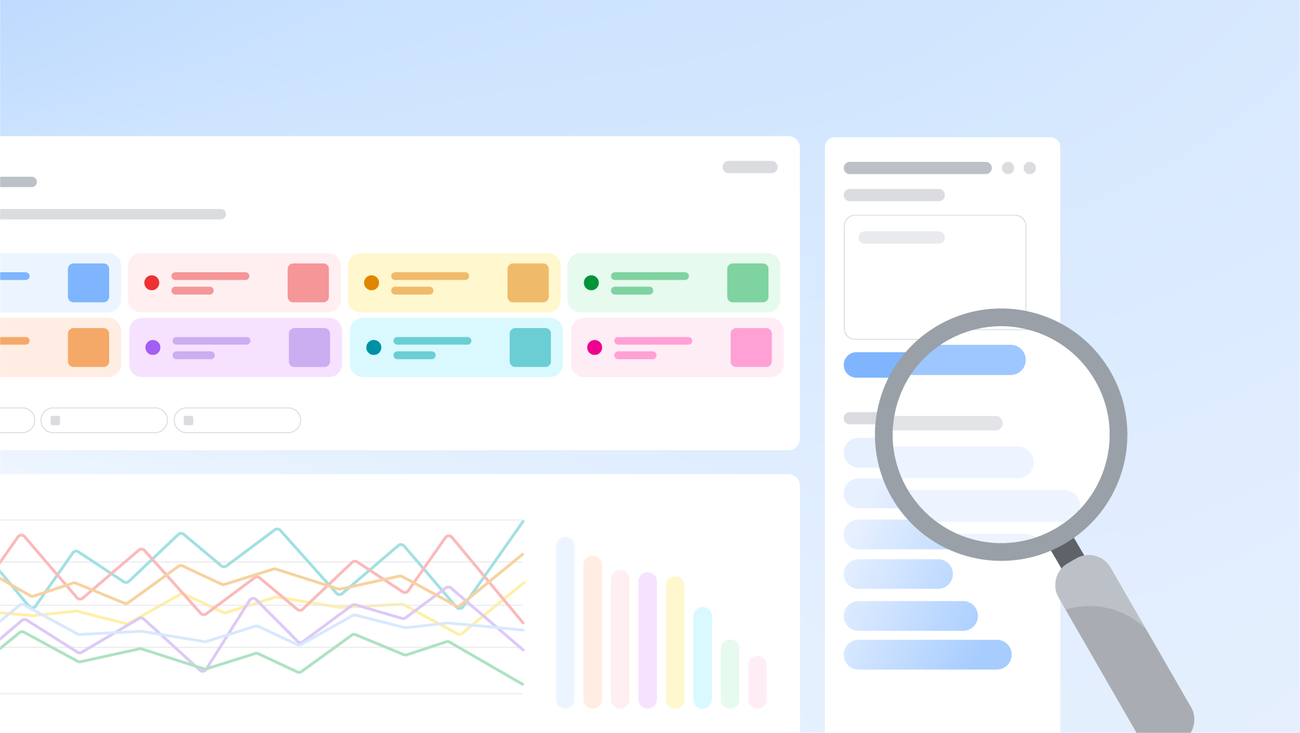
When you’re exploring a subject on Trends, you often want to compare data for related searches to make sure you understand the full picture. But figuring out what these related searches are can take time. The updated Explore page has a new side panel that uses Gemini capabilities to automatically identify and compare relevant trends for your area of interest. You’ll also see a list of suggested Gemini prompts to help you explore further.
For example, if you’re researching trending dog breeds, up to eight search terms like “golden retriever” or “beagle,” will automatically populate the graph so you can easily compare them. The side panel will also show related ideas like “hypoallergenic dog breeds” or “large dog breeds” to help you dive deeper. Hover over a search term to edit it, or use the country, time and property filters to adjust the Trends timeline.