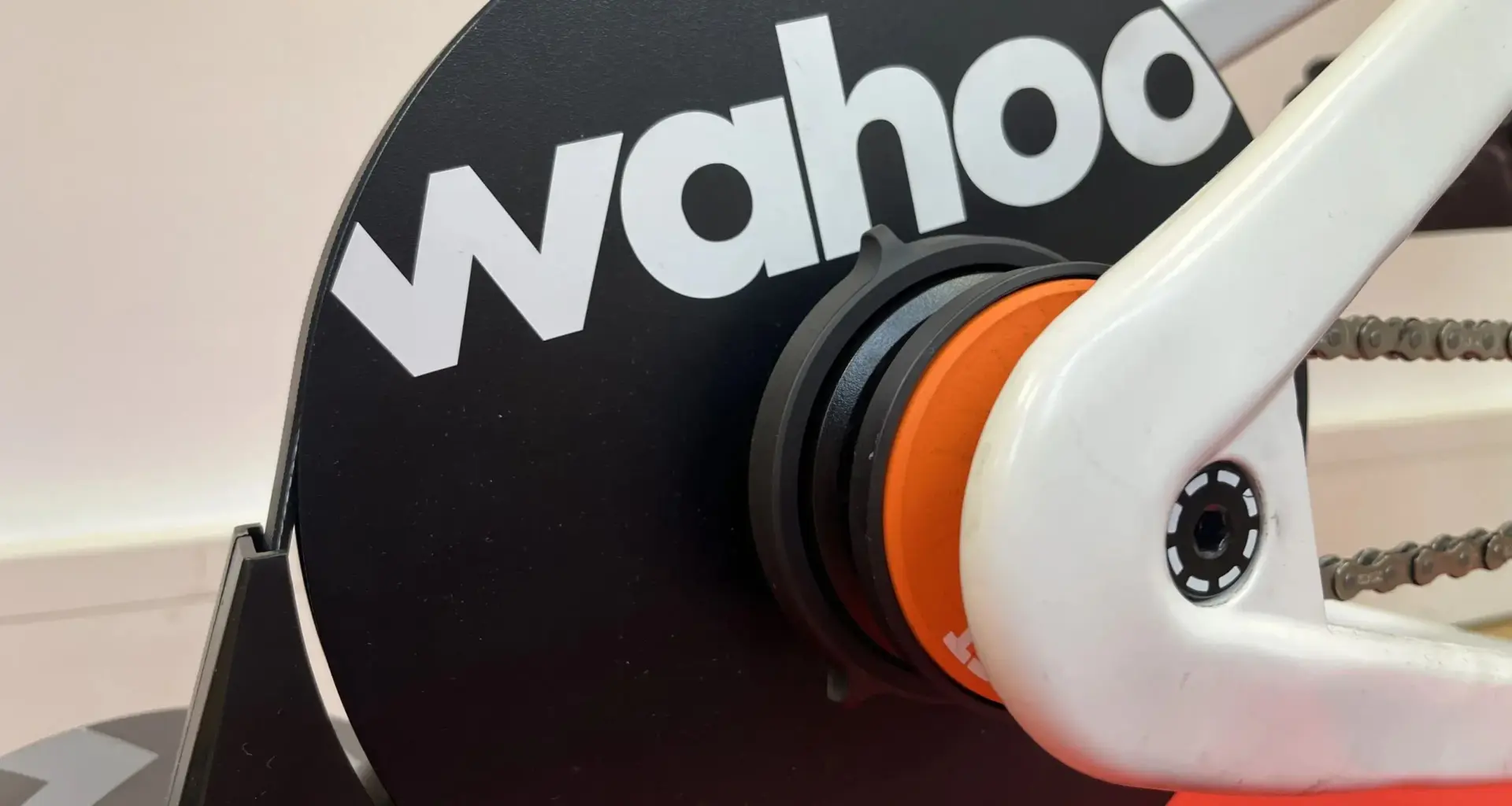
With every imaginable grade of indoor trainer now available, Wahoo’s mid-range Kickr Core line continues to cater for cyclists who prefer to save the costs inherent in a standalone training system and instead hook up their own riding equipment – be that a bike or a smart bike frame – to the Kickr’s direct drive turbo trainer.
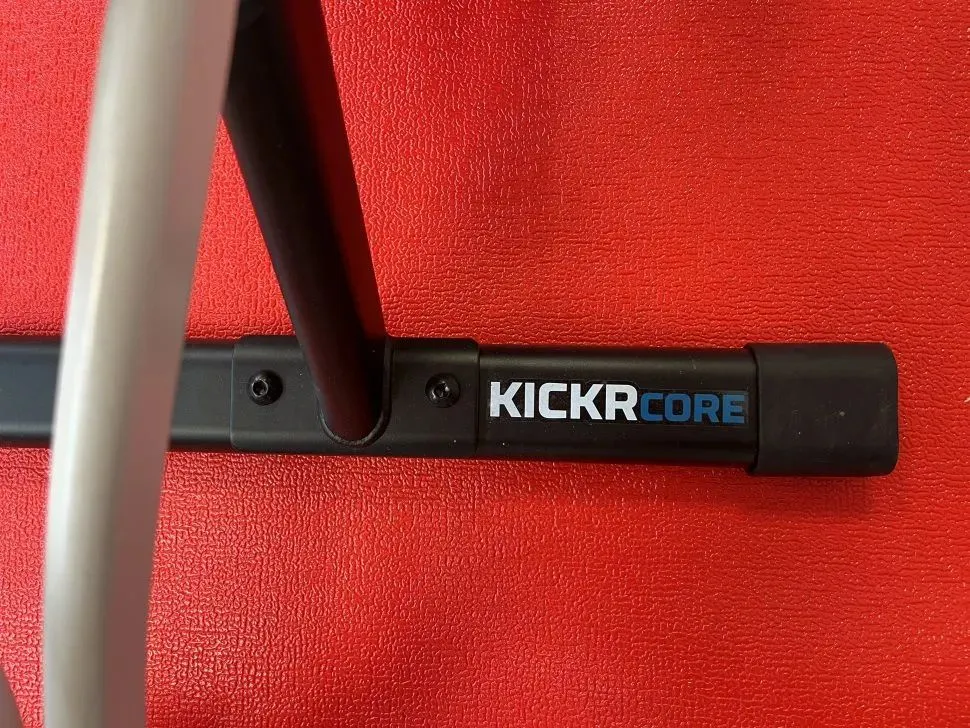
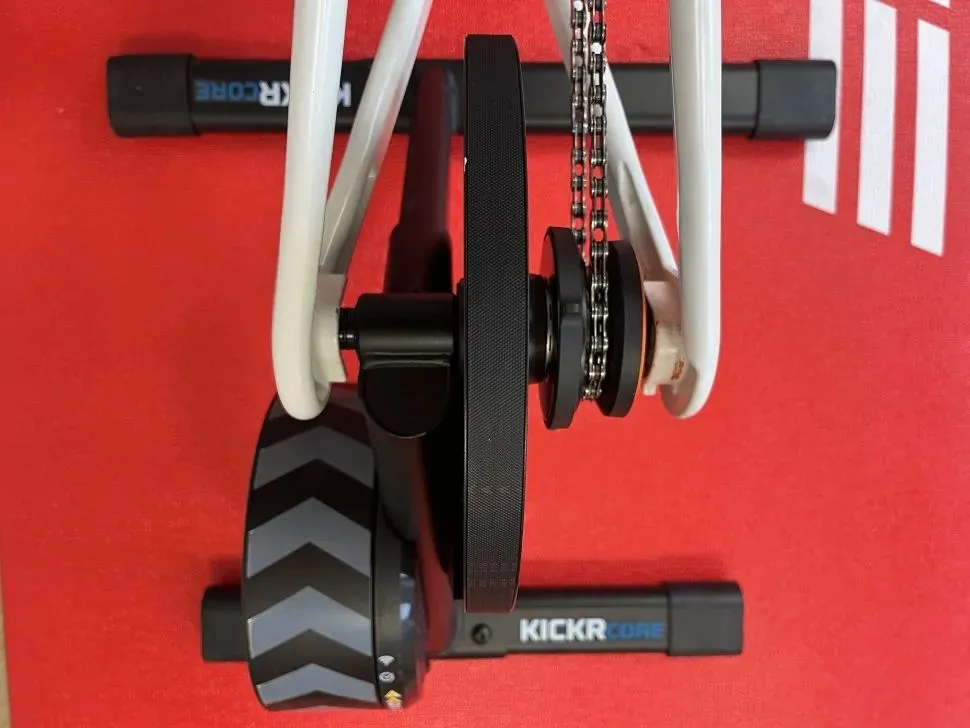
To keep price as competitive as possible, not much has changed. The Kickr Core 2 looks very similar to its predecessor, sticking with the basic double circle structure of flywheel, belt drive and cassette mount supported by two weighty metal struts. But improvements have been implemented. The supporting legs are now flat bars as opposed to round, for increased stability, and the components are more clearly labelled.
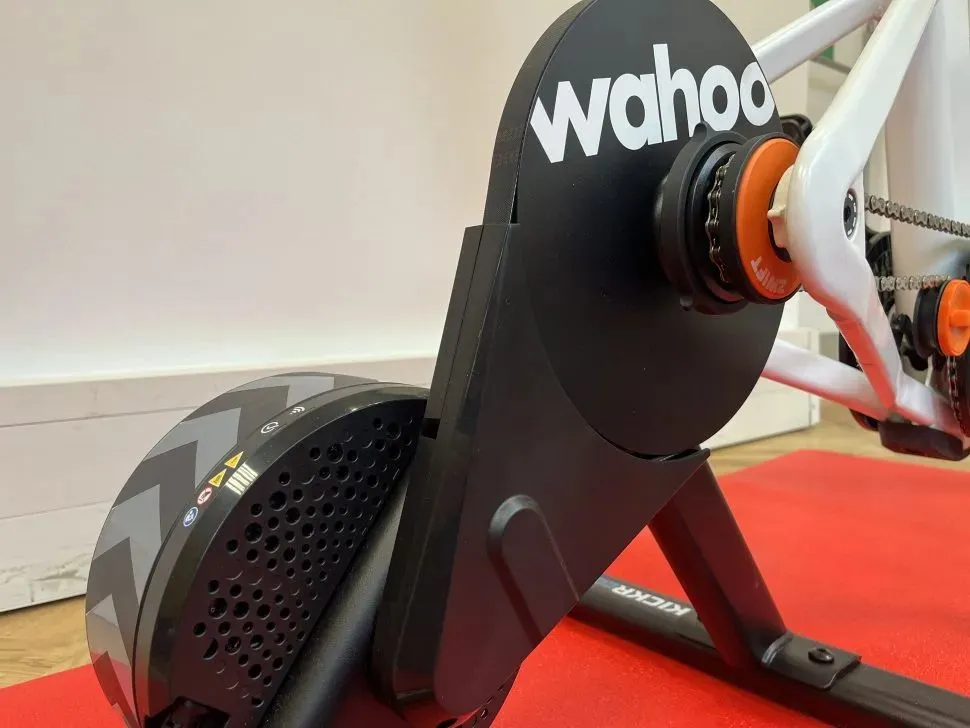
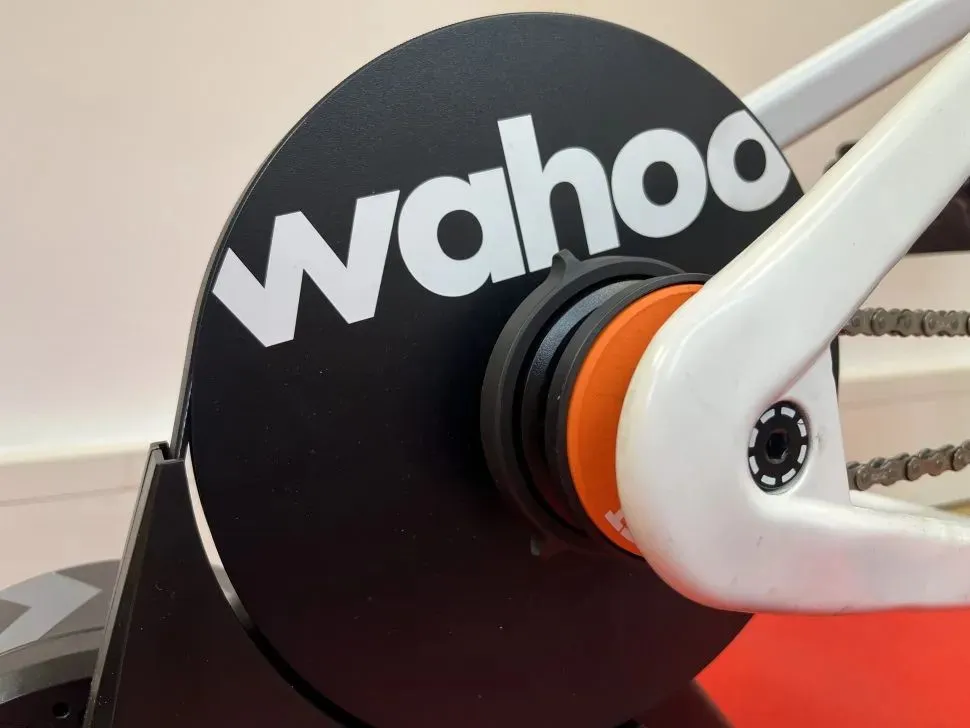
In terms of cassette mounting, there are now three different options: use your own, use the Zwift Cog and Click, or use the provided 11-speed cassette. At the point of purchase, you have to choose between a Zwift attachment or a cassette. If you use the Zwift option, you are limited to using Zwift software for any competitive or interactive training.
Wahoo says it has improved the connectivity, data transfer and accuracy of the Kickr while also giving it the capacity to act as a sensor hub via the new Kickr Bridge functionality.

Wahoo Kickr Core 2 key features
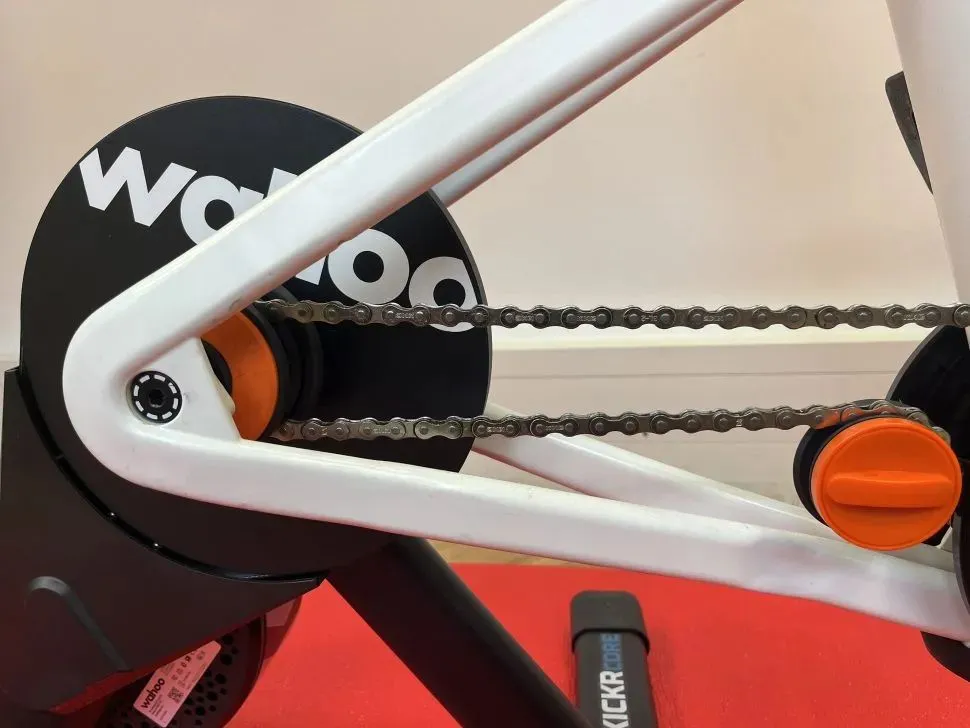
Wahoo has chosen not to fiddle with most of the Kickr Core 2’s key design architecture, keeping the same graphics, belt drive and flywheel.
At a claimed 13.6kg, the Kickr Core 2 is 4.4kg lighter this time around. This puts it on a par with a trainer like the Van Rysel D500, which has an identical claimed weight and similar technical specifications.
The broad compatibility of the Kickr is one of its main selling points. It can be used with most bikes, a broad range of training apps and connects with Wi-Fi, Bluetooth and ANT+. However, if you use the Zwift Cog and Click, this limits you to Zwift’s own training ecosystem. One way around this is to stick in ERG mode where gear changes aren’t necessary.
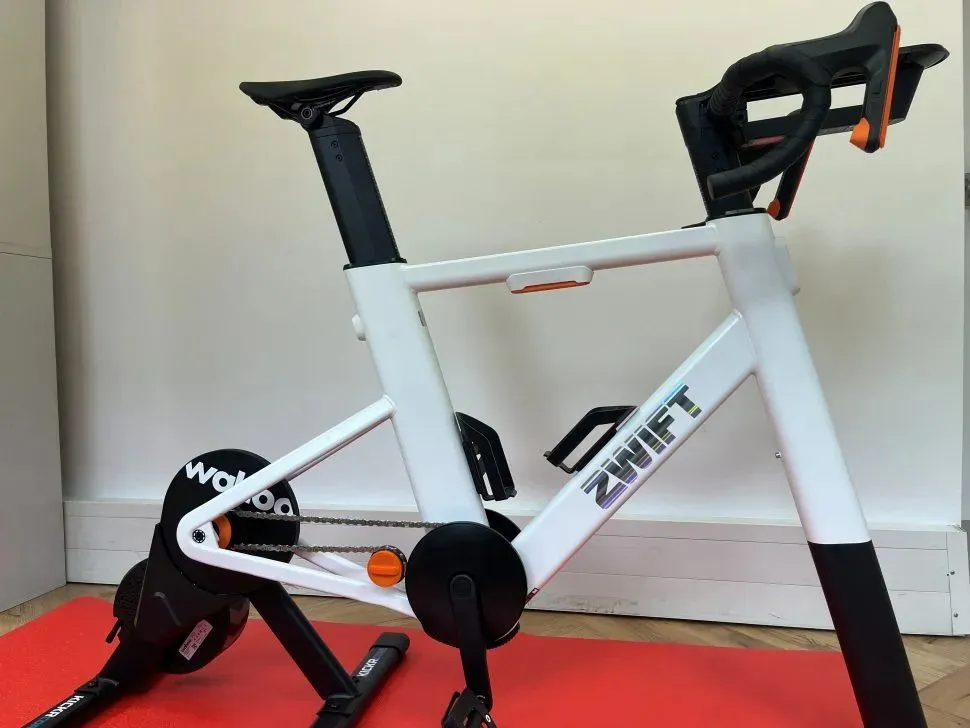
The Zwift click controls are two four-button pads reminiscent of a PlayStation controller. The four circular buttons are set up in a diamond shape and mount to your bars via easy-to-use straps. Each one takes a CR2032 cell battery and Zwift says this should last 100+ hours.
Wahoo hasn’t updated the max power output (1,800W) or the max simulated gradient (16%) and claimed accuracy remains at +/-2%. All of these attributes are broadly comparable to the competition.
Setting up the Wahoo Kickr Core 2
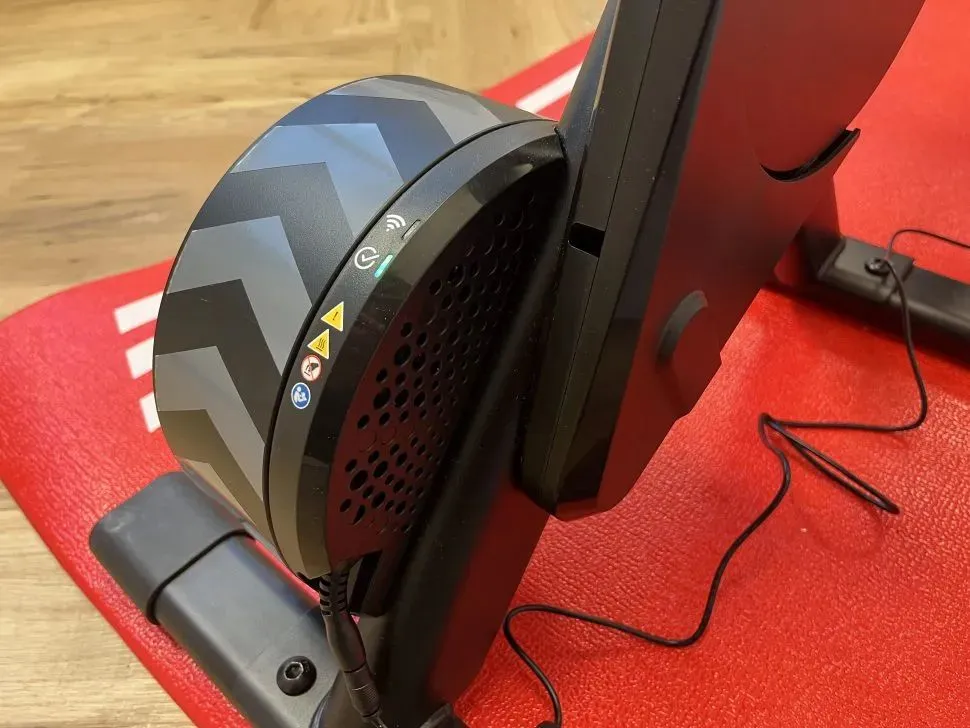
Setting up the Wahoo Kickr Core 2 was very straightforward. Wahoo has now colour-coded and arrowed the supporting legs so it is easier to successfully install the bolts in the correct direction.
A mains power lead attaches into the rear of the flywheel, causing the LED lights to illuminate in sequence. To connect the Kickr to Wi-Fi is just a matter of selecting the Kickr in the Wahoo app, finding the correct Wi-Fi network and connecting. Downloading and updating new firmware patches is made easier thanks to this Wi-Fi connection.
Then it’s a case of selecting the correct end caps so that your axle fits correctly. This is neatly signposted on the piece of cardboard that the options are pinned down to, alongside a spare quick-release axle.
For the purposes of testing, I used both an ordinary bike and the Zwift Ride smart bike frame. Before hooking the bike’s chain onto the Zwift Cog and Click, it’s necessary to make sure both front and rear derailleurs are in the correct position otherwise the chain will be at an awkward diagonal angle and some unpleasant scraping will ensue. Zwift has installed a clever chain alignment adjustor so that you can find the quietest chain line. (I have seen some other users referencing unwanted noise from the Zwift Cog but this was not something I experienced.)
When I wanted to swap to my own 12-speed cassette this was also straightforward. You can either remove the cassette from your wheel and mount it onto the Kickr, or you can purchase a new cassette so that you have a dedicated trainer cassette.
Equally, it was possible to just start riding on the 11-speed cassette with my 12-speed setup, but it was best to remain in one gear and use ERG mode. Otherwise, shifting was a bit shonky and would have adverse long term wear effects.
Connecting the Kickr Core 2 to the relevant software was slightly more problematic because of the Zwift Cog and Click. There was no issue getting the Kickr hooked up to my phone’s Wahoo app, but I was doing my initial setup in a windowless basement with no Wi-Fi.
It’s also worth mentioning that by the time you’re connecting to Zwift, you’re three apps deep in the process: one Wahoo and two Zwift. (And four if you haven’t yet uninstalled the sunsetted Wahoo Elemnt app.)
I’m sure Wahoo is imagining most of its users have a delightful conservatory with a dedicated high-speed Wi-Fi connection, but the reality of indoor training is that often people are shunted out to the darkest corners of their home. I would argue that a signal-less dungeon is a relatively common locale for an indoor training system.
When it came to connecting the Zwift controls to my phone and the Kickr, I couldn’t get anywhere without the internet.
After moving location to download two separate Zwift apps, I then had to keep the Zwift app open to use the controls. As soon as I moved off the app, they stopped working.
This is not a problem in ERG mode. This is the setting where resistance is applied by the trainer in response to the torque (Nm) and speed (RPM) of the rider’s pedalling to maintain a target power. That’s because no gear changes are required.
If you fit an ordinary analogue cassette, this returns you to ordinary shifting, liberates you from the Zwift ecosystem, but also reintroduces wear and tear on the cassette.
In order to test the Wahoo Kickr Core 2, and more specifically the Zwift Cog and Click, I’ve had to relocate to a different floor. It seems like a bit of an oversight that gear changes are so dependent on the app and internet access.
When I put the question to Wahoo, the suggestion was that this was entirely Zwift’s decision.
‘This is a Zwift design choice. Virtual shifting is run through the Zwift game and relayed to the Kickr Core 2,’ says Corry Pittman, product manager at Wahoo. ‘The experience you describe is 100% accurate but is not a choice Wahoo has made.’
That all sounds fair enough, and of course riders are always free to switch to an analogue cassette and liberate themselves from the Zwift ecosystem. However, it seems a shame that an accessory as useful as the Zwift Cog and Click that provides so many maintenance benefits is so resolutely proprietary.
As a compromise, I would like to see an offline version of Zwift that was accessible to Cog and Click owners. This would enable riders to reap the benefits of the hardware, but deny them full access to the online elements of the Zwift experience. Surely it would also function as a good shop window for Zwift to demonstrate its wares to users who were on the fence about subscribing.
Wahoo Kickr Core 2 ride feel
Once everything is up and running on on the Zwift Cog and Click you can switch between SRAM, Shimano or consecutive gear logics within the app and I was impressed with the smoothness of the shifting between the 24 virtual gears.
When using the Zwift bars, gear changes are announced with a small vibration but are otherwise entirely silent. Using a bike with the Zwift Click Controllers, gear change performance is identical but without the vibrations. The difference arrives when you swap in your own or the supplied cassette and then gear changes once again require derailleur shifts.
It is recommended to add a calliper bleed block while you’re riding if your bike uses disc brakes, as any accidental pulls on the rear braker lever won’t do your piston positioning any favours.
The Kickr Core 2 was constantly stable and secure, offering no wobble or give regardless of effort levels. This locked stability means it doesn’t quite have the same level of riding realism as Wahoo’s more expensive trainers. The Kickr Axis feet on the more expensive Kickr (£899.99) offer 5° of side-to-side movement while the Kickr Move (£1,149.99) – as the name suggests – attempts to more accurately replicate riding movement by mounting the bike’s rear triangle on a rail that glides forwards and backwards.
Even with less dynamism it was still a perfectly decent riding simulation. And riders do still have the option to attach the Kickr Climb, a mount which attaches to the front axle and physically replicates gradients by raising and lowering the bike’s front end.
Wahoo Kickr Core 2 power accuracy
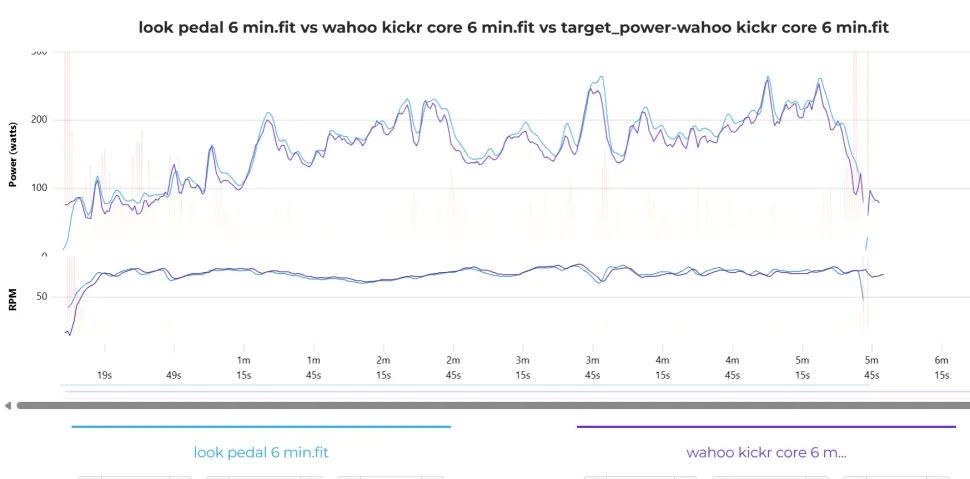
The only way for me to assess the accuracy of the Core 2’s power readings was to cross reference with the Look Keo Blade Power Dual Pedals that I use frequently. The RPM readings on both were more or less identical. The power readings were mostly level, but with the Look pedals occasionally issuing a higher reading by around 1-2%.
The pedal readings are probably higher because they are more closely located to the power source. The trainer is taking its reading slightly further downstream, so to speak, once the chain has siphoned off a small amount of wattage. Overall, it suggests both are reliably accurate.
The margin for error baked into the Kickr Core 2 means it doesn’t fit with the parameters for serious e-racing, but for the vast majority of riders who don’t require incredibly faithful wattage this won’t be an issue because the meter still does an effective job.
Wahoo Kickr Core 2 connectivity updates
In order to speed up the relay of data, Wahoo has added Wi-Fi connectivity to the Kickr Core 2. Wi-Fi is more stable than Bluetooth or ANT+ and means that Wahoo has also been able to include what it calls Race Mode. This can be turned on in the Wahoo app settings and transfers power data at 10Hz instead of 1Hz – or you can use a Kickr Direct Connect cable for an even more stable connection.
The difference here is clear. In a Zwift race scenario, the system picks up accelerations and small changes in power more accurately, making the whole experience more responsive and ultimately rewarding. For people who take their Zwift riding seriously, this will be a drastic improvement.
Wahoo has also added a central sensor gateway which means that you can connect accessories like heat sensors, heart rate monitors and glucose sensors directly from the trainer to your apps. This is a helpful development that makes it more straightforward to get all of your data in the same place.
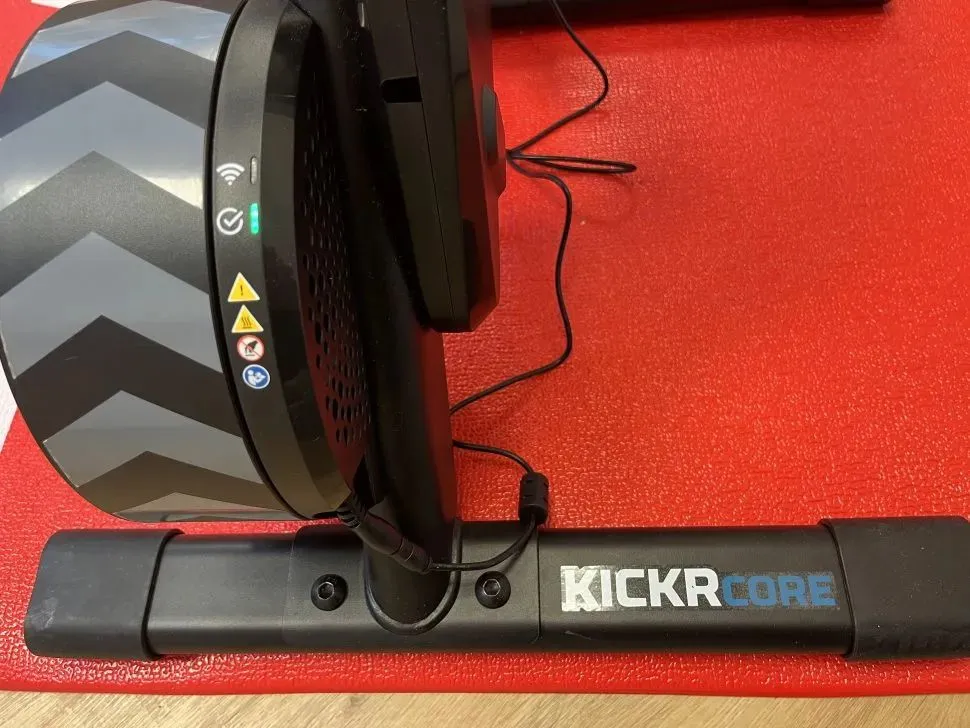
There is also a raft of LED lights which are useful for indicating when certain elements are syncing correctly.
Wahoo Kickr Core 2 functionality and usability
The option to have multiple different gearing systems is useful, but it by no means sets the Kickr apart. Zwift has cornered this particular part of the market, with many manufacturers including Elite, Van Rysel and JetBlack shipping trainers with the Cog and Click pre-installed.
The device itself is wonderfully simple to use, and its functionality is definitely a positive development for riders, but Zwift’s decision to wed it to the Zwift app, albeit understandable, is limiting and locks you into the rising cost of a Zwift subscription.
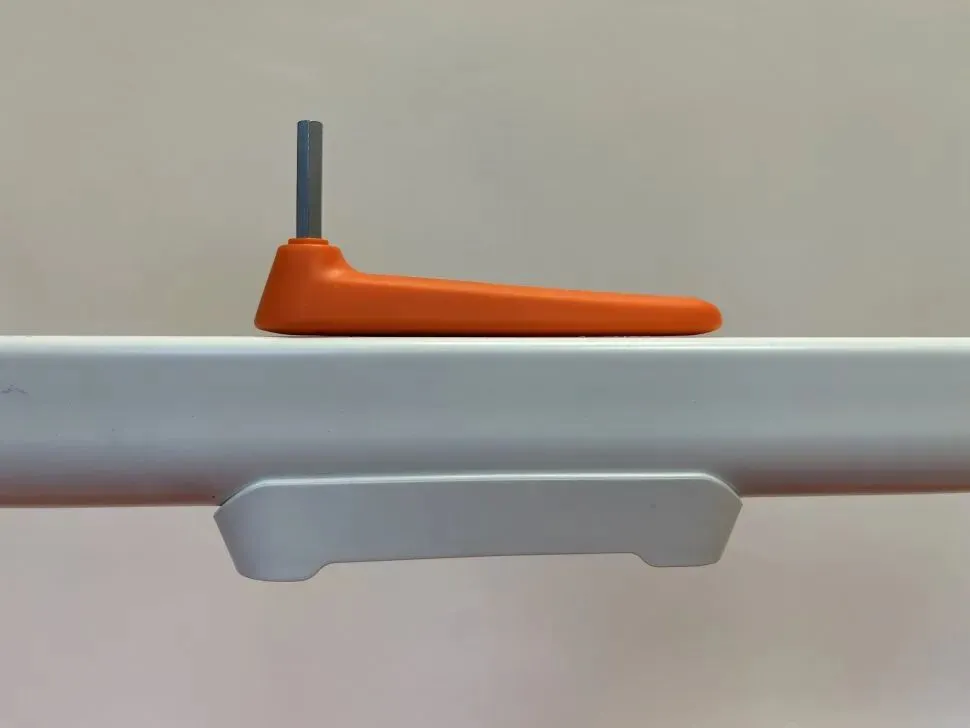
In the practicality stakes, the Kickr Core still doesn’t have a carrying handle, so it is awkward to manoeuvre. To improvise, you can turn it upside down and hold it by the legs, but there are competitors that have given this more thought.
It does, however, fold away to occupy a small footprint when out of use. Without uninstalling anything, the legs come together making it slightly easier to pack away.
Once you’ve decided on your preferred setup, the Kickr Core 2 is pretty much fit and forget.
Wahoo Kickr Core 2 review verdict
Though modest, the changes to the Wahoo Kickr Core 2 are welcome, and sustain its place as one of the most viable options around the £500 mark. It has better connectivity, more functionality and a more stable structure, while the different cassette options give riders enough choice to find the best solution for them.
That said, it isn’t perfect. For all its connectivity, you’re very restricted if you’re somewhere with bad internet signal, and while the Cog and Click is a brilliantly simple innovation, there’s no such thing as a free lunch, with riders then locked into a Zwift contract.
Serious indoor racers will need to look elsewhere to obtain qualifiable accuracy, and while the addition of stabler legs is welcome, failing to add a handle is an avoidable day-to-day irritation for people who need to pack away their setup.
Still, the Wahoo Kickr Core 2 does most things very well and should be more than enough trainer for the vast majority of riders.