
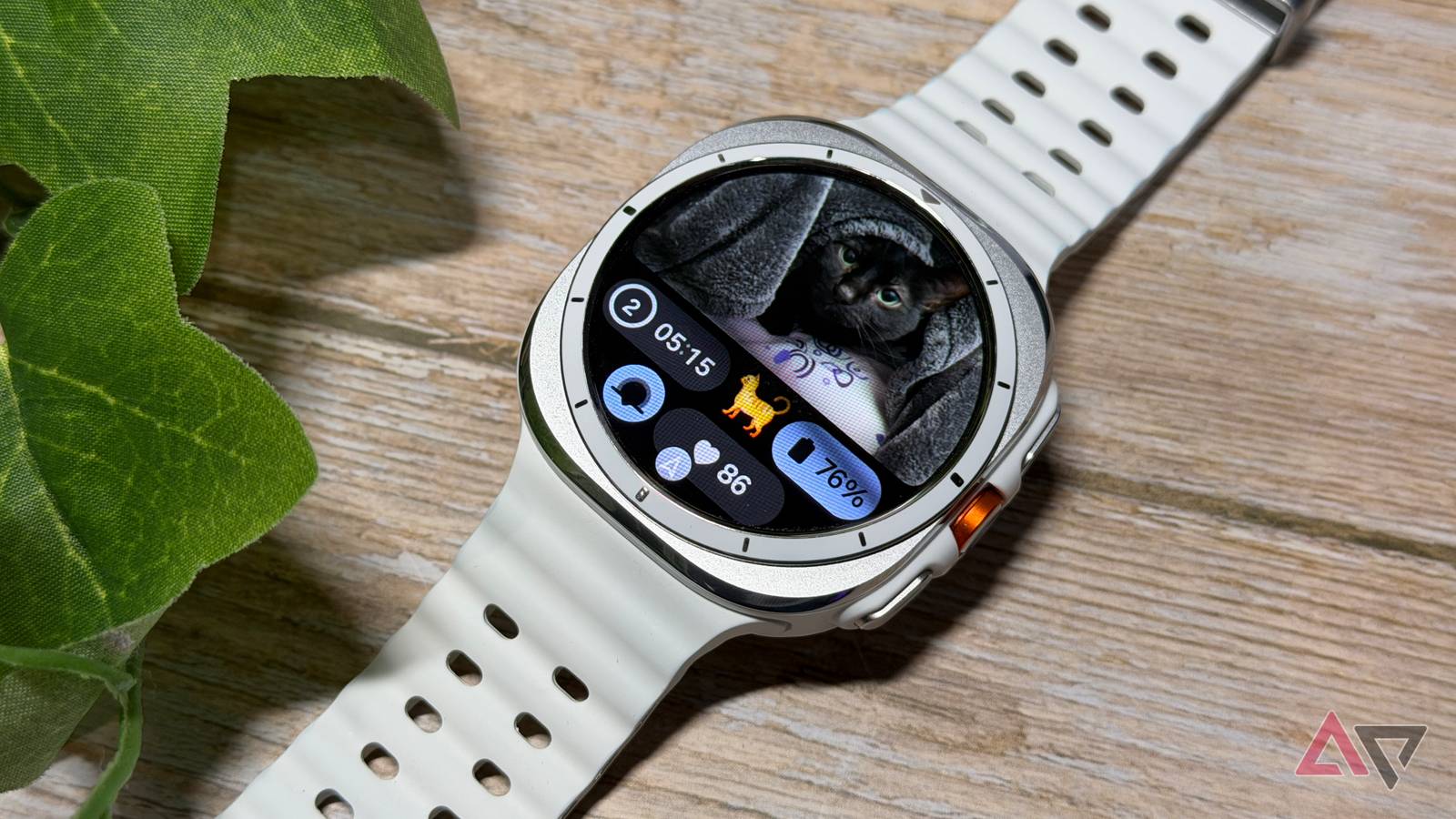
I have a love/hate relationship with smartwatches.
Growing up in the ’80s and early ’90s, I loved the idea of a computer on my wrist.
Nothing was cooler than strapping on my Seiko MessageWatch, getting sports scores and stock prices (very important for a middle school student) via radio waves.
It felt like magic, and I couldn’t wait for what the future held.
There’s no doubt that modern smartwatches are powerful and impressive tools, but they are a bit much.
I don’t need a constant Star Trek-esque readout of my vitals — it makes me anxious.
I also don’t need my Samsung Galaxy Watch to monitor my antioxidant levels and tell me I don’t eat enough vegetables. My mirror tells me that.
Still, I’ve managed to carve out a way to use my Galaxy Watch Ultra that feels less intrusive — here’s how I put it to work.
Related
Don’t skip the One UI 8 update on your Galaxy Watch Ultra — here’s why
Needed improvements to the Galaxy Watch Ultra
Google Maps works on the move
I’m a less distracted driver
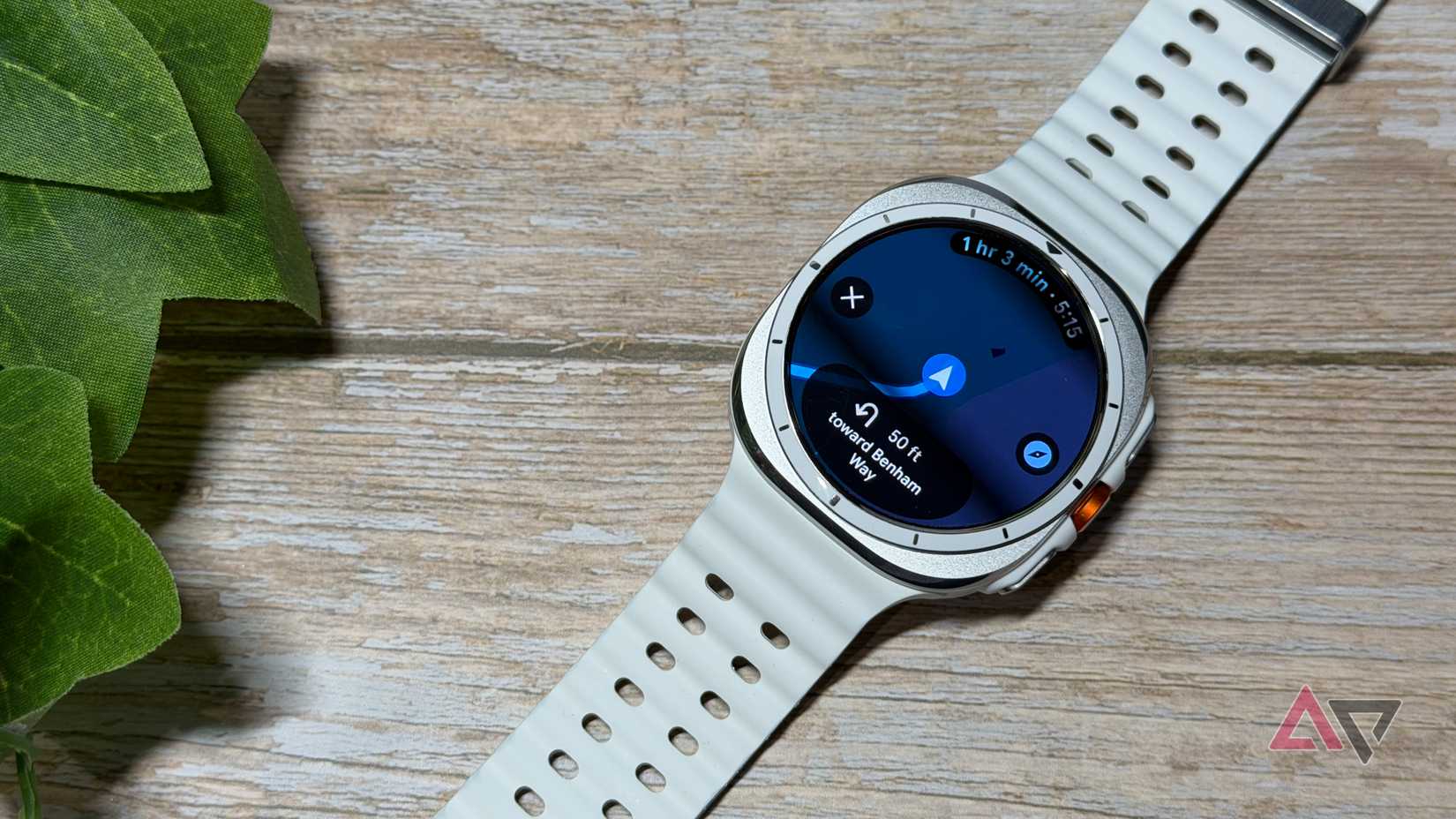
The Galaxy Watch Ultra’s large display makes it ideal for Google Maps on the go.
I’m used to looking down to check my phone for upcoming turns or relying on turn-by-turn navigation audio cues.
However, if I’m navigating a particularly tricky set of turns, I want to be staring at my phone, which means my attention is split from the road.
Wearing a Galaxy Watch Ultra alleviates that. I can have Google Maps up, see my upcoming turns and directions, keep my wrist on the top of the steering wheel, and keep my eyes forward.
I don’t even have to be driving. It’s fantastic for walking around town if I’m trying to navigate to a spot in a dense city. I don’t want to have my phone out constantly, but a glance at my wrist every so often is perfect.
Using Google Maps on my Galaxy Watch Ultra is a better experience than I imagined, and it’s made using my smartwatch more enjoyable.
Samsung Wallet integration is much easier
Tap to pay is the way to go on a smartwatch
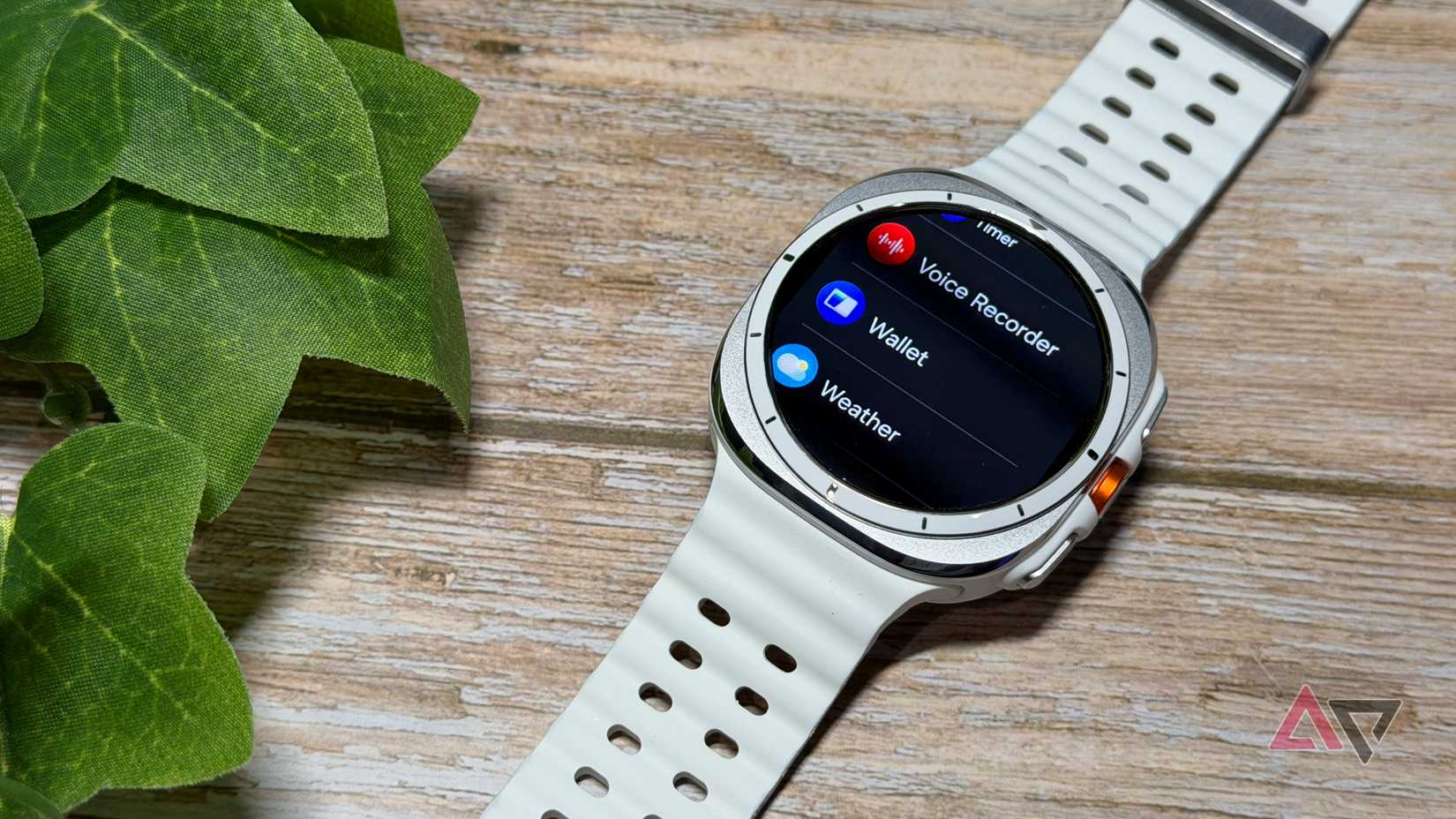
I’m late to the party in discovering the wonders of tap to pay.
I haven’t used Samsung Wallet in years, even though I used to love my old Samsung smartphone’s MST capabilities, which let me make contactless payments on legacy card readers.
NFC payments on my Galaxy Watch Ultra through Samsung Wallet brought back some of that charm. I simply added my debit card to Samsung Wallet on my smartphone, then again on my Galaxy Watch.
I didn’t mind that it took two steps, as I’d rather have an added level of security when dealing with spreading my debit card information across several devices. Still, I set it up in minutes, and it’s easy to use.
Instead of fumbling for my wallet or even getting my smartphone out of my pocket, I simply tap with my wrist, and it’s done. Absolutely fantastic when my hands are full when shopping.
A Galaxy Watch delivers timely notifications when I’m busy
I can better triage what needs a response
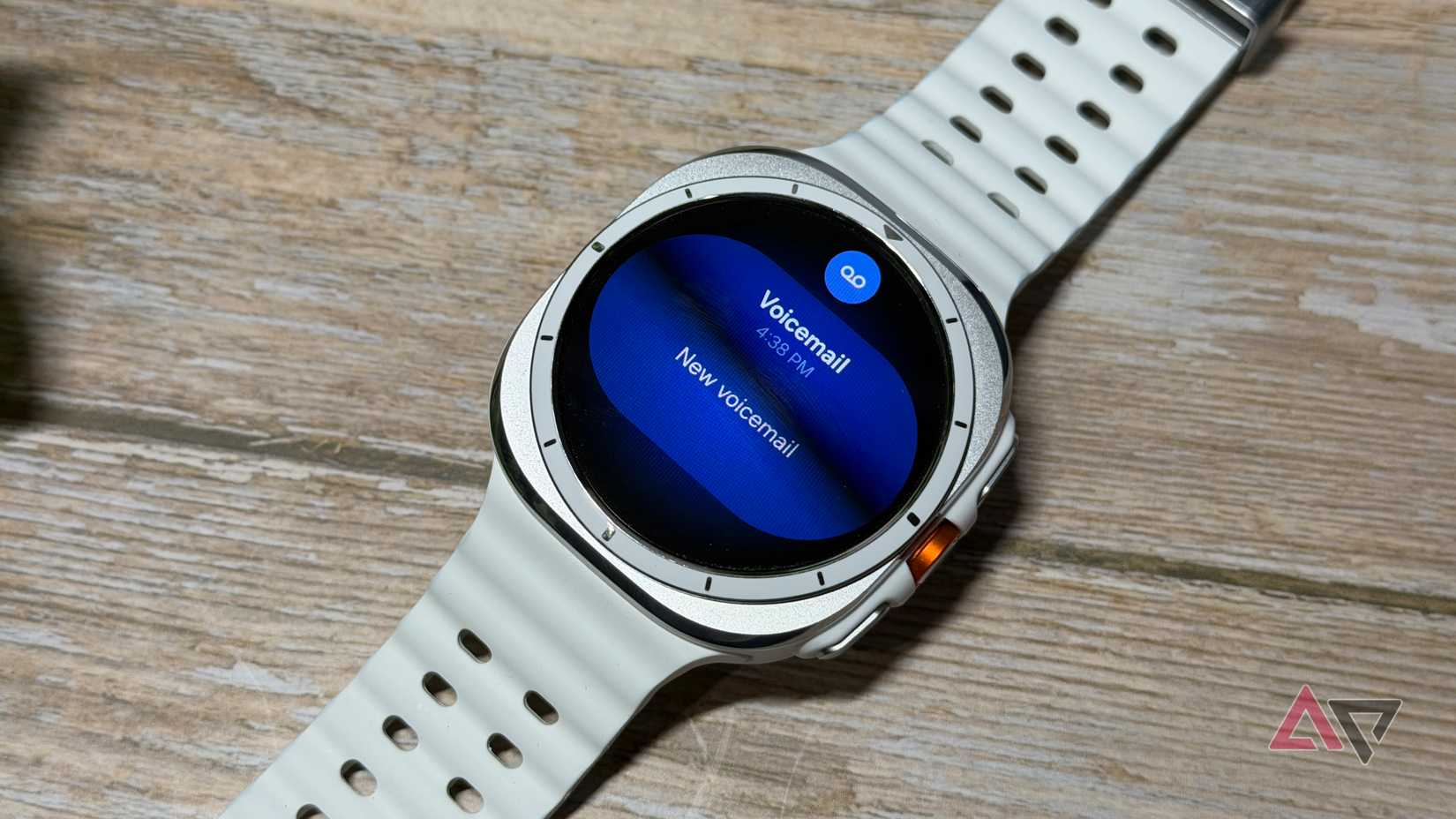
Wearing a smartwatch is helpful when I’m busy.
Over the weekend, I was cleaning out my office, and the last thing I wanted to do was check my phone every time I got a notification. I could quickly triage which messages and emails were important, saving myself a ton of time.
About 80% of what I’m pinged about is nonsense or can wait, so I was able to stay on task without missing the messages I needed.
I’m also more prone to reaching for my Galaxy Watch Ultra than other smartwatches thanks to its battery life.
The best ability is availability, and I don’t have to worry if I’m six feet from a charger — even when wearing it for two or three days.
Samsung’s software updates have done an excellent job, and I’m enjoying the outstanding battery life we were promised on release.
Whether you’re working hard at the gym or in the office, a smartwatch will keep you in the moment without being uninformed.
Smartwatches are more than just health and fitness monitors
I don’t want to downplay the importance of health monitoring on smartwatches. I’ve known people who had heart problems that were discovered because their smartwatch thought something was up.
It’s undoubtedly life-saving technology, but that’s not the only reason I want to wear them. I’m not someone who needs fitness tracking, and I find sleep tracking more annoying than helpful.
Still, there are plenty of reasons to get yourself a good smartwatch, even if it’s a compliment to your analog watch collection and not a full-on replacement.
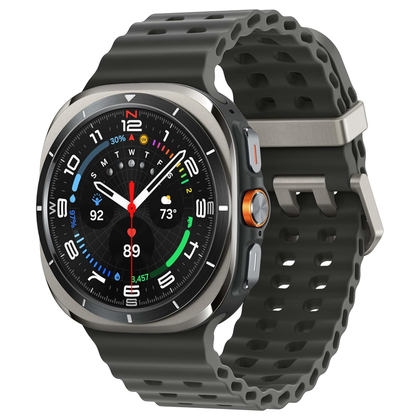

8/10
Case Material
Titanium
Case size
47mm
Colors
Titanium Silver; Titanium Gray; Titanium White
Display
1.5″ AMOLED
At a starting price of $650, the Galaxy Watch Ultra is Samsung’s most premium wearable to date. It’s made for outdoor athletes, offering a huge battery, durable materials, and quick access to exercise tracking.