
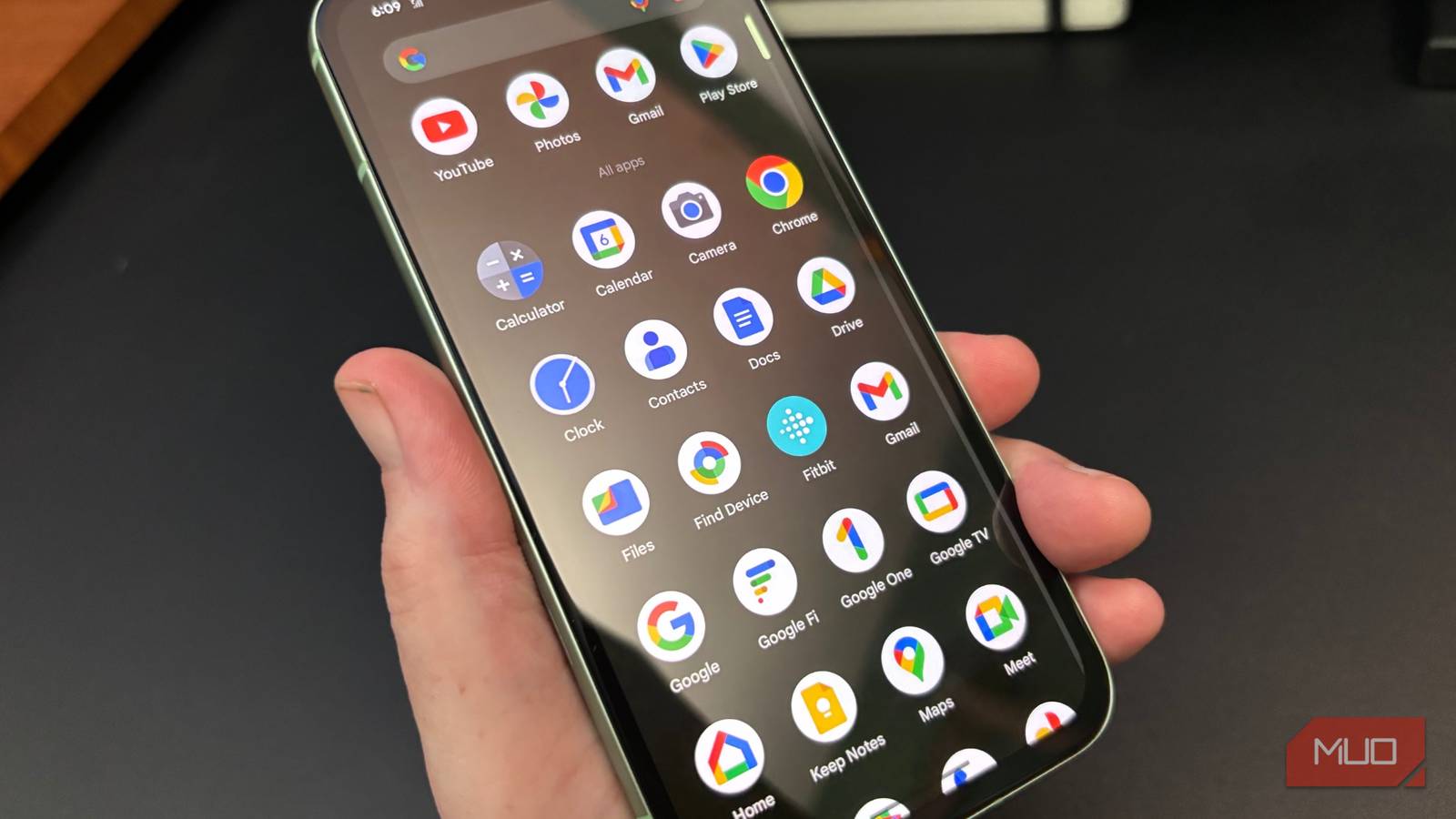
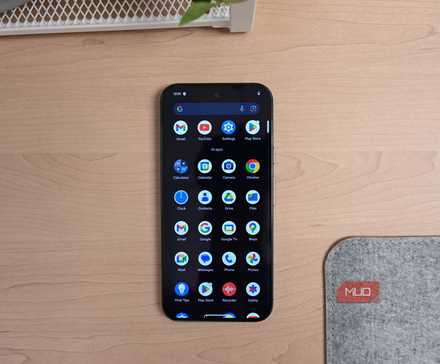
Open the app drawer on your phone, and you’ll probably spot several apps you never even touch. Most of these are likely there for one simple reason: they came preinstalled. And while it’s easy to assume they’re all useless, it’s not true for all of them.
Files by Google can help free up storage with its Clean tab, Google TV can double as a remote for your TV, and Google Fit is great for monitoring your health even if you don’t own a wearable. So before you get rid of these apps, make sure to explore what they can actually do.
Files by Google
The easiest way to reclaim space
 Screenshot by Pankil Shah — No attribution required
 Screenshot by Pankil Shah — No attribution required
 Screenshot by Pankil Shah — No attribution required
There was a time when file managers were a big deal on Android, but not anymore. Photos and documents live in the cloud, and most of us don’t sideload APKs like we used to. All of this has made file managers almost redundant for everyday use.
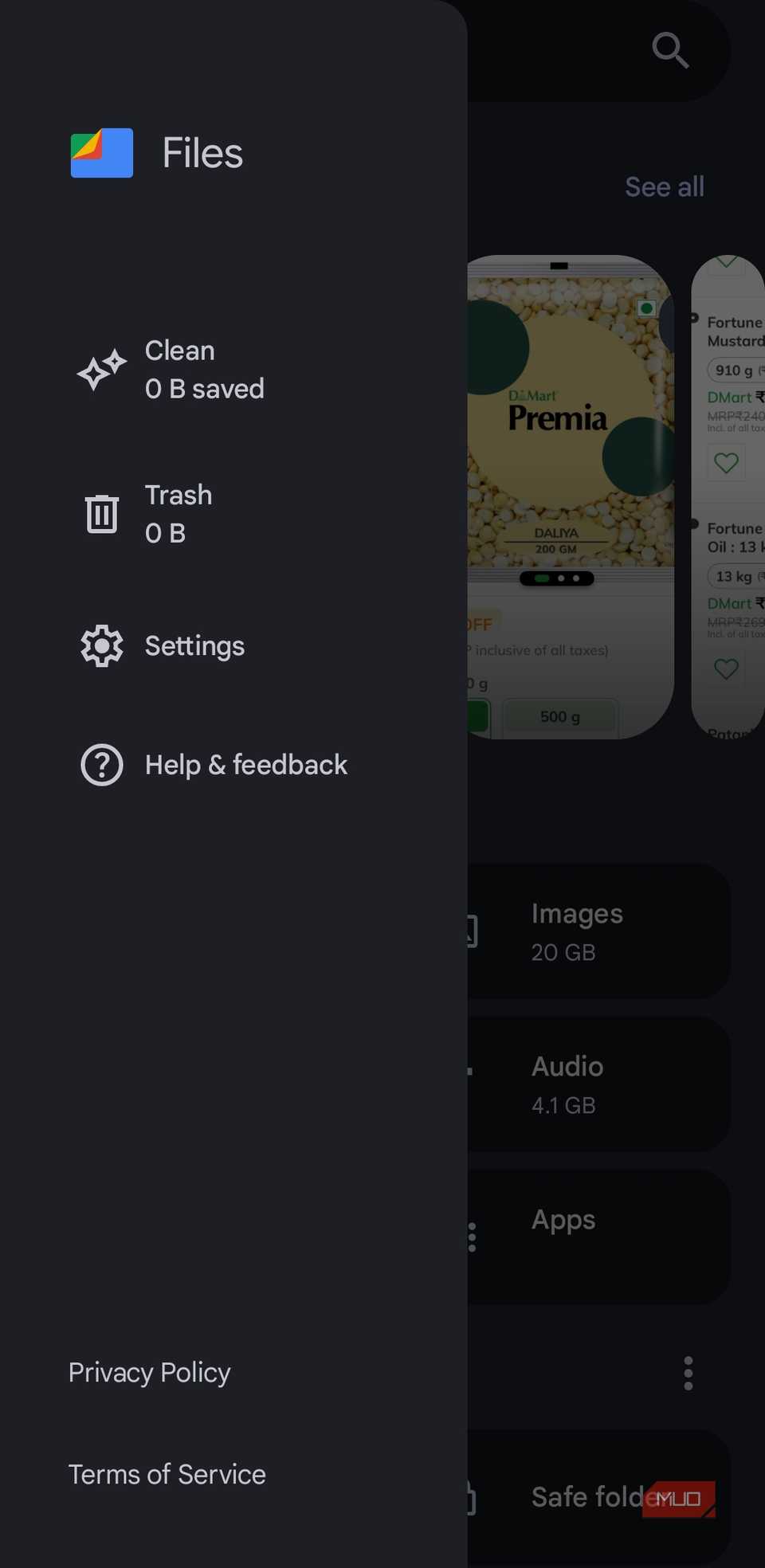
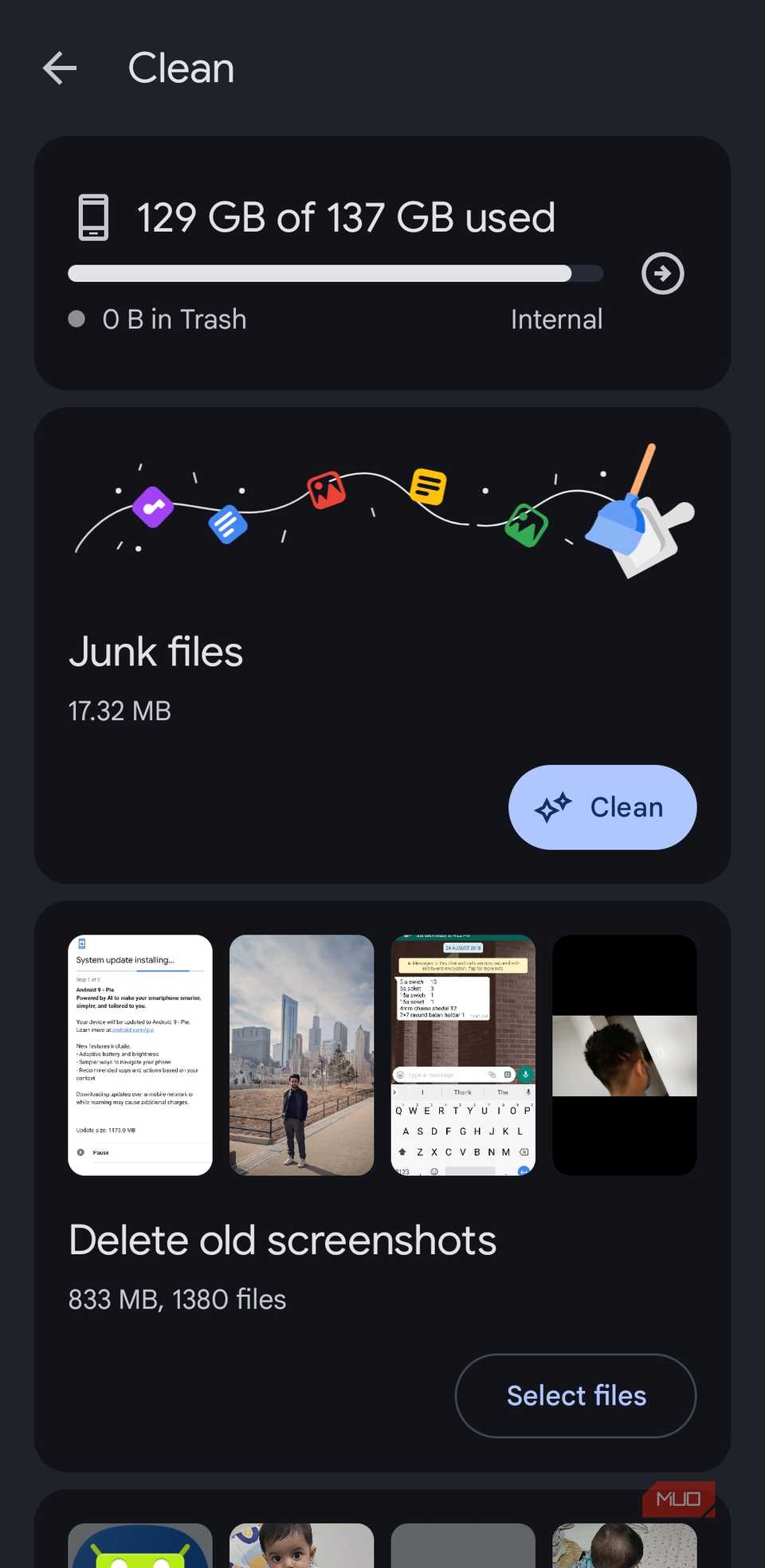
Still, the Files app on your Android phone is quite useful for managing storage. It has a dedicated Clean tab that you can use whenever your phone is running low on storage space.
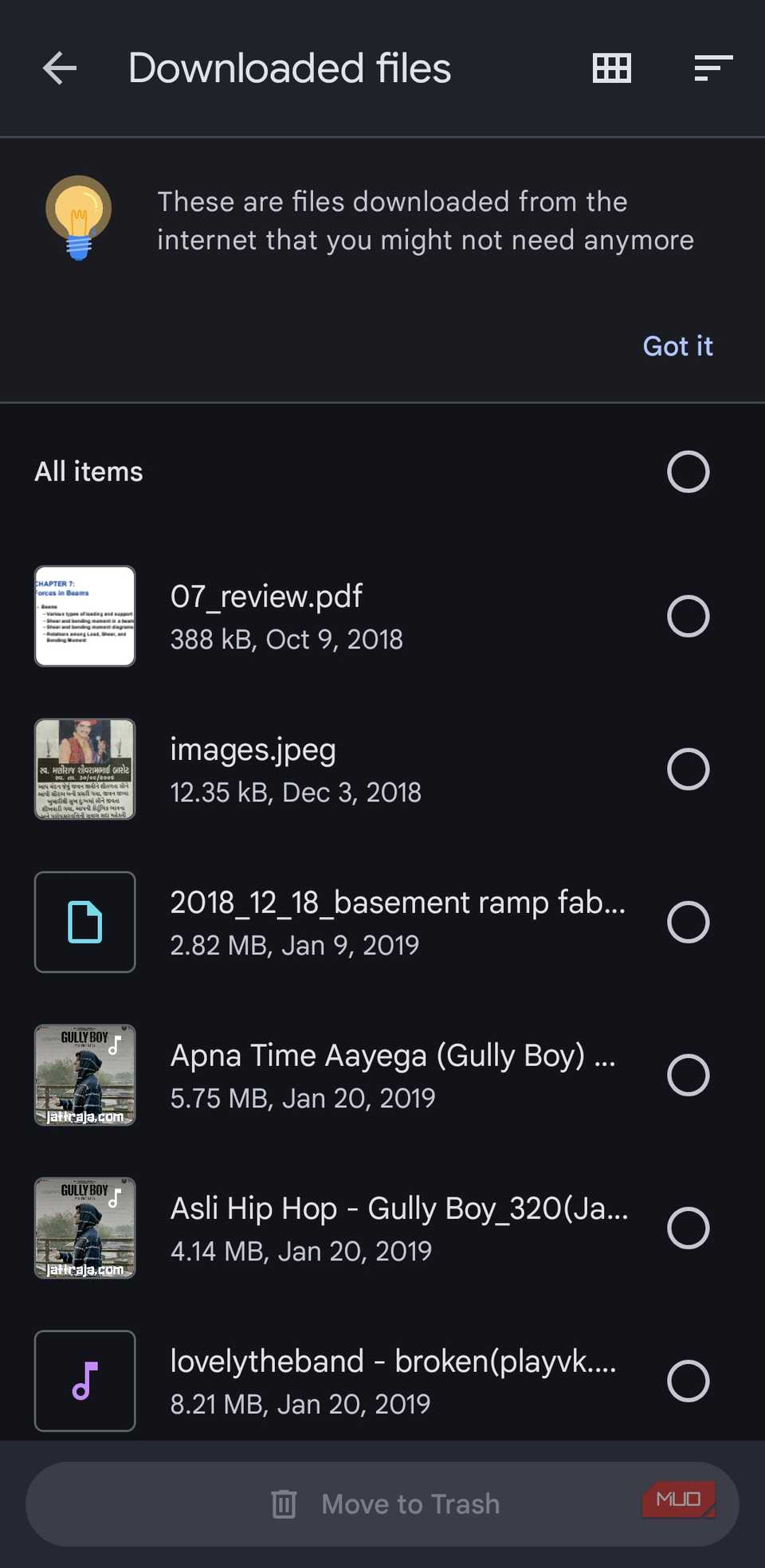
Open it, and the app will scan your phone for all junk files, old screenshots, large files, unused apps, and more. You can go through the suggestions one by one and get rid of anything you don’t need. This saves you from digging through folders or scrolling endlessly in your gallery, as the Files app gives you all the smart suggestions in one place.
Google Fit or Samsung Health
Fitness tracking without a wearable
 Screenshot by Pankil Shah — No attribution required
 Screenshot by Pankil Shah — No attribution required
 Screenshot by Pankil Shah — No attribution required
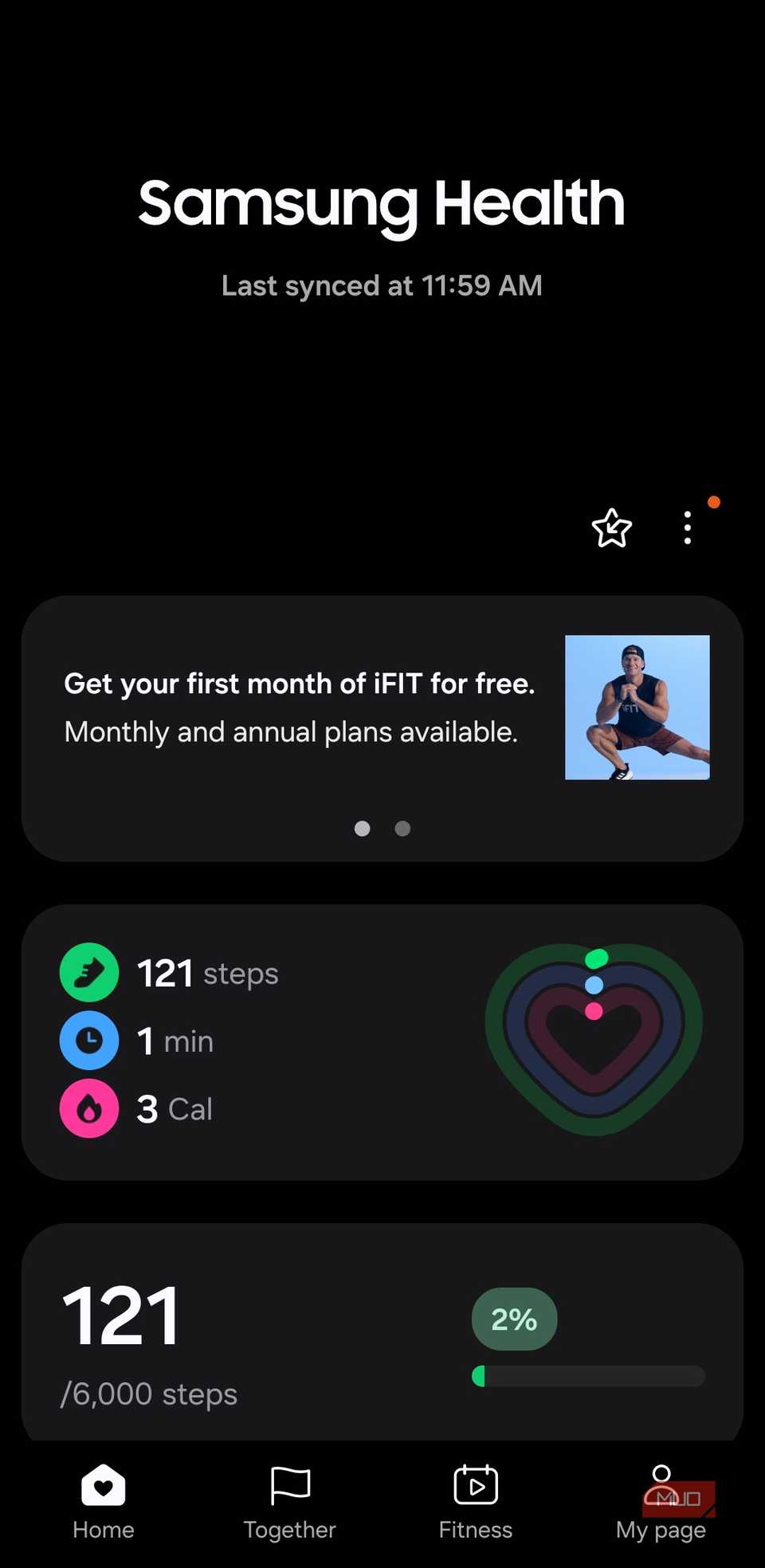
Smartwatches and fitness trackers are everywhere these days, but not everyone wants to strap a gadget to their wrist. And if you’re one of those people, apps like Google Fit and Samsung Health may seem pointless. But that’s really not the case.
Even without a wearable, Google Fit and Samsung Health can be used to track your steps using your phone’s built-in sensors. They can count the number of steps, measure the distance you’ve traveled, and track the calories burned along the way. All you have to do is keep your phone in your pocket, which you probably do anyway.
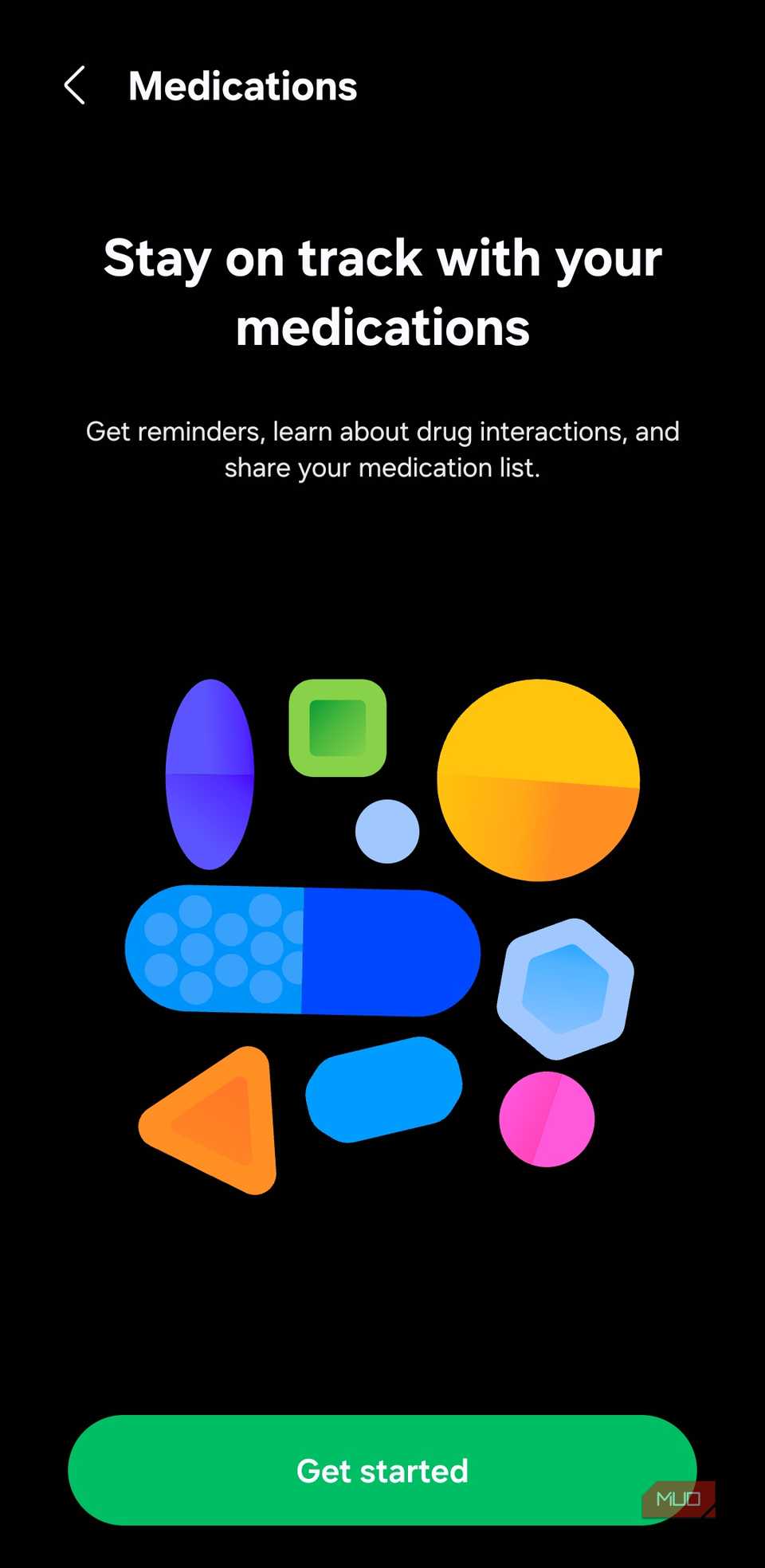
Besides step tracking, these apps also let you log your calorie intake, record your sleep schedule, track your weight, and even set medication reminders.
Google TV
Skip the remote, use your phone
 Screenshot by Pankil Shah — No attribution required
 Screenshot by Pankil Shah — No attribution required
 Screenshot by Pankil Shah — No attribution required
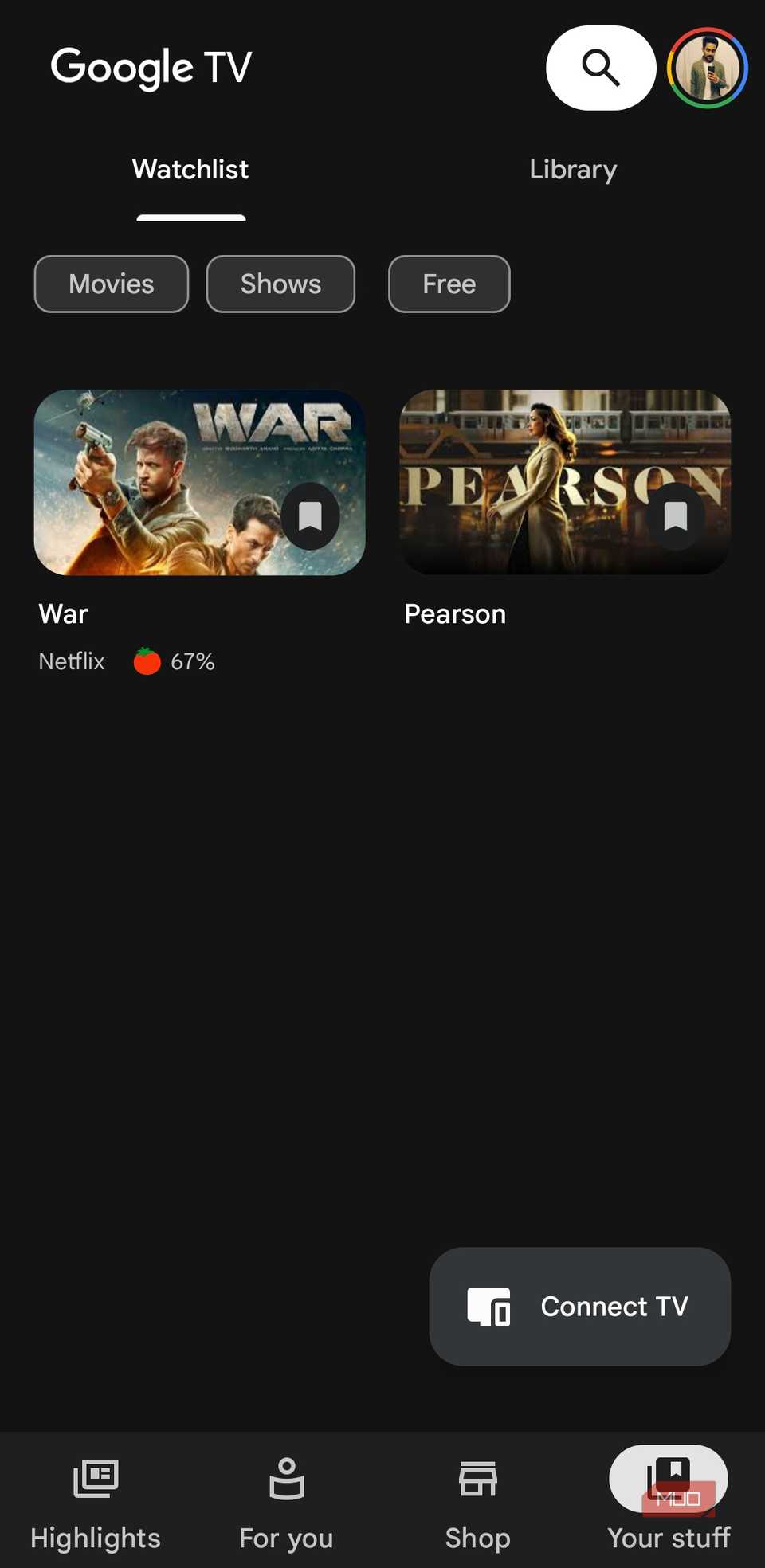
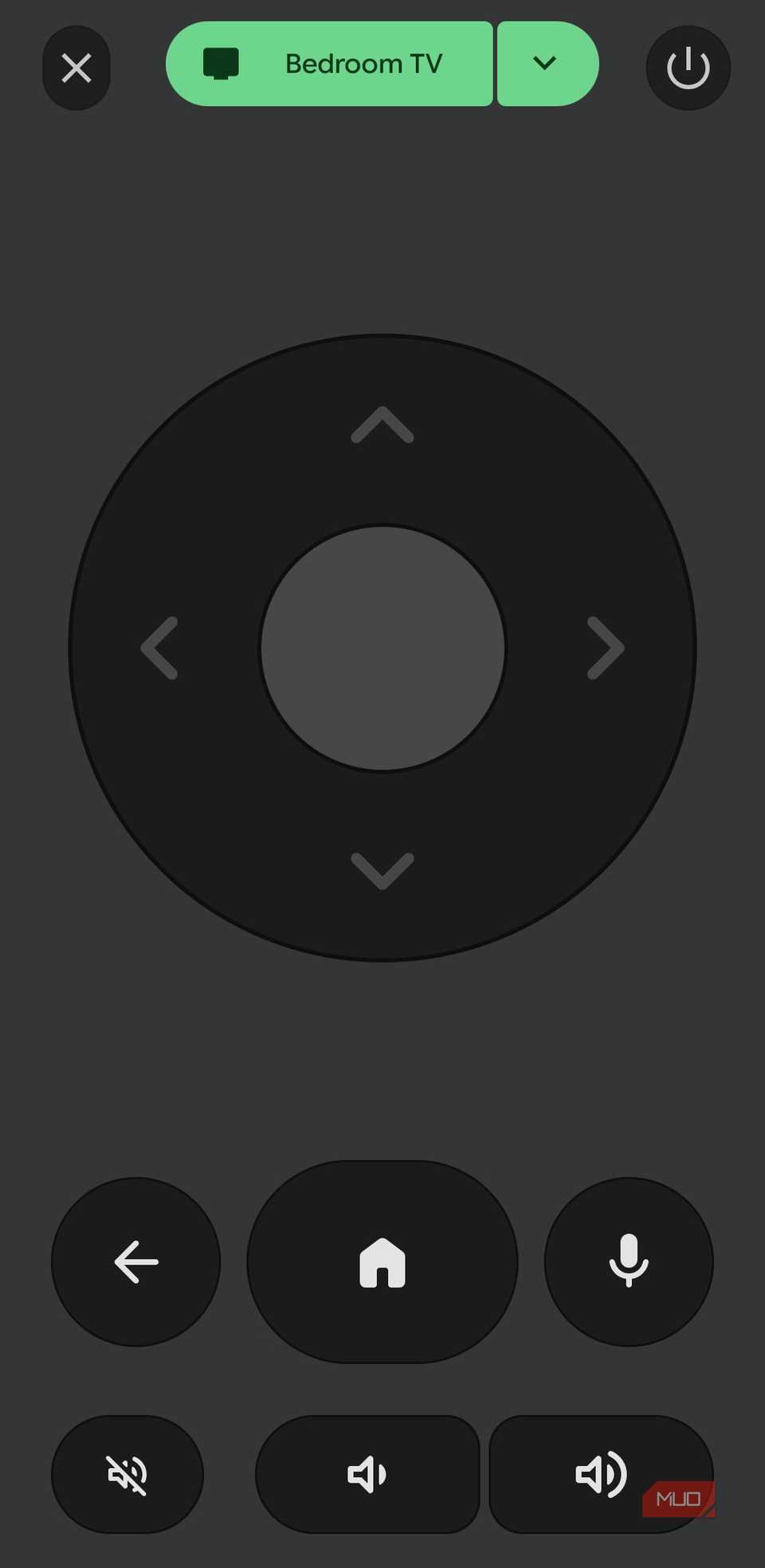
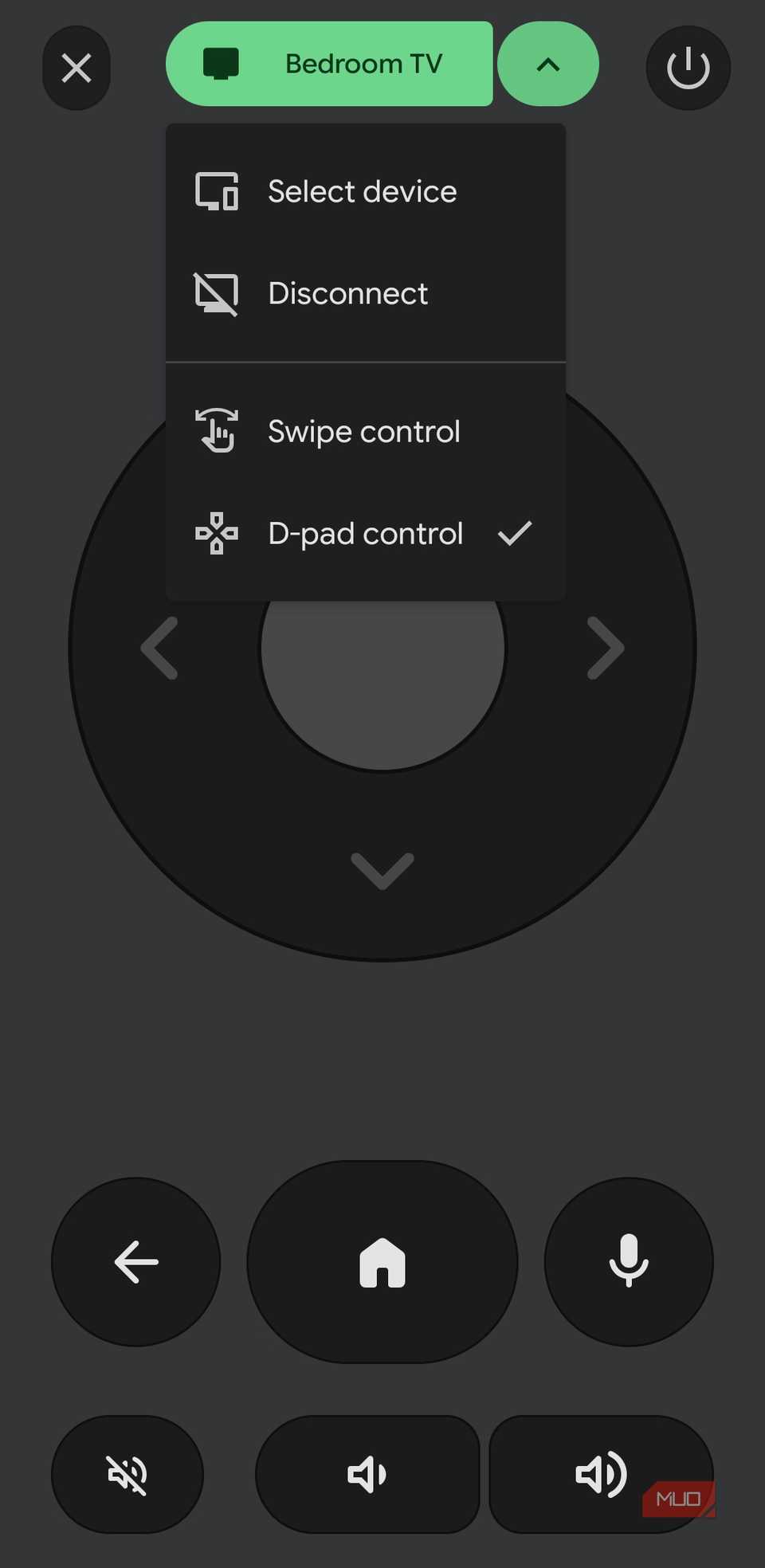
At first glance, Google TV feels like an app you could easily ignore. Its main purpose is to help you discover new content, manage your watchlist, and buy or rent movies. But even if you prefer doing all of that directly on your TV, you shouldn’t uninstall Google TV from your phone for this one reason: it can double as your TV’s remote.
Even if your TV’s remote is working fine, and you never seem to lose it, using your Android phone as a TV remote is far more convenient. When you’re downloading apps, searching for content, or entering complex passwords, using the on-screen keyboard can be frustrating.
With the Google TV app, you can use your phone’s keyboard app to do all of that. It’s quick, and it makes a huge difference when you’re searching for content or browsing the internet on your TV.
Digital Wellbeing
Smarter habits start here
 Screenshot by Pankil Shah — No attribution required
 Screenshot by Pankil Shah — No attribution requiredScreenshot by Pankil Shah — No attribution required
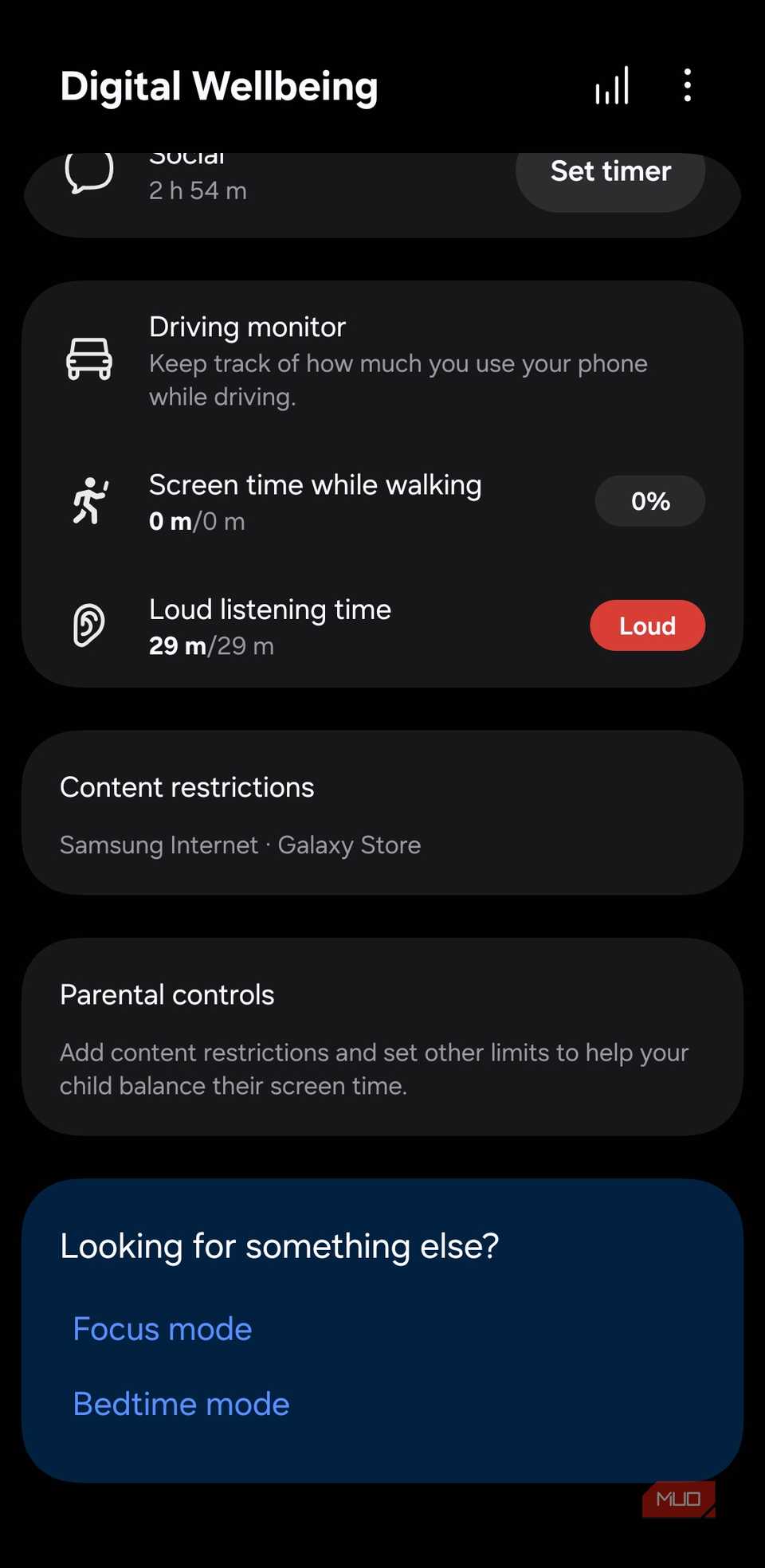
I don’t know about you, but I used to dread opening the Digital Wellbeing app, and much of it had to do with not wanting to see how many hours I’ve wasted on social media and other time-sink apps.
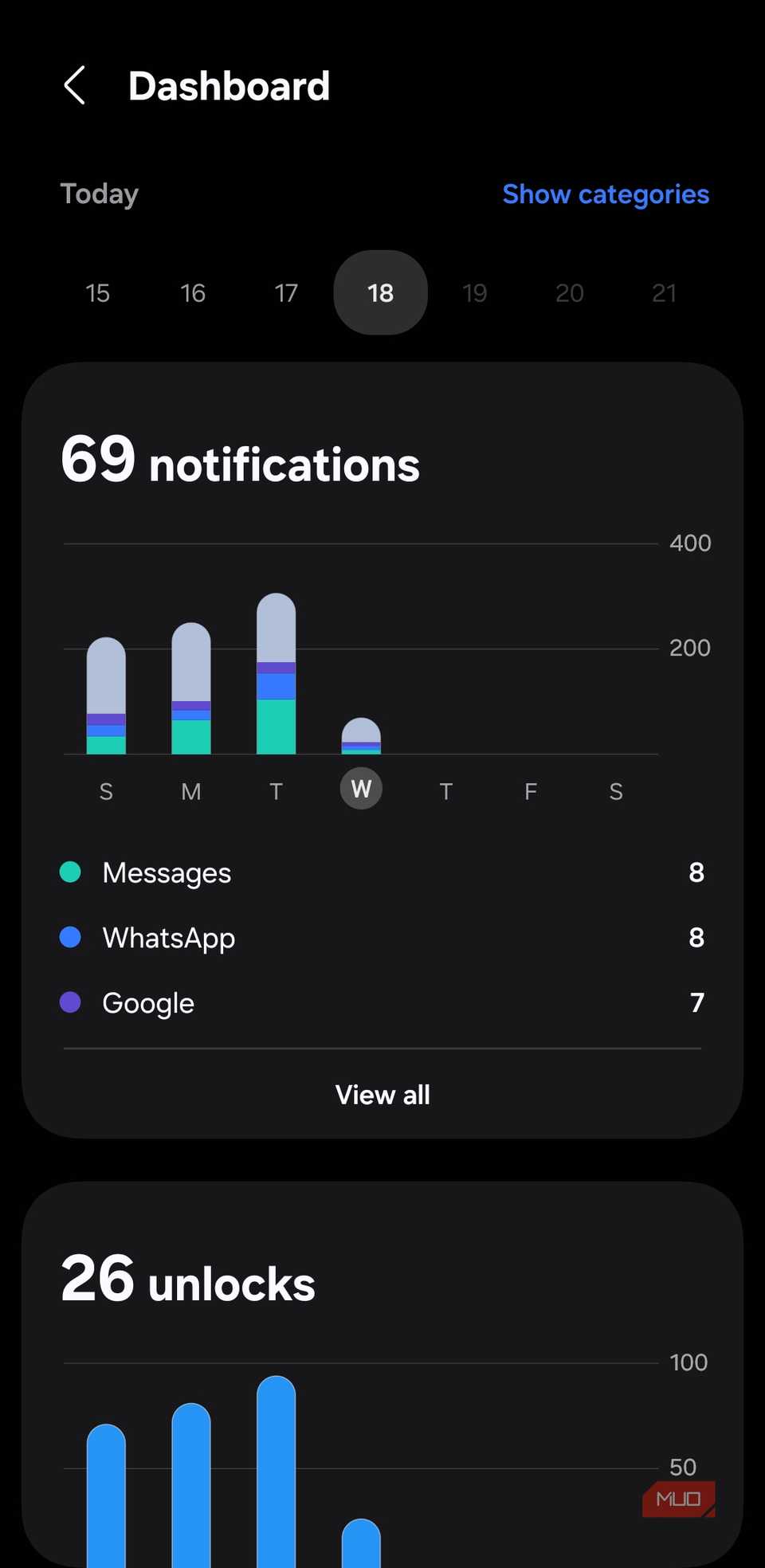
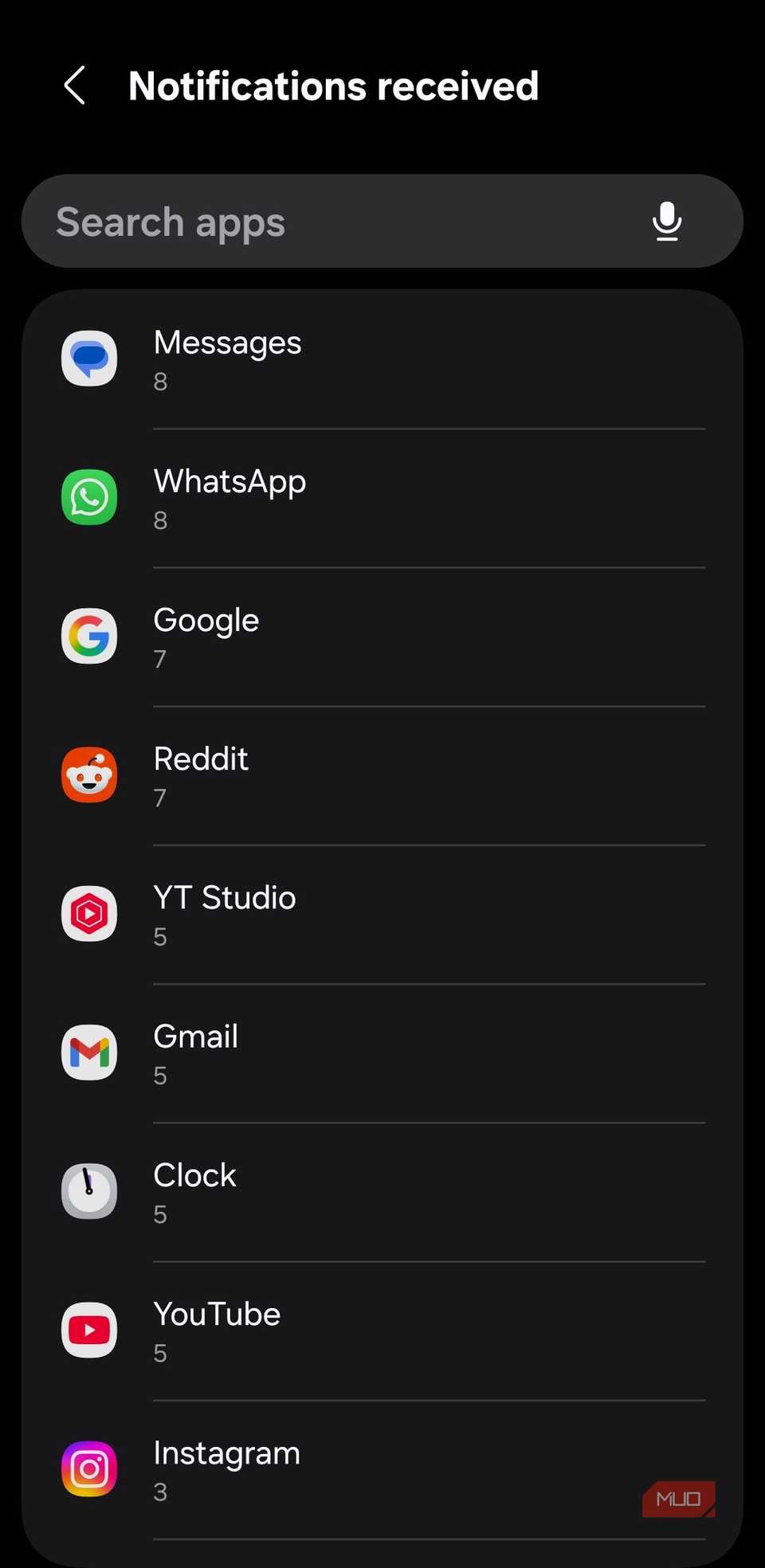
But Digital Wellbeing isn’t all about checking your screen time and setting up app timers. In fact, one of its most useful features is the notification breakdown. It shows you exactly which apps are buzzing your phone all day long. Once you identify the worst offenders and silence them, you’ll find yourself reaching for your phone far less without even trying.
Digital Wellbeing can also spot unhealthy patterns, like listening to audio at high volume for long hours or using your phone while walking or driving. Knowing all of this can help you make smarter, more mindful choices about how you use your device.
Related
These 5 pre-installed Android apps just slow your phone down
Your Android could run faster — if you’d just delete these apps.
Smart Switch (Samsung only)
Backup your phone the easy way
If you have a Samsung phone, you’ve probably noticed the Smart Switch app sitting in your app drawer. As the name suggests, it lets you transfer data from one phone to another when you upgrade. Of course, this isn’t something you need to do every week or even month.
Still, the Samsung Smart Switch app is useful if you prefer creating physical backups of your phone’s data. Smart Switch lets you back up your entire phone, including contacts, photos, messages, apps, and even settings, to your PC or an external storage device. And you can also choose what gets backed up.
I personally use Smart Switch to back up sensitive content inside Secure Folder. And the best part is, this data can’t be accessed on a PC or another phone without my Secure Folder password.
It’s tempting to treat every preinstalled app as clutter, but that’s not always fair. Some of them can actually be useful. Still, if you find any apps you genuinely never use and can’t remove the usual way, you’re not stuck with them. It’s possible to get rid of those apps without rooting your phone.