
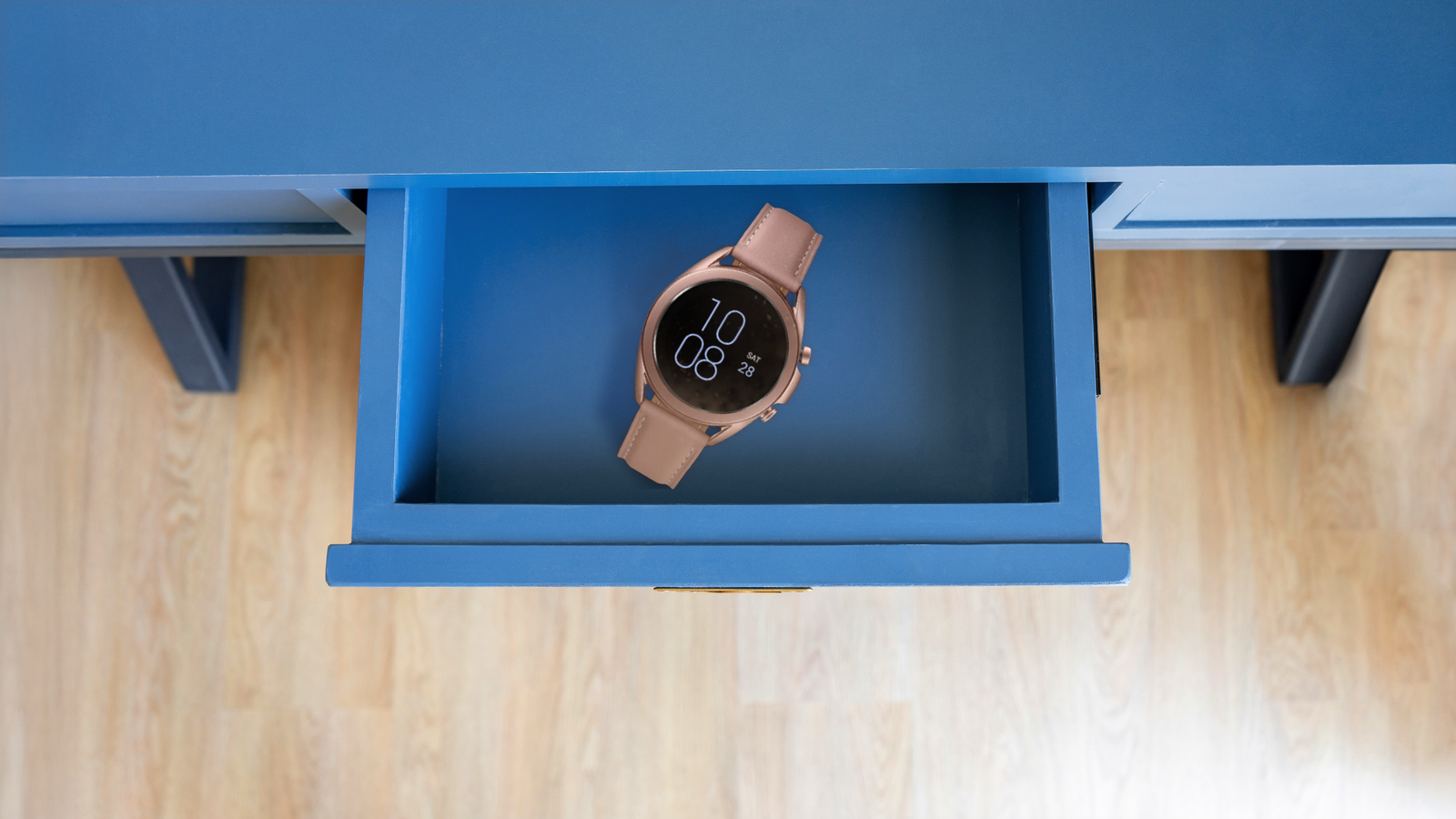
It’s easier to repurpose old phones into security cameras and more. But smartwatches feel almost useless when they’re off the wrist.
Most of their value revolves around step tracking, heart rate monitoring, sleep analysis, and quick replies on a small form factor.
Your old smartwatch probably ended up in a drawer when you upgraded. But you might be surprised by how much it can still do if you take it out again.
As long as it still has a touchscreen, Wi-Fi, Bluetooth, speakers or vibration motors, it’s still a mini computer that can handle tasks.
Here are some ideas for what you can turn it into.
Related
6 reasons I refuse to buy a smartwatch without Wear OS
It’s Wear OS or nothing for me
Mini alarm clock: It makes a cute bedside buzzer
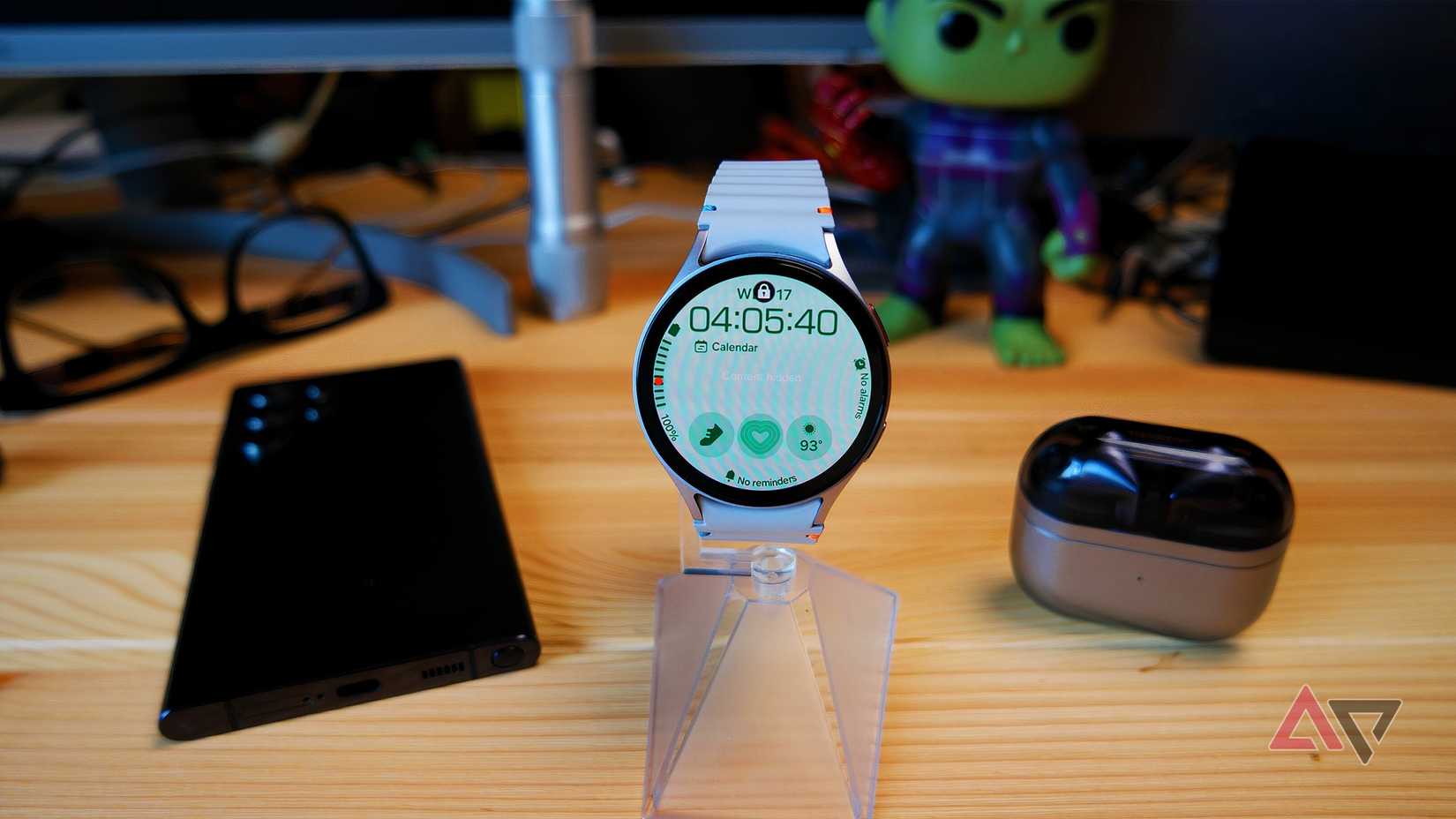
There’s no better way to repurpose an old watch than to let it do what it was originally built for, which is telling time.
If the battery isn’t strong enough for whole day wear anymore, place it on a small stand or charging dock. Then enable the Always-On Display. You’ll transform it into a desk clock or bedside alarm.
That said, the AOD doesn’t deserve the fear it gets, sometimes. It runs in a low power state and with reduced background animation. The black pixels switch off completely on OLED panels, so the device won’t dramatically draw power.
It’s features like Raise to Wake you should be wary of. It constantly monitors motion using the inbuilt sensors. Turn it off if you don’t plan to lift your watch frequently.
Bluetooth remote shutter: Be your own photographer with ease
Credit: Samsung
Taking your own picture is tricky when it’s not a selfie. Your back camera has better resolution and low-light performance than the front camera.
But if you take solo pictures frequently, you’ll rely on the timer or hand gestures. You also have to reach for your phone to see previews.
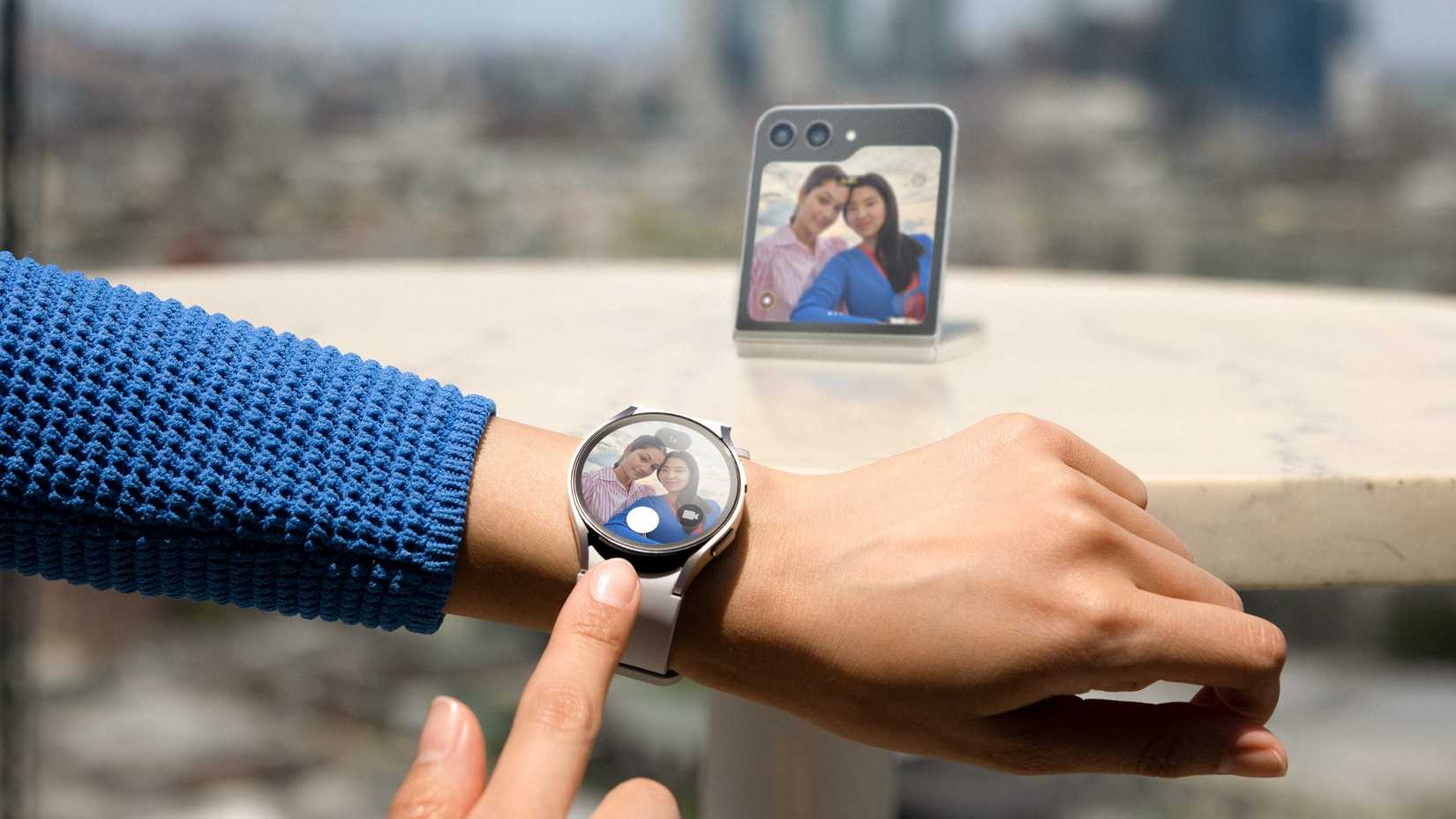
Instead of racing a countdown, mount your phone on a tripod or any surface and use your watch as a Bluetooth shutter.
If it’s a Samsung Galaxy Watch, there’s a built-in Camera Controller app that turns your device into a Bluetooth shutter. If the device is a Pixel Watch, Google’s Camera app on it can connect directly to your phone’s stock camera app.
On some models like the OnePlus Watch 3, you can get a live preview. Your watch can also function as a music playback controller or presentation clicker.
Use it if you’re giving a talk or leading a seminar and your slides are on your phone or laptop. It’s more discreet and professional compared to holding your phone or a big remote.
Message notifier: Focus on information that matters
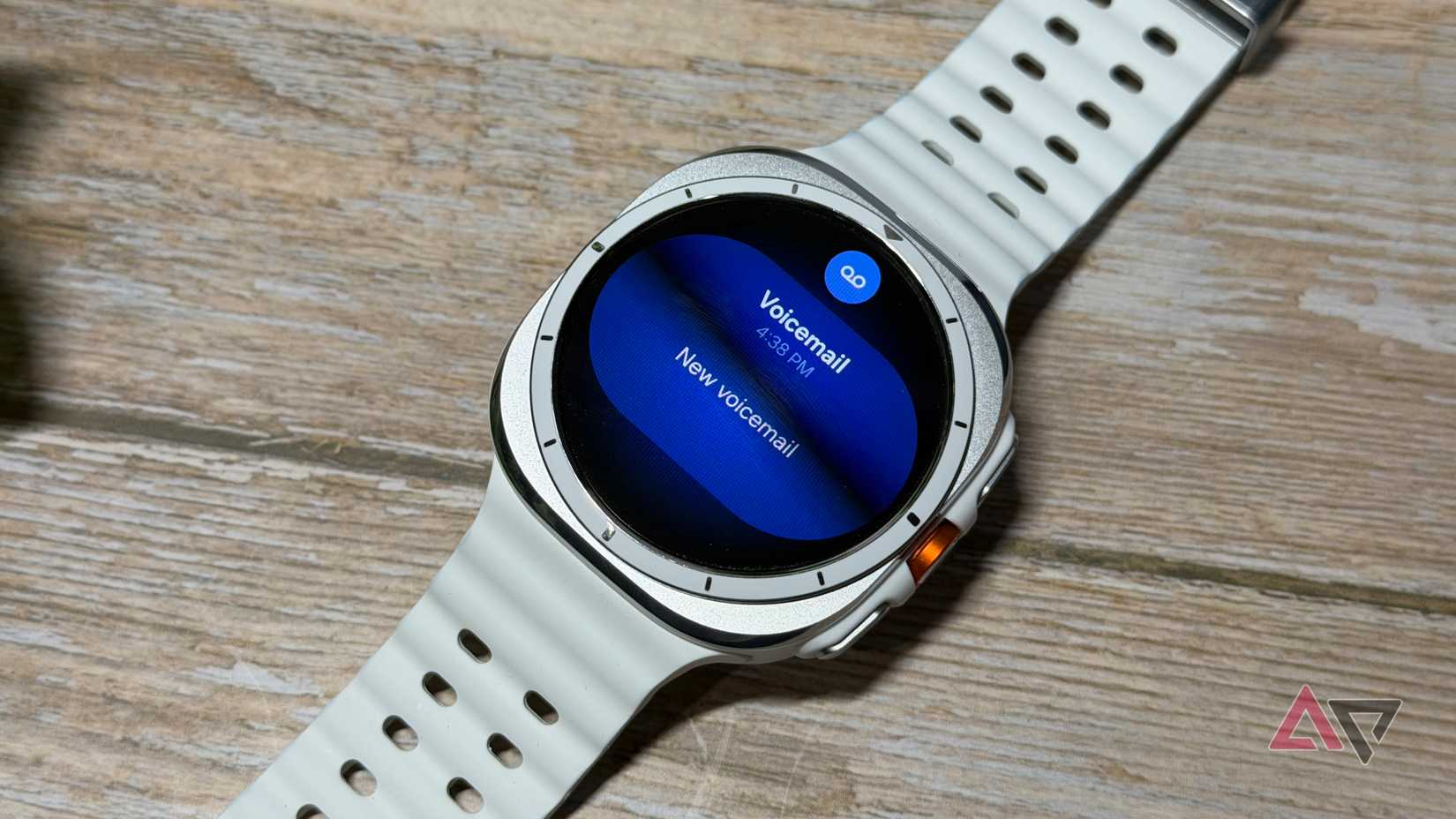
A vibrating or ringing phone calls for attention, and you almost always unlock it. The original reason you picked it up may compete with everything else on the screen and cause you to start doomscrolling.
Turn your smartwatch into a notifier, and it will act as a filter between you and your phone. The display is not large enough to be distracting, and you can intentionally restrict what it’s allowed to show.
On most Wear OS devices, go to Settings > Apps and notifications > Notifications and tap Show all. Then select an app to disable its notifications.
Preferably, disable notifications for social media. They constantly ping you when you get likes and post reactions. Also mute shopping apps like Amazon and food delivery services.
Lightweight jogging companion: Outrun the digital noise
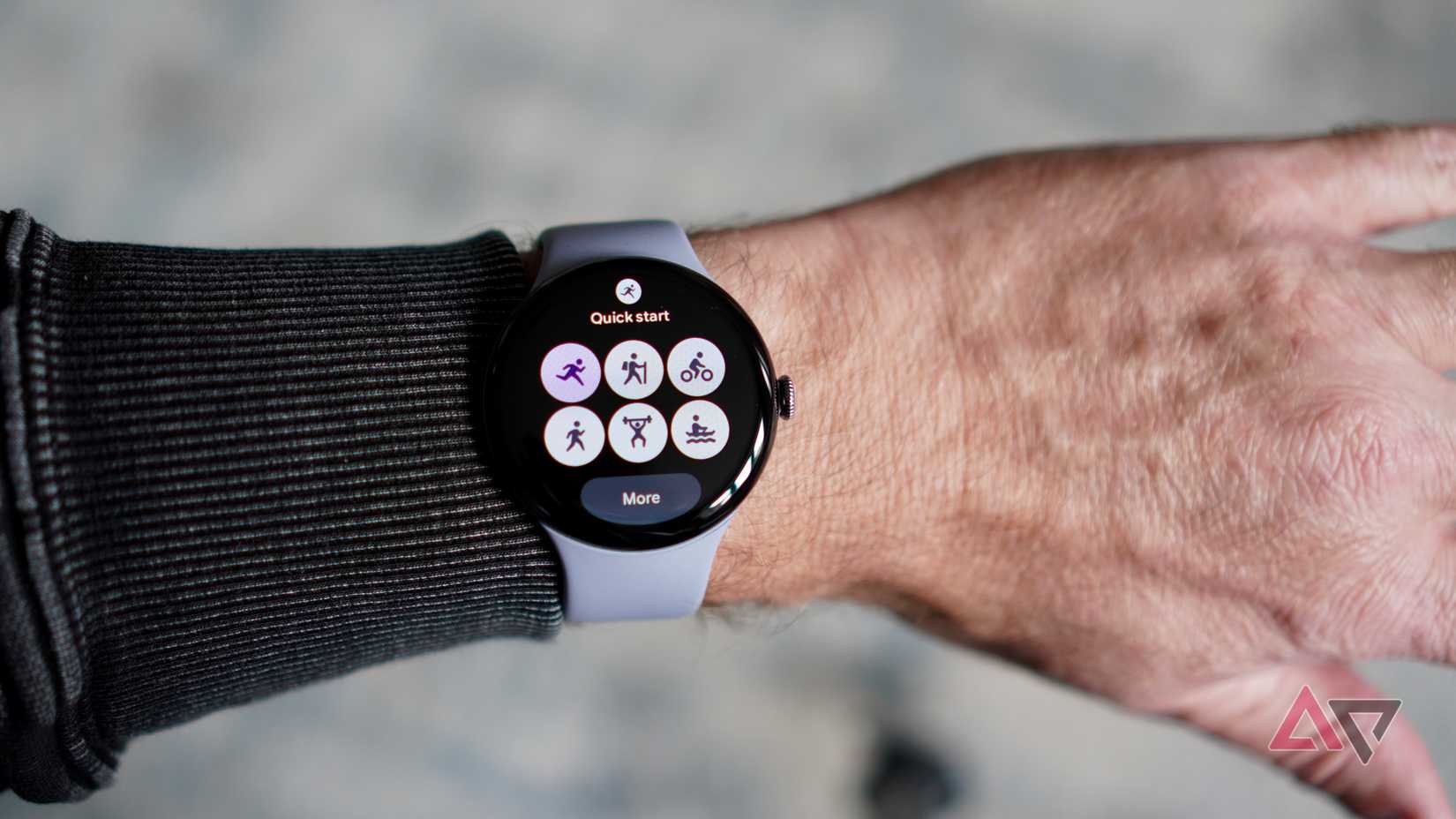
You only need a few items when jogging or exercising. They include time tracking, music, emergency communication and your water bottle.
Your smartwatch already handles three of them and cancels the need to drag your phone along.
Start by loading offline music onto it if it supports local storage or an SD card. Wear OS watches let you store music on YouTube Music or Spotify Offline if you have a subscription.
You can even transfer MP3s directly to the watch. They have up to 32GB internal storage, which is enough for dozens of songs. Afterward, pair your Bluetooth earbuds to the watch so it plays music independently.
One benefit is you’ll reduce wear on your main device. Sweat, especially over time, can affect the seals and straps. If you run frequently, a retired watch becomes your beater unit that absorbs the strain.
It’s also less risky to carry in foreign regions. If something happens, the financial and data loss is significantly lower.
Child monitor: Keep a watchful eye on your little one
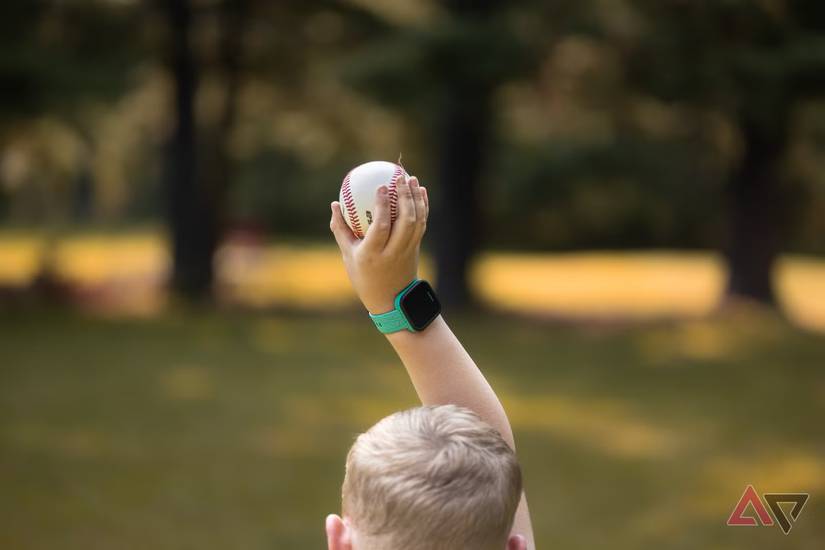
Being a parent is a full-time job, and so is managing your child’s exposure to technology. You may not be ready to hand them a phone, so your old smartwatch serves as a compromise until they’re ready.
Give it to them when you’re out in public, and you need to step a short distance away. It strips away the unnecessary layers of distraction and allows for basic calls and messaging. You can insert a prepaid SIM and save only trusted contacts.
Miniature retro arcade: The nostalgia is worth your time
Tamagotchi is as old as the late 1990s. It’s about a tiny pixelated creature living inside a small plastic shell. It would’ve made a perfect idle companion for your tiny screen.
But such apps are not common on most smartwatch platforms. In many cases, what you’ll find are themed watch faces that simulate a pet rather than immersive interactive games.
Yet, there are some interesting low-resource games you can lean into. Download classics like Snake, Wearamon – Wearable Monsters, and PetQuest Virtual Pet. Play them while waiting in line or getting bored.
Emergency backup dialer: Be prepared for the unexpected
If your watch supports a SIM card, keep a prepaid line active and store priority contacts. Then leave it charged in your bag. You might live in a region where power is relatively stable.
But it helps to prepare for storms, outages, and other uncertainties. You don’t want to lose communication when they happen and your phone battery dies.
Related
I rely on these Wear OS tricks more than my phone — here’s why
Get the most out of your smartwatch
Watch your timekeeper evolve
Reset your retired smartwatch before you give it a new use. It’ll clear leftover accounts, cached data, paired devices, and background permissions that no longer serve a purpose.
Most importantly, assign the device a single purpose instead of having it do five things at once. A device with one defined task will last longer, especially with a weak battery.
It’ll also perform better without the extra weight on the processor. These small considerations make all the difference.