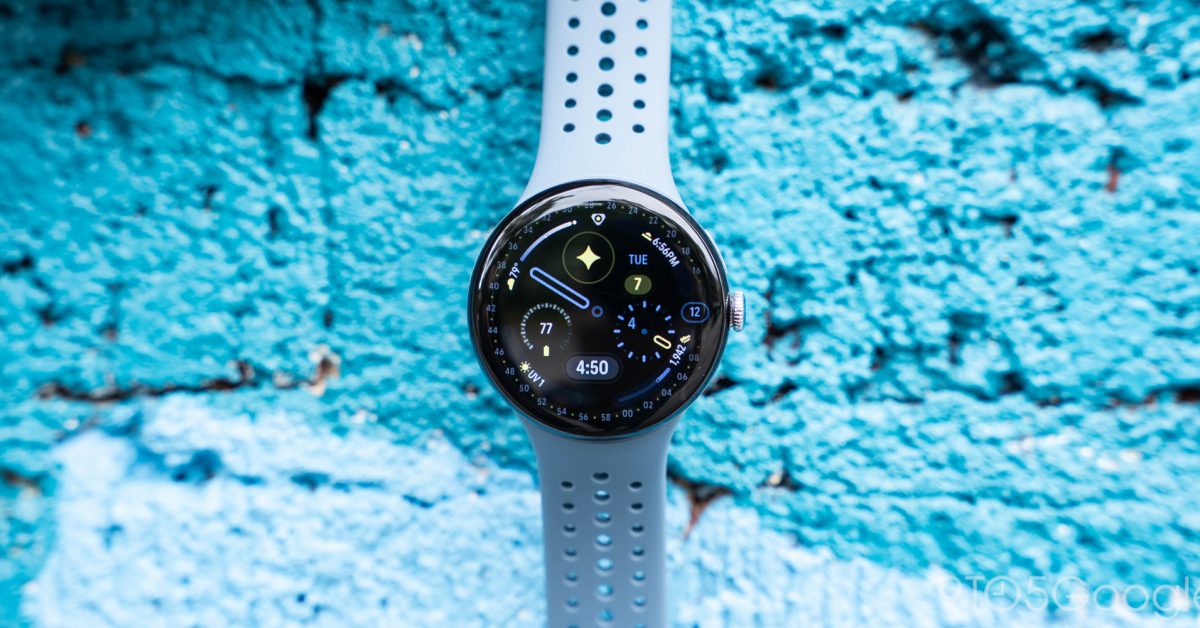
The Pixel Watch has a new-to-it feature that alerts you if you’ve left your phone behind. Even if it’s the option is a little late to the party, you’re going to want to turn it on.
The “notify when left behind” function is nothing new; however, the Pixel Watch series only recently received an update to incorporate Google’s version. The Pixel Watch Feature Drop for March 2026 combined that function with several other additions, like an easier tap-to-pay system for transit.
Left-behind alerts appear when the paired phone starts to get out of range of the Pixel Watch and Bluetooth disconnects. While it may not always be indicative of a phone that’s on the verge of disappearing, it’s a useful tool to have in your back pocket.
When your phone disconnects, it will lock. Anyone who picks it up won’t be able to access your information. Whenever the Pixel Watch and phone get back in range of each other, and the phone is unlocked, the connection goes back to normal, and Smart Lock resumes operation.
Advertisement – scroll for more content
Google says “notify when left behind” works on the Pixel Watch 2 and later.
If you haven’t already, you’ll want to enable the new option. There doesn’t seem to be a downside, unless you tend to straddle the Pixel Watch’s effective range on a regular basis. For those who have their phone with them always, it’s a highly recommended safety feature.
How to enable Pixel Watch’s left-behind alerts
On your connected phone, open the Pixel Watch app.
Find and tap Watch preferences.
In the Security page, open Notify when left behind.
Toggle the feature on.
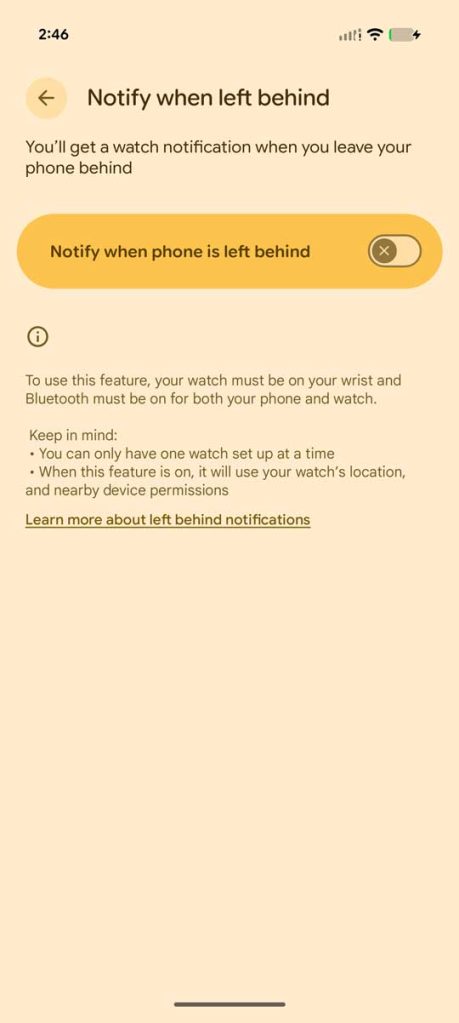
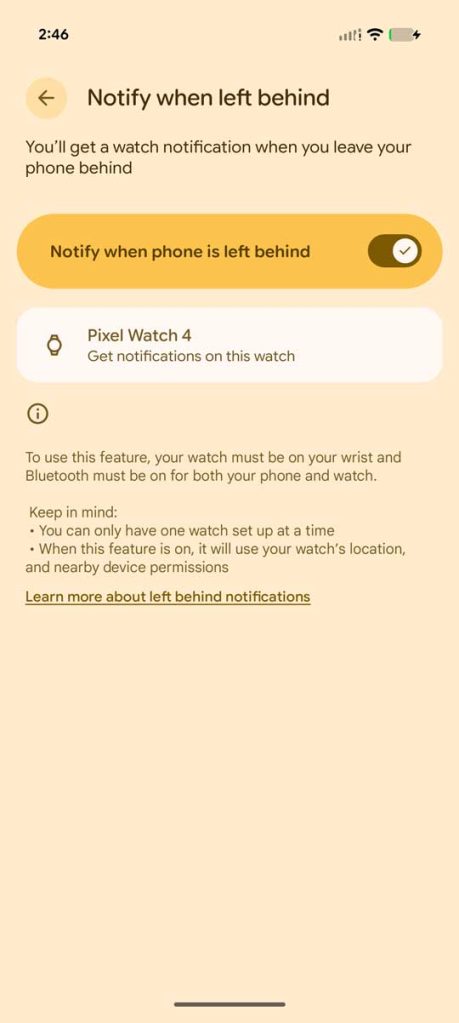
You can also toggle on Lock phone when left behind to ensure that your device isn’t being opened while unattended.
The feature doesn’t turn on by default, so you’ll want to make sure you’re going through the steps to turn it on. If you don’t see the feature, make sure your Pixel Watch 2 or newer is updated by going into the watch’s Settings > System > Software updates.


FTC: We use income earning auto affiliate links. More.