
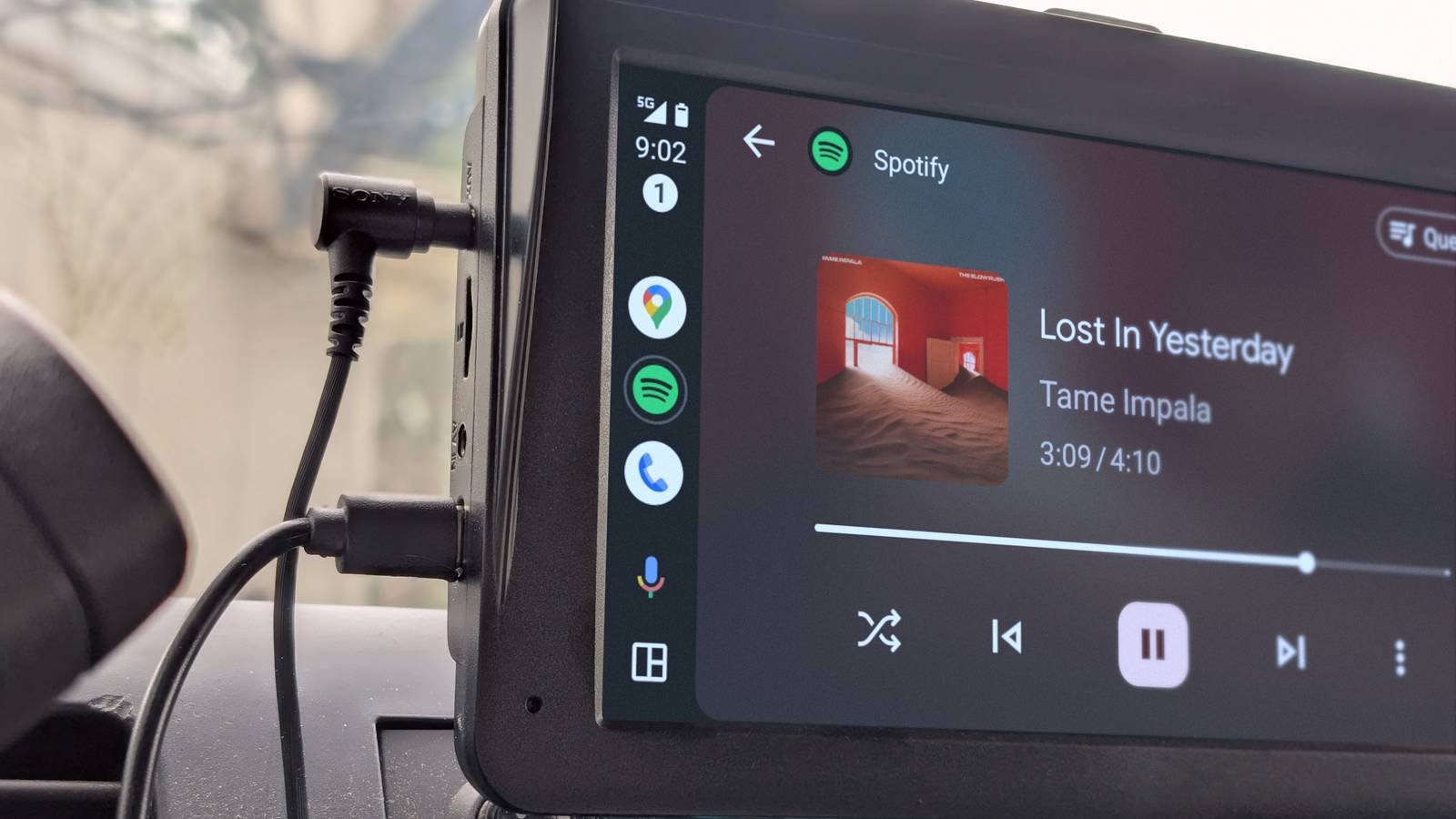
Plenty of people use Android Auto for its great real-time traffic updates with Google Maps and handling media playback with services like Spotify and YouTube Music. I’m behind the wheel every day, and over countless miles, I’ve found a few different areas where the experience still feels too restrictive and outdated.
I don’t mean just going into developer mode, either. There are clear, logical upgrades ready to be put in place that aren’t small bug fixes. It’s time Android Auto made improvements that fix a core design approach that still feels stuck in the past.
Direct app layout management
Move your apps without touching your phone
Credit: Apple
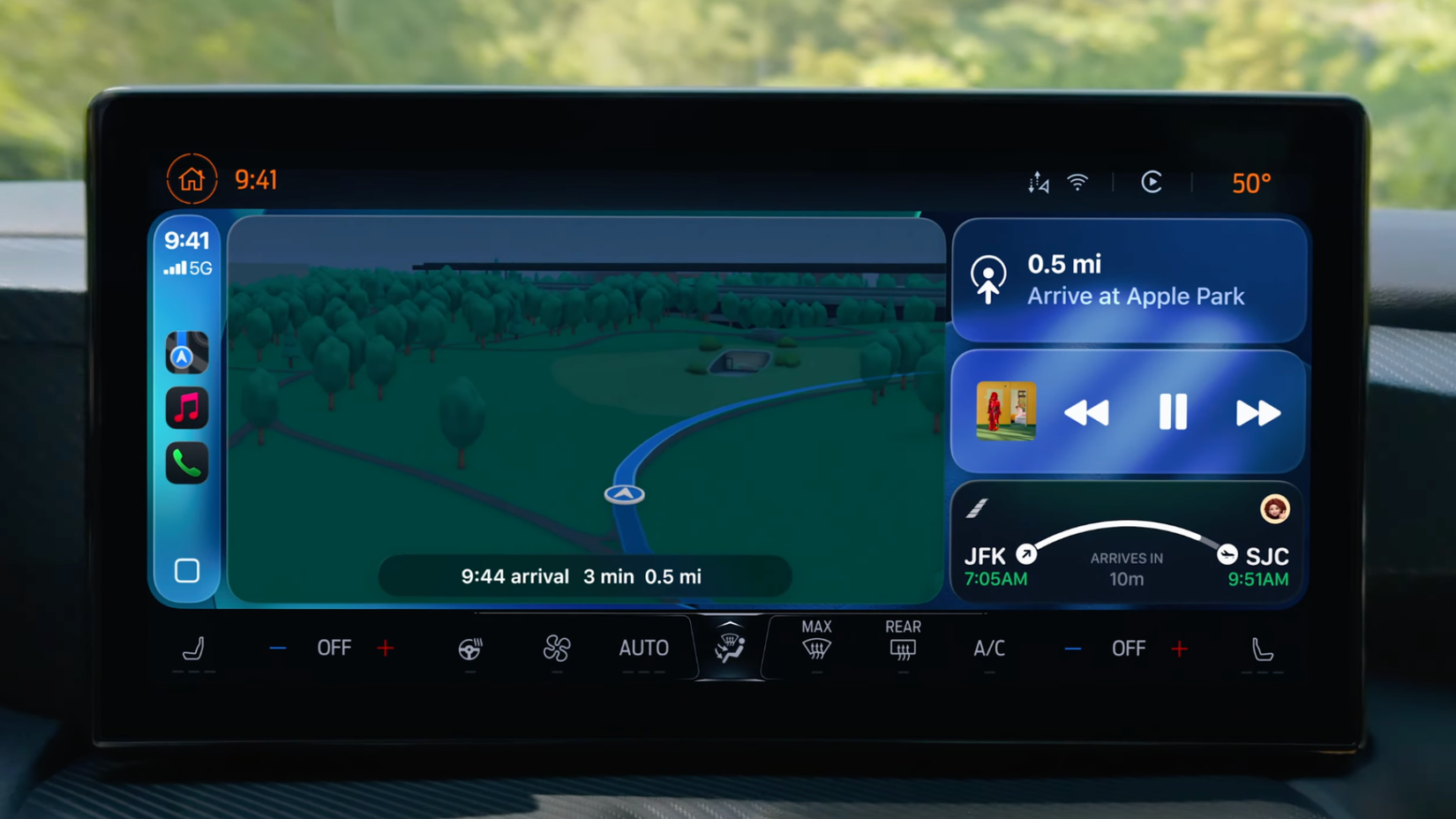
Android Auto got an app drawer a few years ago, but you still have to use your phone to change the layout. To organize the drawer, hide apps, or change their order, you have to open the Android Auto app on your smartphone and go to the Customize Launcher section before you connect to the car.
This setup defeats the purpose of the system, which is meant to keep you off your phone while you’re behind the wheel. Unfortunately, there’s no way to do it on your phone before you start driving, so you’re stuck with a basic setup.
You should be able to long-press and drag icons right on the car’s touchscreen. This would make the interface feel more like the phones we use every day. While there are safety rules that limit what you can do on the dashboard, this feature could be restricted to when the car is parked.
Being able to move your main apps, like Spotify or Google Maps, into the right spots from the driver’s seat would make the system much more helpful and stop you from fumbling with phone menus.
Parked video streaming
Watch shows while you charge your battery
Credit: Disney
Electric vehicle owners spend a lot of time at charging stations, but they can’t use their car’s big screen to watch anything. Right now, Android Auto doesn’t officially support streaming apps like Netflix or YouTube. While video has to be blocked while you’re driving for safety, the system actually has drive-level settings, like a specific bitmask, that tell it when the car is safely parked and capable of showing video.
Since there isn’t a native way to watch videos, some people use risky workarounds like unauthorized apps or hardware mods to trick the car into thinking the handbrake is on. Adding an official theater mode would let you watch shows safely on the dashboard instead of a small phone screen.
This would turn the wait at a charging station into a relaxing break by using the digital screens that are already in the car. This should only work in a park, but it is not uncommon to wait in a car and watch a video or something similar when you are waiting for a friend.
Real-time weather radar
See storms coming on your navigation map
Credit: Apple
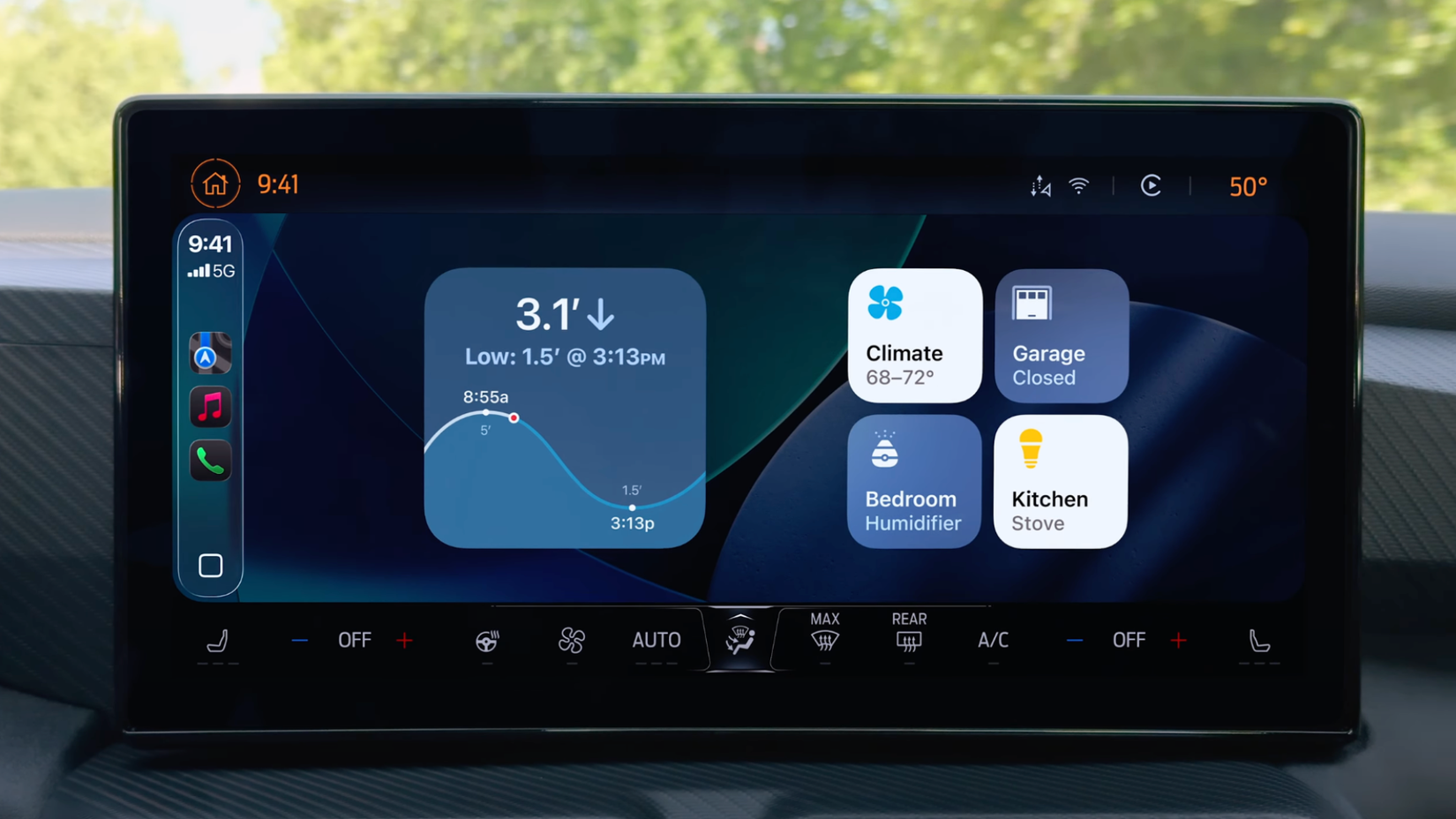
Android Auto is great for traffic and directions, but it only shows basic weather info like the temperature. If you’re driving into a storm, you have to ask Google Assistant for an update or rely on simple text. The system lacks a visual way to track bad weather along your route, which makes it harder to stay safe in fast-moving rain or snow systems.
Adding a live radar layer to the map would let you see exactly where a storm hits your path. Since the system already handles live data like police locations and road hazards, adding weather info is a natural next step. This would let drivers decide to change routes or slow down before visibility gets bad. It also keeps people from reaching for their phones to check a weather app while they’re driving.
A precipitation radar built directly onto the navigation route would help drivers anticipate heavy rain or snow ahead. Android Auto already has and displays real-time spatial data, so bringing this layer to the map seems like a no-brainer.
Faster assistant processing
Get quicker responses for simple commands
Credit: Lucas Gouveia / How-To Geek | kungfu01/Shutterstock
Voice commands usually have a delay because the system has to send your request to the cloud. This lag can be distracting when you’re driving at high speeds. Waiting for voice systems to respond can distract you as much as texting or a handheld call. Since Google Assistant is the main way to use Android Auto hands-free, these delays and misunderstandings due to road noise make the system harder to use.
To fix this, simple requests like skipping a song or calling a contact should be processed right on your phone. Cloud processing is good for complicated questions, but using it for basic actions like texting “Mom” creates unnecessary friction. Processing these commands locally would make the assistant feel much faster and would work even when your cellular connection is spotty.
Adding on-device processing would not only remove the frustrating delays caused by spotty cellular connections but also make the entire Google Assistant experience feel dramatically faster. The company would be significantly reducing the cognitive load and potential distraction for drivers trying to keep their eyes on the road.
EV route planning
Let your car plan its own charging stops
Credit: Lucid Motors
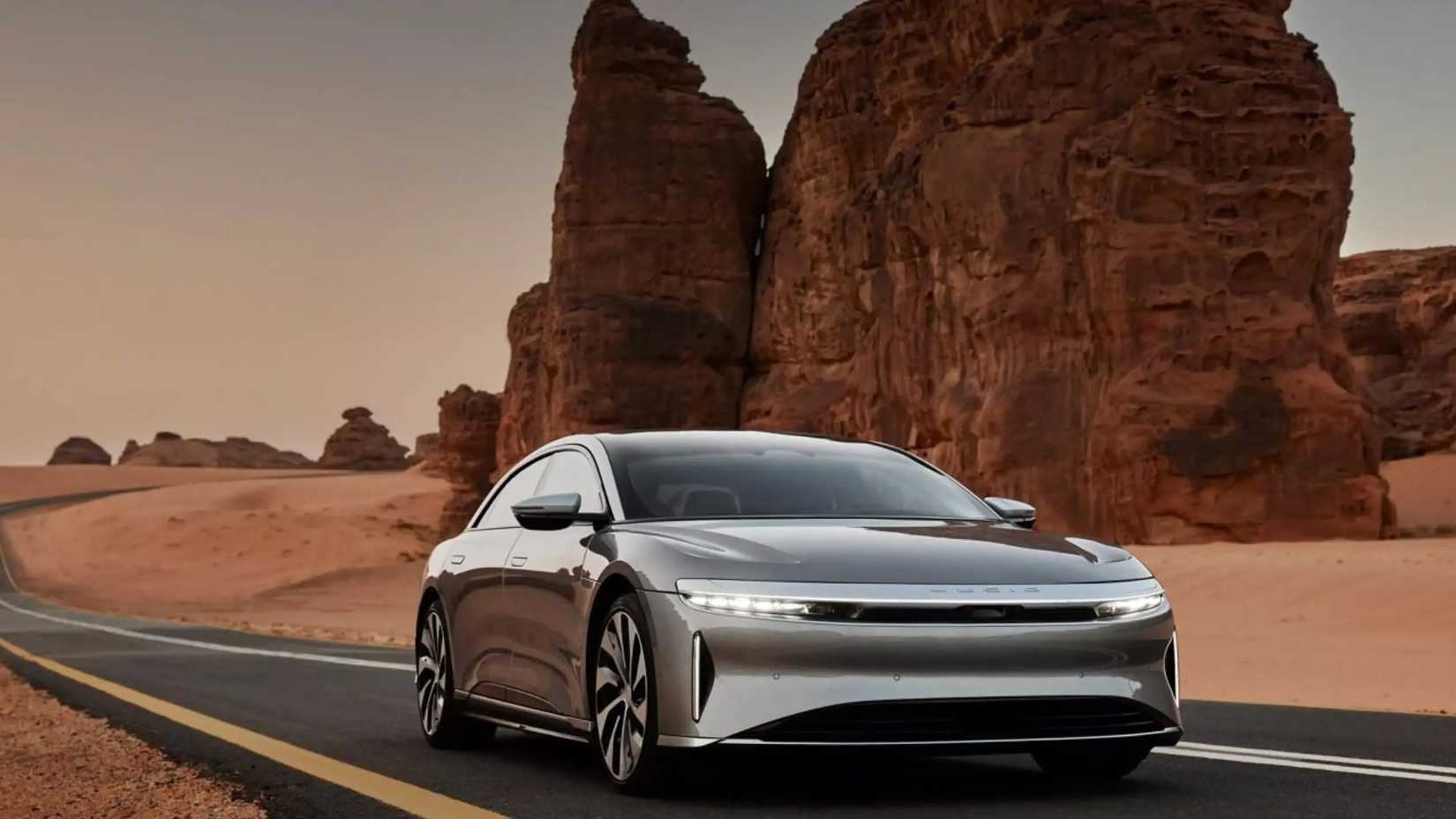
Finding a place to charge still feels like extra work. Since Android Auto runs on your phone, it doesn’t always have access to your car’s real-time battery level or energy use. This is different from Android Automotive OS, which is built into the car and can see all that data. Because of this gap, the standard version of Google Maps doesn’t always work well for long electric vehicle trips.
The Maps app should be able to look at your battery level and automatically add charging stops to your route based on your specific car model. Right now, many drivers have to use several different apps like A Better Route planner, PlugShare, or ChargePoint, to map out a trip. Google Maps has added some features for chargers, but it’s still not fully automated. Until the system can talk directly to the car’s battery, planning a long trip will be more stressful than it needs to be.
It’s time to upgrade Android Auto
Android Auto is very stagnant compared to CarPlay and other alternatives. While its core functions are reliable, there is a big design gap between what the system offers right now and what you’d expect from a modern driver. Google has the expertise and the infrastructure to bridge this gap, but the company has yet to make major improvements. Android Auto is less than a projection screen at this point, but it should be far past that. Hopefully, we’ll see some improvements, because otherwise, this feature will remain outdated.