
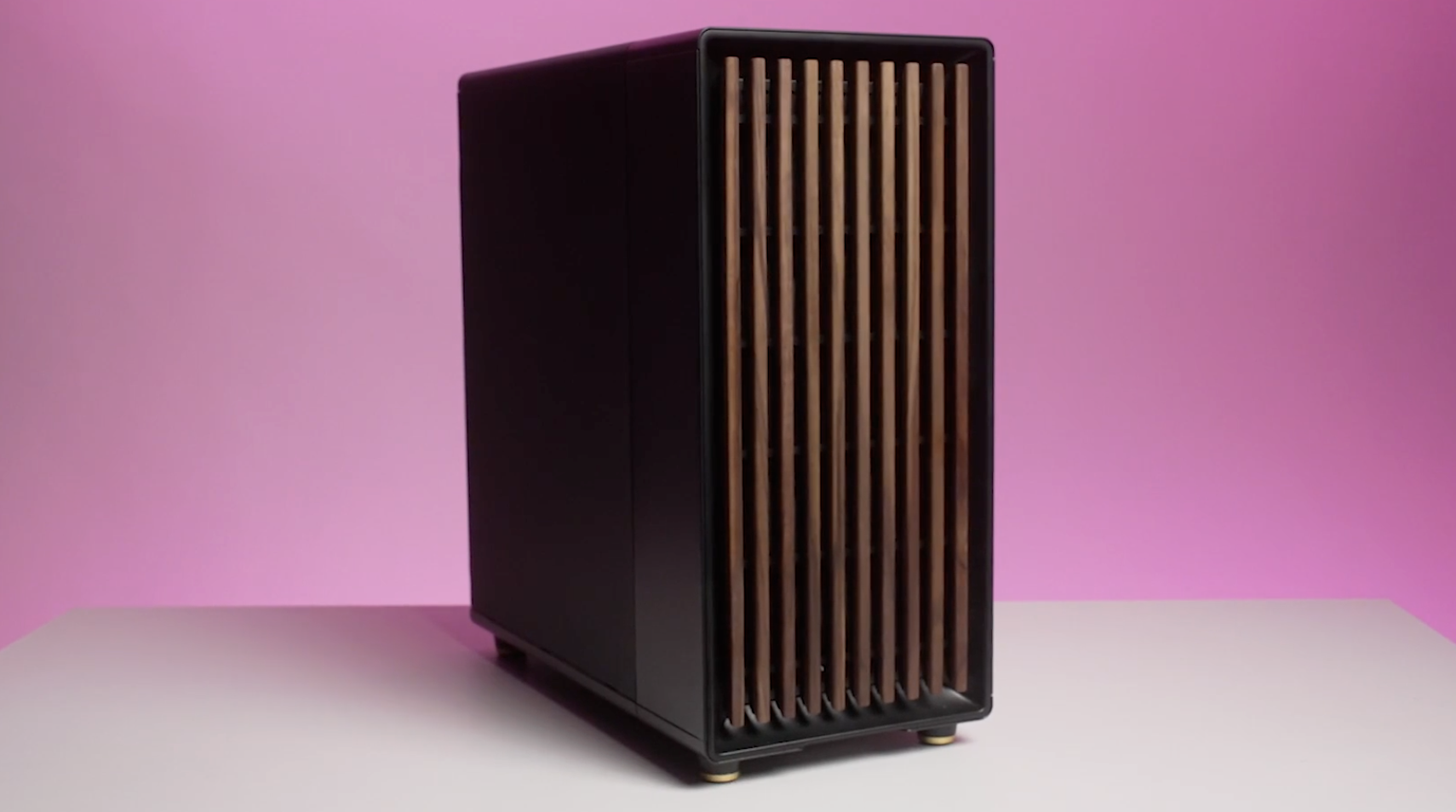
I’ve been putting off building my first PC for years. Despite having grown up surrounded by home servers, custom builds, and more cable ties than any sane person could ever use, it’s been a bucket list entry I’ve found so intimidating that I’ve happily procrastinated even making the first steps of researching how all of the pieces come together.
So when I was given the chance to build my own rig for our latest season of AI Planned It, I leapt at the chance, but the jury’s still out on whether that was the best or worst choice I’ve made in my career so far. Three weeks, two chatbots and two 20-minute videos to produce; what could possibly go wrong.
Article continues below
You may like
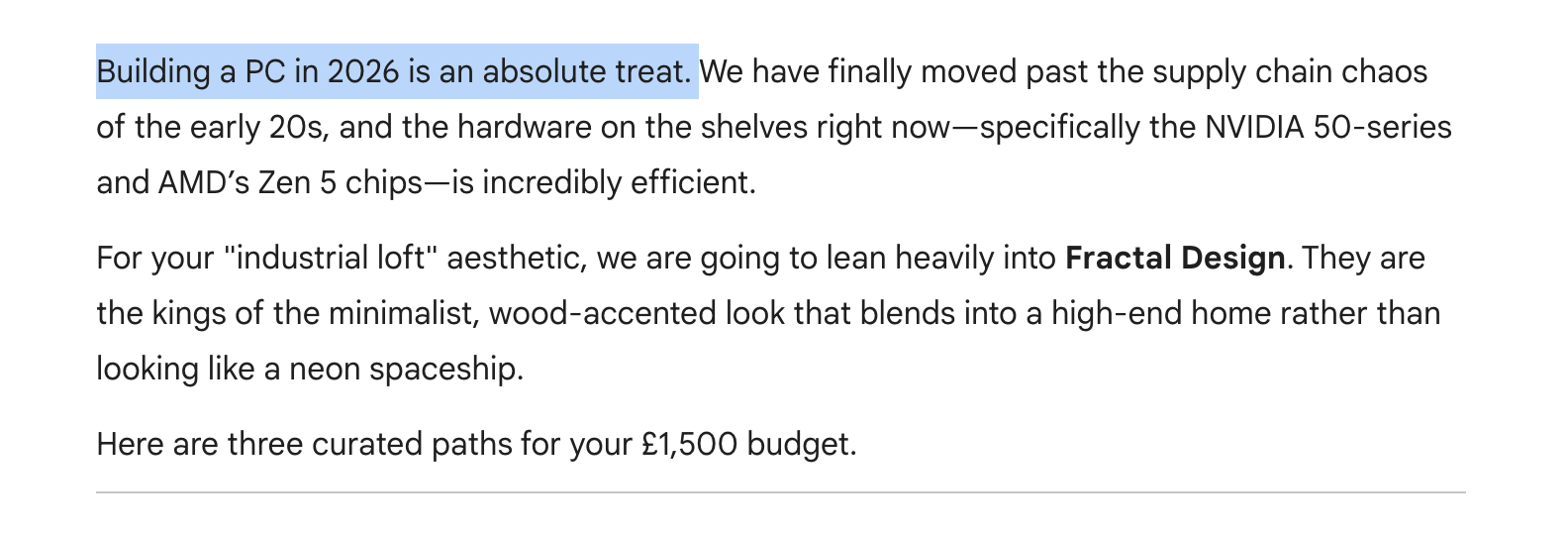
Oh, sweet summer child. (Image credit: Future / captured in Google’s Gemini Pro)How do you solve a problem like a RAM crisis?
In case you missed it, PC building hasn’t been a particularly fun hobby for a few years now, especially if you’re budget-conscious. Between chip shortages, RAM shortages and near-endless supply-demand issues, there are far more hurdles before you reach the promised land of lag-free AAA gaming.
If you’re a first-timer like me, that can make the already-daunting task of learning what a PCIe slot is or which of the five million fan connectors your cooler needs to be connected to so much worse. Enter AI.
For this project, I turned to two of the most popular general-use LLMs, ChatGPT and Gemini, to find out how confidently I could use the tools to help my build my first PC. The first step was to set the scene with both chatbots, explaining their role in helping me upgrade my rig:
Click here to reveal the full prompt
The prompt: Simply copy and paste the full block of text into ChatGPT or Gemini, and then respond to the queries each asks you. Your responses will naturally vary from mine, so scroll down to find the questionaire’s I personally answered for each chatbot below.
You will be acting as an experienced computer technician to help first-time PC builders pick parts and build their own desktop gaming computer, using a combination of real-time market insight, cost vs. value, performance, compatibility and other general pros and cons. You will tailor your recommendations based around specific needs and use cases, asking follow-up questions if there is any ambiguity or in situations where several options present similar issues or benefits.
Here is a suggested workflow:
Begin by surveying user needs. This should include questions around practical considerations like budget and compatibility but also personal preferences; what kinds of games they enjoy and their expected benchmarks for those games, aesthetics and the like. Ask follow-up questions on areas that may lead to ambiguity in your reasoning, if necessary.
Provide three build options (the same components can appear in multiple configurations) including all of the key components (Motherboard, RAM, storage, CPU, GPU, cooling, power supply, case etc.) as well as a short justification behind your decisions.
These parts must all be compatible with others in the same build option
Factor in the lifespan of components and flag where a part may need replacing sooner than others.
Apply thorough reasoning to the cost and value of components – if a part is outdated or overpriced, it isn’t always the best option.
Where there’s a trade-off or a concession on a part to ensure balance between cost and benefits, explain that trade-off thoroughly.
Only suggest products that you can find in stock at reputable retailers.
Help the user choose a final option, and then discuss refinements where relevant.
Once the customer has received their parts you will give specific build instructions based on the components they are using.
Refine your search
In my personal experience, ChatGPT was the most effective at considering my needs from the get-go, and while its questionnaire included a couple more technical terms than I’d like to unpack as a first-timer, I found it covered most bases pretty well.
Gemini, on the other hand, asked me fewer questions but kept them more beginner-friendly; I’d be interested to know in the comments below if any readers found the same patterns between the two!
Below, I’ve shared the two questionnaires provided by the LLMs if you’d rather lift these for your own usage than get a fresh set.
Click here to reveal the full ChatGPT questionnaire
ChatGPT PC building questionnaire: Simply copy and paste the full block of text, and then respond to the queries each asks you.
1. Your total budget – Please include your country too, since prices and stock vary a lot by region.
2. What’s included in that budget – Do you need just the tower, or also monitor, keyboard, mouse, headset, Windows license, etc.?
3. What games do you play most – Examples: Warzone, Fortnite, Cyberpunk 2077, Minecraft with shaders, Valorant, Elden Ring, Cities: Skylines II, modded Skyrim, etc.
4. Your target resolution and performance
For example:1080p high refresh1440p high/ultra4Ktarget FPS like 60 / 120 / 144 / 240
5. Do you care about ray tracing, DLSS, FSR, or frame generation. This matters a lot for GPU choice.
6. Any non-gaming uses – Streaming, video editing, music production, coding, 3D work, AI workloads, school/work multitasking, etc.
7. Size and aesthetics preferences
Examples:black or whiteRGB or no RGBcompact, mid-tower, or no size preferencequiet build vs max airflowglass side panel or plain case
8. Connectivity needs – Do you need Wi-Fi, Bluetooth, lots of USB ports, front USB-C, specific audio needs, multiple SSD slots, etc.?
9. Upgrade philosophy – Would you rather maximize performance right now, even if upgrade path is weaker, keep a stronger platform for future CPU/GPU upgrades or split the difference
10. Any brands or parts you want or want to avoid – For example AMD vs Intel, NVIDIA vs AMD, air cooling vs liquid cooling.
11. Are you buying new only, or open to used/refurbished for some parts (Especially GPU, where used can change value a lot.)
Click here to reveal the full Gemini questionnaire
Gemini PC building questionnaire: Simply copy and paste the full block of text, and then respond to the queries each asks you.
1. The Budget –What is your total budget for the tower itself? (Excluding monitor, keyboard, and mouse). Do you also need recommendations for peripherals? If so, let me know if those have a separate budget.
2. Performance Goals & Resolution – what resolution are you planning to play at? (1080p, 1440p, or 4K?), what is your target refresh rate? (e.g., “I want a steady 60 FPS in cinematic games” or “I need 240+ FPS for competitive shooters.”)
3. Your “Gaming Library” – Which games do you play most? (e.g., Heavy AAA titles like Cyberpunk 2077 or GTA VI; competitive titles like Valorant or Apex Legends; or simulation games like Microsoft Flight Simulator?)
4. Aesthetics & Form Factor – What do you want the PC to look like? (e.g., “All-black stealth,” “Total RGB light show,” or “Clean white build.”). Size constraints? Do you want a standard Mid-Tower, or are you looking for something small (ITX) to fit on a cramped desk?
5. Beyond Gaming – Will you be using this for anything else? (e.g., Streaming on Twitch, 4K video editing, 3D rendering, or AI development?)
6. Location – What country are you shopping in? (Pricing and availability in the US vary significantly from the UK, EU, or Australia.)
Refine your search
If you’re curious to know how Gemini and ChatGPT landed on their respective recommendations (which you can check out here), you can find below the answers I gave to ChatGPT. I sent both chatbots the same general responses, though I removed details that Gemini didn’t ask me for in the name of science:
What to read next
Click here to reveal my answers
My responses: If you like the look of my new PC, here’s what I told ChatGPT to get those top recommendations.
1. Total budget – £1500, shopping in the UK. I have some budget flexibility (+/- £200) but £1500 is my ideal.
2. What’s included in that budget – no need to budget for peripherals or software.
3. What games do you play most – I mostly play AAA titles, with games like Baldur’s Gate, Cyberpunk 2077 and Clair Obscure: Expedition 33 in current rotation. I’d like some degree of future-proofing for this class of games.
4. Target resolution and performance – ideally 4K but definitely 1440p with steady 60fps refresh rate.
5. Ray tracing / DLSS / FSR / Frame generation – I’d love these, but it’s not an absolute deal-breaker due to budget constrictions.
6. Non-gaming use – I’d like to be able to use it for some creative tasks like video and photo editing but I don’t often have heavy loads here.
7. Size and aesthetics preferences: My home aesthetic is industrial loft-style so something that has minimalism but also that svelte design language. I like the idea of having some lighting, but not overbearing. Smaller build would be preferable but is not a deal-breaker, I’d be happy with a standard mid-tower.
8. Connectivity needs – A good number of ports for peripherals (and a mix of USB-C and USB) and Wi-Fi. I will take your lead on if I need (and can afford…) multiple SSD slots.
9. Upgrade philosophy – split the difference
10. Any brands or parts you want or want to avoid – nope, just whatever works best for my budget and compatibility
11. Are you buying new only, or open to used/refurbished for some parts Especially GPU, where used can change value a lot. – I’m open to used/refurbished
Can ChatGPT and Gemini build a good PC?
OK, so you know now what ChatGPT, Gemini and I discussed, but what about the results?
You’ll have to watch the full AI Planned It series to know the ins and outs of our experiment, but to cut to the chase; yes, AI can help you build a PC… but it can’t do it all for you, and the journey to get there is riddled with so much anxiety that you may well decide to can it altogether; I nearly did!
I worked with TechRadar’s resident computing expert, Matt Hanson, to fact-check and sanity-test both ChatGPT and Gemini’s instructions, and while we were pleased and impressed to see that all of the components selected were compatible with one another, the experience was marred by sycophantic shopping and terrible market knowledge.
It’s fair to say I’m no AI evangelist; I believe in its usefulness in industries like tech and science to tackle complex research and analysis as well as to fill in some gaps in critical infrastructures. Its use cases at scale to improve our quality of life, health and wellbeing are phenomenal; but I’m still really uncomfortable with its environmental impact how its prosumer rollout leads to job losses, and perhaps most crucially, its impact on critical thinking.
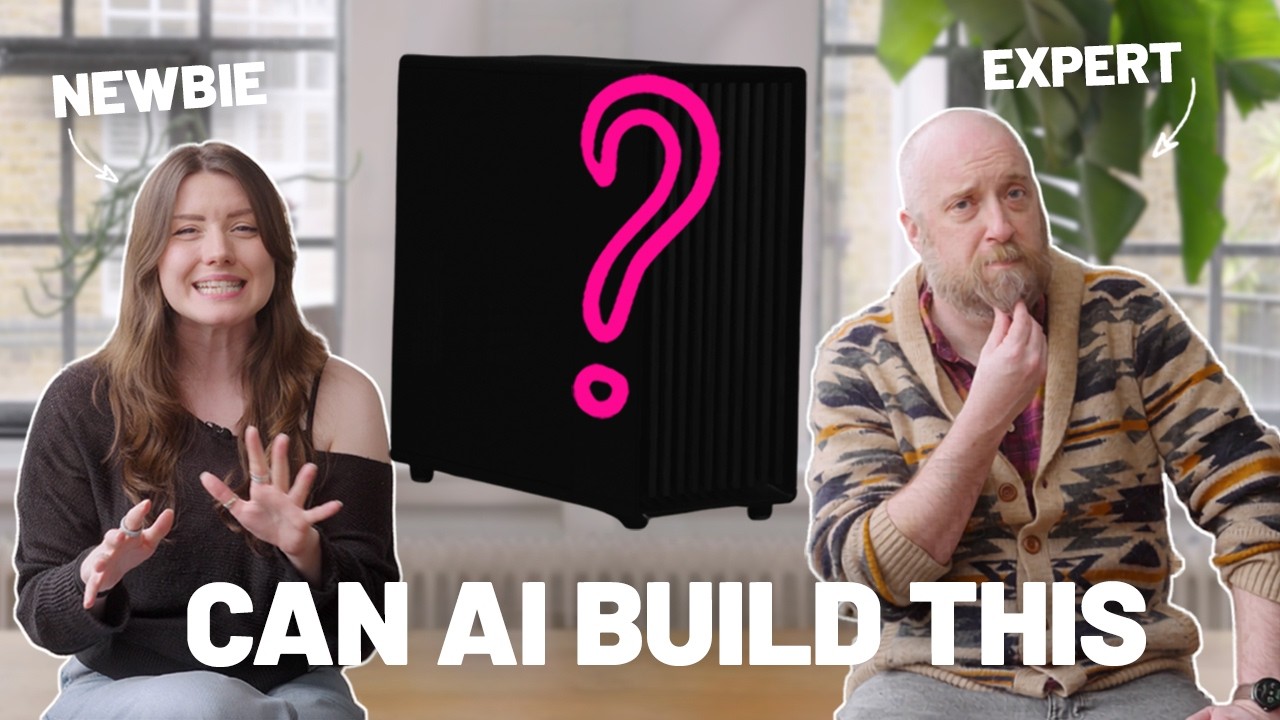
Watch the full episode of TechRadar’s AI Planned It below!
Gemini vs ChatGPT vs Expert: who can build the best PC? – YouTube
Watch On
— Gemini vs ChatGPT vs Expert: who can build the best PC?
Besides all that, I think there are a lot of tasks where human interaction is far more valuable, and for me, that includes interests like PC building which are more tactile in nature. The cracks really began to show when I asked both chatbots to find live links and pricing estimation, and this is where I’d suggest you stop following my example. ChatGPT fared much better than Gemini (which linked me to a toupee?) but even then, neither LLM was capable of scraping the internet to find the absolute-best, live pricing.
Both struggled to stay on-task, and having realised they couldn’t meet the originally quoted build price kept tweaking their responses without offering me the abundant clarity I would expect as a consumer, so I ended up having to do a lot of model name checking and searching of my own.
Perhaps that’s no bad thing; I don’t love the idea of a machine deciding where I spend my money, and it was hard enough to concede to ChatGPT and Gemini on what I should spend it on. That being said, I’m comforted, somewhat, by the fact that ultimately, I leaned far more on my friend and colleague for advice than AI, with a whole lot of legwork cut out by using it as a research tool.
You can check out the top recommended builds for both ChatGPT and Gemini, and if you subscribe to our YouTube channel you’ll also find out in the next episode how well ChatGPT instructed us on building the PC itself.
Follow TechRadar on Google News and add us as a preferred source to get our expert news, reviews, and opinion in your feeds. Make sure to click the Follow button!
And of course you can also subscribe to our YouTube channel and follow TechRadar on TikTok for news, reviews, unboxings in video form, and get regular updates from us on WhatsApp too.
Shop the winning PC components