
Anyone who has lost a Saturday afternoon buried in the NVIDIA control panel instead of actually flying knows the trap. You go looking for a few extra frames, find a YouTube guide written for a GPU that isn’t yours, copy the settings anyway, and end up no better off than when you started. Performance tuning in MSFS is one of those jobs that never quite feels finished, and it’s easy to go down the rabbit of endless tweaking until you’re either tired or frustrated by the inconsistent results.
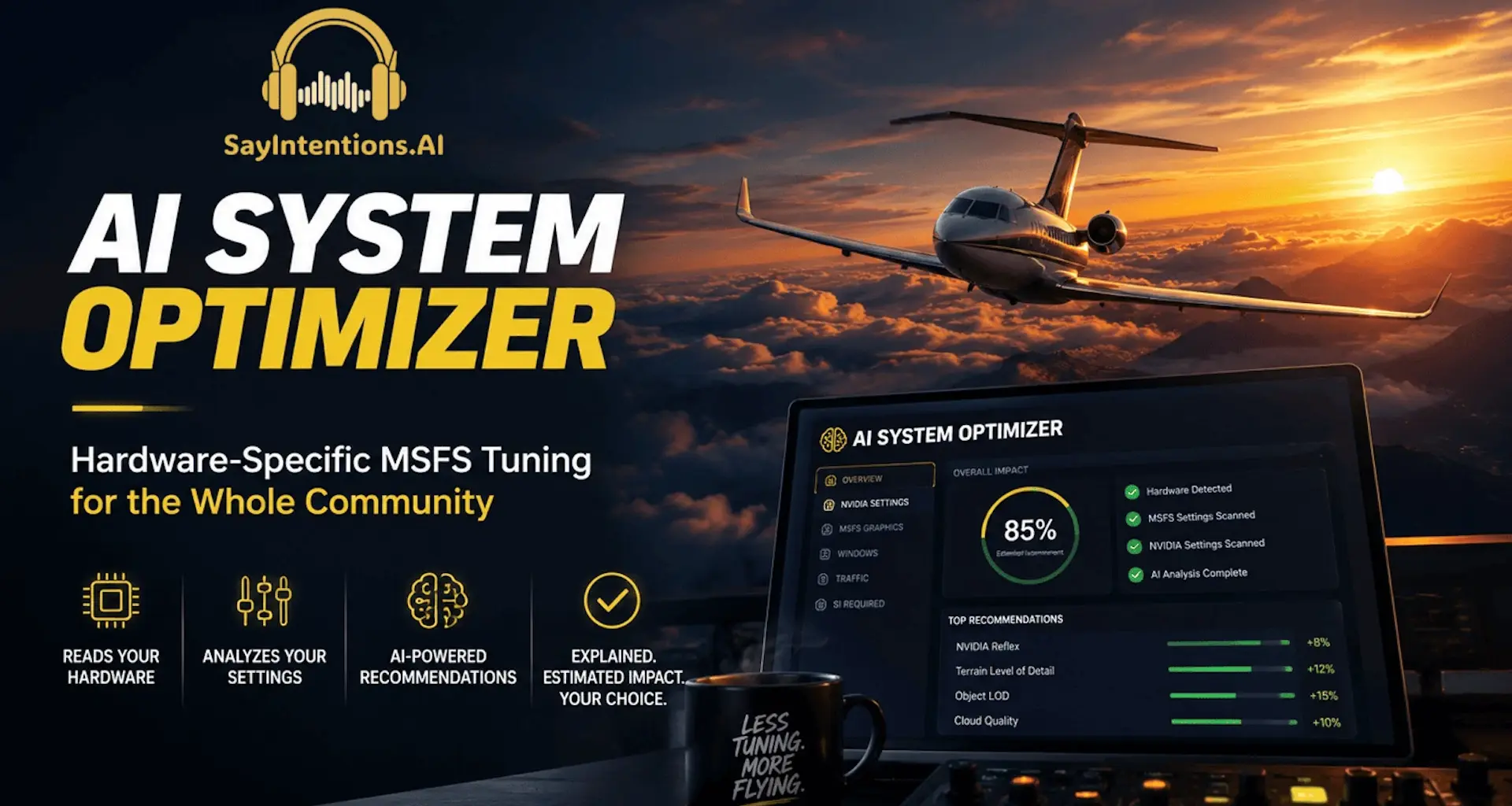
SayIntentions.AI has now put out a free tool that tries to take that guesswork off your plate. The AI System Optimizer reads your actual hardware and your current sim settings, then hands back a list of specific changes it thinks will help, along with the reasoning behind each one. It’s free for anyone with a SayIntentions account, without any subscription requirements.
How it works
The premise is that an AI model is better placed than a static guide to reason about how dozens of interlocking settings affect one specific machine. The Optimizer reads your GPU model, VRAM, CPU and RAM, pulls your current MSFS and NVIDIA settings, and runs them through what the company describes as its strongest AI models.
Before it generates anything, there’s a short questionnaire. It asks whether you’re flying in VR or on a monitor, whether you care more about frame rate or visual fidelity, and what kind of flying you typically do. A couple of minutes after you hit “Generate Recommendations”, you get a report broken into categories: NVIDIA driver and control panel, MSFS graphics and display, Windows configuration, and MSFS traffic settings. Each recommendation comes with the exact location of the setting, the suggested value, why that value suits your hardware, and an estimate of how much difference it’s likely to make.
There’s also a separate tab the company calls SayIntentions.AI Required. That one isn’t about performance at all. It covers the MSFS settings their own app needs switched on or off to work correctly in your version of the sim.
Importantly, the tool doesn’t touch anything on its own. It reads, it recommends, and then it’s up to you to apply what you want and skip the rest.
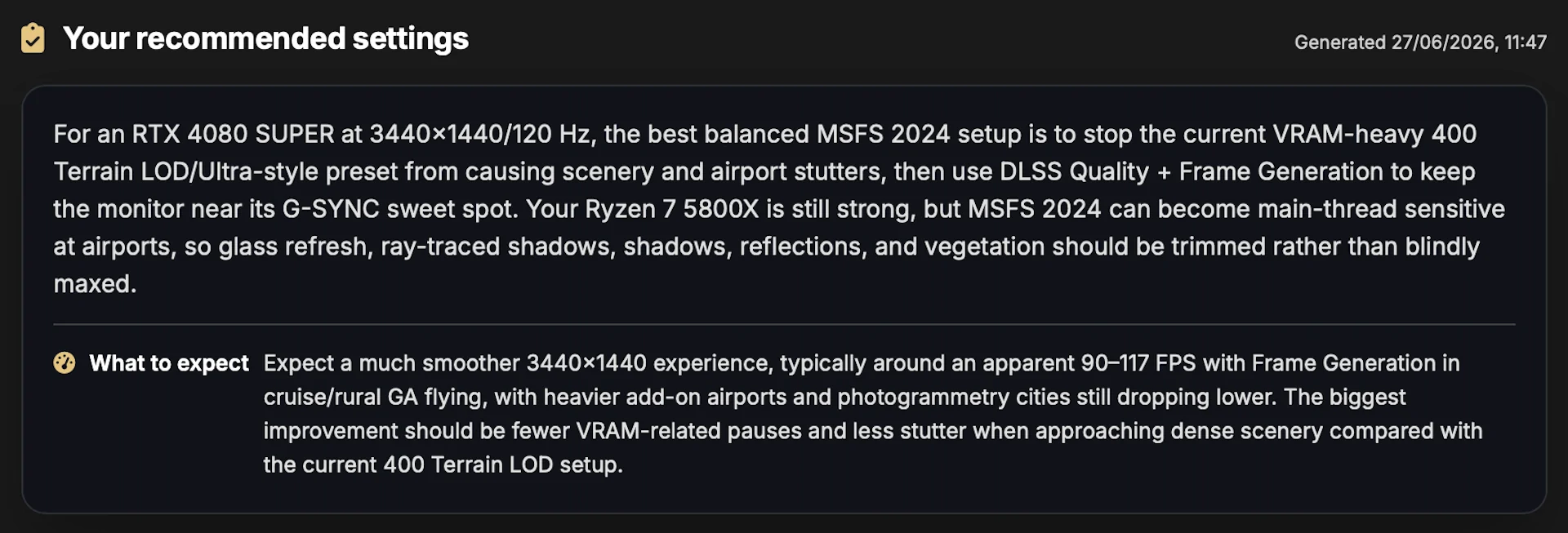 This is what it had to say about my configuration, before proceeding with a couple dozen recommendations.
A couple of things to know going in
The Optimizer works from the system stats your app last uploaded, so you need to start MSFS, spawn in somewhere, and click New Flight in the SayIntentions app first. That’s the step that sends your current hardware and settings data across. After that, the AI System Optimizer shows up in the SayIntentions Pilot Portal.
It’s worth noting that the tool can’t always read the current value of every setting through the available APIs, so in those cases the recommendation is offered as a baseline rather than a precise correction, and you’re expected to verify the value yourself in MSFS or the NVIDIA panel. Furthermore, SayIntentions is upfront that the tool is an unsupported community freebie, which means they won’t take support tickets about tuning results. Use at your own risk, in their words.
Who it’s for
The obvious audience is anyone who has been guessing at settings for years and never felt confident they’d landed on the right ones. If you’re on that side of the fence, it may be worth checking with this tool has to say about your current setup.
Because it runs on free and even expired accounts, there’s a low barrier to trying it, which also serves as a fairly clever funnel back toward the paid ATC product for people who lapsed or never subscribed in the first place.
You can read SayIntentions’ own write-up here, or just create a free account, spawn in, hit New Flight, and see what the tool suggests to your machine.
SayIntentions is both a Captain’s Club partner and an affiliate partner of ours. The Optimizer itself is free and needs no subscription, but if you do decide the full AI ATC product is for you, Captain’s Club members get 10% off via the perks page. Not a member? Joining the platform through our affiliate link supports the site at no extra cost to you.