
We completed large-scale benchmarks The Blood of Dawnwalker from RTX 3060 to RTX 5090 and RX 6750 XT – RX 9070 XT in conjunction with CPU AMD and Intel. We reveal real system requirements, FPS, and rendering quality.
This subsection of our review highlights the main graphical aspects of this game. Particular attention is paid to the version of the graphics engine used, the version of the API used, graphic settings and the quality of development of the main visual aspects.
Supported OS and Graphics API
New action RPG The Blood of Dawnwalker requires a 64-bit operating system Windows 10 (or later) and runs on the DirectX 12 graphics API. The developers set strict standards: all configurations require 16 GB of RAM and a 60 GB SSD. The game makes extensive use of modern image scaling technologies, including DLSS, FSR, and XeSS.
Minimum system requirements The Blood of Dawnwalker
These settings are designed to run the game at a base graphics level (1080p at 30 FPS, Low preset) using upscalers:
OS: Windows 10 or later (64-bit)
Processor: AMD Ryzen 7 2700X or Intel Core i5-11400F
Memory: 16 GB
Video card: AMD Radeon RX 580 or NVIDIA GeForce GTX 1060 (from 6 GB VRAM)
DirectX: Version 12
Storage device: 60 GB (SSD required)
Ultra system requirements The Blood of Dawnwalker
This configuration is aimed at the highest image quality (2160p at 60 FPS, preset Ultra) using upscalers:
OS: Windows 10 or later (64-bit)
Processor: AMD Ryzen 7 7800X3D or Intel Core i7-12700K
Memory: 16 GB
Video card: AMD Radeon RX 9070 or NVIDIA GeForce RTX 4070 Ti (from 12 GB VRAM)
DirectX: Version 12
Storage device: 60 GB (SSD required)
Polish studio Rebel Wolves, founded by former key developers The Witcher 3: Wild Hunt и Cyberpunk 2077, is preparing to release its debut project, a large-scale role-playing game The Blood of DawnwalkerBandai Namco is the publisher. The full release for personal computers, as well as current-generation consoles PlayStation 5 and Xbox Series X/S, is scheduled for September 3, 2026.
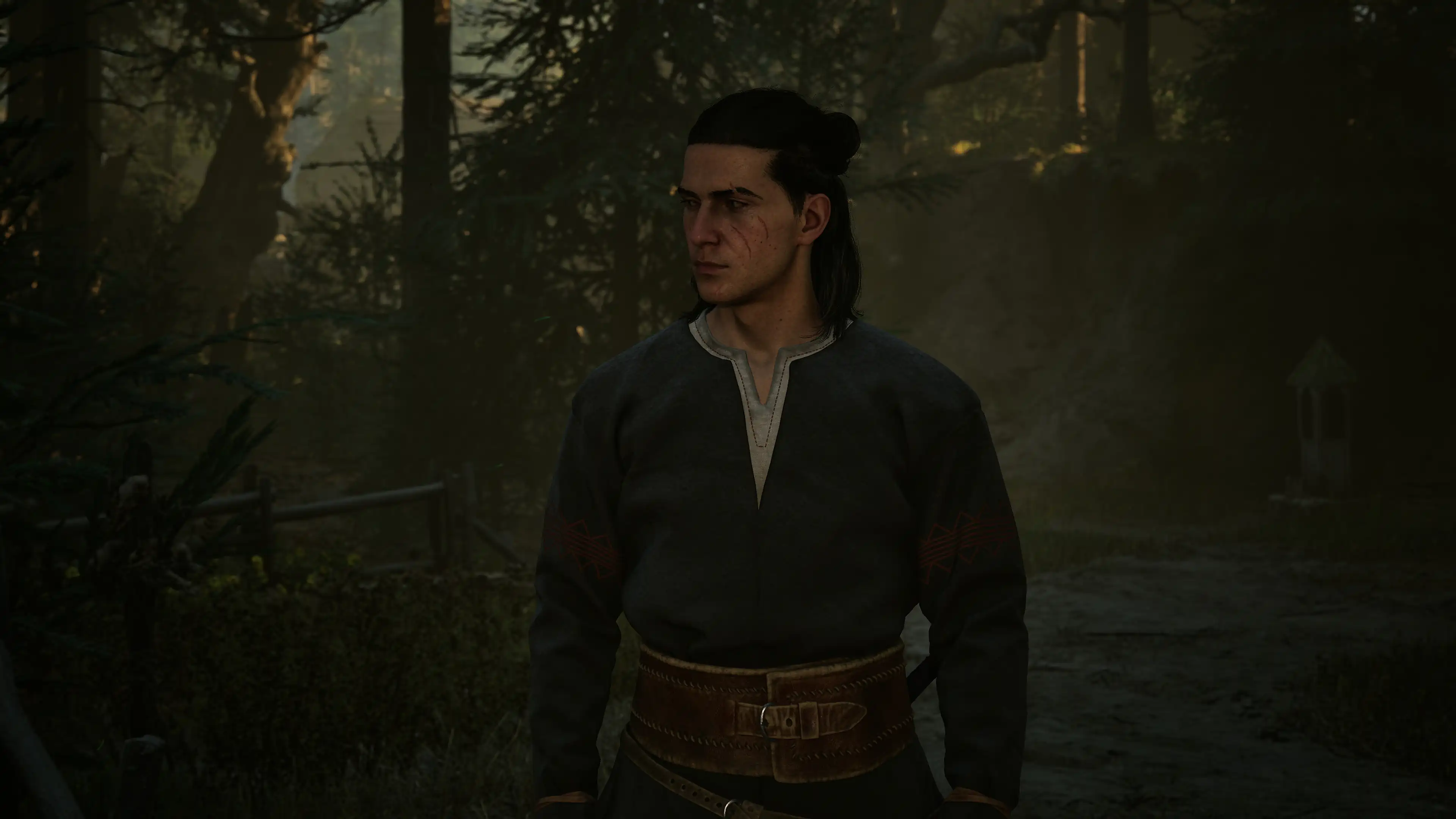
The game takes place in an alternate, dark, fourteenth-century Europe, engulfed by plague, feudal wars, and an invasion of supernatural beings. The protagonist is a warrior named Cohen, who was forcibly transformed into a half-vampire—a so-called “Dawnwalker.” To save his family from the clutches of an ancient vampire overlord, the hero must learn to control his inner bloodlust and harness his newfound dark powers.
The developers deliberately focused on creating a pure single-player story-driven adventure without microtransactions or online elements. One of the key features of the story campaign is a strict in-game timer: Cohen has only thirty in-game days to save his loved ones, forcing him to carefully plan every step, choosing routes, and completing side quests.
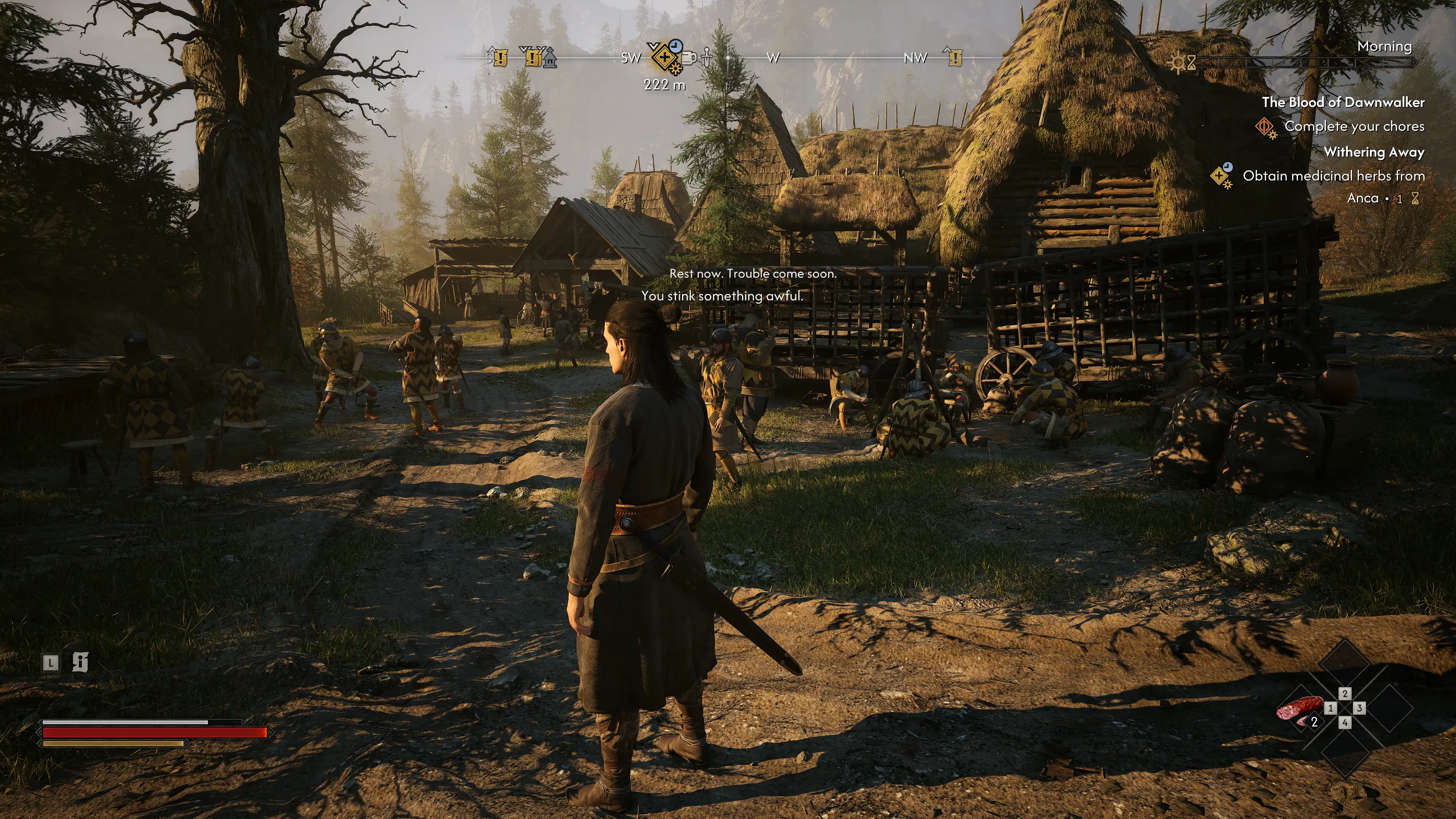
Gameplay framework The Blood of Dawnwalker Combines melee combat with melee weapons from a third-person perspective and the use of vampiric abilities. The combat system requires the player to constantly monitor their distance, timely dodges, parries, and combine swordplay with blood magic. The player can use night vision, instant teleportation dashes into the shadows, and vampiric claws to inflict critical damage on enemies.
A key element of the mechanics is the constant balance between the hero’s humanity and his thirst for blood. Consuming the blood of defeated enemies restores strength and enhances combat spells, but excessive use of vampirism reduces sunlight resistance and alters the attitude of civilians, leading to merchants refusing to deal with the protagonist.
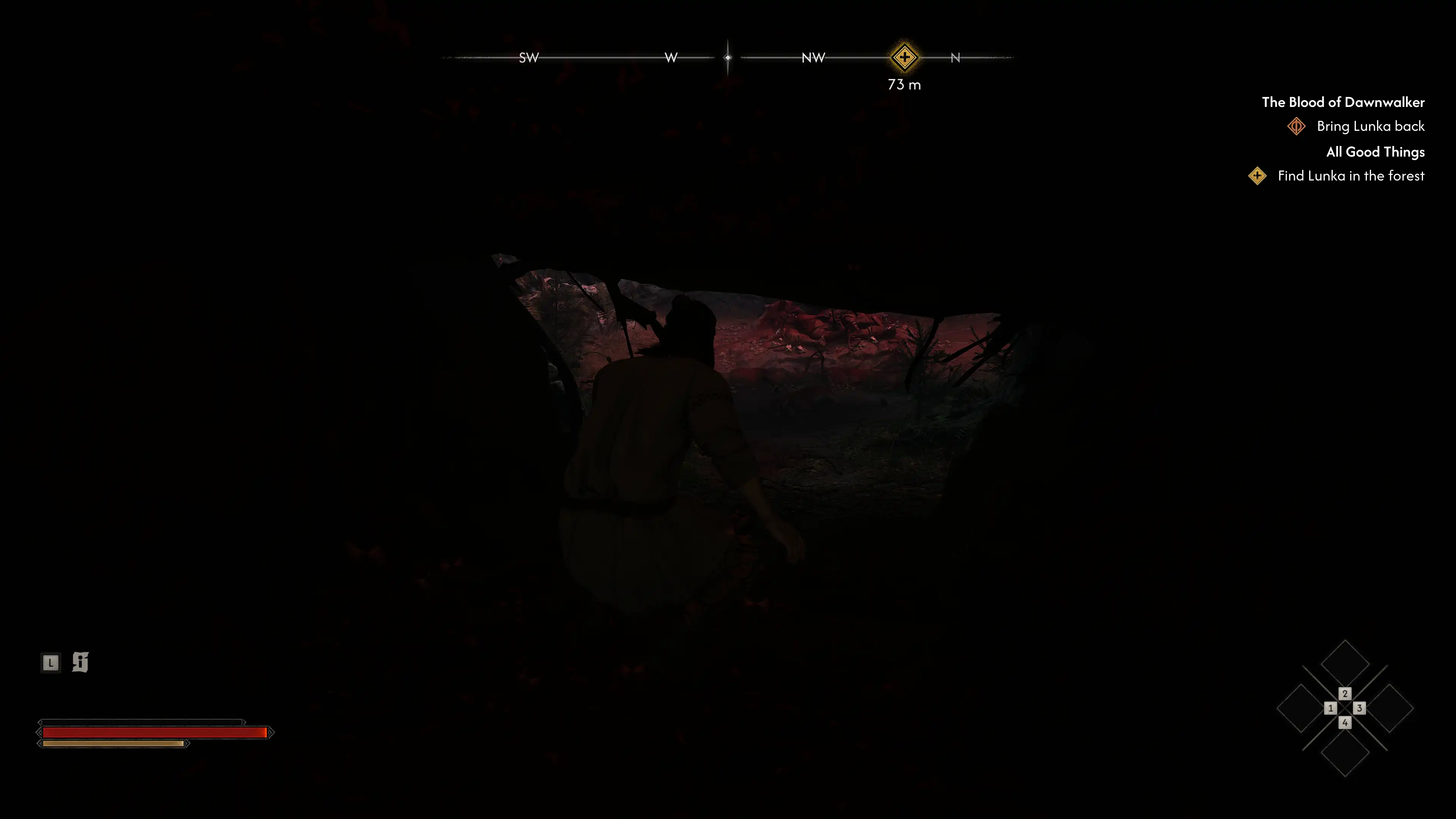
Open-world exploration is structured around the changing time of day. During the day, Cohen remains combat-ready, but his dark abilities are weakened, and exposure to direct sunlight causes periodic damage without the need for special potions or protective cloaks. At night, the hero regains his full power, opening access to hidden paths, secret crypts, and the lairs of powerful nocturnal monsters.
visual style The Blood of Dawnwalker embodies the atmosphere of the harsh and uncompromising European Middle Ages. The studio’s artists meticulously recreated gloomy Gothic castles, plague-ravaged villages, dense, misty forests, and ancient pagan temples. Physically based rendering (PBR) realistically conveys the properties of materials: rust on chainmail, wet mud on dirt roads, the roughness of raw stone, and wood darkened by time.
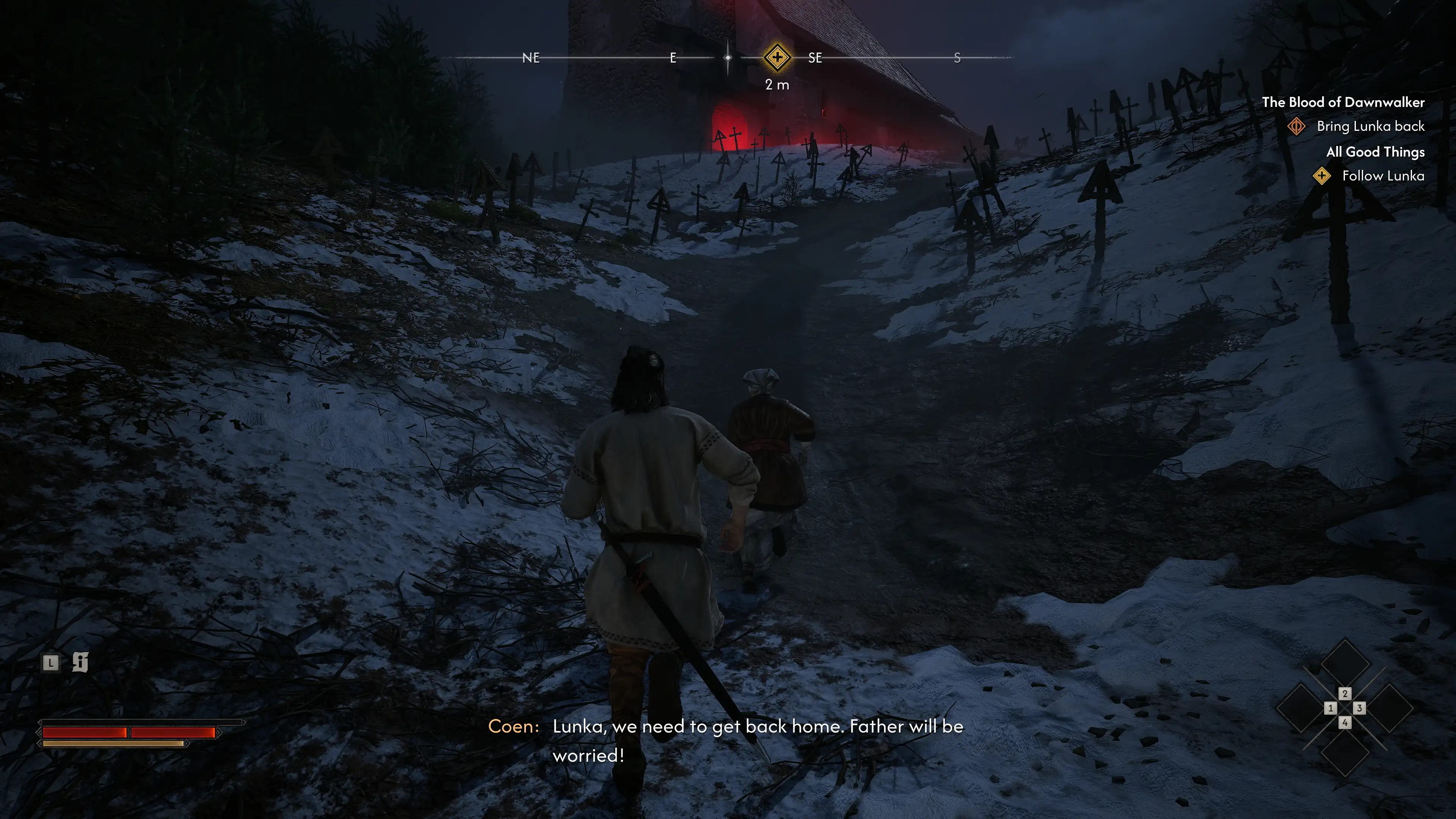
Character and monster models feature detailed anatomical features and a high level of detail. Facial animations in cutscenes and dialogue expressively convey the characters’ emotional tension, while Cohen’s armor and clothing realistically become stained with blood and road dust during his travels. Dismemberment effects highlight the dark tone of the narrative and the brutality of vampire battles.
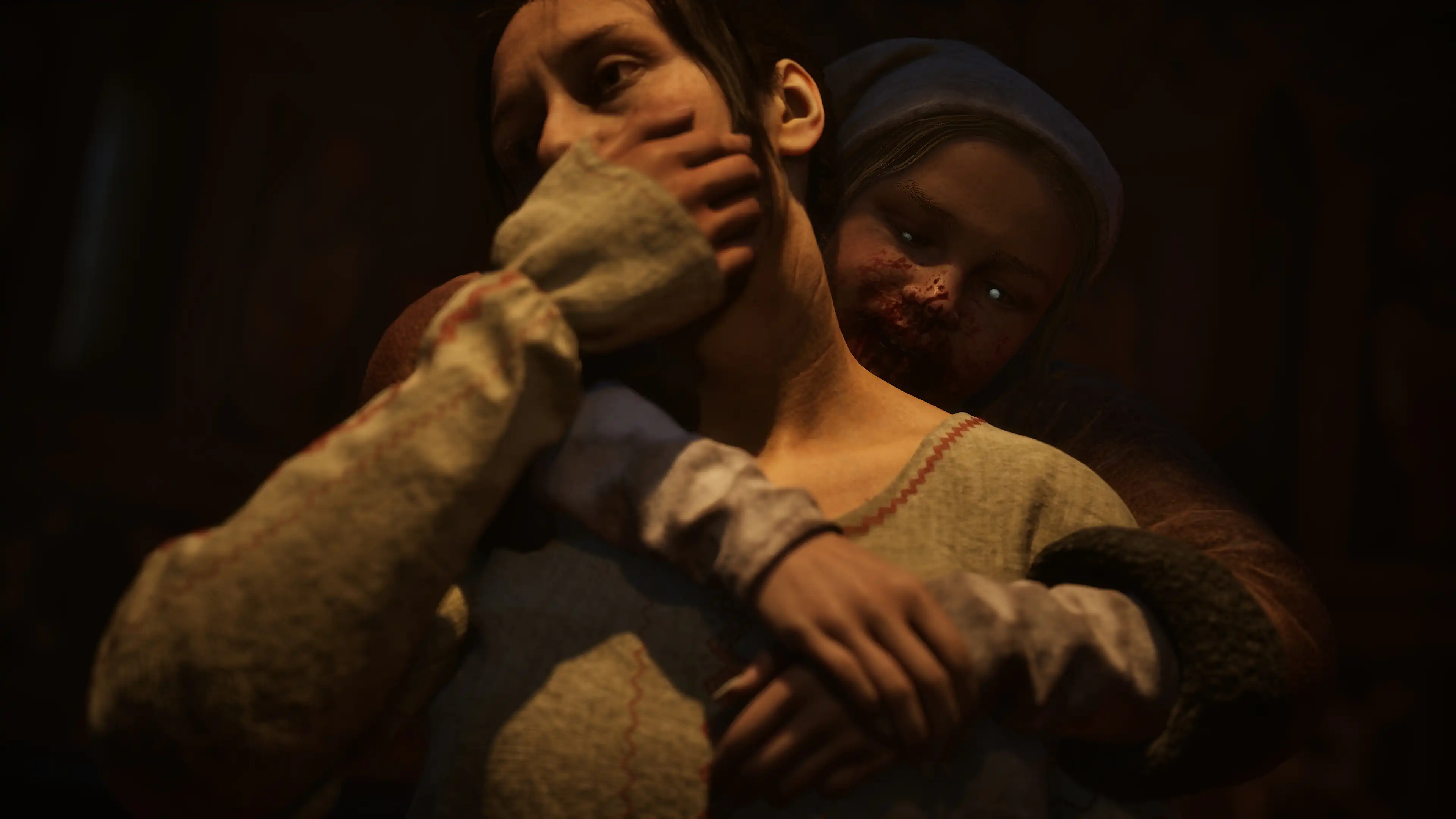
The lighting system plays a fundamental role in shaping the visuals. The contrast between the dim daylight filtering through leaden clouds and the deep darkness of the nighttime forests creates a constant sense of danger. Torches on the fortress walls, moonlight, and the crimson flashes of blood magic act as dynamic light sources, casting soft shadows across the complex geometry of the environment.
Technological basis The Blood of Dawnwalker the graphics engine appears Unreal Engine 5The Nanite virtualized geometry system is used to render the high-polygon open-world environment. It allows for rendering millions of terrain polygons, ruined fortress walls, and dense vegetation without any visible level-of-detail loading when moving the camera at high speed.

The built-in Lumen module handles global illumination and real-time reflection calculations. The technology accurately processes indirect light from fires, lanterns, and the moon, effectively flooding the corridors of medieval crypts and halls. The Chaos physics module ensures the destructibility of wooden barriers, bridges, and light cover during large-scale boss battles.

The engine is tuned for seamless streaming of large-scale environments, eliminating loading screens when entering dungeons or large fortified cities. The 3D audio engine creates a deep soundscape: the echo of footsteps in empty stone halls, the rustle of wind in the treetops, and the howls of nocturnal creatures are precisely positioned in space, helping the player detect threats early.
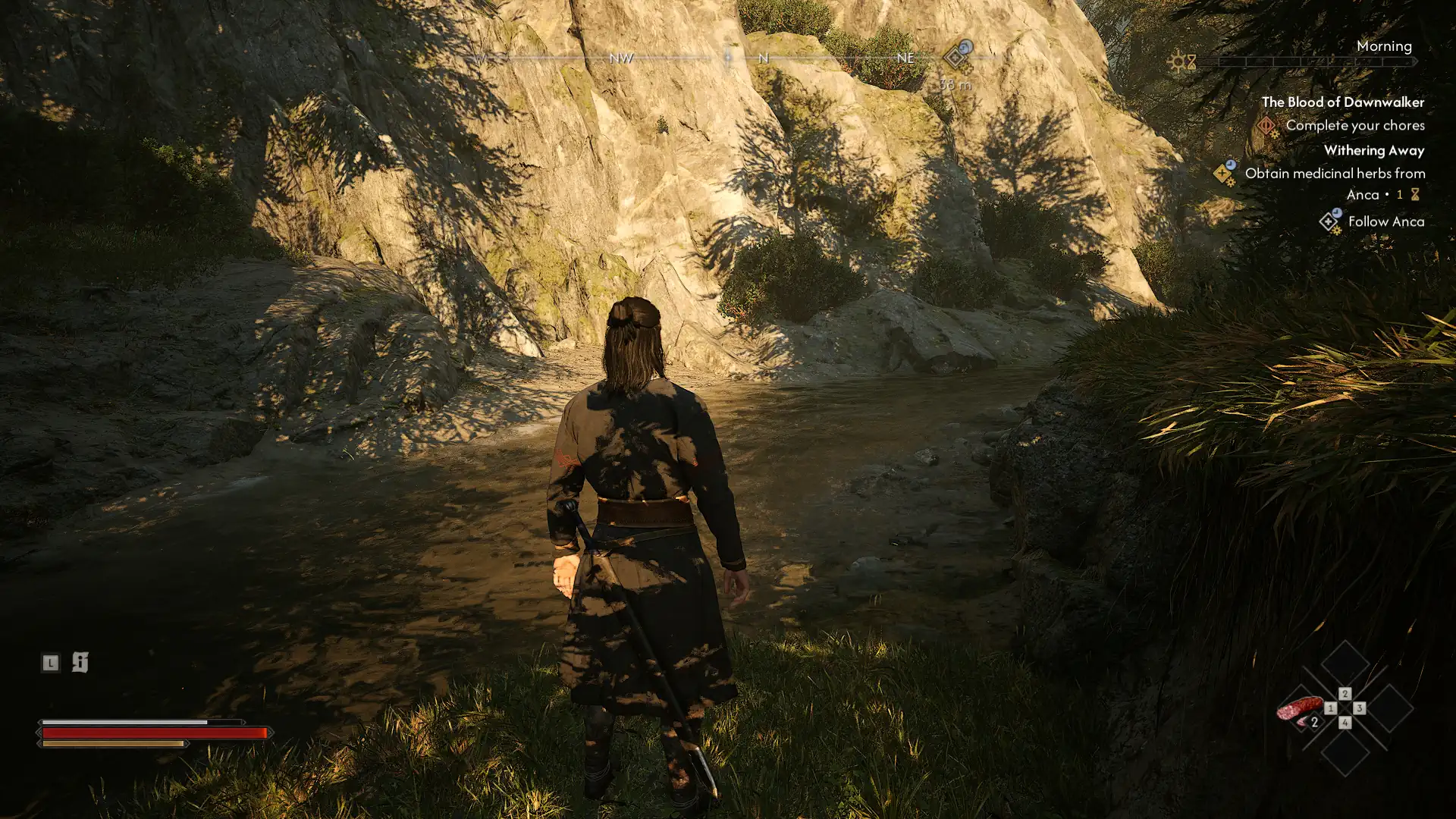
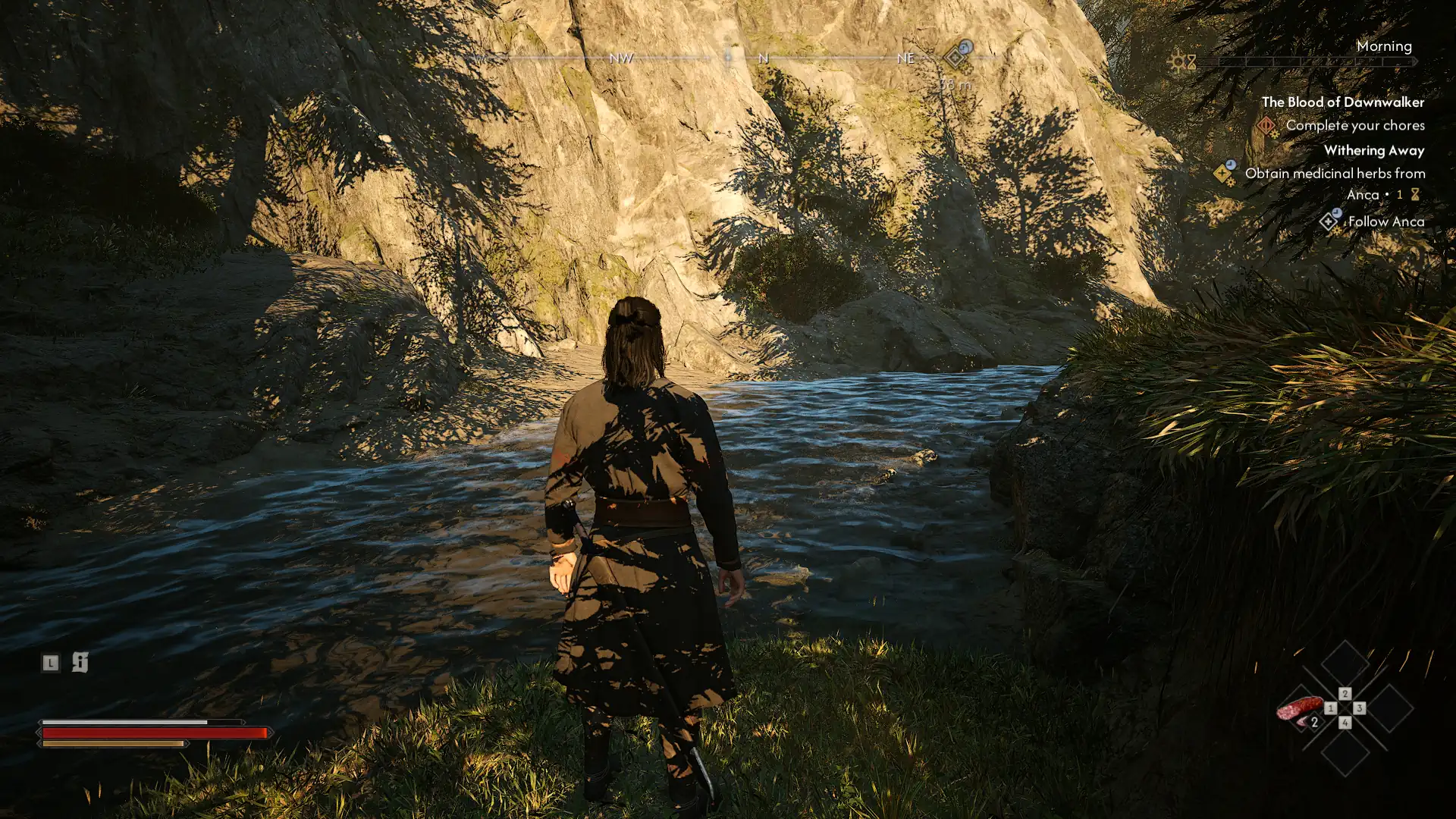
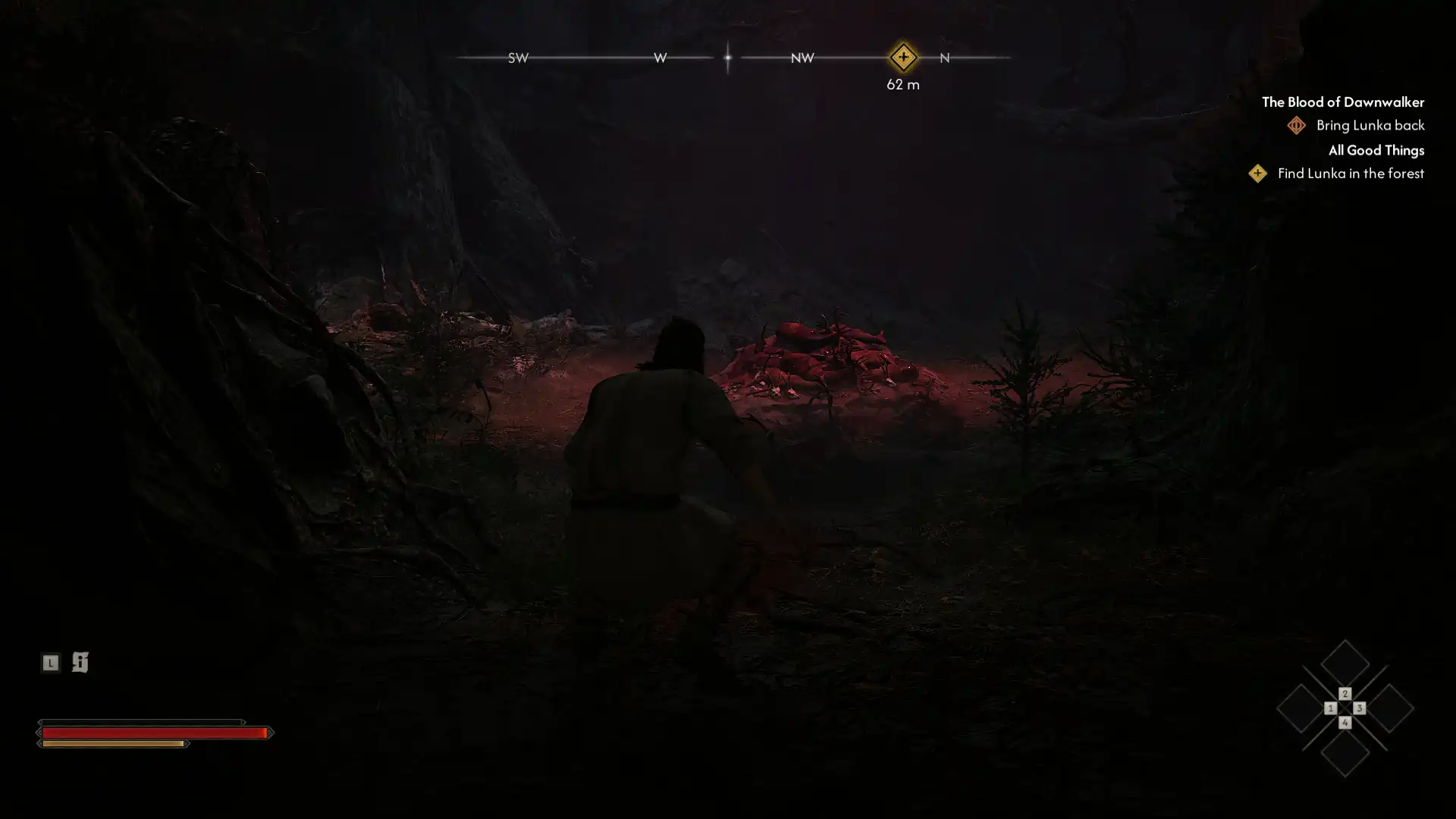
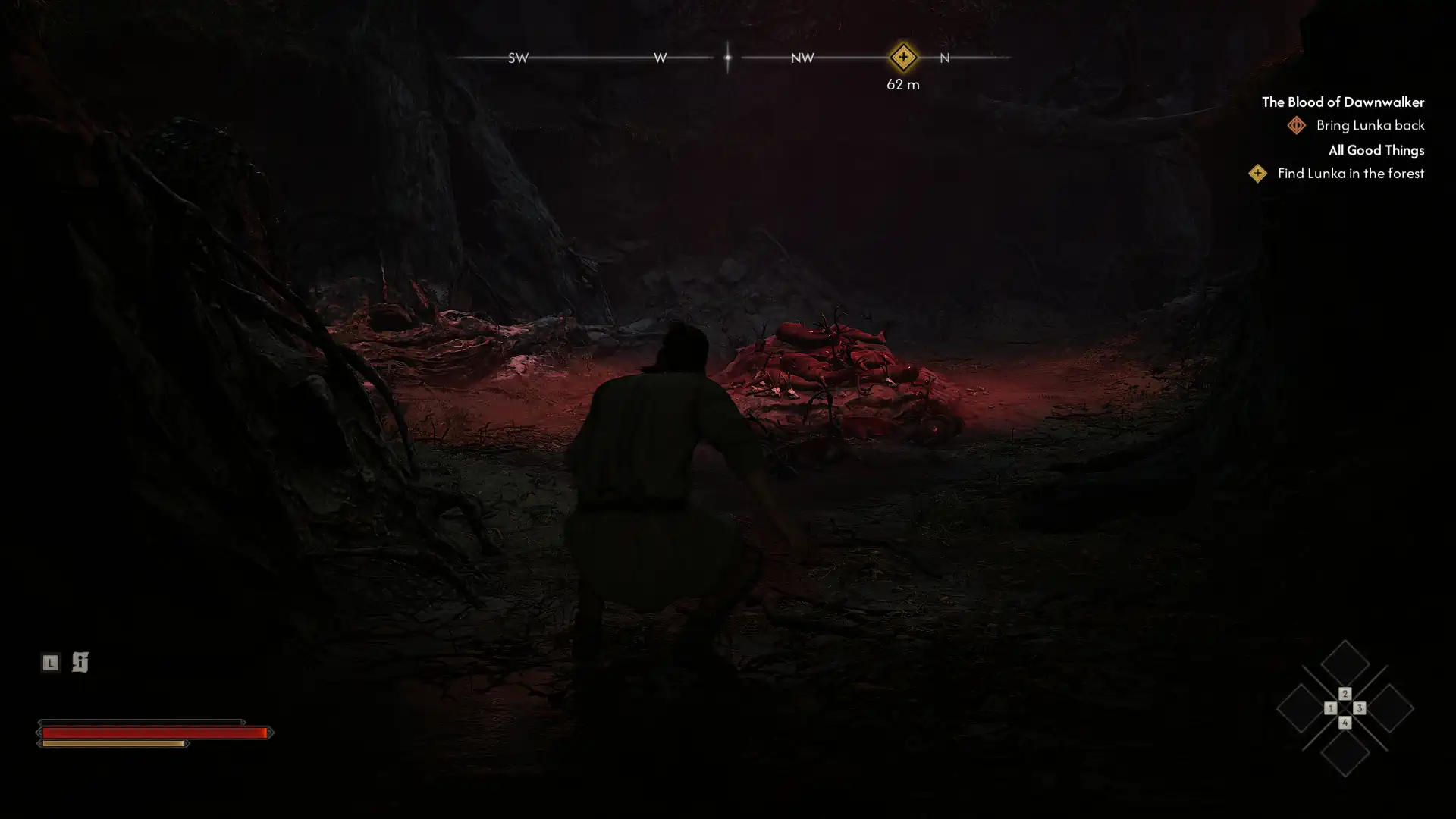
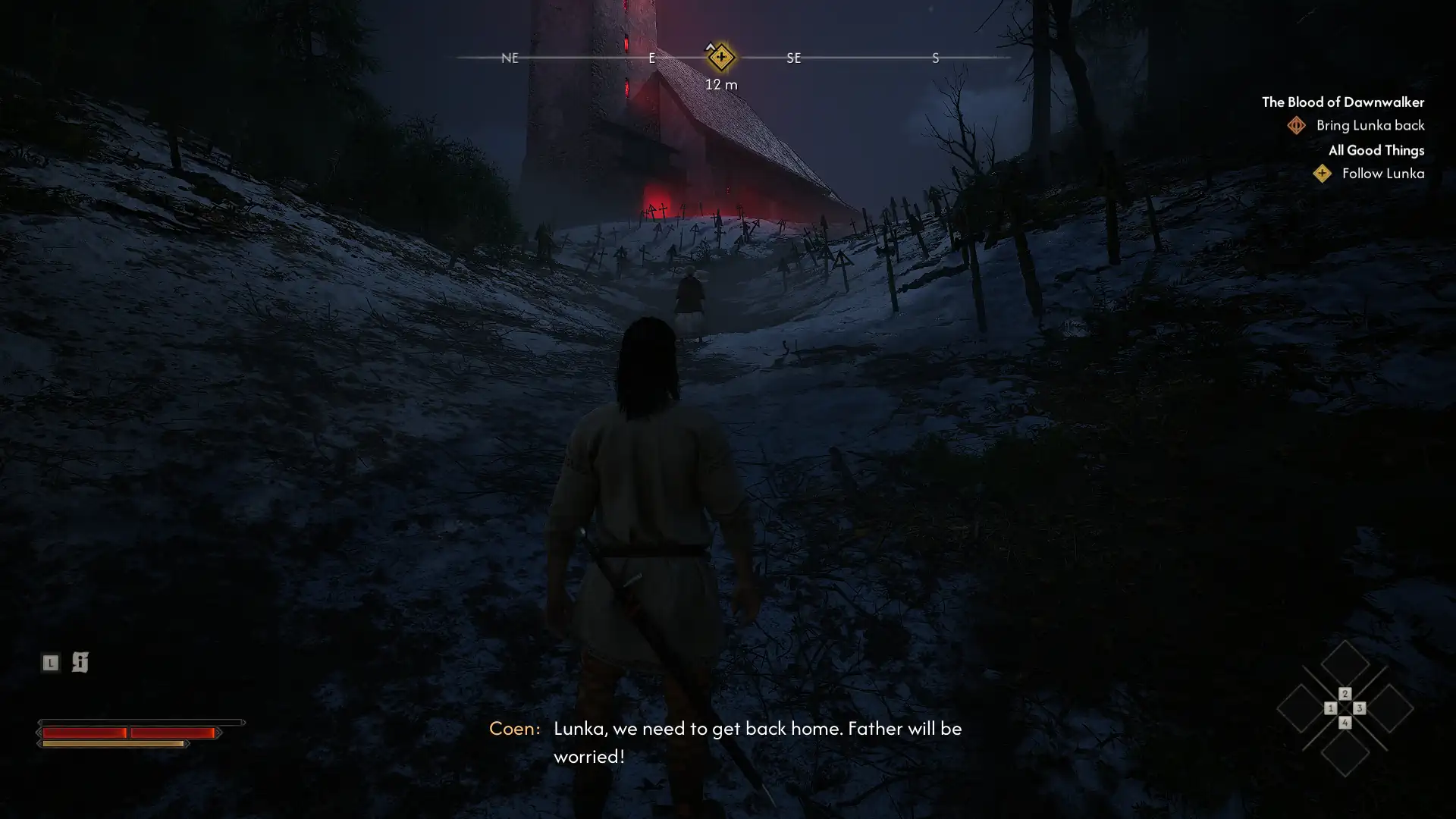
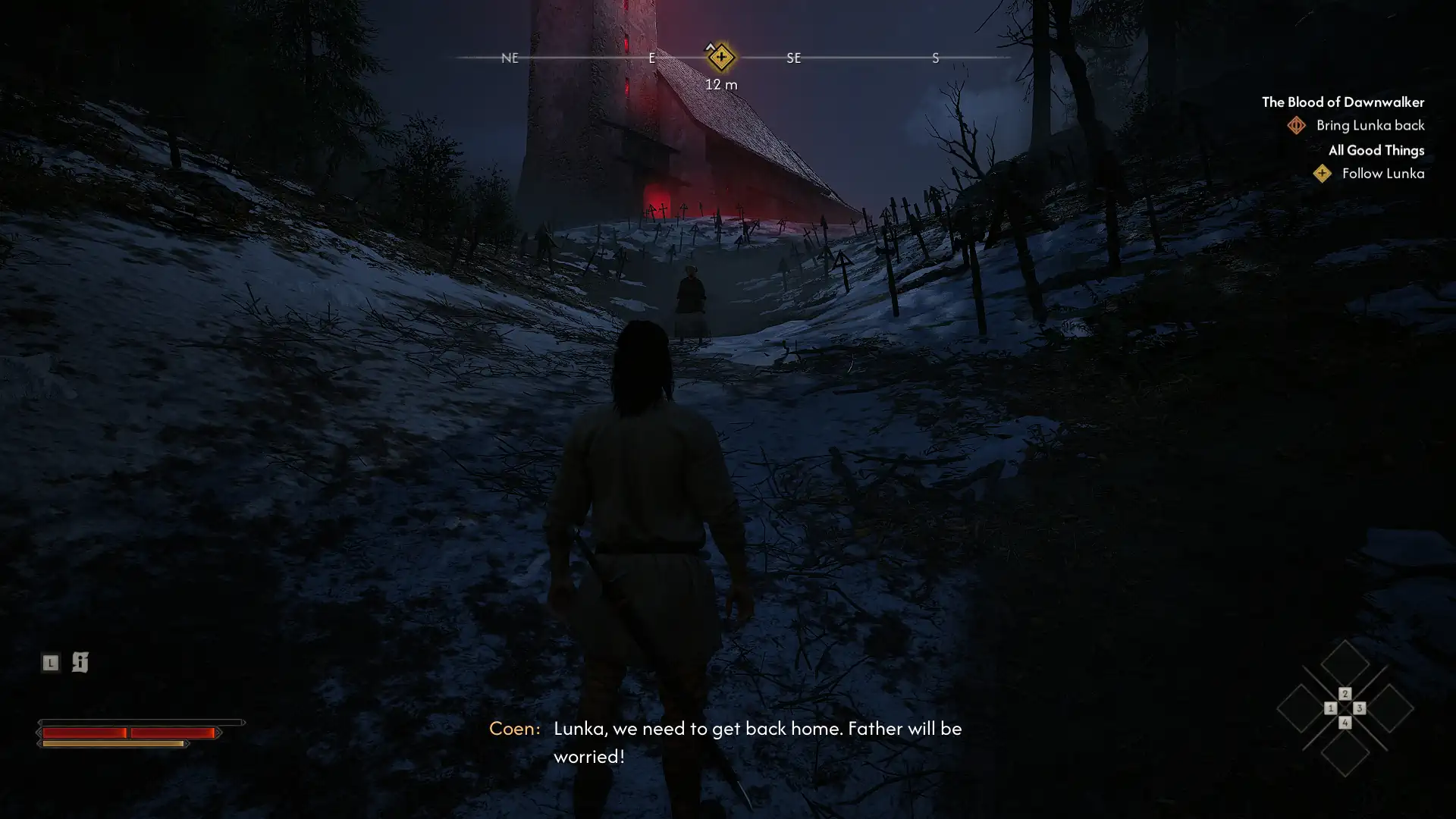
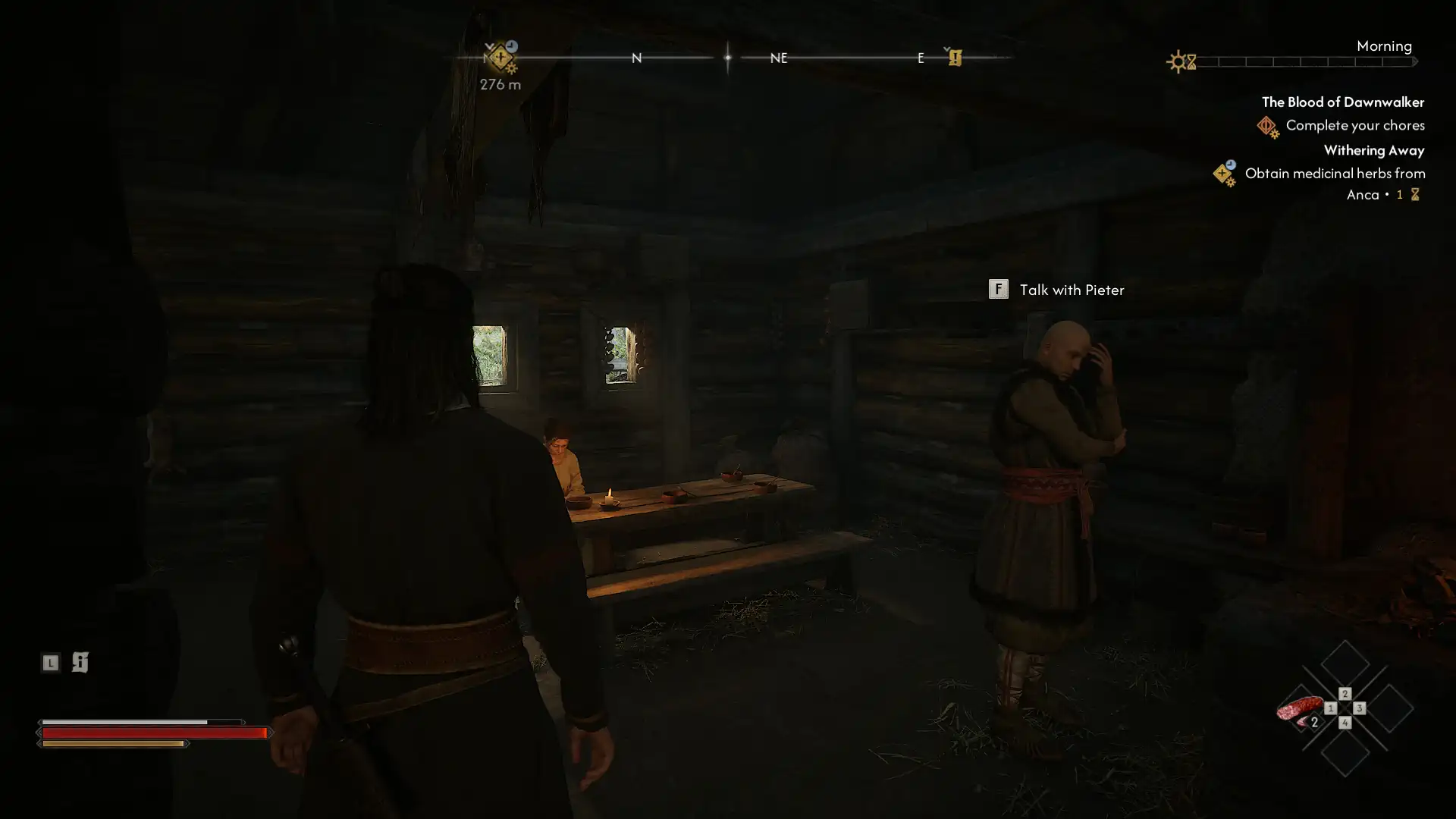
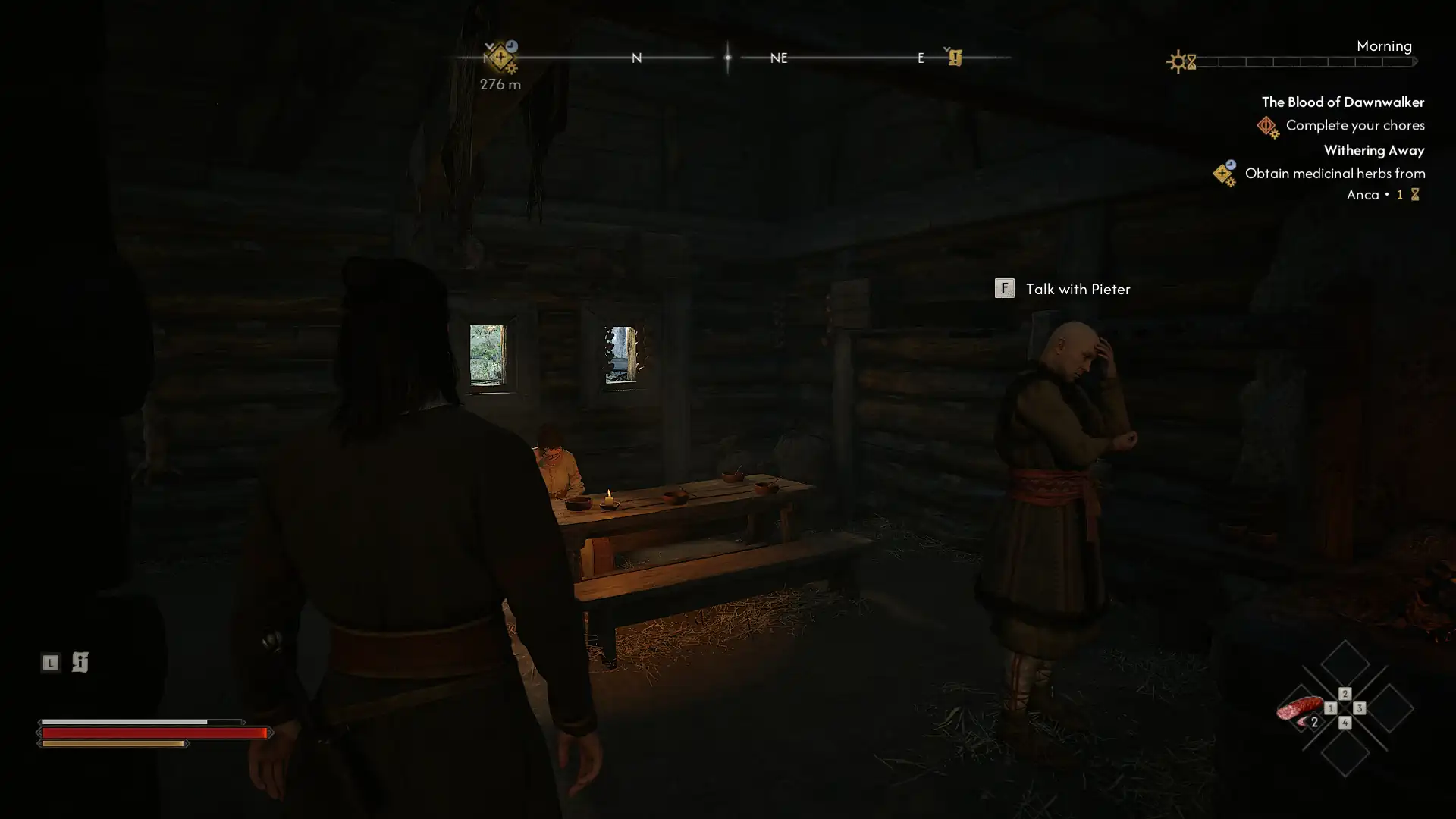
Minimum quality
At the default low graphics settings, the engine significantly reduces image quality to maintain a stable frame rate. Environmental texture resolution is reduced, making equipment, weapons, and dark, gothic environments appear less crisp, while lighting and shadows become simple and flat. Draw distance is severely limited, causing landscape objects and enemies to load directly in front of the camera. The density of special effects, magic, and atmospheric fog is minimized.
Maximum quality
When going to settings Ultra The visuals are completely transformed and become incredibly detailed. Proper soft shadows and complex global illumination appear, realistically interacting with the game’s dark world, armor, and weather conditions. The draw distance is maximized, so large landscape elements on the horizon are instantly visible without any sudden loading. Vampire ability effects, blood particles, volumetric lighting, and dynamic reflections are rendered in high resolution without any limitations.
Below you’ll find a hardware table kindly provided by our sponsors: GIGABYTE , ASUS , Kingston , and DeepCool . It lists the motherboards, graphics cards, memory modules, and cooling systems used in the benchmarks, as well as the current operating system and driver configurations.
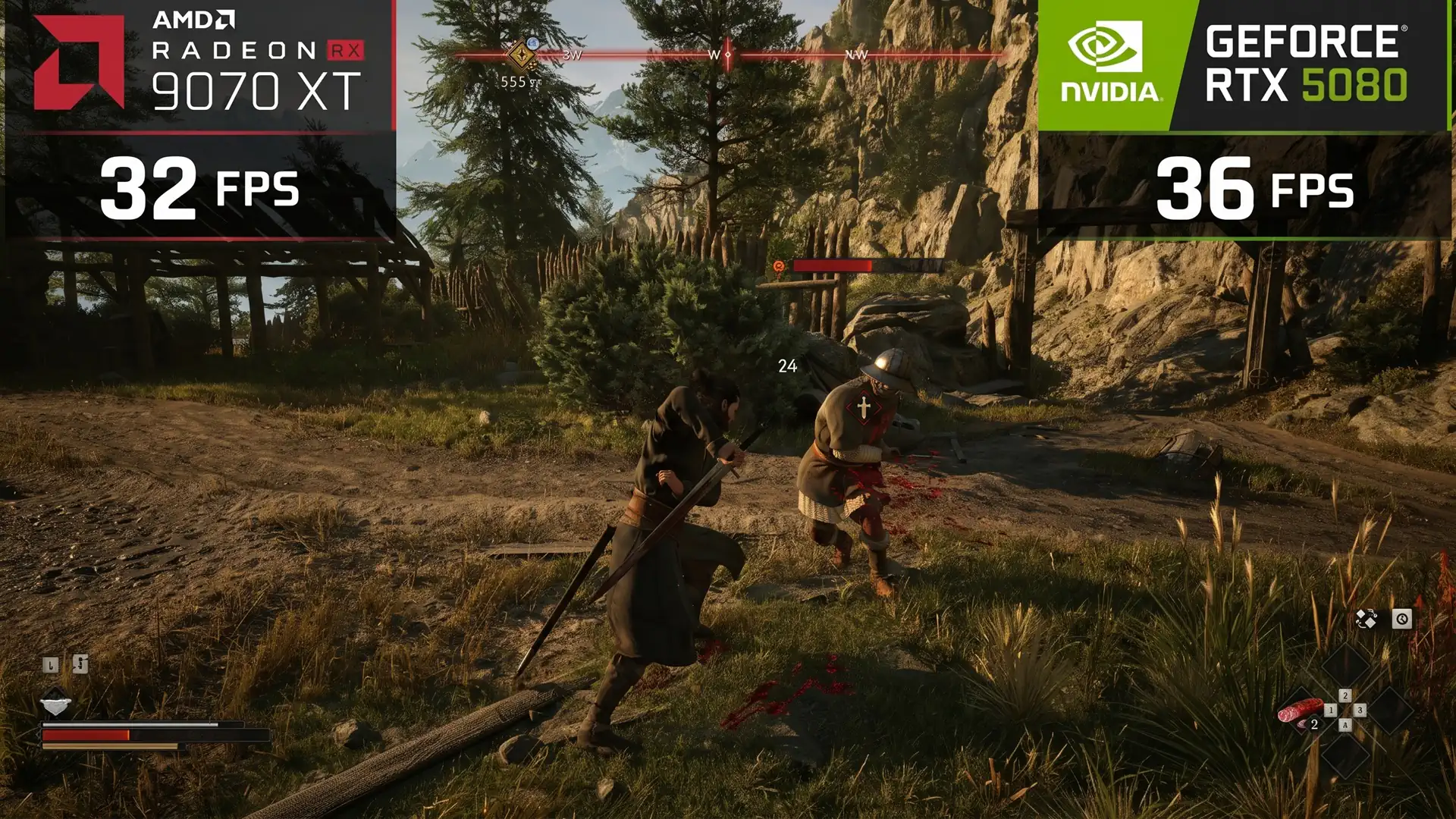
All video cards were benchmarked at maximum graphics quality using MSI Afterburner. The purpose of benchmarks is to determine how video cards from different manufacturers behave under the same conditions. Below is a video of a benchmarked segment from the game:
Our graphics cards were benchmarked at separate screen resolutions of 1920×1080, 2560×1440, and 3840×2160 with maximum graphics settings in native mode, with DLSS/FSR in quality mode, and with frame rates enabled. The RTX 50 benchmarked with DLSS 6X frame rates, the RTX 40 benchmarked with DLSS 2X frame rates, and the RTX 20/30 and AMD graphics cards benchmarked with FSR 2X frame rates.
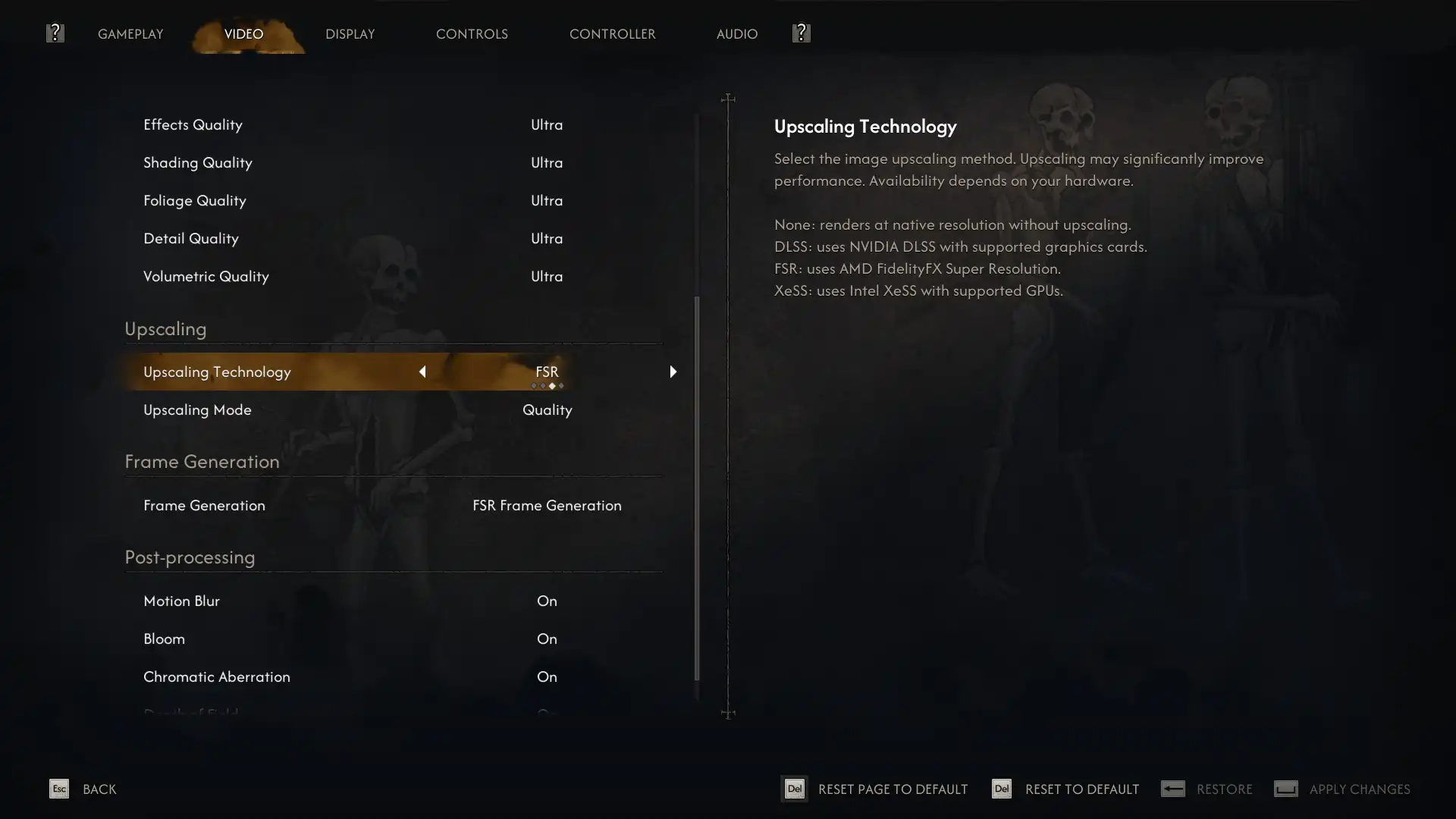
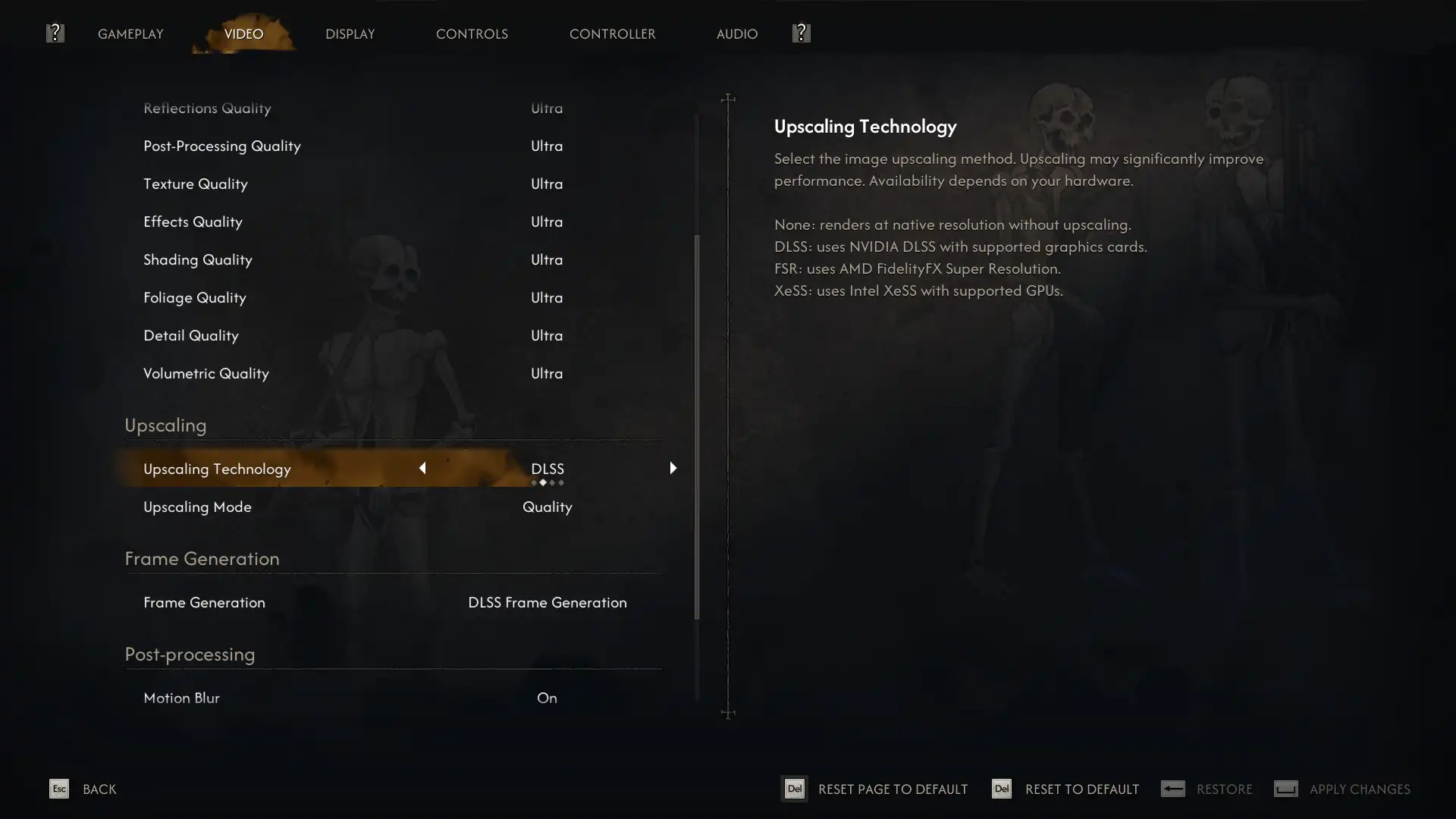
In the video card benchmarks, the resolution 1920×1080 is selected by default, other resolutions are added and removed manually. You can also remove and add any video card positions. You can also select any of our benchmark processors from the list in the drop-down menu, comparing its performance with the given video card benchmarks (the most productive solution is selected by default). The test is carried out on the most productive one in this game CPU and scales to other processors, taking into account their benchmarks on NVIDIA and AMD video cards.
 UltraUltra + DLSSQ / FSRQUltra + DLSSQ / FSRQ + FG 2/6X
Min/Avg FPS / Avg FPS / Avg (%)
020406080100
When resolved 1920×1080:
Average FPS (25 frames): Achieved on video cards of this level Radeon RX 6750 XT or GeForce RTX 3060.
Minimum FPS (25 frames): Provided by video cards of the level Radeon RX 6750 XT or GeForce RTX 4060 Ti.
Comfortable average FPS (not less than 60 frames): Possible with video cards of the level Radeon RX 9070 or RTX 5070 Ti.
When resolved 2560×1440:
Average FPS (25 frames): Achieved on video cards of this level Radeon RX 9060 XT or GeForce RTX 4060 Ti.
Minimum FPS (25 frames): Provided by video cards of the level Radeon RX 9060 XT or GeForce RTX 4060 Ti.
Comfortable average FPS (not less than 60 frames): Possible with GeForce-level video cards RTX 4090.
When resolved 3840×2160:
Average FPS (25 frames): Achieved on video cards of this level Radeon RX 7900 or GeForce RTX 4040 Ti.
Minimum FPS (25 frames): Provided by video cards of the level Radeon RX 9070 XT or GeForce RTX 5070 Ti.
Ultra + DLSSQ / FSRQ
When resolved 1920×1080:
Average FPS (25 frames): Achieved on video cards of this level Radeon RX 6750 XT or GeForce RTX 3060.
Minimum FPS (25 frames): Provided by video cards of the level of Adeon RX 6750 XT or GeForce RTX 3060.
Comfortable average FPS (not less than 60 frames): Possible with video cards of the level Radeon RX 7800 XT or RTX 3080.
When resolved 2560×1440:
Average FPS (25 frames): Achieved on video cards of this level Radeon RX 6750 XT or GeForce RTX 3060.
Minimum FPS (25 frames): Provided by video cards of the level Radeon RX 6750 XT or GeForce RTX 4060 Ti.
Comfortable average FPS (not less than 60 frames): Possible with video cards of the level Radeon RX 7900 XT or GeForce RTX 5070 Ti.
When resolved 3840×2160:
Average FPS (25 frames): Achieved on video cards of this level Radeon RX 9060 XT or GeForce RTX 5060 Ti.
Minimum FPS (25 frames): Provided by video cards of the level Radeon RX 6800 or GeForce RTX 4070.
Comfortable average FPS (not less than 60 frames): Possible with GeForce-level video cards RTX 4090.
Ultra + DLSSQ / FSRQ + FG 2/6X
When resolved 1920×1080:
Average FPS (50 frames): Achieved on video cards of this level Radeon RX 6750 XT or GeForce RTX 3060.
Minimum FPS (50 frames): Provided by video cards of the level Radeon RX 6750 XT or GeForce RTX 3060.
Comfortable average FPS (not less than 120 frames): Possible with video cards of the level Radeon RX 7900 XT or RTX 4080
When resolved 2560×1440:
Average FPS (50 frames): Achieved on video cards of this level Radeon RX 6750 XT or GeForce RTX 4060 Ti.
Minimum FPS (50 frames): Provided by video cards of the level Radeon RX 6750 XT or GeForce RTX 4060 Ti.
Comfortable average FPS (not less than 120 frames): Possible with video cards of the GeForce RTX 40690 level.
When resolved 3840×2160:
Average FPS (50 frames): Achieved on video cards of this level Radeon RX 7900 or GeForce RTX 3080 Ti.
Minimum FPS (50 frames): Provided by video cards of the level Radeon RX 7900 or GeForce RTX 3080 Ti.
Comfortable average FPS (not less than 140 frames): Possible with video cards of the GeForce RTX 5080 level.
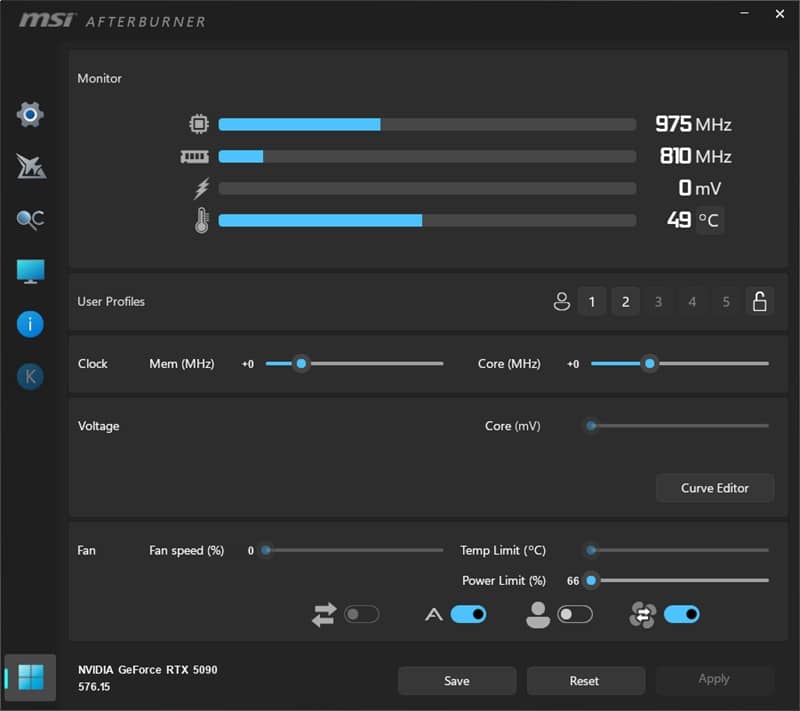
Testing of the video memory consumed by the game was carried out by the MSI Afterburner program. The results on video cards from AMD and NVIDIA at separate screen resolutions of 1920×1080, 2560×1440 and 3840×2160 with different anti-aliasing settings were taken as an indicator. By default, the most current solutions are displayed in the graph. Other video cards are added and removed from the graph at the reader’s request.
020406080100
Resolution 1920×1080:
Video cards with 12 GB of video memory: consume 8 GB
Video cards with 16 GB of video memory: consume 8 GB
Video cards with 24 GB of video memory: consume 8 GB
Video cards with 32 GB of video memory: consume 8 GB
Resolution 2560×1440:
Video cards with 12 GB of video memory: consume 8 GB
Video cards with 16 GB of video memory: consume 8 GB
Video cards with 24 GB of video memory: consume 8 GB
Video cards with 32 GB of video memory: consume 9 GB
Resolution 3840×2160:
Video cards with 12 GB of video memory: consume 10 GB
Video cards with 16 GB of video memory: consume 10 GB
Video cards with 24 GB of video memory: consume 10 GB
Video cards with 32 GB of video memory: consume 10 GB
Testing was conducted at a resolution of 1920×1080. You can add or remove any processor entry in the processor benchmarks. You can also select any graphics card to be benchmarked from the drop-down menu and compare its performance with the provided processor benchmark results (the most powerful NVIDIA solution is selected by default). Testing is performed on the most powerful NVIDIA and AMD graphics cards and scales down to lower-end models.
UltraUltra + DLSSQ / FSRQUltra + DLSSQ / FSRQ + FG 2/6X
Min/Avg FPS / Avg FPS / Avg (%)
020406080100
Ultra + DLSSQ / FSRQ
When using NVIDIA video cards:
Processors for acceptable FPS (not lower than 25 frames per second):
AMD Ryzen 3 5300
Intel Core i3-10100
Processors for comfortable FPS (at least 60 frames per second):
AMD Ryzen 5 5600
Intel Core i3-12100
When using AMD video cards:
Processors for acceptable FPS (not lower than 25 frames per second):
AMD Ryzen 3 5300
Intel Core i3-10100
Processors for comfortable FPS (at least 60 frames per second):
AMD Ryzen 5 5600
Intel Core i5-10600
When using NVIDIA video cards:
Processors for acceptable FPS (not lower than 120 frames per second):
AMD Ryzen 3 5300
Intel Core i3-10100
Processors for comfortable FPS (at least 240 frames per second):
AMD Ryzen 9 5900
Intel Core i7-10700
When using AMD video cards:
Processors for acceptable FPS (not lower than 50 frames per second):
AMD Ryzen 3 5300
Intel Core i3-10100
Processors for comfortable FPS (at least 120 frames per second):
AMD Ryzen 5 5600
Intel Core i5-10600
020406080100
Loading and using streams:
Maximum Load: The game can load up to 16 threads.
Optimal Loading: Maximally utilizes up to 12 threads.
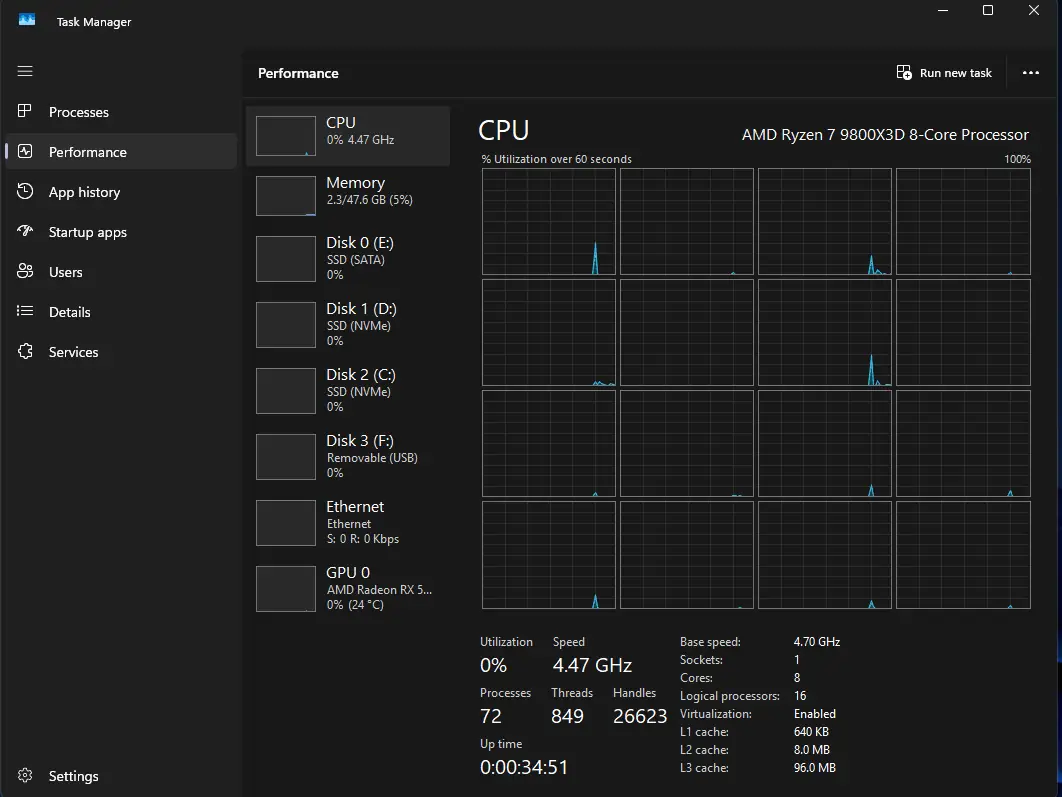
The indicator was taken as all used RAM. The RAM test on the all system was conducted on various video cards without launching third-party applications (browsers, etc.). In the graphics, you can add and remove any resolutions and video cards as desired.
020406080100
Resolution 1920×1080:
Video cards with 12 GB of video memory: consume 17 GB of RAM
Video cards with 16 GB of video memory: consume 17 GB of RAM
Video cards with 24 GB of video memory: consume 17 GB of RAM
Video cards with 32 GB of video memory: consume 17 GB of RAM
Resolution 2560×1440:
Video cards with 12 GB of video memory: consume 17 GB of RAM
Video cards with 16 GB of video memory: consume 17 GB of RAM
Video cards with 24 GB of video memory: consume 17 GB of RAM
Video cards with 32 GB of video memory: consume 17 GB of RAM
Resolution 3840×2160:
Video cards with 12 GB of video memory: consume 17 GB of RAM
Video cards with 16 GB of video memory: consume 17 GB of RAM
Video cards with 24 GB of video memory: consume 17 GB of RAM
Video cards with 32 GB of video memory: consume 17 GB of RAM