
Android users in California are now able to add their driver’s license and identification card to their Samsung Wallet.The Samsung Wallet is joining the CA DMV Wallet, Apple Wallet and Google Wallet as mobile driver’s license (mDL) options. It is a new, secure way to store your state-issued driver’s license or identification card without revealing sensitive personal details like your home address. “People use their phones to pay their bills, see their doctors, and navigate their daily lives,” Gov. Gavin Newsom said. “Technology isn’t slowing down, and neither is California. That’s why we’ve spent years transforming the DMV, and we are not done yet.”You can use your mDL to get by TSA airport security and for age-restricted retail purchases at selected locations that use mDL readers.This doesn’t mean that you should stop carrying your physical driver’s license or state-issued ID card. Law enforcement, state government agencies and most businesses aren’t accepting the mDL yet.People who want to use their mDL for domestic air travel must have a REAL ID.The mDL is currently authorized for limited usage. Click here to view participating airports across the United States.To add your ID to Samsung Wallet:Open the Samsung Wallet app.Select ‘Digital IDs’Tap the ‘Driver License/State ID’ icon to scan the front and back of your driver’s license or state ID.Follow the on-screen instructions for face scan verification.Select ‘Submit’ and authenticate by fingerprint or PIN.
SALINAS, Calif. —
Android users in California are now able to add their driver’s license and identification card to their Samsung Wallet.
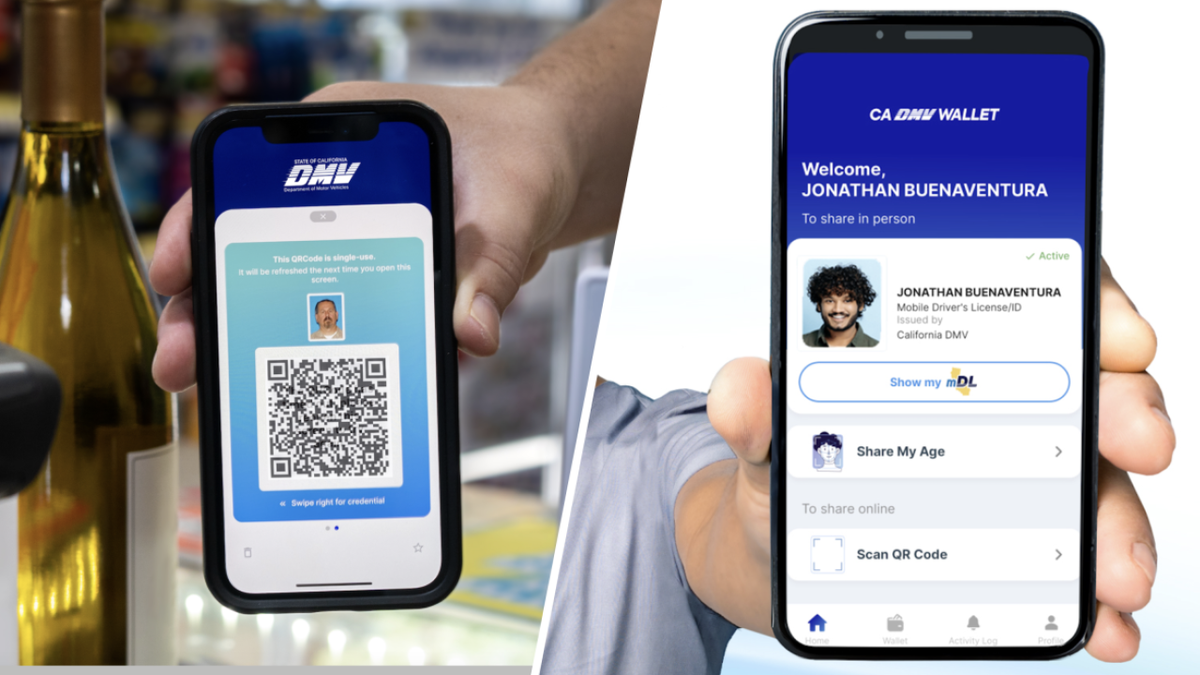
The Samsung Wallet is joining the CA DMV Wallet, Apple Wallet and Google Wallet as mobile driver’s license (mDL) options.
It is a new, secure way to store your state-issued driver’s license or identification card without revealing sensitive personal details like your home address.
“People use their phones to pay their bills, see their doctors, and navigate their daily lives,” Gov. Gavin Newsom said. “Technology isn’t slowing down, and neither is California. That’s why we’ve spent years transforming the DMV, and we are not done yet.”
You can use your mDL to get by TSA airport security and for age-restricted retail purchases at selected locations that use mDL readers.
This doesn’t mean that you should stop carrying your physical driver’s license or state-issued ID card. Law enforcement, state government agencies and most businesses aren’t accepting the mDL yet.
People who want to use their mDL for domestic air travel must have a REAL ID.
The mDL is currently authorized for limited usage. Click here to view participating airports across the United States.
To add your ID to Samsung Wallet:
Open the Samsung Wallet app.Select ‘Digital IDs’Tap the ‘Driver License/State ID’ icon to scan the front and back of your driver’s license or state ID.Follow the on-screen instructions for face scan verification.Select ‘Submit’ and authenticate by fingerprint or PIN.