
Shutterstock/Adam McCullough
Save
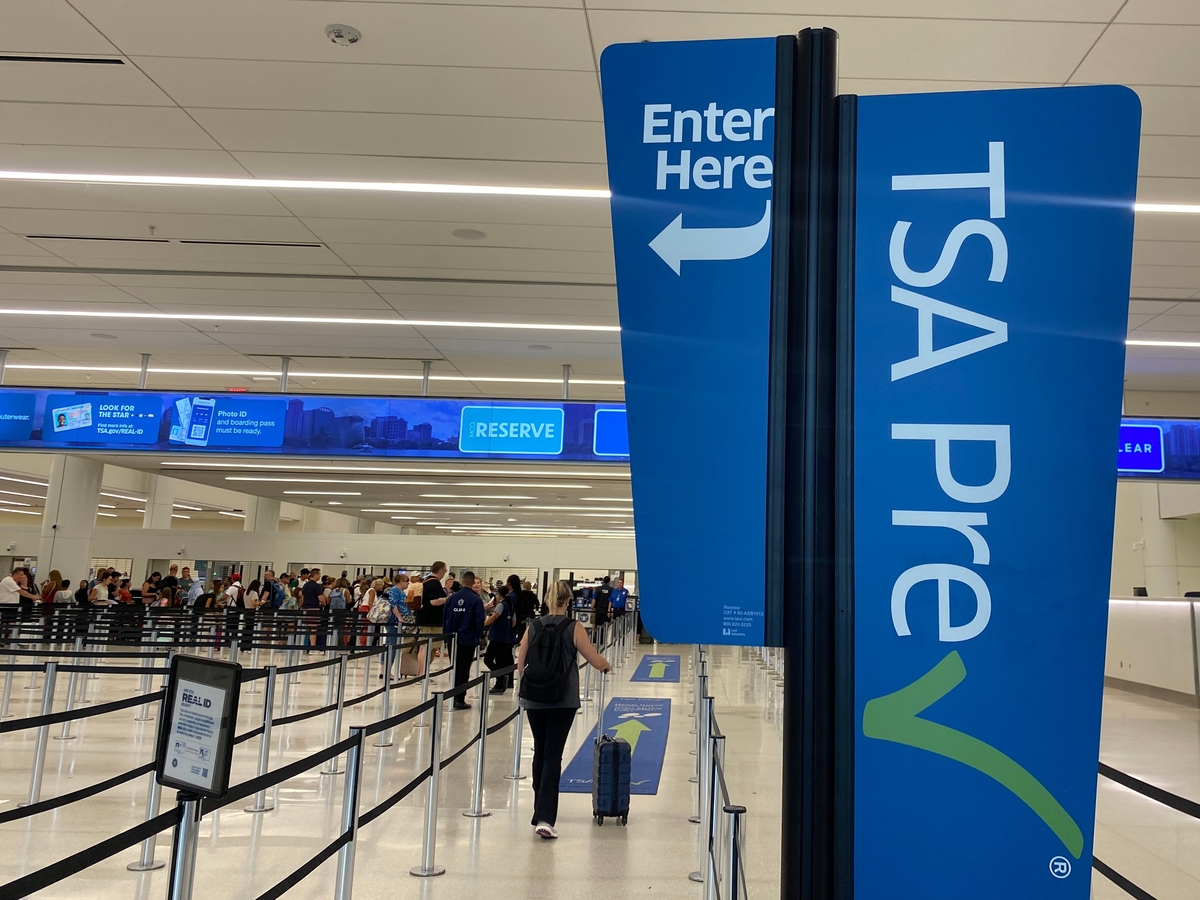
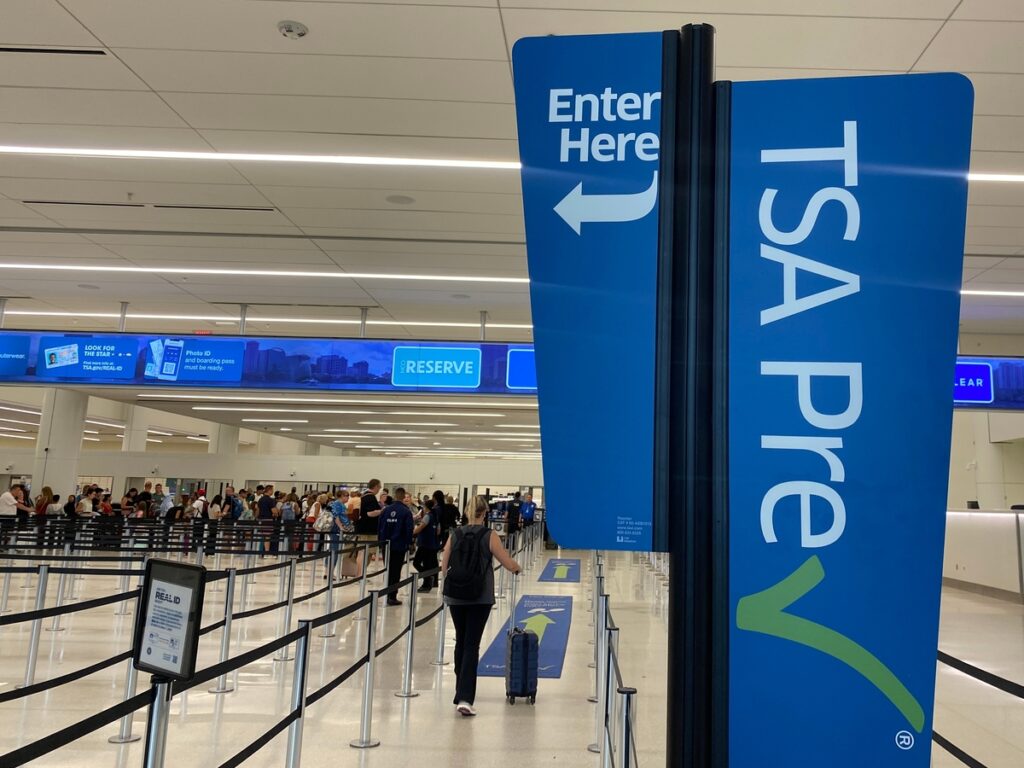
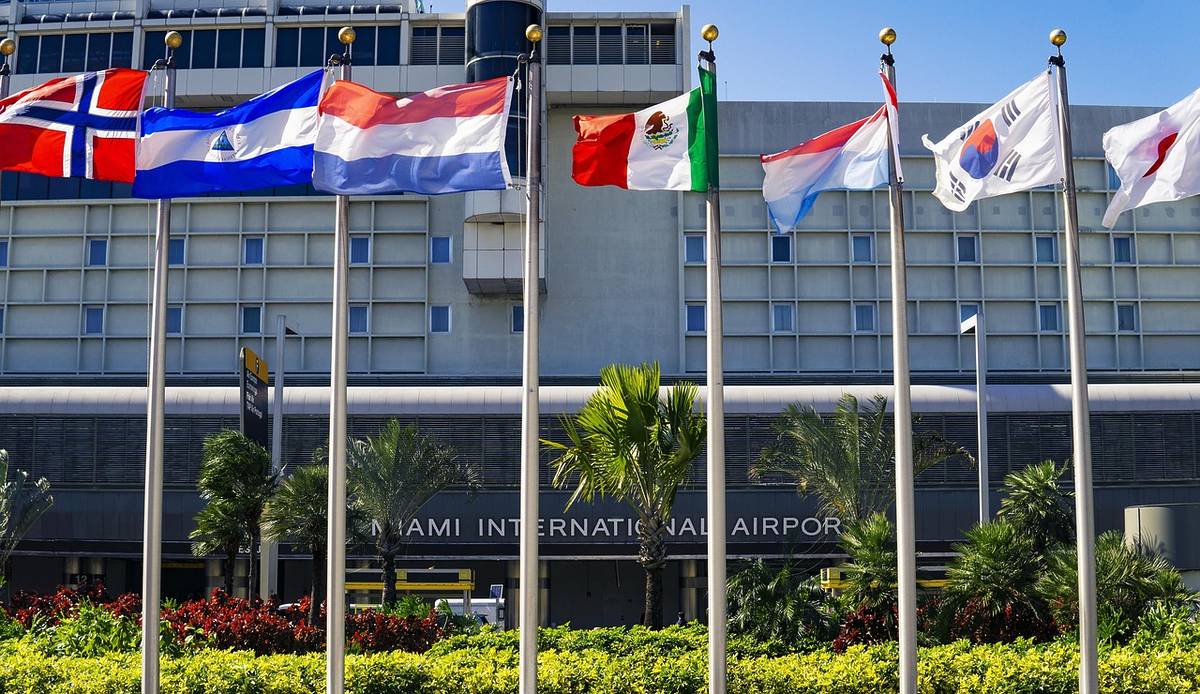
Looking to get to your flight a little faster the next time you’re traveling? The Transportation Security Administration has recently announced the availability of TSA PreCheck Touchless ID at Miami International Airport.
The program is among the fastest identity verification process available, and it just expanded its reach! Originally a perk for travelers at a dozen major U.S. airports like Atlanta (ATL). New York (LGA and JFK) and Dallas-Fort Worth (DFW), this new technology has officially gone live at MIA. Here’s everything you need to know.
 Pixabay/JoshuaWoroniecki What is TSA PreCheck Touchless ID?
Optional for eligible TSA PreCheck members, Touchless ID involves facial comparison technology to move through dedicated lines quicker. A camera captures a live photo and matches it to your stores passport image in seconds, eliminating the need to present physical IDs or boarding passes at the podium.
According to TSA, images are not used for law enforcement, surveillance or other entities, and your personal data as well as images are deleted within 24 hours of your scheduled flight departure.
Where at MIA can you use it?
The feature is available to current TSA PreCheck members at three of the airport’s busiest checkpoints:
Concourse D (Checkpoint 1): American Airlines Concourse E (Checkpoint 5): American Airlines and Alaska Airline Concourse H (Checkpoint 8): Delta Air Lines and United Airlines
“These customer service enhancements and other recent modernizations are coming just in time for the busy spring travel season, making the travel journey at MIA more seamless than ever before,” said Miami-Dade County Mayor Daniella Levine Cava in a statement.
How to use Touchless ID at the airport
Utilizing TSA PreCheck Touchless ID once you’re enrolled is simple with these three steps:
Add your Known Traveler Number (KTN) and valid passport information to your airline profile. Select “OPT IN” within the airline app or during digital check-in. Ensure your mobile boarding pass has the TSA PreCheck Touchless ID indicator. You must still have your physical ID handy as a backup in case a TSA officer requests it.
You can learn more at tsa.gov/touchless-id.