
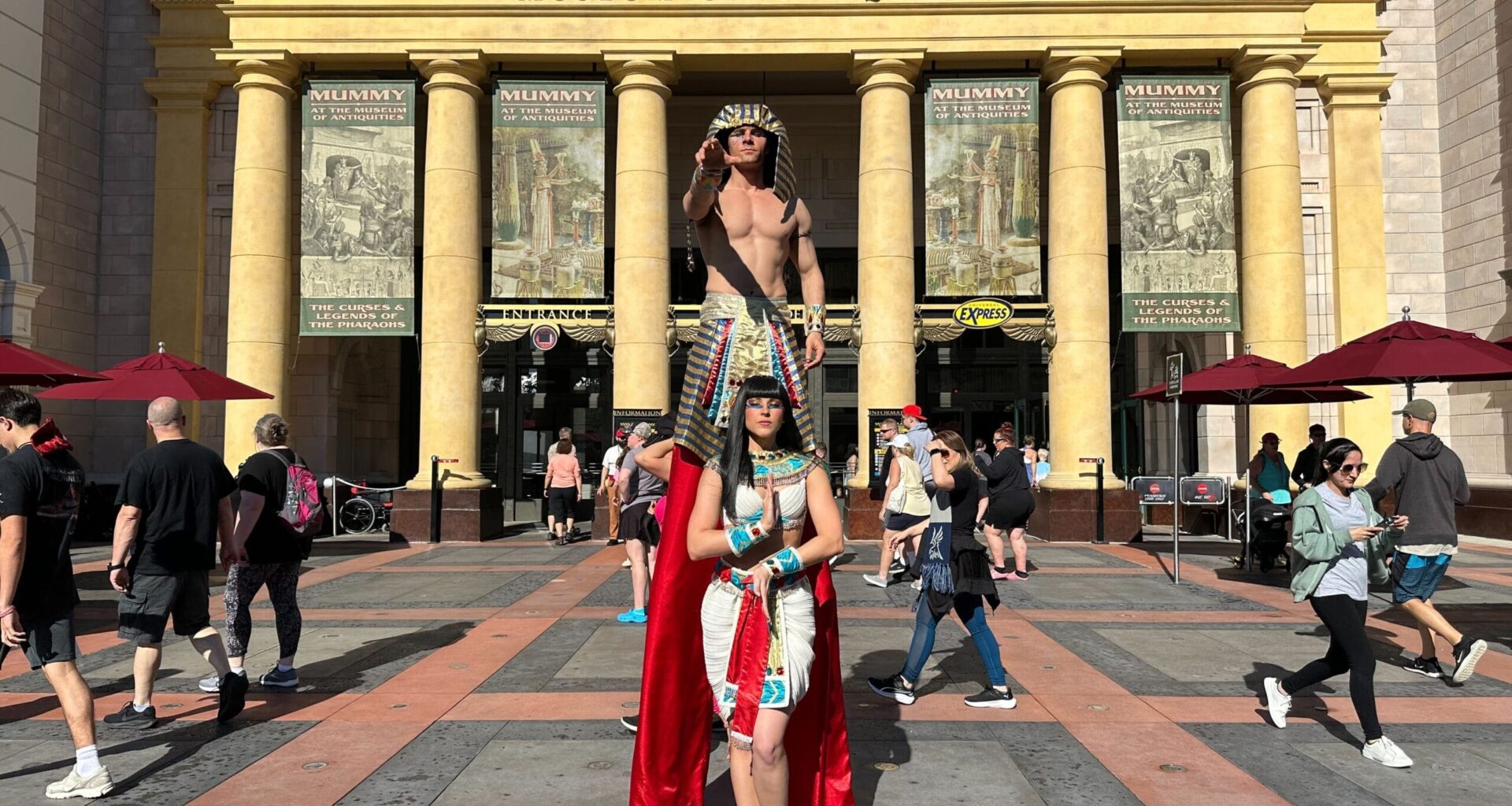
Universal Orlando Resort guests can now recognize a Team Member who made their day with a “Fist Bump” feature in the resort app.
Universal Orlando Fist Bump
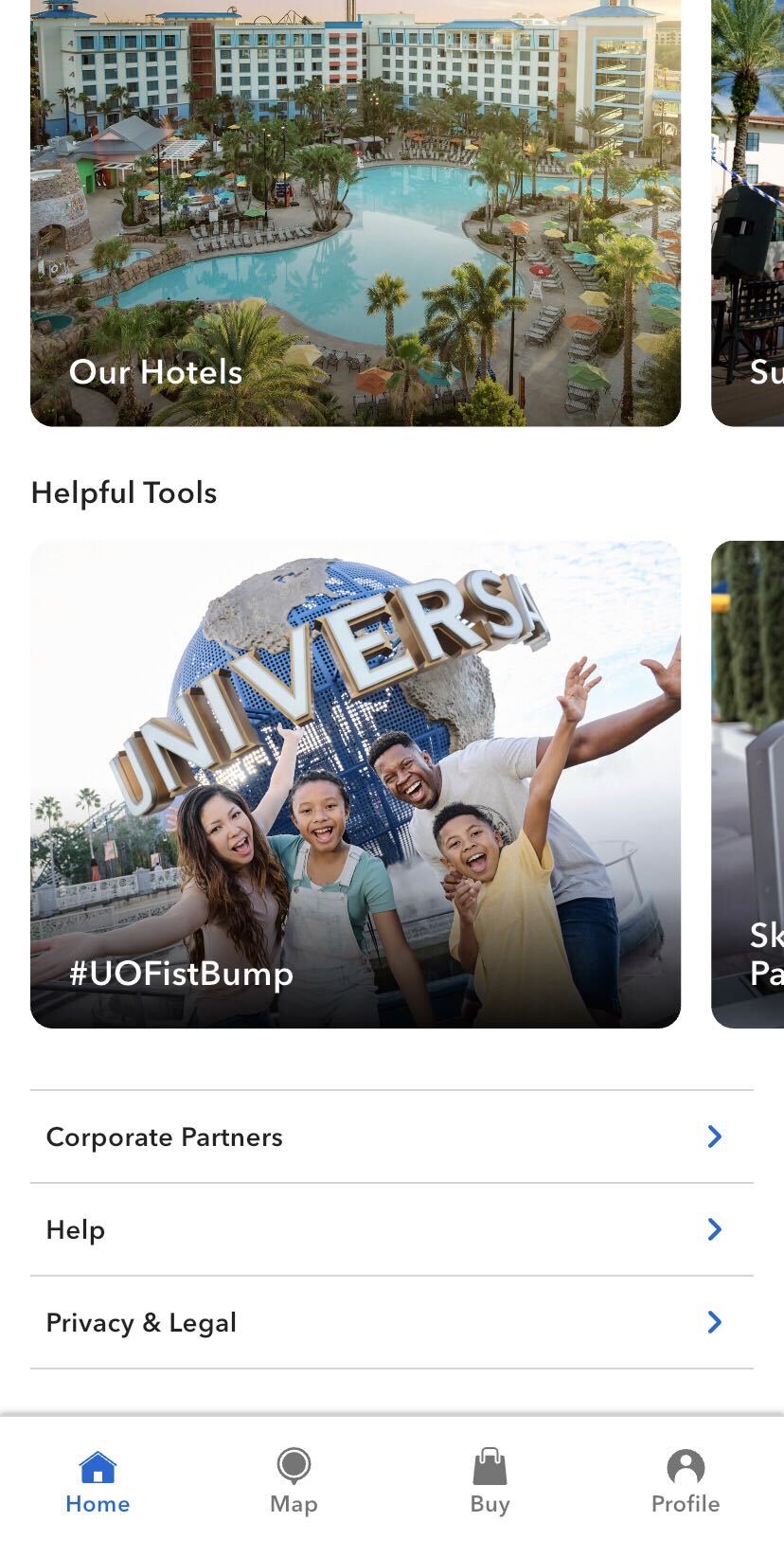
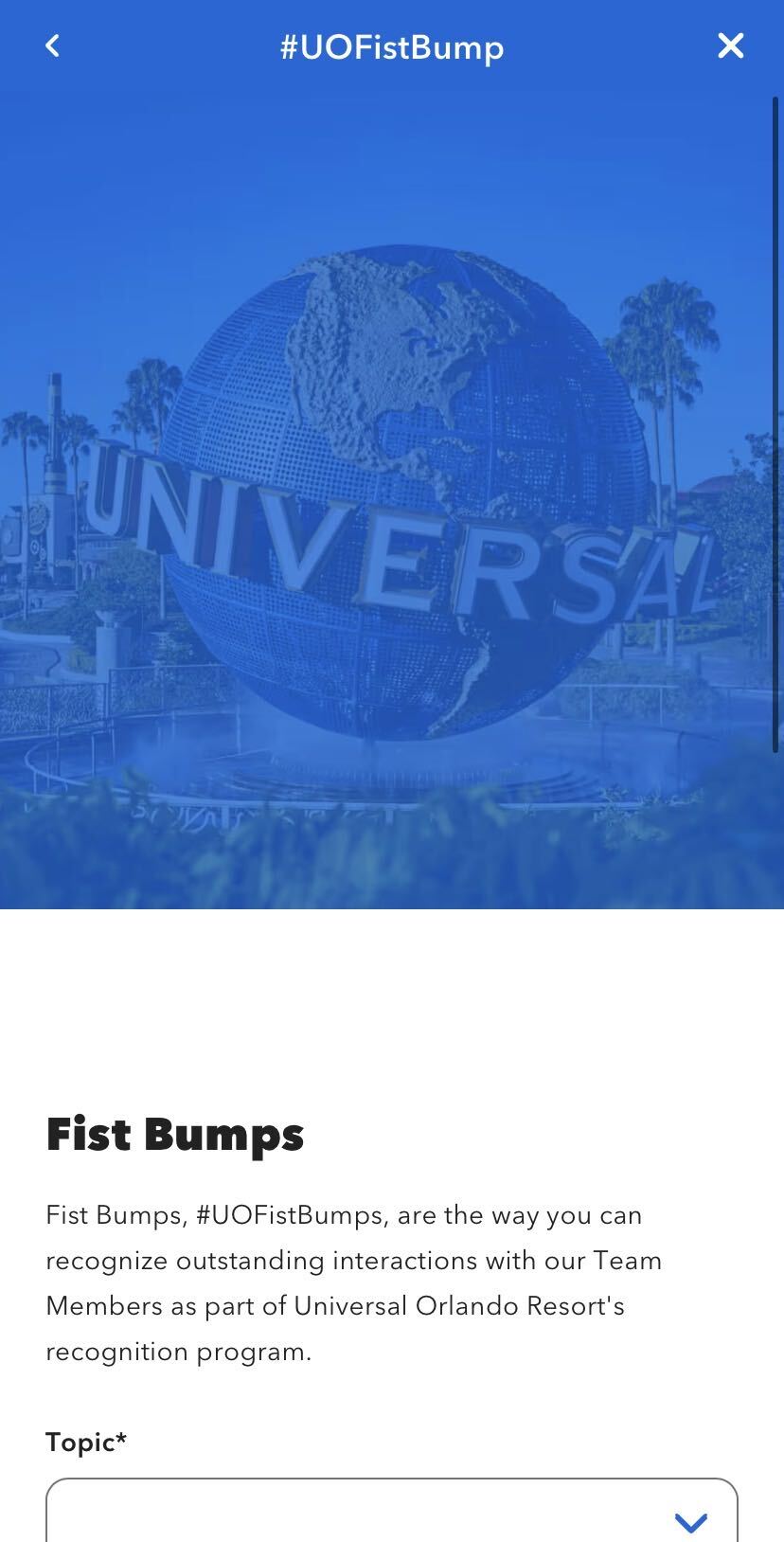
Find the feature in the app by scrolling all the way to the bottom of the main page. Under “Helpful Tools” is “#UOFistBump.” Click on that to reach the fist bump menu.
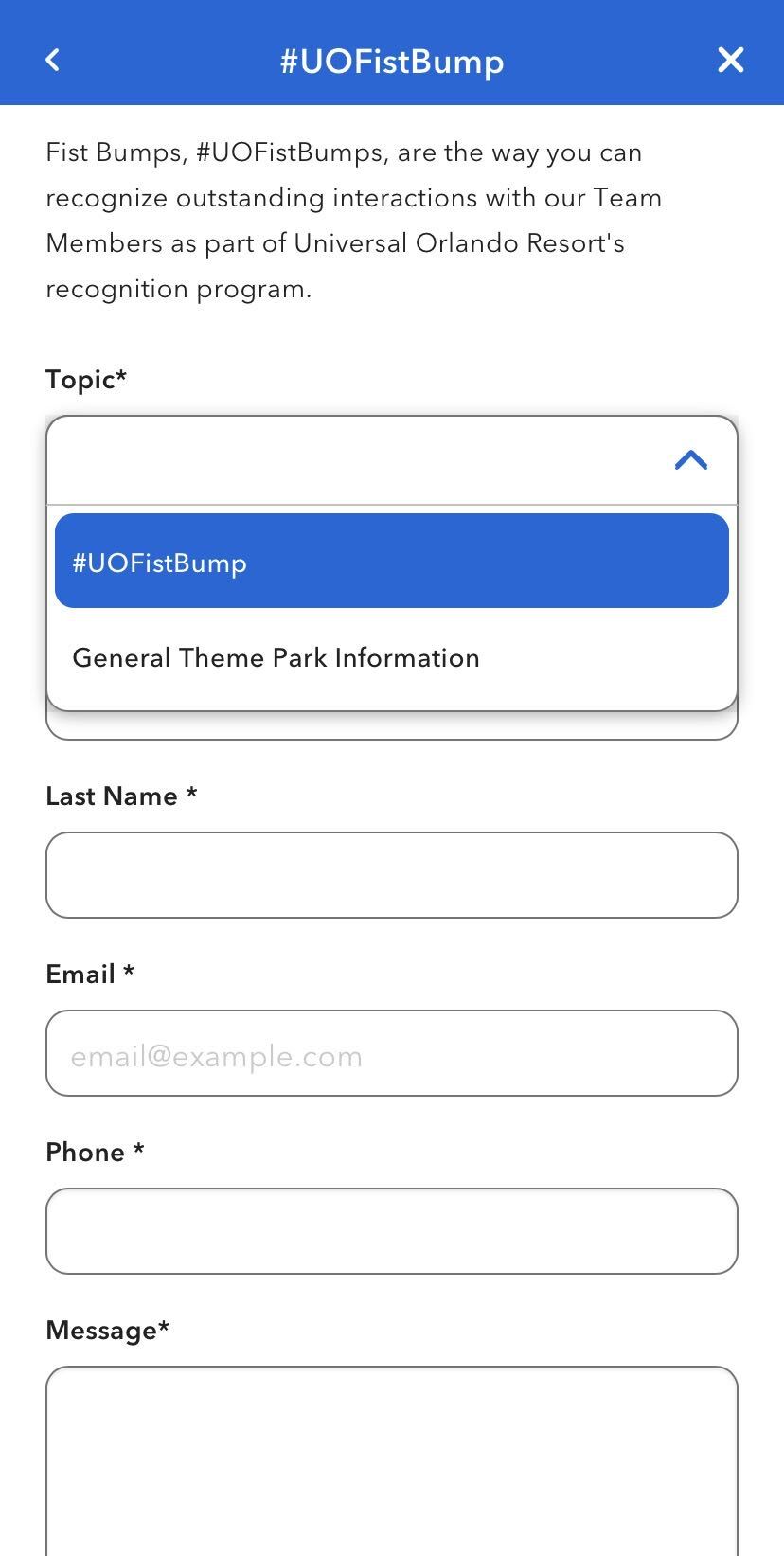
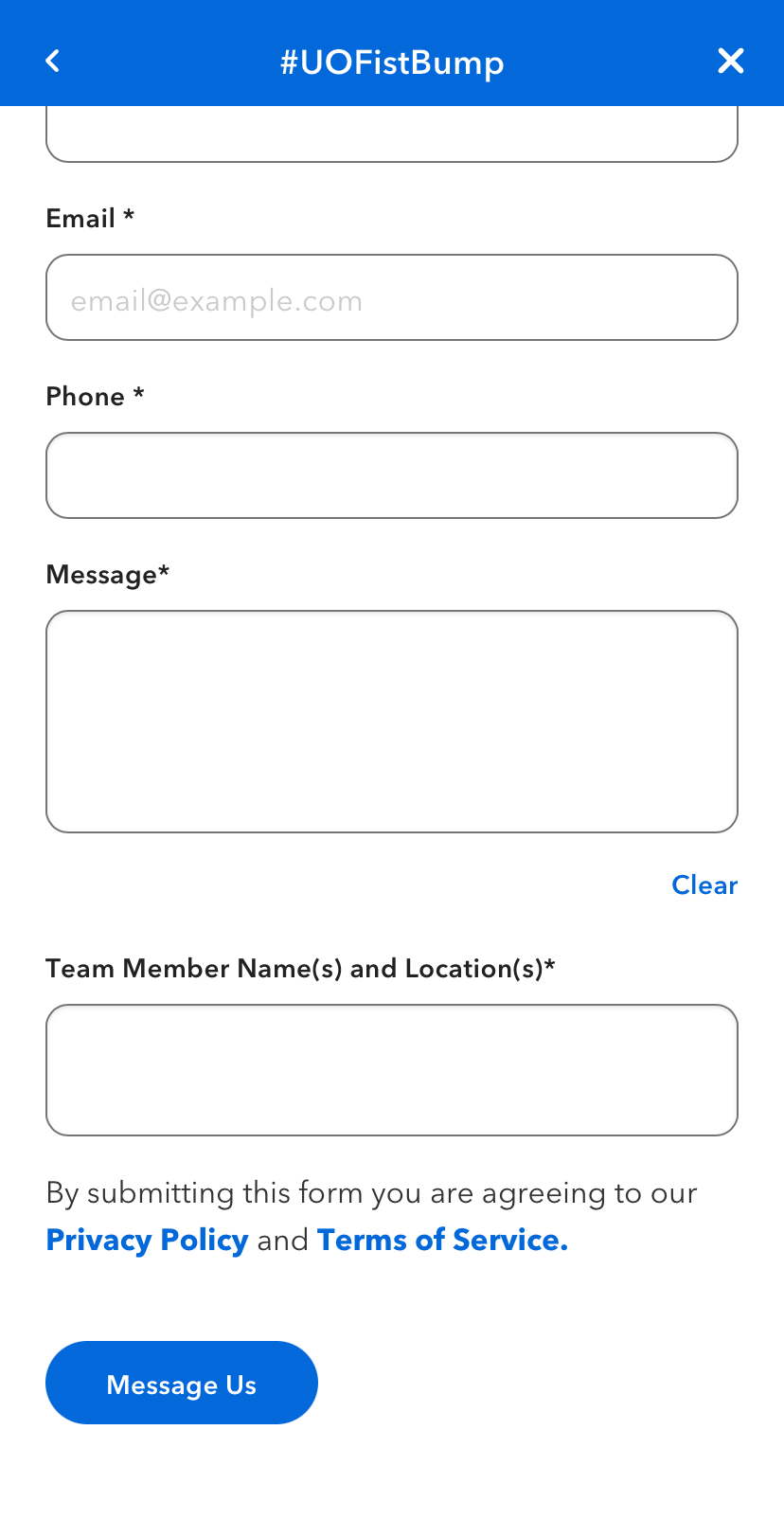
Select “#UOFistBump” from the dropdown “Topic” menu. Then put in your information, a message, and the Team Member’s name and location. Click “Message Us” when done.
The feature is similar to Disney’s “Cast Compliment” option.
Are you excited to use this feature to recognize Team Members? Let us know on social media.
For more Universal Studios news from around the world, follow Universal Parks News Today on Twitter, Facebook, and Instagram. For Disney Parks news, visit WDWNT.