
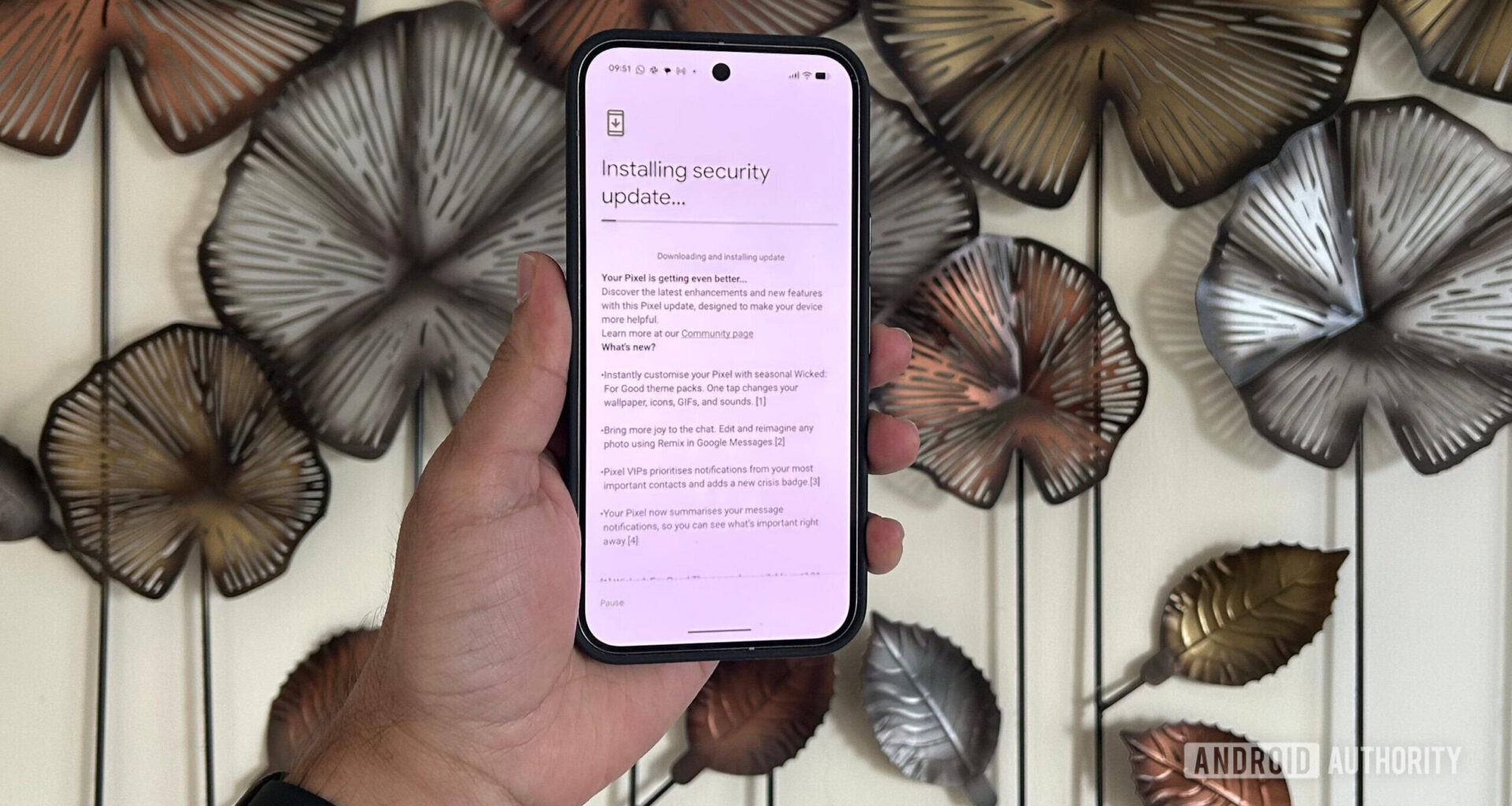
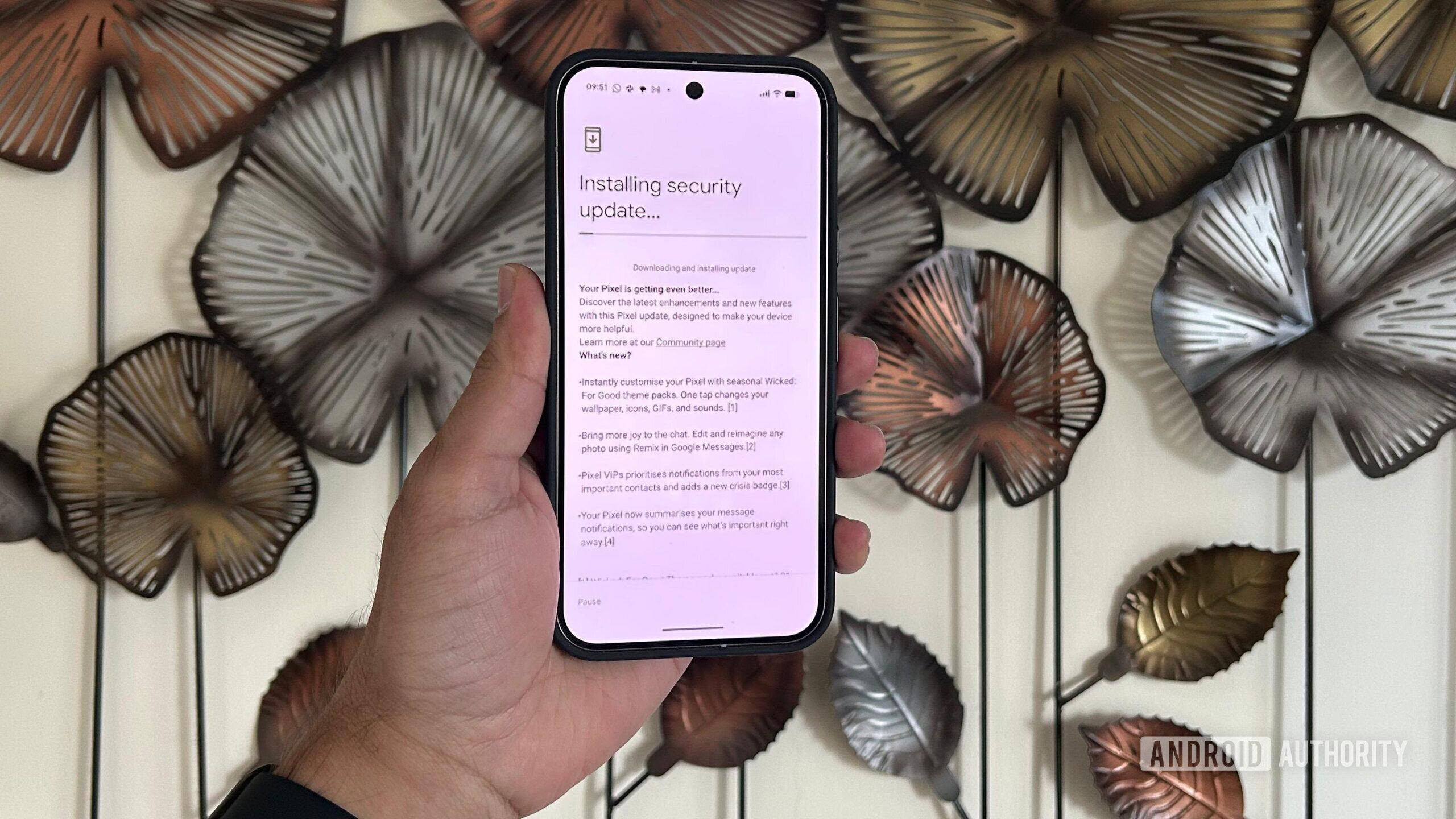
Adamya Sharma / Android Authority
TL;DR
Some Pixel owners say the December update stopped the notification shade from opening normally in One-Handed Mode.
Reports span several models, but others say theirs still works, so the issue isn’t universal.
Google hasn’t documented any changes to One-Handed Mode; we’ve reached out to the company for comment.
A handful of Pixel owners claim that the December Pixel update may have inadvertently broken one of the commonly used gestures. Several online reports claim that the notification shade can no longer be pulled down once One-Handed Mode is active, a feature that was working normally before the latest update.
Has your Pixel notification shade broken in One-Handed Mode since the December update?
7 votes
No, it’s working just fine.
57%
Yes, I have this problem.
14%
I haven’t tried it.
29%
The first report appeared on Google’s Pixel Support page, where a Pixel 9 Pro owner said they were suddenly unable to open the notification panel after triggering One-Handed Mode. Similar complaints then surfaced on Reddit here and here, with users on devices ranging from the Pixel 9 Pro to the Pixel 10 Pro XL reporting that the same gesture no longer works after the update.
Don’t want to miss the best from Android Authority?
It’s not affecting everyone. Some Pixel owners responding to the same threads say the feature continues to work as before on various Pixel models. That inconsistency makes it unclear whether this issue affects only specific devices or configurations.
Google’s December changelog doesn’t mention anything about One-Handed Mode or changes to its gestures, so there’s no obvious explanation in the update notes. For now, people are resorting to back-tap shortcuts or other wordarounds, which isn’t ideal if you’re used to doing everything with one thumb.
We’ve contacted Google for comment and will update this article if the company sheds any light on what’s going on. In the meantime, let us know if you’ve experienced this issue by voting in the poll above or commenting below.
Thank you for being part of our community. Read our Comment Policy before posting.