
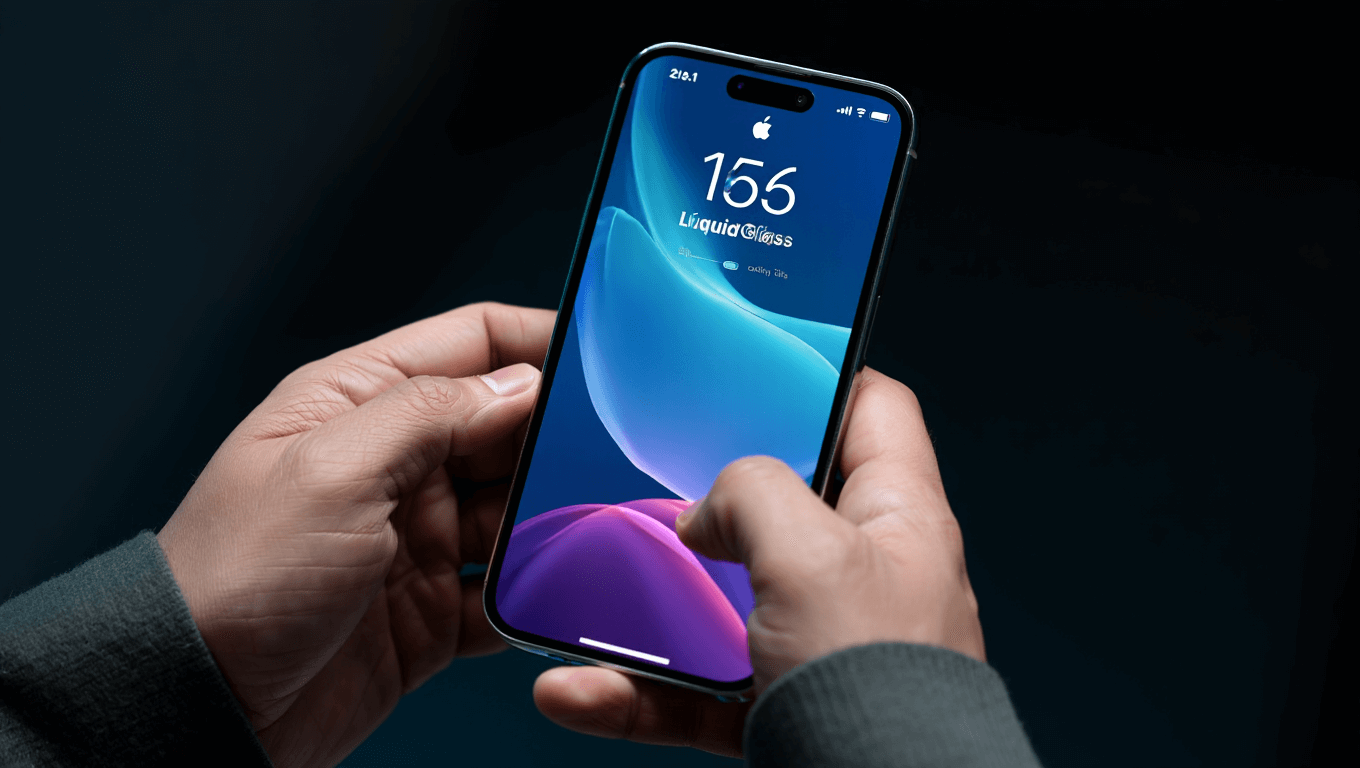
iOS 26.1 is now Apple’s recommended update for iPhone users still on iOS 18, bringing major innovations including Liquid Glass controls and expanded Live Translation languages. Apple began pushing this update December 2, 2025, making it the primary choice for users holding back from iOS 26. The update delivers essential security improvements, new visual customizations, and practical features that enhance daily iPhone usage.
🔥 Quick Facts
iOS 26.1 launched November 3, 2025, and Apple now recommends it over iOS 26 for iOS 18 users
Liquid Glass design now features transparency toggle customization for personalized visual control
8 new languages added to Apple Intelligence including Danish, Dutch, Norwegian, and Turkish
Live Translation with AirPods expands to Japanese, Korean, Italian, and Chinese dialects
Why iOS 26.1 Is Apple’s New Standard for iPhone Users
Apple shifted away from recommending iOS 26 to instead push iOS 26.1 as the default update path. This strategic move reflects Apple’s confidence in this point release over the foundational version. Users running iOS 18 now see iOS 26.1 displayed prominently in Settings under Software Update.
The decision signals that iOS 26.1 addresses stability concerns some users experienced with iOS 26. Security updates for iOS 18 will eventually stop, creating urgency for aging iPhone owners to upgrade. Apple’s recent push confirms that users still on iOS 18 represent a meaningful segment developers need to move forward.
Liquid Glass Gets Major Visual Customization in iOS 26.1
The revolutionary Liquid Glass design concept receives practical refinement with new transparency controls. iOS 26.1 introduces a tinted option allowing users to adjust the opacity of Liquid Glass effects across the lock screen, home screen, and control center. This addresses accessibility concerns and personal preference variations among iPhone owners.
Liquid Glass combines optical qualities of physical glass with fluid animations, creating seamless transitions between interface elements. The transparency toggle lets power users reduce visual effects if they prefer clarity over aesthetics. iPhone 12 Pro or newer devices fully support Liquid Glass functionality, while older models experience standard iOS interfaces.
Feature
Details
Liquid Glass Toggle
New transparency adjustment for lock screen and home screen
Release Date
November 3, 2025
Minimum Device
iPhone 12 Pro, iPad Pro (2020 or later)
Control Center Access
Settings > Display > Liquid Glass Transparency
Apple Intelligence Expands Language Support to Global Audiences
Apple Intelligence now operates in 8 new languages following iOS 26.1 release. Chinese (Traditional), Danish, Dutch, Norwegian, Portuguese (Portugal), Swedish, Turkish, and Vietnamese join existing languages. This represents significant progress in making advanced AI features accessible worldwide rather than English-first markets.
Live Translation with AirPods received parallel expansion, now supporting real-time translation in Japanese, Korean, Italian, and both Simplified and Traditional Mandarin Chinese. AirPods users can receive instant translations during calls or in-person conversations. The feature intelligently adapts if someone sends a message in supported languages.
“This update adds new languages for Live Translation with AirPods, a new tinted option for Liquid Glass, along with other features, bug fixes, and security improvements.”
— Apple Support, Official iOS 26 Updates Documentation
Security Updates and Device Stability Improvements in iOS 26.1
Apple released multiple security patches addressing vulnerabilities affecting iPhone privacy and stability. The security content of iOS 26.1 received official documentation November 3, 2025, protecting against encryption bypasses and app vulnerability exploits. These patches install automatically on devices with security updates enabled.
iOS 26.1 also refines gesture controls and fixes annoying interface behaviors from iOS 26. A new Slide to Stop Alarm feature replaces traditional button taps for silencing alarms. Lock screen swipe-to-camera gesture now includes a toggle to disable it, preventing accidental activations. These behavioral refinements target everyday iPhone interactions most users perform daily.
How iPhone Users Can Update to iOS 26.1 Today?
Updating to iOS 26.1 requires minimal preparation and takes approximately 15-30 minutes depending on iPhone model and internet speed. Connect your device to Wi-Fi and reliable power before starting the process to prevent interruptions or data loss during installation. iPhone battery should maintain at least 50% charge to ensure safe update completion.
Launch Settings > General > Software Update on your iPhone to check for iOS 26.1. Apple prioritizes users with red notification badges in settings, prompting recommended updates to reach critical mass adoption. The update downloads automatically overnight on devices with automatic installation enabled.