
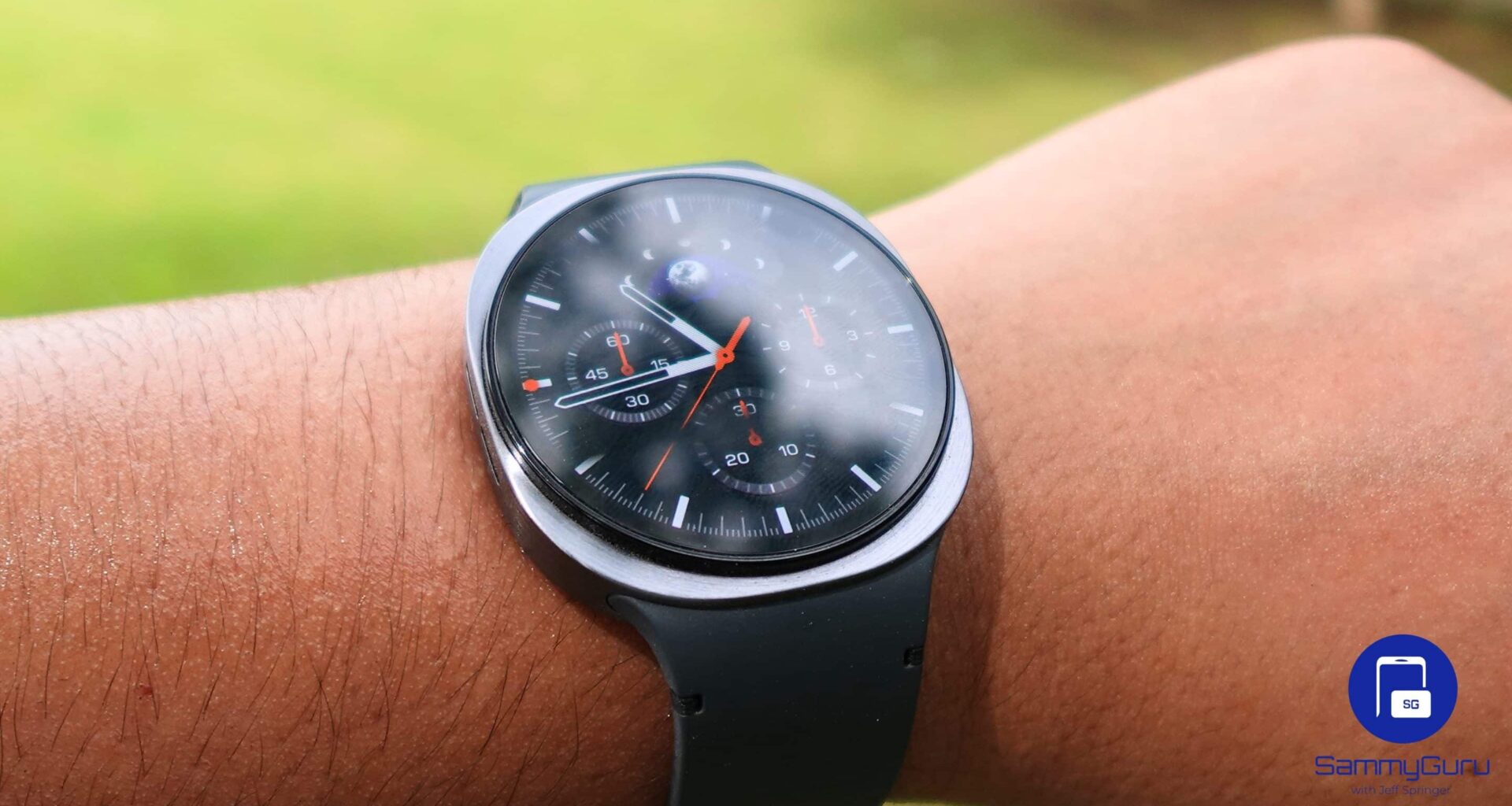
If you have recently updated your Galaxy Watch to One UI 8, you might face a weird display issue with third-party watch faces. Many Galaxy Watch users have recently reported a bug that causes a ghosting effect during screen wake-up and sleep transitions. The good news is that both Google and Samsung are aware of the problem and acknowledged it.
A Wear OS 6 bug causes strange display behavior on the Galaxy Watch and Pixel Watch
According to PiunikaWeb, a bug in Wear OS 6 is causing transition issues with third-party watch faces. It affects a bunch of devices, including the Galaxy Watch 8/ Ultra lineup, which run One UI 8 out of the box. The problem appears when the watch switches between its active screen and the Always-On Display (AOD) mode. During this transition, parts of the active watch face overlap with the dimmed AOD version.
Since the initial rollout of Wear OS 6 (One UI 8 Watch) in October 2025, users have consistently reported the issue. While users expected Google to release a fix with the Wear OS 6.1 update, the problem seems to continue even after the update.
This issue is still live on Google Issue Tracker. It mentions “Custom watch faces made with Samsung Watch Face Studio are not displaying correctly on Wear OS 6 due to an issue with the screen transition effect.” Developers investigating the bug say the issue is likely a “race condition.” If the fade animation doesn’t finish before the screen goes to sleep, the watch can get stuck between active and ambient modes.
As for workarounds, affected users can try a few temporary options. Switching to a different watch face and then switching back can fix the issue, though some say it returns within hours. Restarting the watch may also help, but the problem can reappear after changing the watch face again. The most reliable way to avoid the issue is to use the pre-installed watch faces.