
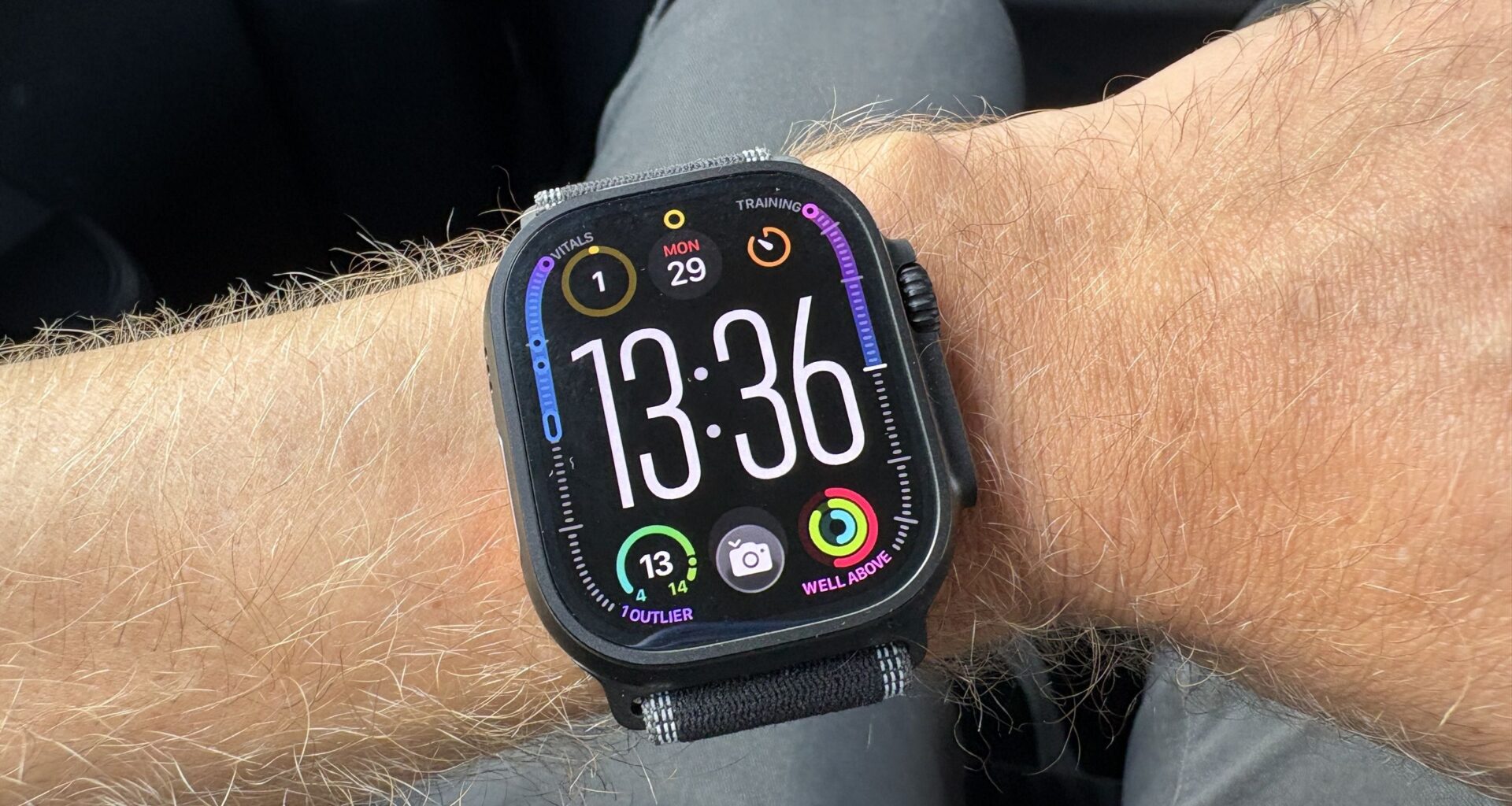
I review the best smartwatches for a living, but I always find myself returning to my Apple Watch Ultra 3, as those rings have me hooked. Whether you’re wearing an Apple Watch 11 or an Apple Watch SE 3, there’s one feature, as a fitness editor, I recommend switching off — and it’s really easy to do so.
The setting I immediately changed on my Apple Watch is notifications during workouts. I can’t stand my watch constantly buzzing as I run, as I find it distracting, especially on days when I’m using my run to escape from the chaos of life as a single parent to a toddler.
The good news: Apple makes it super easy to silence the notifications you don’t want, while still letting the ones you do want pop up mid-workout. Calls from my son’s nursery will still come through, but that mom WhatsApp group I’m too awkward to leave is silenced during my workout.
You may like
Experts and sports psychologists agree, stating that turning off notifications can minimize distractions, reduce anxiety and boost performance, as you’ll be less distracted. If your watch buzzing with social media notifications, messages and emails feels like another task to attend to mid-run, this is the advice for you.
How to set up a fitness mode on Apple Watch
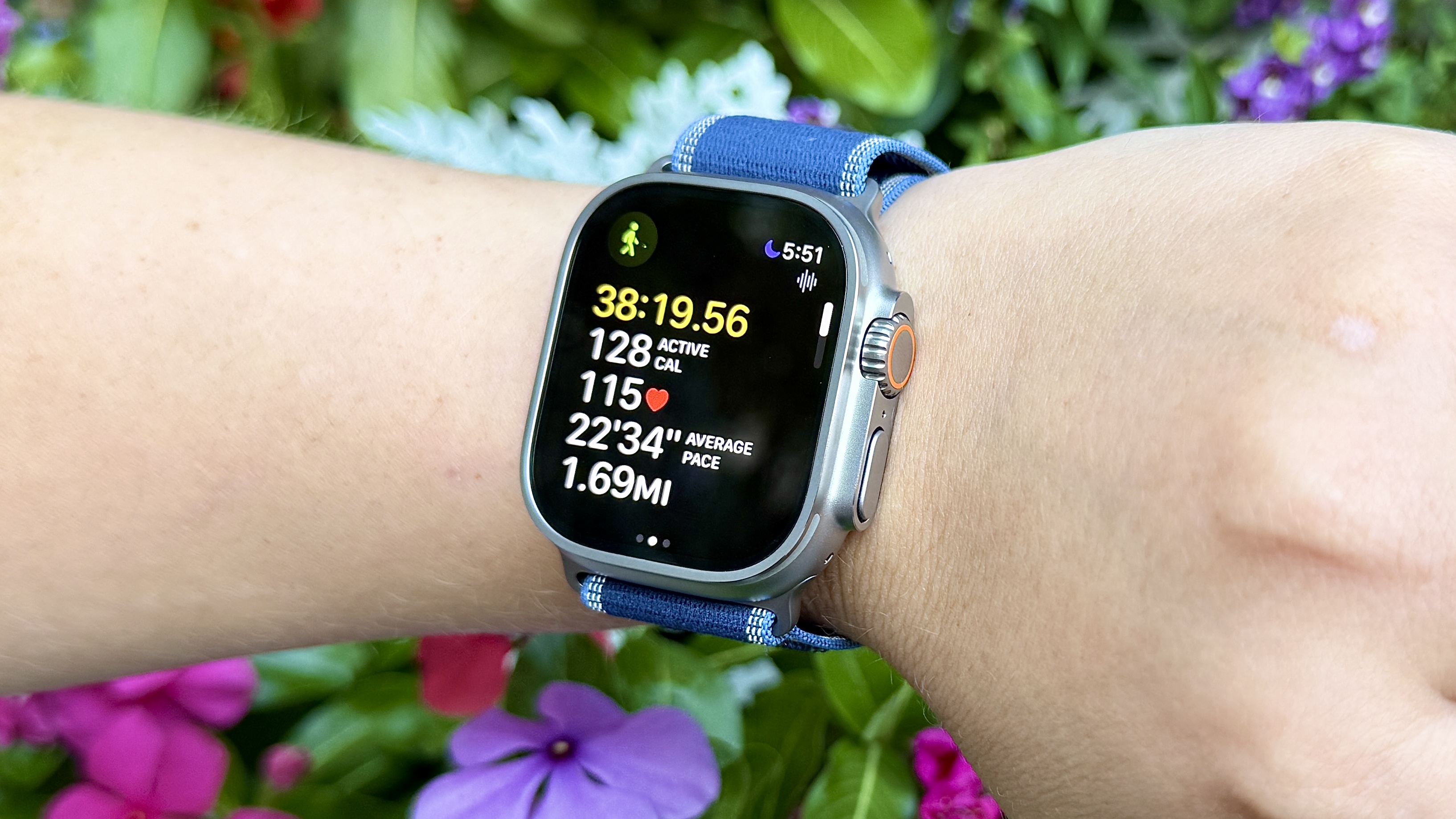
To stop those notifications, you’ll need to create a “Fitness Focus” mode on your iPhone.
Go to ‘Settings’, then ‘Focus’. Choose ‘Fitness’.
From here, you can choose whether to let Apple intelligently prioritize the notifications it thinks you’ll want to see, or you can customize things further.
Under “People,” you can choose who you silence or allow notifications from, and who you allow calls from. You can also allow repeated calls — so if the same person keeps calling you within three minutes, the second call won’t be silenced.
Under “Apps,” you can choose apps you silence or allow during a workout.
You can customize the focus mode further by setting a schedule or choosing for the mode to immediately switch on once you start using the workout app. You can also edit what the notifications look like on your phone and Apple Watch to minimize distractions.
Whatever your fitness goals are this year, carving out the time to work out can be challenging enough, without being distracted the second you start running, or reach the gym. Minimizing distractions entirely probably isn’t realistic, but silencing your Apple Watch is a good place to start.

Follow Tom’s Guide on Google News and add us as a preferred source to get our up-to-date news, analysis, and reviews in your feeds.
More from Tom’s Guide
Today’s best Apple Watch Ultra 3 and Apple Watch 11 deals