
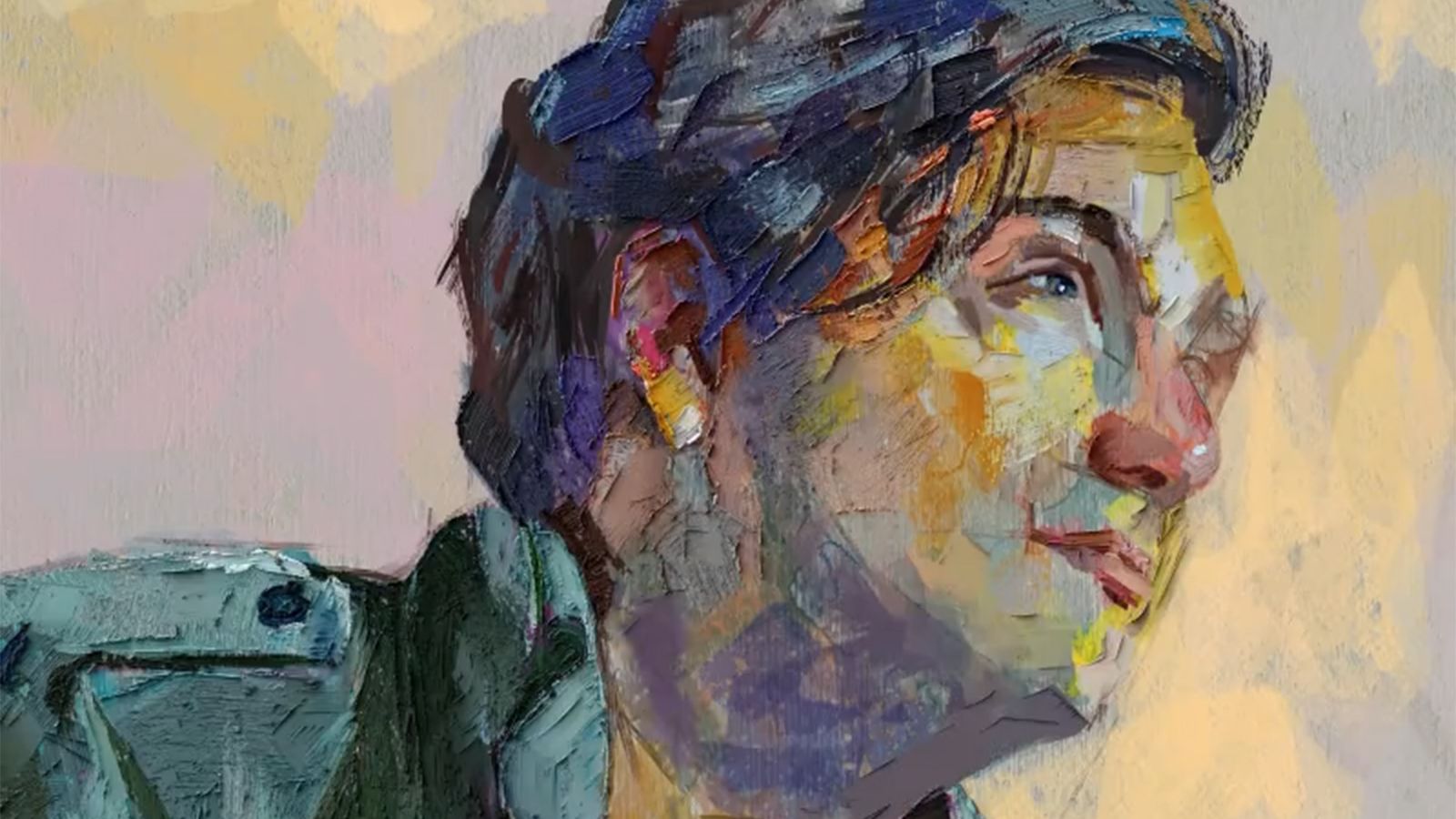
Digital art in 2026 is dominated by AI, and it’s not getting any easier to find non-AI apps if you want to avoid the rising use of algorithms in art. A lot of the best digital art software around at the moment has creeping gen AI tools, so it’s not always a question of whether you should use AI, but whether you actually want to.
Full disclosure, I’ve tried AI platforms like Freepik and use Photoshop’s mix of AI tools daily, but I also prefer to use apps without AI for my own artwork, as it’s just more fun – top of the pile is ArtRage and Procreate. But if you want to go AI straight-edge in 2026, it’s becoming harder and harder, which is why IAMAG’s No-AI Creative Suite Kickstarter has caught the eye, because for many, a safe space with no AI is important.
You may like
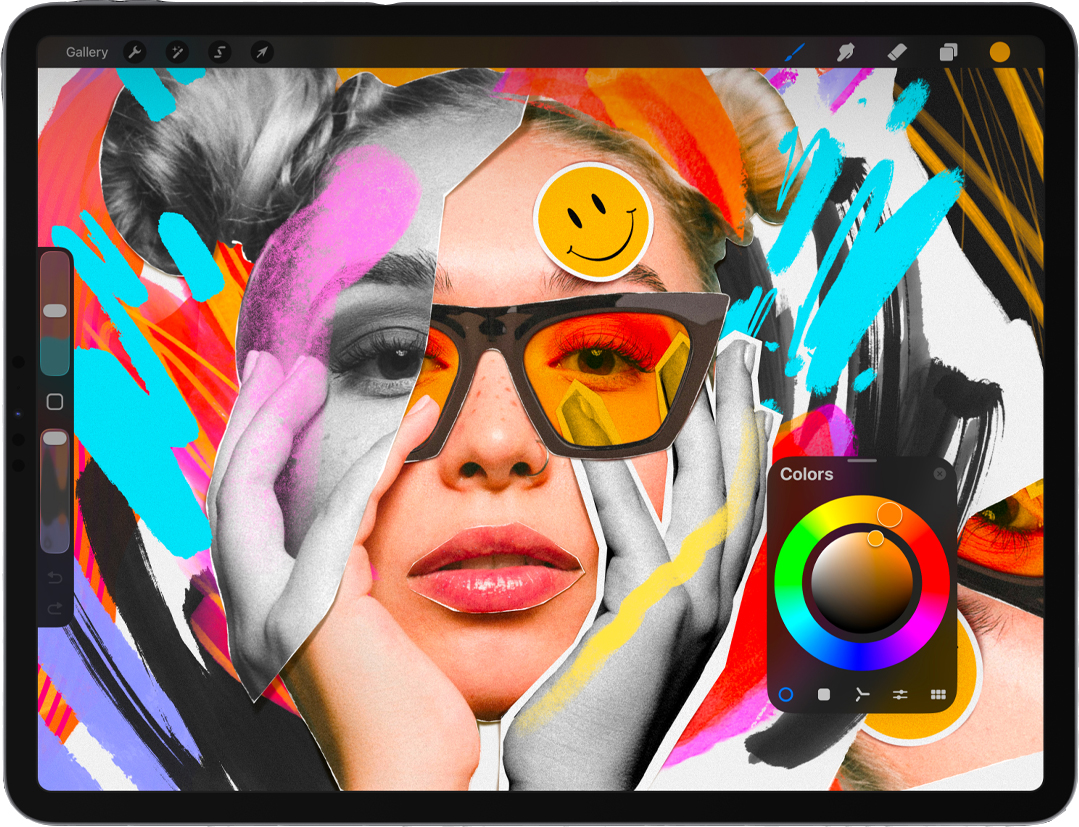
(Image credit: Procreate)1. Procreate
Procreate continues to set the standard for digital illustration on iPad, not just for its fluid brushes and precise controls, but for its values. The developer has publicly rejected generative AI, committing to keep all creative processes entirely human-driven.
Painting is traditionally created with digital tools, and animation is created frame by frame. It’s straightforward, honest, and fiercely artist-first. That clarity is exactly why Procreate remains the go-to illustration app for many artists.
Read our list of Procreate tutorials for how to get started.
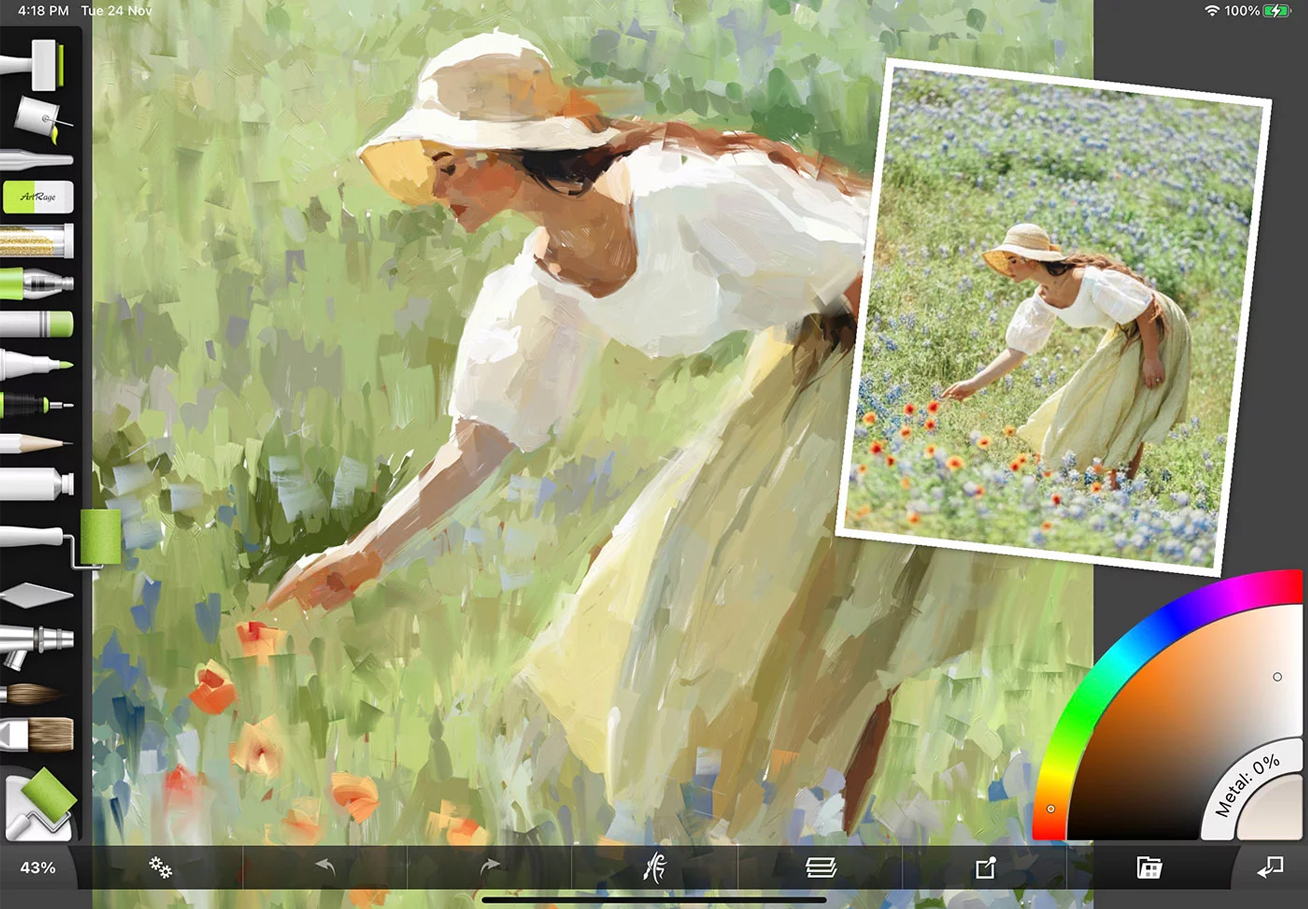
(Image credit: ArtRage)2. ArtRage
While Procreate is wedded to Apple tablets, ArtRage is a good option on Android. It has focused on digitising traditional media for many years now – oils smear, watercolours bloom, pencils bite into texture, and none of it is automated.
Unlike Procreate, ArtRage doesn’t have a public no-AI policy, but it also doesn’t include generative AI features. For now, though, it remains a fully manual painting experience, and one I regularly turn to for the unpredictability and depth of real-world media.
Read my Wacom MovinkPro 14 review to see my ArtRage-made art.
You may like
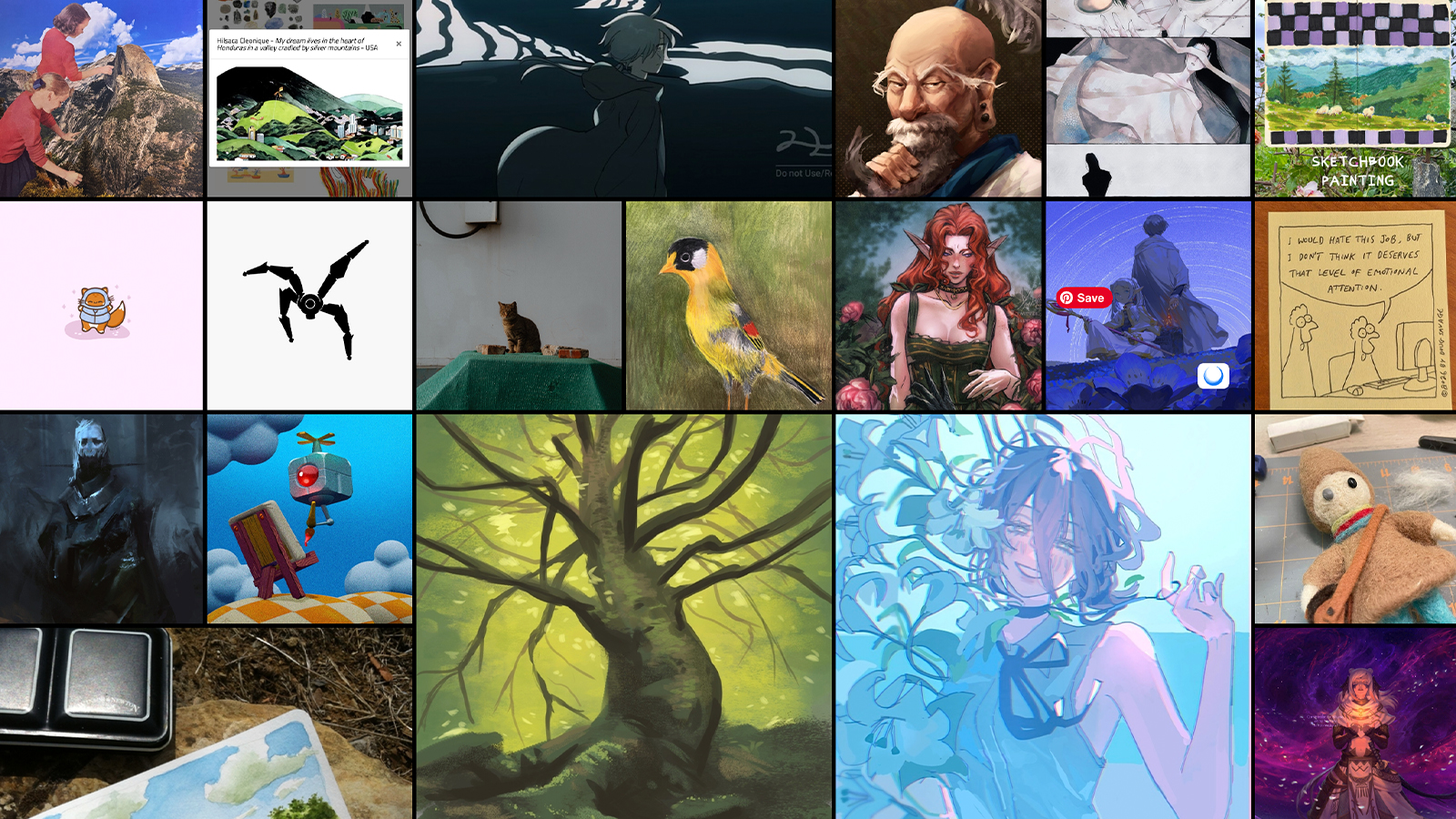
(Image credit: Cara)3. Cara
This isn’t a painting app; Cara is a platform built for human artists, and, as such, its rise as an anti-AI social media platform for artists has been attracting attention for some time. AI-generated art is prohibited, and uploads must reflect real, manually created work. This creates a feed that feels slower, quieter, and more intentional.
Browsing Cara is about seeing skill and process, not scrolling past infinite AI variations of anime girls and Batman samurai. It’s not flashy, but for artists looking to showcase human creativity, it’s a rare space that respects both craft and context.
Read our Cara explainer for more on this no-AI platform.
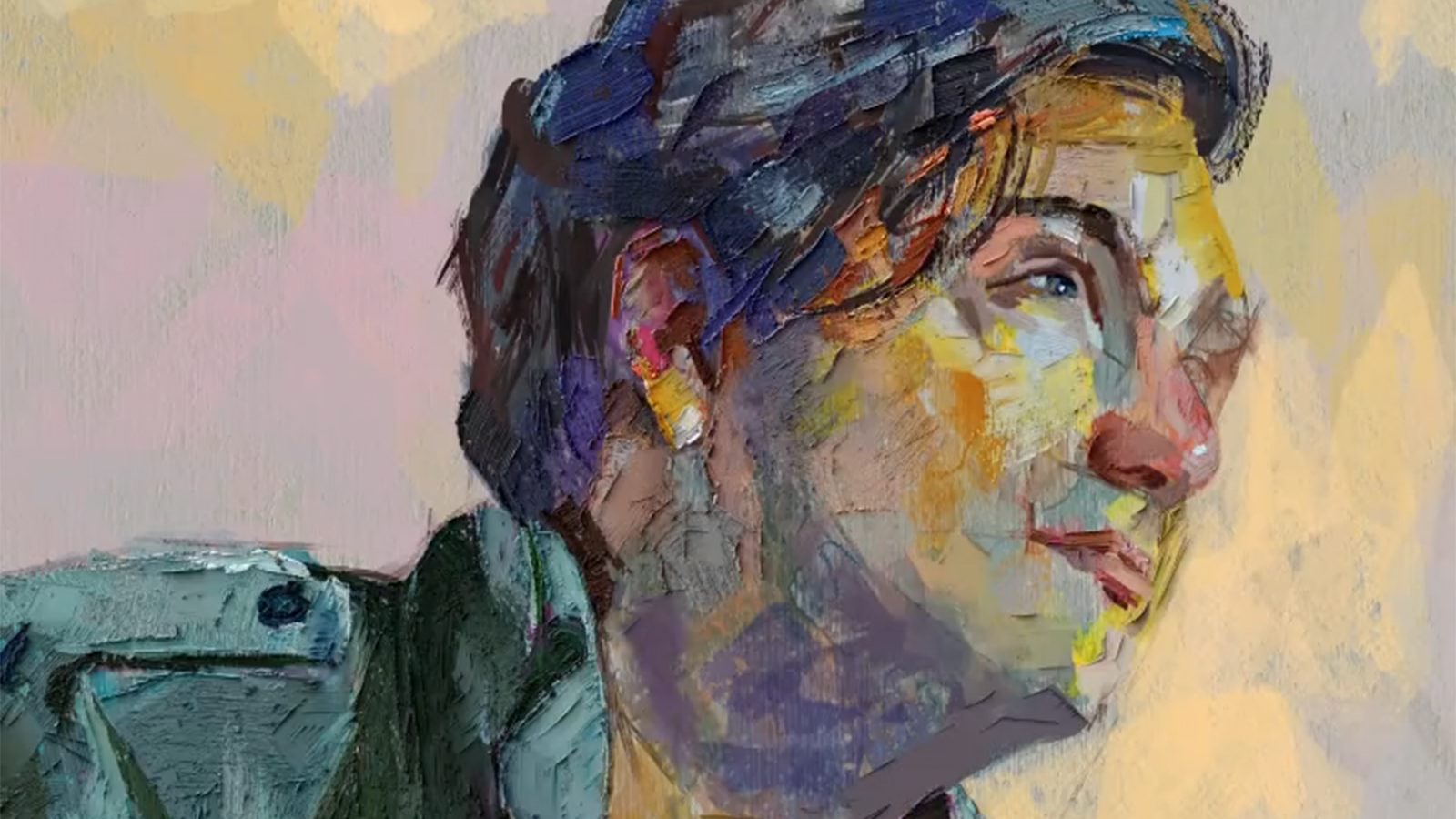
(Image credit: Rebelle)4. Rebelle
Another personal favourite, Rebelle is a natural-media digital painting tool that simulates oils, watercolours, pencils, and pastels with remarkable fidelity. Creative work in Rebelle is entirely manual and feels like painting traditionally, without the expense and mess.
The only AI involvement is optional upscaling during export. This machine-learning feature can increase resolution, but it does not generate, alter, or assist the artwork itself. Your composition, your strokes, your process remain completely yours, so I kind of give it a pass.
For more, read my article on the 10 Rebelle 8 features I love right now.
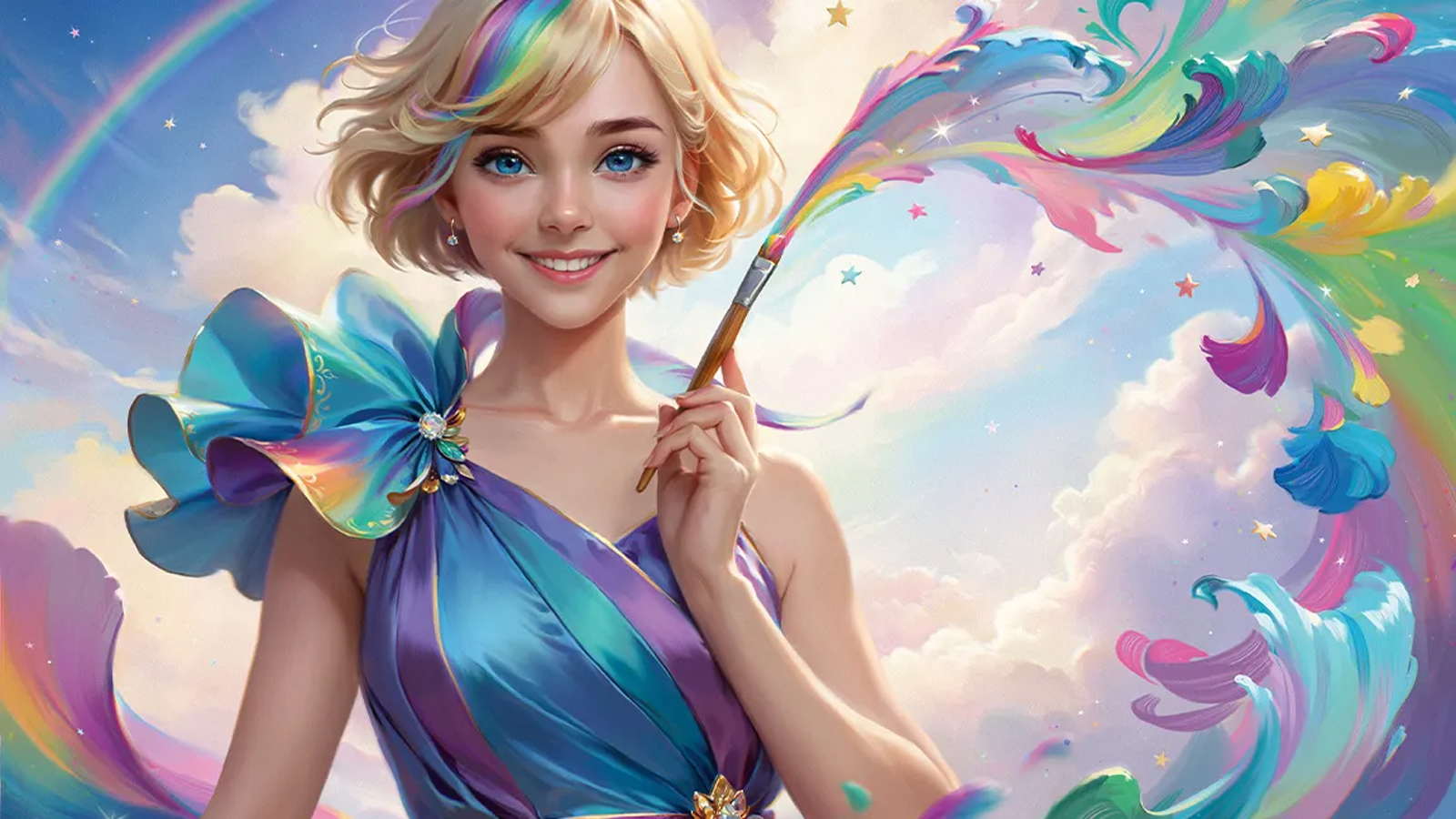
(Image credit: Future / Selenada)5. Clip Studio Paint
Clip Studio Paint is a staple for comic artists, illustrators, and animators. Its inking, colouring, and panel layout tools are deep and precise. It’s another app that skirts around AI but avoids gen AI, so while it does include some assistive AI features, such as Colourize, Pose Scanner, Smart Smoothing, and Remove Tones, these are tools to enhance workflow, not to generate new artwork.
Clip Studio Paint does not have a generative AI image-creation feature; a planned image generator was officially cancelled in response to user feedback. That means all creative decisions remain in the artist’s hands, with AI only helping in support roles if you choose to use it.
Read Selenada’s How to create a character illustration tutorial to get started.
These books can help you get started: