
I’m a huge fan of customization, and that’s a major reason why I’m still holding onto Android.
It’ll probably stay that way in the future as well, because I don’t see Google’s operating system going the iOS way in the future.
I don’t have the same level of loyalty toward someone who borrows my phone, unless it’s my partner or a close friend.
But with Android, I don’t need to explain how uncomfortable I feel when someone wants to borrow my phone.
Android takes away my fear of the borrower misusing the OS’s convenience to access things they aren’t supposed to.
However, none of this comes by default on Android, and you need to consciously go to the settings to enable certain features before handing over your phone to the borrower.
If such a situation arises, one of my favorite ones is a little-known lock screen setting on Android. I always use it before I give my phone to someone. Here is why.
Related
I always replace my Android phone’s launcher: Here’s why
Custom launcher > stock launcher
Why Android’s Lockdown mode is the best lock screen feature for privacy protection
Handing over your phone to someone always comes with a risk of privacy breaches, especially when you don’t know the person.
While no one wants to give their phone to a stranger, one of my elderly neighbors borrowed my phone a few times to make a phone call to her daughter.
I’ve had those encounters with that neighbor, and no one else.
But when it happened to me for the first time, I instantly came to think about the possible consequences of someone borrowing my phone.
That was the time when I first learned about the Lockdown mode on Android. My elderly neighbor knows nothing about tech, but I still use the feature before handing the phone to her.
It isn’t about trust. For me, the compulsion comes purely from the fear that she might unintentionally see all those cursed messages from my friends on the lock screen.
I don’t want that. I don’t want her, or anyone for that matter, to read my notifications on the lock screen.
When I enter Lockdown mode, I don’t have to worry about it at all, because it won’t show any of those on the lock screen.
Not only that, but it also hides all the smart lock features, including fingerprint and face unlock. This means the other person can’t cunningly unlock your phone without you knowing.
The only way to unlock the phone would be to enter the correct passcode. After you enter the passcode, everything goes back to the previous state.
So, if you let another person borrow your phone again, you need to enter Lockdown mode again.
Lockdown mode deserves a more uniform experience
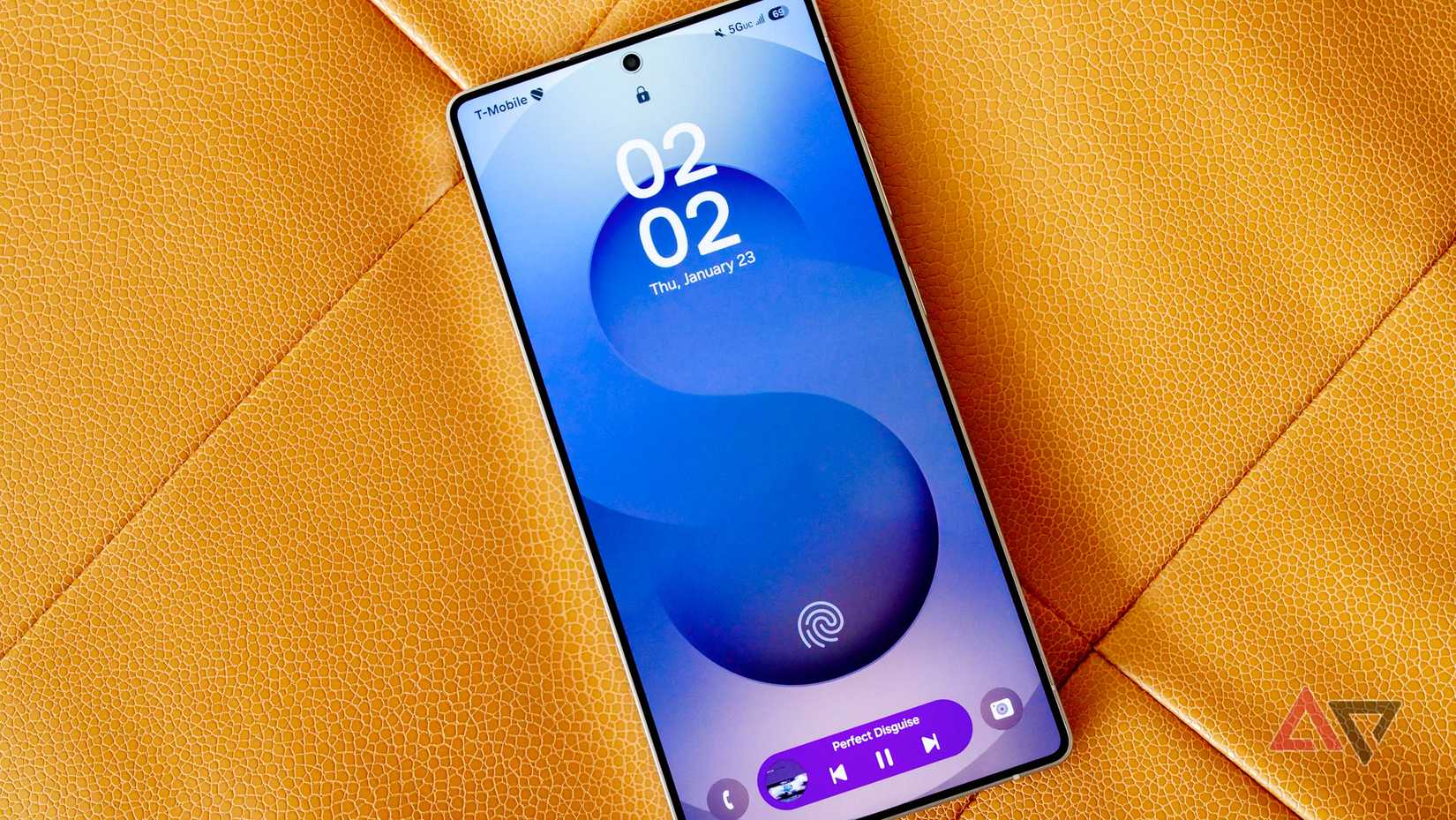
Android is known for its flexibility and diversity, but that comes with a price. Useful features like Lockdown mode aren’t exactly the same on every Android phone.
For example, on devices like the Google Pixel and Motorola, the Lockdown mode is available in the Power menu.
However, on Samsung Galaxy phones, you’ll work extra hard to add the Lockdown mode in the Power menu.
Unlike in the case of the Pixel and Motorola, the Lockdown mode is disabled by default in Samsung Galaxy’s One UI.
While it’s available on most popular Android devices, whether you’ll see it in the Power menu will depend on what phone you use.
I discovered the feature on my Galaxy phone first and thought I would have to follow the same steps to use the feature on my Motorola Edge 50 Neo.
After a few failed attempts, I learned that the Lockdown option was already there in the Power menu.
For something as crucial as this, the way to control Lockdown mode should be the same on all Android phones.
Also, a word of advice for Samsung: Making it hide behind multiple layers of settings doesn’t help.
Android’s lock screen is seriously underrated
You can tweak the lock screen on your Android phone to change its appearance, but it’s way more powerful than allowing users to make cosmetic changes, like changing the clock style.
The lock screen offers a quick access point to several important features, such as the camera, notifications, and more, while also acting as a line of defense for privacy-conscious users like me.
While the layout and customizations on the lock screen differ across different Android skins, core features like the Lockdown mode are available on most Android phones. So, OEM isn’t an excuse here.
The lock screen is perhaps one of those Android features that most users take for granted despite all its greatness.
No one thinks about it because it just works. This may explain why lock screen features like Lockdown mode aren’t talked about more often than they should be.
It makes the Lockdown mode even more special. It’s built-in, powerful, and ignored, making a strong case to be called underrated, just like other lock screen features.