

I’ll admit it: I thought NotebookLM was just a glorified summarizer or study helper for students. I figured it was nothing more than “Upload a PDF, ask for a TL;DR and move on.”
Frankly, that’s how I used it for months. But after spending more time actually exploring the menus, toggles and prompts, I realized Google’s AI research assistant can do far more than condense documents. Some of its most useful tools are sitting right in the interface — easy to overlook unless you go looking.
From turning your notes into a podcast to pulling quotes with citations and even browsing live web sources, NotebookLM has subtly evolved into something closer to a personal research analyst than a simple note-taker.
Here are 10 features I genuinely didn’t realize were there — and most users probably miss.
You may like
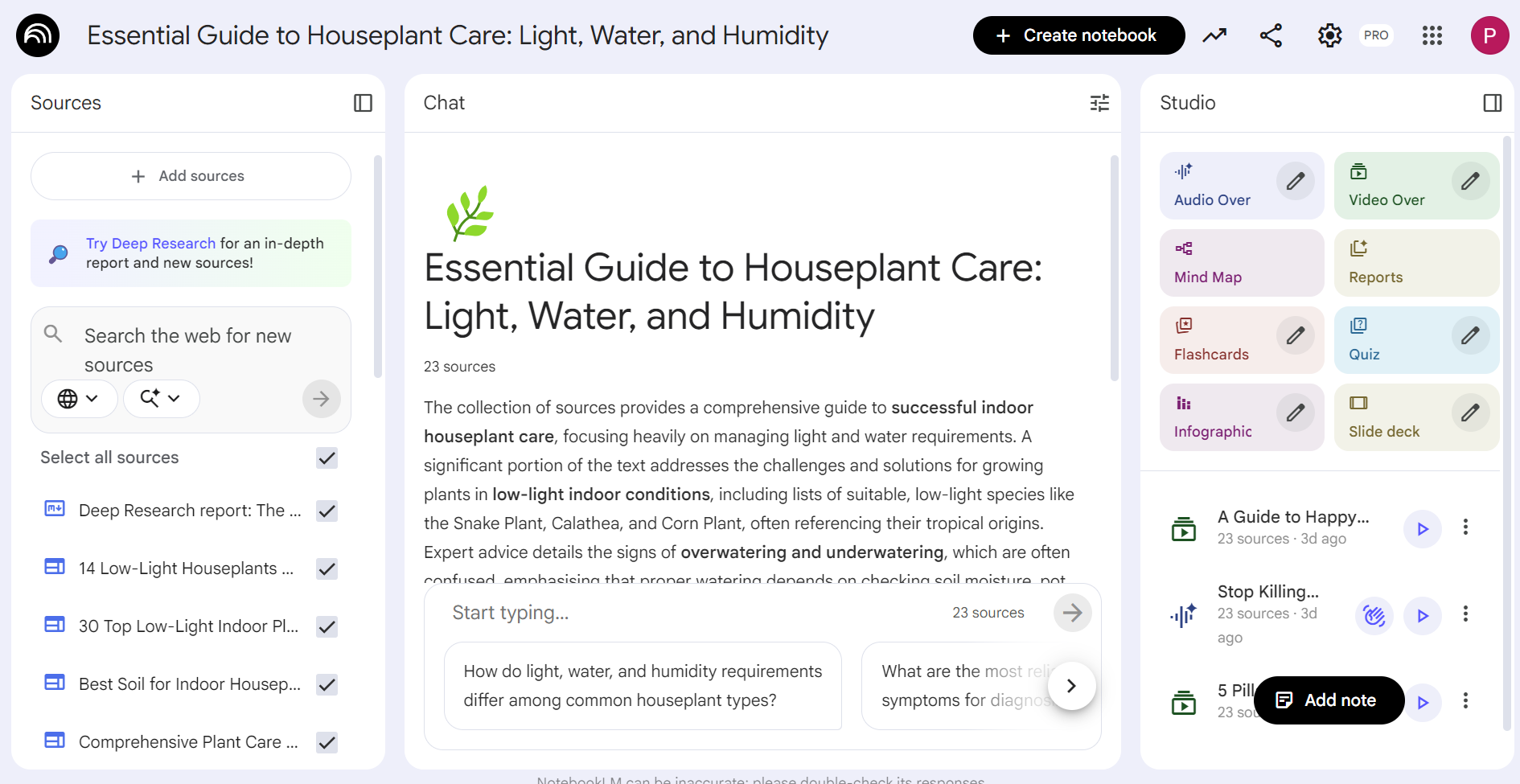
1. It now pulls in live web sources
(Image credit: Future)
Not sourcing the internet used to be NotebookLM’s biggest limitation. Originally, it only worked with files you uploaded. Now, you can add web sources and pull in current articles alongside your documents. This completely shifts NotebookLM from a closed study tool into a live research assistant.
That means you can:
Compare fresh news to older PDFsUpdate research without re-uploading filesExpand context beyond static sources2. Cross-document comparison is built in
(Image credit: Future)
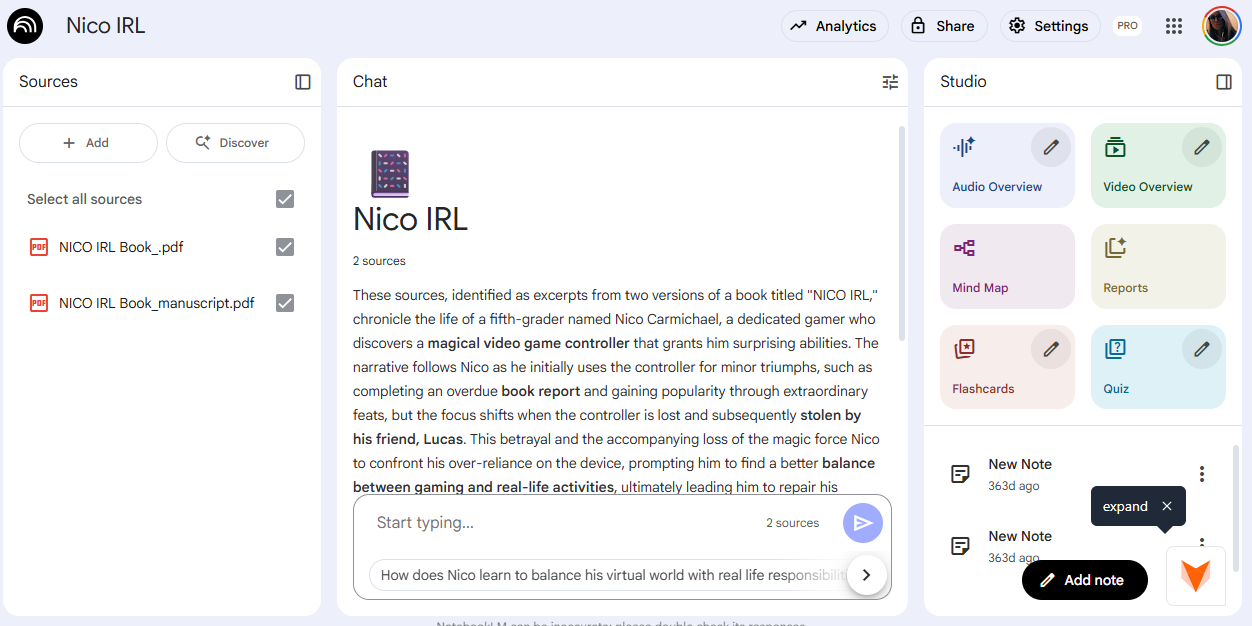
If you’re working on understanding how two subjects relate or differ you can avoid manually doing it yourself. NotebookLM doesn’t just summarize individually — it synthesizes across sources, which is incredibly useful for research briefs and comparative analysis.
Simply upload multiple PDFs or links and ask:
“Where do these disagree?”“What themes overlap?”“What trends appear in all reports?”3. It can turn your documents into a podcast
(Image credit: Google)
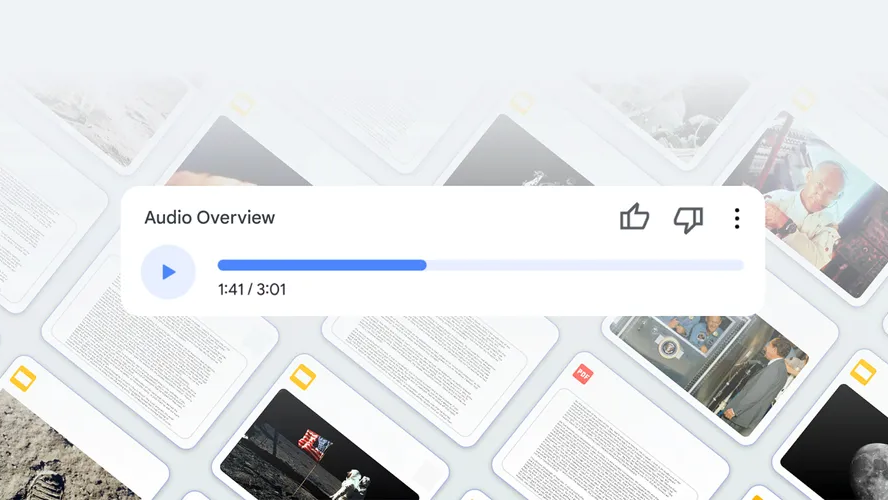
NotebookLM’s Audio Overview feature generates a conversational, podcast-style summary of your uploaded sources. Two AI voices discuss your material like co-hosts, highlighting key themes and disagreements.
It’s surprisingly natural and incredibly useful if you prefer listening over reading — or want to “review” notes while walking or driving. You can even “call in” and ask your questions the same way you would with a real podcast. From there, the AI voices address your questions and answer them in real-time.
4. Every answer comes with citations

(Image credit: Olena Malik / Getty Images)
Unlike many chatbots, NotebookLM shows exactly where information comes from inside your sources. You can click highlighted passages and jump straight to the original text.
You may like
For journalists, students or anyone double-checking accuracy, this alone makes it stand out. Once you’ve seen the source, you can branch out and explore it or scratch it completely. Either way, you’ll never have to second guess accuracy because you can fact-check the citations for yourself.
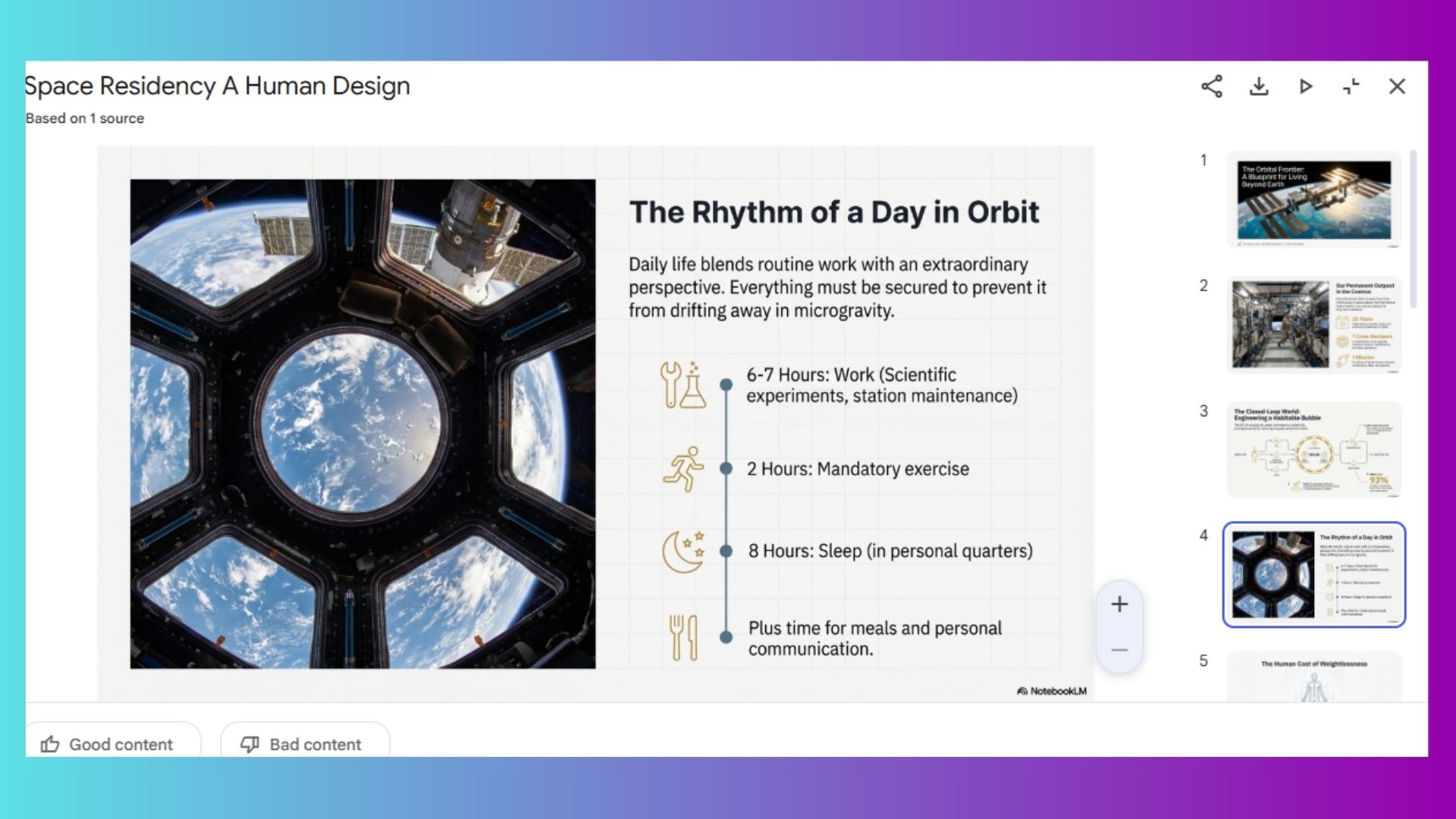
5. It generates instant study guides
(Image credit: Future/Amanda Caswell)
If you’ve ever tried to manually turn a 40-page PDF into study material, this feature is a game-changer. Since I am not a student, I figured I’d never need this feature. However, I’ve used it multiple times while preparing for TV interviews and meetings.
Dense reports can become:
FlashcardsKey term listsPractice questionsReview sheets6. It builds timelines automatically
(Image credit: Future)
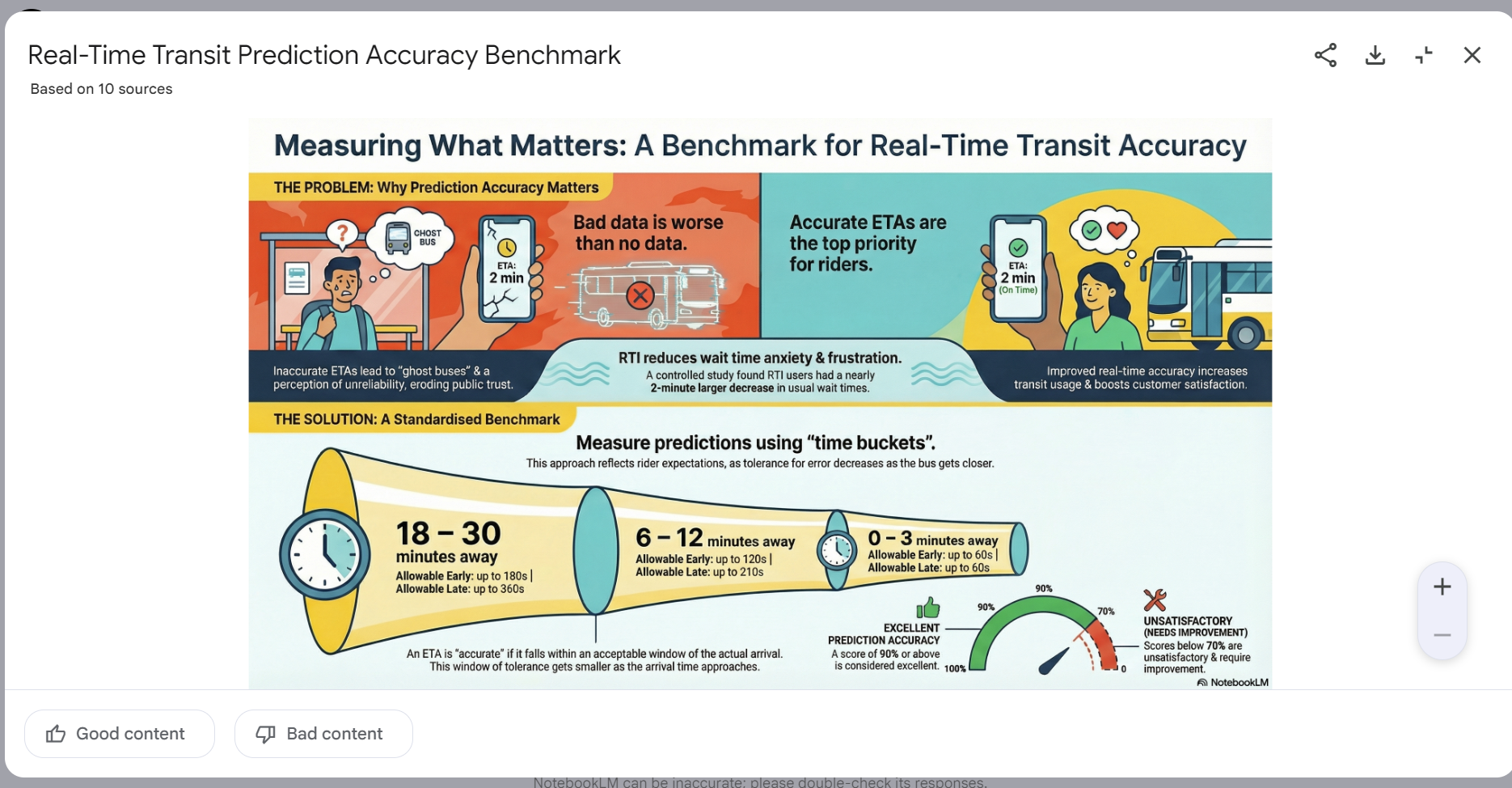
Ask NotebookLM to extract chronological events and it will produce a structured timeline from interviews, articles or long-form reports. Instead of hunting for dates manually, you get a clean sequence in seconds.
This is especially helpful for:
Investigative researchHistorical topicsProject planningLegal or policy documents7. Quote finder with context
(Image credit: Future/NPowell)
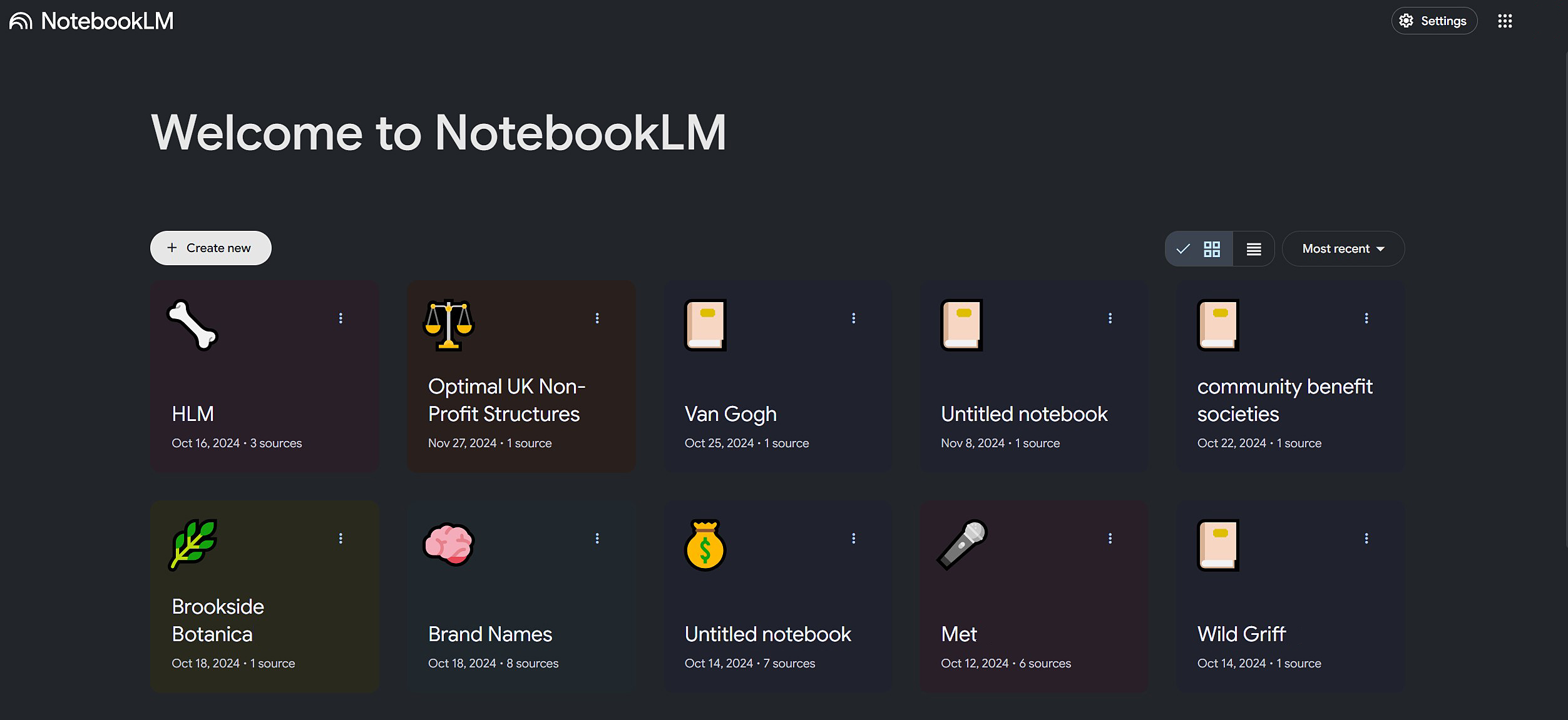
One of the most underrated strengths of NotebookLM is its ability to pull the strongest quotes on a topic while also including the surrounding context, rather than surfacing isolated one-liners. You can prompt it to “find the most relevant passages” or “highlight the best supporting quotes,” and it will return excerpts along with the paragraphs before and after, so you understand why that quote matters.
This is important because many AI tools tend to strip statements out of their original setting, which can unintentionally distort meaning or exaggerate claims.
8. FAQ creation from raw documents
(Image credit: Tom’s Guide)
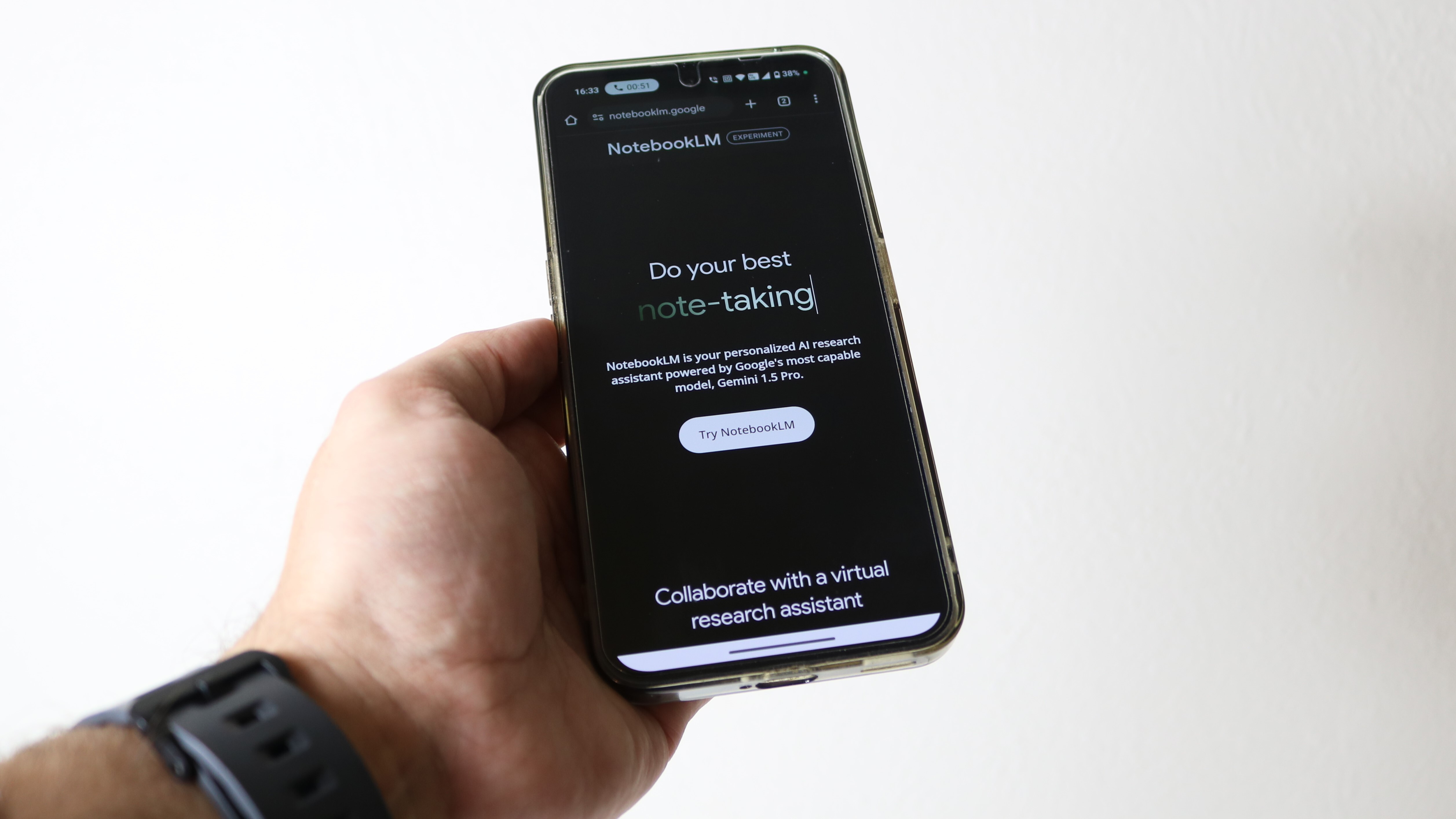
Another standout capability of NotebookLM is its ability to automatically generate a clear, well-structured FAQ section from long documents like manuals, white papers or in-depth guides.
Instead of manually skimming dozens of pages to pull out the most common questions and answers, you can simply upload the document and ask for an FAQ — the tool identifies key themes, recurring concepts and practical “what users really need to know” moments on its own.
9. “Explain it like I’m 10” mode
(Image credit: Future/Amanda Caswell)
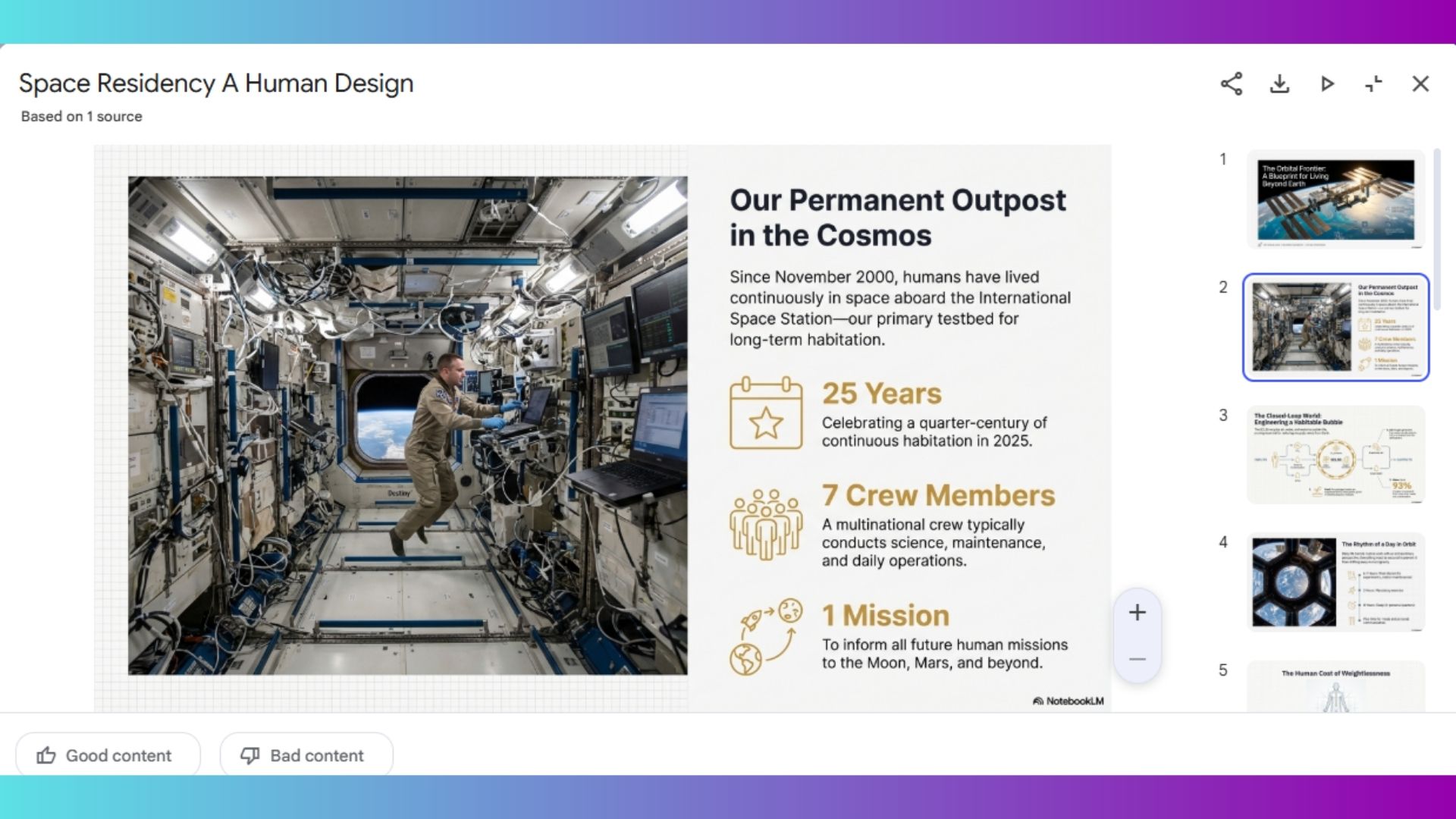
As a visual learner, when I was in school, I often had trouble grasping concepts the first time. I wish I had NotebookLM back then to support my learning. Because, rewriting complex topics into simpler forms is where NotebookLM shines.
For students or professionals struggling with terminology, legal clauses or research language and immediately felt overwhelmed, this feature can be a genuine sanity saver. It allows you to grasp the substance of a document faster, ask smarter follow-up questions and engage with material you might otherwise avoid.
10. Debate and counter-argument prep

(Image credit: d3sign / Getty Images)
You can stop brainstorming in a vacuum or relying on vague AI generalizations as you prepare for a meeting. NotebookLM is also particularly effective at structuring balanced arguments for and against a topic using only the sources you provide, you can rest assured that you’ll have the right talking points built directly from your uploaded material. This makes it especially valuable for presentations, essays, debate prep and editorial planning where accuracy and balance are essential.
Bottom line
If you’re using a “regular” chatbot for any of the above, it’s worth checking out NotebookLM. Between audio overviews, live web integration and cross-document synthesis, it’s one of the most practical AI tools for research-heavy work.
With so many powerful AI features, it’s a great way to add flexibility and productivity to your workflow.

Follow Tom’s Guide on Google News and add us as a preferred source to get our up-to-date news, analysis, and reviews in your feeds.
More from Tom’s Guide
Today’s best Apple iPhone 17 deals