
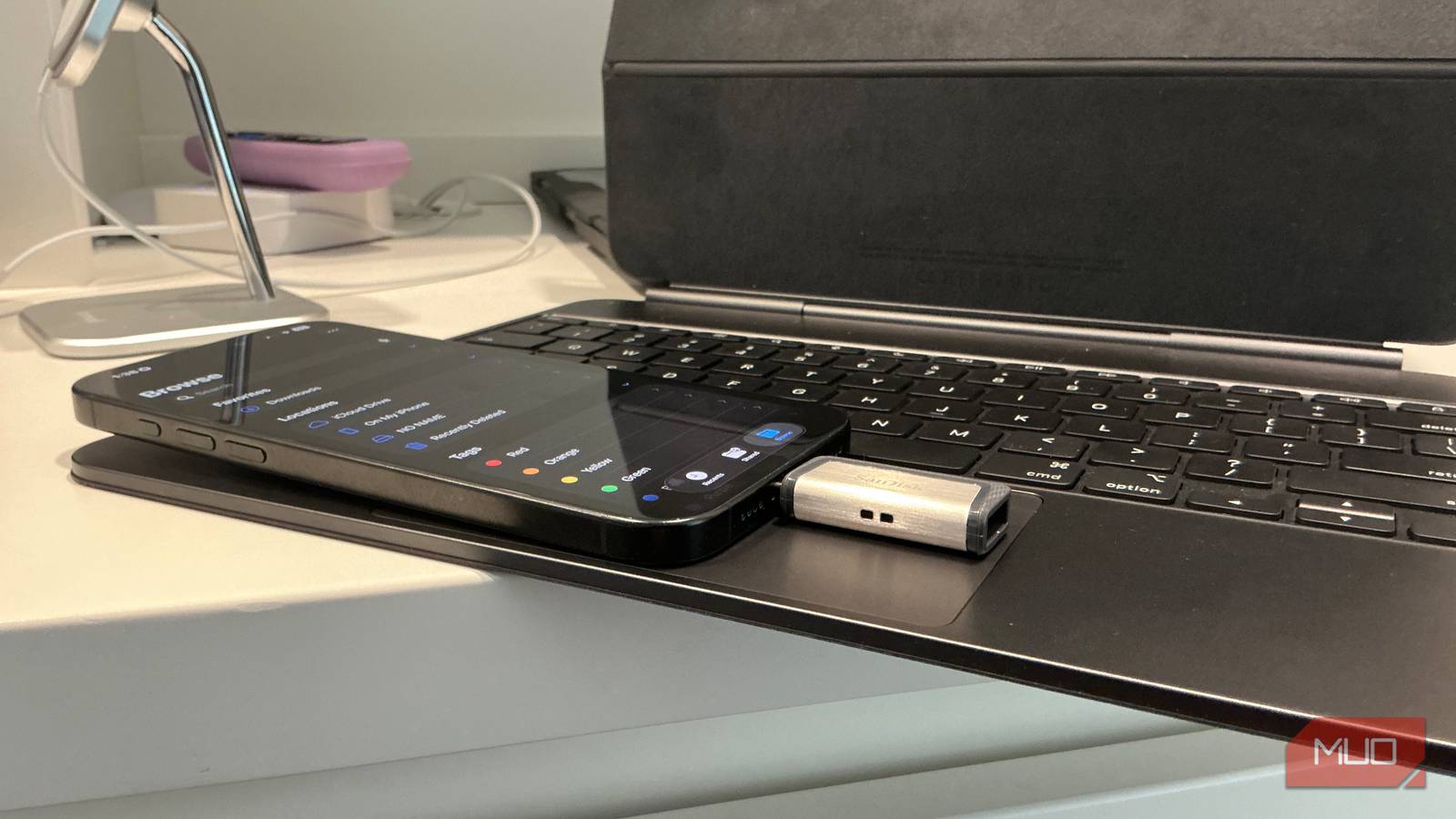
I’d bet most people use their phone’s USB-C port for exactly one thing. A charging cable goes in at bedtime, comes out in the morning, and that’s about it. I was the same way until I started poking around for accessories that actually plug into the one on my iPhone 16 Pro Max—and there are a lot more than I expected.
Android phones moved to USB-C ages ago, and now that iPhones use the same port, every accessory works across both. A cheap USB-C accessory might stretch what your current phone can do far beyond charging—and cost a fraction of what you’d drop on a new device. Instead of getting a new phone, I’ve picked up several over the past year, and these are the ones that stuck.
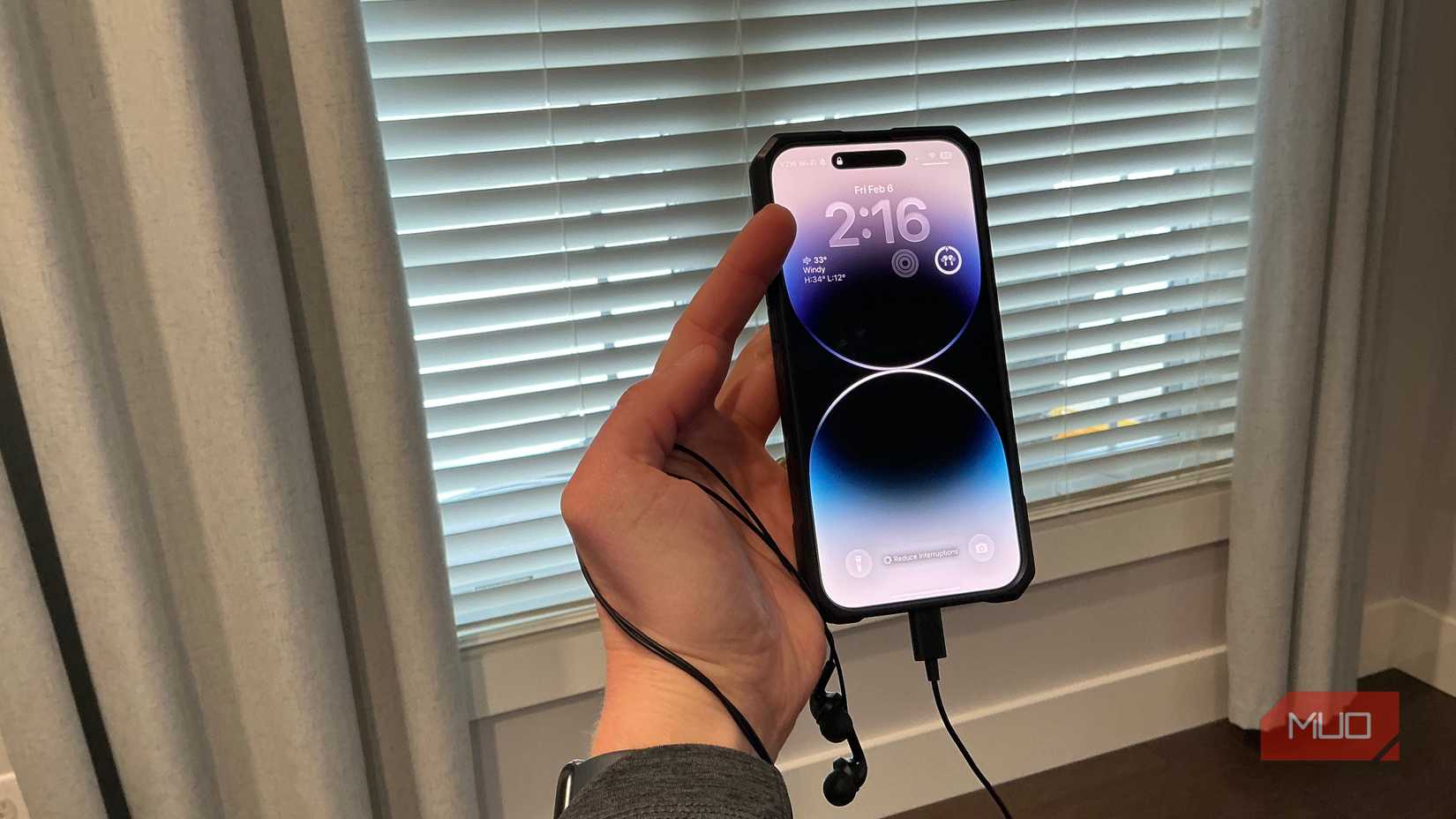
Listen to wired earbuds (yes, even without a headphone jack)
USB-C earbuds bring back what phone makers took away
Credit: Jonathon Jachura / MUO
Back in my day, all phones came with an audio jack. Bluetooth took over for good reason—it’s convenient—but wired earbuds haven’t lost their edge entirely. You never have to charge them, for one. They also don’t have that annoying habit of unpairing themselves when you bounce between your phone and laptop, and latency isn’t a factor when you’re watching video. That last one still sometimes catches me off guard with wireless buds, even pricier ones.
You can grab USB-C earbuds from Samsung, Belkin, or Apple for $20 or less. If you’ve already got a pair of 3.5mm headphones collecting dust in a drawer, though, a USB-C DAC (digital-to-analog converter) might be the better play. It’s a small adapter—barely bigger than a thumb drive—that lets you plug those old headphones straight into your phone’s USB-C port. Apple’s version costs about $10 and gets the job done. iFi sells higher-end models for around $50 that push the audio quality up another notch. It’s a small price for a real bump in sound quality.
Inspect pipes, walls, and tight spaces with an endoscope camera
A $15–$35 camera turns your phone into a diagnostic tool
Think of a flexible cable about as thick as a phone charger, with a tiny camera and a ring of LED lights at the tip. That’s an endoscope. Plug the USB-C end into your phone, fire up the companion app, and your screen becomes a live window into whatever space you’ve threaded the cable into. I bought mine on a whim and have since shoved it down a clogged drain, snaked it behind a wall before drilling, and wiggled it under the fridge to find a toy my kid lost three weeks earlier.
I bought a 16.4 ft model and ended up using it to figure out what was blocking a drain before shelling out for a plumber. It’s the kind of tool you don’t think you need until you use it once. My model works with both iPhone and Android, and carries IP67 waterproof ratings, so you can actually submerge it. Adding USB-C devices to your can replace a surprising number of everyday gadgets.
Expand your storage with a USB-C flash drive
Move files off your phone in seconds
Cloud storage does the trick most days. But try backing up a bunch of vacation photos from a hotel with terrible Wi-Fi, or after you’ve maxed out your free iCloud tier, and the cracks show fast. A USB-C flash drive is the low-tech fix here—plug it in, copy what you need, done.
I picked up a SanDisk dual-connector drive that has USB-C on one end and USB-A on the other. Samsung makes a similar one. Either way, the same thumb drive works in my phone, my MacBook, and my wife’s laptop without any adapter fuss. Samsung’s tops out at 400MB/s transfer speeds and starts around $26 for the 64GB model. The 256GB jumps to around $45, which is still less than a year of most cloud plans.
Some phones will even let you record 4K video straight to external storage, which is a lifesaver if you bought the base storage tier and constantly juggle what to keep. I stuck a SanDisk dual drive on my keychain a few months ago on a whim, and I’ve reached for it way more than I thought I would.
Related
4 tiny USB-C accessories I keep in my bag that fix the most annoying phone problems
There’s lots more you can do with the USB-C port on your smartphone than just charge it, and I keep some accessories in my bag to solve common issues.
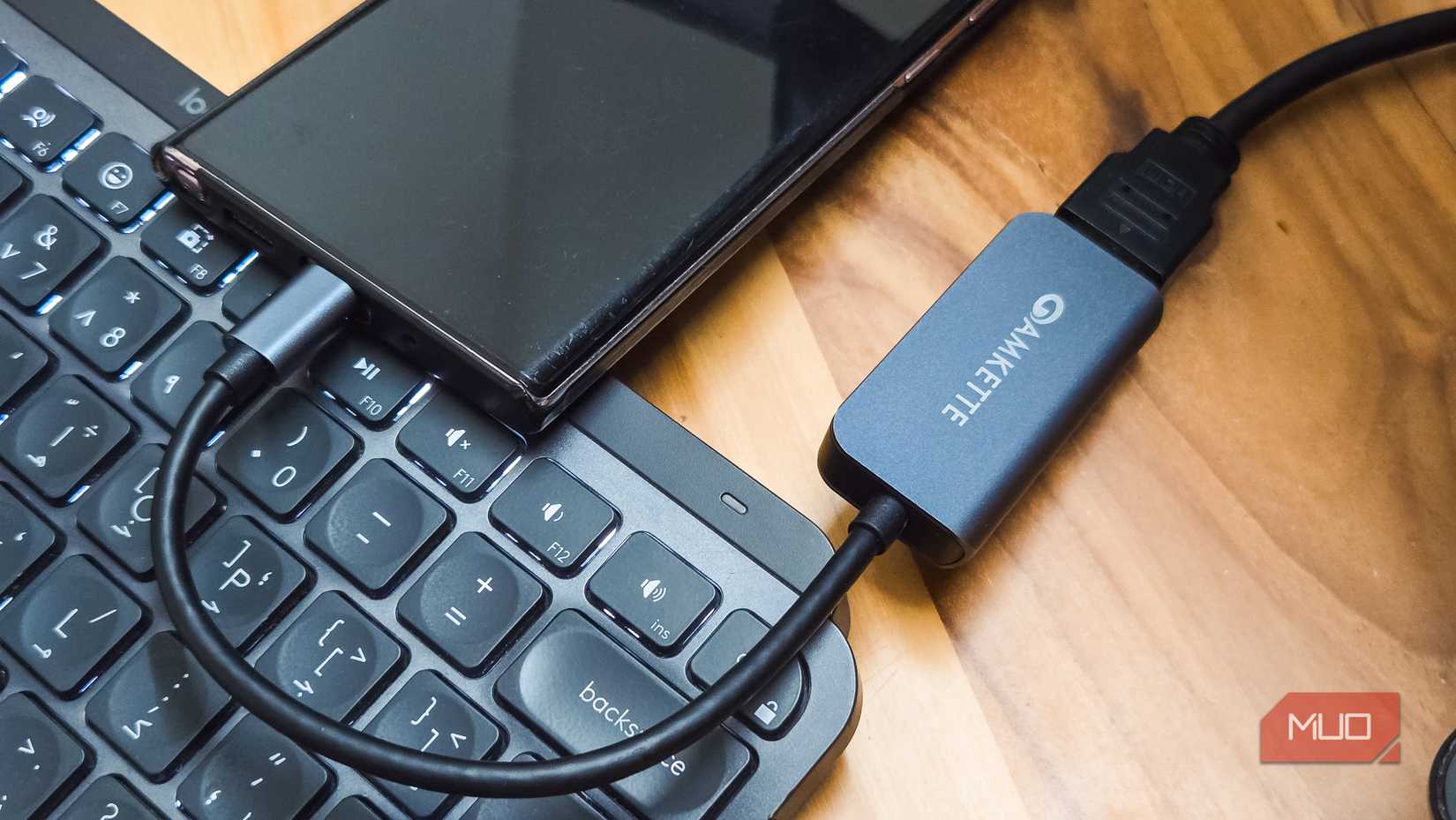
Mirror your screen to a TV or monitor
Skip the casting and go wired instead
Tashreef Shareef / MakeUseOfCredit: Tashreef Shareef / MakeUseOf
I picked up a USB-C to HDMI adapter after one too many failed attempts at casting from a hotel room. It sends video straight from your phone to whatever screen you plug into—TV, monitor, projector, doesn’t matter. No Wi-Fi involved at all. Streaming, slide presentations, photo slideshows, mobile gaming on a bigger screen—it all works through one cable.
I’ve found this most useful when traveling. Hotel TVs rarely have the streaming apps I actually use, and getting AirPlay or Chromecast to cooperate on an unfamiliar network is its own special frustration. A $15–$40 adapter from Anker or Belkin sidesteps all of that. Samsung Galaxy owners get an even better deal—DeX mode delivers a desktop-like experience when connected to an external display, complete with resizable windows and a taskbar.
Spot energy leaks with a thermal imaging camera
A phone-mounted thermal camera can pay for itself
Jowi Morales / MakeUseOf
Credit: Jowi Morales / MakeUseOf
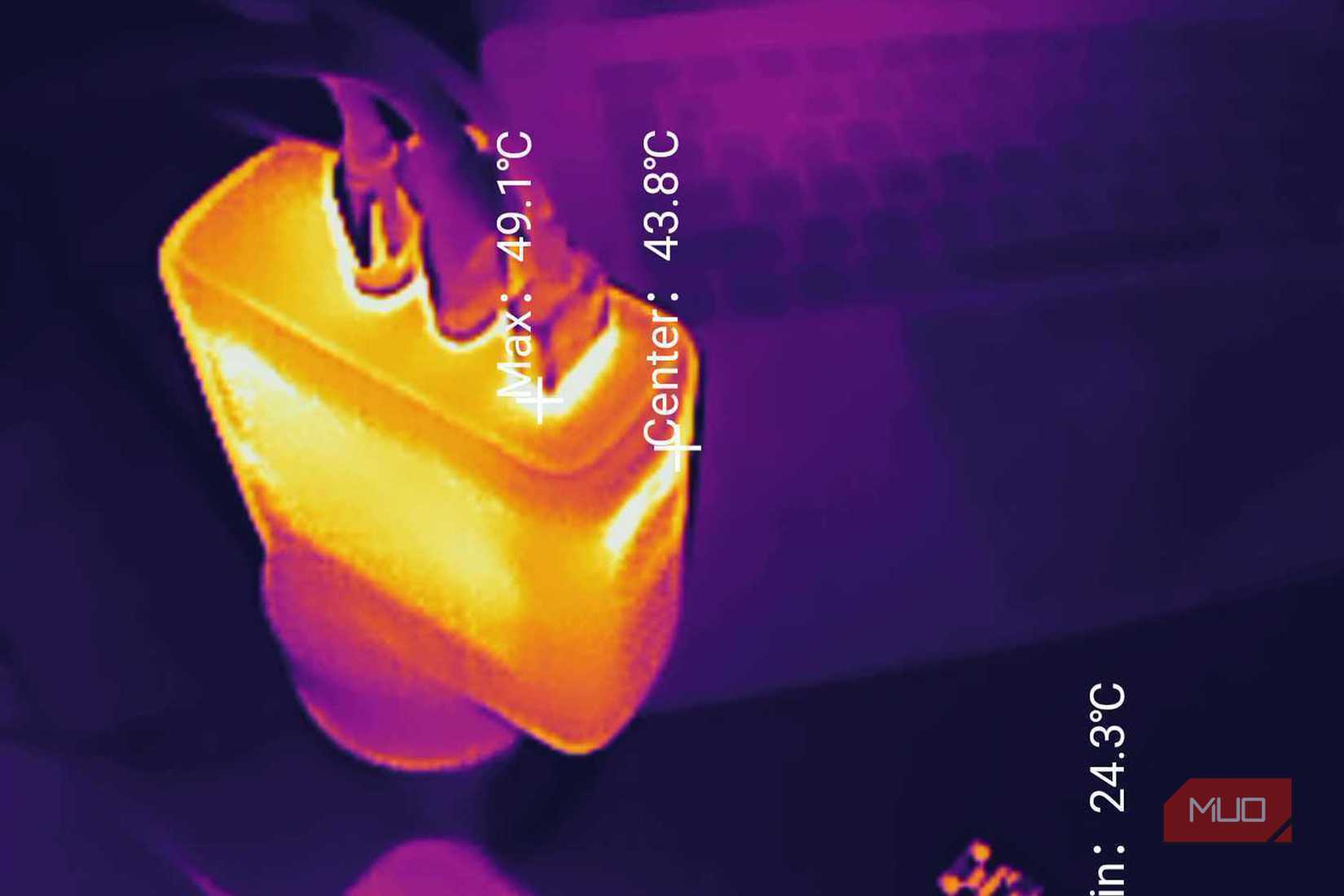
FLIR makes thermal imaging cameras that plug right into your phone’s USB-C port. Once connected, an app turns your phone screen into a color-coded heat map. I pointed one at my living room windows last January and immediately spotted cold air pouring in along the bottom seal. I’ve also used it to check insulation coverage in the attic and make sure an outlet behind a bookshelf wasn’t running hot. Indiana winters don’t mess around, and having a way to actually see where heat is escaping made a real difference in how I approached weatherproofing the house.
These aren’t impulse buys—models range from around $100 to over $500, depending on resolution—but for anyone who tackles home improvement projects or wants to cut energy costs, the investment can pay for itself in a single heating season.
The best phone upgrade might already be in your pocket
Here’s the thing about that USB-C port—you already use it every single night. All the accessories on this list plug into the same spot your charger does, and most cost less than dinner out. I’ve gotten more mileage out of those three purchases than any phone upgrade I can remember. They’re worth a shot before you trade in.