
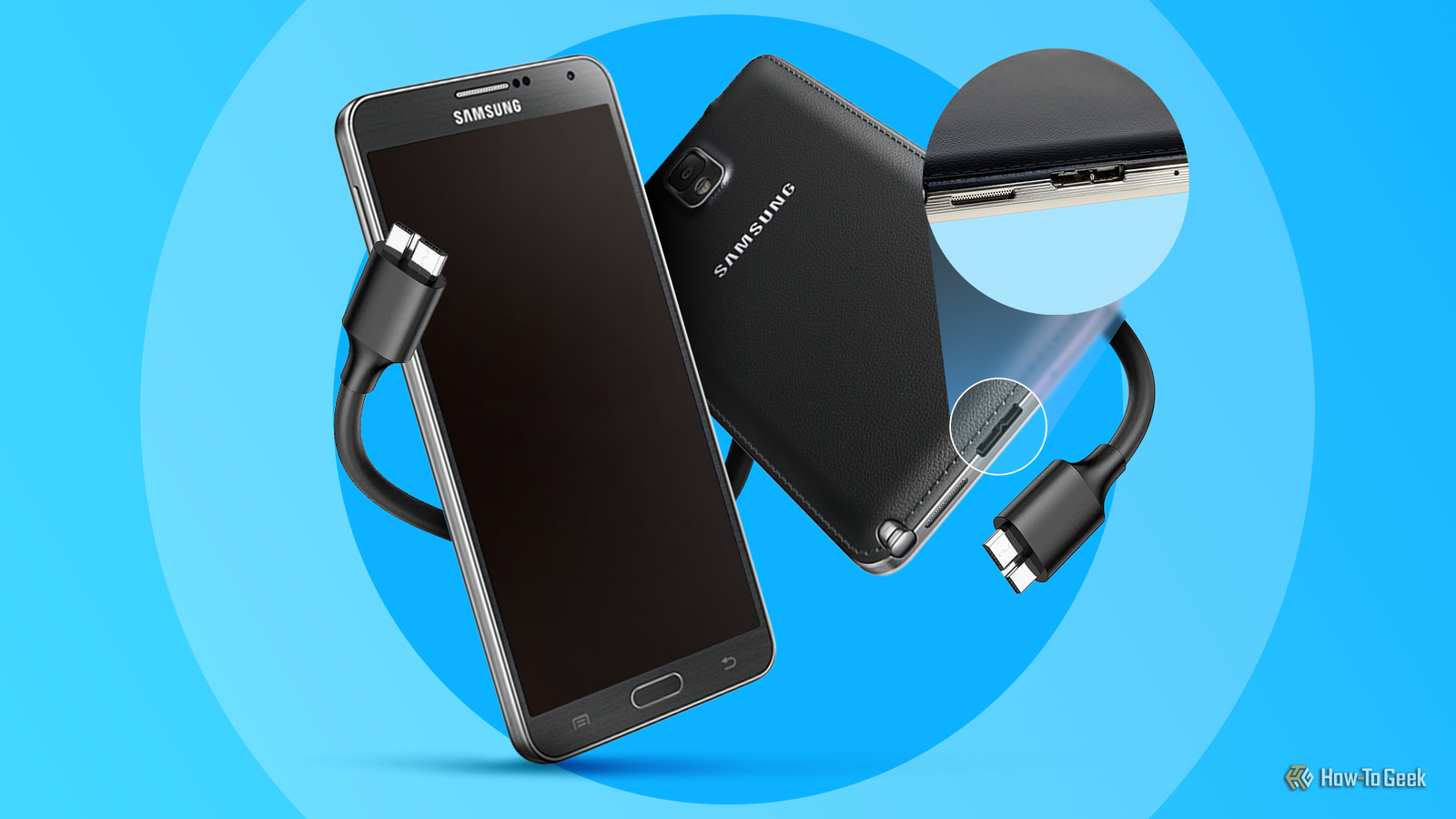
Whether it’s for charging or transferring files, USB-C is the standard that smartphones use today. But before USB-C went mainstream, micro-USB ruled the smartphone world. What many people forget is that there was a third connector Samsung tried to push—and it was somehow even uglier and bulkier than micro-USB.
Samsung tried to make USB 3.0 micro-B a thing (and it was actually kind of cool)
Before we talk about the weirdness of Samsung’s USB port, let’s start by giving you a quick refresher on micro-USB. It was based on the USB 2.0 protocol, and before USB-C became prevalent, micro-USB was the universal standard for charging and transferring data on Android phones and dozens of other gadgets.
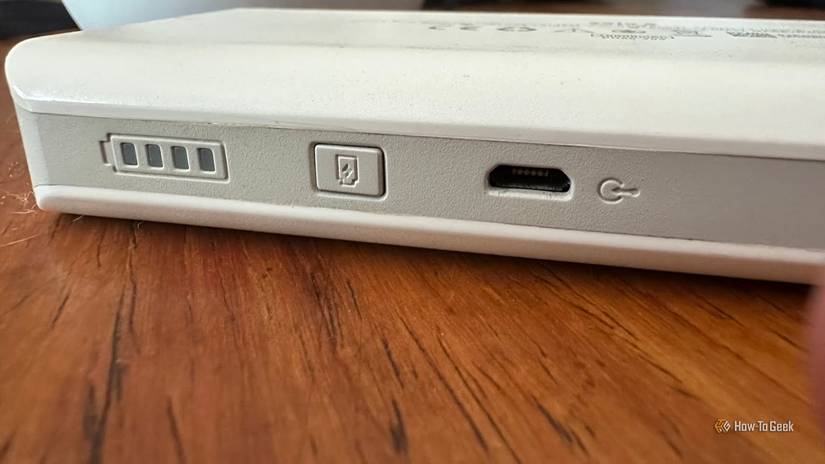
Credit: Sydney Louw Butler/How-To Geek
A major drawback of micro-USB, aside from not being reversible like USB-C, was that its maximum bandwidth was limited to transfer speeds of just 480Mbps. That’s a transfer rate of about 60MB/s on paper, but in practice, it was much slower at around 20MB/s.
So, when Samsung released the revolutionary Galaxy Note 3 in 2013, one of the first phones in the world capable of recording 4K video, it was a pretty big deal. The Note lineup was always targeted toward power users who push their phones to their limits, so transferring large 4K videos from your Note 3 to a PC or laptop over the slow USB 2.0 protocol didn’t sound very appealing.
To solve this problem, the forward-thinking Note 3 was equipped with a USB 3.0 micro-B port.
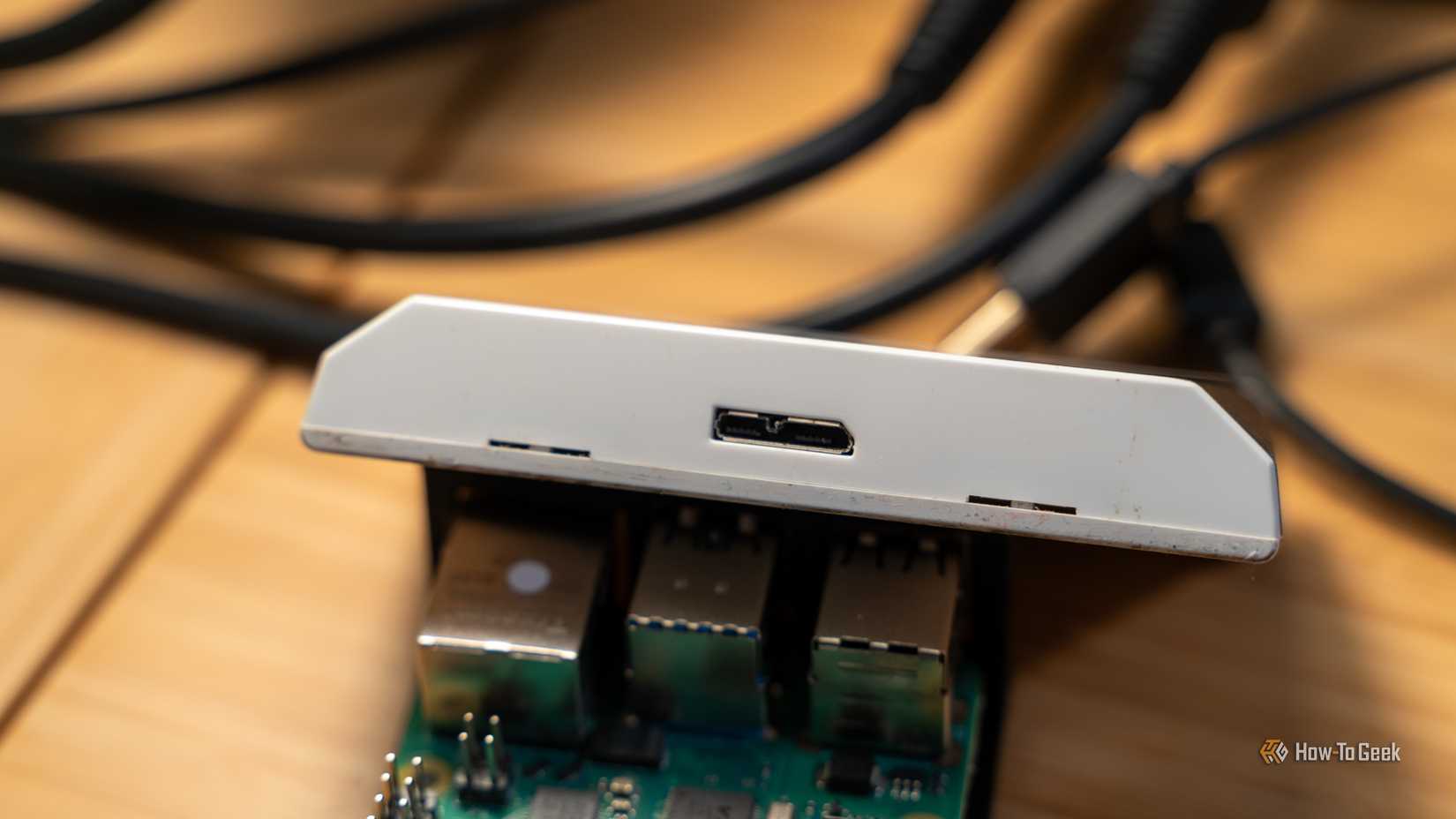
Credit: Patrick Campanale / How-To Geek
It was a downsized version of the USB 3.0 standard and had a theoretical maximum file transfer speed of 5Gbps, or 625MB/s when used with a compatible USB 3.0 port on a computer or laptop.
Real speeds were lower, with most tests reporting transfer speeds of around 60–70MB/s, sometimes even more. That’s roughly three times the speed of a regular micro-USB port!
Another small benefit of USB 3.0 was that it allowed up to 4.5W charging when the phone was connected to a USB 3.0 port. This was nearly double the 2.5W that micro-USB 2.0 could deliver, although it was still much slower than the charging speeds you’d get from a proper wall charger.
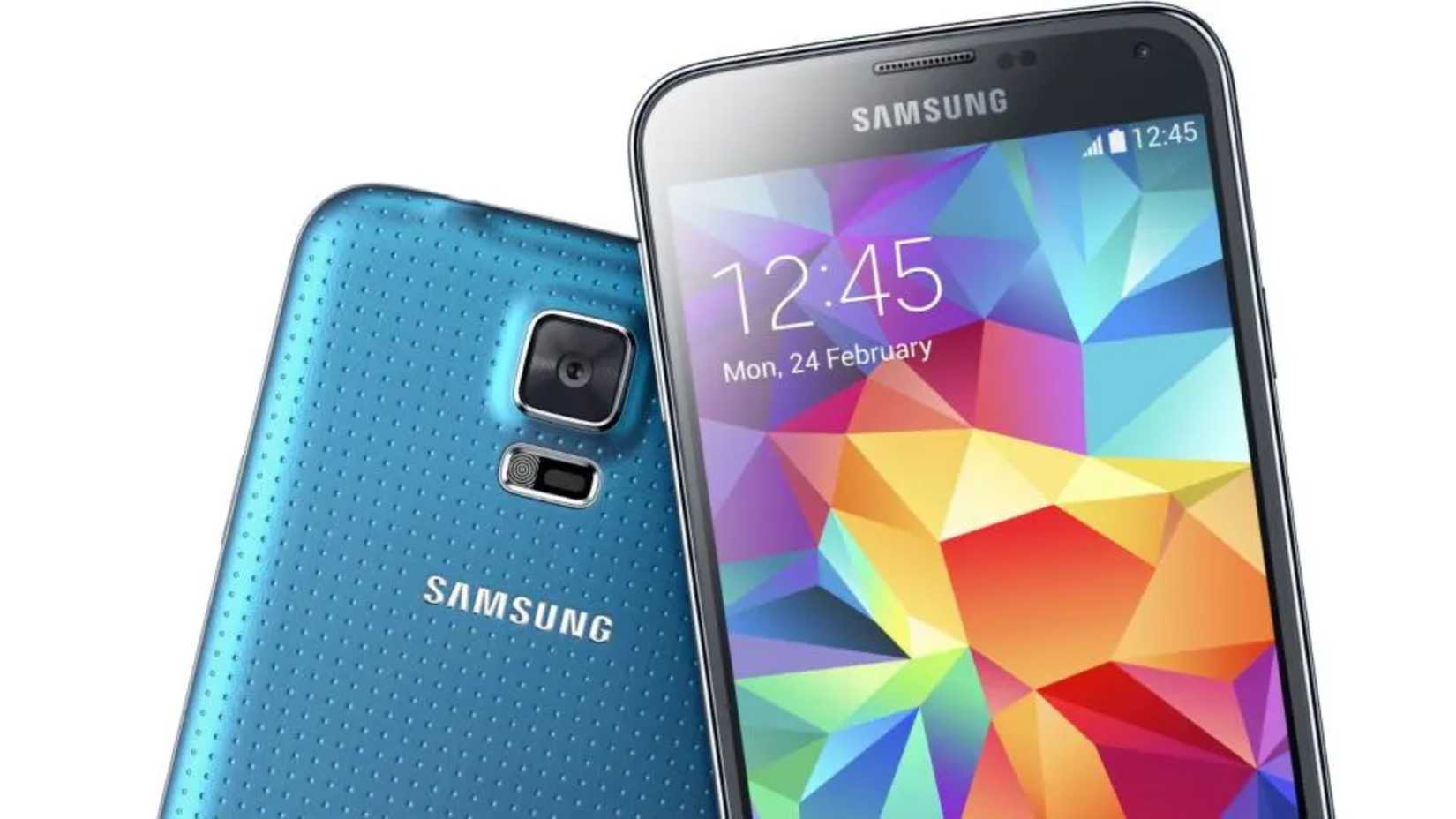
Samsung believed in the potential of the USB 3.0 micro-B port so much that it was also included in the next Galaxy S series flagship, the Galaxy S5, as well as the Galaxy Note Pro 12.2 tablet.
This begs the question: when the Galaxy Note 4 came around later in 2014, why did it drop the USB 3.0 micro-B port and revert to a regular micro-USB 2.0 one?
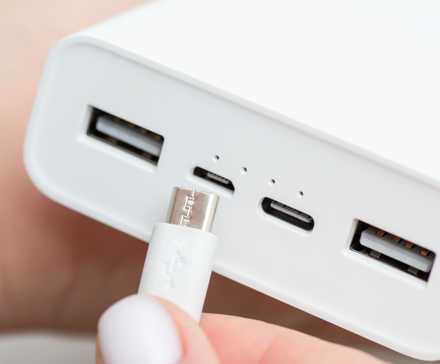
Related
If your power bank has this port, it’s probably time for a replacement
We’re not micro-managing you, honest.
Too big, too awkward, and just plain unnecessary for most regular users
Aside from the few percent of people who transferred large files between their phone and PC (and actually had a USB 3.0 port on their laptop or desktop), the USB 3.0 micro-B port was universally hated by the masses. People wanted a slimmer, more minimalist charging cable, not an enormous, awkward two-pronged monster.
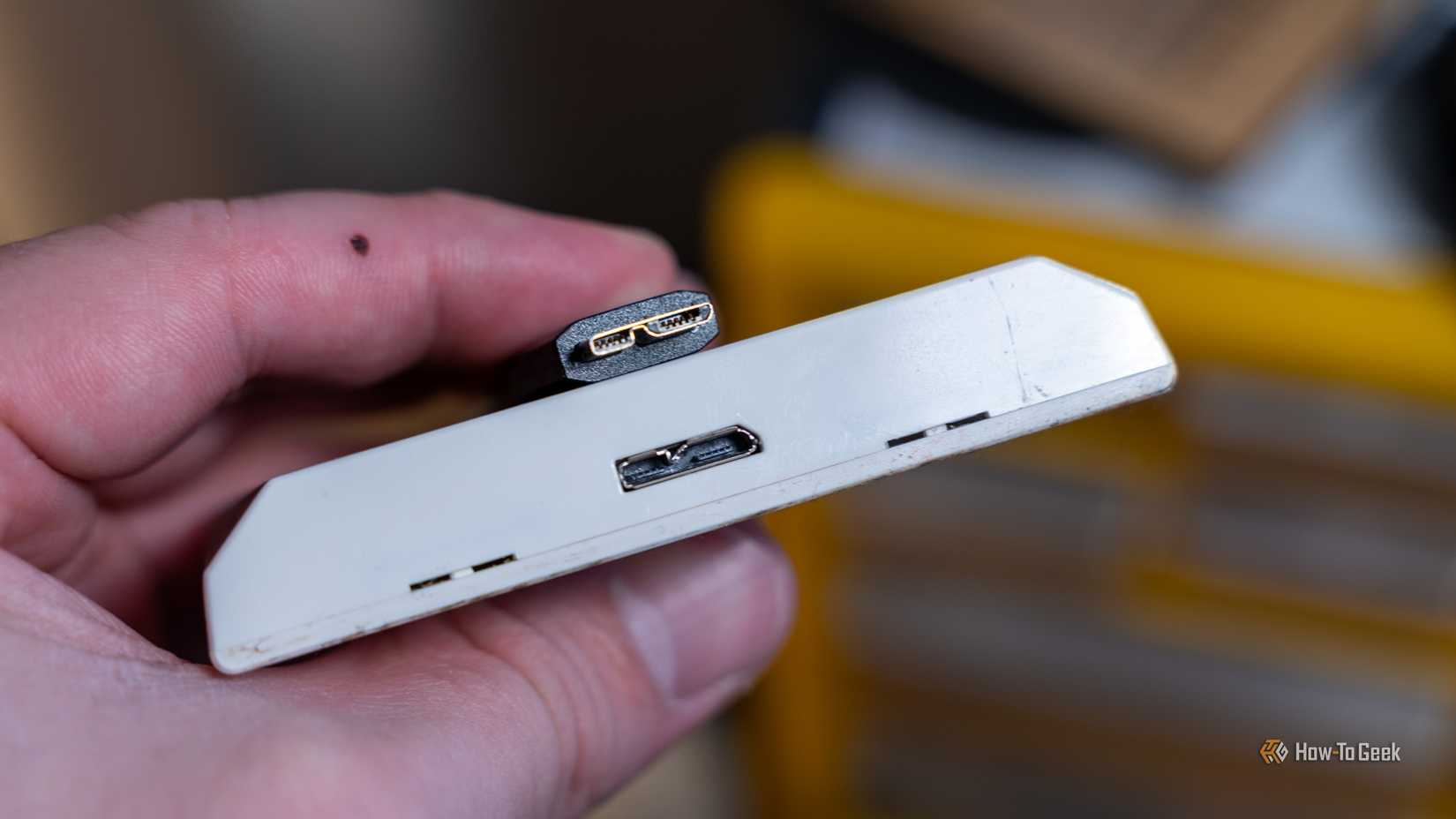
You see, the USB 3.0 micro-B design was pretty unique—or should I say uniquely ugly?
Credit: Patrick Campanale / How-To Geek
It was essentially a regular micro-USB 2.0 with a second, rectangular section on the right side that added five extra USB 3.0 pins. The overall connector was significantly wider, larger, and bulkier than the slim and elegant micro-USB one.
It’s worth noting that USB 3.0 micro-B was backward-compatible with micro-USB cables, so you could charge and transfer files using a micro-USB cable at the slower USB 2.0 rate without any issues.
However, plugging a micro-USB cable into a micro-B port could feel awkward, since you had to carefully align the connector with the left side of the port. If you weren’t careful or tried to force the cable in, you could easily damage the housing or pins.
It didn’t help matters that the Samsung Galaxy S5 added a small plastic flap to cover its port to maintain its IP67 water and dust resistance rating.
Credit: Samsung
Samsung quietly backtracked on the weird port
What’s particularly interesting to me about the USB 3.0 micro-B port situation is just how quickly Samsung abandoned the standard. The vast majority of people didn’t want or need a desktop-grade USB port on their phones. Most just used it for charging, and even in 2013–2014, cloud services like Google Drive and AirDroid made transferring files between phone and computer easier than ever.
While plugging and unplugging that wide connector was a nuisance, aesthetics also played a big role in Samsung’s decision to revert to micro-USB with the release of the Galaxy Note 4 and Samsung Galaxy S6.
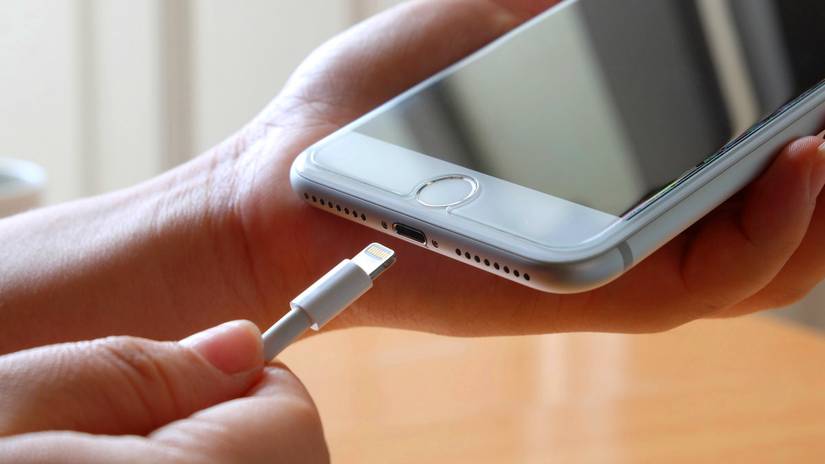
Quite frankly, the port looked ridiculous compared to Apple’s Lightning connector. Virtually no other Android phone followed Samsung’s lead, sticking with the simpler, slimmer micro-USB design instead.
Credit: PIMPAN/Shutterstock.com
Meanwhile, a new type of USB connector was slowly emerging. It promised even faster speed, improved ergonomics, and sleekness that the industry had been waiting for.
USB-C has killed the idea of non-standard USB ports on phones, and that’s a good thing
USB-C did everything Samsung’s weird USB 3.0 Micro-B could do, but better. The first generation of USB-C ports in phones supported the same 5 Gbps bandwidth as that bulky Micro-B connector, but it was slimmer, more durable, and, most importantly, reversible. Say goodbye to worrying about orientation when plugging your phone in!
Although Samsung was quick to adopt the USB 3.0 Micro-B port, the company seems to have learned its lesson and waited until the Galaxy S8 in 2017 to switch to USB-C, by which time many other Android phones, like the OnePlus 2 and Google Nexus 6P, had already been using it for a couple of years.
While USB-C is still not the universal standard it was originally promised to be, it added a ton of capabilities to phones over the years: faster data bandwidth, a universal fast-charging protocol (USB Power Delivery), DisplayPort Alternate Mode for connecting to external displays, and more—all thanks to its widespread adoption and, eventually, the EU mandate for standard charging ports.
Related
USB-C Didn’t Fix Anything After All
Can you USB-C the problem?