
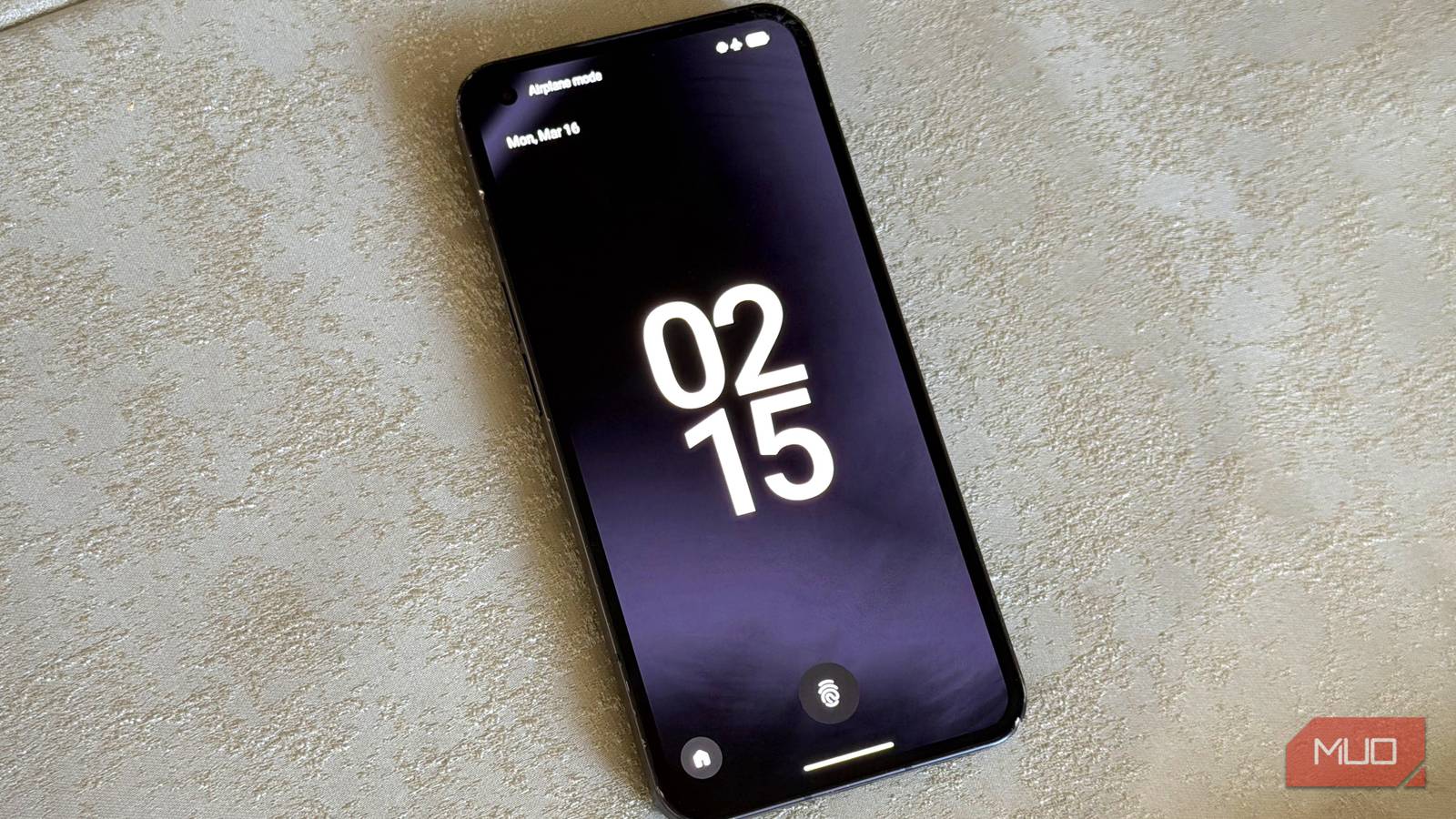
Not long ago, I got the itch to upgrade my old phone to Android 16. LineageOS was the only way to do it, so I went with it. It didn’t take long to regret that decision — mainly because I lost all the fun quirks of the original phone (Nothing Phone 1), and the default camera app was embarrassingly basic.
The plan was to revert back to NothingOS, but that turned out to be a task on its own. My original account of installing LineageOS attracted plenty of comments too. Not all of them were kind, but the message was consistent: you don’t install LineageOS and leave it as-is. Nobody uses it straight out of the box.
The message was received. Seeing that customizing LineageOS would be far easier than reverting the phone to NothingOS — and that I might actually come out ahead — I took the plunge. I’m happy to say you were right. LineageOS is a completely different beast once you customize it.
Camera
GCam for the win
The camera was my biggest grievance with LineageOS. NothingOS had a genuinely good camera app — solid photos for the phone’s price point, with a polished interface to match. LineageOS stripped all of that away and replaced it with something barebones. I tried sideloading the Nothing Camera APK directly, but it refused to install.
Then I found GCam. You’ve probably heard the name before. GCam — short for Google Camera — is the camera app Google bundles with its Pixel phones. You can’t just grab it from the Play Store or install a raw APK and expect it to work. What you need is a ported version built specifically for your device: first so that it actually runs, and second so that it’s properly matched to your phone’s hardware.
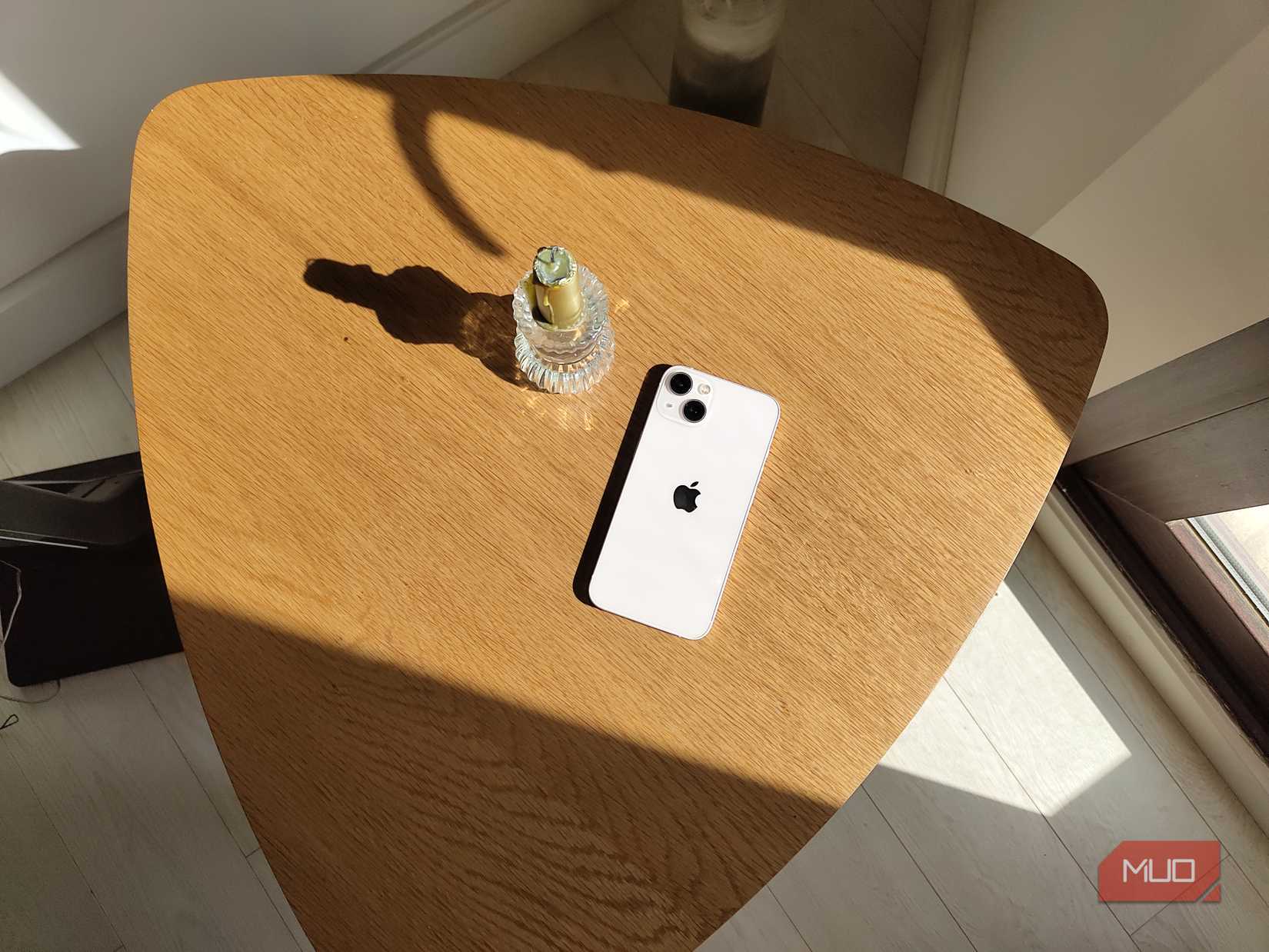
Amir Bohlooli / MUO
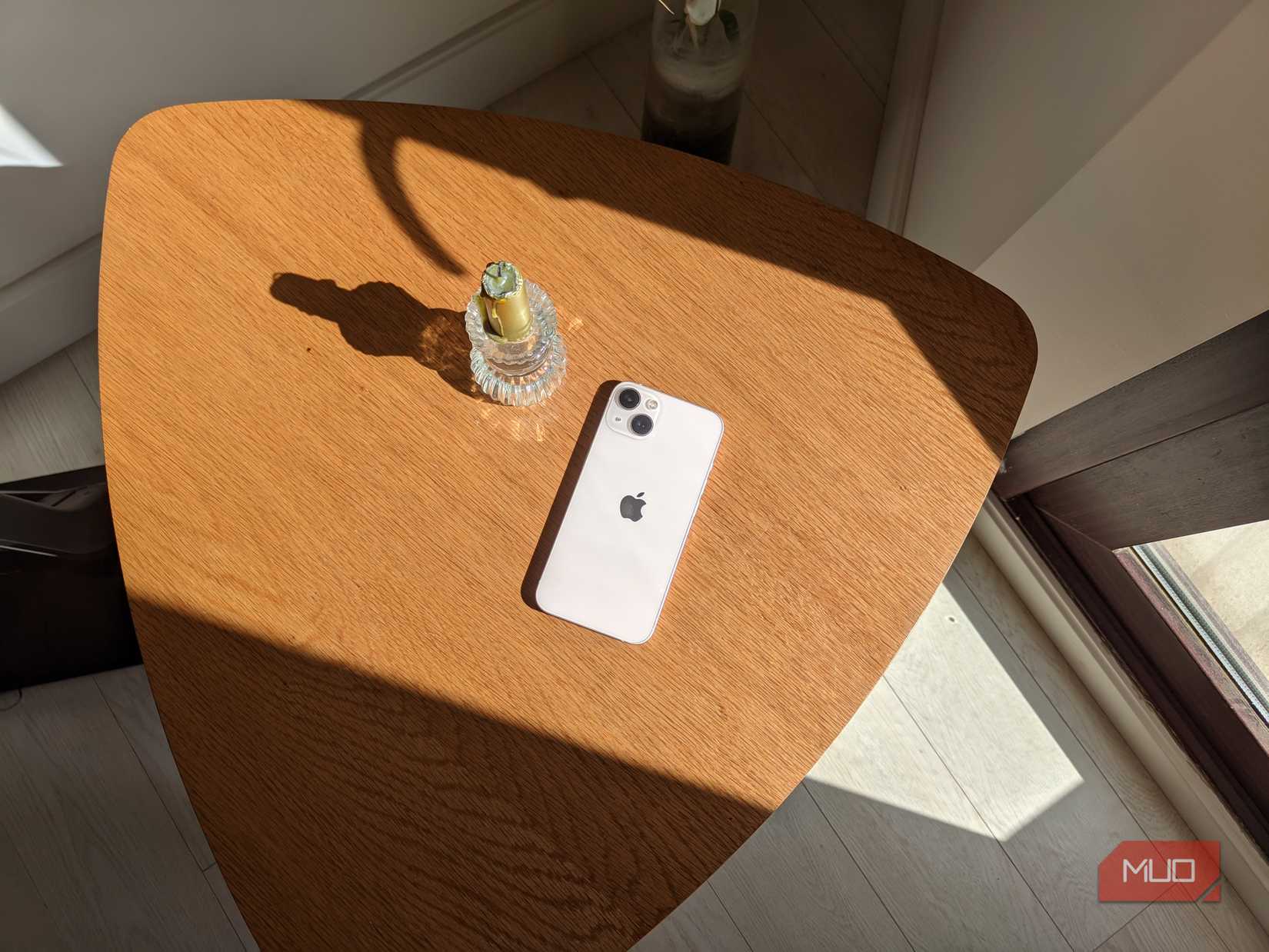
Amir Bohlooli / MUO
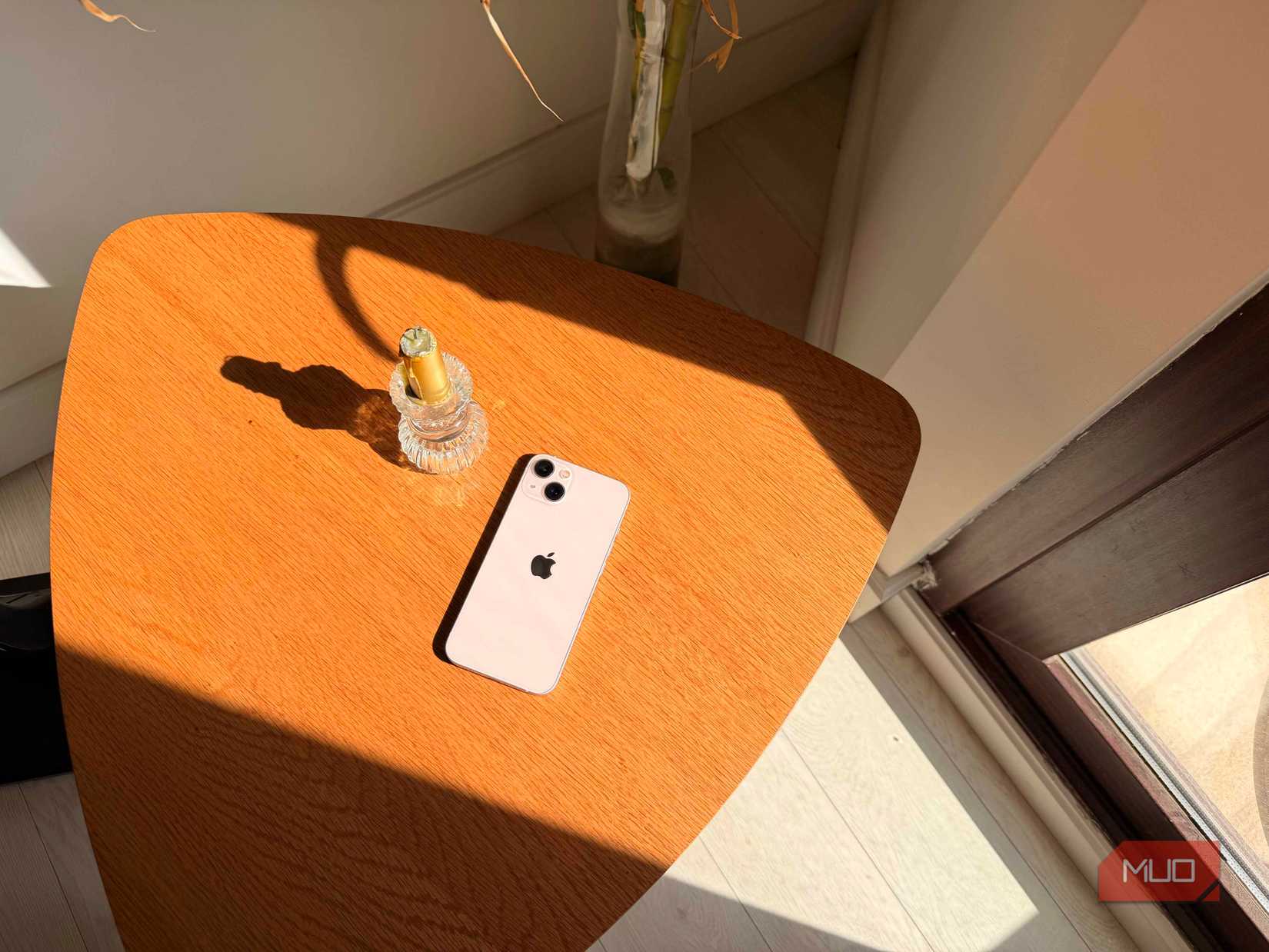
Amir Bohlooli / MUO
Stock camera
GCam
iPhone 17 Pro
Installing GCam inevitably involves sideloading, but at this point, that should be a familiar exercise. You already sideloaded an entire custom Android OS onto your phone. You know the risks.
GCam also supports importing configs — XML files that define the computational photography parameters baked into the app. Patient, technically-minded people dig into those parameters, tune them until they’re a good match for a specific device, and then export the XML and share it publicly. It’s a generous corner of the community, and it saves everyone else a lot of trial and error. You can find ports and configs for your device on XDA Forums, though if you’re running something less mainstream — like I am — expect to do a bit more digging.

Amir Bohlooli / MUO
Amir Bohlooli / MUO

Amir Bohlooli / MUO
Stock camera
GCam
GCam portrait
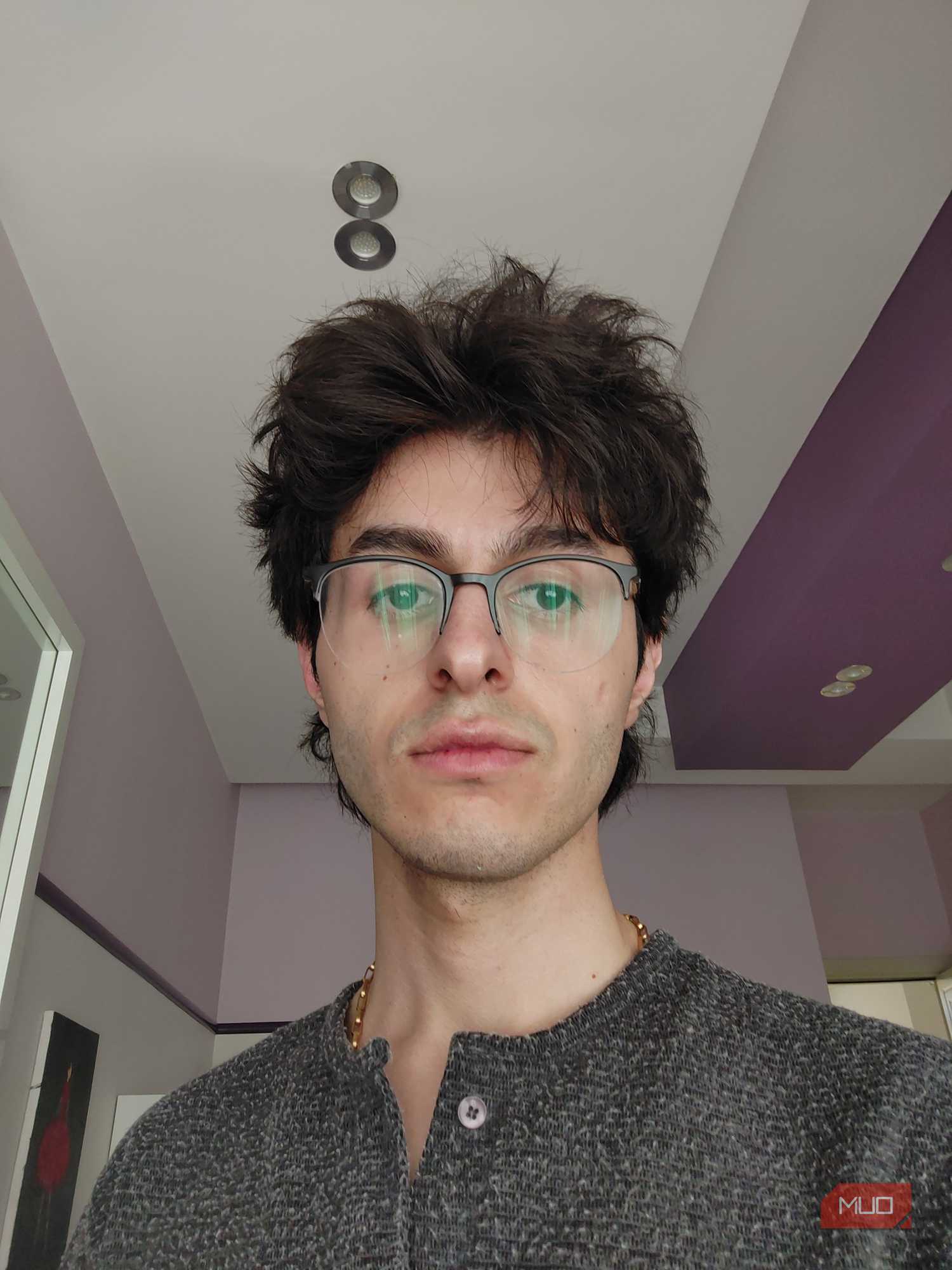
Once I had GCam up and running with the right config, the difference was immediately noticeable. I won’t say it’s “better” as it’s a matter of taste, but it does look to have higher quality. That’s not always a good thing for selfies if you don’t have perfectly smooth skin. Those GCam selfies reveal every unevenness in my skin. Oh well.
Better photos, more control over the camera than I’d ever had before, and bonus modes I didn’t even have on stock — including Astrophotography mode, which I’ve been waiting to properly try out on a clear night.
Remember to disable the built-in camera app so your shortcuts and gestures automatically take you to GCam.
Custom launcher
Non-negotiable
Amir Bohlooli / MUO
Amir Bohlooli / MUO
Amir Bohlooli / MUO
Amir Bohlooli / MUO
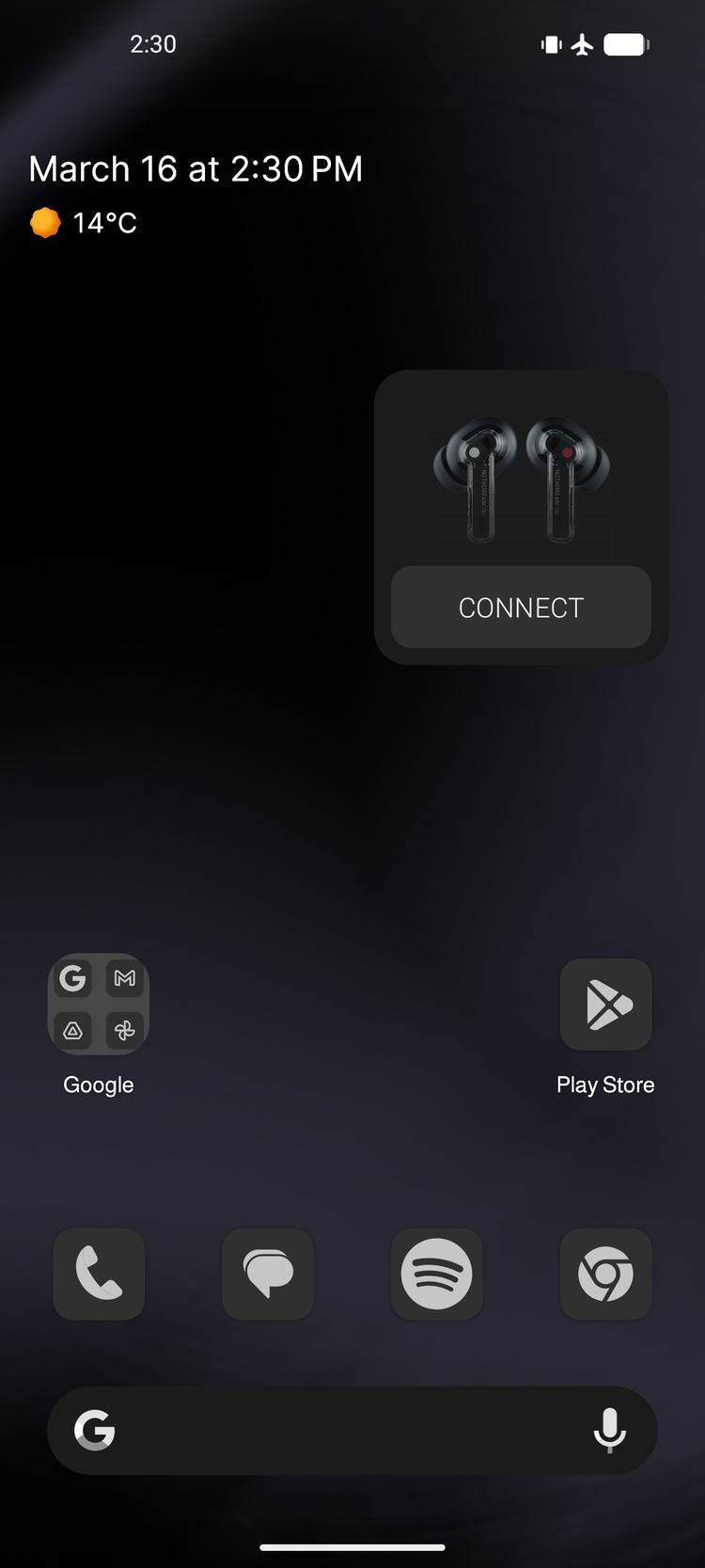
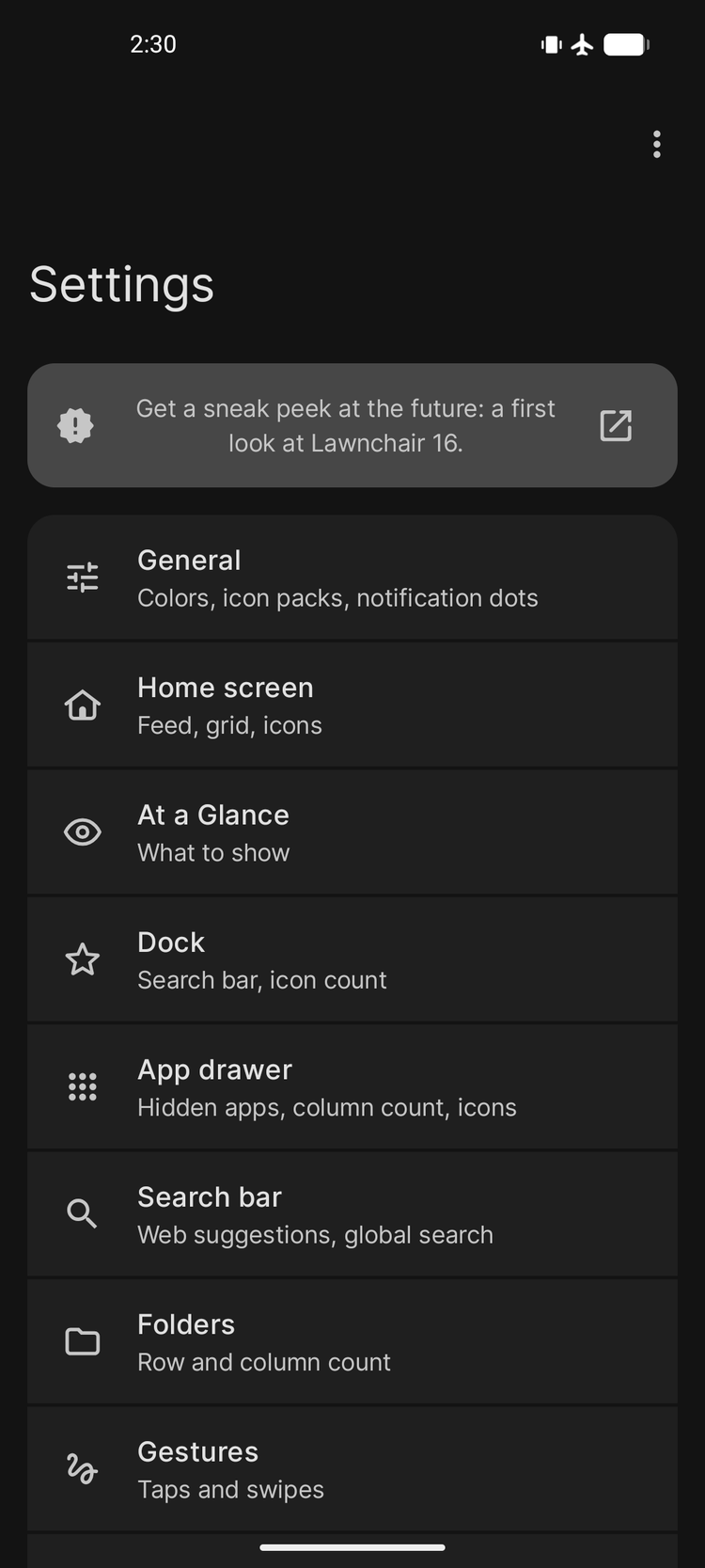
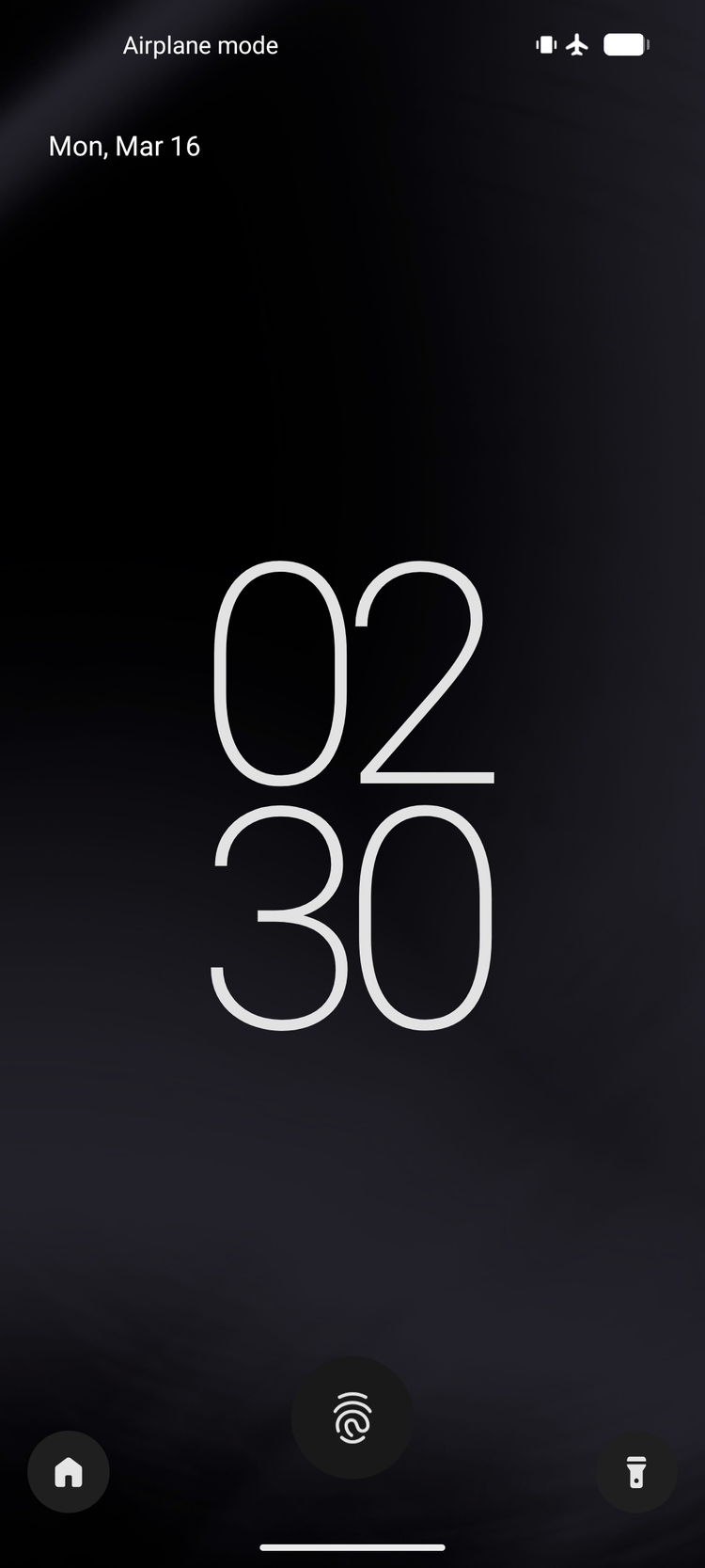
LineageOS ships with Trebuchet as its default launcher. It’s competent and covers the basics, but if customization is what you’re after, you’re going to need something else. There’s no shortage of launcher options on Android, and after some consideration, I landed on Lawnchair.
Lawnchair is open-source, which matters a great deal for something as foundational as a launcher. You don’t want your launcher stuffed with ads or holding useful features hostage behind a paywall. Lawnchair is free, allows for deep customization, and even brings Pixel-exclusive features like At a Glance and Smartspace along for the ride.
Beyond that, a key reason to use a custom launcher is icon pack support. You can’t apply icon packs system-wide unless your launcher supports them — and that discovery sent me down a rabbit hole I didn’t expect to enjoy as much as I did.
Icon packs
Define the whole look
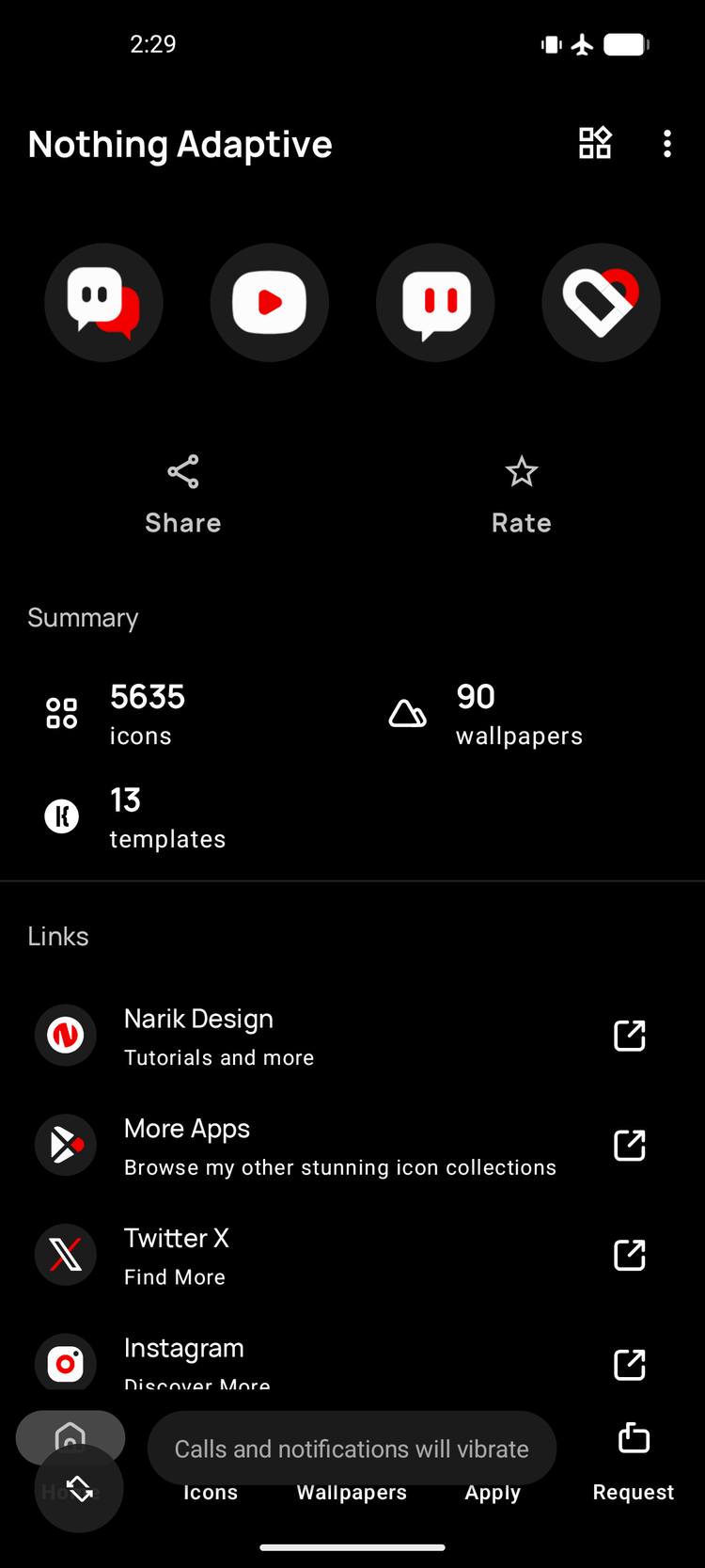
Icon packs are apps you download from the app store, but you can’t use them directly. Think of them as libraries: they only do something when another app — your launcher — calls on them. They come in all varieties: paid, free, and open-source. Since you’re essentially paying for a curated set of images, most paid options are sensible one-time purchases rather than subscriptions.
After trying a few, I settled on Everything Adaptive Icons. I also disabled the tint to make it fully monochrome, which gave the whole interface a clean, unified look.
While I was at it, I also changed the font. NothingOS uses the NDot font family, which is open-source and available on GitHub. Lawnchair lets you install fonts directly from their OTF files, so swapping it in was painless. It’s a small touch, but seeing that familiar typeface carried over made the phone feel a lot more like home.
You have to commit to get the most out of LineageOS
I take back what I said about LineageOS. But also, not entirely. What I concluded before still holds: LineageOS doesn’t offer the same polished out-of-the-box experience as a manufacturer’s custom Android, and if that manufacturer put genuine effort into their skin, you will feel the loss. That’s still true.
But if you commit — if you’re actually willing to go looking, tinker, and put in the time — the results are absolutely there. LineageOS isn’t trying to hand you the perfect Android experience ready-made. What it does give you is the platform to build your own. No bloat you didn’t ask for, no features locked away, no waiting on a manufacturer to push an update. Just clean Android, shaped exactly the way you want it.
I’m keeping LineageOS on this phone.