Apple age verification went live in the UK in iOS 26.4 after a previous accidental release in the developer beta. While it was straightforward for me, some on the Apple Support forums and Reddit are reporting major problems with the process.
Some of the issues appear to be based on misunderstandings around the acceptable documentation when the company is unable to verify your age automatically, while others seem to be system failures …
Apple this week activated a requirement for UK users to verify that they are 18+ in order to get continued access to all apps in the App Store. This is based on compliance with Britain’s Online Safety Act, although conflicting views have been expressed over whether this is actually a legal requirement for the company.
Either way, the move was yesterday welcomed by regulator Ofcom.
The age verification process
A new link will appear in the settings app for UK users after upgrading to iOS 26.4. This is labeled “Confirm You Are 18+.”
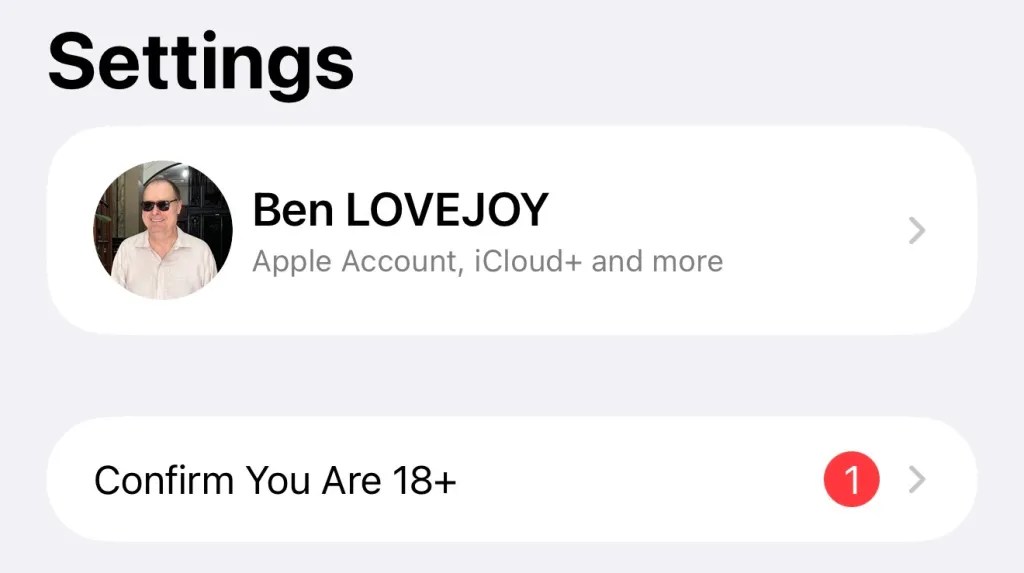
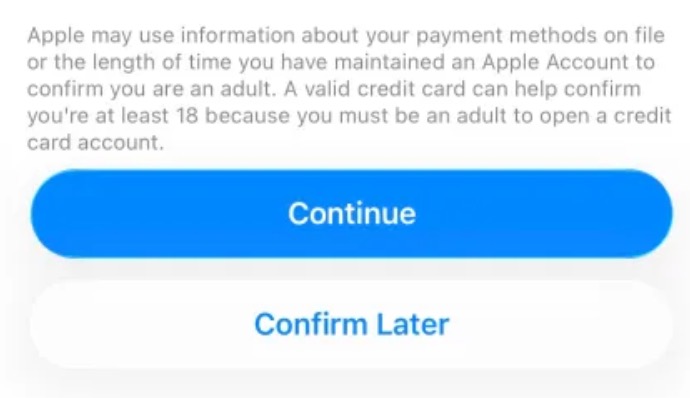
When you tap on this, a screen tells you that Apple may be able to automatically verify your age.
 Screenshot
If so, then tapping the continue button is all you need to do and you’ll receive confirmation that the process is complete.
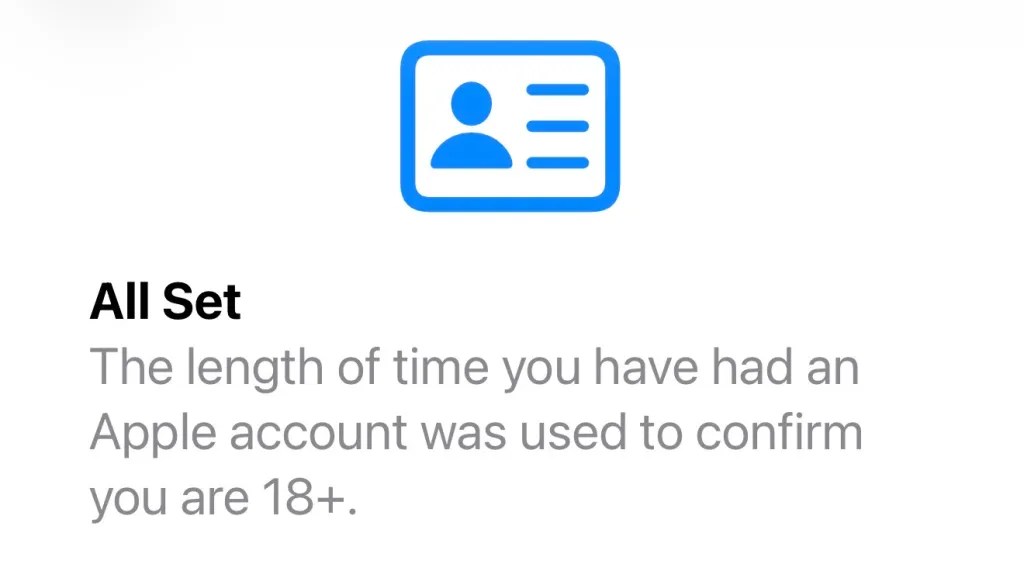
If the company isn’t able to do so, however, you’ll need to manually prove your age – and this is where some users are experiencing problems.
What proof is and isn’t accepted?
One source of confusion is that Apple accepts a credit card as proof of age, as these can only be legally issued in the UK to those who are at least 18 years old, while a debit card isn’t accepted, as these can be issued at a younger age.
Not everyone is clear about the difference between the two, and it doesn’t help that there is no legal requirement for banks to label the cards as one or the other.
Additionally, some people are trying to use their passport, which – for unknown reasons – is not accepted by Apple as proof of age in the UK.
A driving licence, however, is accepted – including a provisional one.
So, tl;dr:
Credit card or driving license: Yes
Debit card or passport: No
Other issues, and possible solutions
However, some of those using a credit card or driving license are still finding that the process doesn’t successfully complete. There appear to be three different things that have worked for at least some people.
First, just wait when attempting the driving license scan. Some reported that nothing appeared to be happening, but it did finally scan after they waited for around 10 seconds for each side of the card. It’s important to ensure that there are no shadows cast by the phone when scanning your driving license.
Second, restart your phone and then try again. A number of people have found that they had no luck initially but were able to successfully complete the process after a manual restart.
Third, some have found that a credit card was initially rejected but was accepted after they added the card to Apple Wallet.
9to5Mac’s Take
My verification was automatic, meaning that I haven’t been able to personally see the prompts provided by Apple for manual verification. However, based on the number of issues being reported, it seems like the company may need to be clearer that debit cards and passports are not acceptable.
Apple also needs to change the process so that passports are accepted in future. It’s notable that if you need to prove your identity to Apple in the US, then a digital ID created from your US passport is accepted.
If none of the suggested remedies above work for you, then the only remaining option may be to give it a few days while Apple works on fixing whatever bugs are occurring.
Photo by Hessam Nabavi on Unsplash


FTC: We use income earning auto affiliate links. More.