
Hadlee Simons / Android Authority
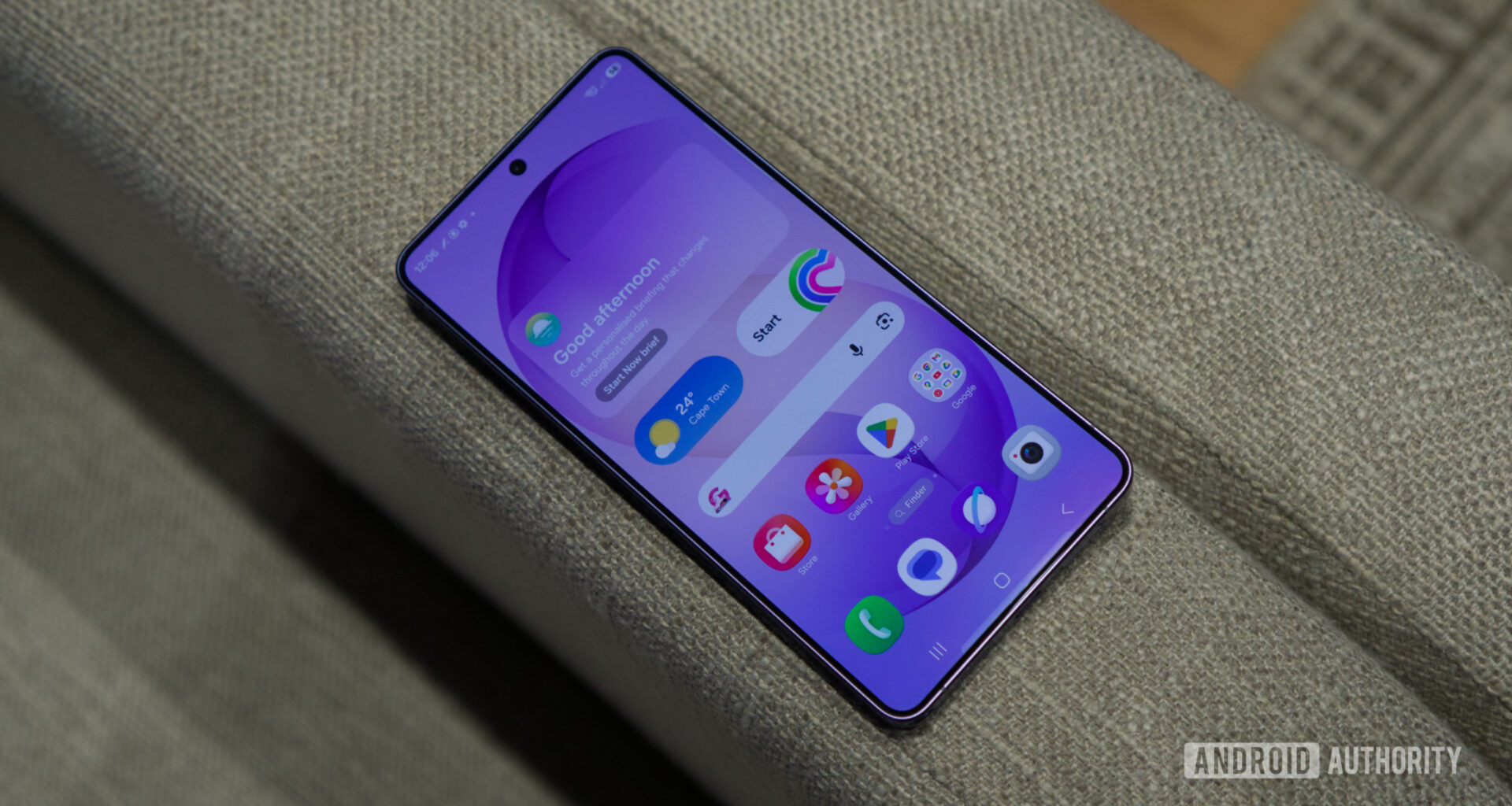
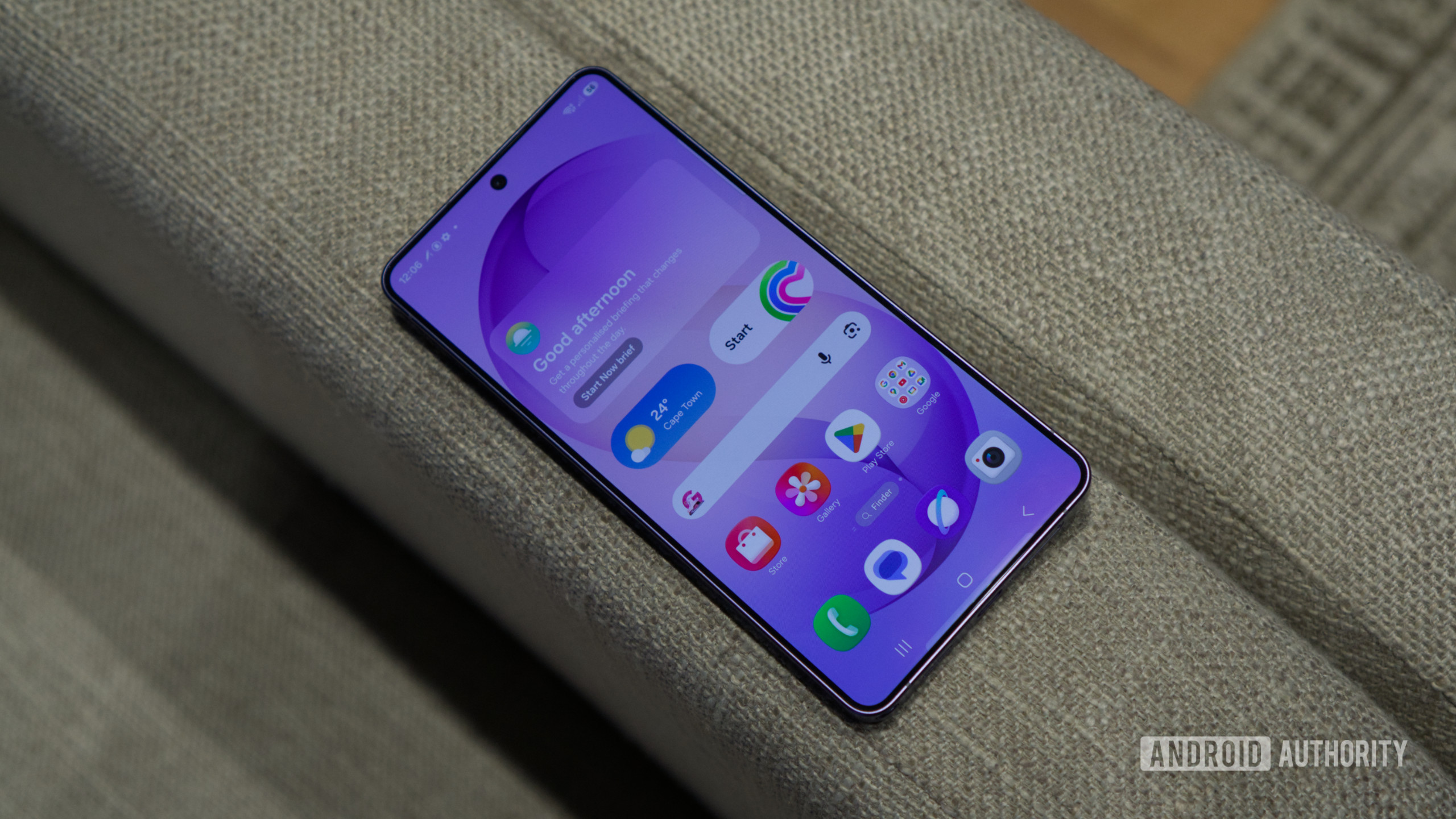
I’ve used a lot of Android phones in the past few years, and if there’s one thing Samsung has done right compared to other Android flagship makers, it’s the software. One UI is probably one of the best Android skins I’ve used, and it only gets better with One UI 8.5 on the Galaxy S26 series.
It offers great customization options along with a level of stability that, for now, you don’t even see on Apple iPhones. That said, not everything is all good, as despite the clean software experience, Samsung phones still come with a fair bit of bloatware and pre-installed apps that many users might not find useful.
What’s more, these pre-installed apps take up a noticeable amount of space. Depending on the Galaxy device you have and the region you’re in, the amount of bloatware you have on your device can vary. The good news? You can free up a lot of that space by deleting these seven apps you almost certainly don’t need.
But after using the Galaxy S26 Ultra for the past month and a half, I ended up deleting nearly seven pre-installed apps right after setting it up, and you probably can too.
What do you think is the most useless pre-installed app on Samsung phones?
101 votes
Samsung Shop
8%
Samsung TV Plus
15%
Global Goals
34%
Samsung Kids
11%
M365 Copilot
13%
OneDrive
4%
9%
Other (let us know in the comments)
7%
Samsung Shop
Sanuj Bhatia / Android Authority
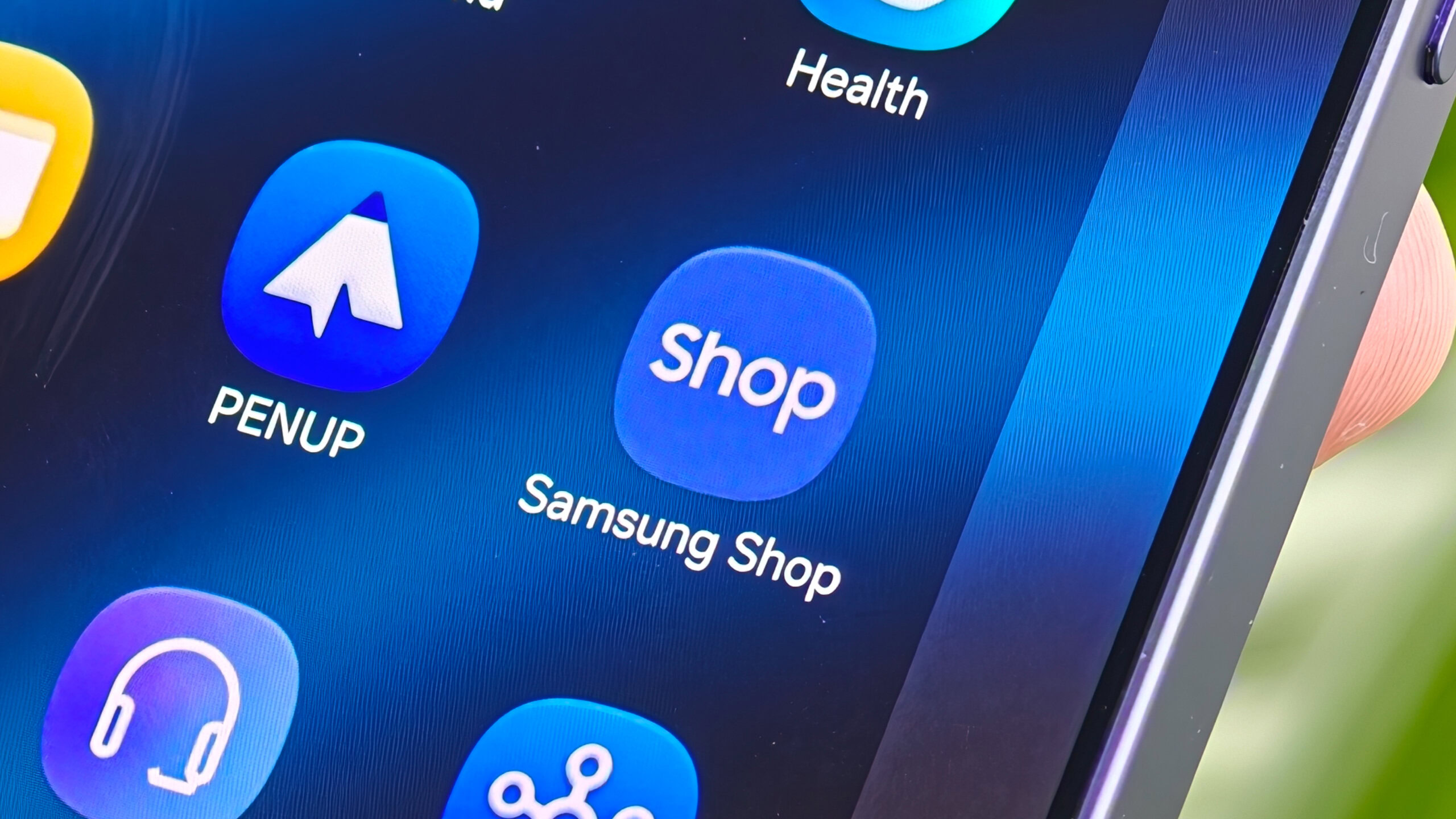
The first app I usually uninstall from every Samsung phone I set up, including the Galaxy S26 Ultra, is the Samsung Shop app. As the name suggests, it’s meant for browsing and buying Samsung products. It pushes personalized recommendations, but in my experience, it also sends a lot of notifications that clutter your notification tray.
Honestly, most of these feel like ads for Samsung’s latest products. If you’re not interested in constant notifications and want to free up some storage, I’d recommend uninstalling Samsung Shop right after setup. And, anyway, you can always check Samsung’s website separately whenever you’re actually looking for a deal.
Samsung TV Plus
Sanuj Bhatia / Android Authority
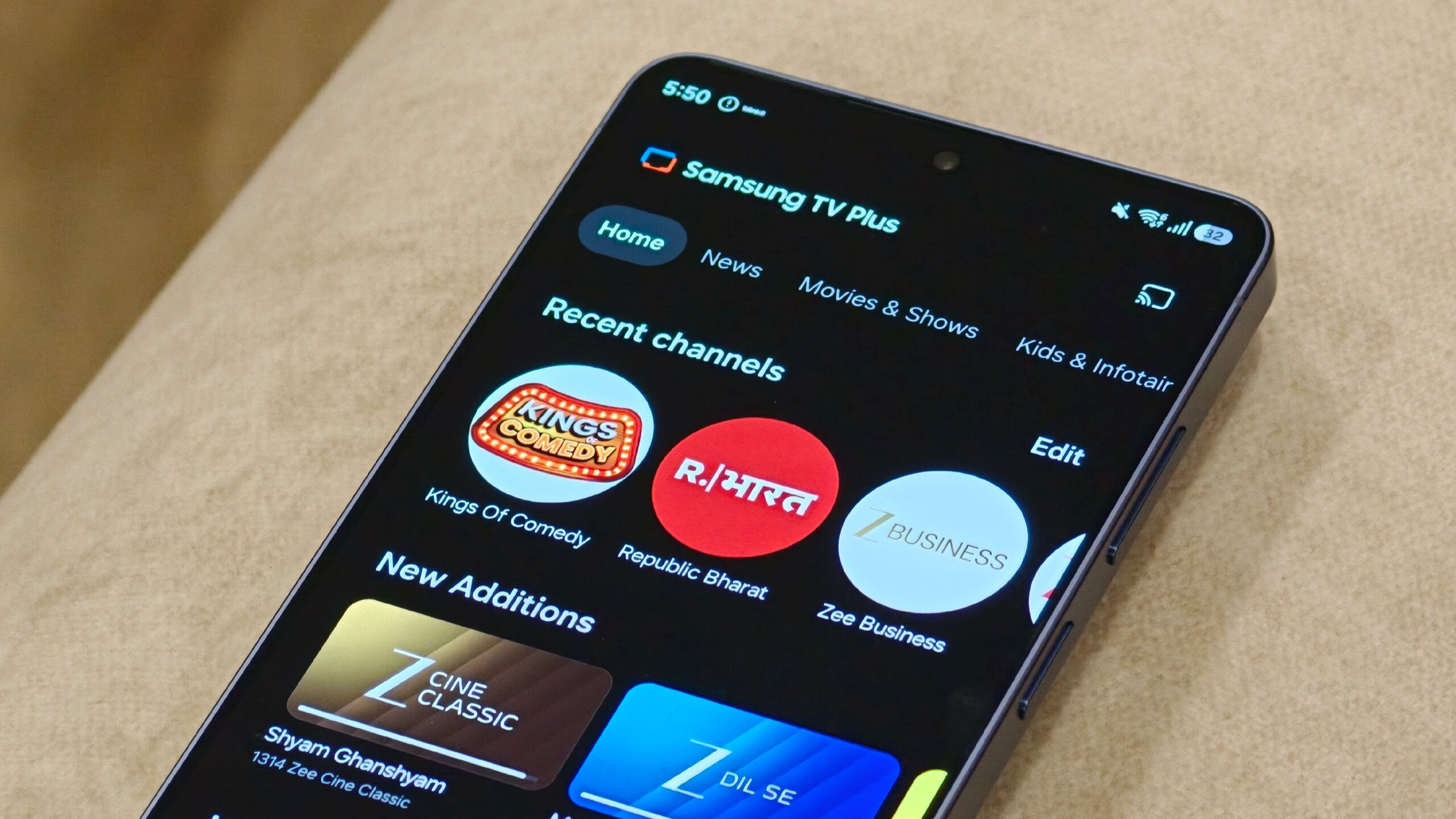
If this app sounds familiar, it’s probably because it’s the same free TV streaming app you see on Samsung smart TVs — and it’s also pre-installed on Samsung flagship phones. As the name suggests, Samsung TV Plus lets you stream free, ad-supported channels directly on your phone. Depending on your region, you can access different types of content, including live TV.
While that might sound useful to some, you’re probably better off using it on a smart TV instead. On your phone, it mostly takes up storage space. If you just want to watch free content, I’d just recommend using YouTube instead of relying on the TV Plus app.
Global Goals
Sanuj Bhatia / Android Authority
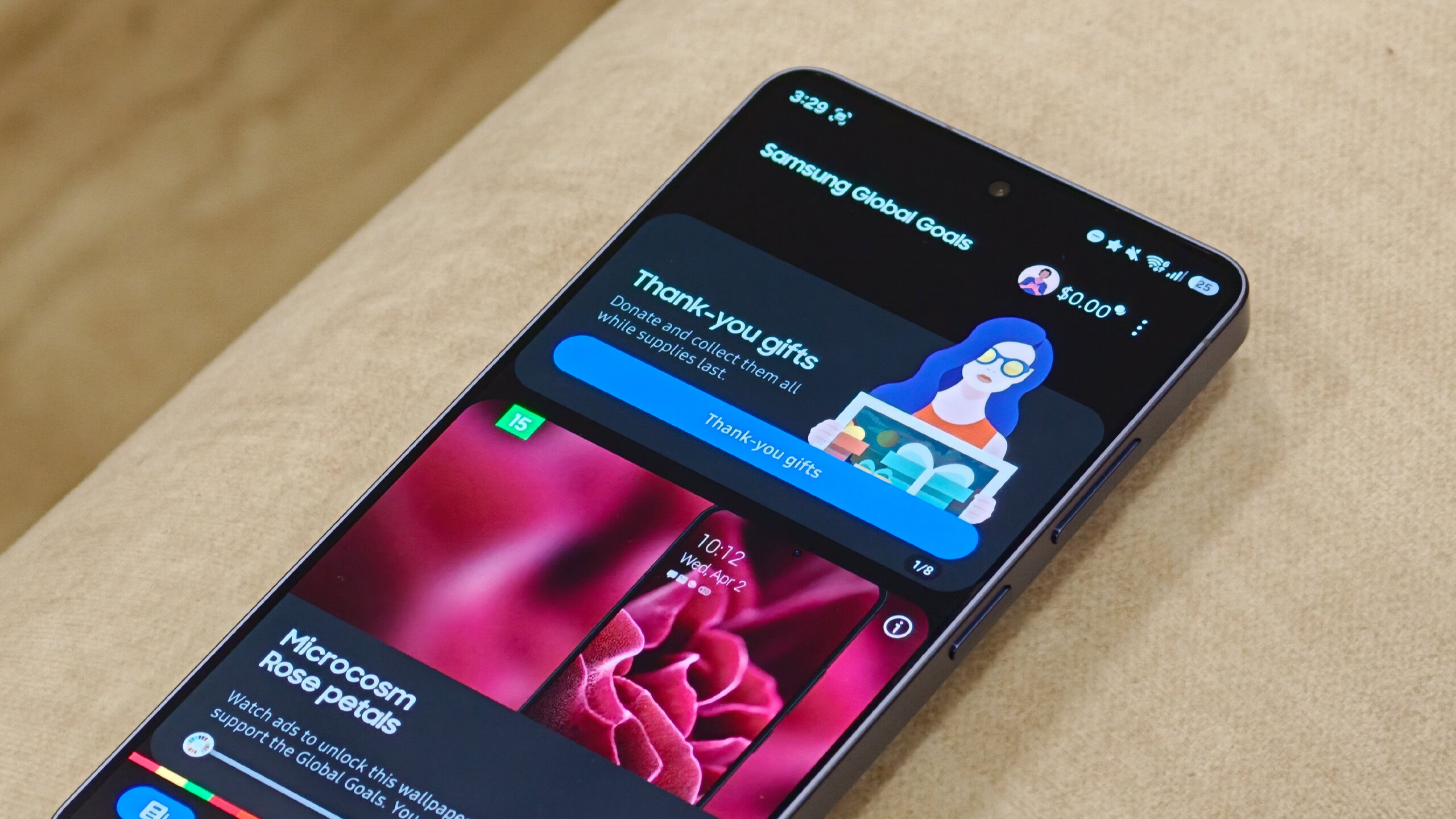
Samsung ships an app on Galaxy devices called Global Goals, which is built in partnership with the United Nations Development Program (UNDP). The app promotes sustainability and charity by letting users watch ads and engage with content to earn credits, which can then be donated to support the UN’s 17 Sustainable Development Goals, with Samsung matching contributions.
It sounds great in theory, and the idea behind it is sound. But in reality, it’s ultimately just another pre-installed app that most people don’t actively use. The app also changes your lock screen wallpaper once you open it, which can get a bit annoying if you prefer keeping your setup the way you like it. And if you’re serious about supporting causes, you’re probably better off donating directly.
Samsung Kids
Sanuj Bhatia / Android Authority
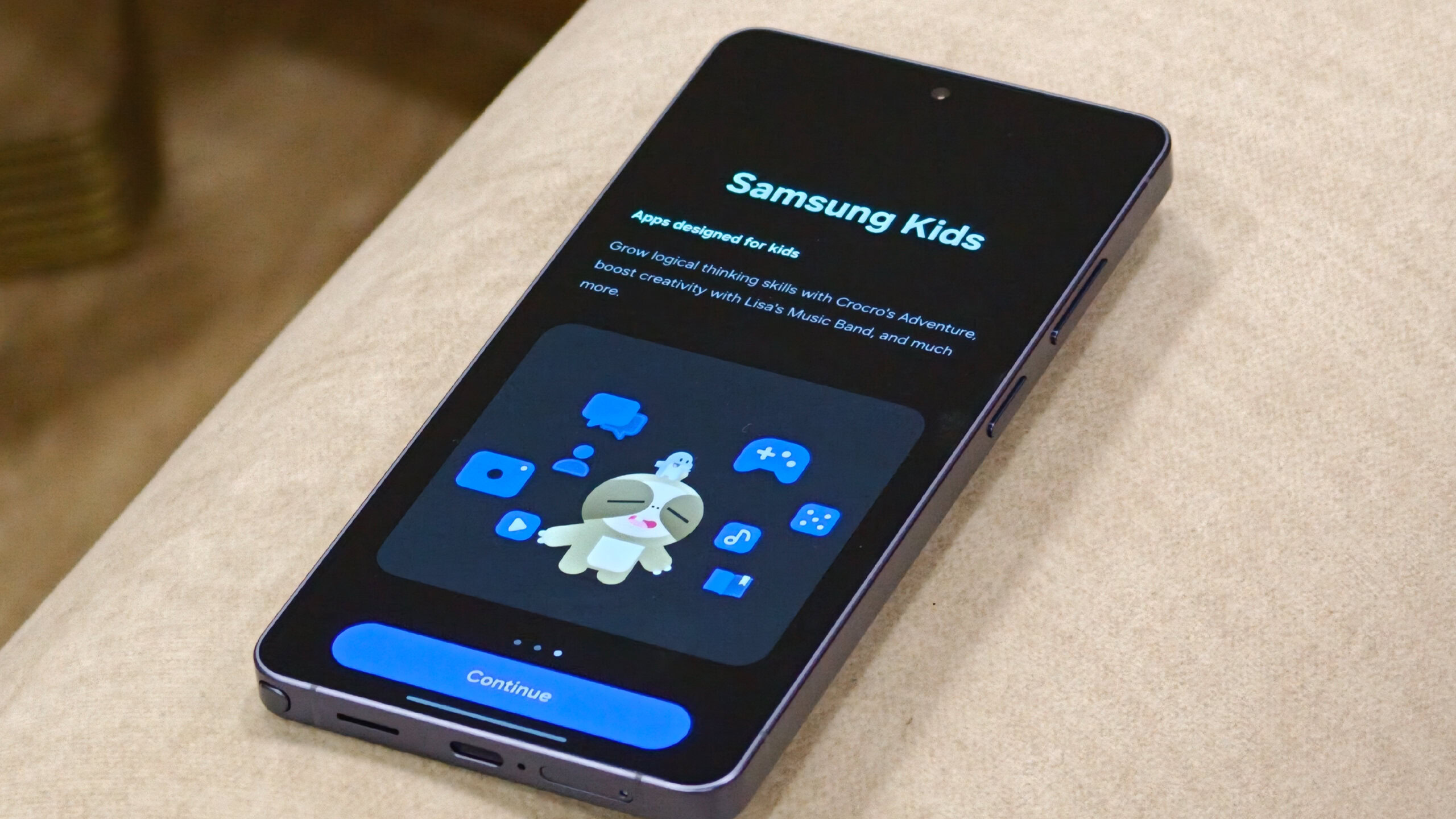
The Samsung Kids app on Galaxy devices transforms the device into a safe, child-friendly environment. It restricts access to your personal data and regular apps, and instead offers a curated space with games, basic apps, and tools designed for kids. You can also set parental controls, manage screen time, and customize what apps are available. That said, if you don’t have kids around, this ends up being just another app taking up storage space on your phone.
M365 Copilot
Sanuj Bhatia / Android Authority
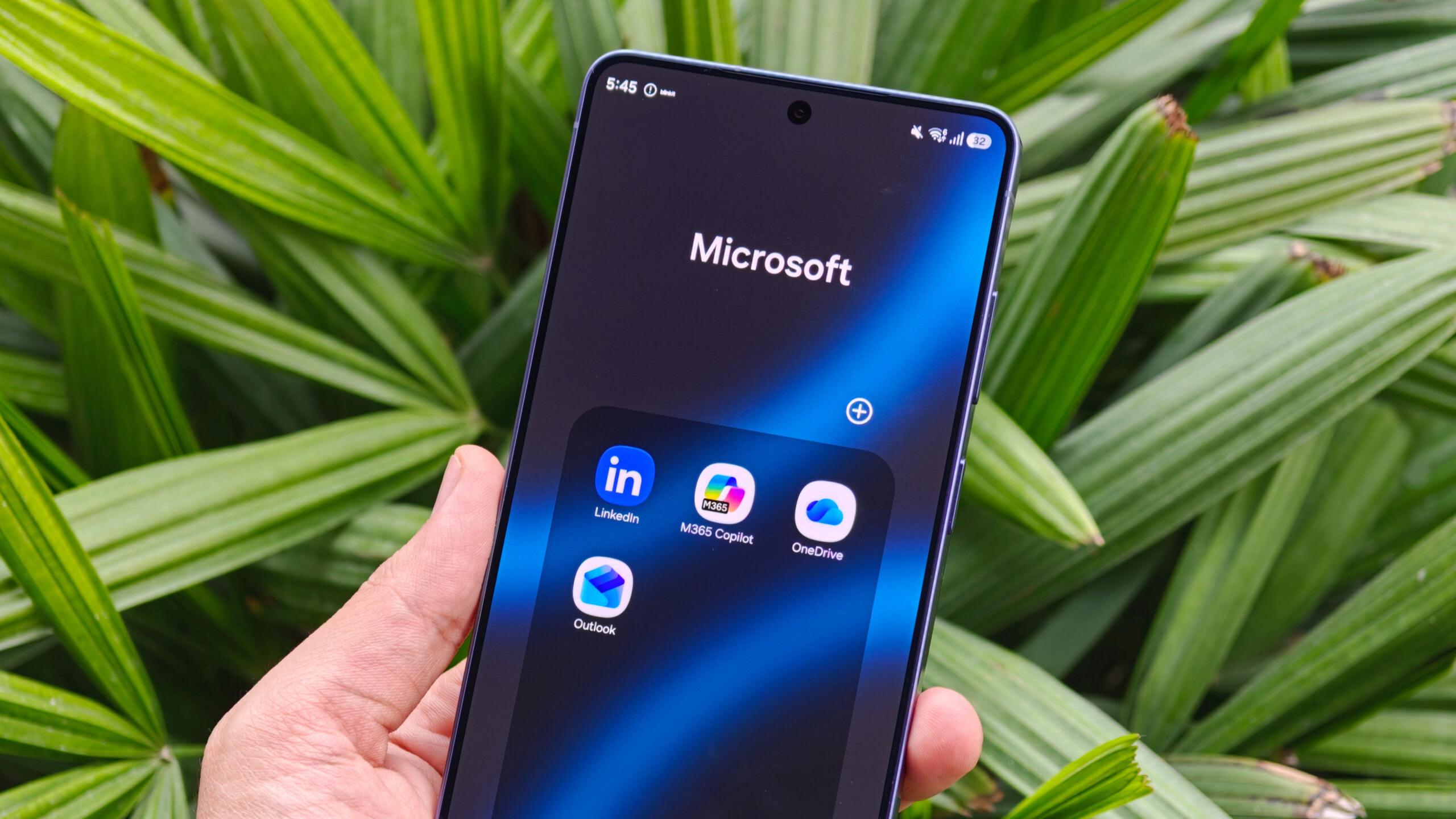
In addition to Google apps, Samsung also ships a bunch of Microsoft apps pre-installed, including M365 Copilot. This app is essentially a rebranded version of the Microsoft 365 Office app, acting as an AI-powered hub for Word, Excel, and PowerPoint, along with a built-in AI chatbot.
While it might be useful for people who work with documents on their phone, I find it pretty redundant, especially since I mostly rely on Google Docs and Sheets, so I never really find myself opening it.
On top of that, with Samsung already pushing its own AI features like Gemini screen automation and even Perplexity-powered Bixby, having yet another AI assistant baked into the phone just feels unnecessary.
OneDrive
Sanuj Bhatia / Android Authority
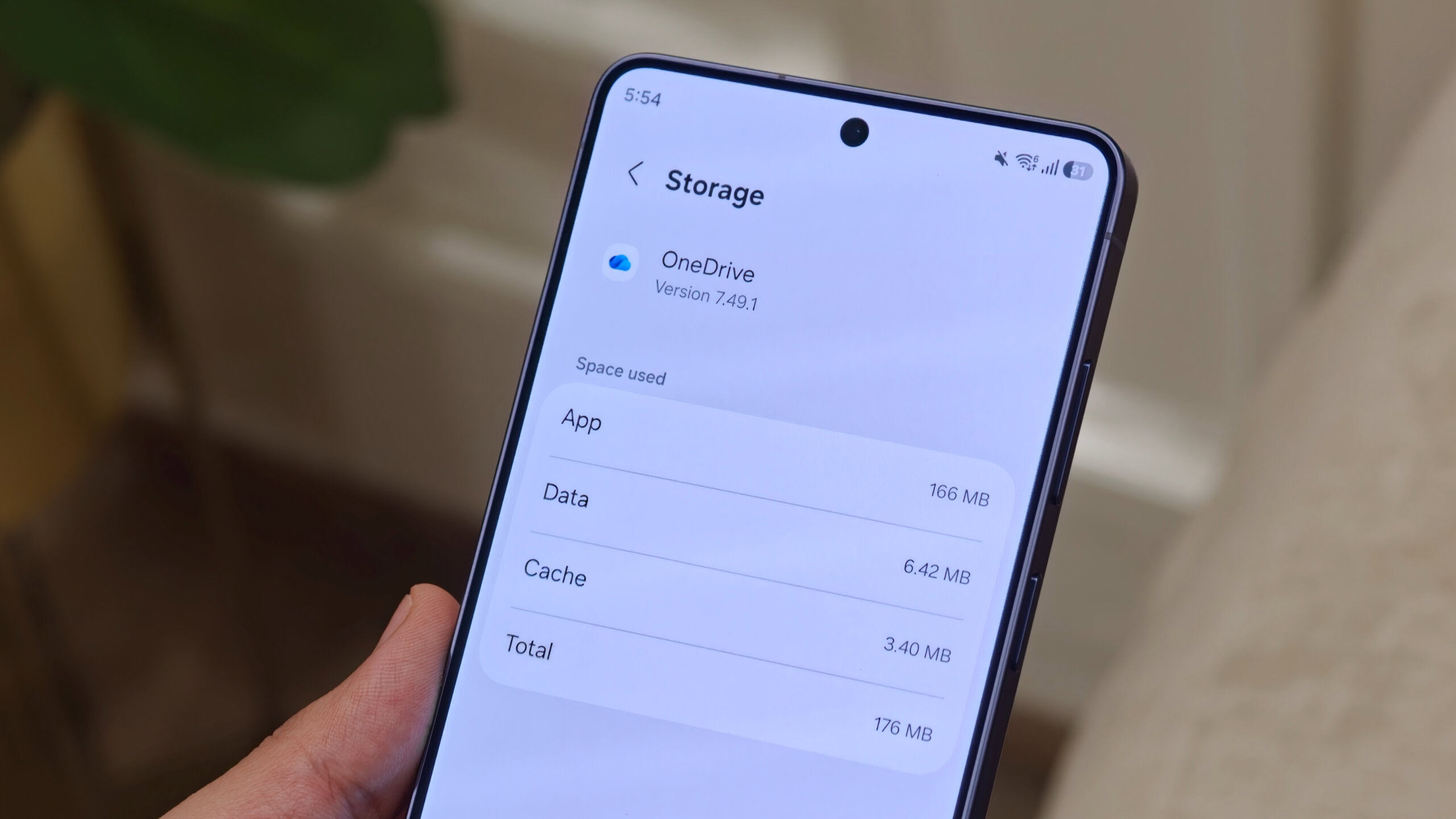
Similar to M365 Copilot, Samsung also ships Galaxy phones with the OneDrive app pre-installed, and again, I find it quite redundant. The basic requirement to use an Android phone is a Google account, and the moment you set up your Galaxy S26, you’re already signed in, which means Google Drive is readily available.
Sure, OneDrive can be useful if you’re deeply invested in Microsoft’s ecosystem, especially for work, but I feel like that use case is fairly limited for many users. Most people probably won’t even open OneDrive on their Galaxy phone.
And even if you do need it, you can always install it from the Play Store. I’m not entirely sure why Samsung still ships it pre-installed on Galaxy devices, but at least it’s easy to remove.
Sanuj Bhatia / Android Authority
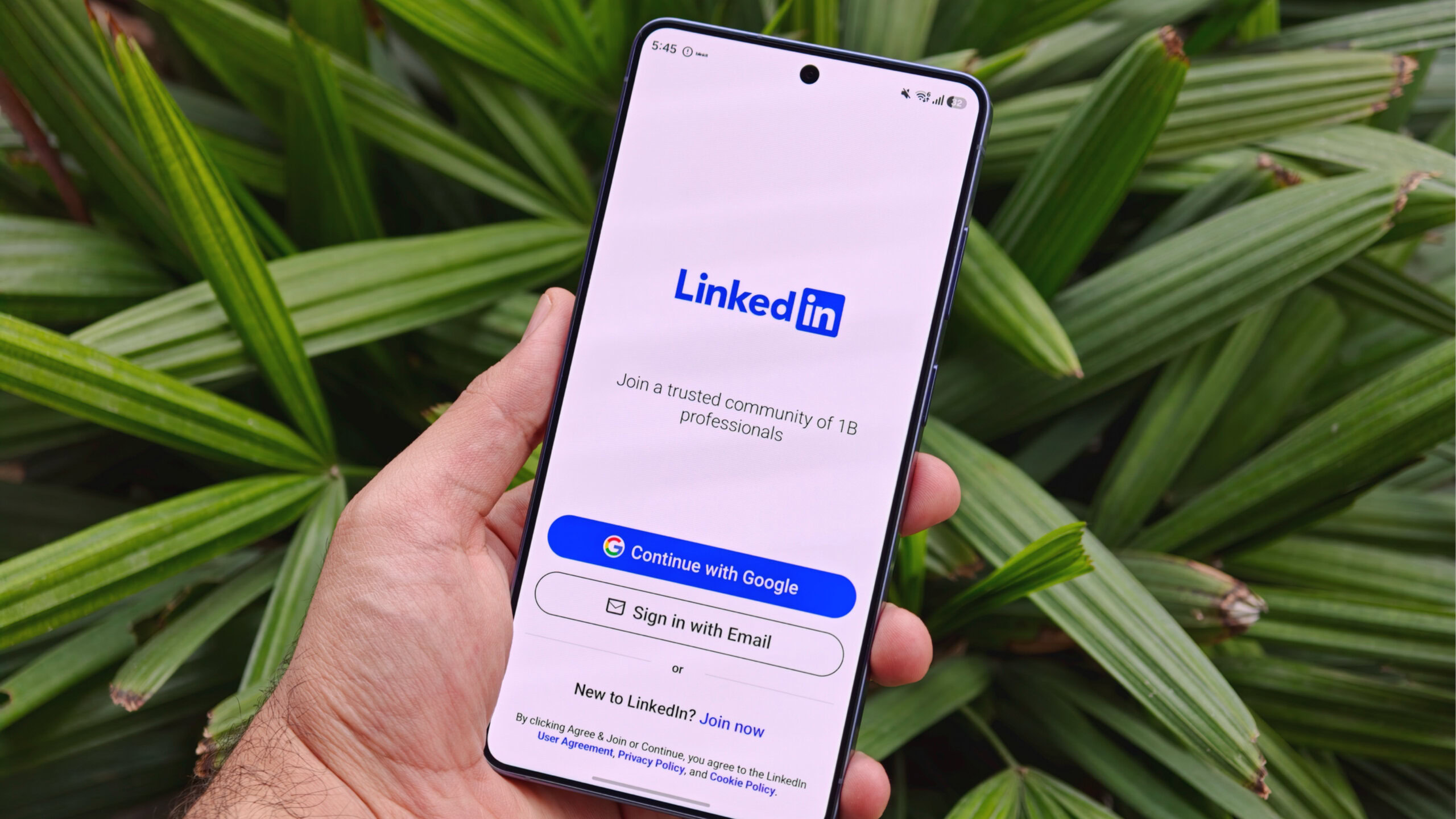
Galaxy devices also ship with LinkedIn pre-installed, and this is another app that’s likely unnecessary for most users. LinkedIn is a professional networking app, and while it can be useful for some, I’m not sure it makes sense to have it installed by default for everyone. It’s not something most people need on their phone right away.
For many users, it just sits there unused. And even if you do use LinkedIn occasionally, it’s easy enough to download from the Play Store whenever you need it. Personally, I’d rather have the option to install it myself rather than have it pre-loaded.
Get that bloatware out of here
Joe Maring / Android Authority
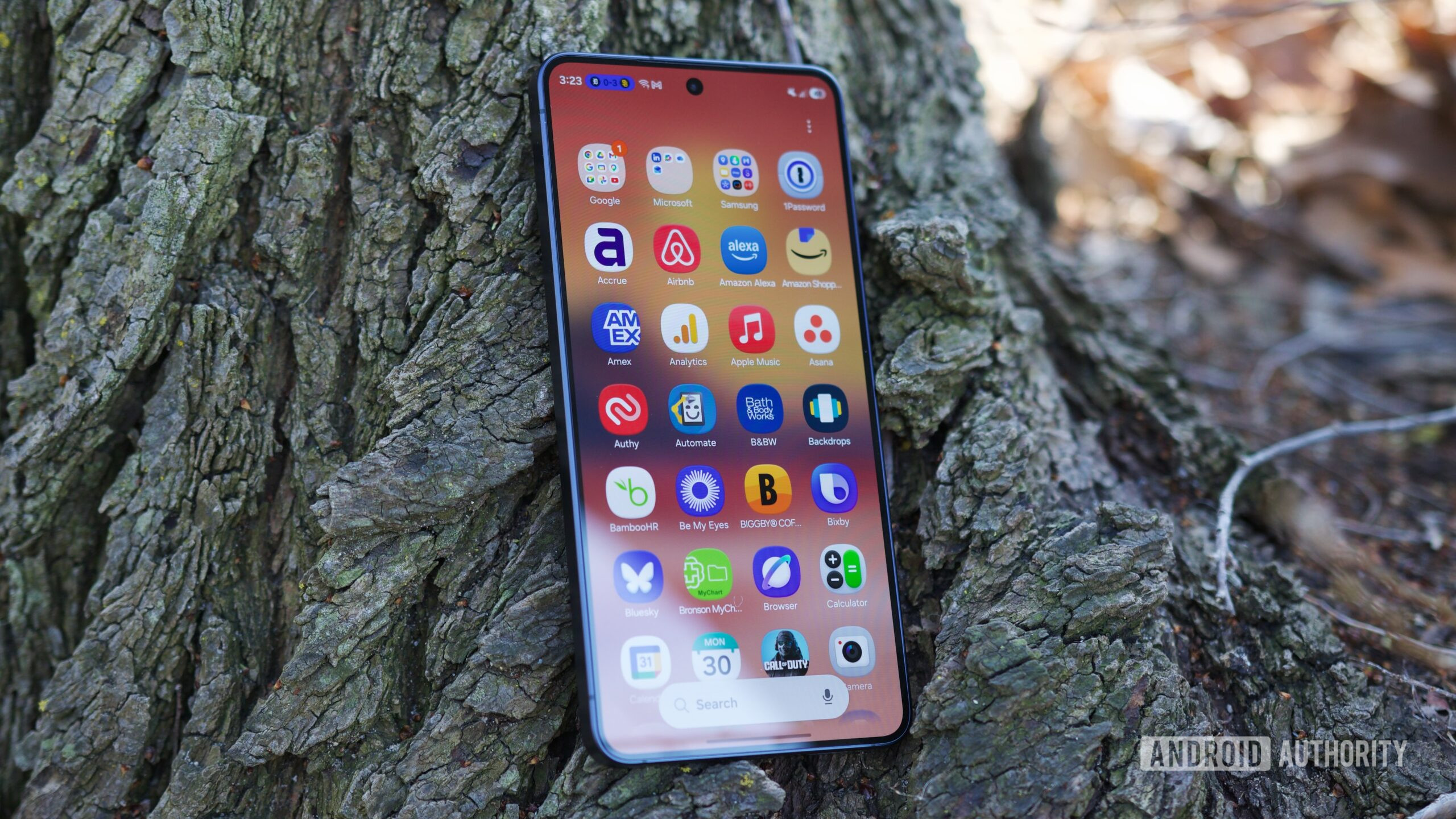
Add all of these apps together, and when you delete all seven, you’ll free up over 1GB of storage on your phone. The final count may vary slightly, but for something that takes all of a couple of minutes, that’s not too shabby at all.
I understand some people worry that removing pre-installed apps might affect performance or cause issues, but that’s usually not the case. Most of these apps are there because of Samsung’s partnerships, promotions, or bundled services — not because your phone actually depends on them to function properly.
I do wish Samsung gave users the option to choose which apps they want during setup, but that’s not how it works right now. Thankfully, you can easily uninstall or disable most of them once you’re done setting up your device.
Don’t want to miss the best from Android Authority?
Thank you for being part of our community. Read our Comment Policy before posting.