
 Image: Damien McFerran / Nintendo Life
A few years back, we took a look at Viture’s XR glasses – a pair of specs that, to the untrained eye, looked like sunglasses but were, in fact, akin to wearing a large-format display on your face.
We came away pleasantly surprised, despite the absurdity of it all, so when Viture got in touch to inform us that it had come up with a new and improved pair of glasses which support the Switch 2, we were naturally interested.
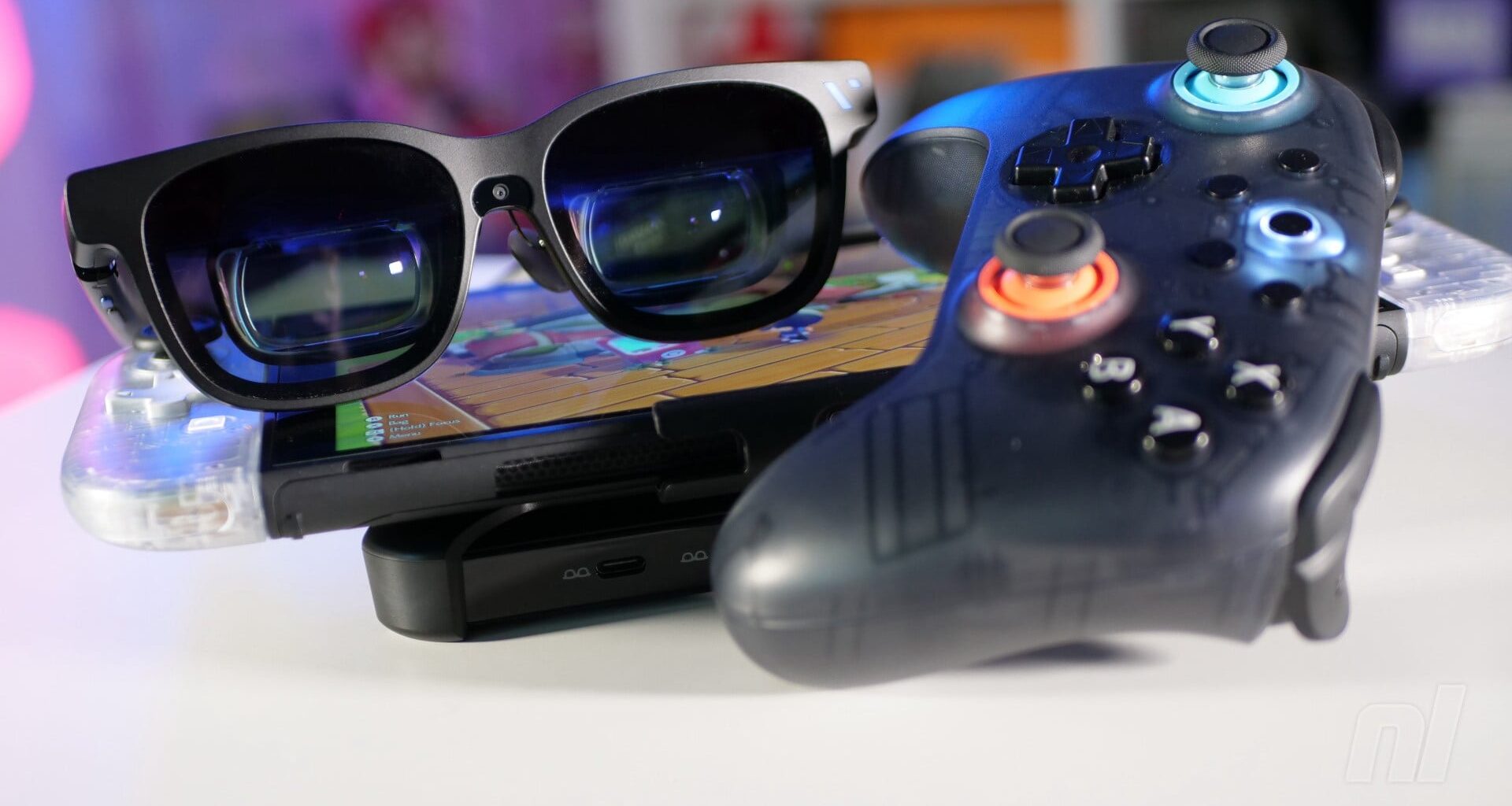
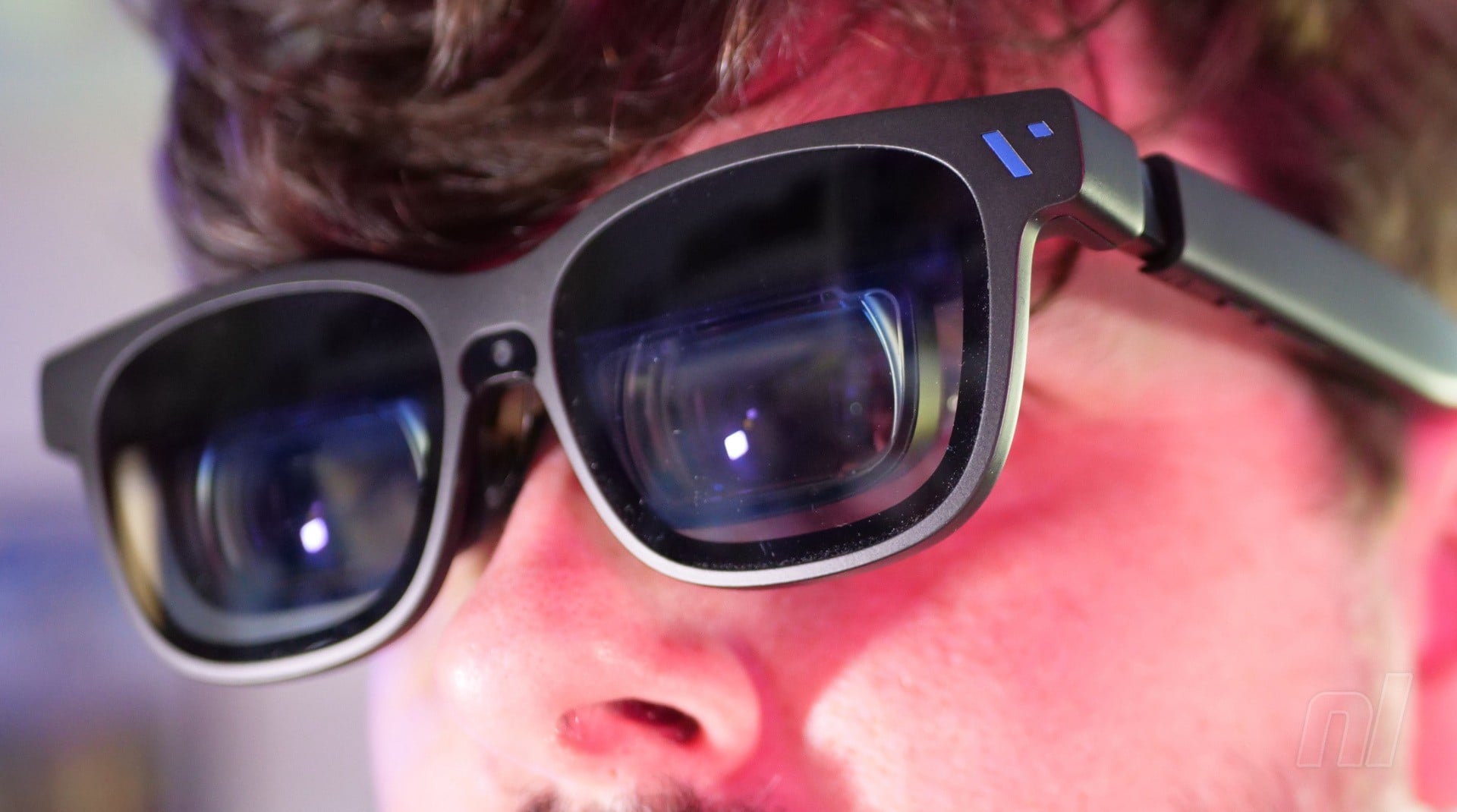
The headline news here is that the newer Viture Beast XR Glasses support a higher resolution of “up to” 1200p (that’s not unlocked yet, but will be in a future firmware update), with the company describing it as “4K-like”. This is achieved by two tiny Sony-made screens built into the frame, which are reflected onto the lenses to give the impression of a much larger display.
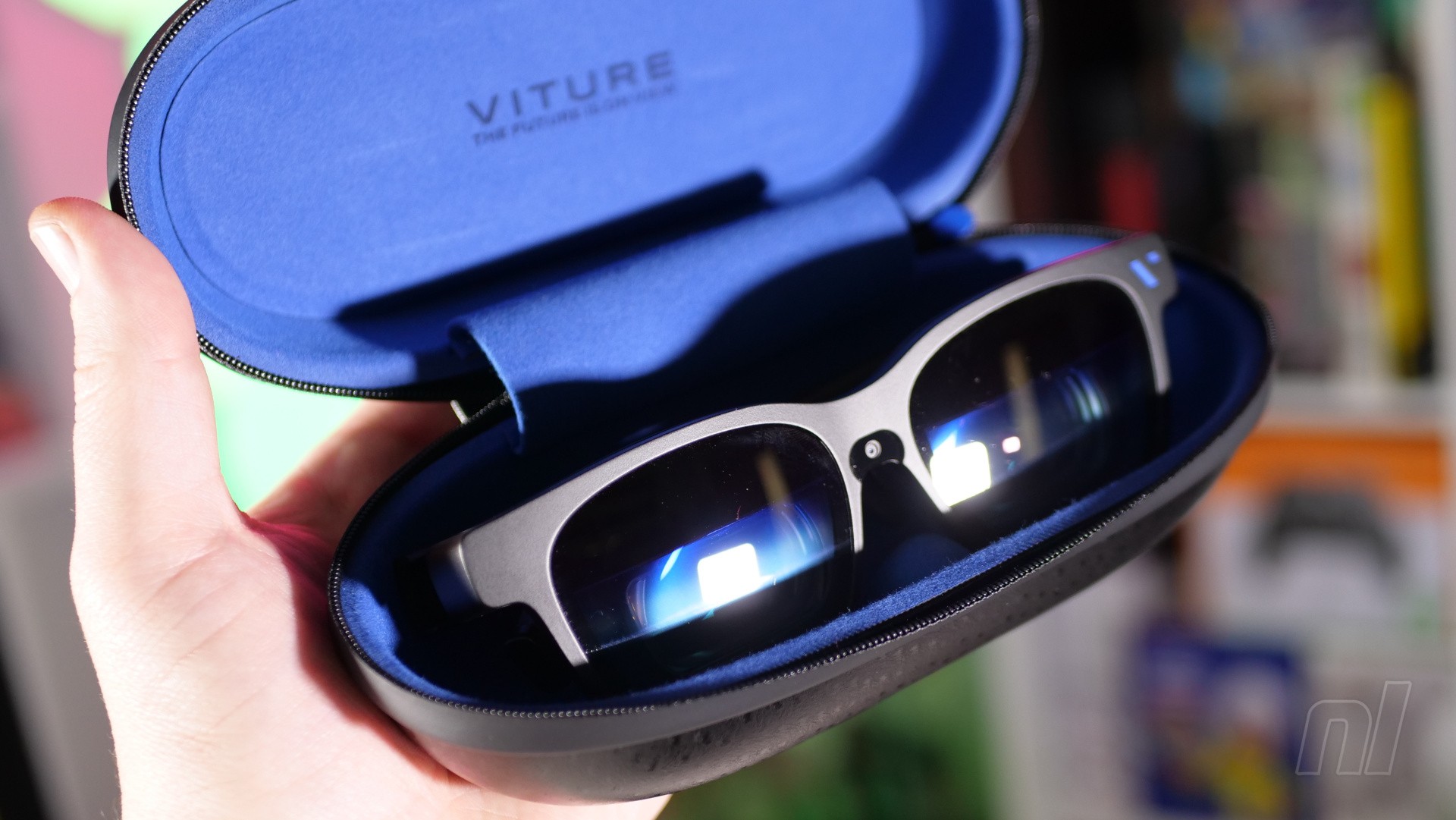 Image: Damien McFerran / Nintendo Life
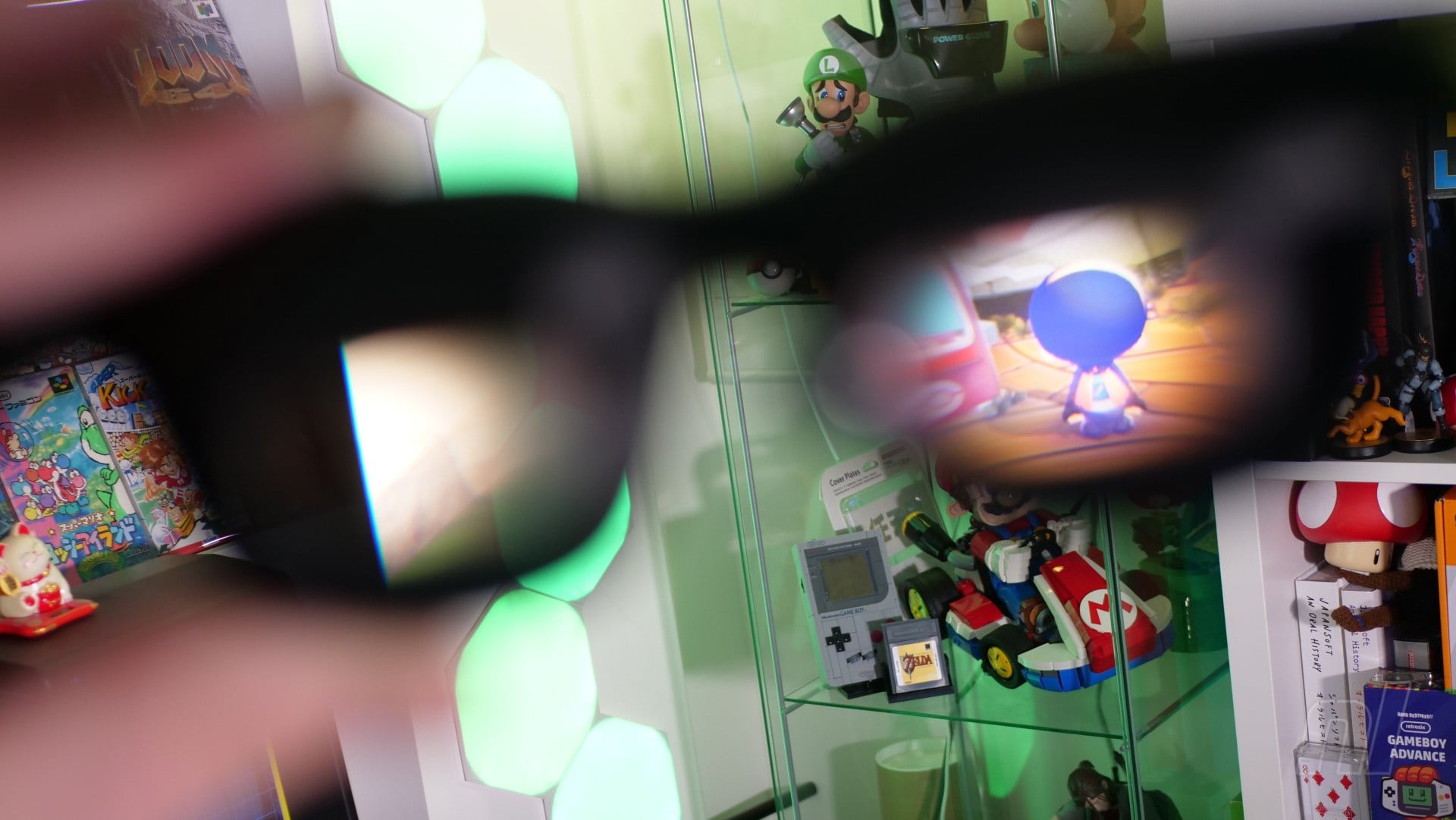
In fact, Viture says that this is the equivalent of viewing the action on a 174-inch screen at four metres away – and, having sampled the Beast’s powers for the past few weeks, I’m inclined to agree. At its maximum size setting, the viewing area fills your entire field of vision – you can adjust the size using controls located on the arms of the glasses.
The Beast XR Glasses feel pretty heavy compared to your typical pair of sunglasses, but not unreasonably so when you consider what’s included. The need to factor in a pair of screens and the reflective mirrors means that the glasses stick out from your face more dramatically than a typical pair, and while Viture’s promotional material shows people using them whilst out and about in public (you can connect them to your smartphone as well as the Switch 2), it’s not something I would feel confident doing myself.
The arms can be adjusted to your most comfortable setting, while the aforementioned controls (a button and a rocker button on the underside of each arm) allow you to adjust volume, brightness, and screen size.
While they’re larger than your typical pair of sunglasses, the Beast XR Glasses aren’t cumbersome to use — Images: Damien McFerran / Nintendo Life
The controls are fairly intuitive once you get used to them; for example, tapping the button on the right arm lets you toggle through the various viewing modes – I prefer the ‘anchor’ mode, which fixes the ‘screen’ in place, just as a normal TV would be. However, you can also choose to have the display ‘floating’ as you turn your head, which means it’s always in front of you, no matter where you look.
Holding the left-hand button down for three seconds opens the Beast XR Glasses’ settings menu, from which you can dig even deeper into its configuration, such as changing the display size, refresh rate, distance, and colour profile.
The picture quality is really, really good – there’s little distortion on the image, but it’s pin-sharp and both the brightness and colour balance are fantastic. As someone who has often struggled with Virtual Reality headsets over the years, I found the Beast XR Glasses really comfortable to use, even for prolonged periods.
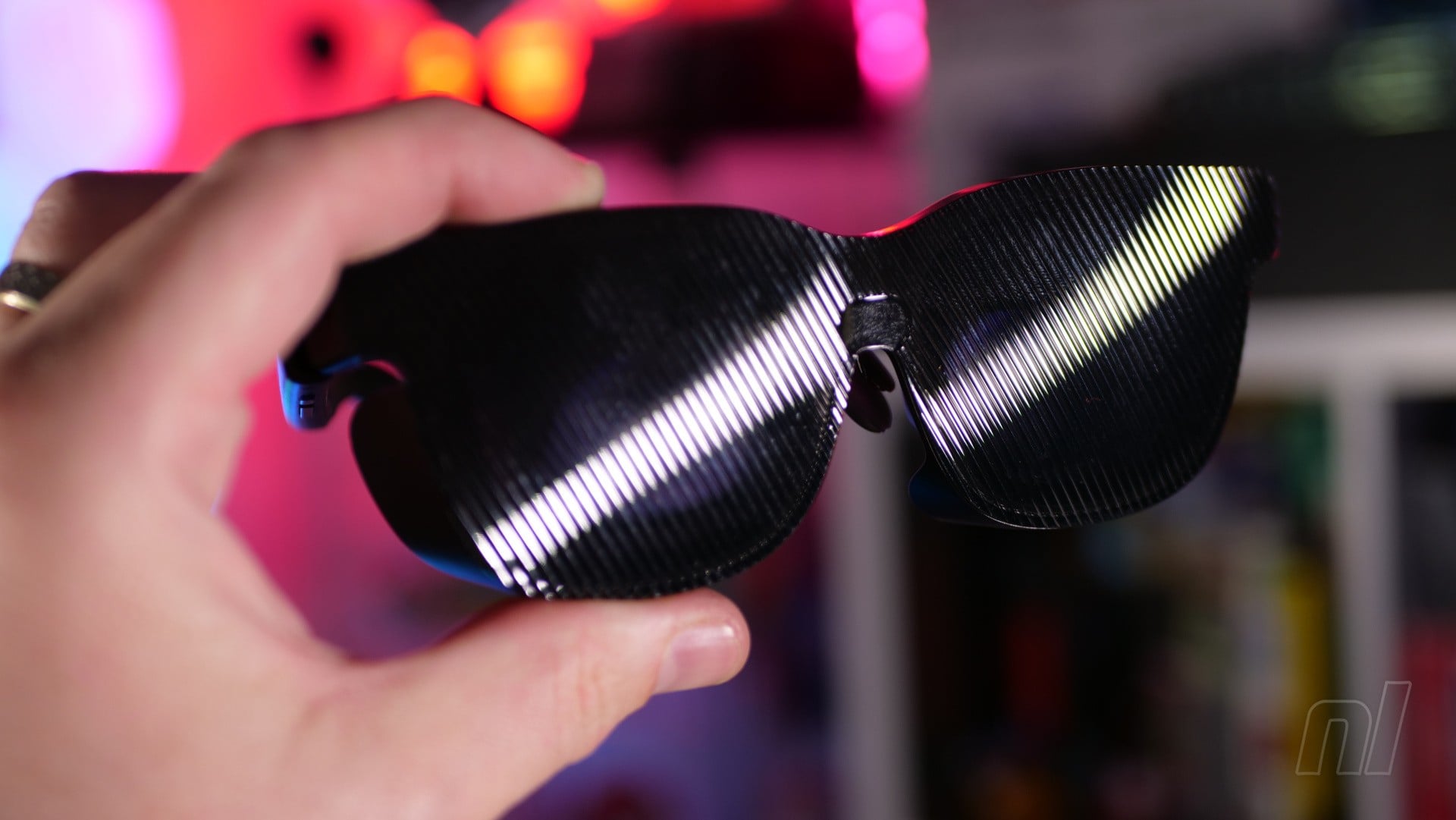 This optional lens shade helps you to see the display when you’re outside in the sun — Image: Damien McFerran / Nintendo Life
In terms of audio, there are Harman-made stereo speakers mounted in the arms, and these offer a welcome degree of punch when you’re using the specs in a quiet environment. When things are a little louder, they can become hard to hear, but you can always use your headphones in these cases.
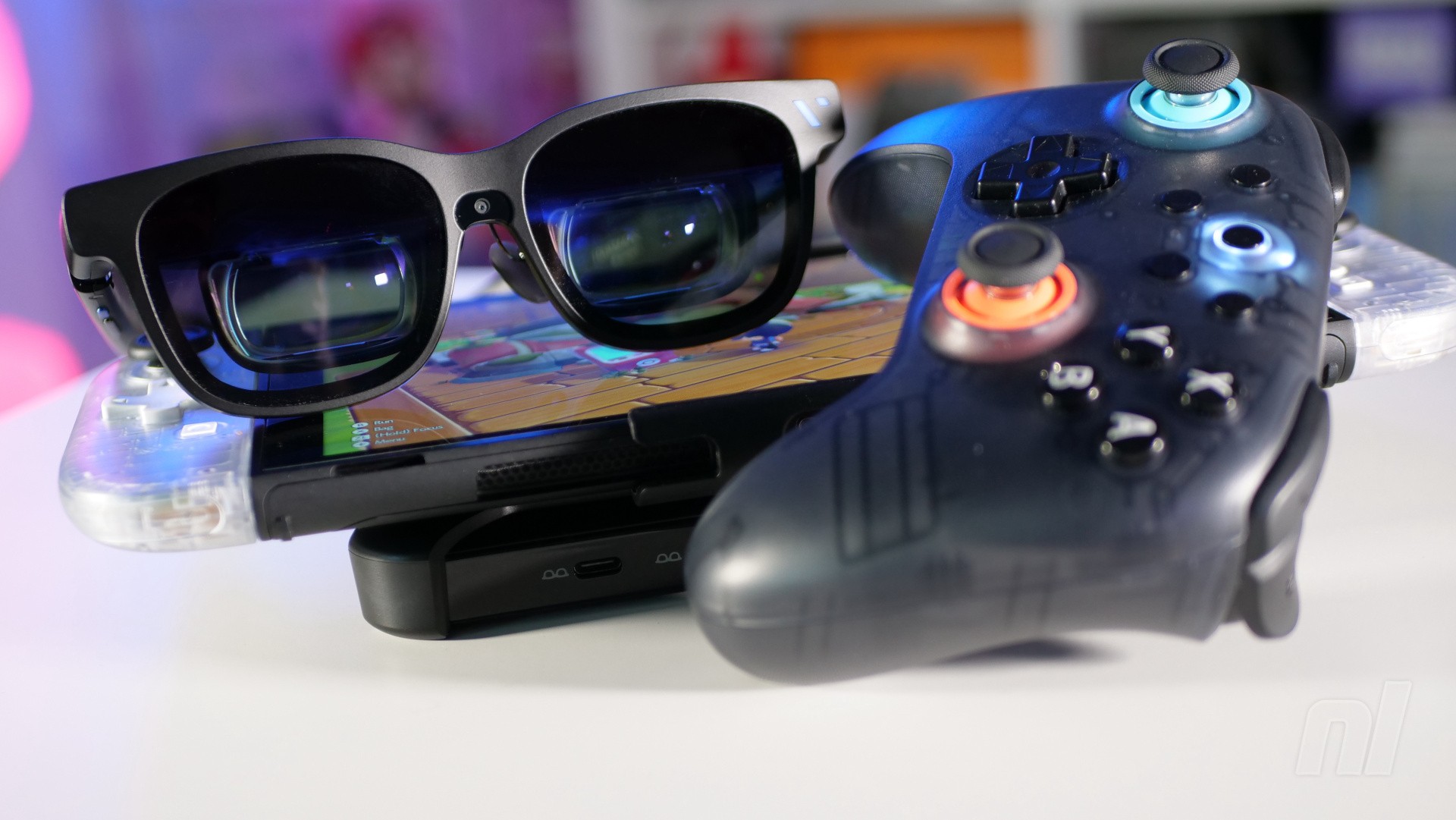
When used with your computer, smartphone, or portable PC (like the Steam Deck or Ayaneo 3), the Beast XR Glasses are powered directly from the USB-C connection, but when used with Switch 1 and 2, you’ll need the Pro Mobile Dock, which has an internal battery that powers the console and places it into the all-important ‘docked’ mode (this dock also allows you to plug in standard HDMI devices, too).
There’s a special plastic clip that lets you bolt the Switch 2 and Pro Mobile Dock together, and Viture has even teamed up with 8BitDo to produce a special variant of its Ultimate 2C Bluetooth controller, with a design that matches the Pro Mobile Dock. These items are bundled together in a pack which costs another $187 on top of the $549 cost of the glasses.
The Pro Mobile Dock pack is $187 extra and comes with the dock, the Switch 2 clip and the 8BitDo controller — Images: Damien McFerran / Nintendo Life
The big question here, of course, is whether you really want to spend over $700 just to get the big-screen experience on the move when the Switch 2 already has its own built-in screen.
While I’d argue quite strongly that playing Switch 2 games on the Beast XR Glasses is a more impressive experience than on the console’s built-in (and oft-maligned) 1080p screen, I couldn’t argue as passionately that it was a more convenient way to play; you’ve got to have the Pro Mobile Dock, 8BitDo controller, two USB-C cables and (of course) the Beast XR Glasses to hand when you’re out-and-about – as well as the Switch 2 itself.
Lump all that together, and it’s pretty clear that there’s a lot of extra baggage (and setup) required when using the Beast XR Glasses, even if you do get a more striking and immersive experience. I’d say a better use case for these glasses is when you lack space for a large-scale gaming screen, or when you’re away from home but don’t want to sacrifice the epic real estate of your 80-inch home television.
It’s important to note, of course, that gaming is just one use-case scenario for the Beast XR Glasses; I connected them to my MacBook and was able to create a ‘virtual desktop’ which ran the length of my office wall; the build-in camera on the glasses is smart enough to know when I’m looking at my laptop’s display, and dials down the electrochromic film so I can see it. In fact, there’s a whole bunch of functionality available when using these glasses with your computer or smartphone – which I sadly didn’t get to fully dig into during my time with the glasses, as I was mainly focused on the gaming aspect.
In summary, the Viture Beast XR Glasses are undeniably impressive and really do offer a big-screen experience with your Switch 2, no matter where in the world you happen to be – but I fear the price tag might discourage casual players from taking the plunge.
 Images: Damien McFerran / Nintendo Life
The sample used in this hands-on was provided by Viture.
Please note that some external links on this page are affiliate links, which means if you click them and make a purchase we may receive a small percentage of the sale. Please read our FTC Disclosure for more information.